Takes FLAC, including hi-res files
A 24-bit/96 kHz FLAC converted without a problem in our test. The MP3 comes out at 48 kHz, because MP3 does not go higher, and a 44.1 kHz file stays at 44.1 kHz.
Add a FLAC file and get an MP3 back. Expect 128 kbps, tags kept and no cover art.
To convert flac to mp3, add the .flac file, keep MP3 as the output and download the result. In our test, a 1.95 MB 24-bit/96 kHz FLAC became a 161 KB mp3 at 128 kbps and 48 kHz, with title, artist, album and track kept and the cover art left out.
Transfers use HTTPS, and files converted on the free tier are deleted after 24 hours, so the result is not a long-term archive. Quality depends on the source file, so open the MP3 file once before you share it.
FLAC (Free Lossless Audio Codec)
An open audio format that shrinks a recording without throwing any of it away, so decoding gives back exactly the samples that went in. It stores tags and embedded cover art in the same file. Files are bigger than MP3 or AAC, and not every car stereo or older player can open them.
MP3 (MPEG-1 Audio Layer III)
The oldest widely used lossy audio format, dating from the early 1990s. Its compression is less efficient than AAC, but virtually every car stereo, portable player, operating system and audio program made since can open it.
A 10-second 24-bit/96 kHz stereo FLAC test tone with tags and cover art, converted on indox.org
A 24-bit/96 kHz FLAC converted without a problem in our test. The MP3 comes out at 48 kHz, because MP3 does not go higher, and a 44.1 kHz file stays at 44.1 kHz.
The conversion runs on indox servers, so it works from any browser on Windows, Mac, Linux, a phone or a tablet. You do not need VLC, Audacity or foobar2000 set up first.
Title, artist, album and track number survived in our test as ID3v2 tags. The embedded cover picture did not, and this page says so before you convert.
The converter makes a new MP3 and does not change the original, so the lossless master stays on your drive.
Drop the .flac file on the box or choose it from your device. Keep the original: it is your lossless copy, and the MP3 cannot be turned back into it.
Check that MP3 is the output format and start the conversion. In our test it took 4.7 seconds from the click to Completed for a 10-second file of 1.95 MB.
Save the MP3 and play it before you copy it to a phone or a car stick. Check the track information, and expect no cover picture.
You hand over a FLAC file and take away an MP3 that a phone, car stereo or old player will open. The page tells you in advance what an MP3 cannot keep, so you know whether the result fits the job.
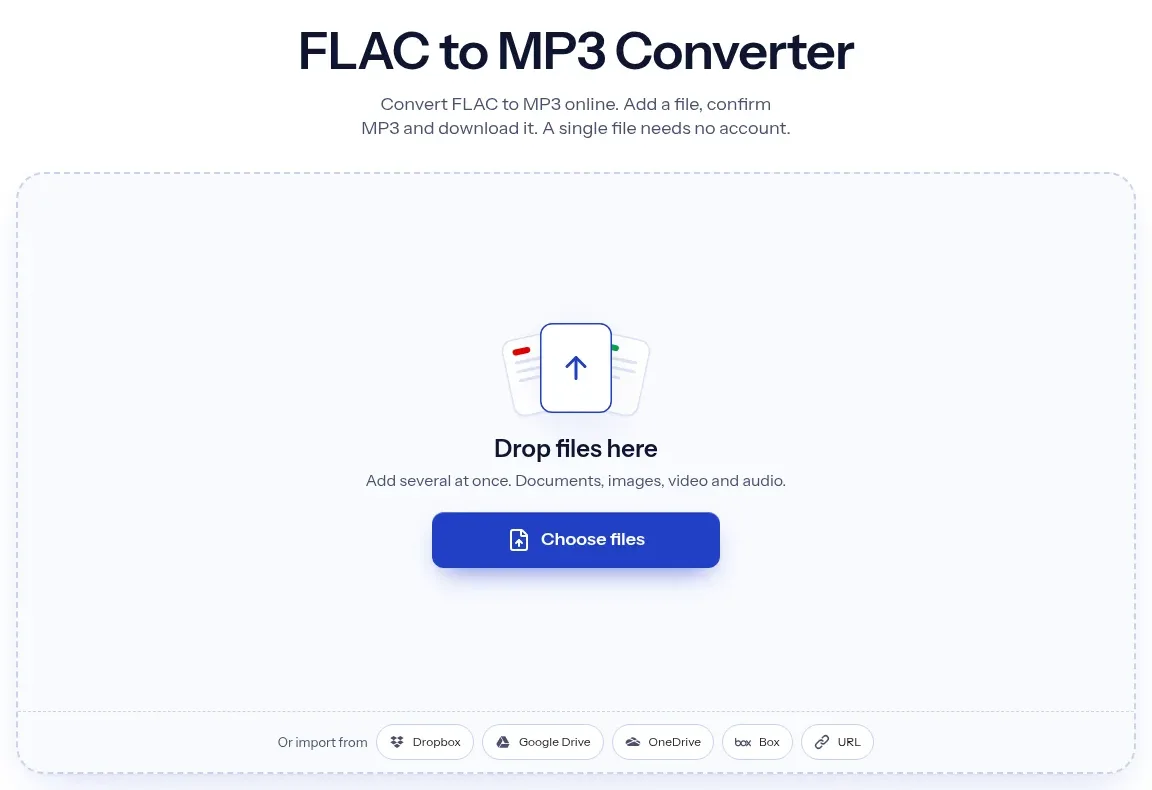
The upload box shows the live size limit before you add a file. Signing in raises it; a paid plan does not change it.
FLAC in, MP3 out. Pick another output on the converter if you need a different format.
Files are encrypted in transit over HTTPS and processed on indox infrastructure.
Free-tier files are kept for 24 hours after the job finishes, then deleted automatically.
| What you see | Why | What to do |
|---|---|---|
| No cover picture in the MP3 | The embedded art was dropped in our test | Add the cover again in a tag editor, or keep the picture as a separate image file |
| The MP3 is bigger than the FLAC | A simple tone compresses very well as FLAC, and the MP3 rate is fixed at 128 kbps | This is rare with real music. If the size matters, keep the FLAC or check the file in a player |
| You need 320 kbps or V0 | We saw no bitrate or quality option on the converter | Use a desktop encoder such as LAME or FFmpeg, where you choose the rate |
| The sample rate changed | MP3 stops at 48 kHz, so a 96 kHz file is brought down to 48 kHz | Nothing to fix. Keep the FLAC if you need the original rate |
| A tag field is missing | We confirmed title, artist, album and track only | Check the tags in a tag editor and fill in any missing field there |
| The audio sounds thinner than the FLAC | MP3 discards audio and 128 kbps is a modest rate | Compare against the FLAC and keep the FLAC as the master |
| Compared on | FLAC | MP3 |
|---|---|---|
| Compression | Lossless: decoding gives back the exact original samples | Lossy: perceptual coding discards audio that is judged hard to hear |
| Sample rate and depth | Sample rates from 1 to 1048575 Hz and bit depths from 4 to 32 | MPEG-1 rates of 32, 44.1 and 48 kHz, with no bit depth |
| Tags and cover | Vorbis comment block for tags and a Picture block for art | ID3 tags, with an APIC frame for an attached picture |
| Size | Large, because nothing is thrown away | A 128 kbit/s file is about one eleventh of CD size |
| Where it plays | Most modern players and apps, but not every car stereo or older device | Almost every player, car stereo and operating system |
Facts checked on November 5, 2026
No tool matches that search.
Open the converter, add your .flac file, keep MP3 as the output and download the result. You do not need to install any software.
Yes. FLAC is lossless and MP3 is lossy, so audio is discarded and cannot be recovered. At 128 kbps, which is what we got with no setting, an MP3 is about one eleventh of CD size according to the Library of Congress. Keep the FLAC as your master.
In our test it wrote constant 128 kbps and we saw no option to change it. For 320 kbps or V0 variable bitrate, use a desktop encoder such as LAME or FFmpeg.
It depends on the file. Our 24-bit/96 kHz test file went from 1.95 MB to 161 KB, about 12 times smaller, while a 16-bit/44.1 kHz test tone grew from 82.5 KB to 96.8 KB. Do not read either figure as a music average.
Title, artist, album and track number were kept as ID3v2 tags in our test. The embedded cover art was not, and the MP3 had no attached picture. Other tag fields were not tested.
MP3 has no bit depth and stops at 48 kHz. Our 96 kHz file came out at 48000 Hz and the 24-bit depth has no equivalent in the result. A 44.1 kHz file stayed at 44.1 kHz.
We tested one file per conversion and did not test batches. Convert each track on its own, or use a desktop tool if you have hundreds of files.
We saw no limit, quota or payment prompt in our test. The converter page says that files from the free tier are deleted after 24 hours. Check that page for current terms before relying on it.
You can convert it to FLAC, but the file only holds what the MP3 held. The removed audio does not come back, so the result is a larger copy of the same sound.