The audio is re-encoded to Vorbis
MP3 audio cannot be copied into an Ogg container. The converter decodes the MP3 and encodes it again with the libvorbis encoder, then writes the result in an .ogg file that starts with the standard OggS signature.
You get an OGG file with Vorbis audio, the format game engines, Linux players and open media projects accept, made from your MP3.
To convert MP3 to OGG, add the mp3 file, keep ogg as the output format and download the result. Both formats are lossy, so the audio is decoded and encoded a second time, and the OGG cannot sound better than the MP3. In our test a 171.0 kB MP3 became a 39.0 kB OGG, but that was a synthetic tone and real music will compress differently. The title, artist and album tags carried over; the cover art did not.
Transfers use HTTPS, and files converted on the free tier are deleted after 24 hours, so the result is not a long-term archive. Quality depends on the source file, so open the OGG file once before you share it.
MP3 (MPEG-1 Audio Layer III)
The most widely supported lossy audio format. Almost every phone, car stereo, player and audio program opens it, and it stores title, artist and cover art in ID3 tags.
Ogg (Xiph.Org container, usually Vorbis audio)
An Ogg file with Vorbis audio, a patent-free open format from Xiph.Org. Game engines such as Godot import it, Linux players handle it natively, and it stores tags as Vorbis comments.
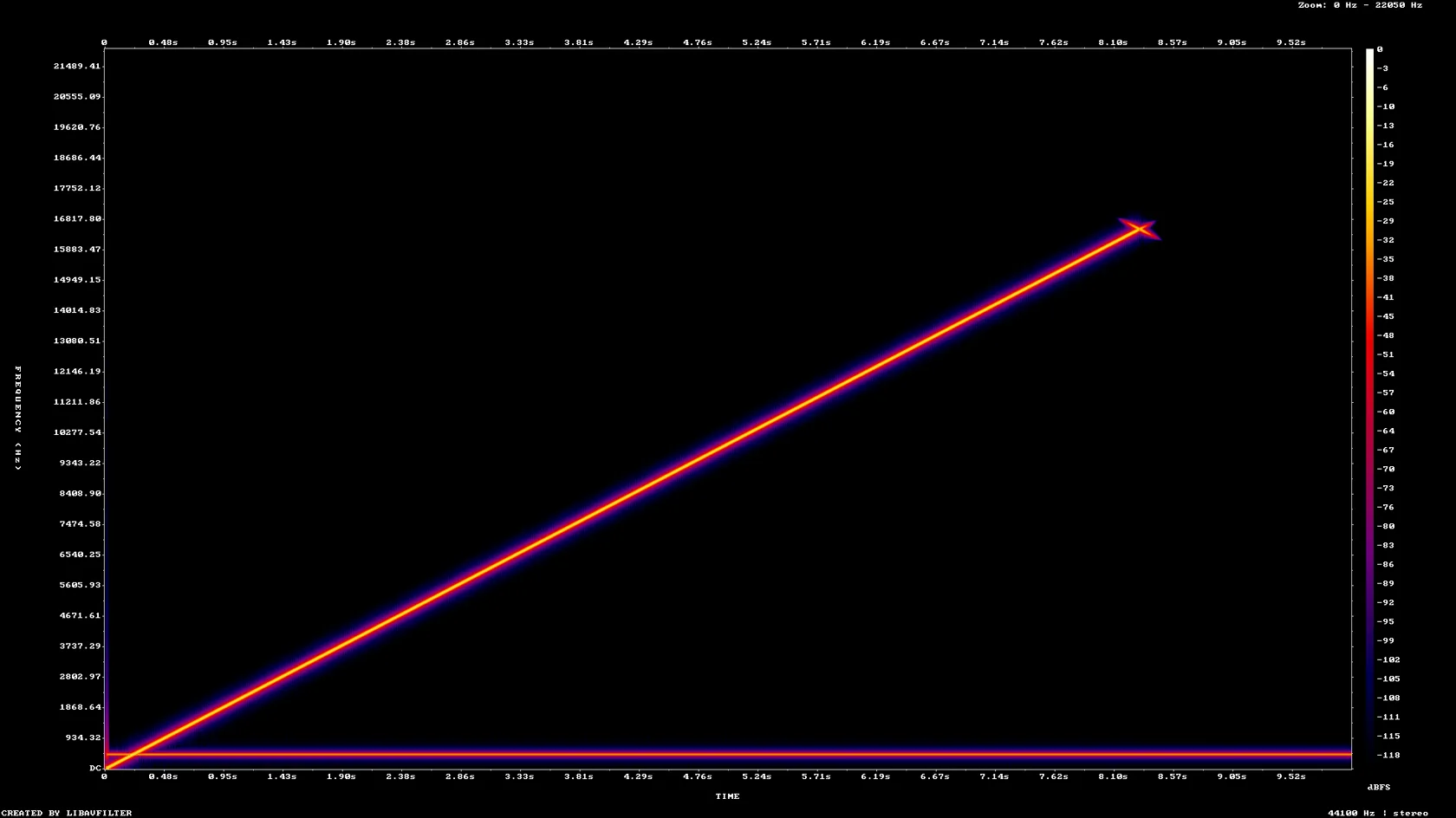
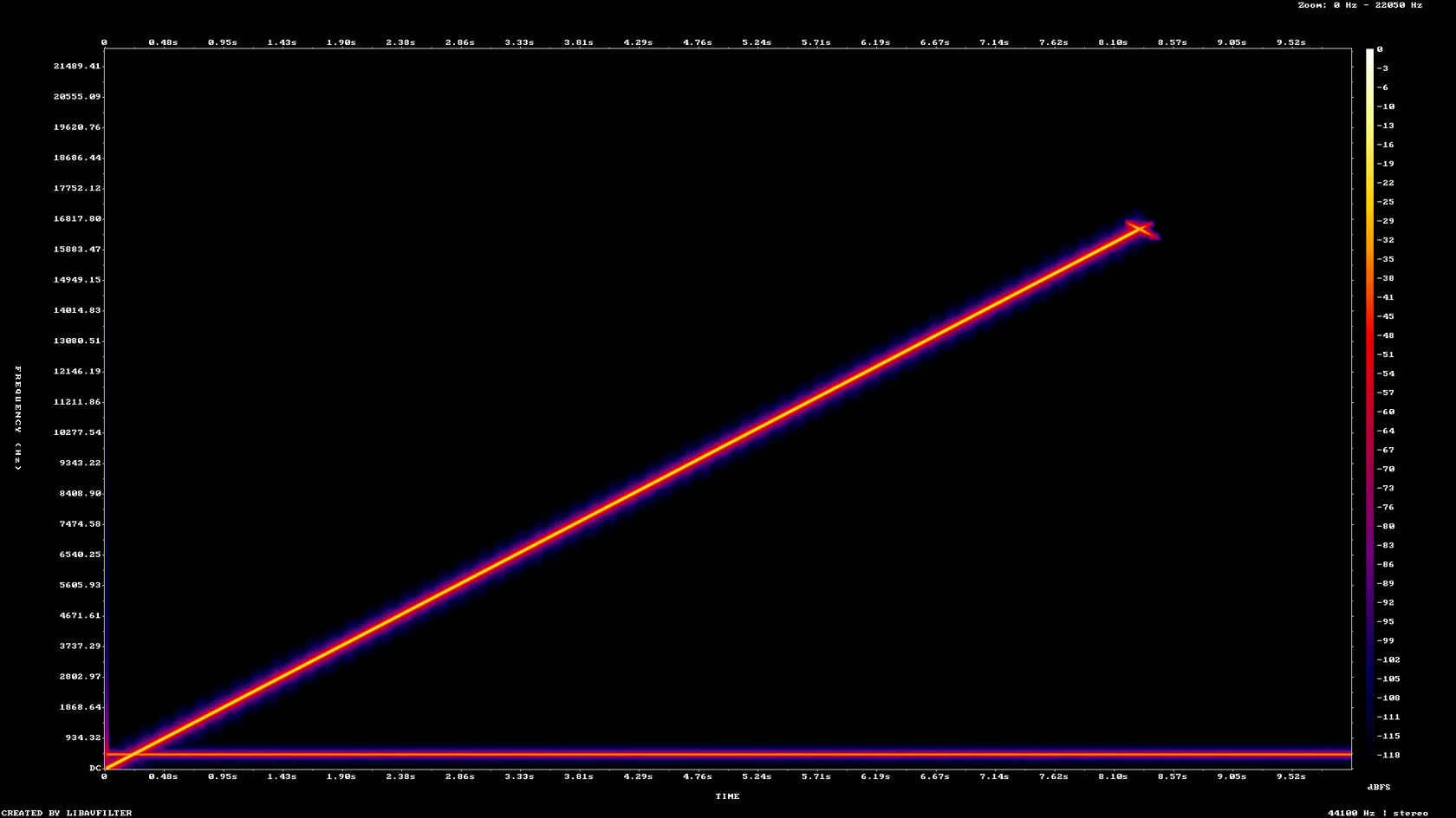
A 10 second tone-sweep MP3 with ID3 tags and a PNG cover, made by us, converted on indox.org
MP3 audio cannot be copied into an Ogg container. The converter decodes the MP3 and encodes it again with the libvorbis encoder, then writes the result in an .ogg file that starts with the standard OggS signature.
In our test a 44.1 kHz stereo MP3 produced a 44.1 kHz stereo OGG, and a 22.05 kHz mono MP3 produced a 22.05 kHz mono OGG. Nothing is resampled or mixed down on the way.
The ID3 title, artist, album and track number came out as TITLE, ARTIST, ALBUM and TRACKNUMBER Vorbis comments in our test, so a library program still shows the same names.
You work in the browser on Windows, Mac, Linux or a phone. There is no encoder to set up, no command line and no account needed to run the conversion.
Drop the MP3 on the box or choose it from your device. Keep the original, because it is the only copy that has not been through a second lossy pass.
Check that OGG is the output format, start the conversion and wait for it to finish. A 10 second file took about 3 seconds from the click to Completed in our test.
Save the file and play it in the program or game engine you plan to use. If the cover art matters, add it again in a tag editor, since it was not carried over.
You hand over an MP3 and take away an OGG with Vorbis audio, with the tags kept and nothing to install.
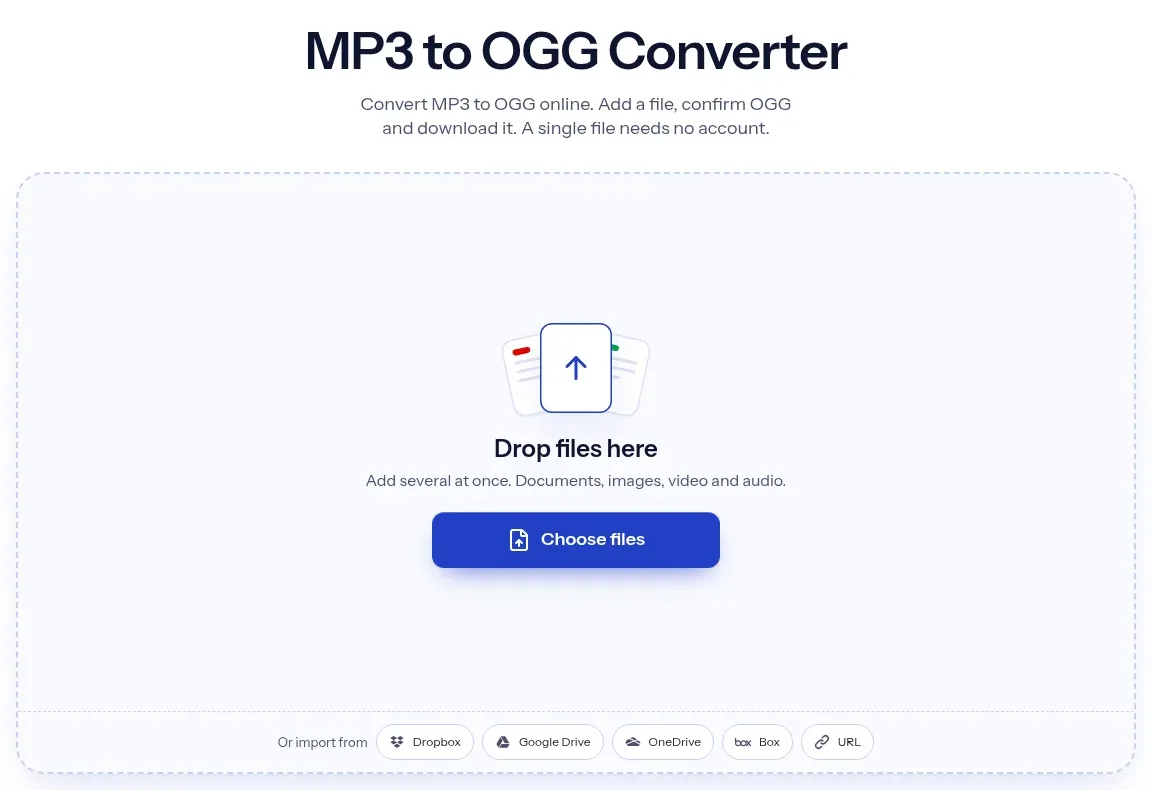
The upload box shows the live size limit before you add a file. Signing in raises it; a paid plan does not change it.
MP3 in, OGG out. Pick another output on the converter if you need a different format.
Files are encrypted in transit over HTTPS and processed on indox infrastructure.
Free-tier files are kept for 24 hours after the job finishes, then deleted automatically.
| What you see | Why | What to do |
|---|---|---|
| The cover art is missing | The converted file holds audio only, with no attached picture | Add the picture again with a tag editor, or keep the MP3 where the art matters |
| The OGG sounds slightly different | It is a second lossy generation made by a different encoder | Compare with the MP3 on your own speakers, and convert from a WAV or FLAC if you have one |
| The OGG is larger than the MP3 | The encoder default does not target a size, and some music needs more bits than the MP3 used | Use a local tool such as ffmpeg with a lower quality setting, or keep the MP3 |
| A player will not open the file | Some Apple apps and older car stereos do not read Ogg | Test one file first, or keep the MP3 for that device |
| A game loop has a small gap | MP3 holds no gapless data and the start was trimmed by a few milliseconds | Cut the loop again in an audio editor after converting |
| You need the file as MP3 again | The OGG is a separate file | Use OGG to MP3, knowing that adds another lossy pass |
| Compared on | MP3 | OGG |
|---|---|---|
| Container | MPEG audio stream with ID3 tags | Ogg, a Xiph.Org container, usually holding Vorbis |
| Compression | Lossy | Lossy (Vorbis or Opus), or lossless if the file holds FLAC |
| Tags | ID3, including embedded cover art | Vorbis comments as TITLE=value text; no picture in our converted file |
| Where it plays | Almost every phone, car stereo and player | Game engines and Linux players; some Apple apps and older stereos may not open it |
| Openness | A long-established MPEG audio format, supported almost everywhere | Open and patent-free, MIME type application/ogg (RFC 3534) |
| Looping in games | Start point only; a larger file for the same quality | Start point only; smaller file, more CPU to decode |
Facts checked on November 5, 2026
No tool matches that search.
Yes, a little. Both formats are lossy, so the MP3 is decoded and encoded again, and the detail already lost cannot return. In our test a spectrogram of the MP3 and the OGG looked almost identical for a tone sweep, but a tone sweep is easy to encode. Keep the MP3 as the master.
The usual reasons are a game engine or Linux program that expects Ogg Vorbis, a wish for an open and patent-free format, or a device that lists Ogg support. If your player already opens MP3, converting is rarely needed.
Often, but it depends on the audio. Our 128 kbps stereo MP3 of 171.0 kB became a 39.0 kB OGG and a 64 kbps mono MP3 of 48.8 kB became 10.5 kB. Both were synthetic tones, which compress far better than music, so treat the ratio as an example only.
The encoder default. Our OGG header showed a nominal 112 kbps for stereo at 44.1 kHz and 40 kbps for 22.05 kHz mono, yet the real averages were 31.2 and 14.0 kbps. Variable bitrate follows the content, so your file will differ. The ffmpeg manual lists a libvorbis default quality of 3.0.
Text tags are kept. In our test TITLE, ARTIST, ALBUM and TRACKNUMBER came through as Vorbis comments. The embedded cover art was not kept, so add it again in a tag editor if you want it.
VLC, many Linux players and game engines such as Godot open Ogg Vorbis. Some Apple apps and older car stereos may not, so check your device before converting a library.
No. The file is uploaded and converted on indox servers, and you download the result. The free-tier page text we saw on 5 November 2026 said converted files are deleted after 24 hours, so read the current wording before you upload anything private.
We ran it without signing in and saw no limit, quota or paywall on 5 November 2026. A 10 second file took about 3 seconds from the click to Completed in our test. Longer files will take longer.
Vorbis. An Ogg file can hold Vorbis, Opus, FLAC or Speex, but this conversion writes Vorbis audio, tagged by the libvorbis encoder in our test. If you need Opus, use a local tool such as ffmpeg.