Plain 16-bit PCM output
In our test the WAV was 16-bit signed little-endian PCM (pcm_s16le), the variant that nearly every audio program, sampler and burner understands.
You get a 16-bit PCM WAV that samplers, audio editors and CD-burning programs read without trouble. It sounds the same as your MP3, because decoding cannot bring back what MP3 compression removed.
To convert MP3 to WAV, add the MP3 file, keep WAV as the output format and download the result. The WAV holds the decoded sound as uncompressed 16-bit PCM, so it opens in software that rejects MP3, but it does not sound better than the MP3. In our test a 161,008-byte MP3 became a 1,764,124-byte WAV, about 11 times larger, with the same audio content.
Transfers use HTTPS, and files converted on the free tier are deleted after 24 hours, so the result is not a long-term archive. Quality depends on the source file, so open the WAV file once before you share it.
MP3 (MPEG-1 Audio Layer III)
The source. An MP3 is a lossy file: the encoder discarded detail to make it small, and that detail is gone for good. Whatever you make from it, including a WAV, can only be as good as this file.
WAV (Waveform Audio File Format)
A WAV file holds raw PCM samples with a short header in front, so editors, samplers, phone systems and CD-burning tools can read it without decoding anything. It is large, because nothing is compressed, and it keeps exactly what it is given.
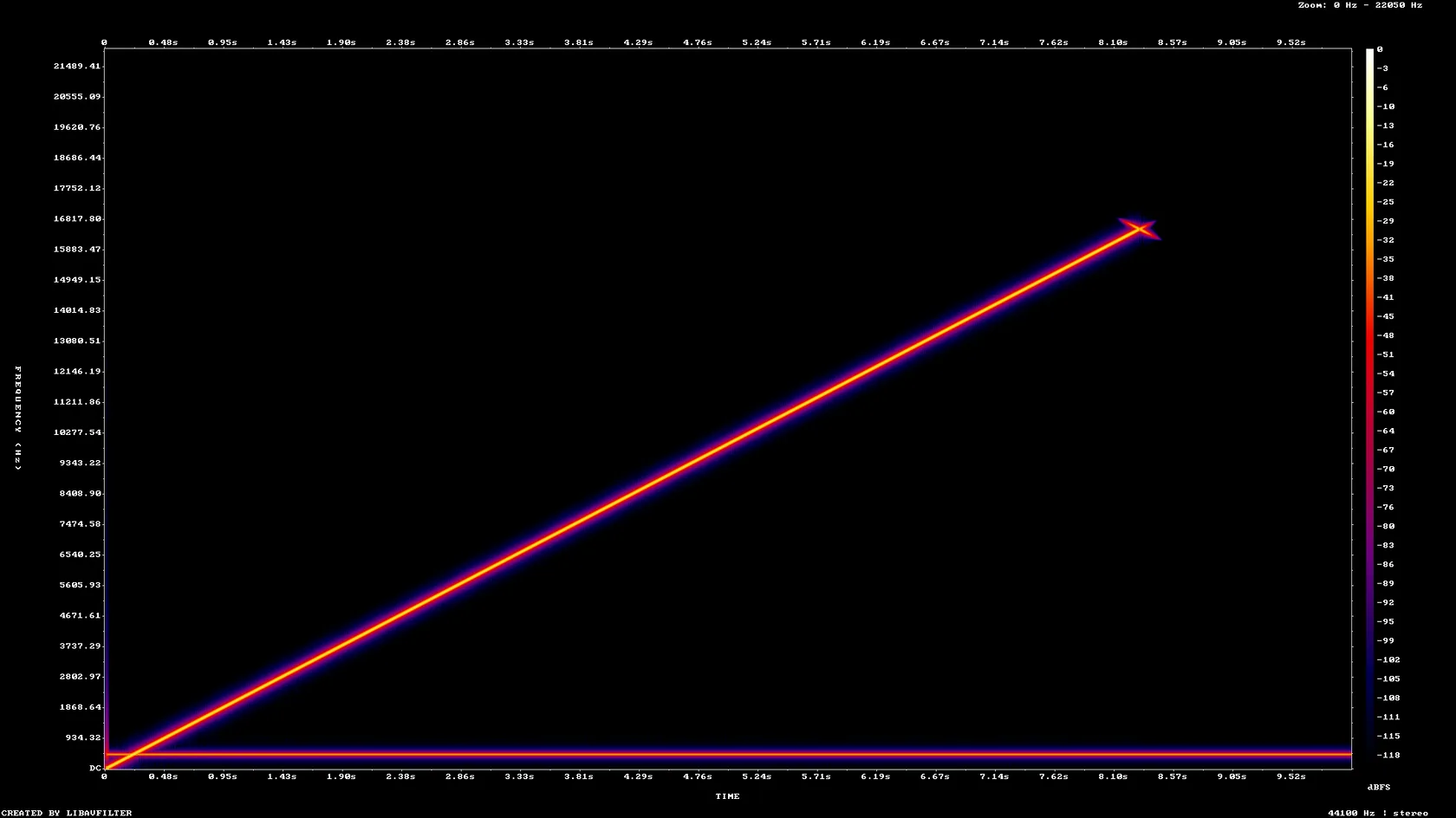
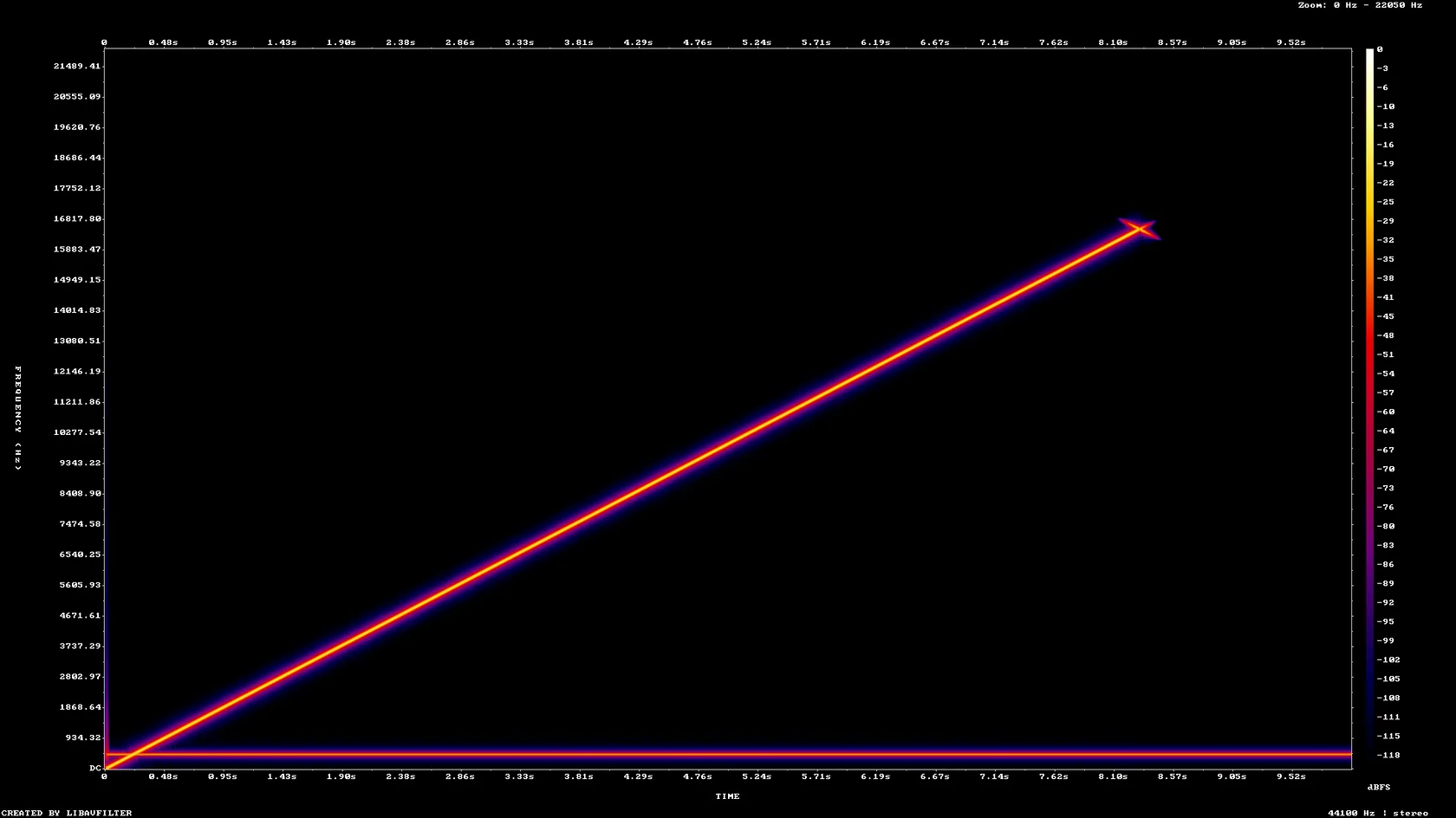
A 10-second 128 kbps stereo MP3 test tone made by us, converted on indox.org
In our test the WAV was 16-bit signed little-endian PCM (pcm_s16le), the variant that nearly every audio program, sampler and burner understands.
A 44.1 kHz stereo MP3 gave a 44.1 kHz stereo WAV. A 22.05 kHz mono MP3 gave a 22.05 kHz mono WAV. Nothing was resampled or upmixed.
In our test the ID3 title and artist of the MP3 were still there in the WAV, stored as RIFF LIST tags. We did not test cover art.
In our test the audio data in the WAV was byte-for-byte identical to what a local ffmpeg decode of the same MP3 produced, so the file is a faithful copy of what the MP3 plays.
Drop the MP3 on the box or choose it from your device. Keep the original MP3, because it is the smaller copy and the WAV adds nothing to it.
Check that WAV is the output format, then start the conversion and wait for Completed. In our test a 10-second MP3 took 3.2 seconds from the click to Completed.
Save the WAV and open it in the sampler, editor or burner you need it for. If that device is picky about sample rate or bit depth, check its manual before you load a batch.
You hand over an MP3 and take away a 16-bit PCM WAV. You install nothing on your computer. The page tells you up front that the WAV is much larger and does not sound better, and the figures on it come from a real run on this site.
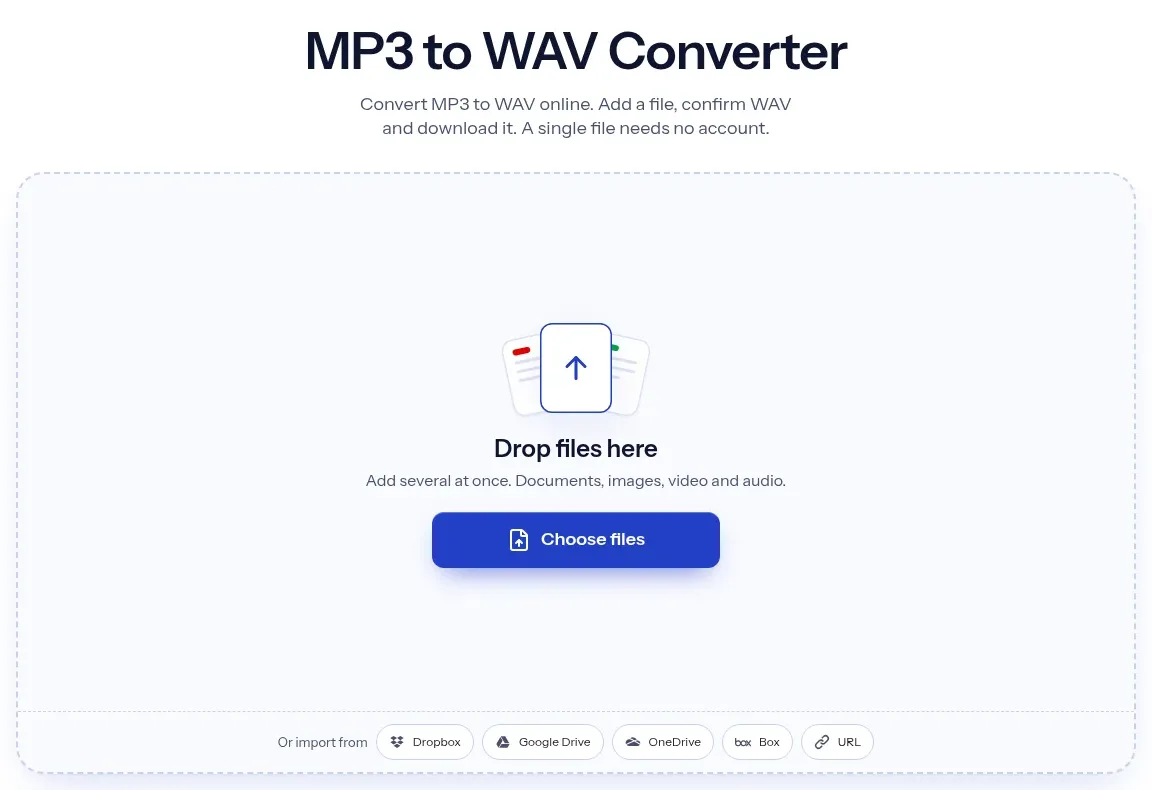
The upload box shows the live size limit before you add a file. Signing in raises it; a paid plan does not change it.
MP3 in, WAV out. Pick another output on the converter if you need a different format.
Files are encrypted in transit over HTTPS and processed on indox infrastructure.
Free-tier files are kept for 24 hours after the job finishes, then deleted automatically.
| What you see | Why | What to do |
|---|---|---|
| The WAV is about 11 times bigger | A WAV is uncompressed, so it stores every sample | This is normal. Keep the MP3 for sharing and use the WAV only where one is required |
| The WAV sounds dull at the top | The MP3 already cut the highest frequencies and the WAV keeps that cut | Convert from a better source, such as the original recording or a lossless file |
| A sampler or device rejects the file | It may want a different sample rate, a mono file or another bit depth | Check the manual. This converter keeps the MP3 sample rate and writes 16-bit, so resample in an editor if needed |
| A phone system wants 8 kHz mono | This converter cannot change sample rate or channels | Resample in an audio editor or with ffmpeg, then upload to the phone system |
| You need a smaller file again | A WAV is only needed for editing or playback on certain devices | Use WAV to MP3 on the finished file |
Studio recordings at a fraction of the size
Voice memos and Apple audio, everywhere
The sound from a video
Open-format audio for every player
| Compared on | MP3 | WAV |
|---|---|---|
| Compression | Lossy: detail is discarded to save space | None: every sample is stored |
| Data rate for CD-style stereo | 128 kbps is a common setting | 1,411.2 kbps at 44.1 kHz, 16-bit, two channels |
| Size per minute | About 1 MB at 128 kbps (arithmetic) | About 10.6 MB at CD settings (arithmetic) |
| Where it fits | Sharing, streaming, phones and players | Editing, samplers, CD burning, mastering |
| Standard | MPEG-1 Audio Layer III, ISO/IEC 11172-3 | RIFF container from Microsoft and IBM |
Facts checked on November 4, 2026
No tool matches that search.
Add the MP3 file to the converter in your browser, keep WAV as the output format and download the result. You install nothing. In our test a 10-second file finished in 3.2 seconds.
No. The MP3 already lost detail when it was encoded, and a WAV cannot store what is gone. In our test the sound above 16 kHz was identical in both files and the MP3 cut-off near 16.5 kHz was still there in the WAV.
The MP3 is compressed and the WAV is not. A WAV stores every sample: sample rate times bit depth times channels. In our test that was 1,411.2 kbps for the WAV and 128 kbps for the MP3, so the file grew by a factor of 10.96.
In our test they were. The ID3 title and artist of our MP3 appeared in the WAV as RIFF LIST tags. We did not test cover art, and some players ignore tags inside a WAV.
No. In our test a 44.1 kHz stereo MP3 stayed 44.1 kHz stereo, and a 22.05 kHz mono MP3 stayed 22.05 kHz mono. The page showed no option to change either.
Phone systems often ask for 8 kHz mono 16-bit WAV prompts. This converter keeps the sample rate and channels of your MP3, so it cannot produce that. Resample the file in an audio editor or with ffmpeg, and check your phone system's manual for its exact requirements.
In our test we converted anonymously, with no sign-up, quota or paywall shown. The page also said that files converted on the free tier are deleted after 24 hours. Check the page for the current wording.
In our test the MP3 reported 10.031 s and the WAV 10.000 s. MP3 files carry a small amount of encoder and decoder padding, and the decoded audio is trimmed to its real length.