The video is dropped, the sound is kept
The converter writes only the audio. The WAV has a single audio stream and no picture, so you can drop it straight into an audio editor.
You get a WAV file with the sound of your WMV video as 16-bit PCM, ready for an audio editor, a transcription tool or a device that wants uncompressed audio.
To convert WMV to WAV, add the WMV file, keep WAV as the output and download the result. The picture is dropped and the sound is written as uncompressed 16-bit PCM. The WAV is much bigger than the WMV because the audio inside a WMV is normally compressed, and decoding it cannot bring back detail that compression removed. In our test a 388 KB WMV became a 1.06 MB WAV. We did not test a DRM-protected WMV, and a protected file should not be expected to convert.
Transfers use HTTPS, and files converted on the free tier are deleted after 24 hours, so the result is not a long-term archive. Quality depends on the source file, so open the WAV file once before you share it.
WMV (Windows Media Video)
A Microsoft video format built on the ASF (Advanced Systems Format) container. Files usually carry Windows Media Video codecs such as WMV3 (also called VC-1) with Windows Media Audio, and Windows Movie Maker in Windows XP offered it as an output. Some players, especially on Apple devices, need a converter to open it.
WAV (Waveform Audio File Format)
The uncompressed audio file that most editors and recording programs open. Here it holds 16-bit PCM, so every sample is stored in full and the file is far larger than a compressed one such as MP3.
A 6 second WMV test clip (wmv2 video, wmav2 audio, 44.1 kHz stereo) made by us, converted on indox.org
The converter writes only the audio. The WAV has a single audio stream and no picture, so you can drop it straight into an audio editor.
In our test a 44.1 kHz stereo WMV gave a 44.1 kHz stereo WAV, and a 48 kHz mono WMV gave a 48 kHz mono WAV. We changed no settings.
We ran the conversions anonymously, without an account, and met no limit, quota or paywall. A 6 second clip took 3.7 seconds from the click to Completed in our test.
Drop the WMV on the box or choose it from your device. Keep the original, because the WAV is a new file and the WMV stays as it was.
Check that WAV is the output format and start the conversion. A short clip finished in a few seconds in our test.
Save the WAV and play it through once before you use it. Check that the right track is there if your video had more than one.
You add a WMV video and get its sound back as a WAV, and the page states what changes and what does not.
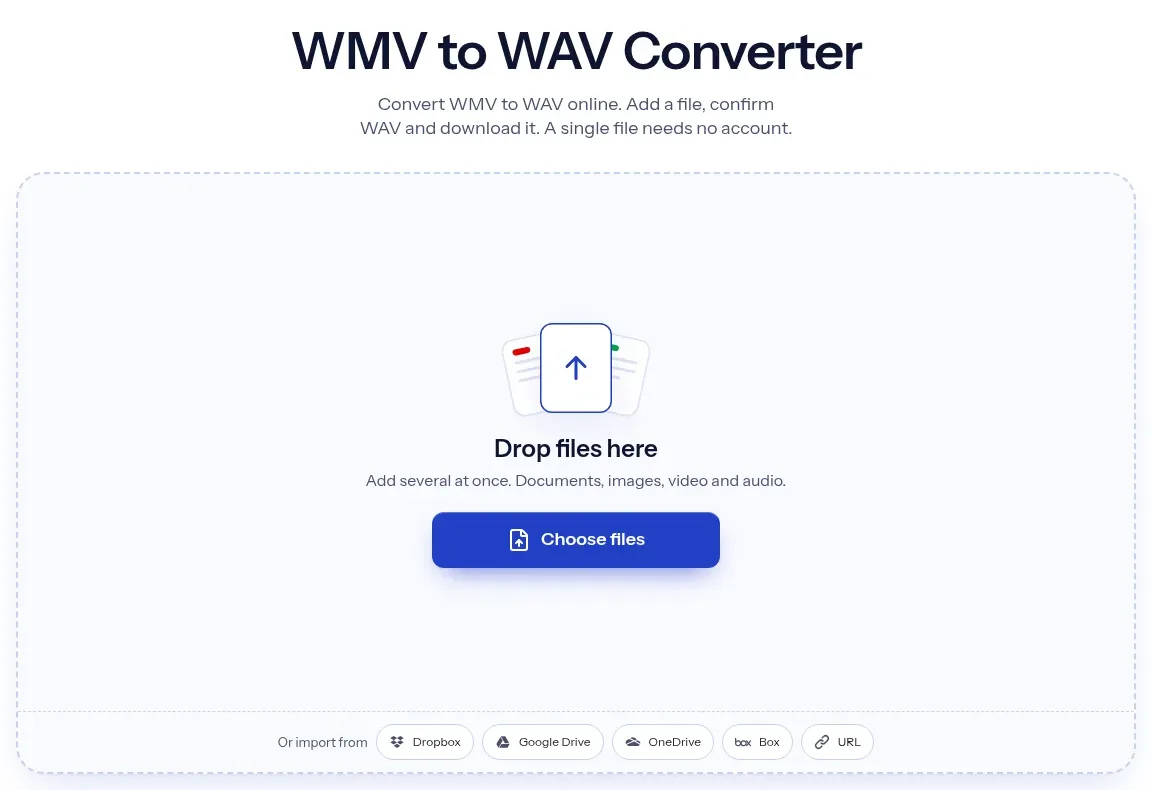
The upload box shows the live size limit before you add a file. Signing in raises it; a paid plan does not change it.
WMV in, WAV out. Pick another output on the converter if you need a different format.
Files are encrypted in transit over HTTPS and processed on indox infrastructure.
Free-tier files are kept for 24 hours after the job finishes, then deleted automatically.
| What you see | Why | What to do |
|---|---|---|
| The conversion fails | The WMV may be DRM-protected or damaged | Check that it plays in the software that holds its licence, or try another copy |
| The WAV is much bigger than the WMV | WAV is uncompressed and the WMV audio was compressed | This is normal; use WMV to MP3 if you need a small file |
| A voice or track is missing | Only the first audio track is converted | Check the file in a player that lists audio tracks, and extract the other one separately |
| The WAV is a few milliseconds shorter | In our test it was about 55 ms shorter than the WMV audio stream | Check the start and end if exact length matters |
| Compared on | WMV | WAV |
|---|---|---|
| What it holds | Video and audio in an ASF wrapper from Microsoft | Audio only, in the WAVE container from Microsoft and IBM |
| Audio encoding | Normally compressed Windows Media Audio | Usually uncompressed PCM; 16-bit here |
| Size in our test | 388 KB for a 6 second clip | 1.06 MB for the sound of that clip |
| Best for | Playing a video, mostly on Windows | Editing, transcription and archiving sound |
| Format limits | ASF specification revision 01.20.03, December 2004 | Classic files stop at 4 GB; RF64 goes beyond |
Facts checked on November 5, 2026
No tool matches that search.
The WAV keeps what the WMV audio contains, but it cannot add back detail the WMV compression removed. In our test it held the same sample rate and channels as the source. If you want a smaller file and can accept another lossy step, see WMV to MP3.
In our test a 388 KB WMV with 128 kbit/s audio gave a 1.06 MB WAV, 2.72 times the size. A 16-bit stereo WAV at 44.1 kHz runs at 1,411 kbit/s, so expect roughly 10 MB per minute of sound.
In our test with two tracks, only the first track appeared in the WAV. We saw no option to choose another. FFmpeg's documentation says its default pick is the stream with the most channels, and the lowest index if they tie.
We did not test one. A file locked to a licence or a player should not be expected to convert. Play it in the software that holds its licence, or look for an unprotected copy.
In our tests, yes. A 44.1 kHz stereo file stayed 44.1 kHz stereo, and a 48 kHz mono file stayed 48 kHz mono. The bit depth is always 16-bit.
In our test the conversion was free, needed no account and showed no limit, and a 6 second stereo clip took 3.7 seconds. Longer videos take longer. The page told us that files converted on the free tier are deleted after 24 hours.
Desktop tools such as VLC or an ffmpeg command can also write WAV from a WMV. We did not test them here. An online converter saves the install, while a local tool keeps the file on your computer.