Always 16-bit PCM
The WAV is written as pcm_s16le, 16-bit little-endian PCM. In our test the output kept the 48 kHz sample rate and the two channels of the source, and its bit rate was 1,536,000 bit/s.
You get a WAV file with uncompressed 16-bit PCM audio that keeps the sample rate and channel count of your m4a, ready for an editor, a DAW or a speech tool.
To convert m4a to wav, add the m4a file, keep WAV as the output format and download the result. The audio is decoded into plain 16-bit PCM, so the WAV is much larger but sounds the same as the m4a. It does not sound better, because an AAC m4a has already lost detail that no converter can bring back. In our test a 163,225-byte AAC m4a became a 1,921,176-byte WAV.
Transfers use HTTPS, and files converted on the free tier are deleted after 24 hours, so the result is not a long-term archive. Quality depends on the source file, so open the WAV file once before you share it.
M4A (MPEG-4 Audio)
An audio-only MP4 container popularised by Apple. It usually holds AAC, a lossy codec that is more efficient than MP3, and occasionally ALAC, which is lossless. iPhone Voice Memos, iTunes and GarageBand exports all commonly use it.
WAV (Waveform Audio File Format)
An uncompressed audio container that normally stores raw PCM samples. Editors, DAWs, transcription tools and many hardware devices accept it because they need no codec to read it.
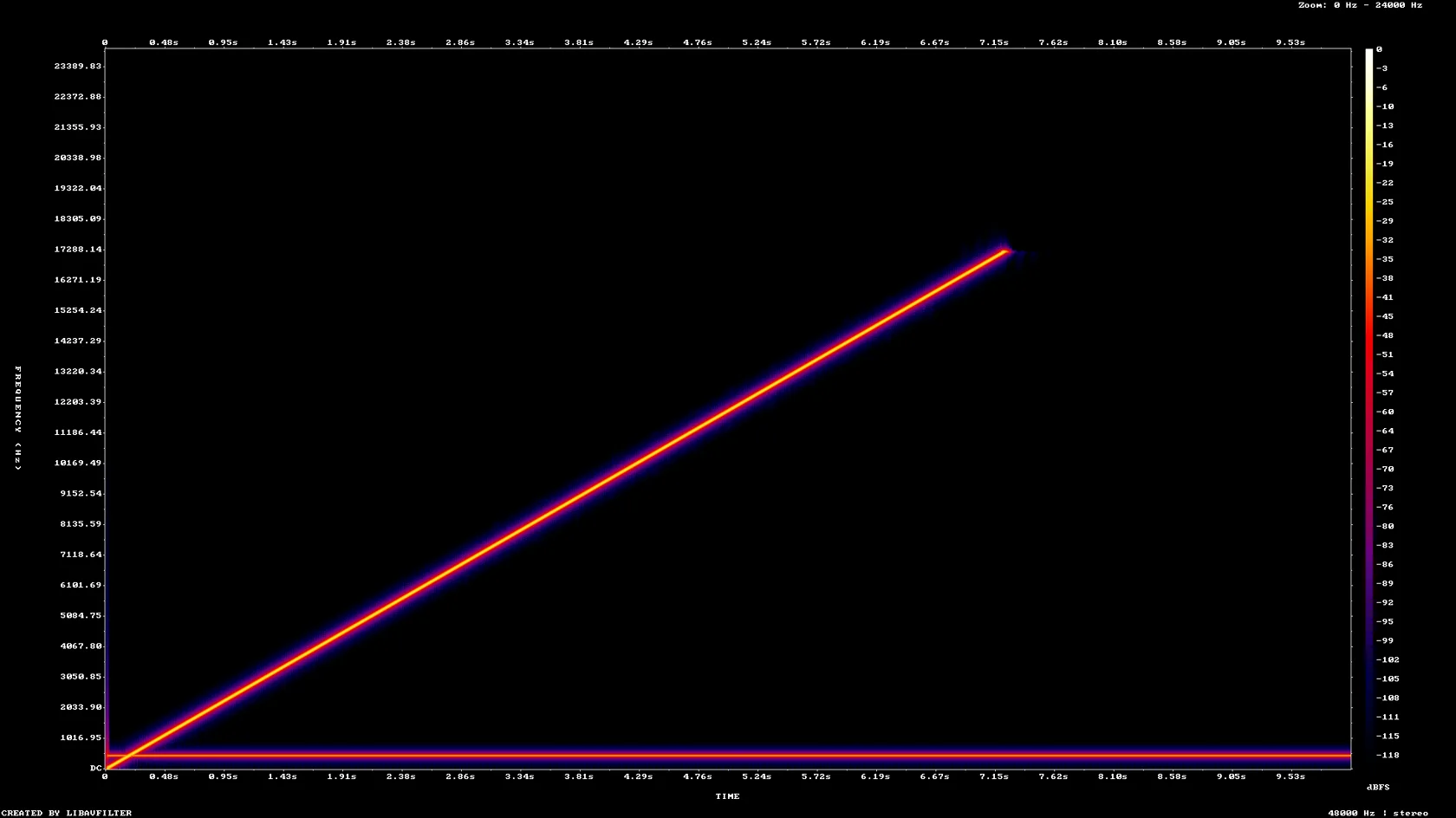
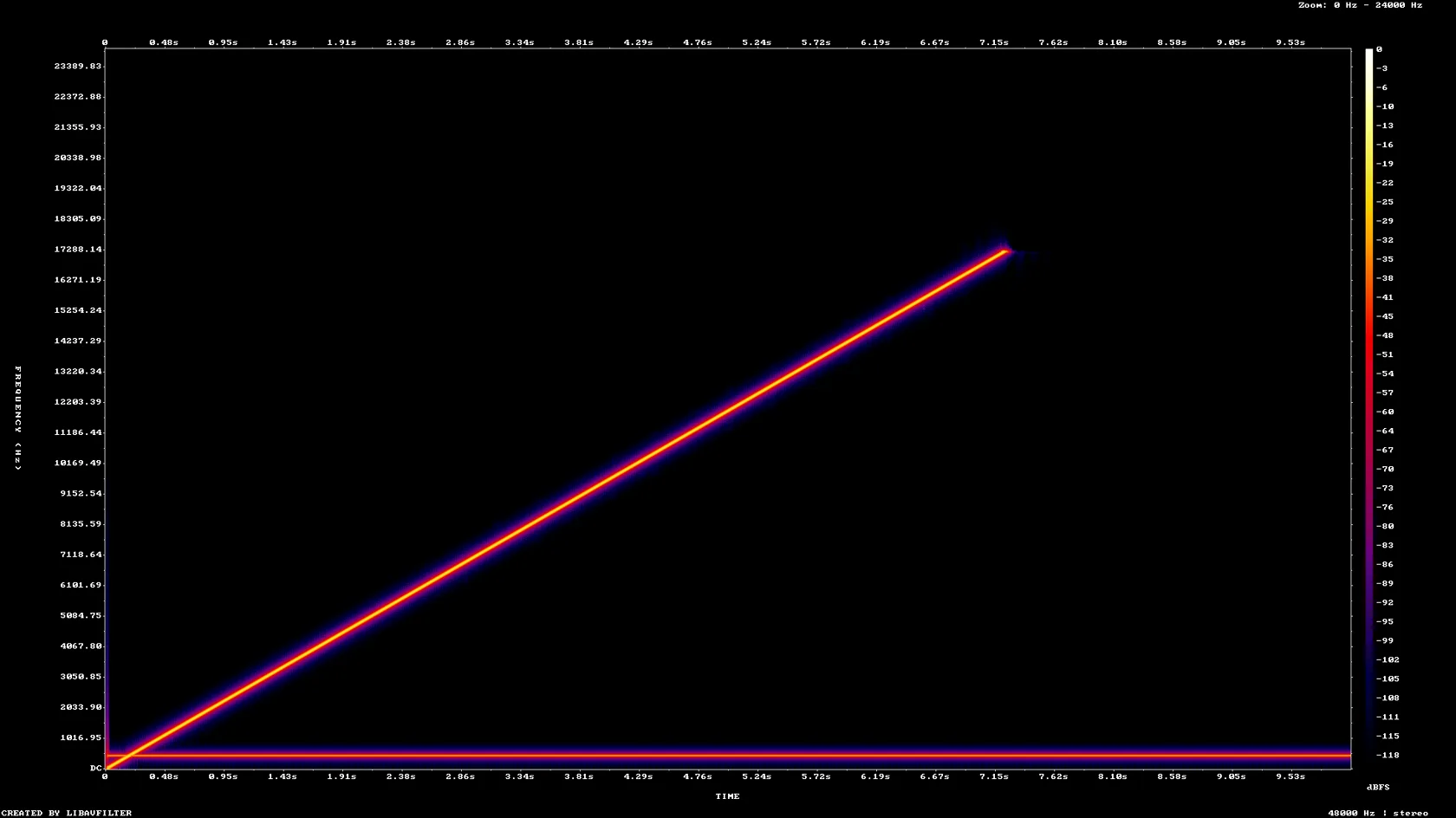
A 10-second 48 kHz stereo test tone saved as AAC and as 24-bit ALAC m4a, made by us, converted on indox.org
The WAV is written as pcm_s16le, 16-bit little-endian PCM. In our test the output kept the 48 kHz sample rate and the two channels of the source, and its bit rate was 1,536,000 bit/s.
In our test the title, artist and comment tags of an AAC m4a were still in the WAV, stored as LIST INFO chunks. The title and artist of a lossless test file survived too. Cover art is not carried over.
An m4a is a container, and it holds either lossy AAC or lossless ALAC. We converted one of each and both finished: the AAC file in 3.2 seconds and the ALAC file in 3.8 seconds, click to Completed.
We compared the decoded m4a and the WAV as spectrograms and they look the same. The page does not promise a gain, because the conversion decodes the audio and does not improve it.
Drop the m4a on the box or choose it from your device. That works for an iPhone Voice Memo, an iTunes or Music file and a GarageBand export. Keep the original; it is the smaller and the only copy of the source.
Check that WAV is the output format, then start the conversion and wait. In our test a 10-second AAC file took 3.2 seconds from the click to Completed. We did not set any other options.
Save the WAV and open it in the editor or tool you need it for. Expect a file about ten times the size of a 128 kb/s AAC m4a, and check the length and the tags if they matter.
You hand over an m4a and take away a WAV with 16-bit PCM audio, with nothing to install. The page states up front what the WAV can and cannot be: bigger but no better, and 16-bit even from a 24-bit source. The numbers come from our own test files.
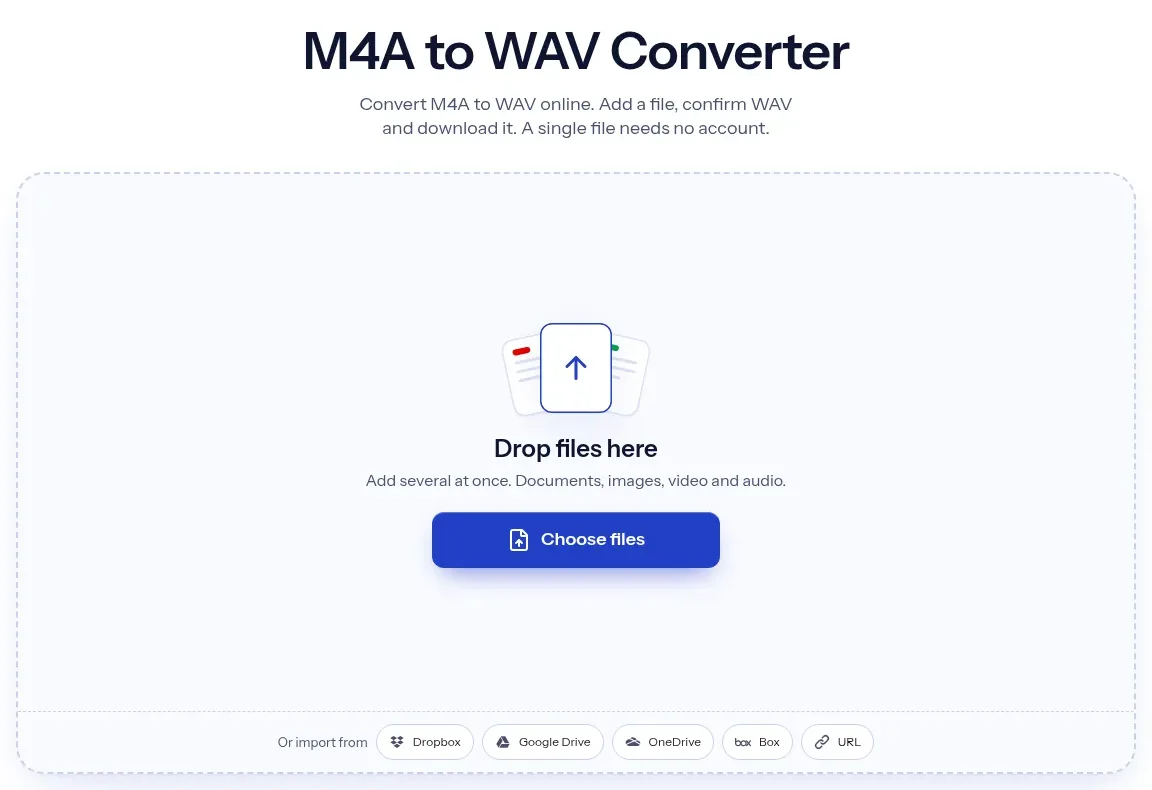
The upload box shows the live size limit before you add a file. Signing in raises it; a paid plan does not change it.
M4A in, WAV out. Pick another output on the converter if you need a different format.
Files are encrypted in transit over HTTPS and processed on indox infrastructure.
Free-tier files are kept for 24 hours after the job finishes, then deleted automatically.
| What you see | Why | What to do |
|---|---|---|
| The WAV is huge | WAV is uncompressed; our 10 s test grew about 11.8 times | Use M4A to MP3 if you only need a small file |
| The WAV sounds the same as the m4a | The AAC loss cannot be undone by decoding | Go back to the original recording if you have it |
| A 24-bit file came out at 16 bits | The converter writes 16-bit PCM | Use a desktop tool such as ffmpeg or Audacity for 24-bit output |
| The WAV is a few milliseconds longer | AAC decoder padding; ours was 5.3 ms longer | Trim in your editor if exact length matters |
| The conversion fails | The file may be damaged or not really an m4a | Open it in a player first, or try another copy |
| Compared on | M4A | WAV |
|---|---|---|
| Container | MPEG-4 audio-only container | RIFF container |
| What it holds | AAC (lossy) or ALAC (lossless) | Usually uncompressed PCM |
| Size of 1 minute | Much smaller; AAC at 128 kb/s is about 1 MB | About 11.5 MB at 48 kHz, 16-bit stereo |
| Tags | Rich metadata and cover art | LIST INFO text tags; bext chunk for broadcast use |
| Where it fits | Phones, Apple apps, streaming and storage | Editing, DAWs, speech tools, hardware that wants PCM |
Facts checked on November 5, 2026
No tool matches that search.
Add the m4a file to the converter in your browser, keep WAV as the output and download the result. Nothing is installed on your computer or phone.
The conversion itself does not reduce it further, because the audio is decoded into uncompressed PCM. But a WAV cannot be better than its source. In our test the content above 20 kHz was the same before and after (-39.73 dB and -39.74 dB RMS).
For a lossless ALAC m4a at 16 bits, the decode should be exact. In our test a 24-bit ALAC file came out as 16-bit PCM that was identical to a 16-bit decode we made locally with ffmpeg 7.1, so 8 bits of resolution were dropped. An AAC file is already lossy, and the WAV keeps what remains.
WAV stores every sample uncompressed. In our test the AAC m4a at 128 kb/s was 163,225 bytes, and the 16-bit 48 kHz stereo WAV was 1,921,176 bytes, because uncompressed audio at that setting runs at 1,536,000 bit/s.
In our test, yes. The title, artist and comment of an AAC m4a were in the WAV as LIST INFO tags, and title and artist survived for an ALAC file. Cover art is not kept. Check your own file.
Either. M4A is a container. It usually holds AAC, which is lossy, and sometimes ALAC, which is lossless. You can see the codec in a media info tool or in the properties of the file.
Yes. The conversion runs on indox, not on the phone. Open the converter in the phone's browser, choose the m4a and download the WAV. A large WAV will fill phone storage quickly.
The converter writes 16-bit PCM only. In our test a 24-bit ALAC m4a gave a 16-bit WAV. If you need 24-bit output, use a desktop tool such as ffmpeg or Audacity.
Convert to WAV when your editor or device needs PCM. Convert to [MP3](/convert/m4a-to-mp3) when you need a small file that plays everywhere. Do not convert at all if your target already accepts m4a.
The page says that files converted on the free tier are deleted after 24 hours. We did not test deletion, so download your WAV promptly and keep your original.