Blocks 1 to 5: report details
Owning agency, report number, date, FSC group and total acquisition cost.
SF126
Report of Personal Property For Sale
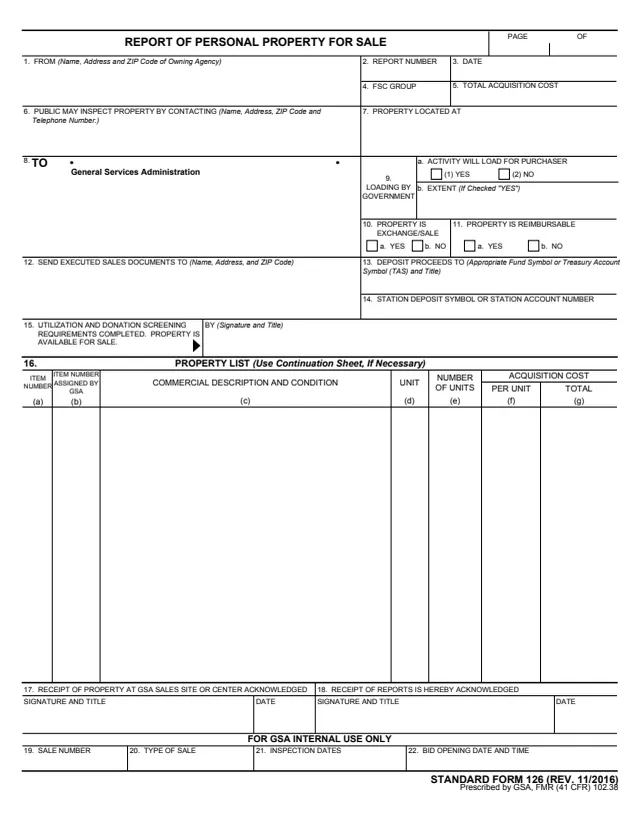
Standard Form 126 (SF 126), Report of Personal Property for Sale, is a U.S. General Services Administration (GSA) form. Its footer prints STANDARD FORM 126 (REV. 11/2016) and Prescribed by GSA, FMR (41 CFR) 102.38. GSA hosts it in its forms library.
The report goes FROM the owning agency TO the General Services Administration. It identifies the property, where it is and who the public may contact to inspect it, how loading will be handled, where executed sales documents go and where proceeds are deposited. Block 15 is signed to state that utilization and donation screening requirements are completed and the property is available for sale. Block 16 lists the property, and blocks 17 to 22 are for GSA's acknowledgments and internal use.
You can fill it out free in your browser on this page and download the result without an account.
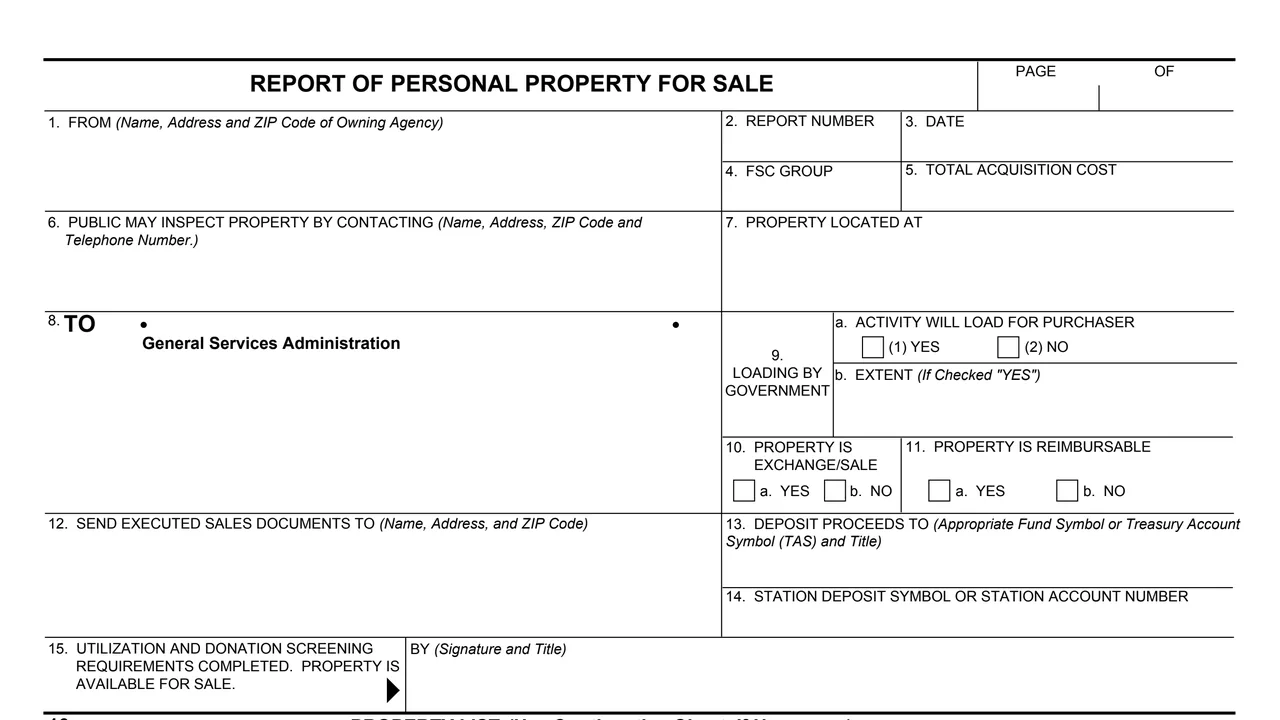
Owning agency, report number, date, FSC group and total acquisition cost.
Inspection contact, property location, the To line for GSA, loading by government with its extent, and yes or no boxes for exchange/sale and reimbursable property.
Where executed sales documents go, the fund symbol or Treasury Account Symbol (TAS) and title for the proceeds, and the station deposit symbol or account number.
The screening signature, then each item with its GSA item number, commercial description and condition, unit, number of units and acquisition cost.
Receipt acknowledgments, then sale number, type of sale, inspection dates, and bid opening date and time.
Enter the owning agency, report number, date, FSC group, total acquisition cost and page numbers.
Enter where the property is located and who the public may contact to inspect it, with a telephone number.
Check whether the activity will load for the purchaser and describe the extent if yes, then whether the property is exchange/sale and reimbursable.
Enter where executed sales documents are sent, the fund or Treasury Account Symbol for proceeds, and the station deposit symbol or account number.
Sign block 15 with a title, then list each item in block 16. The form says to use a continuation sheet if necessary.
The form prints no separate instructions. These steps follow its numbered blocks.
You get the real form, filled in a browser tab, with nothing standing between you and the finished PDF.
Block 8 is addressed To General Services Administration. The PDF prints no mailing address.
Block 15 states that utilization and donation screening requirements are completed and the property is available for sale.
Block 16 says Use Continuation Sheet, If Necessary.
The footer prints STANDARD FORM 126 (REV. 11/2016). GSA's page lists 11/2016 as the current revision date and FMR (41 CFR) 102.38 as its authority. The PDF prints no OMB number.
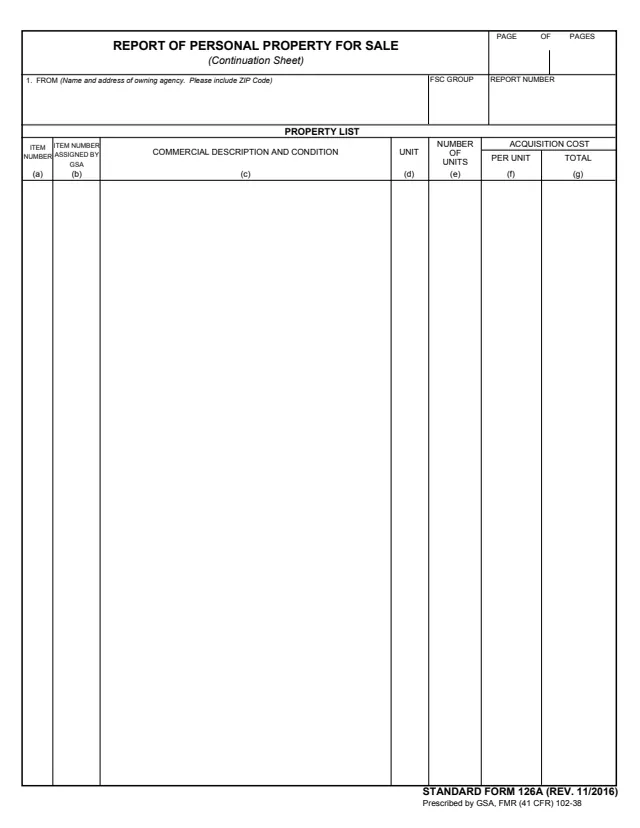
SF126A
145 fields, 1 page
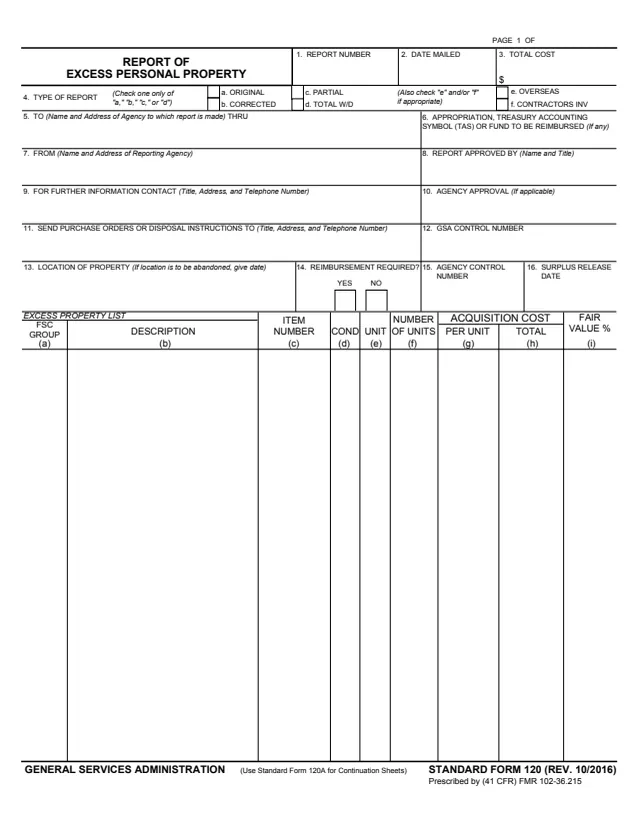
SF120
248 fields, 1 page
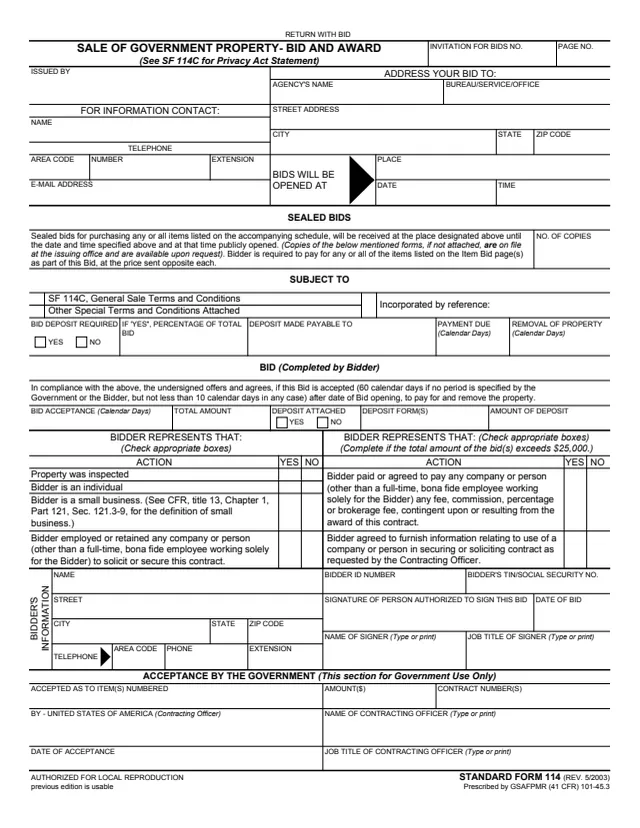
SF114
68 fields, 1 page
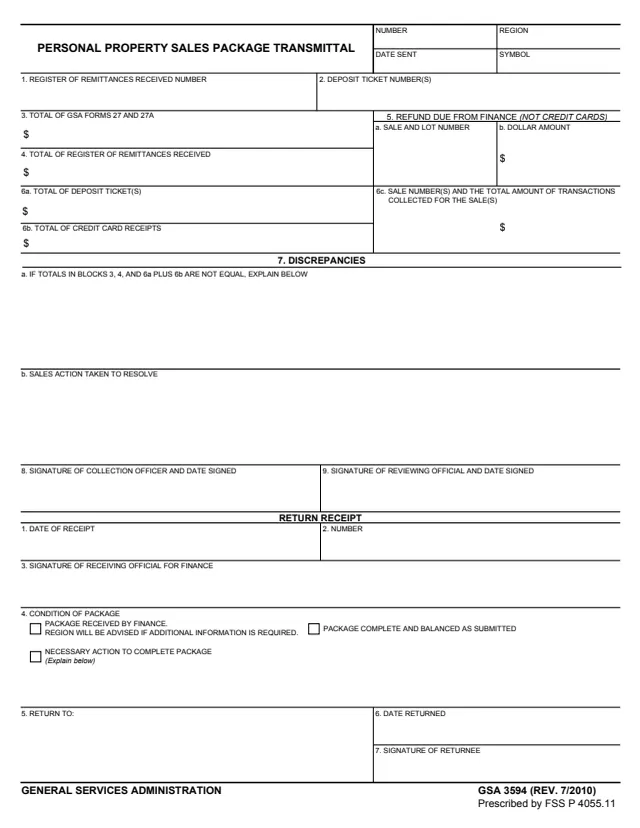
GSA3594
30 fields, 1 page
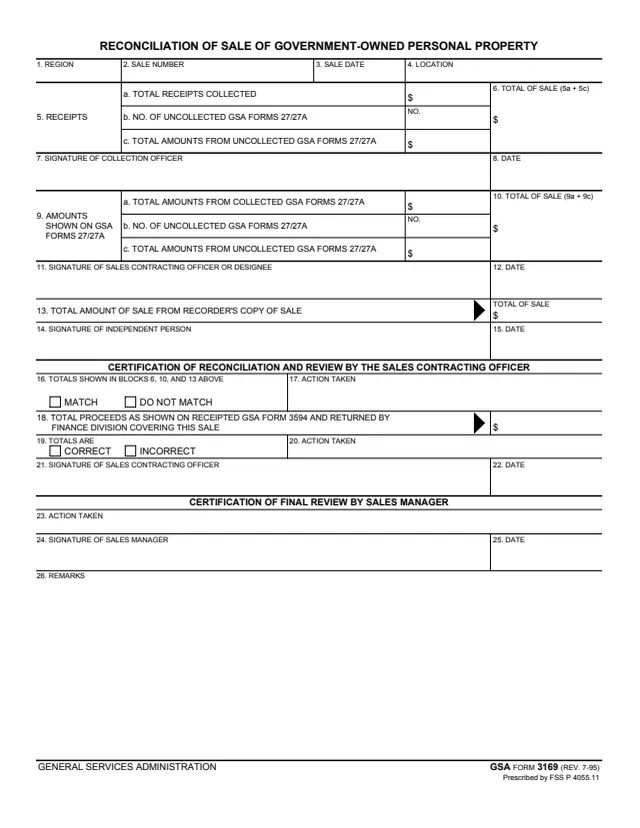
GSA3169
32 fields, 1 page
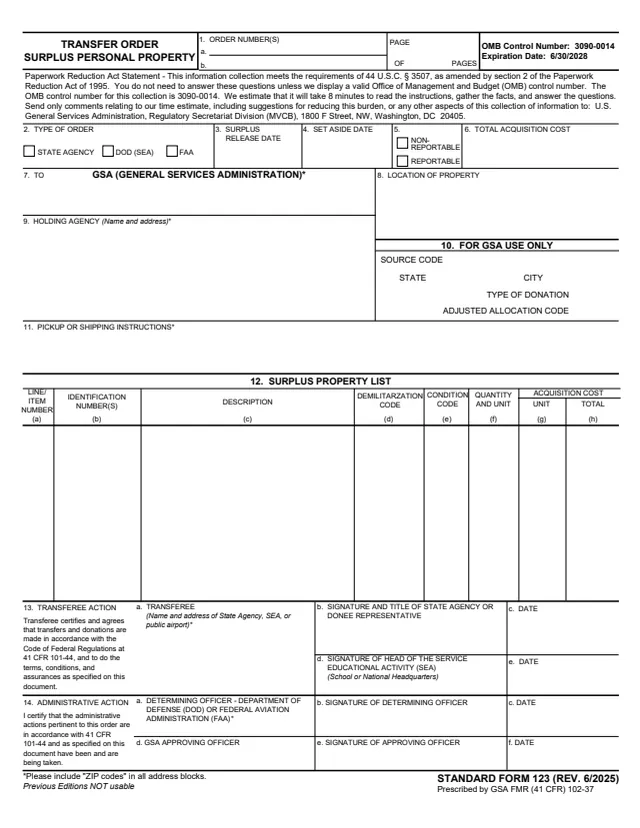
SF123
145 fields, 3 pages
The form is an agency report to GSA, not something the general public files. These are the parties its blocks name.
No tool matches that search.
The footer says Prescribed by GSA, FMR (41 CFR) 102.38, and GSA's page lists FMR (41 CFR) 102.38 as its authority. GSA hosts it in its forms library.
Block 1 is the owning agency, and block 8 is addressed To General Services Administration. It is an agency report, not a form the general public files.
Block 15 reads Utilization and donation screening requirements completed. Property is available for sale, followed by a signature and title.
Block 16 says Use Continuation Sheet, If Necessary. GSA's forms library has SF 126A, the continuation sheet for this report.
Blocks 19 to 22, sale number, type of sale, inspection dates, and bid opening date and time, are marked For GSA Internal Use Only. Blocks 17 and 18 acknowledge receipt of the property and the reports.