Header and boxes A to C
Date of review, site name, SIDN and SEID, who conducted the review, the type of review (field site visit, remote site review, partner review or other) and whether it was announced or unannounced.
6729-D
VITA/TCE Site Review Sheet
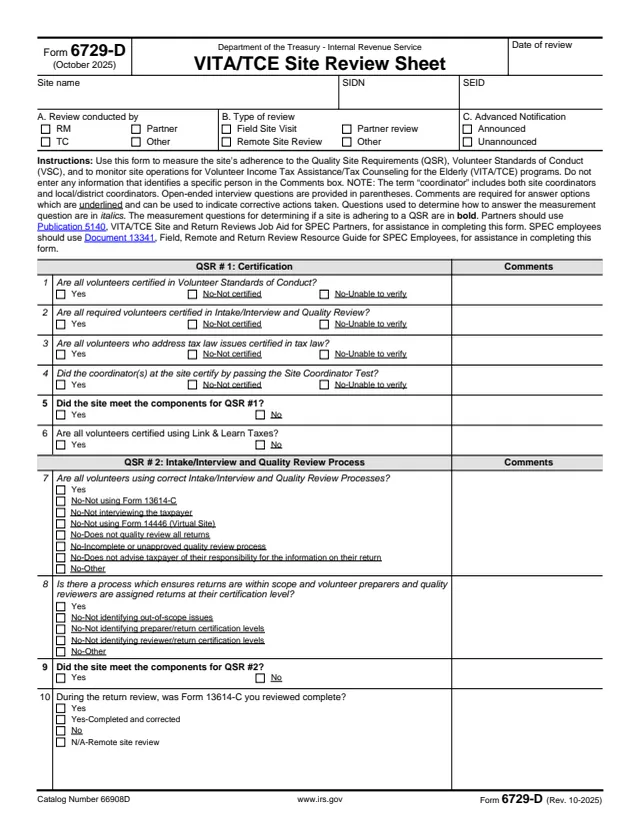
Form 6729-D is the VITA/TCE Site Review Sheet. The form says it is used to measure a site's adherence to the Quality Site Requirements (QSR) and the Volunteer Standards of Conduct (VSC), and to monitor site operations for the Volunteer Income Tax Assistance/Tax Counseling for the Elderly (VITA/TCE) programs.
It is a review sheet, not a tax return. The reviewer records who conducted the review, the type of review and whether it was announced, then answers 30 questions grouped by QSR, each with a Comments box. The form says partners use Publication 5140 and SPEC employees use Document 13341 for help completing it, and that no information identifying a specific person goes in the Comments box.
Question 30 gives the overall adherence rating, worth 10 points for each measurement question marked Yes. You can fill out Form 6729-D free in your browser on this page and download the result without an account.
Date of review, site name, SIDN and SEID, who conducted the review, the type of review (field site visit, remote site review, partner review or other) and whether it was announced or unannounced.
Questions 1 to 10 on volunteer certification, the Site Coordinator Test, Link & Learn Taxes, the intake/interview and quality review process, and whether the Form 13614-C reviewed was complete.
Questions 11 to 17 on photo ID and TIN checks, reference materials such as Publication 4012, Publication 17 and Publication 4299, signed Forms 13615, Volunteer Standards of Conduct violations and Publication 4836.
Questions 18 to 21 on timely filing and signed Forms 8879, the Civil Rights poster, and the correct SIDN and EFIN.
Questions 22 to 28 on encrypted and password-protected computers, equipment security, protecting and disposing of PII, Section 7216 consent notices, role-based software access and volunteers identifying themselves.
Question 29 checks the site operating information in SPECforce (formerly SPECTRM). Question 30 gives the overall adherence rating, and a Remarks section holds general and overflow comments.
Enter the date of review, site name, SIDN and SEID, then check boxes A, B and C for the reviewer, the type of review and advance notification.
Answer questions 1 to 29. The form says open-ended interview questions are in parentheses, questions in italics help decide the answer, and the measurement questions are in bold.
The form says comments are required for underlined answer options and can note corrective actions taken. It also says not to enter any information that identifies a specific person in the Comments box.
For question 30, the form awards 10 points for each Yes on measurement questions 5, 9, 11, 12, 16, 18, 19, 20, 21 and 26.
Add general comments, and any required comments that did not fit in a question's Comments box.
You get the real form, filled in a browser tab, with nothing standing between you and the finished PDF.
The form does not print a filing address or due date. It is a review sheet for VITA/TCE program monitoring.
Partners use Publication 5140, and SPEC employees use Document 13341, according to the form.
The form says not to enter any information that identifies a specific person in the Comments box.
Ten measurement questions are worth 10 points each when marked Yes: questions 5, 9, 11, 12, 16, 18, 19, 20, 21 and 26.
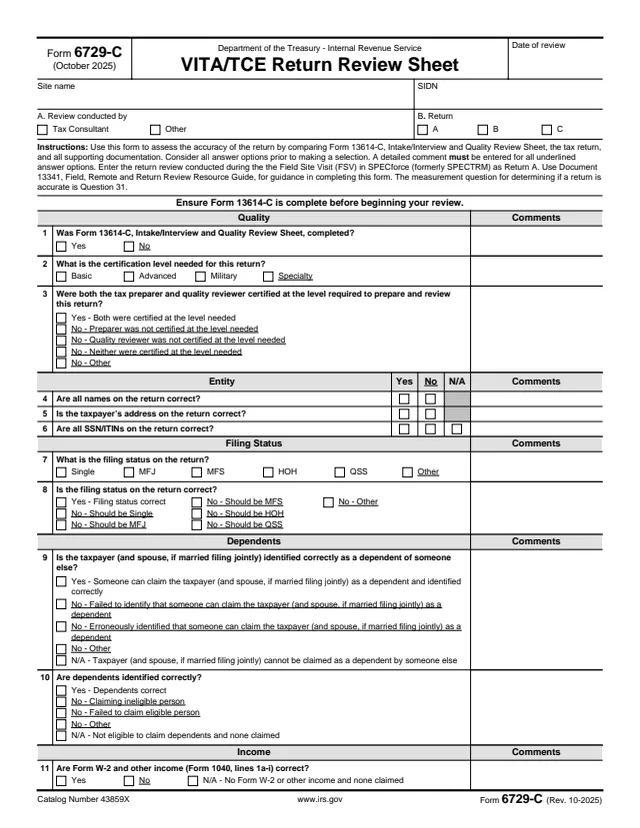
6729-C
196 fields, 3 pages
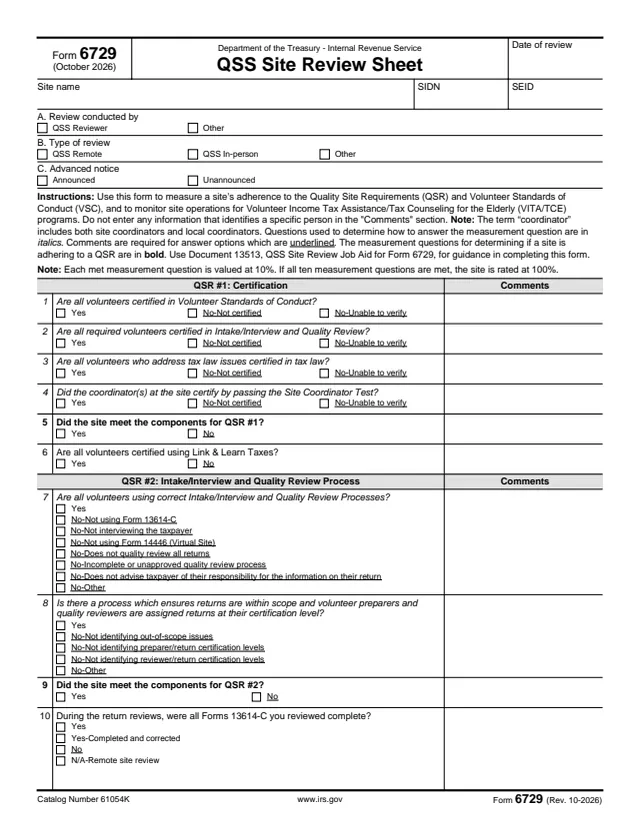
6729
145 fields, 3 pages
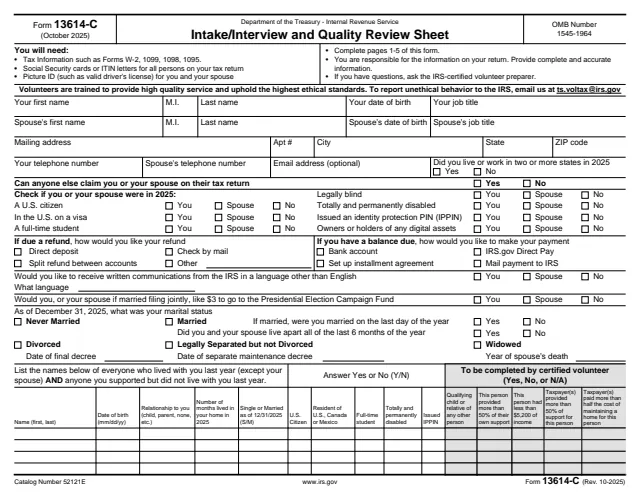
13614-C
297 fields, 6 pages
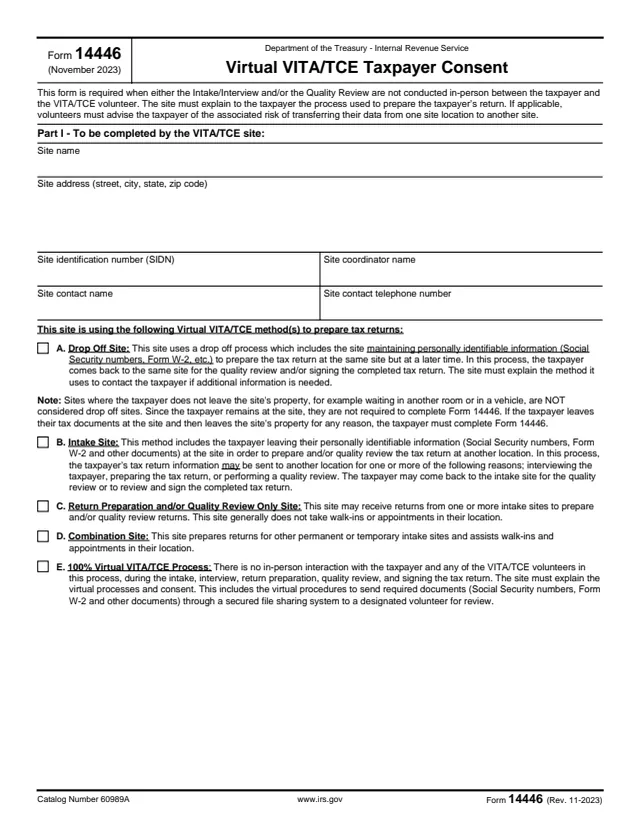
14446
41 fields, 3 pages
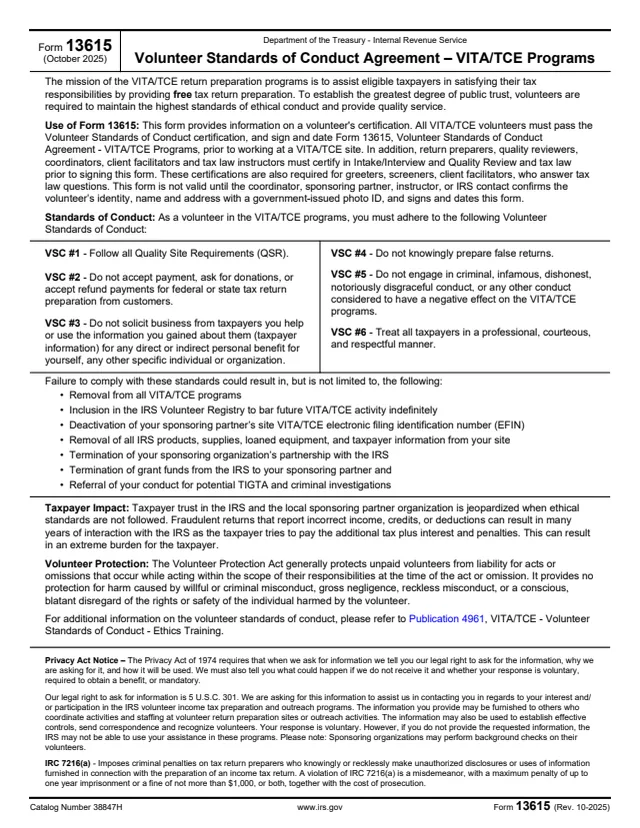
13615
76 fields, 2 pages
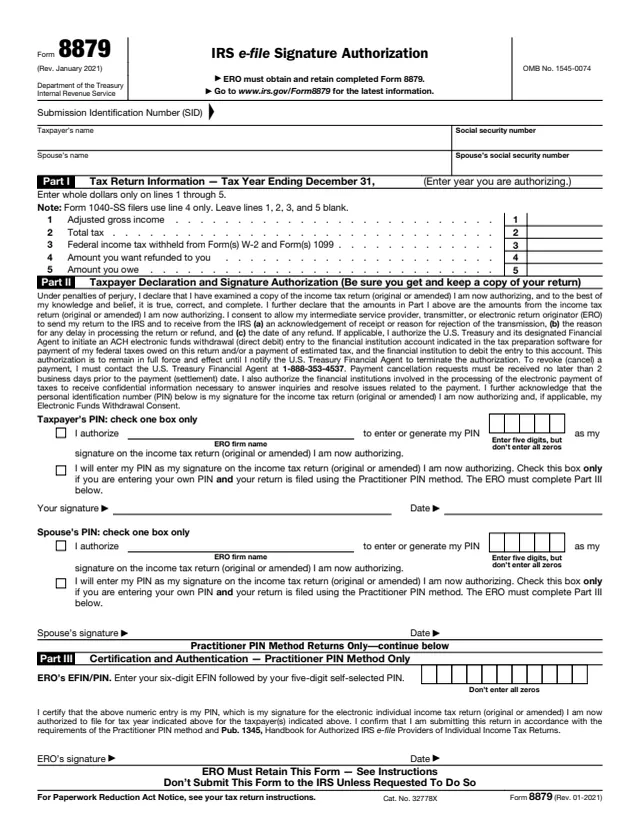
8879
20 fields, 2 pages
The form is completed by the person reviewing a VITA/TCE site. It records findings about the site, not about a taxpayer's return.
No tool matches that search.
No. It is a site review sheet completed by the reviewer, and the form refers partners and SPEC employees to their own guides for completing it.
The form says it measures a site's adherence to the Quality Site Requirements and Volunteer Standards of Conduct, and monitors site operations for the VITA/TCE programs.
The form awards 10 points for each measurement question marked Yes. The measurement questions are 5, 9, 11, 12, 16, 18, 19, 20, 21 and 26.
Partners use Publication 5140, VITA/TCE Site and Return Reviews Job Aid for SPEC Partners. SPEC employees use Document 13341, Field, Remote and Return Review Resource Guide for SPEC Employees.
No. The form says not to enter any information that identifies a specific person in the Comments box.
Box B lists a field site visit, remote site review, partner review or other. Box C records whether the review was announced or unannounced.