True vector paths, counted in our test
The SVG we downloaded held 8 path elements, 0 text elements and 0 image elements. Shapes, curves and lines were written as paths, so the picture scales without turning soft.
Add an EPS file and get an SVG back. In our test the shapes stayed vector paths and the text became outlines.
To convert eps to svg, add the .eps file, keep SVG as the output format and download the result. In our test, a 707 byte EPS became a 10,316 byte svg made of 8 vector paths, with no live text and no embedded image. This page is for designers, craft cutter users and developers who hold an old EPS logo or drawing and need a file that a browser or a vector editor opens.
Transfers use HTTPS, and files converted on the free tier are deleted after 24 hours, so the result is not a long-term archive. Quality depends on the source file, so open the SVG file once before you share it.
EPS (Encapsulated PostScript)
A PostScript program that describes one rectangular graphic, made by Adobe in the late 1980s so illustrations could be placed in printed documents. It is mostly vector, can embed raster images, and states its size in a %%BoundingBox header line. It has no layers or transparency, needs a PostScript interpreter such as Ghostscript to draw, and version 3.0 from 1992 is the last one Adobe published.
SVG (Scalable Vector Graphics)
An XML-based vector format from the W3C. Shapes, paths and text are stored as drawing instructions, not pixels, so an SVG stays sharp at any size and can be styled with CSS, animated or scripted inside a browser.
A 707 byte EPS test drawing we made, converted to SVG on indox.org
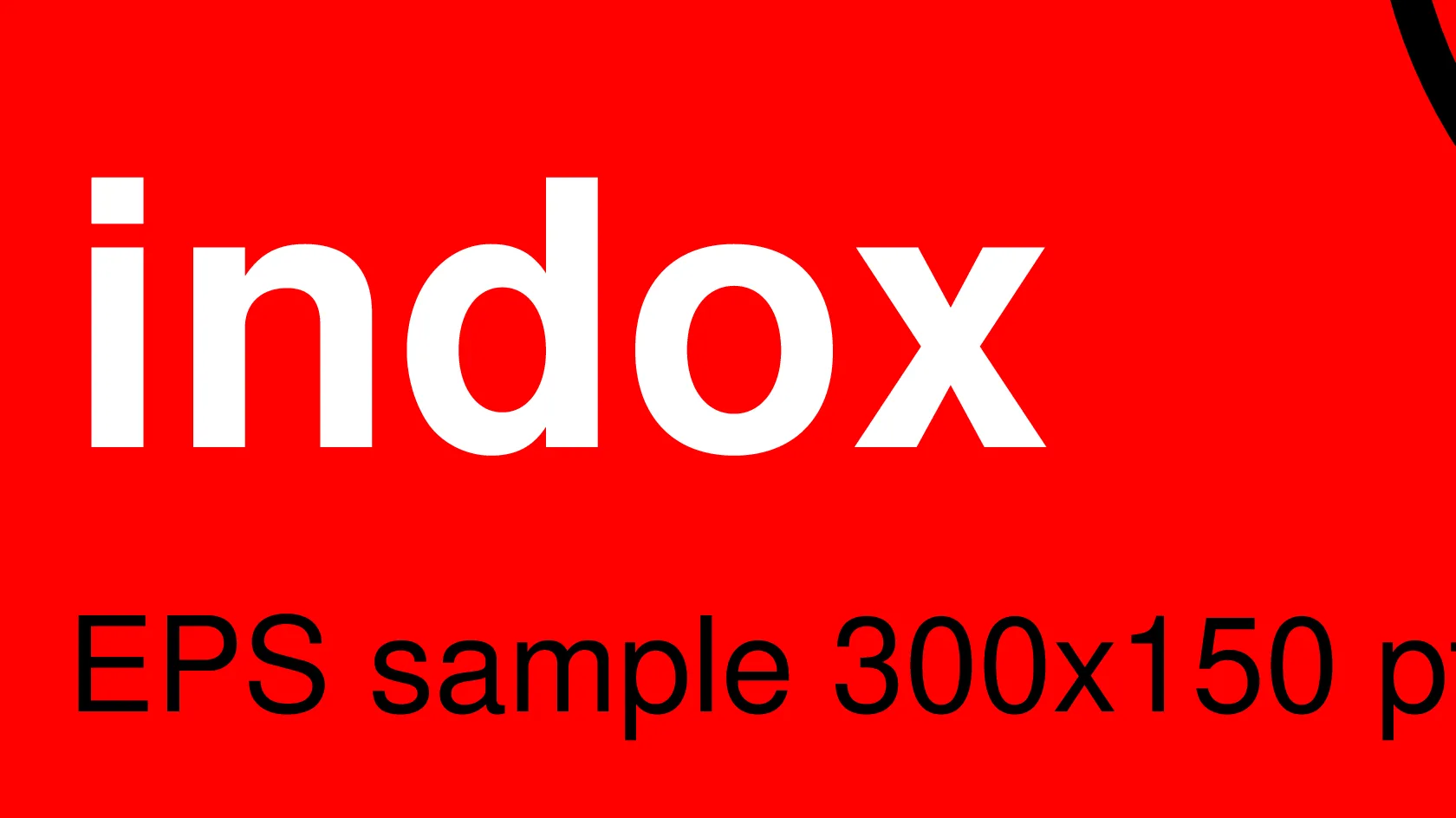
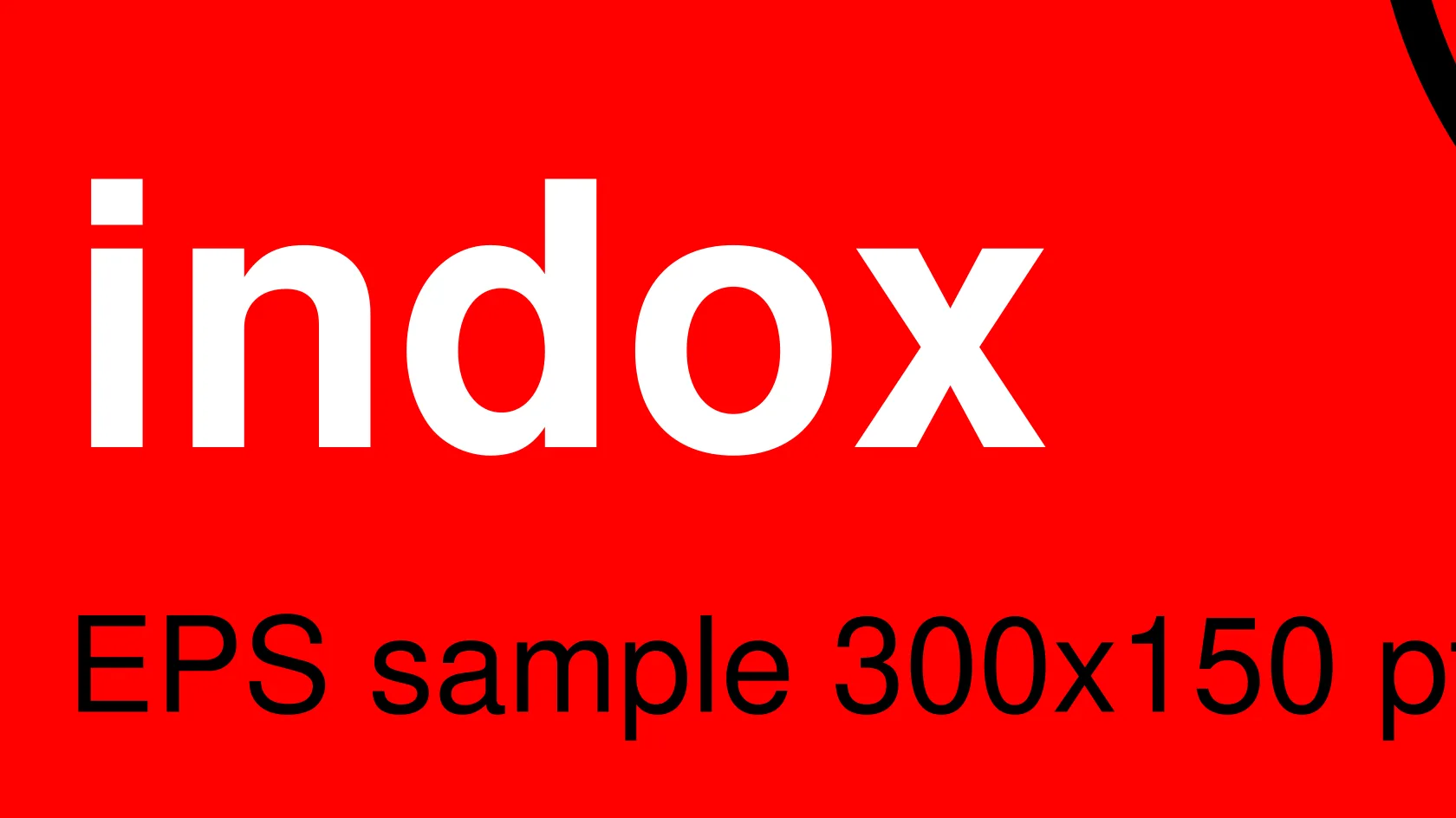
The SVG we downloaded held 8 path elements, 0 text elements and 0 image elements. Shapes, curves and lines were written as paths, so the picture scales without turning soft.
The conversion runs on indox servers, so you only need a browser. You add the EPS, convert it and save the SVG, then open it in a browser or any vector editor.
The EPS declared a 300 by 150 point box, and the SVG came out 300pt by 150pt with a matching viewBox. The drawing keeps the proportions the EPS stated.
Drop the file on the box or choose it from your device. Keep the EPS: it is your original, and the SVG is a separate copy.
Check that SVG is the output format on the converter and start the conversion. In our test it took 3.3 seconds from the click to Completed.
Save the SVG and open it in a browser or your vector editor. Check the text, the colours and the edges before you use it in a design, on a site or in a cutter app.
You hand over an EPS and take away an SVG whose shapes are real vector paths, ready for the web and for editors. The page states in advance what happens to text, colour and bitmaps, so you can judge whether the file fits the job before you convert.
The upload box shows the live size limit before you add a file. Signing in raises it; a paid plan does not change it.
EPS in, SVG out. Pick another output on the converter if you need a different format.
Files are encrypted in transit over HTTPS and processed on indox infrastructure.
Free-tier files are kept for 24 hours after the job finishes, then deleted automatically.
| What you see | Why | What to do |
|---|---|---|
| The text cannot be edited | The converter writes text as outlines | Edit the text in the source file and convert again, or edit the shapes in a vector editor |
| A photo inside the logo looks soft | It is a bitmap stored as a lossy JPEG, not a vector | Enlarge the original picture, or place a better image over the vector part |
| Colours look different from the print | The SVG uses RGB, not CMYK or spot colours | Keep the EPS for print and use the SVG for screens |
| Extra shapes show in an editor | Content outside the bounding box is kept and only hidden by the viewBox | Delete the shapes outside the artboard in your editor |
| The conversion fails or the image is blank | The EPS may be damaged or may hold only a preview image | Open the EPS in its source program and save it again; if you need a raster copy try EPS to PNG |
| Compared on | EPS | SVG |
|---|---|---|
| Made for | Placing a graphic in printed documents | Graphics on screens and the web |
| Content | PostScript program, mostly vector, can embed bitmaps | Vector shapes, images and text |
| Where it opens | Print tools and programs with a PostScript interpreter | Browsers, vector editors and cutter software |
| Text | Fonts and text as written in the program | Text or, as here, outlines |
| Typical use | Print masters and legacy logo packs | Web logos, icons and cutter files |
Facts checked on November 5, 2026
No tool matches that search.
Open the converter, add your EPS file, keep SVG as the output and download the result. In our test we converted without signing in and without seeing a limit or a payment prompt, but you should check the converter itself for current terms.
Yes for the drawing itself. Our test SVG held 8 path elements and no image element. A bitmap that was inside the EPS stays a bitmap and is not turned into vectors.
It becomes outlines. In our test the SVG had 0 text elements and no font references, and each text run was a glyph-outline path. The look is kept, but you cannot edit or search it as text.
They are written as RGB hex values. Our test file came out with colours such as #f00, #00f and #0f0, and no CMYK values. Artwork made for print can look different from the printed result.
SVG is the format web pages and most cutter software read, so it suits both. Open it once first and check the text, the colours and the visible area.
EPS needs a PostScript interpreter such as Ghostscript or a program like Illustrator that includes one. SVG opens in every major browser and in most vector editors.
Yes. The conversion happens on indox servers, so you only need a browser. You can open the SVG afterwards in a browser or a free vector editor.
The SVG shows the area of the EPS bounding box. Anything outside the box is cropped by the viewBox, although in our test it was still stored in the file as paths.
Use SVG for the web and for screen use. Keep the EPS if a printer or an older program asks for it, since it is the original and carries the print setup.