Vector in, vector out
The SVG we got back held path and text elements and no embedded picture, so it scales without blurring.
Add a PDF-compatible .ai file and get an SVG back. Paths stay vector and text stays text. A multi-artboard file gives the first artboard only.
To convert ai to svg, add the .ai file, keep SVG as the output format and download the result. In our test, a 1,382 byte .ai with two artboards became one 2,224 byte svg of the first artboard, with 5 vector paths and one live text element.
Transfers use HTTPS, and files converted on the free tier are deleted after 24 hours, so the result is not a long-term archive. Quality depends on the source file, so open the SVG file once before you share it.
AI (Adobe Illustrator Artwork)
The native vector format of Adobe Illustrator. Shapes, paths and text are stored as drawing instructions, and a file can hold several artboards. Since Illustrator 9 a file can also carry an embedded PDF copy of the artwork when it is saved with the PDF-compatible option, and that copy is what other programs read. Adobe controls the format and does not publish a full specification.
SVG (Scalable Vector Graphics)
An XML-based vector format from the W3C. Shapes, paths and text are stored as drawing instructions, not pixels, so an SVG stays sharp at any size and can be styled with CSS, animated or scripted inside a browser.
A two-artboard logo saved as .ai, 1,382 bytes, converted on indox.org
The SVG we got back held path and text elements and no embedded picture, so it scales without blurring.
The conversion runs on indox servers, so any browser on Windows, Mac, Linux or a phone can do it. You can open the SVG in a browser, Inkscape or a code editor.
A file with several artboards gives one SVG. A .ai file saved without a PDF copy failed in our test, and the limits below explain the fix.
Drop the file on the box or choose it from your device. It needs to be a PDF-compatible .ai file, which is what Illustrator saves when Create PDF Compatible File is on. Keep the original: it is your editable master.
Check that SVG is the output format and start the conversion. In our test it took 3.8 seconds from the click to Completed.
Save the file and open it in a browser. Look at the text, because a font missing on your computer is replaced. If the file had several artboards, this SVG shows the first one.
You hand over an Illustrator .ai file and take away an SVG of its first artboard that opens on the web, in Inkscape and in code. The page lists what the conversion keeps and drops before you start.
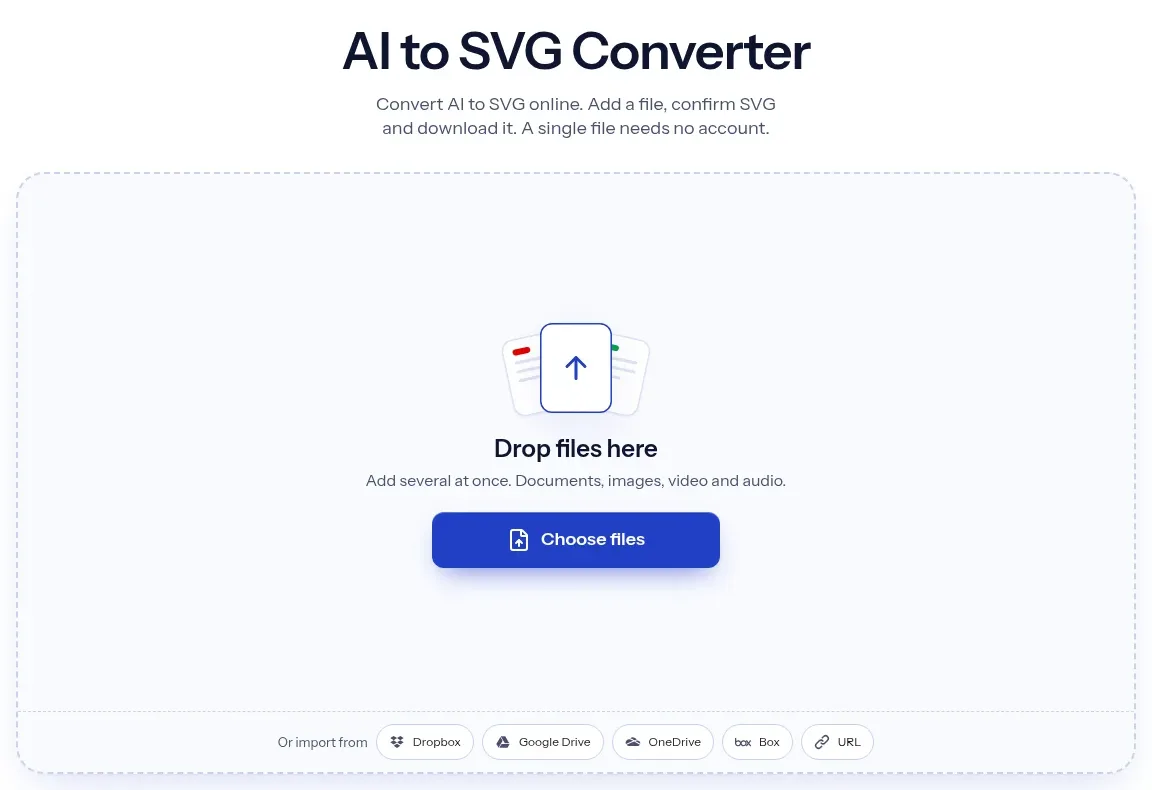
The upload box shows the live size limit before you add a file. Signing in raises it; a paid plan does not change it.
AI in, SVG out. Pick another output on the converter if you need a different format.
Files are encrypted in transit over HTTPS and processed on indox infrastructure.
Free-tier files are kept for 24 hours after the job finishes, then deleted automatically.
| What you see | Why | What to do |
|---|---|---|
| The conversion fails with an error | The .ai file holds PostScript only and has no PDF copy | Re-save it in Illustrator with Create PDF Compatible File turned on, then retry |
| Only one artboard comes back | The converter takes the first artboard | Save each artboard as its own file in Illustrator and convert them one by one |
| The text looks different | The SVG names Helvetica and does not embed it | Outline the text in Illustrator first, or install the font on the viewing computer |
| You want a picture, not an editable vector | SVG keeps shapes, which suits scaling | Use AI to PNG for a fixed picture |
| You need to print or send the whole design | SVG covers one artboard of drawing data | Use AI to PDF |
| Compared on | AI | SVG |
|---|---|---|
| Made for | Editing artwork in Adobe Illustrator | Showing and editing vector graphics on the web and in many tools |
| Pages | One file can hold several artboards | One drawing per file |
| Text | Live text with fonts from your machine or Adobe | Live text that names a font, or outlined shapes |
| Where it opens | Illustrator and some design tools, from a PDF copy inside | Every browser, Inkscape and code editors |
| Typical use | Master files for designers | Logos, icons and web graphics |
Facts checked on November 4, 2026
No tool matches that search.
Open the converter, add your .ai file, keep SVG as the output and download the result. You do not need Illustrator or any software on your computer. The page showed a cost of 7 credits per conversion when we ran it, and no limit or sign-up wall appeared for an anonymous visitor.
In our test it was real vector. The output held 5 path elements, one text element and no image element. Nothing was traced, and the shapes keep their exact colours.
In our test the text stayed live text with font-family Helvetica in bold. It was not outlined and the font was not embedded. A computer without the font shows a substitute, so outline the text in Illustrator when the exact shapes matter.
No. Our file had two artboards and we got one SVG, with only the first artboard. To get the others, save each artboard as its own file in Illustrator and convert them one by one.
The file is probably PostScript-only. A tiny Illustrator 8 style file failed in our test with a backend error. Open it in Illustrator, save it again with Create PDF Compatible File on, then retry.
Layers are not kept as layers: we got one flat group marked as a layer. Opacity was kept as vector. Our sample had no gradient, so we cannot say how gradients and masks behave. Check them in the SVG.
The conversion uses Inkscape, so the file carries sodipodi and inkscape namespaces and a named view. Browsers ignore them. You can remove them in a text editor or save a plain SVG from Inkscape if you want a cleaner file.
Use SVG when you need to scale or edit shapes. Use [AI to PNG](/convert/ai-to-png) for a fixed picture, such as a social post or a document, and [AI to PDF](/convert/ai-to-pdf) for sharing or printing the whole file.