Block 1: property
Region, property name and location, and GSA control number.
GSA1686
Real Property Disposal Activities Control
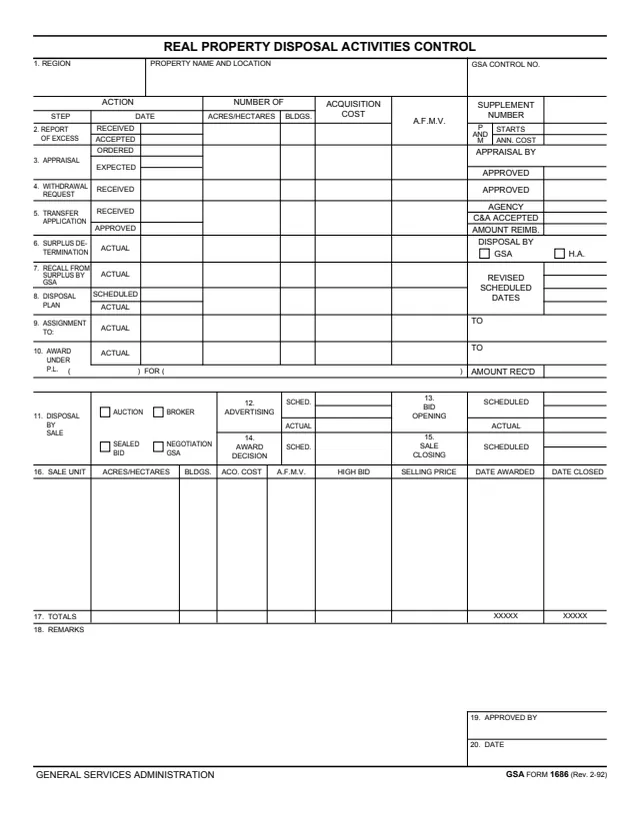
GSA Form 1686, Real Property Disposal Activities Control, is a General Services Administration form, Rev. 2/1992. GSA hosts it in its forms library.
The one-page form is headed by the region, the property name and location and a GSA control number. Rows 2 to 10 record action dates for each step of a disposal: report of excess, appraisal, withdrawal request, transfer application, surplus determination, recall from surplus by GSA, disposal plan, assignment and award, with acres or hectares, buildings, acquisition cost and A.F.M.V. on each row. Rows 11 to 17 cover disposal by sale and a sale unit table with totals.
The form ends with remarks and an APPROVED BY block with a date. It prints no instructions. You can fill it out free in your browser on this page and download the result without an account.
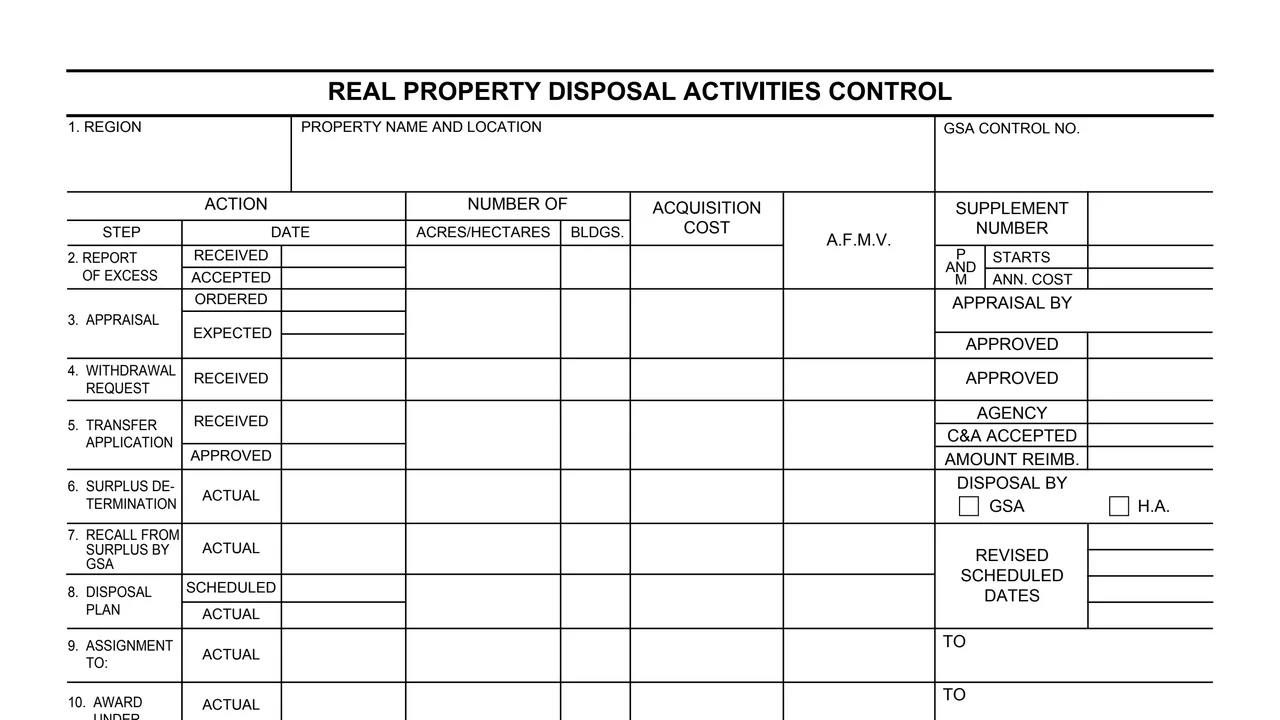
Region, property name and location, and GSA control number.
Dates the report of excess was received and accepted, the appraisal was ordered and expected, a withdrawal request was received, and a transfer application was received and approved.
Actual dates for the surplus determination, recall from surplus by GSA, assignment and award, and scheduled and actual dates for the disposal plan.
Each step row has acres or hectares, buildings, acquisition cost and A.F.M.V. The side column holds the supplement number, P and M starts and annual cost, and revised scheduled dates.
Boxes for auction, broker, sealed bid or negotiation GSA, with scheduled and actual dates for advertising, bid opening, award decision and sale closing.
A sale unit table with acres or hectares, buildings, cost, A.F.M.V., high bid, selling price, date awarded and date closed, then totals, remarks, approved by and date.
Enter the region, the property name and location and the GSA control number in block 1.
On rows 2 to 10, enter the date for each step, with the acres or hectares, buildings, acquisition cost and A.F.M.V. on that row.
Fill in the supplement number, appraisal, agency and reimbursement details, the GSA or H.A. box, and any revised scheduled dates.
For disposal by sale, check auction, broker, sealed bid or negotiation GSA, and enter scheduled and actual dates for advertising, bid opening, award decision and sale closing.
Add one line per sale unit in row 16, with high bid, selling price, date awarded and date closed, and enter the totals in row 17.
Write any remarks in block 18. Blocks 19 and 20 hold APPROVED BY and the date.
You get the real form, filled in a browser tab, with nothing standing between you and the finished PDF.
The PDF gives no filing address or routing. Its only approval blocks are APPROVED BY and DATE.
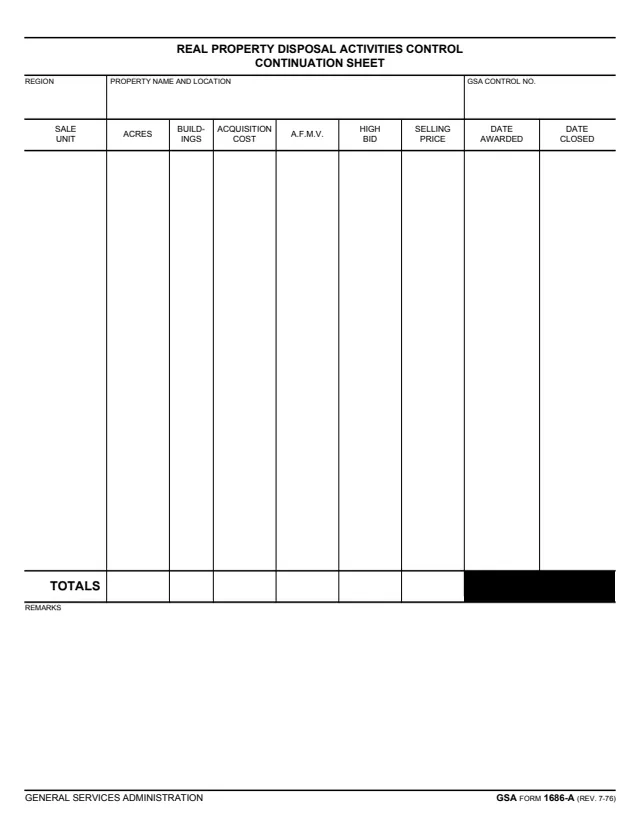
GSA also hosts GSA Form 1686-A, Real Property Disposal Activities Control Continuation Sheet, with the same sale unit columns. The GSA Form 1686 PDF itself does not mention it.
Row 17 prints XXXXX in the date awarded and date closed columns.
The PDF is a single page and prints no instructions, Privacy Act notice, OMB number or burden estimate. GSA's page lists no authority.
GSA1686A
217 fields, 1 page
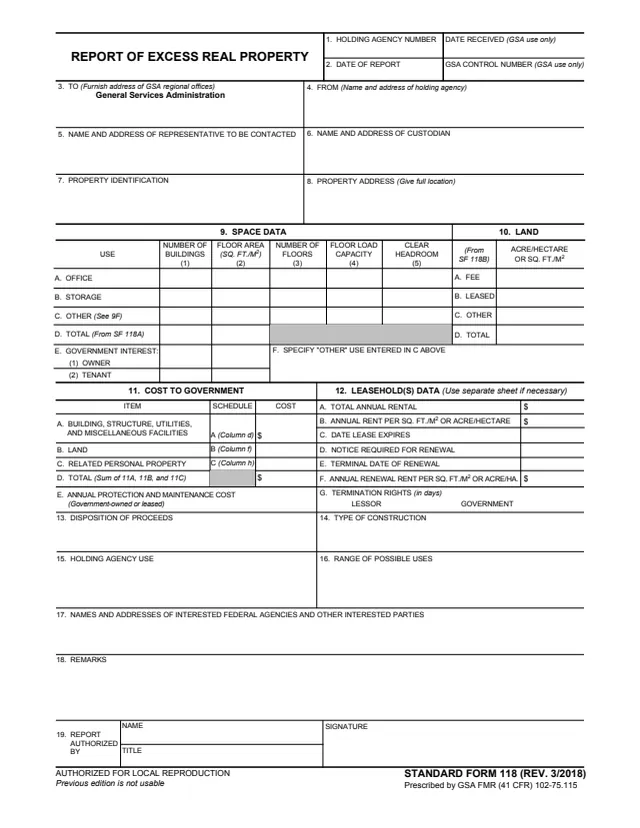
SF118
58 fields, 1 page
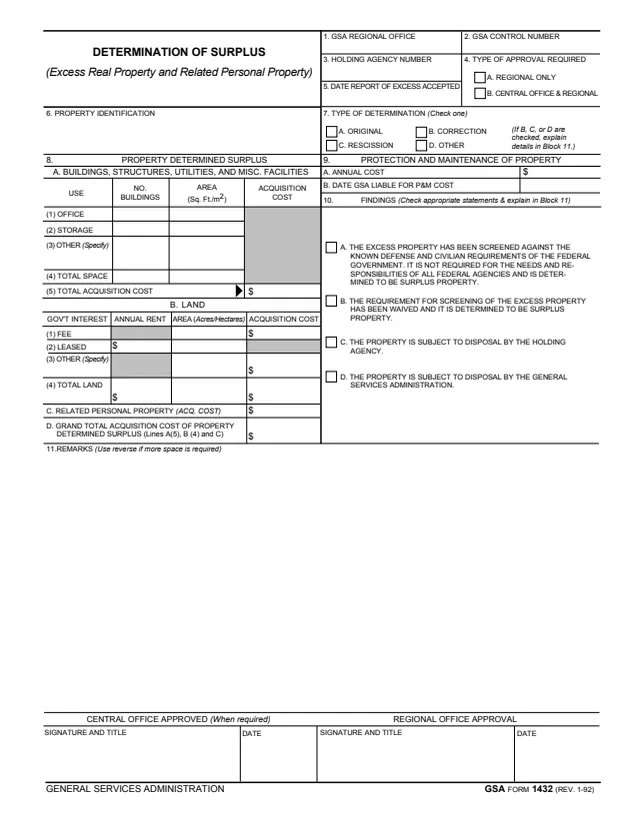
GSA1432
46 fields, 1 page
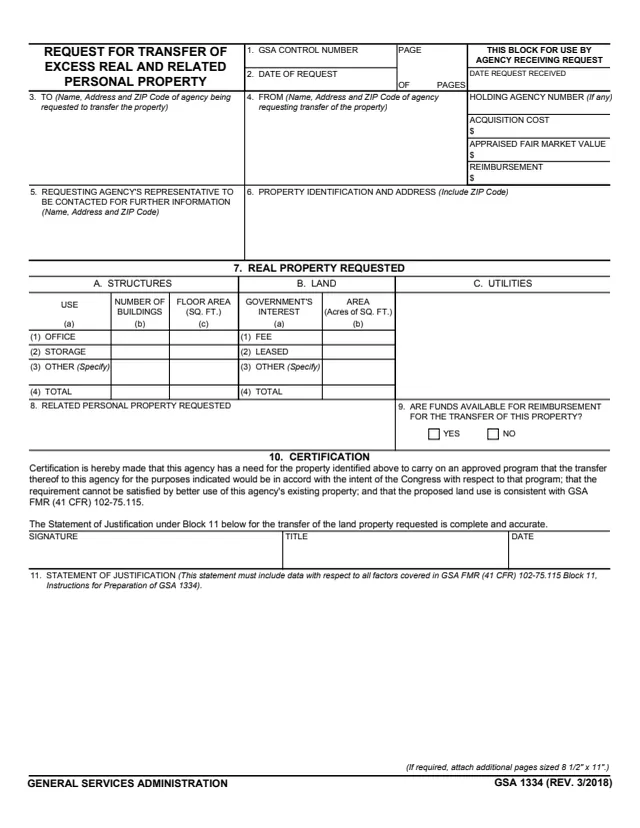
GSA1334
35 fields, 1 page
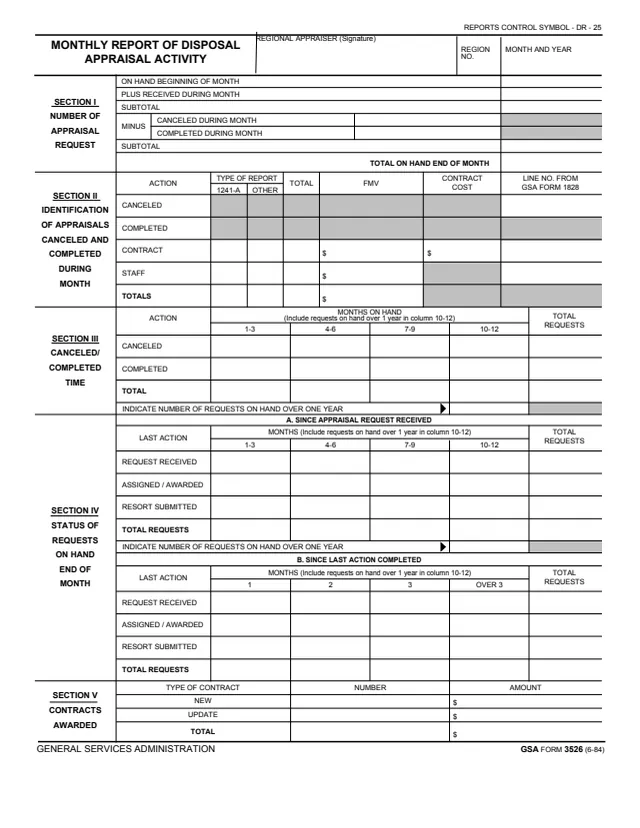
GSA3526
89 fields, 1 page
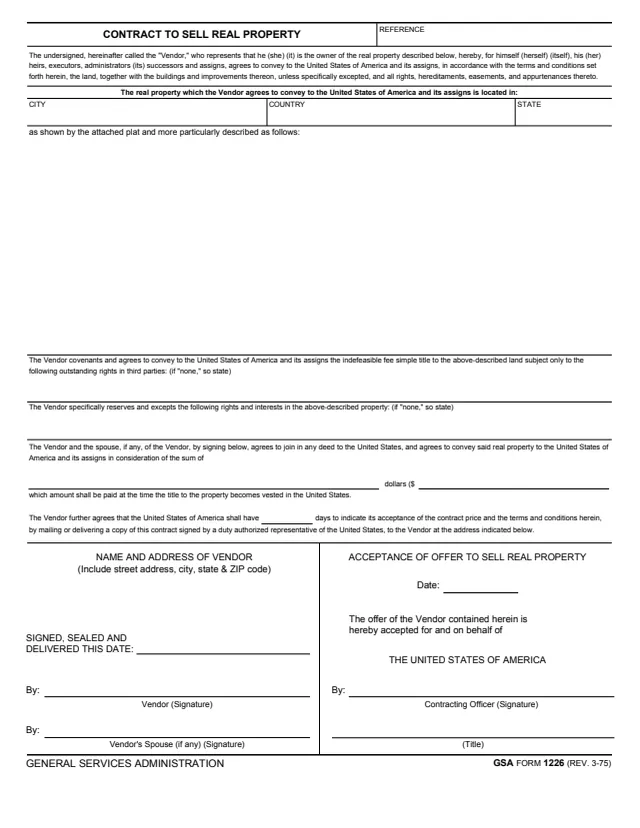
GSA1226
19 fields, 2 pages
The form prints no instructions and does not say who completes it. These are the blocks that name people or offices.
No tool matches that search.
The form is printed as a General Services Administration form, Rev. 2/1992. GSA hosts it in its forms library, and its page lists no authority or regulation.
Report of excess, appraisal, withdrawal request, transfer application, surplus determination, recall from surplus by GSA, disposal plan, assignment, award, and disposal by sale.
Row 11, disposal by sale, has boxes for auction, broker, sealed bid and negotiation GSA.
GSA hosts GSA Form 1686-A, Real Property Disposal Activities Control Continuation Sheet, which repeats the region, property and control number header with a longer sale unit table, totals and remarks.
Block 19 is APPROVED BY and block 20 is the date. The form does not say who the approver is.