Locale
A Check One box at the top right with two choices: Regional and Central Office.
GSA1500
Report of Security Violation
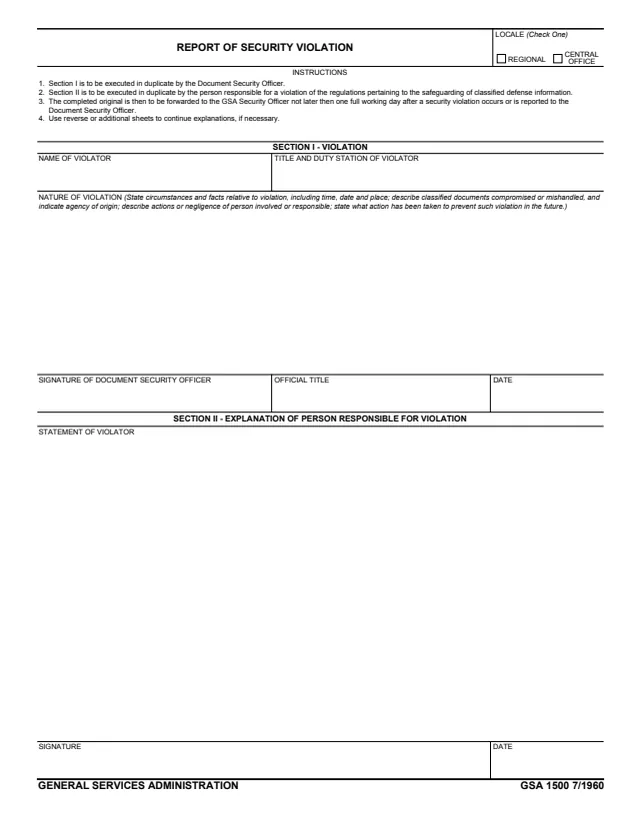
GSA Form 1500, Report of Security Violation, is a one-page General Services Administration (GSA) form, printed as GSA 1500 7/1960. GSA hosts it in its forms library, and GSA's page lists no authority or regulation for it.
The form records a violation of the regulations pertaining to the safeguarding of classified defense information. Section I, Violation, is executed by the Document Security Officer and gives the name, title and duty station of the violator and the nature of the violation. Section II, Explanation of Person Responsible for Violation, holds the violator's statement, signature and date. A Locale box at the top is checked Regional or Central Office.
The form says each section is executed in duplicate and the completed original is forwarded to the GSA Security Officer. It prints no OMB number, Privacy Act statement or time estimate. You can fill it out free in your browser on this page and download the result without an account.
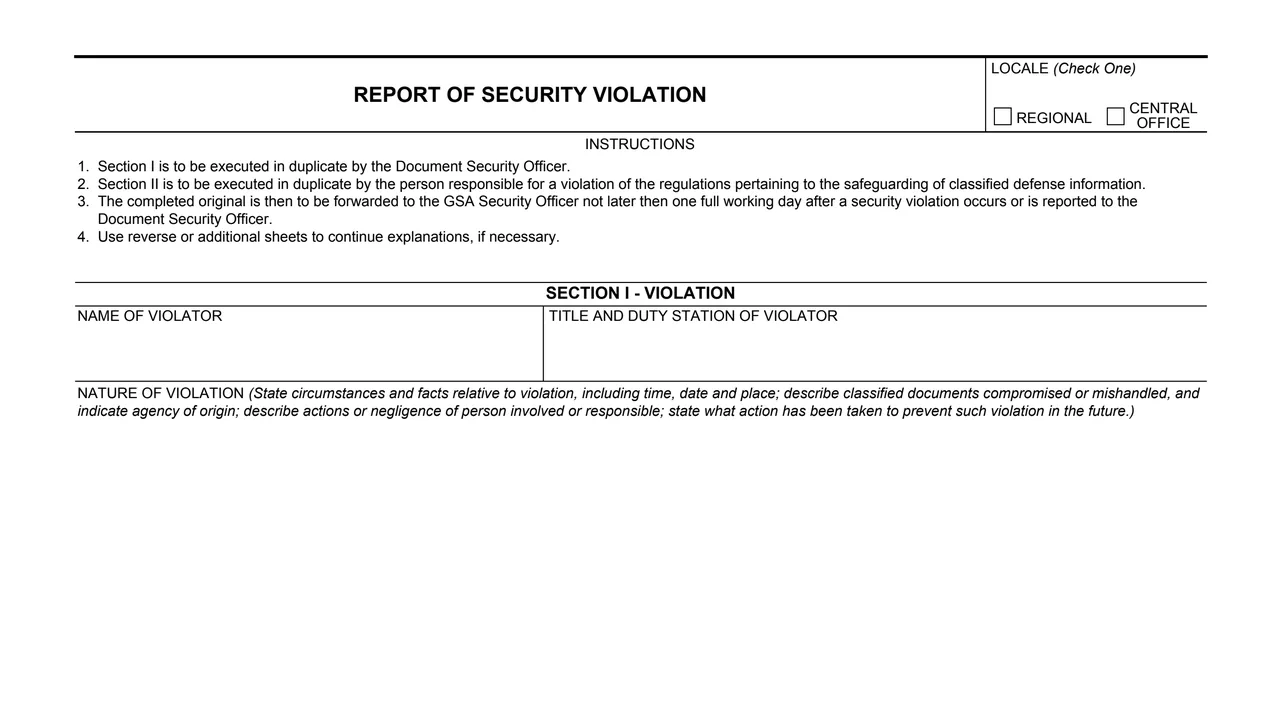
A Check One box at the top right with two choices: Regional and Central Office.
Four numbered instructions on who executes each section, where the completed original goes and when, and the use of reverse or additional sheets.
Blocks for the name of the violator and the title and duty station of the violator.
A large block for the circumstances and facts, including time, date and place, the classified documents compromised or mishandled and their agency of origin, the actions or negligence of the person involved, and the action taken to prevent such violation in the future.
Signature of the Document Security Officer, official title and date.
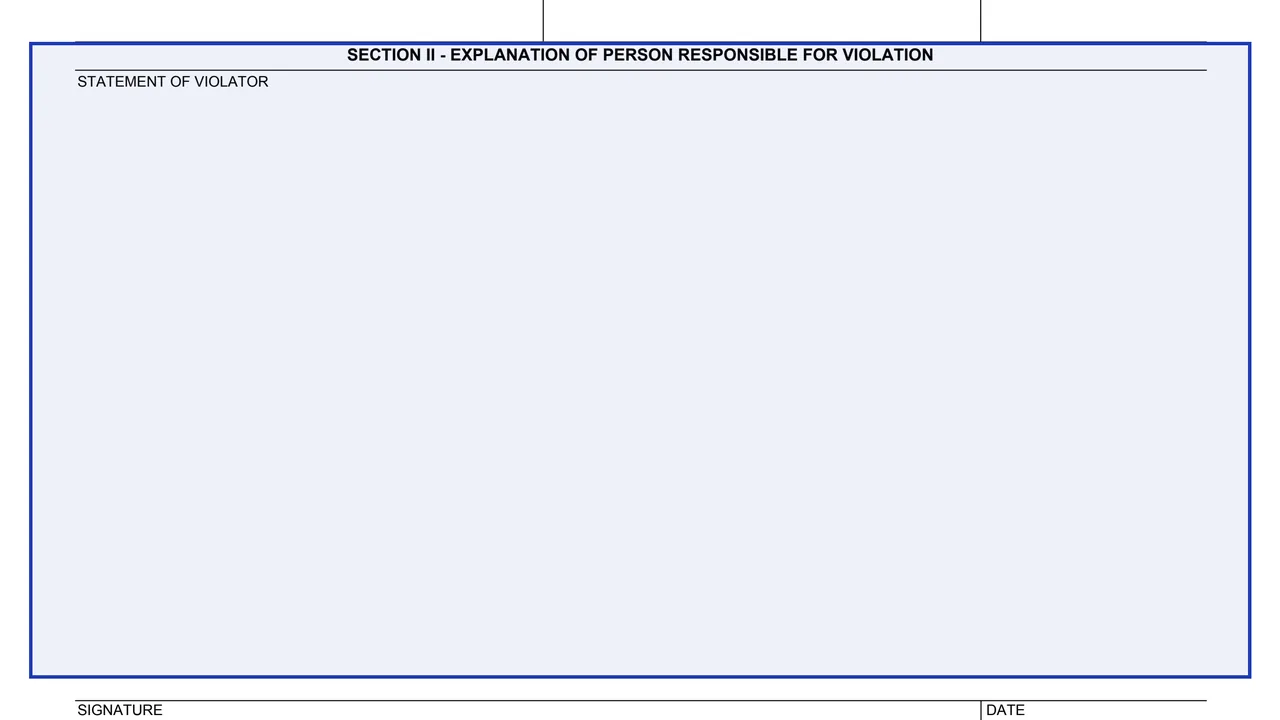
A large block headed Statement of Violator, followed by a signature and date at the bottom of the page.
Mark Regional or Central Office in the Locale box at the top right.
In Section I, enter the name of the violator and the violator's title and duty station.
The Nature of Violation block asks for time, date and place, the classified documents compromised or mishandled, the agency of origin, the actions or negligence involved, and the action taken to prevent such violation in the future.
The Document Security Officer signs and enters an official title and the date.
Section II holds the statement of the person responsible, with a signature and date. The form says to use reverse or additional sheets to continue explanations, if necessary.
The form says the completed original is forwarded to the GSA Security Officer "not later then one full working day after a security violation occurs or is reported to the Document Security Officer."
You get the real form, filled in a browser tab, with nothing standing between you and the finished PDF.
The form says the completed original is forwarded to the GSA Security Officer. It prints no address.
In the form's own words, the original is forwarded "not later then one full working day after a security violation occurs or is reported to the Document Security Officer."
The form says Section I and Section II are each executed in duplicate.
GSA's page lists form number GSA1500 and a current revision date of 07/1960, with no authority or regulation given.
The form prints no Privacy Act statement, OMB number or time estimate.
SF312
15 fields, 2 pages
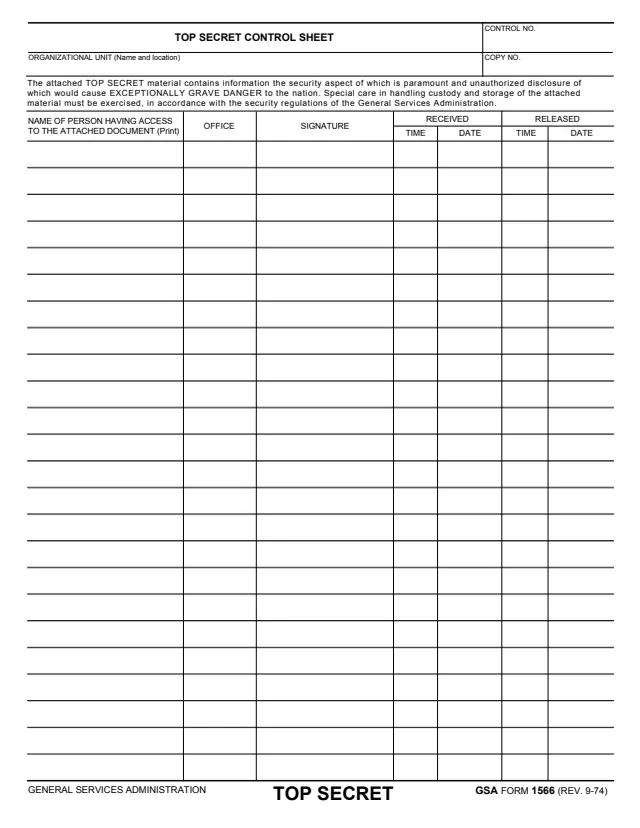
GSA1566
195 fields, 1 page
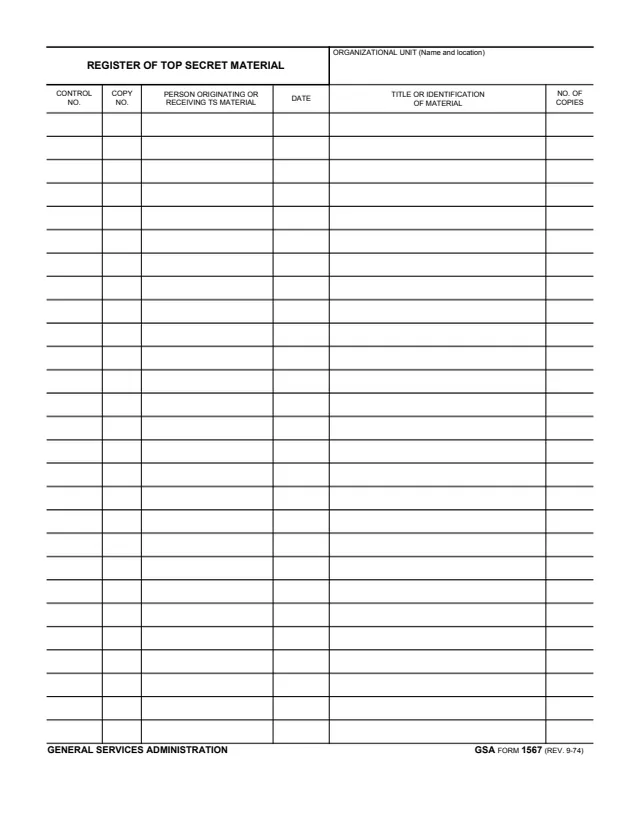
GSA1567
163 fields, 1 page
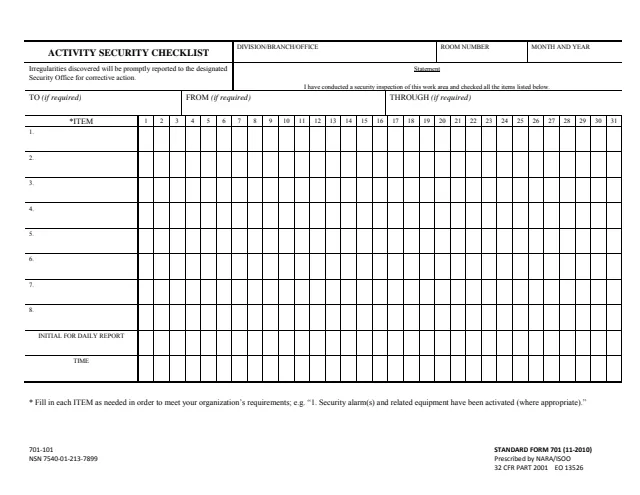
SF701
14 fields, 1 page
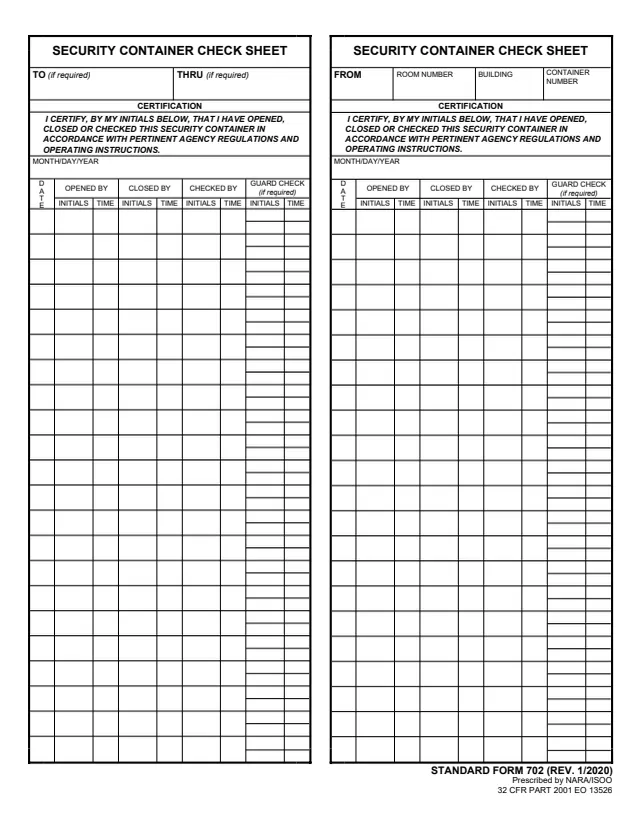
SF702
492 fields, 1 page
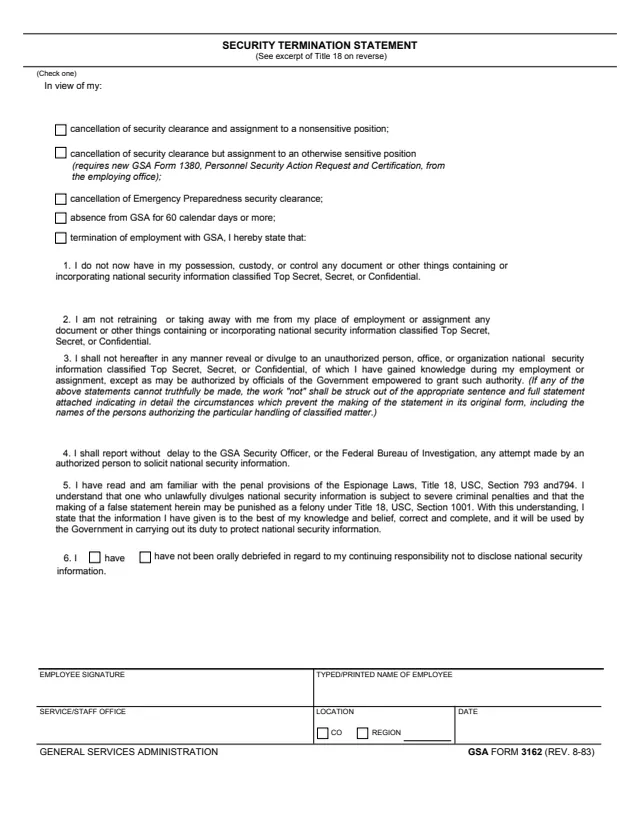
GSA3162
14 fields, 2 pages
The instructions at the top of the form split the work between two people and name the officer who receives it.
No tool matches that search.
The footer reads GENERAL SERVICES ADMINISTRATION and GSA 1500 7/1960. GSA hosts it in its forms library.
The form says Section I is executed in duplicate by the Document Security Officer, and Section II in duplicate by the person responsible for the violation.
The form says the completed original is forwarded to the GSA Security Officer. It prints no address.
The form says "not later then one full working day after a security violation occurs or is reported to the Document Security Officer."
The form says to use reverse or additional sheets to continue explanations, if necessary.
No. The form prints no OMB number, Privacy Act statement or time estimate.