Header
Division, branch or office, room number, and month and year.
SF701
Activity Security Checklist
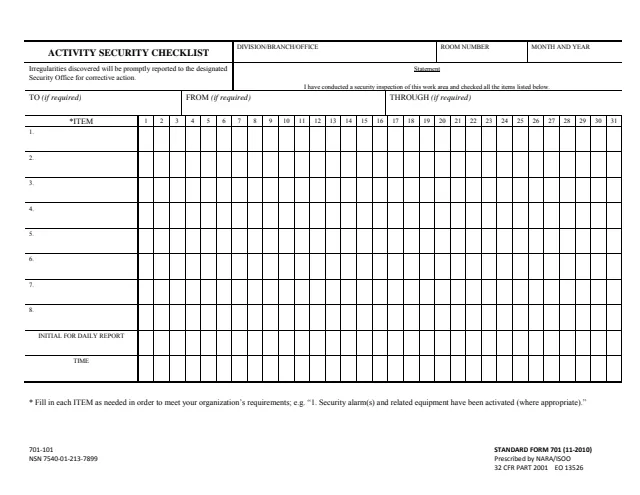
Standard Form 701 (SF 701), Activity Security Checklist, is a one-page checklist for recording security inspections of a work area. Its footer reads Standard Form 701 (11-2010), Prescribed by NARA/ISOO, 32 CFR PART 2001 EO 13526. GSA hosts a copy in its forms library.
The form carries the statement "I have conducted a security inspection of this work area and checked all the items listed below." It has eight item rows that the form says to fill in as needed to meet your organization's requirements, columns numbered 1 to 31 under a month and year heading, and rows to initial the daily report and record the time. The form says irregularities discovered will be promptly reported to the designated Security Office for corrective action. It is an organization's internal record, not something the public files.
You can fill it out free in your browser on this page and download the result without an account.
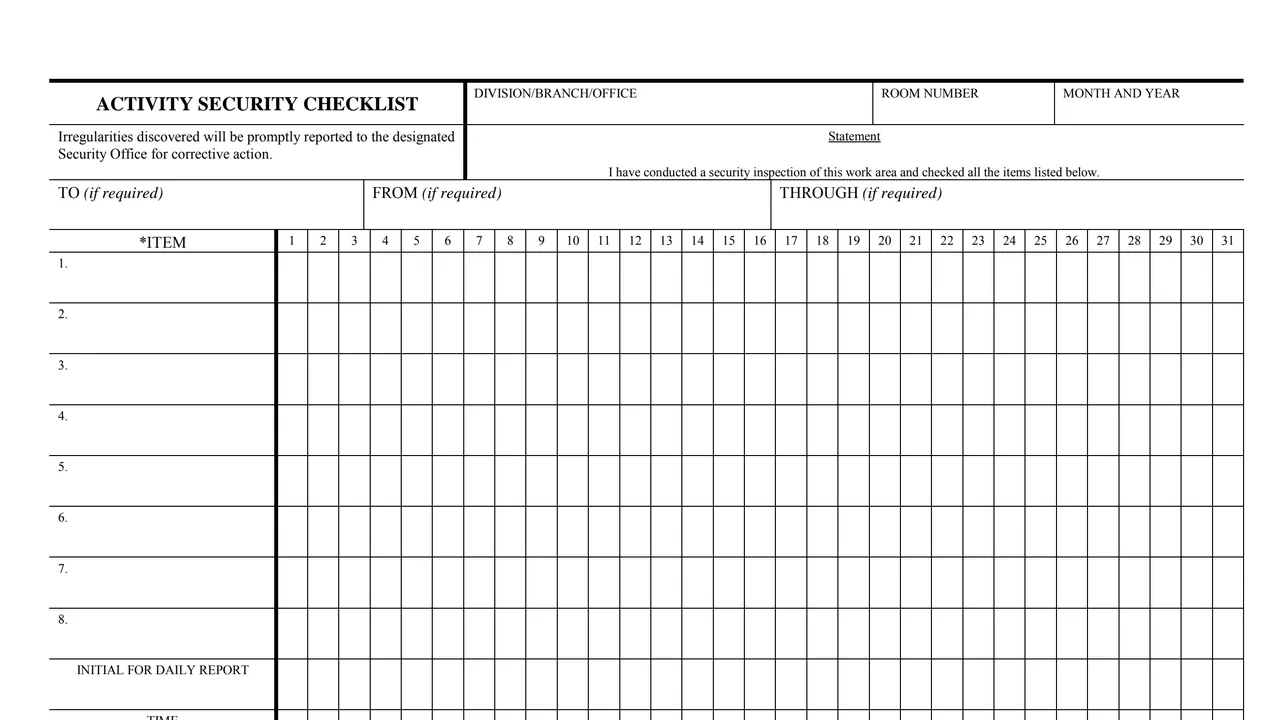
Division, branch or office, room number, and month and year.
"I have conducted a security inspection of this work area and checked all the items listed below."
TO, FROM and THROUGH boxes, each marked if required.
Eight blank item rows, filled in to meet the organization's requirements, running across columns numbered 1 to 31.
Two rows under the items, one for initials for the daily report and one for the time, in each numbered column.
The whole form is one grid on one page.
Enter the division, branch or office, the room number, and the month and year.
Fill in items 1 to 8 as needed to meet your organization's requirements, such as the form's example about security alarms being activated.
Complete the TO, FROM and THROUGH boxes only if required.
Mark the item checks in the numbered column, then enter initials in the Initial for daily report row and the time in the Time row.
The form says irregularities discovered will be promptly reported to the designated Security Office for corrective action.
You get the real form, filled in a browser tab, with nothing standing between you and the finished PDF.
The PDF prints no filing address. Irregularities go to the designated Security Office, and the TO, FROM and THROUGH boxes are used if required.
The footer reads Prescribed by NARA/ISOO, 32 CFR PART 2001 EO 13526. GSA's page lists no authority.
The PDF prints no instructions beyond the footnote, and no OMB number, burden estimate or Privacy Act statement.
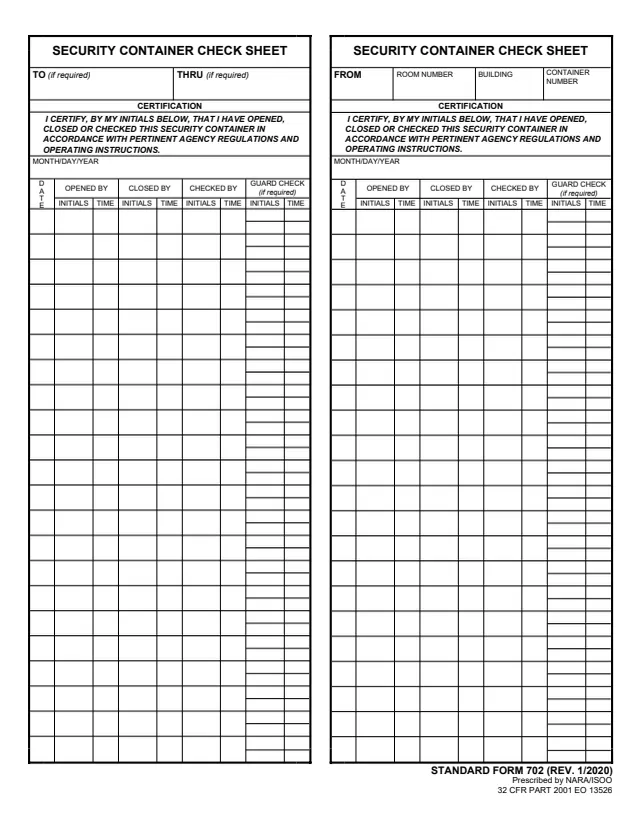
SF702
492 fields, 1 page
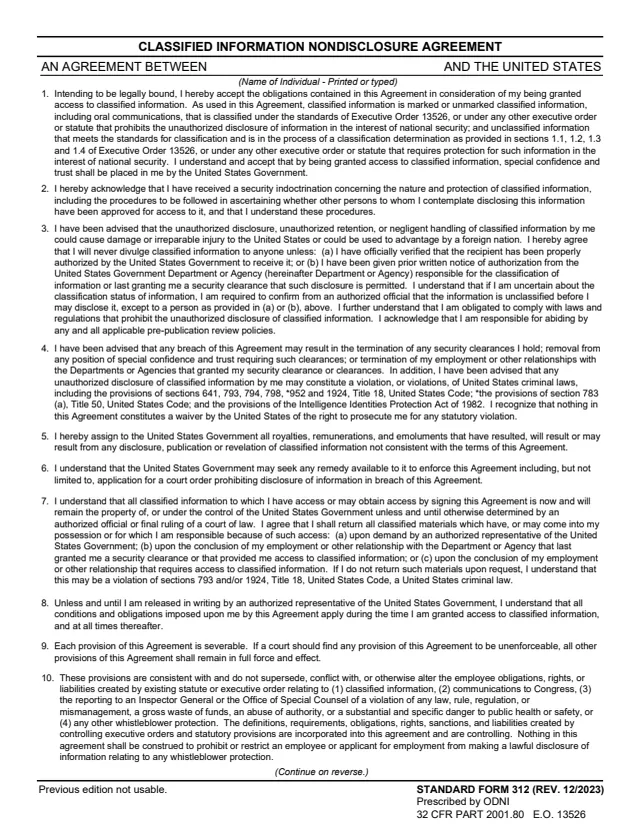
SF312
15 fields, 2 pages
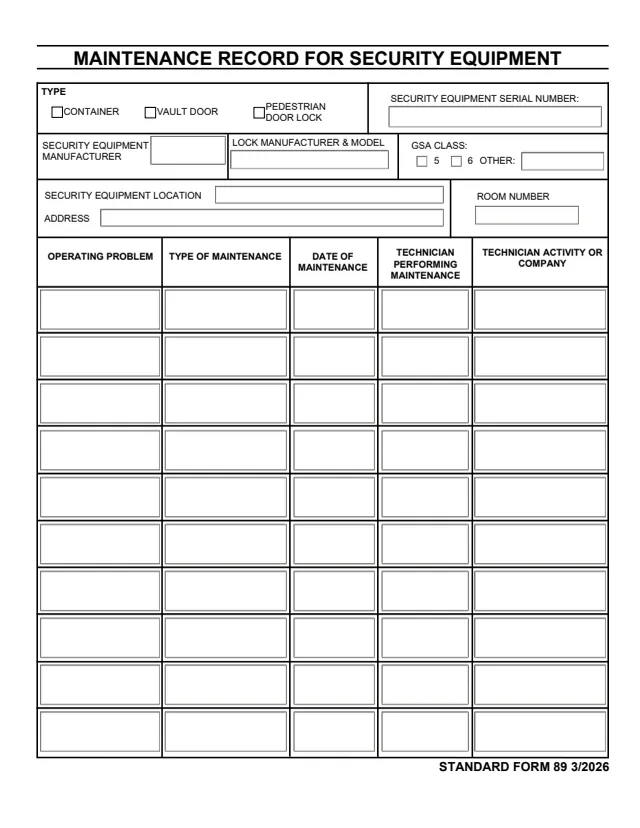
SF89
82 fields, 2 pages
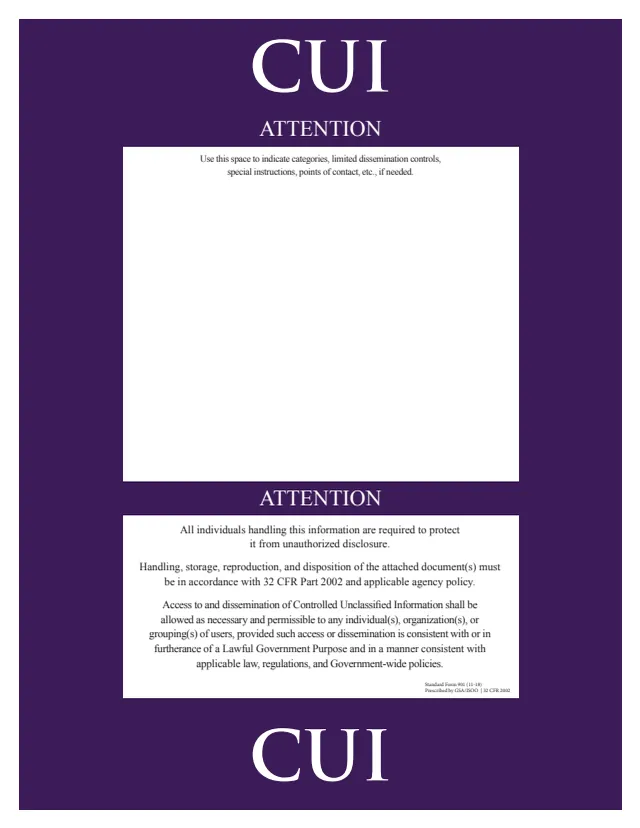
SF901
1 field, 1 page
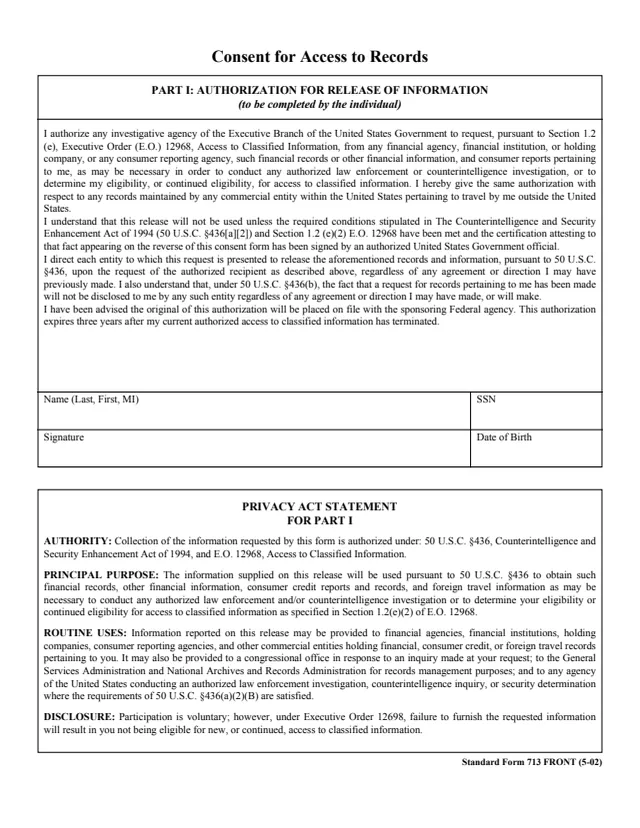
SF713
36 fields, 2 pages
The form names these roles. It does not name a filing office.
No tool matches that search.
The footer says it is prescribed by NARA/ISOO under 32 CFR PART 2001 and EO 13526, edition 11-2010. GSA hosts a copy in its forms library.
The form says to fill in each item as needed to meet your organization's requirements. Its example is "1. Security alarm(s) and related equipment have been activated (where appropriate)."
The form says irregularities discovered will be promptly reported to the designated Security Office for corrective action.
The TO, FROM and THROUGH boxes are each marked if required. The PDF prints no filing address.