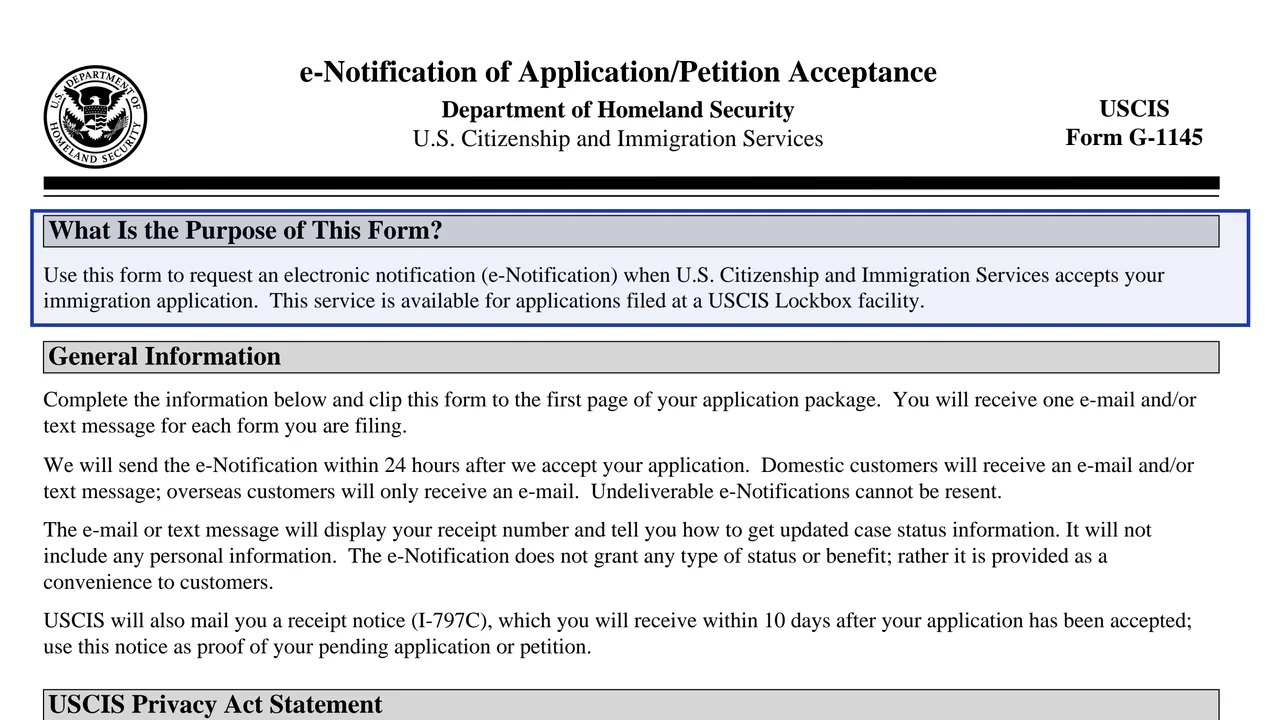
Purpose and general information
Explains that the notice goes out within 24 hours after USCIS accepts the application, that one message is sent per form, and that undeliverable messages cannot be resent.
G-1145
E-Notification of Application/Petition Acceptance
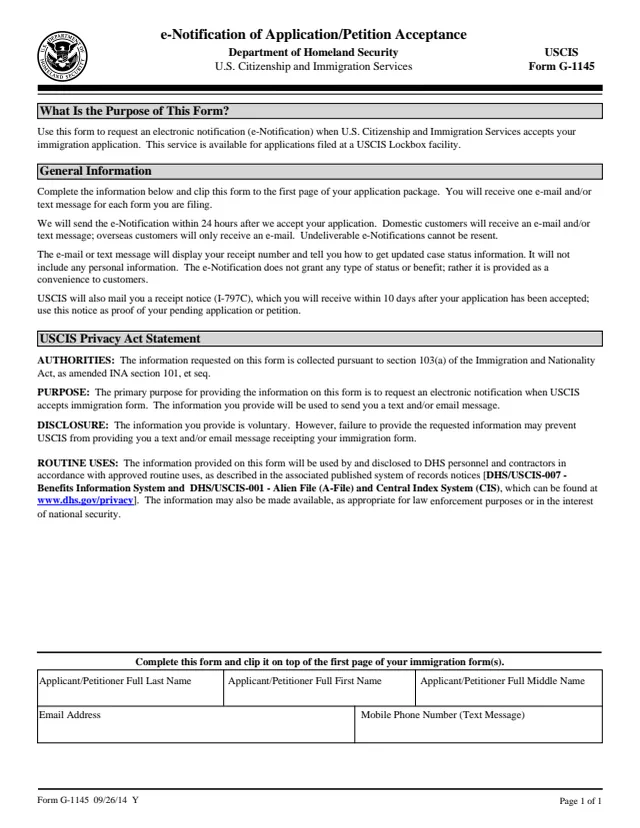
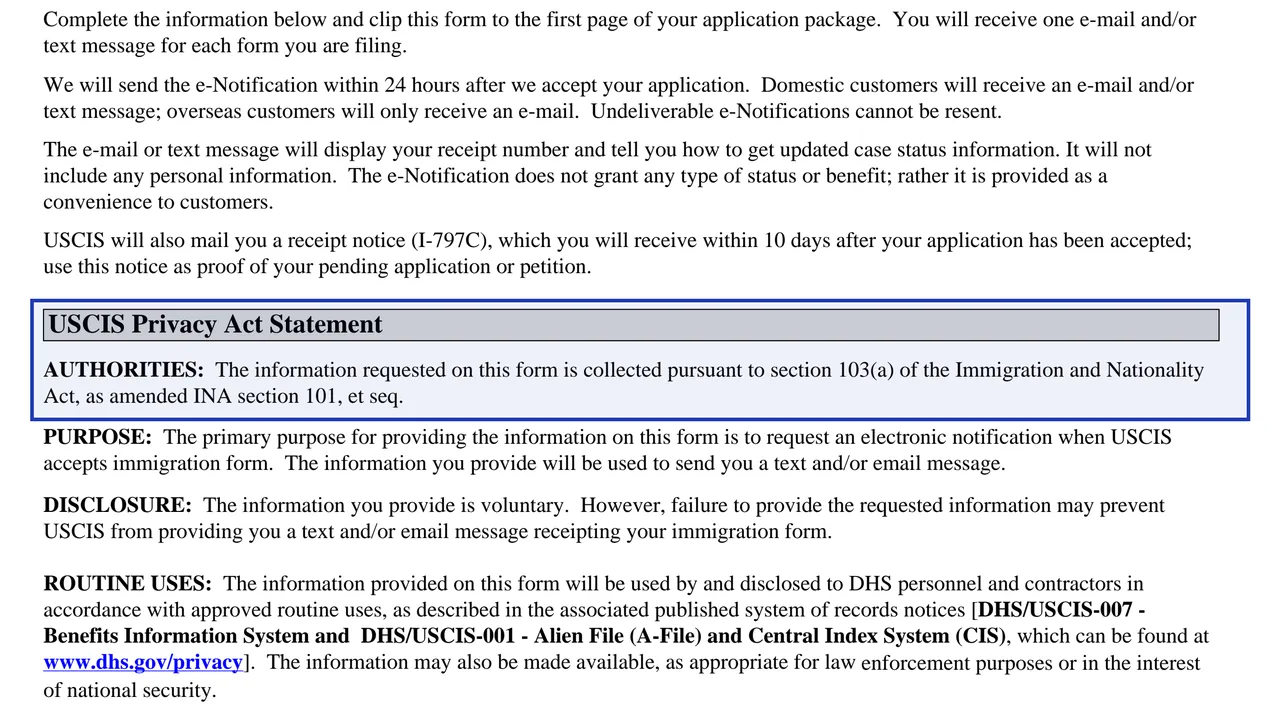
Form G-1145 is a one-page request for an email or text message telling you that USCIS has accepted your application or petition. You clip it to the front of the package you are mailing, and USCIS sends the message after it accepts your filing.
The notice is a convenience. The form says an e-notification does not grant any status or benefit. It shows your receipt number and tells you how to check your case status. It does not include your name or other personal information, because email and text are not secure for that.
USCIS also mails a receipt notice, Form I-797C, which you should treat as your proof of a pending application or petition. You can fill G-1145 on this page for free and without an account, then print it and clip it to your package.
Explains that the notice goes out within 24 hours after USCIS accepts the application, that one message is sent per form, and that undeliverable messages cannot be resent.
The authority, purpose, disclosure and routine uses for the information, which USCIS says is voluntary.
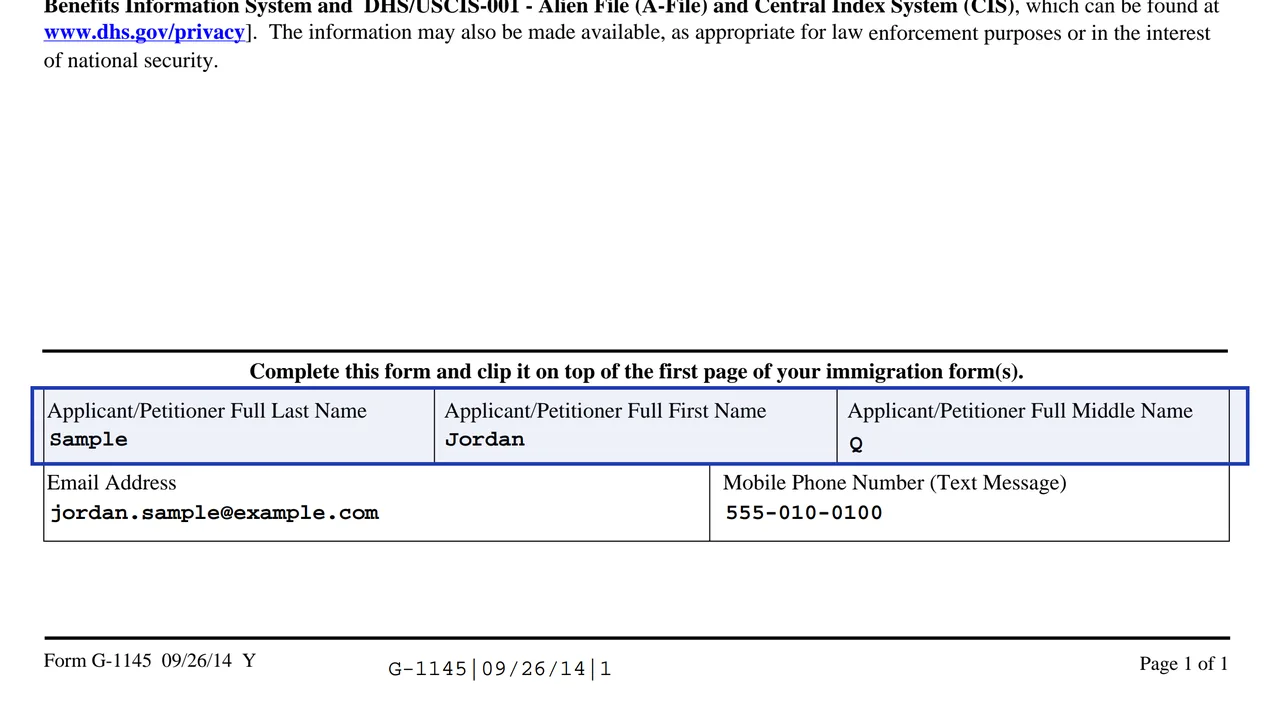
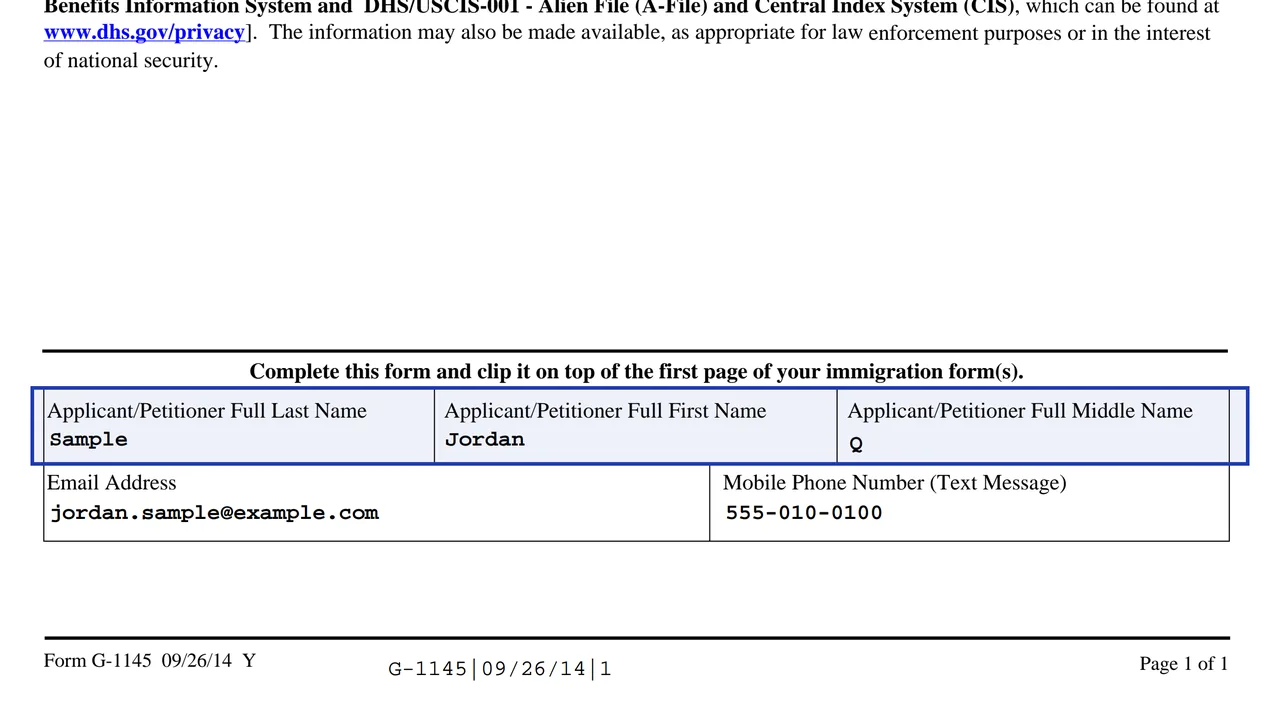
Full last name, first name and middle name of the person filing the form.
Where USCIS sends the email notification.
Where USCIS sends the text message, for filers in the United States.
The form is a single page, and the top of it explains the service.
Enter the name of the applicant or petitioner on the form you are filing: last name, first name, and middle name if any.
Write an address you check. The form says undeliverable messages cannot be resent, so spell it carefully.
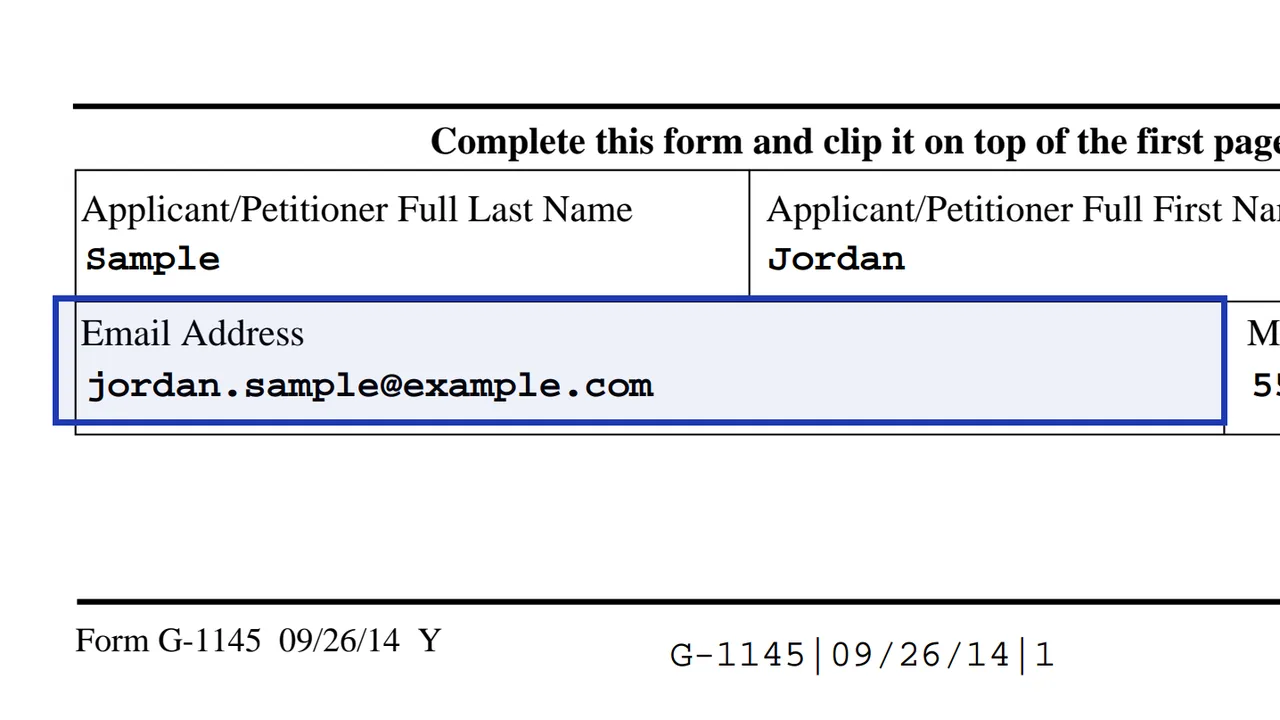
Add a mobile number if you want a text message. Overseas customers only receive email.
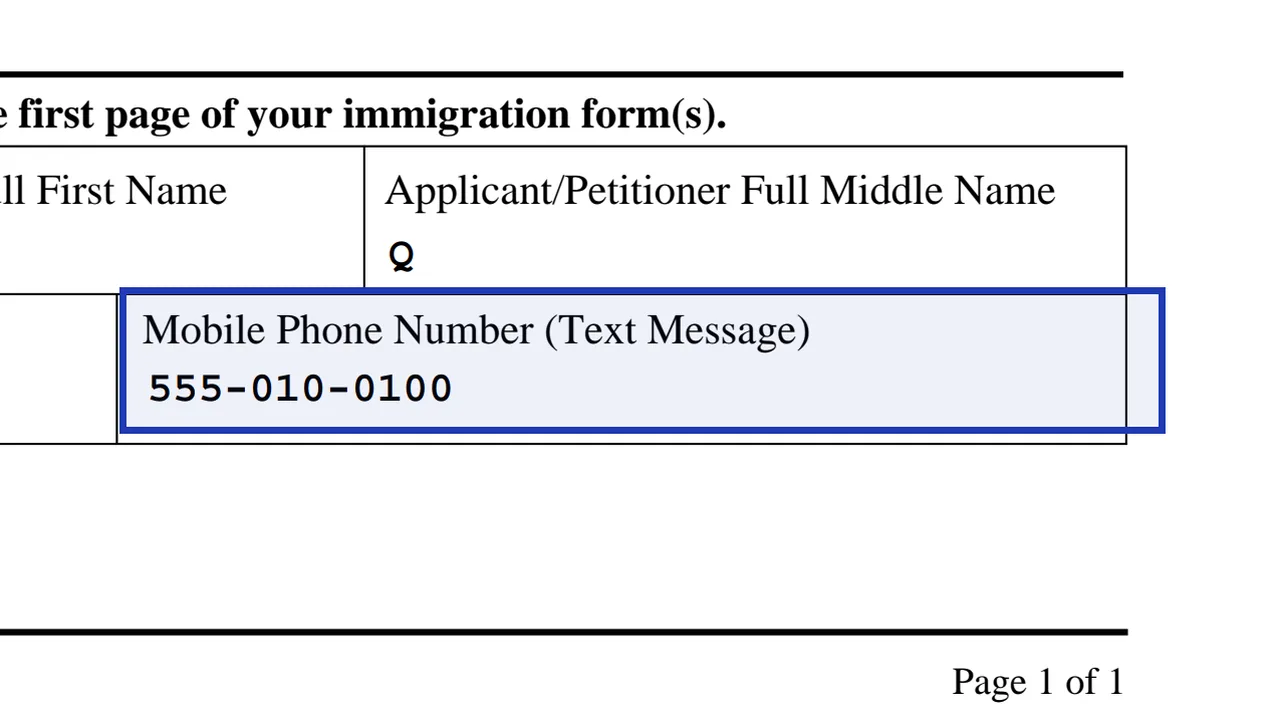
Make a separate G-1145 for each form in your package, since you get one message per form.
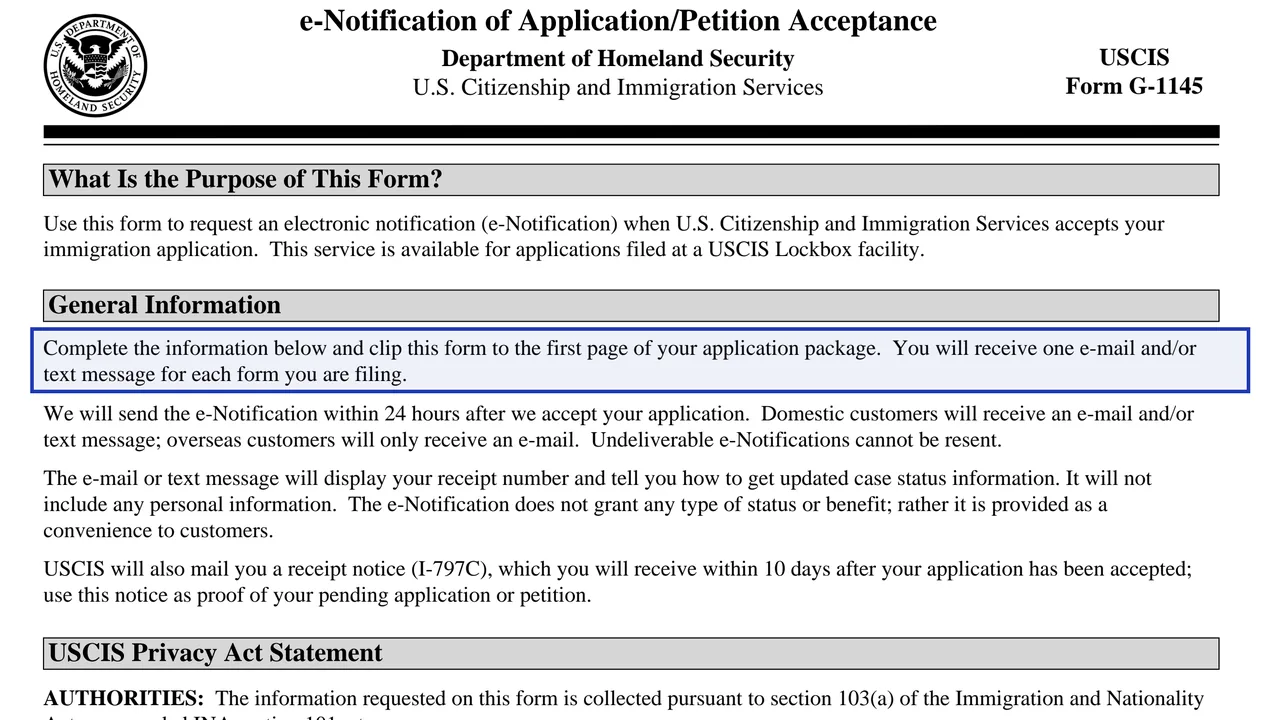
Clip the completed G-1145 to the front of the application or petition you are filing, on top of the first page.
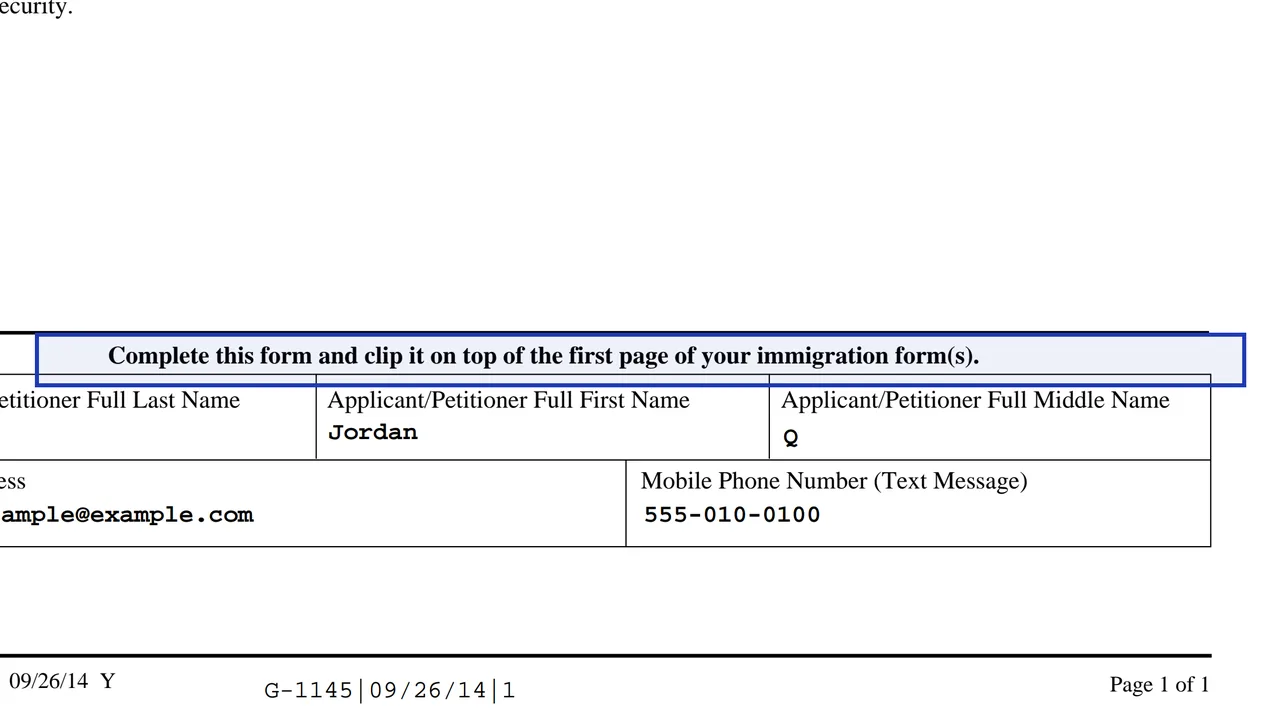
Complete it and clip it on top of the first page of your immigration form.
You get the real form, filled in a browser tab, with nothing standing between you and the finished PDF.
With your application or petition. Clip it to the front of the package going to the lockbox. There is no separate mailing address.
USCIS lists many forms, including I-90, I-102, I-130, I-131, I-140, I-212, I-360, I-485, I-601, I-751, I-765, I-800, I-821, I-821D, I-824, N-400, N-565 and N-600K.
USCIS says the e-notification is sent within 24 hours after it accepts your application. The I-797C receipt notice arrives by mail within 10 days after acceptance.
Fees change, so check the USCIS fee schedule page for Form G-1145.
The current edition is 09/26/14, and USCIS says you can also use previous editions.
Sending it with a form that is not filed at a lockbox, forgetting to include one for each form, and writing an email address that bounces.
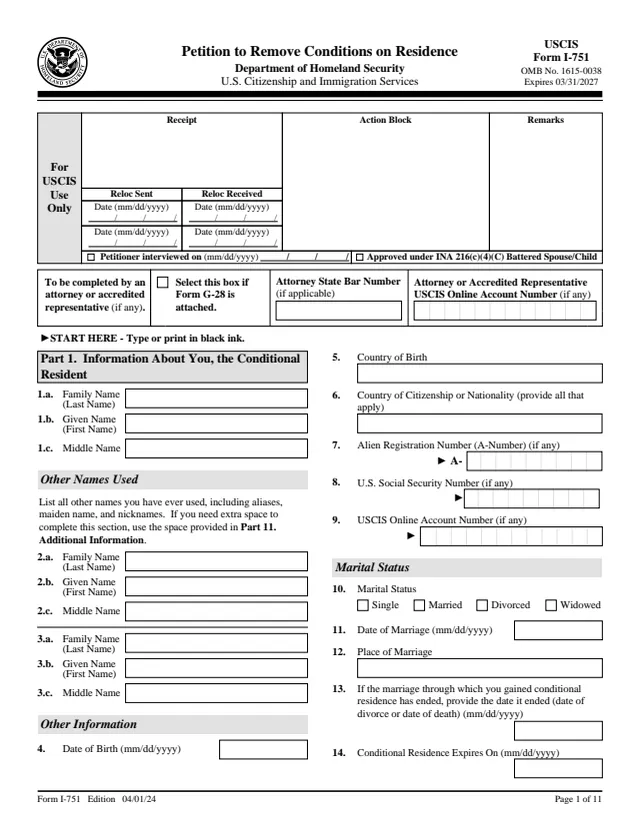
I-751
329 fields, 11 pages
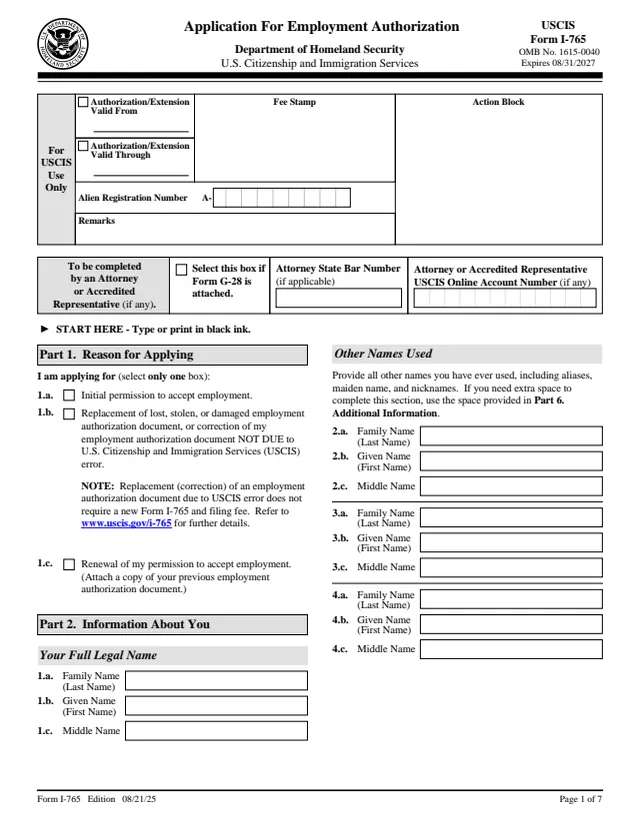
I-765
161 fields, 7 pages
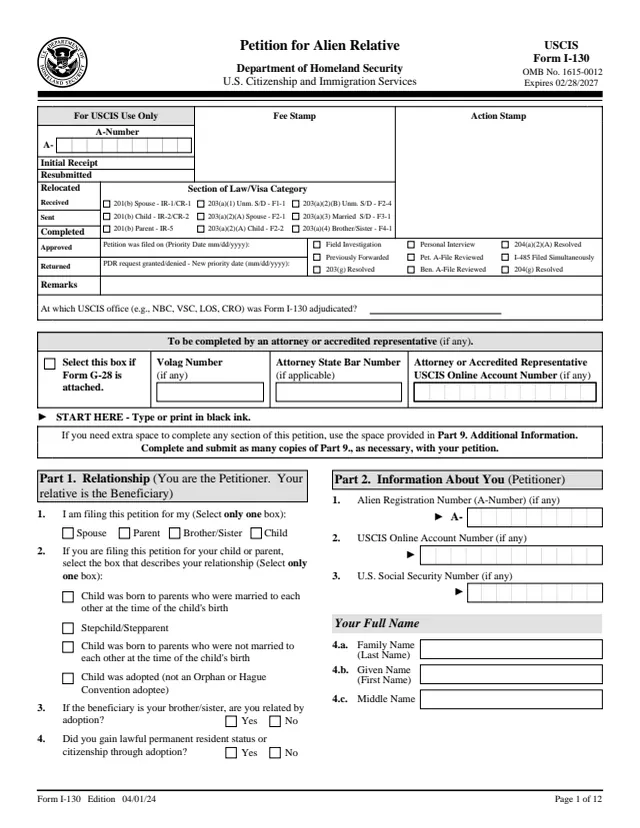
I-130
450 fields, 12 pages
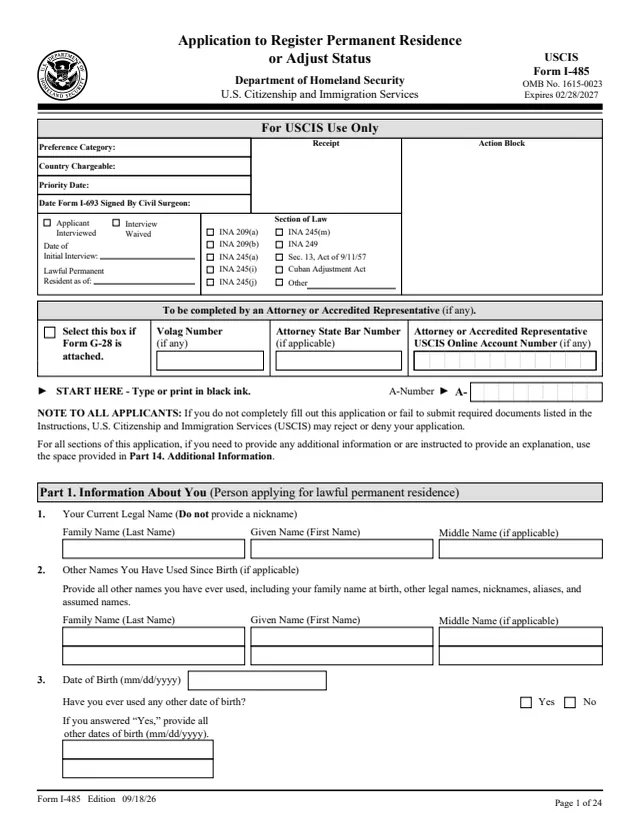
I-485
730 fields, 24 pages
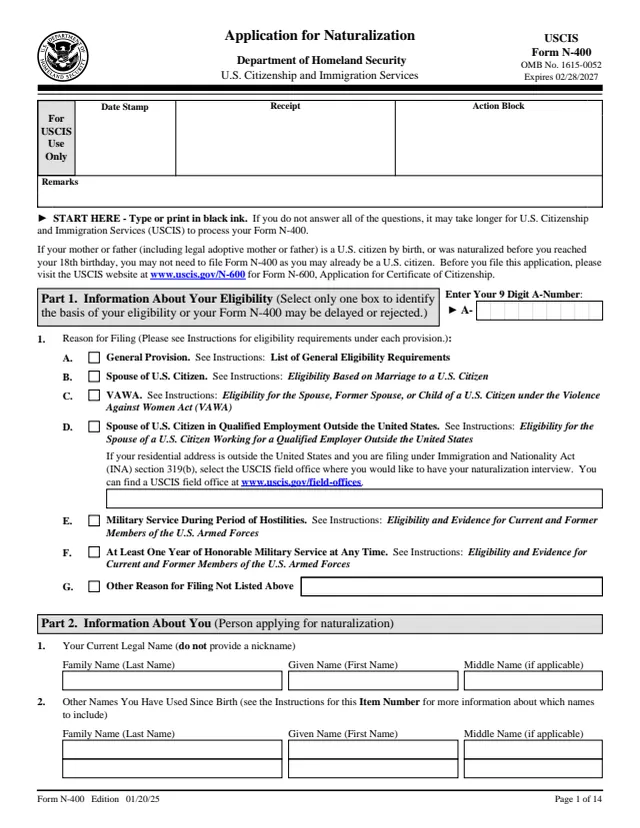
N-400
440 fields, 14 pages
Anyone mailing a supported form to a USCIS lockbox who wants a quick acceptance message.
No tool matches that search.
Your receipt number and instructions for checking case status. It does not include your name or other personal information.
USCIS says it sends the e-notification within 24 hours after it accepts your application.
No. The form states the e-notification does not grant any status or benefit. It is a convenience.
Yes. USCIS also mails a receipt notice, Form I-797C, which you receive within 10 days after acceptance. Use it as proof of your pending case.
No. It is only for certain forms filed at the four lockbox locations.
USCIS says undeliverable e-notifications cannot be resent.