Employer and type of change
Name of employer or plan administrator, employer identification number, address, and boxes for change in plan year, change in trust year, or both.
5308
Request for Change in Plan/Trust Year
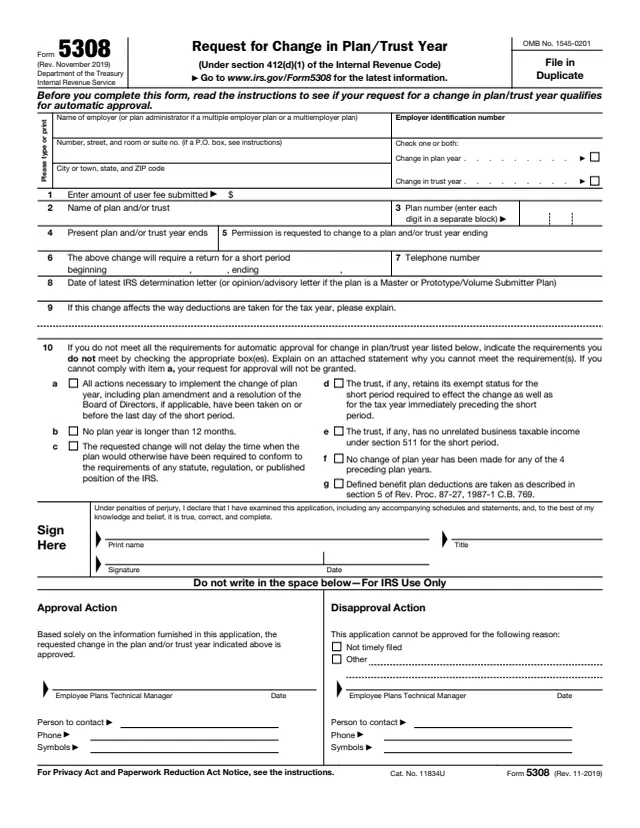
Form 5308 is a request for IRS approval to change the plan year or trust year of certain employee retirement plans, under section 412(d)(1) of the Internal Revenue Code. The instructions say it is used instead of Form 1128, Application To Adopt, Change, or Retain a Tax Year, for these plans.
It is filed by the employer, or by the plan administrator for a multiple employer plan or a multiemployer plan, and it goes to the IRS. The form says to read the instructions first to see whether the change qualifies for automatic approval, in which case no Form 5308 is filed. The instructions also say not to file Form 5308 to change a plan's funding method.
The instructions are printed on page 2 of the form. You can fill out the form free in your browser on this page and download it without an account.
Name of employer or plan administrator, employer identification number, address, and boxes for change in plan year, change in trust year, or both.
The amount of user fee submitted, the name of the plan and/or trust, and the plan number, one digit per block.
When the present plan and/or trust year ends, the year end requested, the dates of the short period return the change requires, and a telephone number.
The date of the latest IRS determination letter, or opinion/advisory letter for a Master or Prototype/Volume Submitter Plan, and an explanation if the change affects how deductions are taken.
Seven requirements, a through g, with boxes to check for each one the plan does not meet.
Print name, title, signature and date, then a section for IRS use only with the approval or disapproval action.
The form says to read the instructions first to see if the change qualifies for automatic approval. The instructions list seven requirements, the same ones printed on line 10.
Enter the employer or plan administrator, EIN and address, check plan year, trust year or both, and enter the user fee amount, plan name and plan number. The instructions say to show a P.O. box only if mail is not delivered to the street address.
Enter the present year end, the requested year end and the beginning and ending dates of the short period return, plus a telephone number.
Enter the date of the latest determination, opinion or advisory letter, and explain any effect on how deductions are taken for the tax year.
Check each requirement the plan does not meet and explain why on an attached statement. The form says that if item a cannot be met, the request will not be granted.
The instructions say the employer signs for a single employer plan and the plan administrator signs for a plan of more than one employer. A person filing for the taxpayer includes a power of attorney, which can be Form 2848.
You get the real form, filled in a browser tab, with nothing standing between you and the finished PDF.
The instructions say to file on or before the last day of the end of the short period required to make the change.
In duplicate, to Internal Revenue Service, Attn: EP Letter Rulings, TE/GE Stop 31A Team 105, P.O. Box 12192, Covington, KY 41012-0192.
The instructions say PDSs cannot deliver to the P.O. box and give Internal Revenue Service, Attn: EP Letter Rulings, 7940 Kentucky Drive, TE/GE Stop 31A Team 105, Florence, KY 41042.
The instructions say applications without the proper user fee are returned unprocessed, and point to Rev. Proc. 2019-4 or the latest annual update for the fee.
On each attachment, write "Form 5308" and show the plan's or trust's name, identifying number, address and date of filing.
The instructions say not to file Form 5308 to change a plan's funding method, and cite Rev. Proc. 2017-56, Rev. Proc. 2017-57 and Rev. Proc. 2000-40 instead.
1128
166 fields, 5 pages
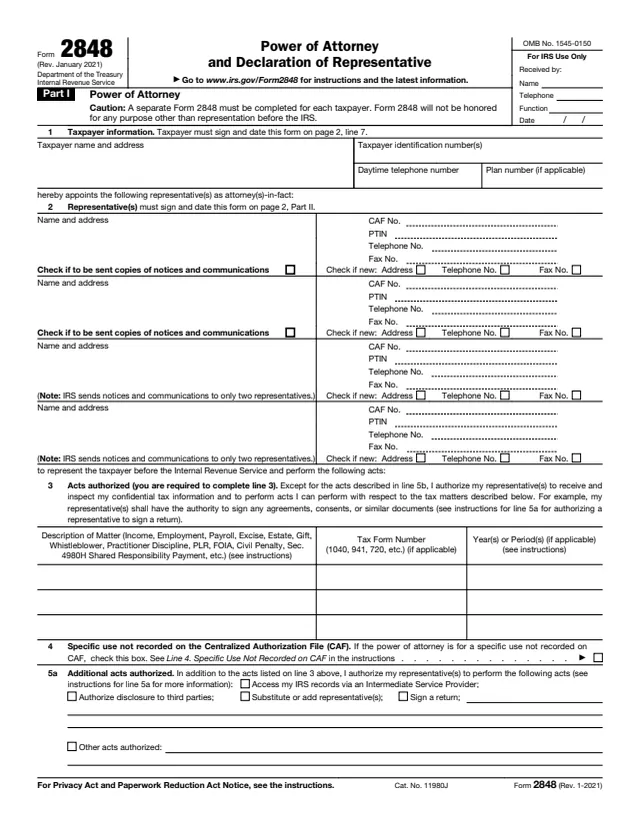
2848
92 fields, 2 pages
5310-A
51 fields, 5 pages
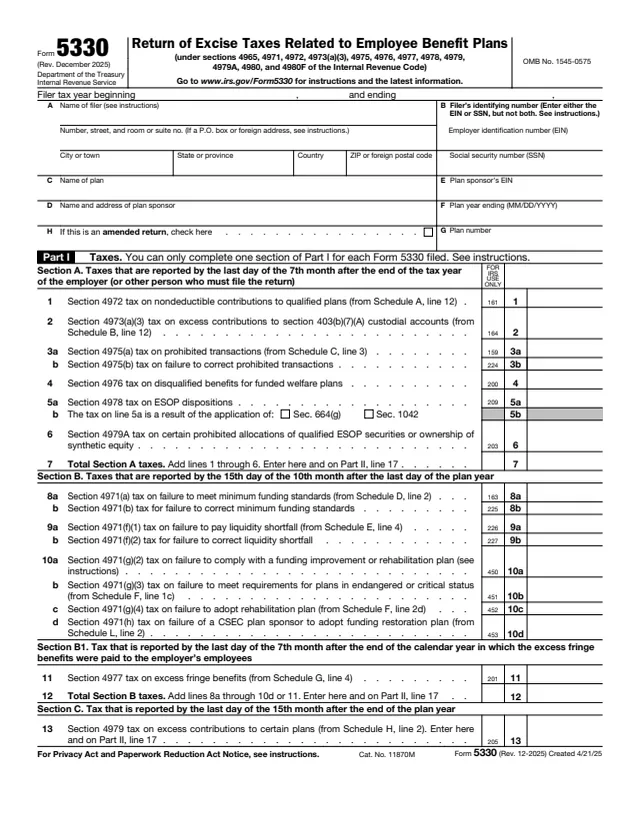
5330
304 fields, 6 pages
The form is completed by the employer or plan administrator of the retirement plan, or for the plan's trust, and is filed with the IRS. It is not a form individual plan participants file.
No tool matches that search.
The About page says it is used by certain employee retirement plans to request approval to change the plan/trust year.
The instructions say Form 5308 is used instead of Form 1128 to request approval to change the plan/trust year of certain employee retirement plans.
No. The instructions list exceptions such as profit-sharing and stock bonus plans, and say a plan meeting all automatic approval requirements is granted approval instead of filing.
The instructions say the employer signs for a single employer plan and the plan administrator signs for a plan of more than one employer.
The instructions give Internal Revenue Service, Attn: EP Letter Rulings, TE/GE Stop 31A Team 105, P.O. Box 12192, Covington, KY 41012-0192, with a separate Florence, KY address for private delivery services.
Yes. The form has a line for the user fee submitted, and the instructions point to Rev. Proc. 2019-4 or the latest annual update to find it.