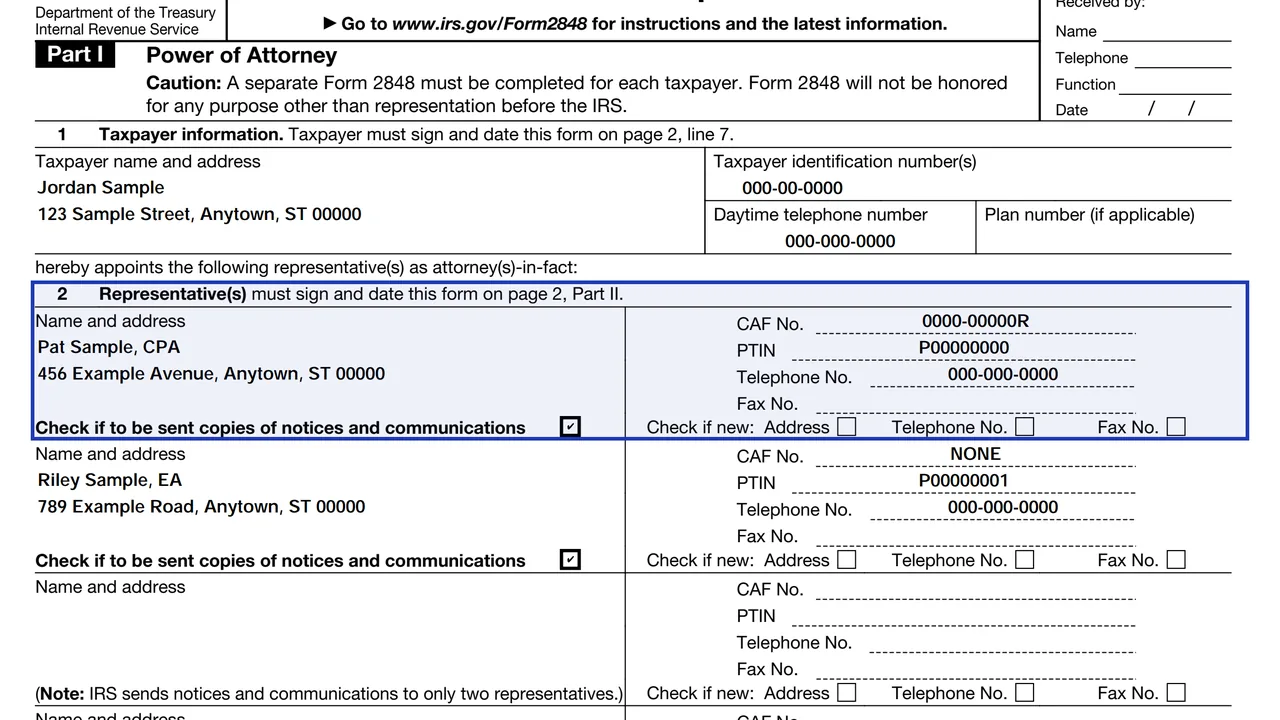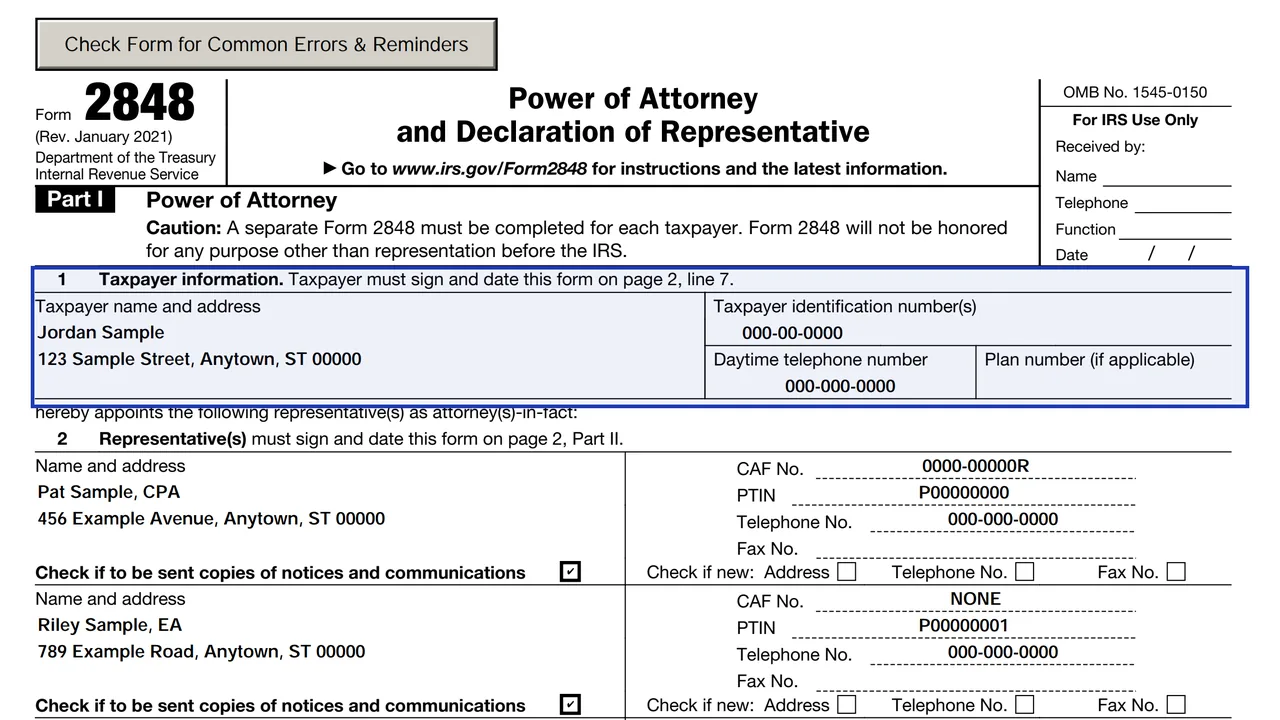
Line 1: taxpayer information
Name, taxpayer number and address of the person giving authority. Do not put the representative's address here.
2848
Power of Attorney and Declaration of Representative
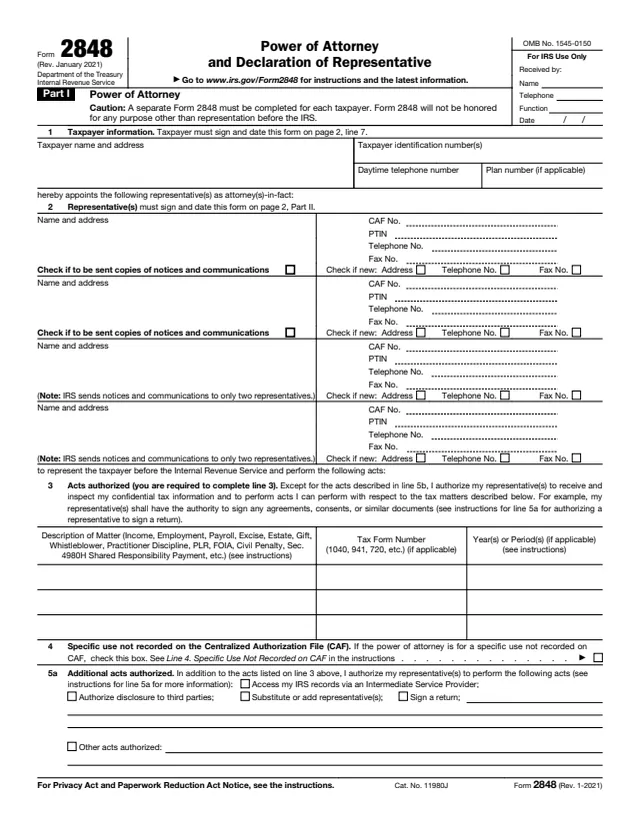
Form 2848 authorizes an eligible person to represent you before the IRS and, as part of that, to inspect or receive your confidential tax information. It is the form to use when someone needs to speak for you on an audit, a notice or a collection matter.
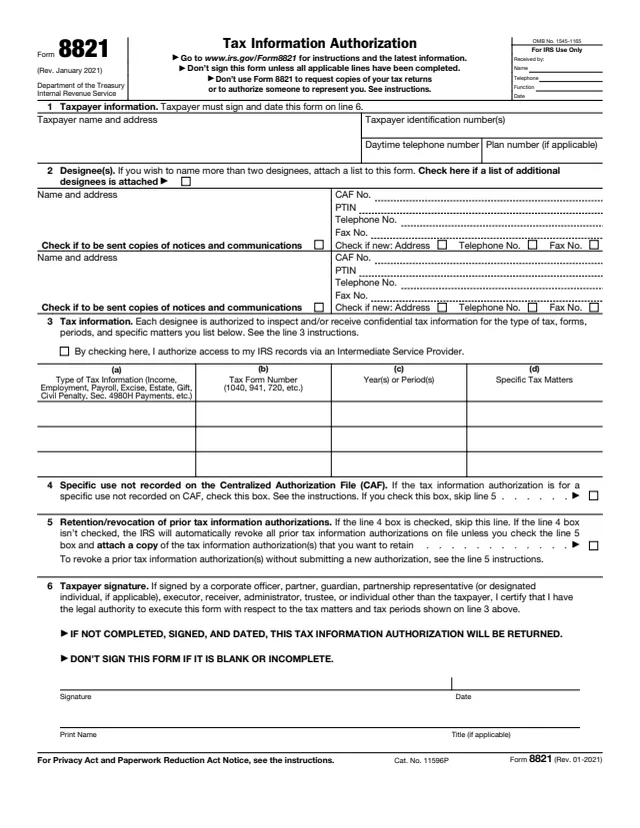
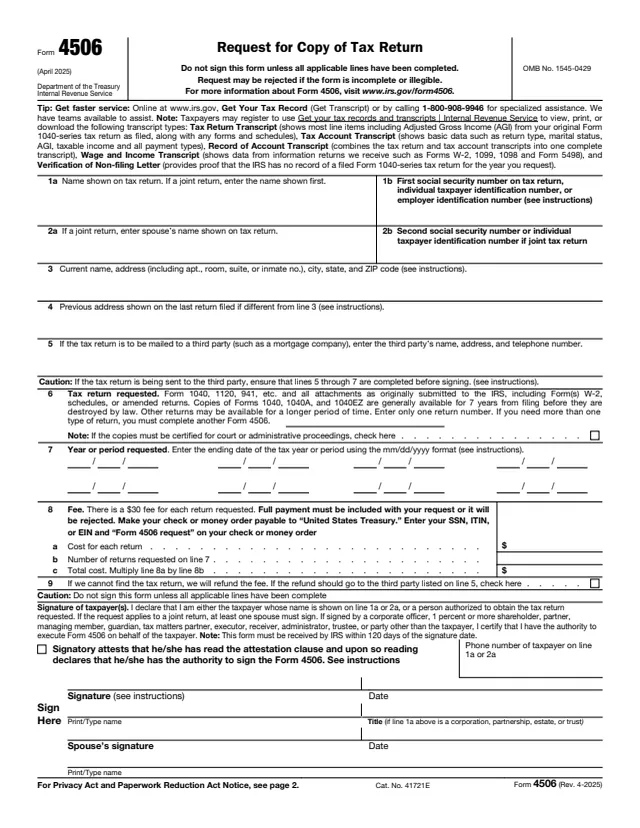
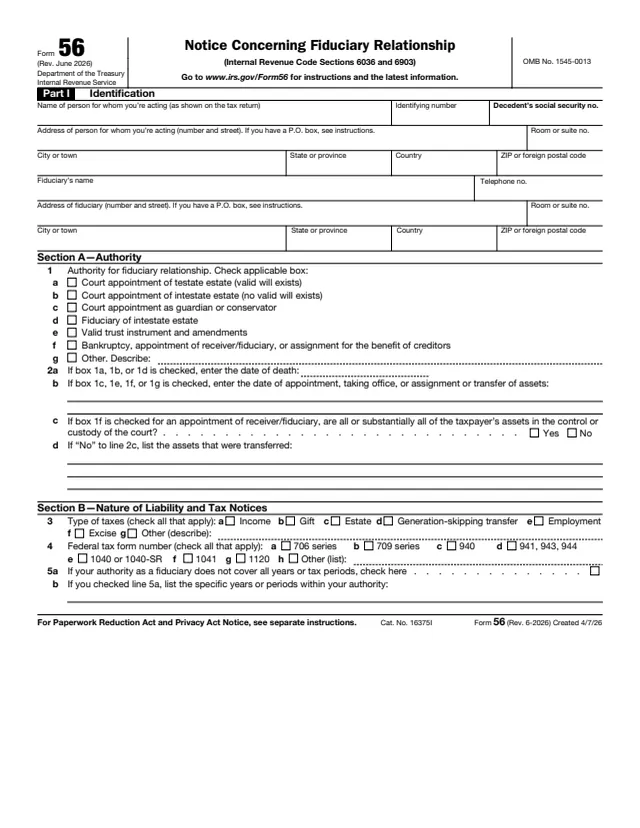
The IRS draws a clear line with other forms. Form 8821 covers information access only, and Form 56 notifies the IRS of a fiduciary relationship. Naming a representative does not relieve you of your tax obligations.
You can fill out Form 2848 on this page, in your browser, with no account. It still needs the signatures described below.
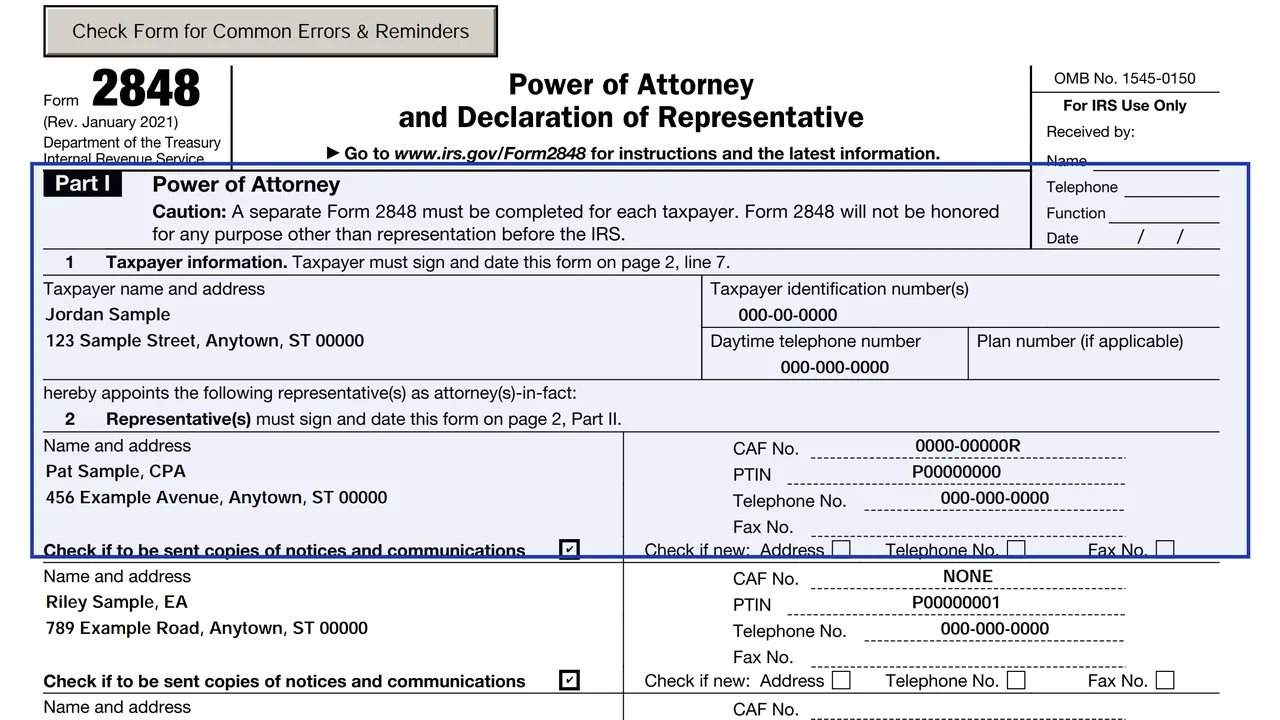
Name, taxpayer number and address of the person giving authority. Do not put the representative's address here.
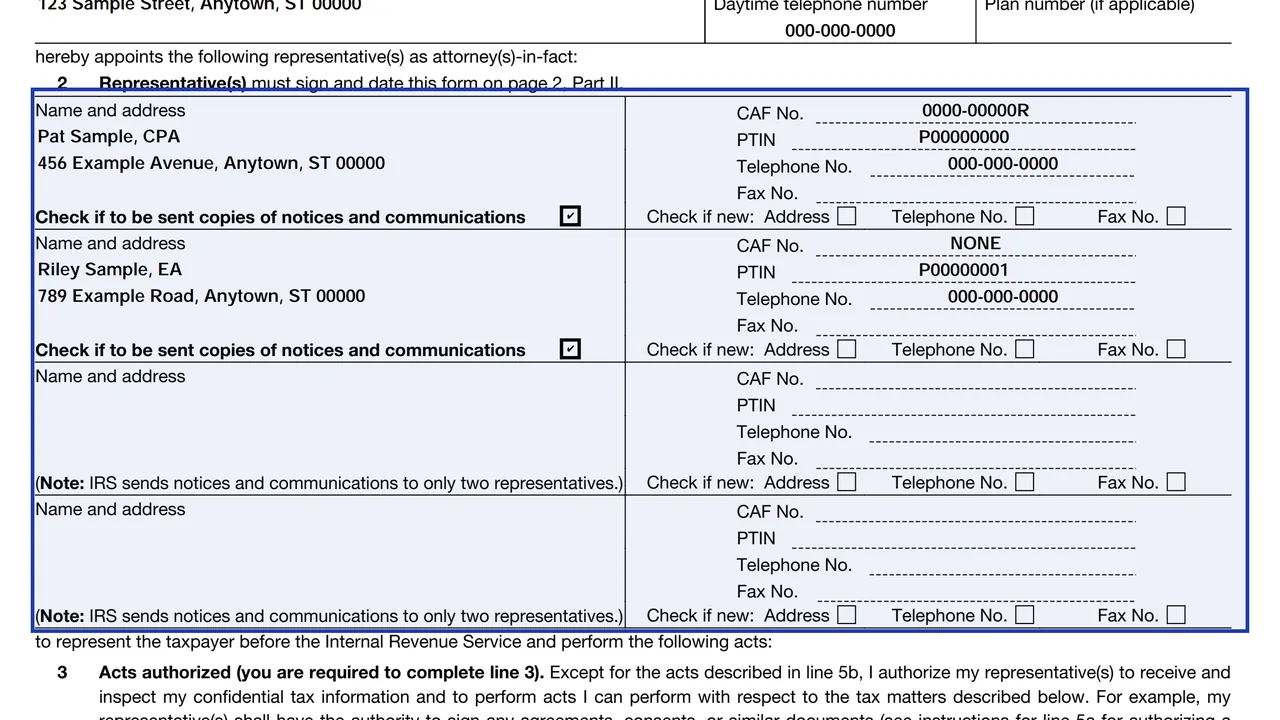
Name, address, CAF number or None, and PTIN if any, for each representative.
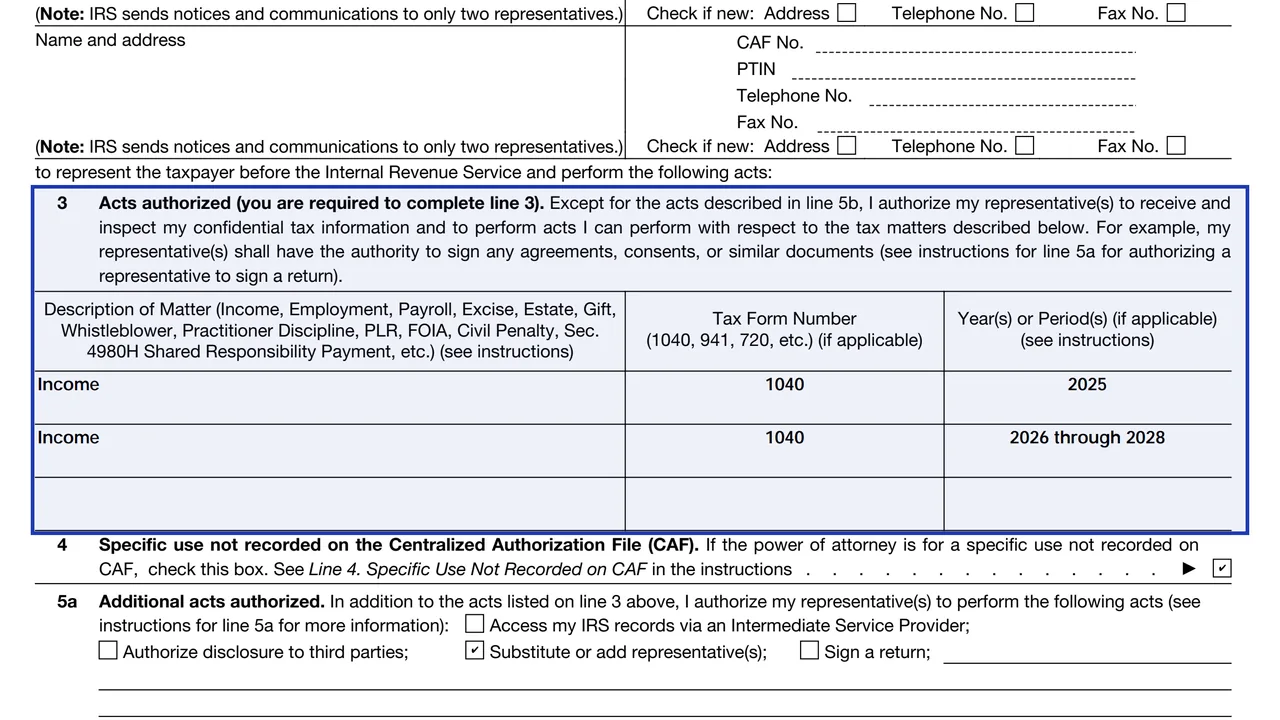
The tax matters, form numbers and years or periods the representative may handle.
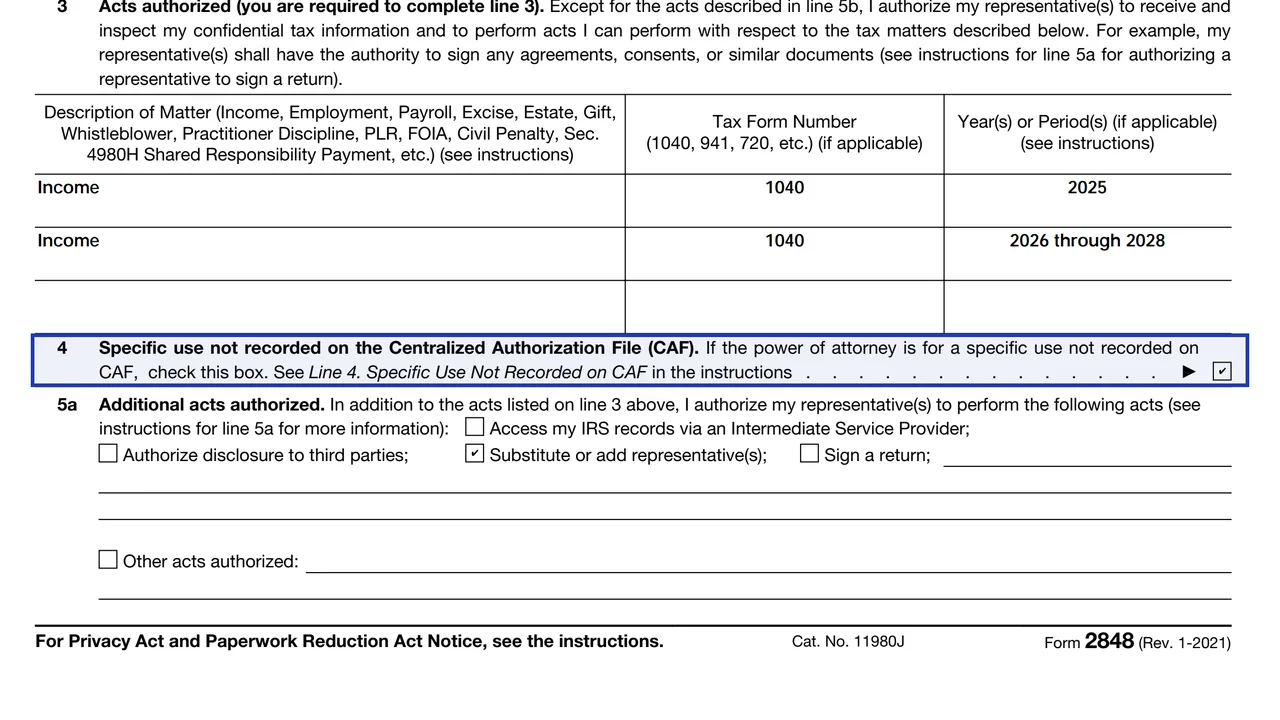
For one-time or specific-issue matters such as EIN applications, private letter rulings or ITIN applications.
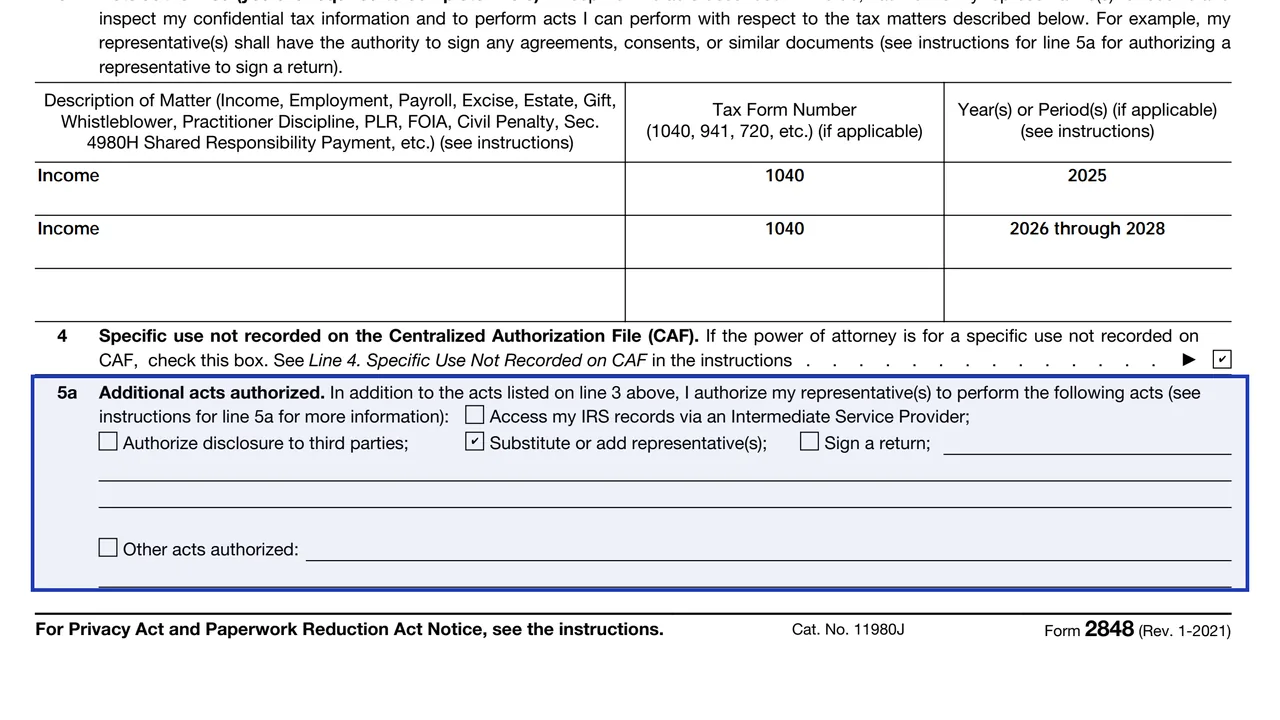
Optional extra authority, and acts the representative cannot perform.
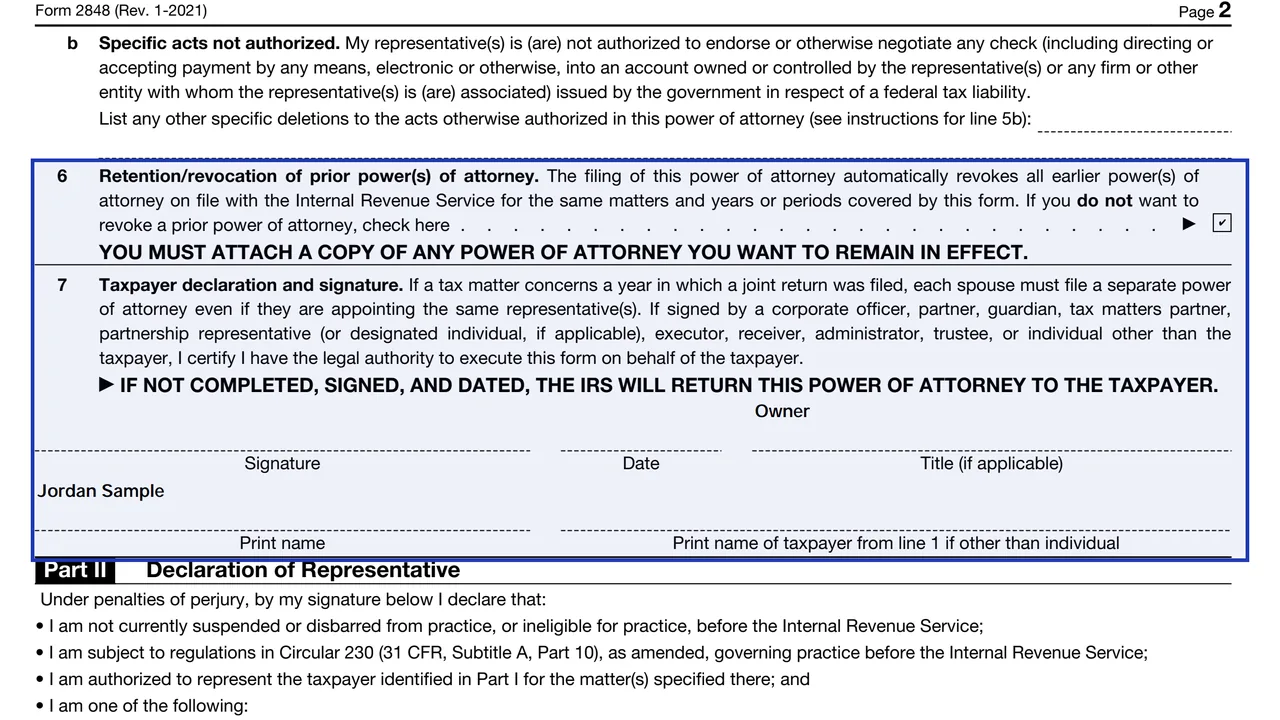
Retention of prior powers of attorney, then the taxpayer's signature and date.
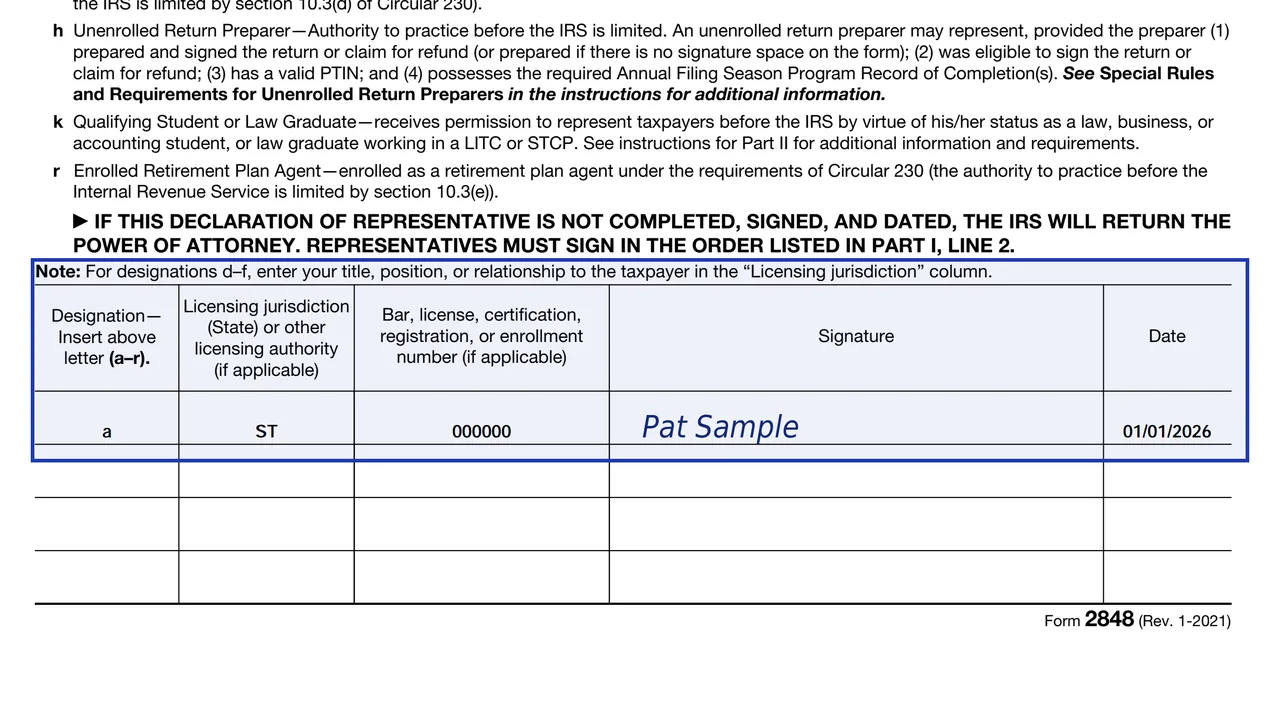
Each representative signs, gives a designation and lists the licensing jurisdiction and number where applicable.
Enter your name, SSN, ITIN or EIN, and your address. A sole proprietor can list an SSN and a business EIN. A business lists its name, EIN and address.
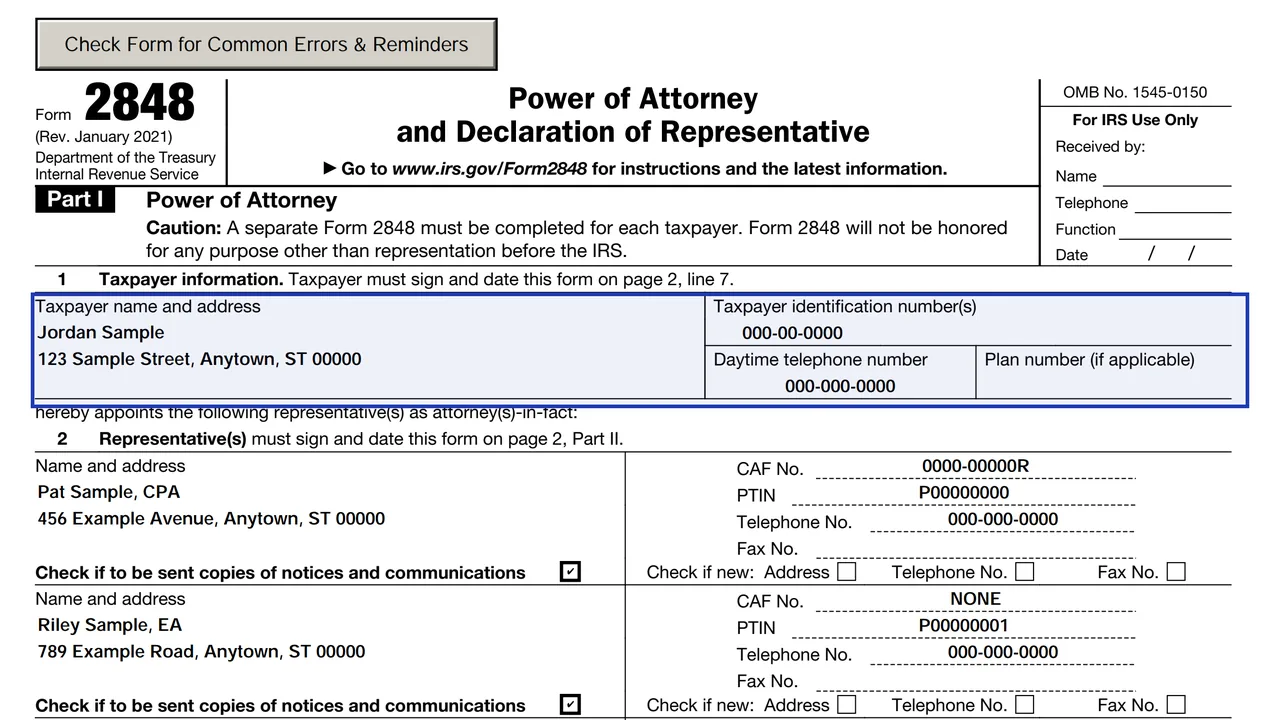
List each representative. You can name up to four on one form, and no more than two may receive copies of IRS notices.
Describe the matter, the form number and the years or periods. General references such as all years are not accepted.
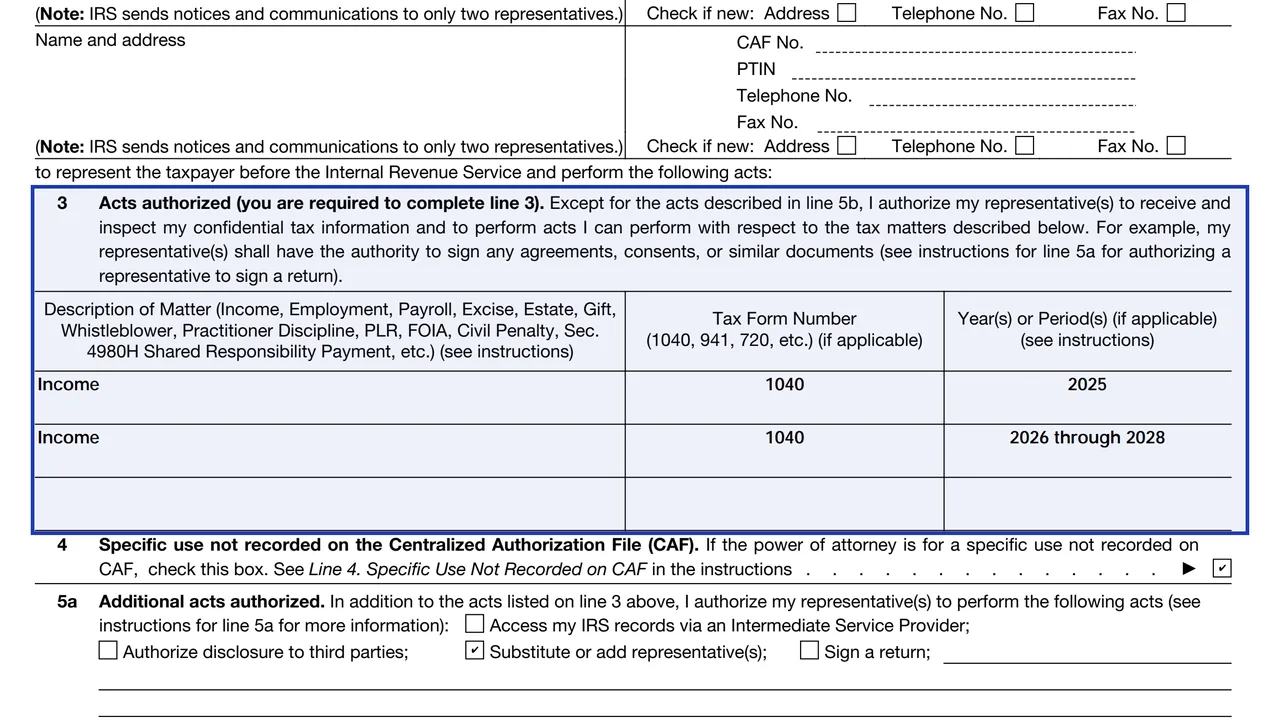
You can list future periods, but the CAF will not record periods more than three years past December 31 of the year the IRS receives the form.
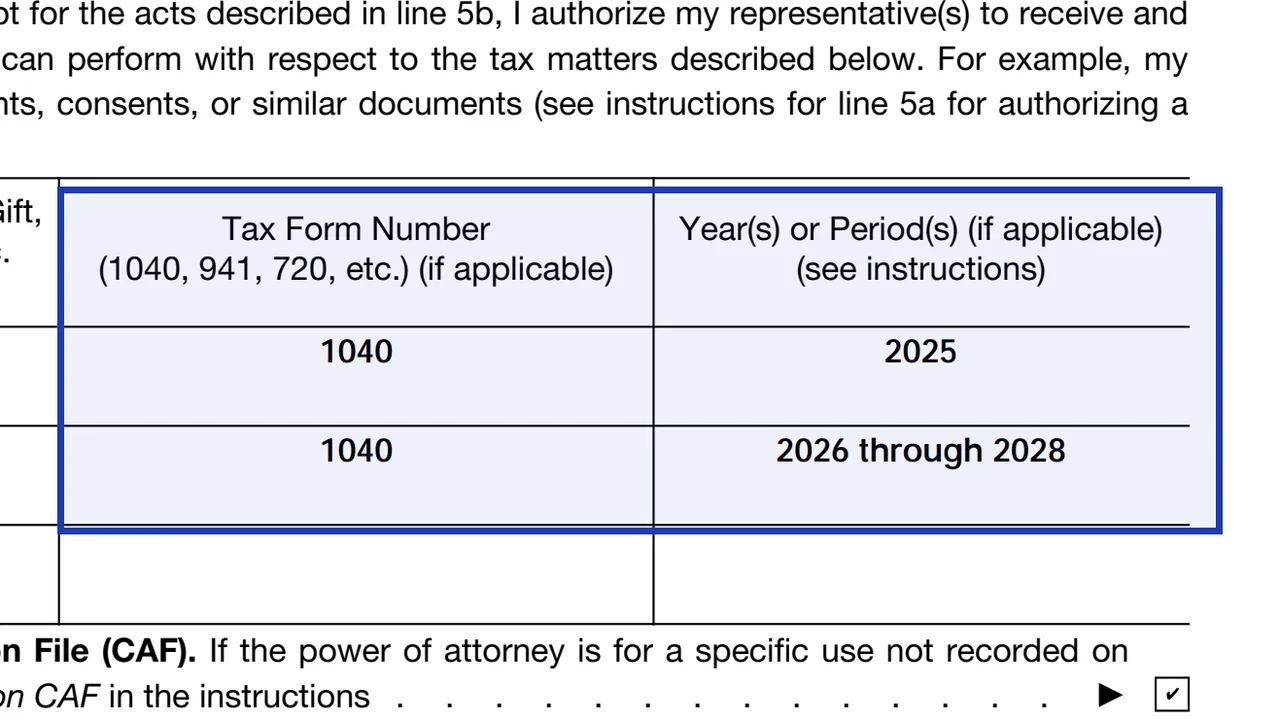
Check it for specific-use matters. These go to the office handling the matter and do not revoke earlier CAF-recorded powers of attorney.
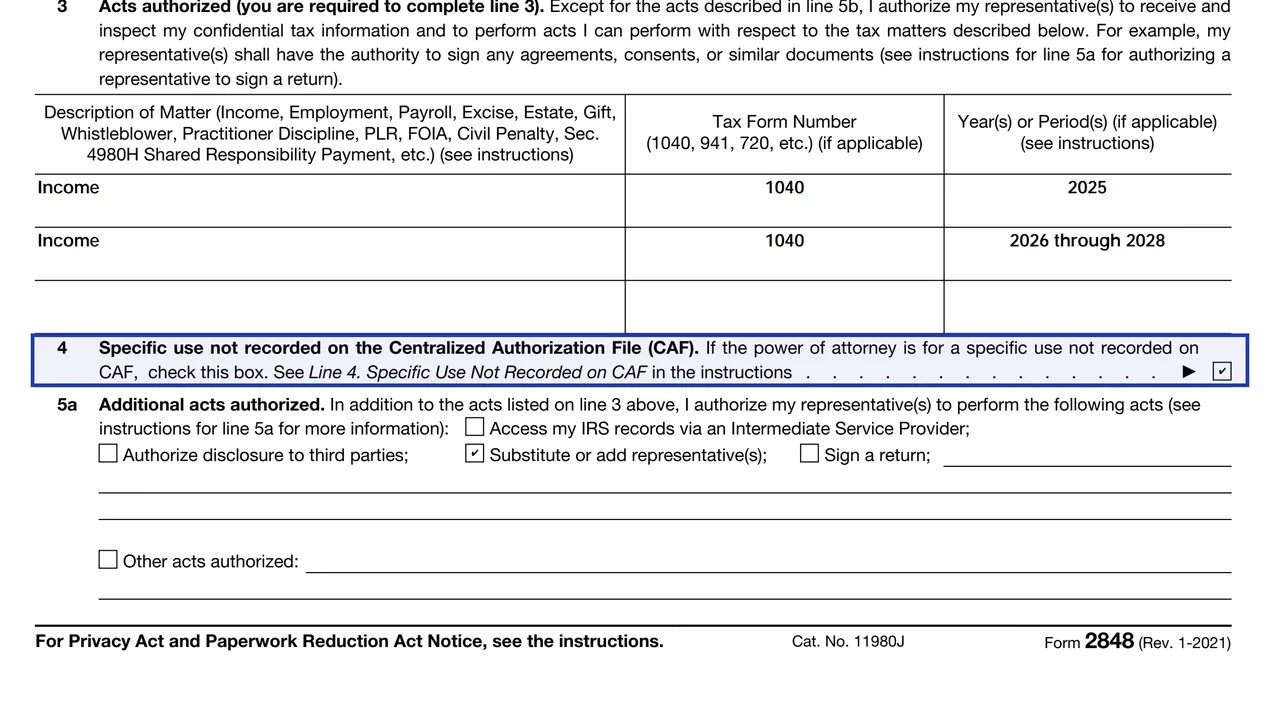
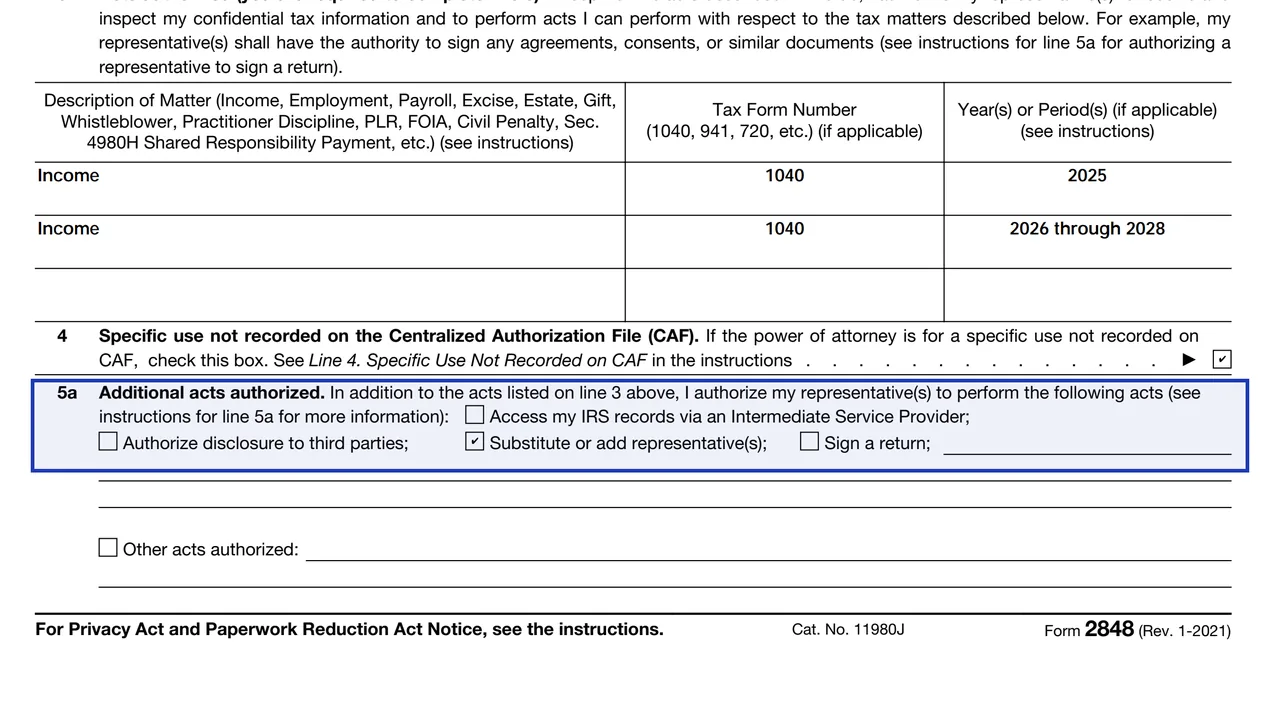
Check a box only for authority you want to give, such as substituting representatives or disclosing returns to a third party.
Recording a new form on the CAF generally revokes earlier powers of attorney for the same matter. Check the box to keep existing ones.
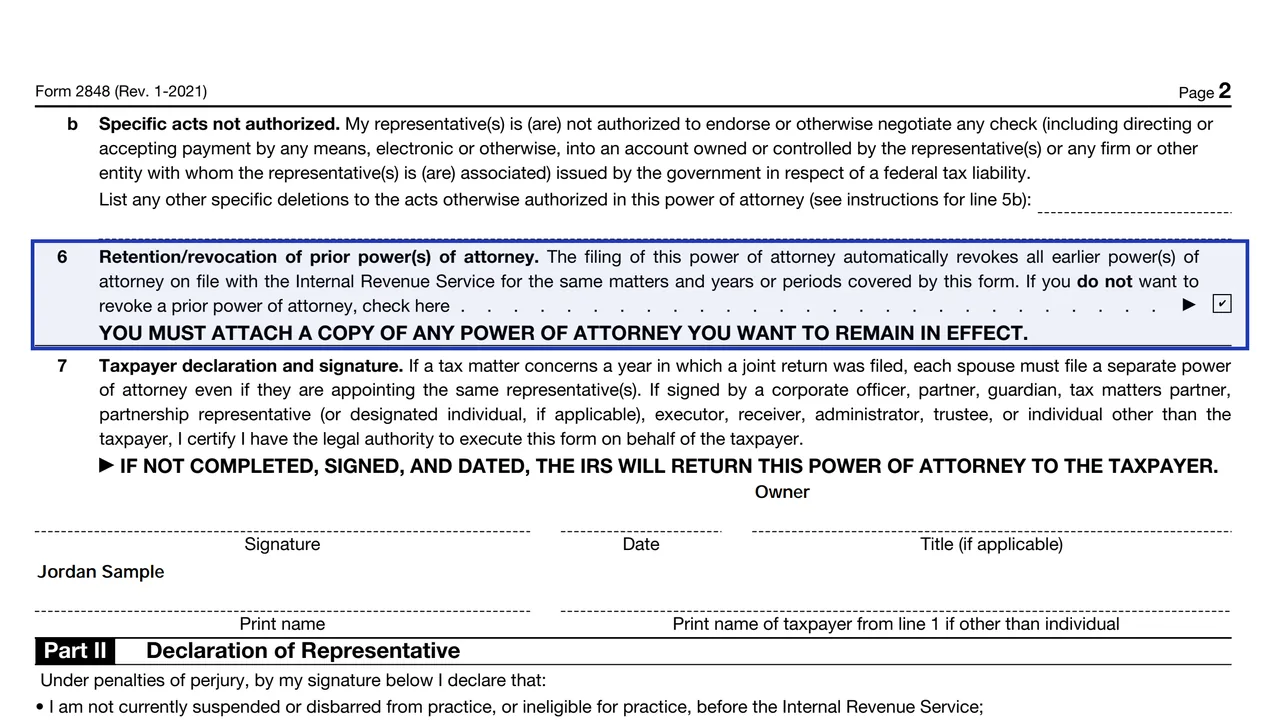
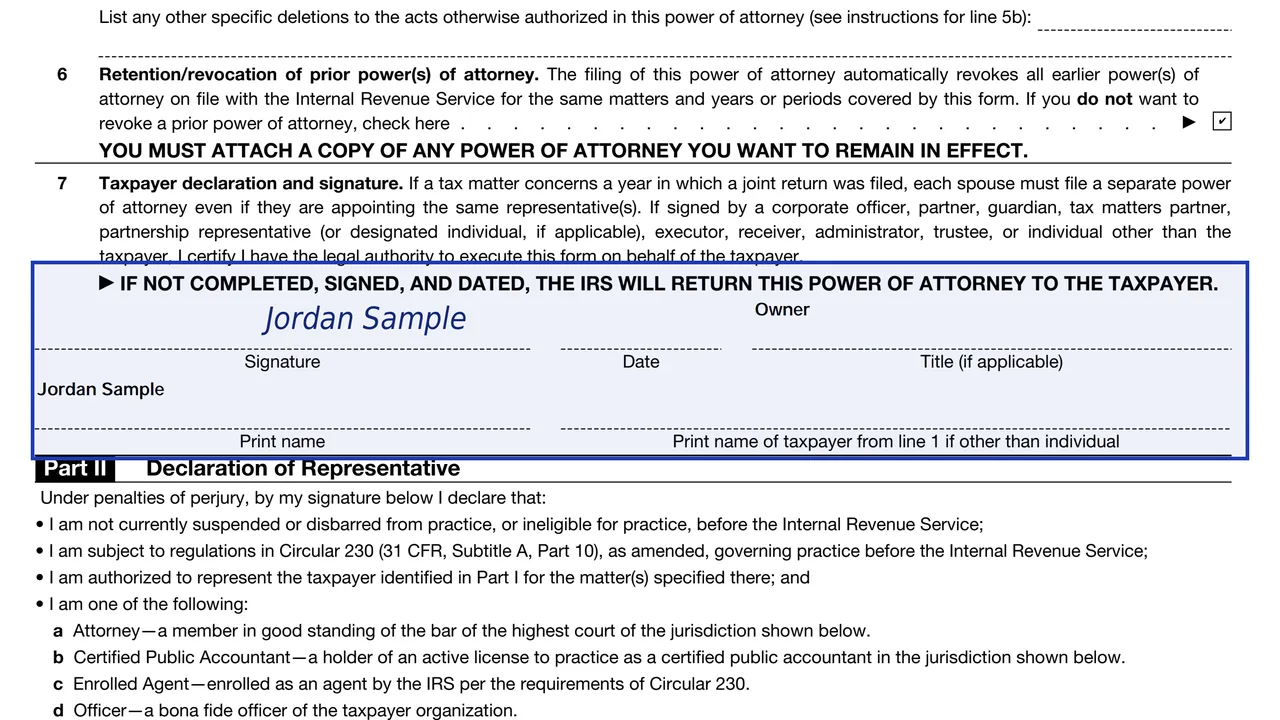
Sign and date line 7. Mailed or faxed forms need handwritten signatures. The representative then signs Part II.
You get the real form, filled in a browser tab, with nothing standing between you and the finished PDF.
Submit at IRS.gov/Submit2848 with a Secure Access account. The Tax Pro Account route is recommended for faster processing.
Use the Where To File chart in the instructions, based on where the taxpayer lives. Electronically signed forms must be submitted online.
If you sign first, the representative generally must sign within 45 days, or 60 days for taxpayers abroad.
Write REVOKE across the top of a copy with a current signature and date, and send it to the IRS.
A representative writes WITHDRAW on a copy in the same way.
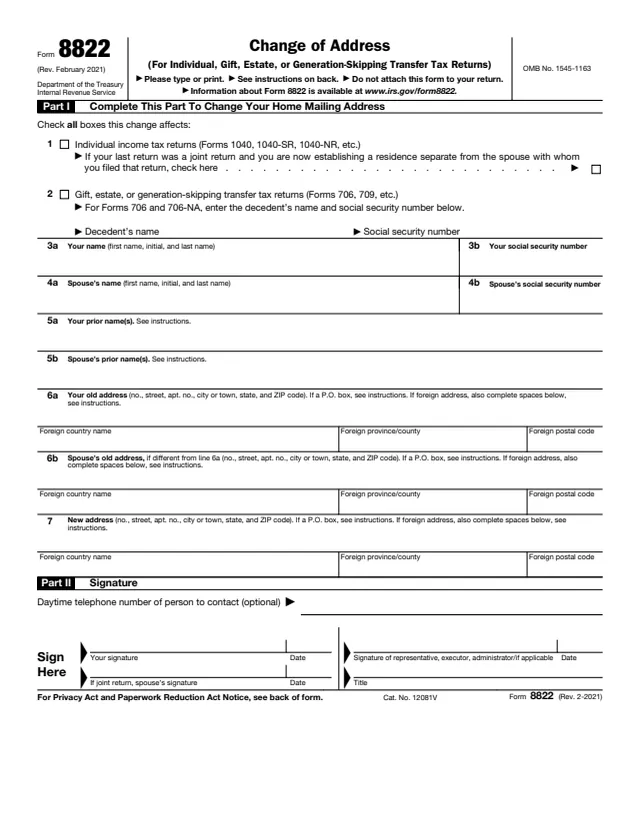
Use Form 8822 or 8822-B to change the taxpayer's address. Form 2848 does not do that.
The taxpayer fills out lines 1 to 7 and the representative completes Part II.
No tool matches that search.
Form 2848 lets someone represent you. Form 8821 only lets a designee inspect or receive your tax information.
Yes, up to four on one form. No more than two may receive copies of IRS notices.
Yes, in Part II, in the order listed on line 2, with a designation and licensing details where they apply.
Only if you submit the form online. Mailed or faxed forms need handwritten signatures.
Write REVOKE across a copy with a current signature and date and send it to the IRS, or send a signed statement listing the matters, periods and representatives.
No. Line 3 needs specific years or periods, and the IRS does not accept general references such as all years.