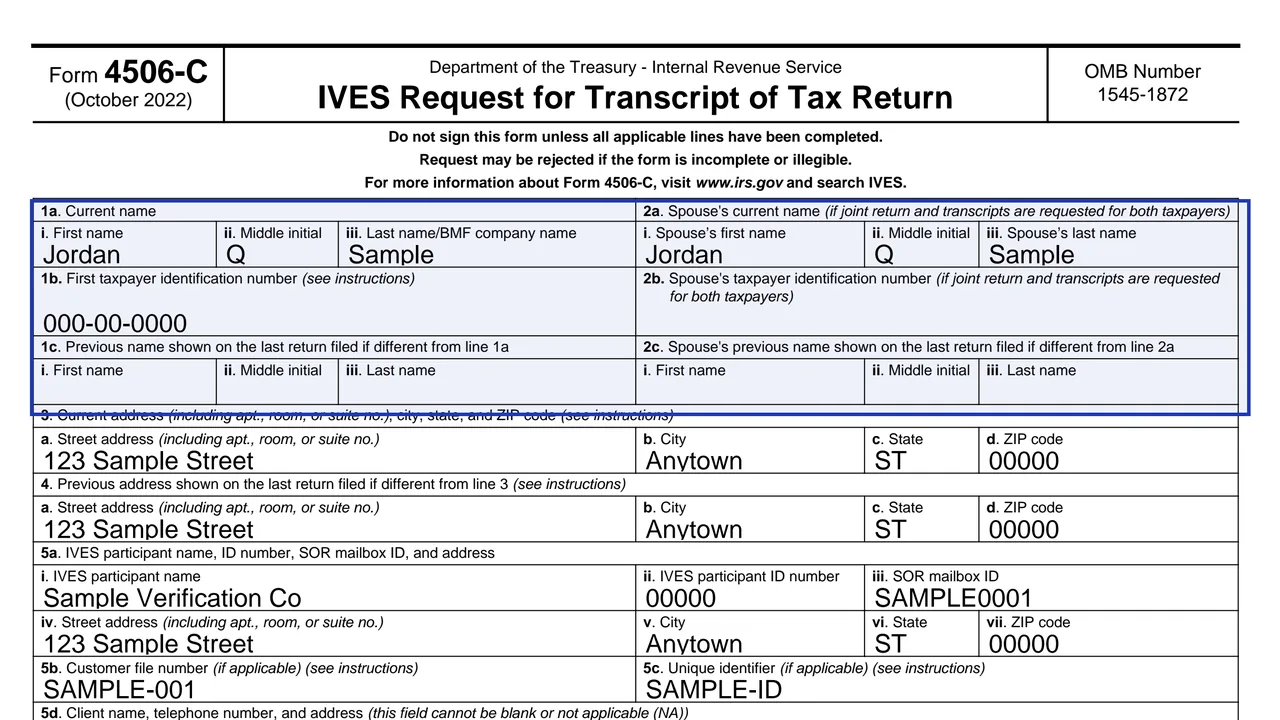
Lines 1 and 2: taxpayer and spouse
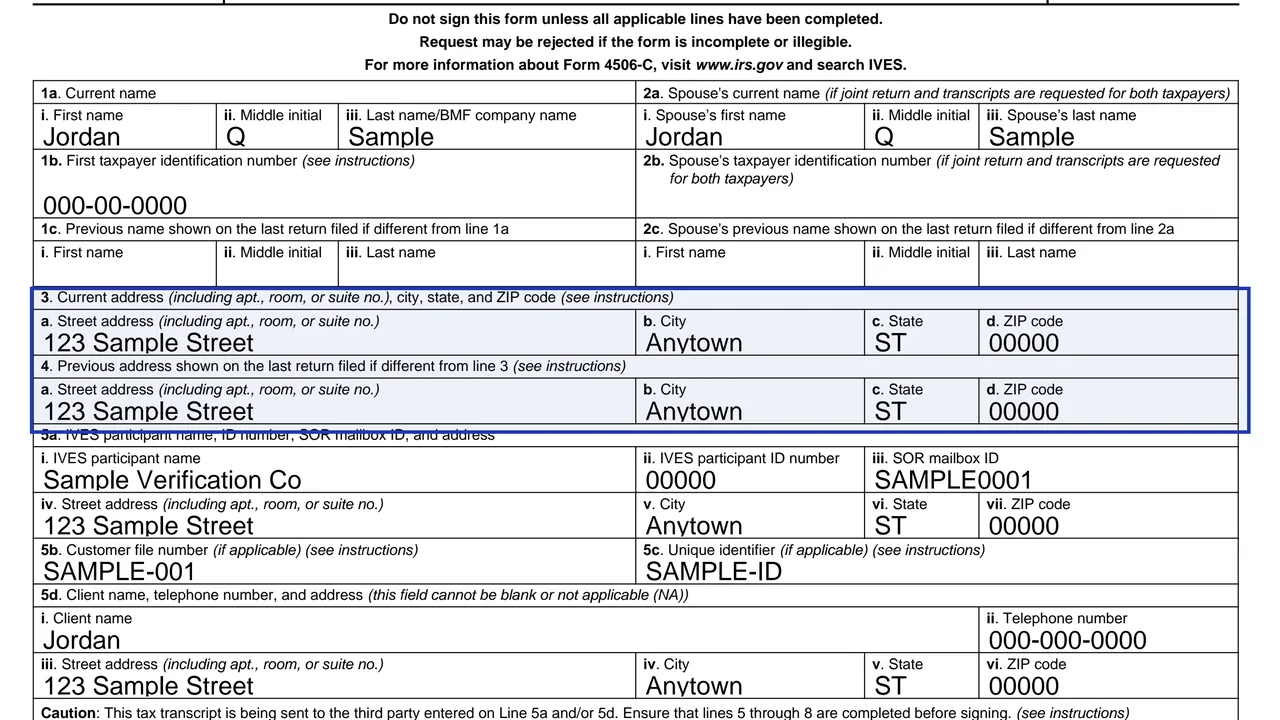
Current name, taxpayer identification number and any previous name from the last return filed.
4506-C
IVES Request for Transcript of Tax Return
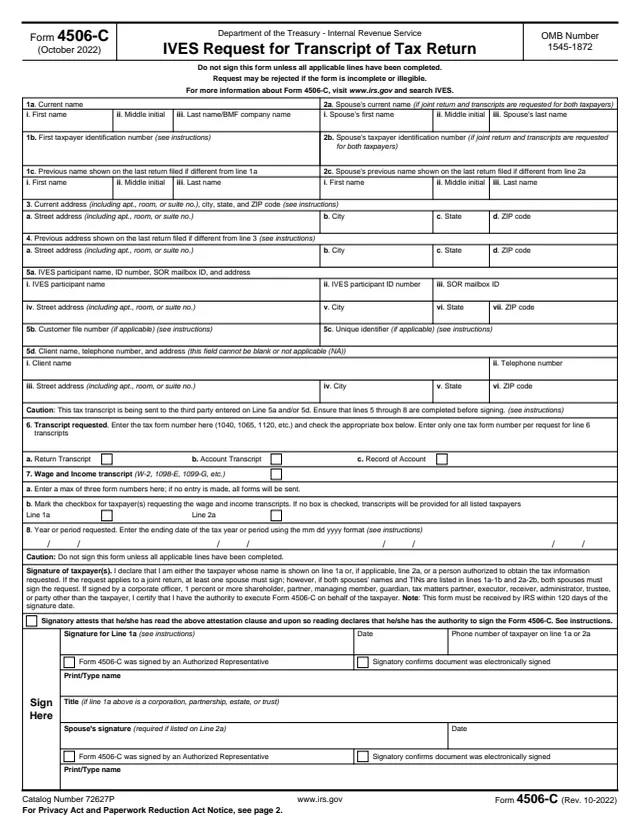
Form 4506-C requests tax return information through an authorized IVES participant. IVES is the IRS program that lets approved third parties, such as lenders, receive transcripts with the taxpayer's consent. The participant you name on line 5a receives the transcript.
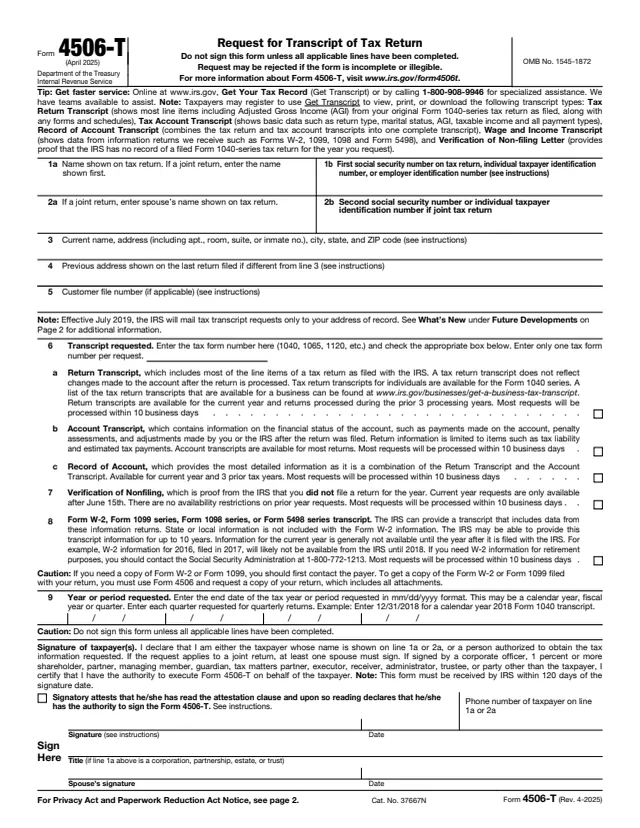
If you want a transcript sent to yourself, Form 4506-T is the form for that. On Form 4506-C the transcript goes to the third party named on lines 5a and 5d.
The form says not to sign until lines 5 through 8 are complete. You can fill out Form 4506-C on this page, in your browser, with no account.
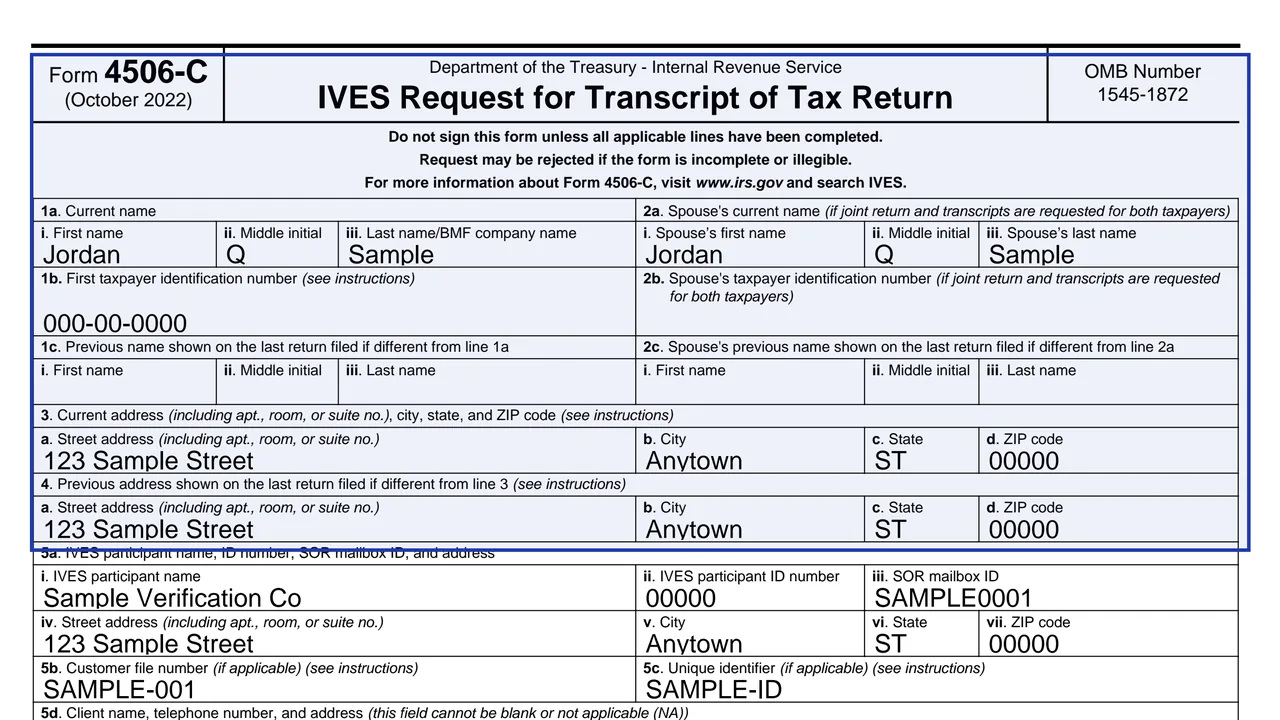
Current name, taxpayer identification number and any previous name from the last return filed.
Current address and the address on the last return filed, if different.
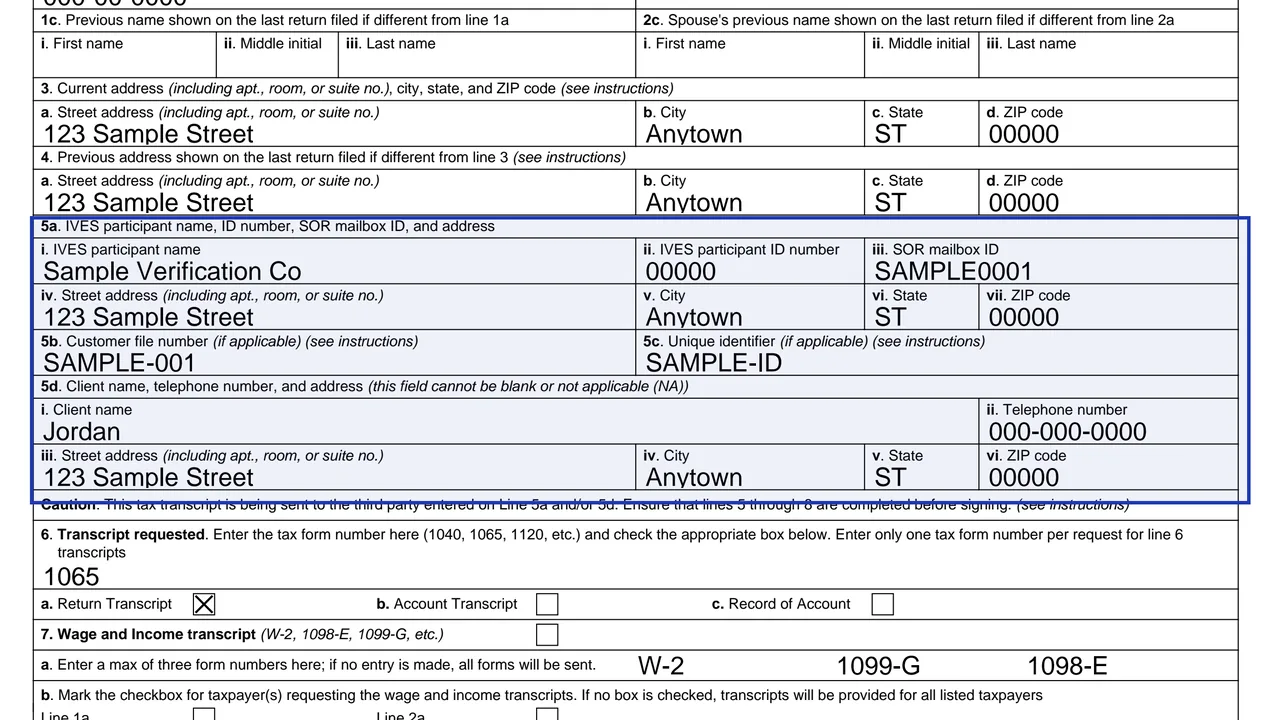
5a participant name, ID and mailbox ID. 5b customer file number. 5c unique identifier. 5d client name, phone number and address.
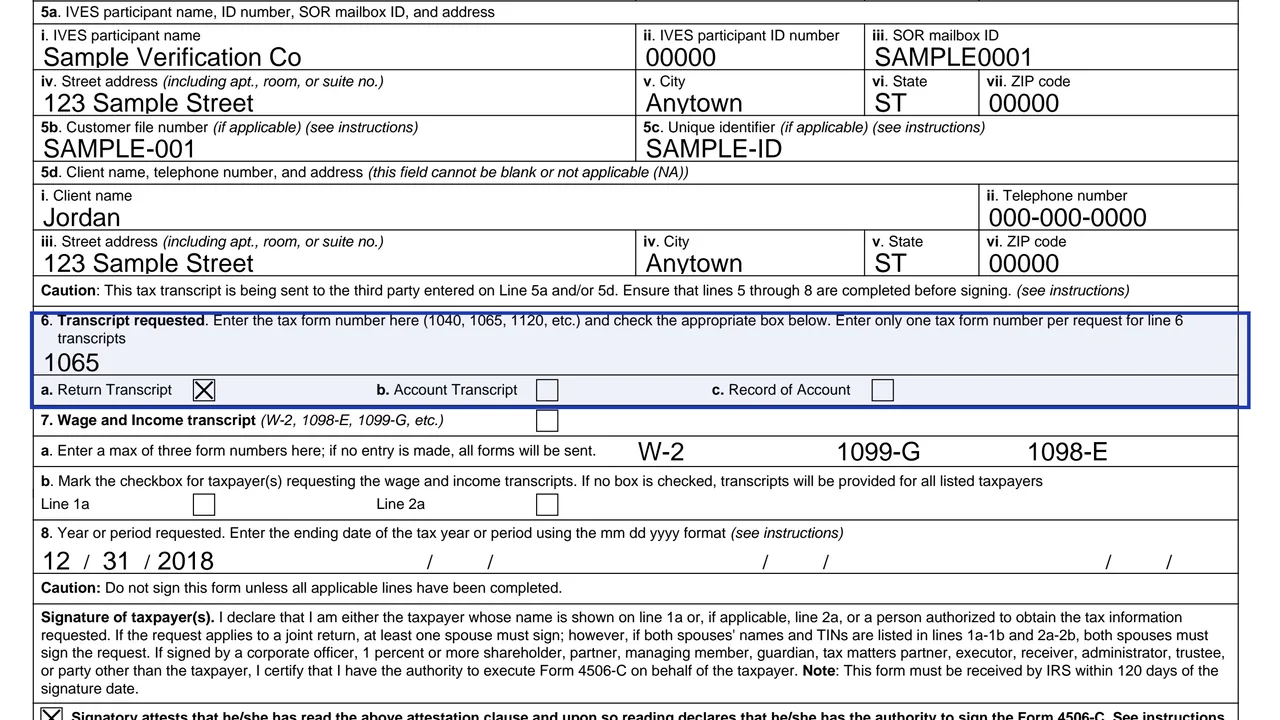
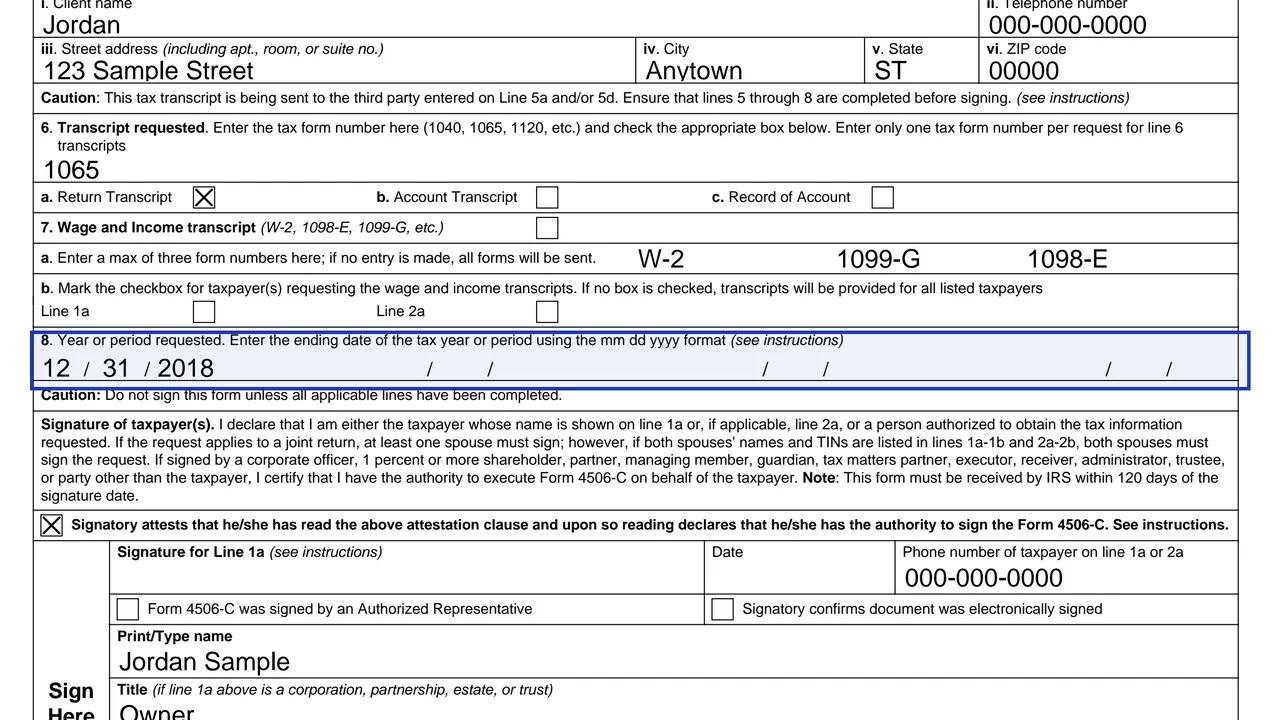
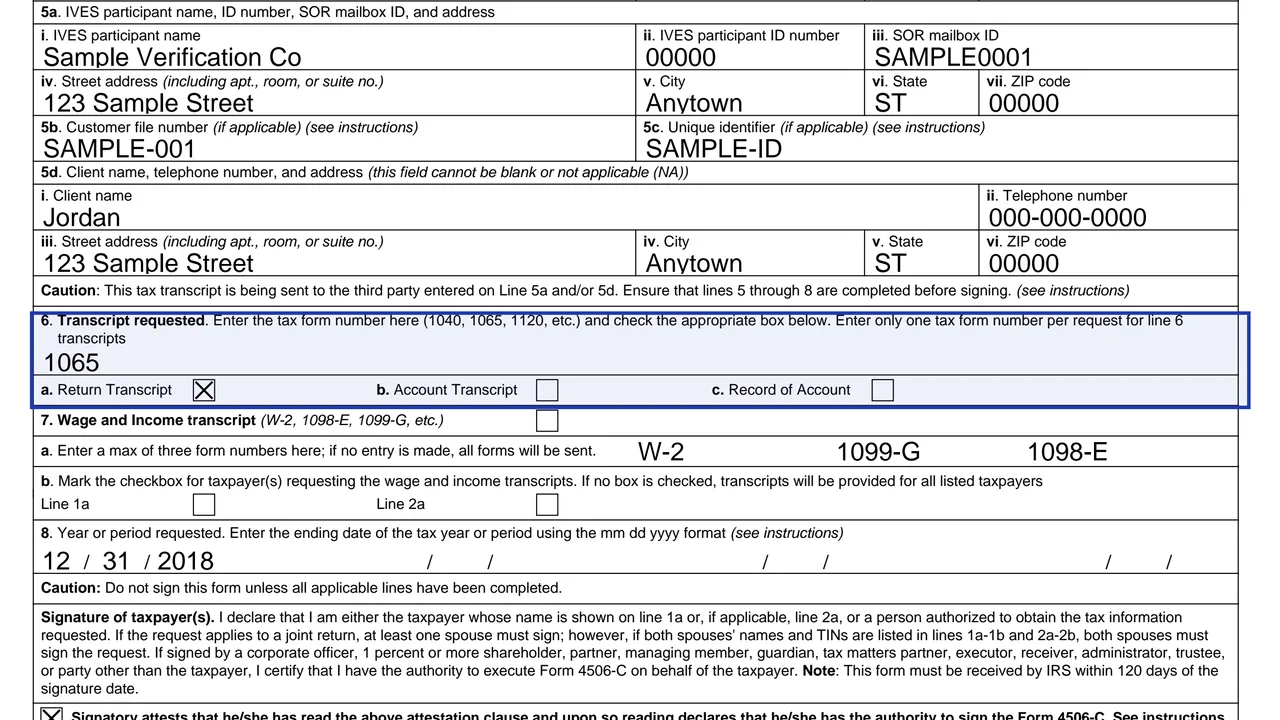
Enter one tax form number per request and choose the transcript type.
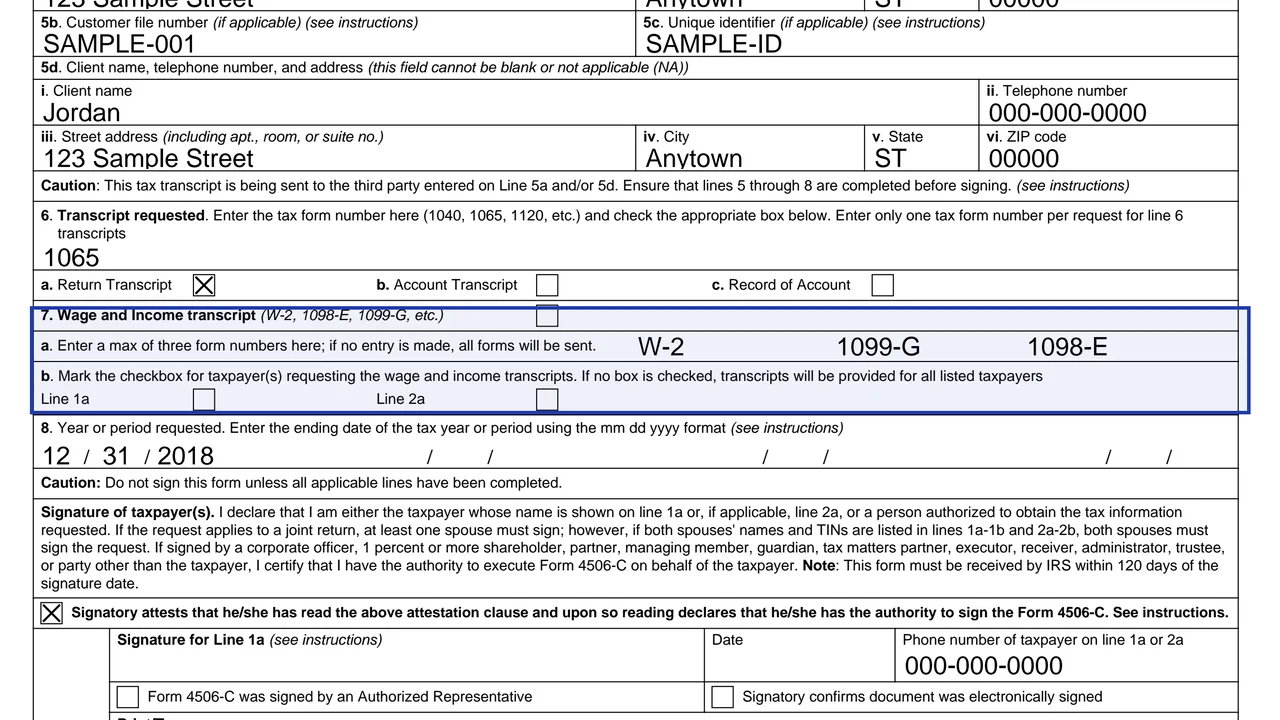
Up to three form numbers. If none is entered, all forms are sent.
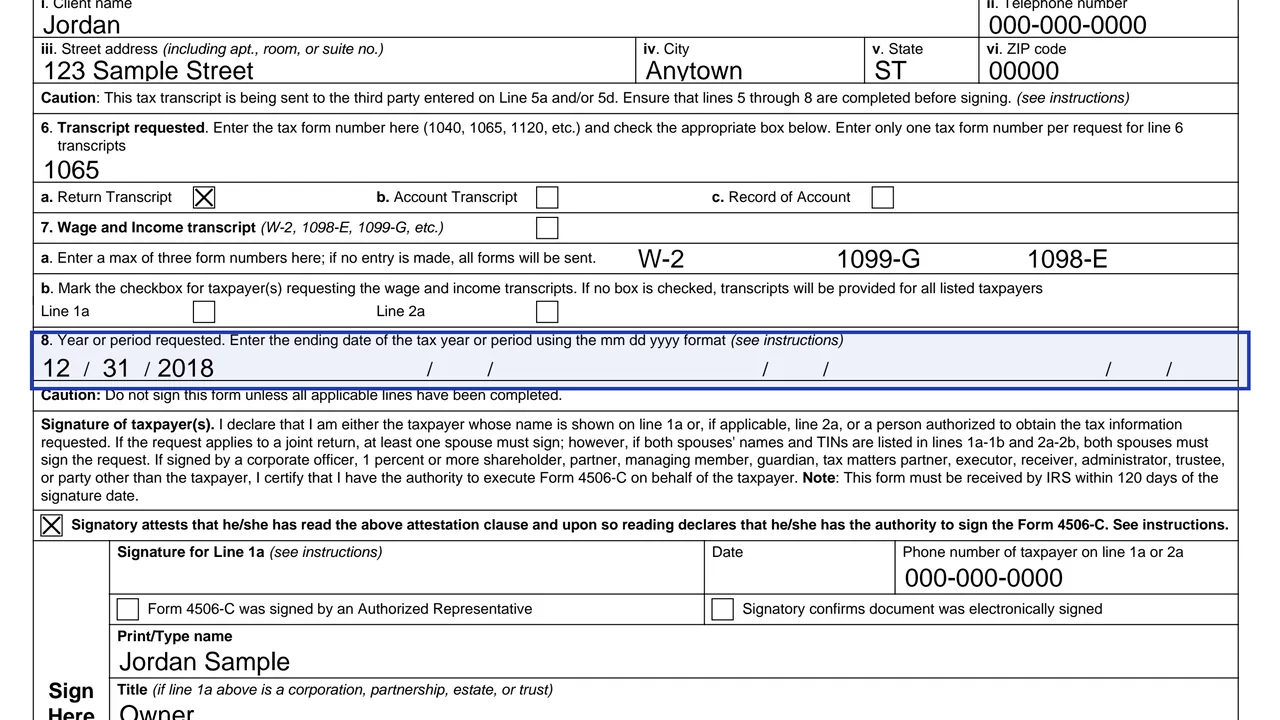
The end date of the tax year or period.
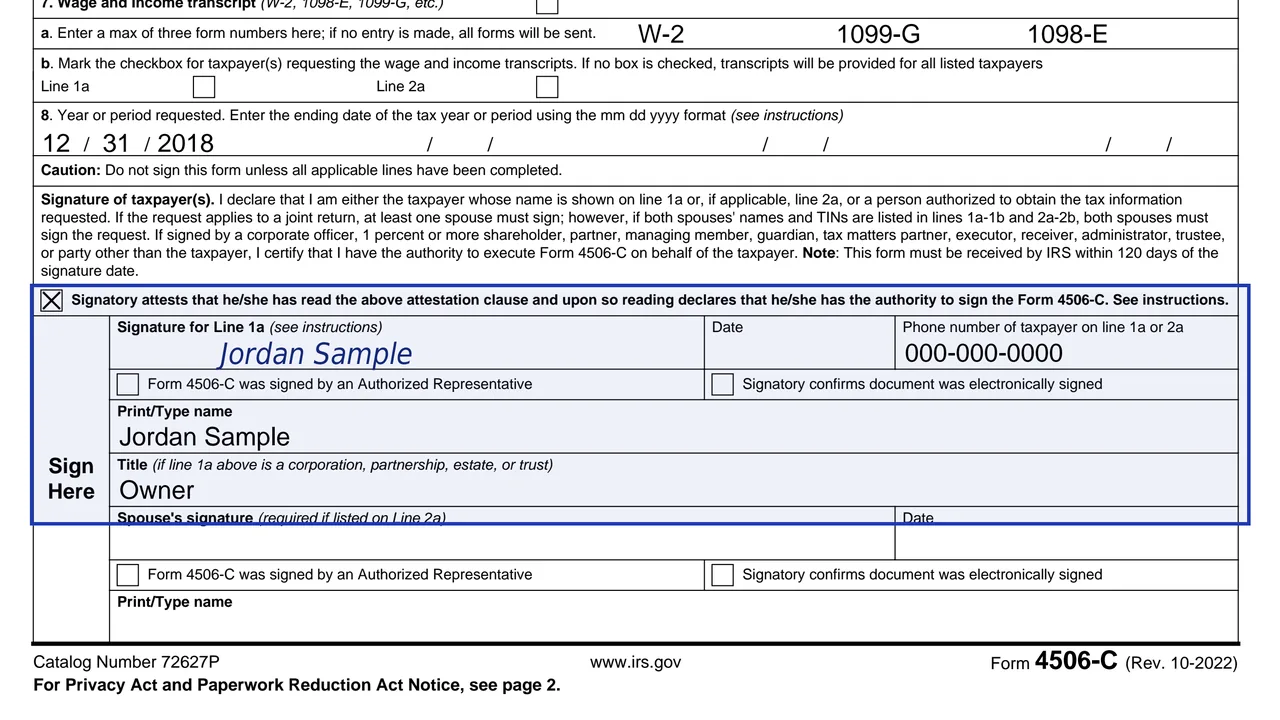
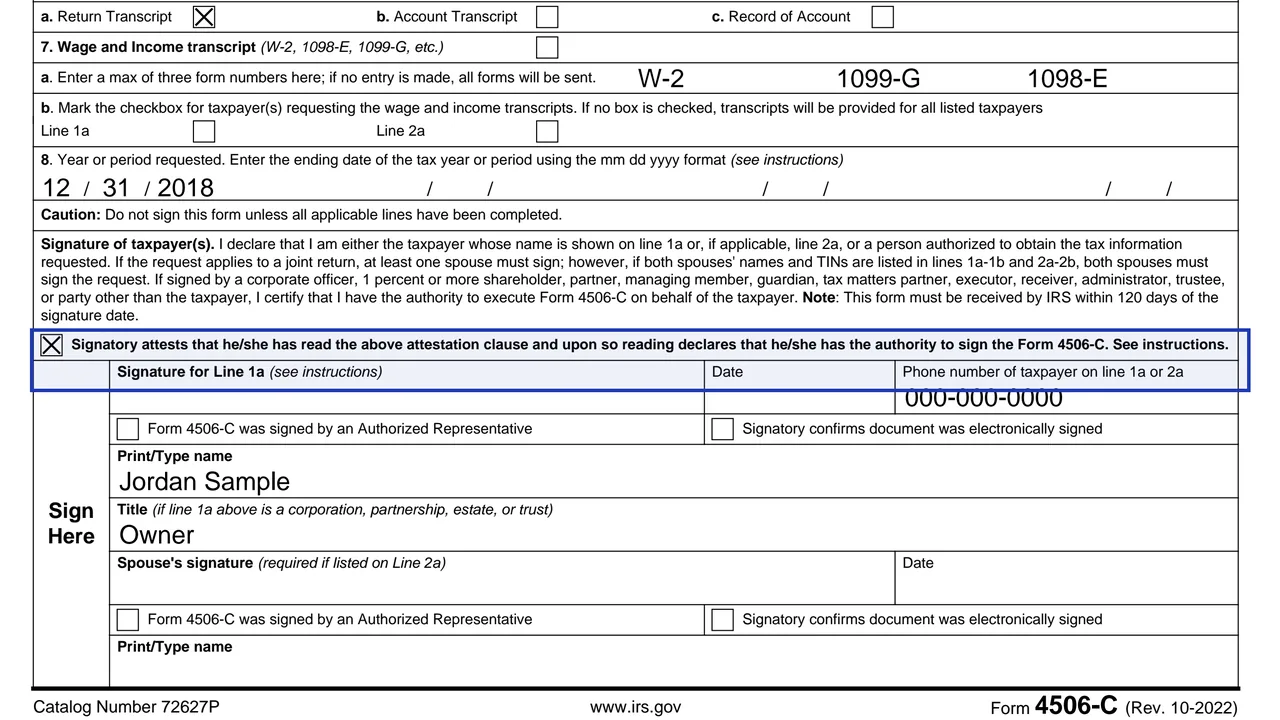
Includes checkboxes for authorized-representative signers and electronic signatures.
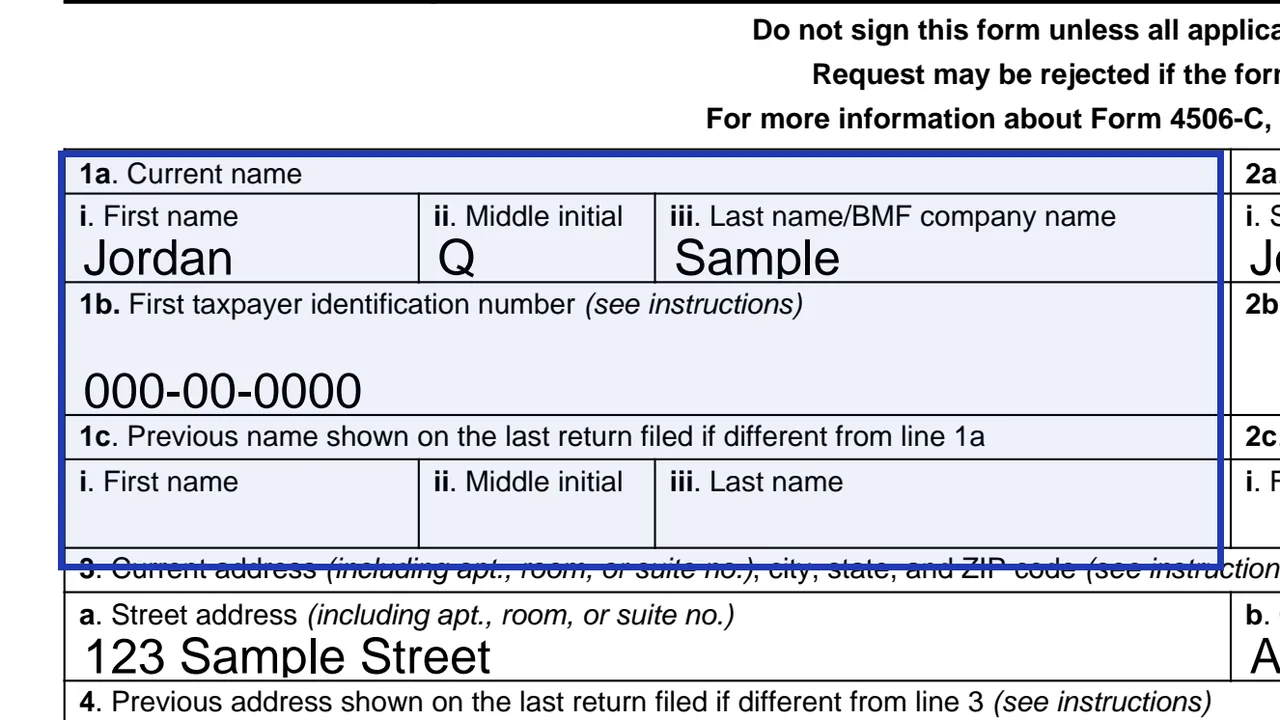
Enter first name, middle initial and last name. For business requests put the company name in the last name field. Add the previous name only if it differs.
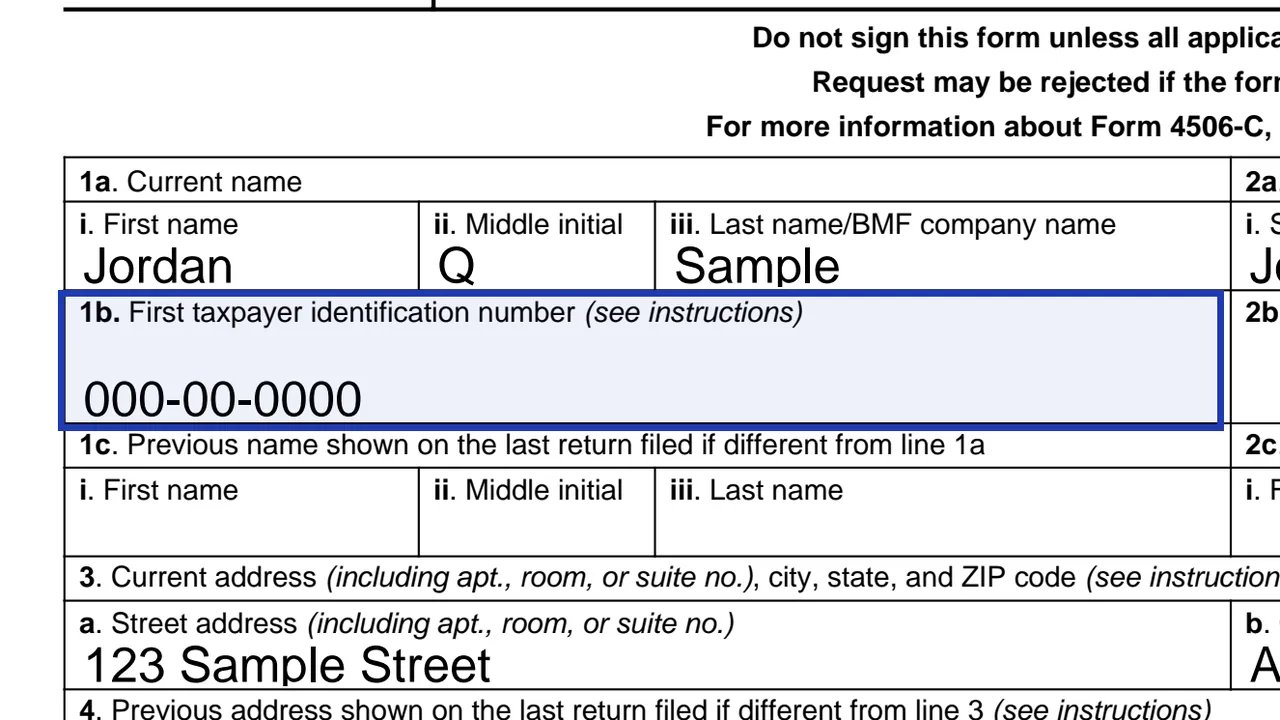
Enter the SSN or ITIN for an individual, or the EIN for a business, with dashes.
Enter your current address in the fields. Enter the old address only if it differs from line 3.
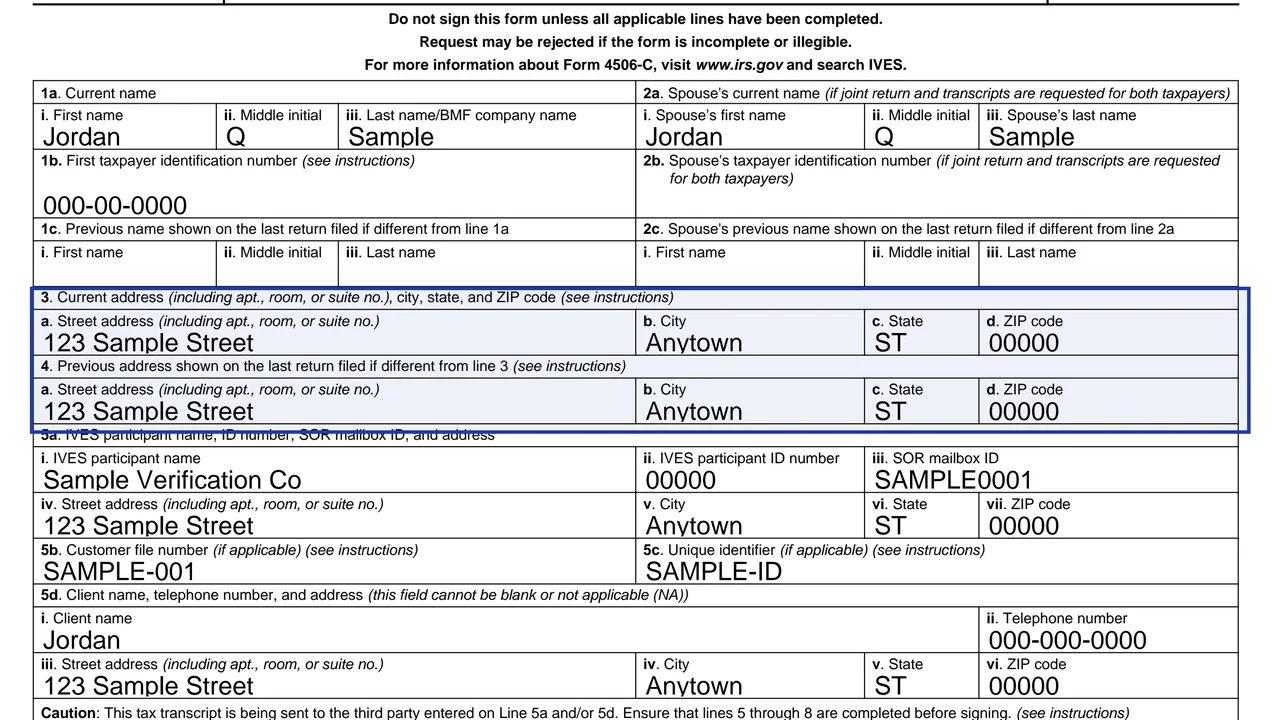
Complete 5a and 5d. Line 5b and 5c are optional and cannot contain an SSN, ITIN or EIN.
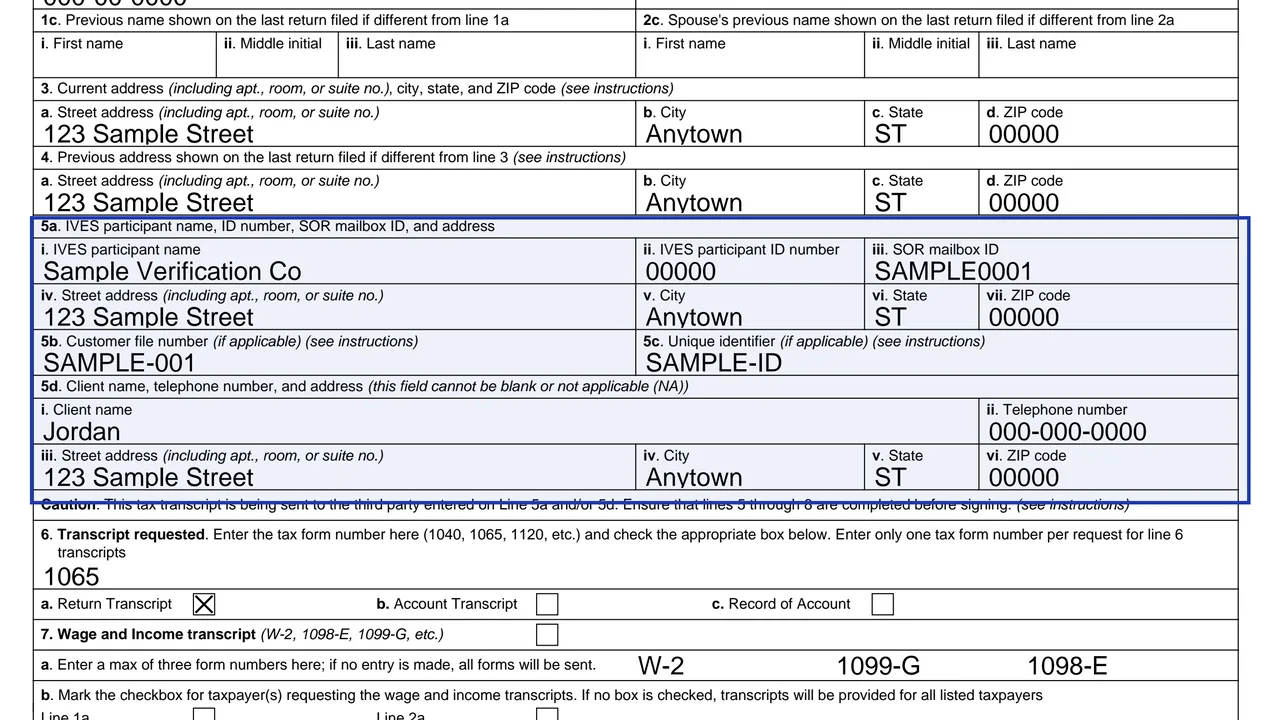
Enter one tax form number and check one transcript box. Return transcripts are available for Forms 1040, 1065, 1120, 1120-H, 1120-L and 1120-S.
Enter the end date, for example 12 31 2018 for calendar year 2018.
Check the box confirming you have authority to sign. The form will not be processed if it is unchecked.
You get the real form, filled in a browser tab, with nothing standing between you and the finished PDF.
The IVES participant faxes the form with the approved IVES cover sheet to its assigned service center. You do not mail it yourself.
The IRS must receive Form 4506-C within 120 days of the date the taxpayer signed.
Only IVES participants that opt in can accept them, and the electronic signature box must be marked.
Return transcripts are available for the current year and returns processed during the prior 3 processing years. Record of account covers the current year and 3 prior years.
The IRS notes that section 6103(c) limits how a recipient may use or redisclose your return information.
If lines 3 and 4 differ and you have not changed your address with the IRS, file Form 8822 or 8822-B with the request.
No tool matches that search.
The IRS program through which approved participants request transcripts with the taxpayer's consent.
The IVES participant faxes it to its assigned service center. For a transcript to yourself, use Form 4506-T.
The IRS must receive the form within 120 days of the date you signed.
Form 1040 series, 1065, 1120, 1120-H, 1120-L and 1120-S.
If both spouses' names and numbers are listed in lines 1a to 2b, yes.
Only if the IVES participant has opted in and the electronic signature box is checked.