Lines 1 to 4: applicant details
Name and address, social security number on line 2, date of birth on line 3 and an optional contact phone number on line 4.
4029
Application for Exemption From Social Security and Medicare Taxes and Waiver of Benefits
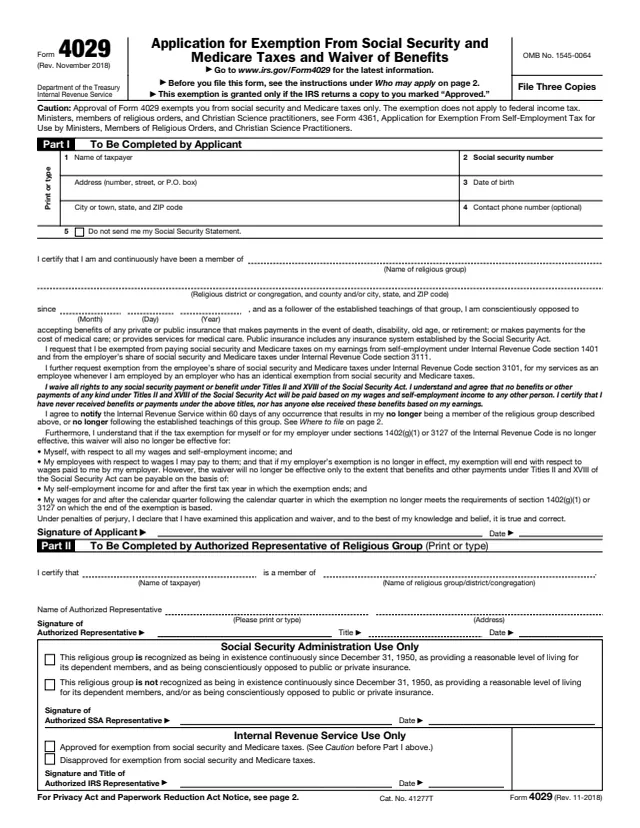
Form 4029, Application for Exemption From Social Security and Medicare Taxes and Waiver of Benefits, is used by members of recognized religious groups to apply for exemption from social security and Medicare taxes. The form says the exemption is for individuals and for partnerships when all the partners have approved certification. By signing, the applicant also waives all rights to social security payments and benefits under Titles II and XVIII of the Social Security Act.
The form carries a caution: approval exempts the applicant from social security and Medicare taxes only, and the exemption does not apply to federal income tax. The exemption is granted only if the IRS returns a copy marked "Approved." Ministers, members of religious orders and Christian Science practitioners are pointed to Form 4361 instead.
The applicant completes Part I, an authorized representative of the religious group completes Part II, and the Social Security Administration and the IRS complete their own sections. You can fill out Form 4029 free in your browser on this page and download the result without an account.
Name and address, social security number on line 2, date of birth on line 3 and an optional contact phone number on line 4.
A box that reads "Do not send me my Social Security Statement."
Blanks for the name of the religious group, the religious district or congregation with its location, and the month, day and year since which the applicant has been a member.
Statements requesting exemption under Internal Revenue Code sections 1401, 3111 and 3101, waiving benefits under Titles II and XVIII of the Social Security Act, and agreeing to notify the IRS within 60 days of leaving the group or its teachings.
The representative certifies the taxpayer's membership and gives a printed name, address, title, signature and date.
Boxes where the SSA states whether the group is recognized and the IRS marks the application approved or disapproved, each with a signature and date.
Enter your name and address, your social security number on line 2, your date of birth on line 3 and, if you like, a contact phone number on line 4. Without a social security number, the instructions say to file Form SS-5 at a local social security office.
Check the box only if you do not want the Social Security Statement sent to you.
Enter the religious group on the first line and the district or congregation on the second. The instructions give "Old Order Amish" as a group with "Conewango Valley North District" as the district. Then enter the date you became a member.
Read the request and waiver statements, then sign and date as the applicant. The declaration is made under penalties of perjury.
The authorized representative of your religious group, district or congregation completes, signs and dates Part II.
Leave the boxes at the bottom of page 1 blank. They are marked for Social Security Administration and Internal Revenue Service use only.
You get the real form, filled in a browser tab, with nothing standing between you and the finished PDF.
The instructions say to send the original and two copies to: Social Security Administration, Security Records Branch, Attn: Religious Exemption Unit, P.O. Box 7, Boyers, PA 16020.
File it when you want to apply for the exemption. The instructions call this a one-time election and say to keep your approved copy for your permanent records.
For employers and employees, an approved exemption is effective on the first day of the first quarter after the quarter in which Form 4029 is filed. For self-employed individuals it is effective when granted.
The exemption is no longer effective. The instructions say to notify the IRS by letter to Department of the Treasury, Internal Revenue Service Center, Philadelphia, PA 19255-0733, and the waiver says within 60 days.
If the IRS returned your copy marked "Approved," the instructions say to write "Exempt" and "Form 4029", joined by a dash, on the "Self-employment tax" line.
An employer with an approved Form 4029 checks the box on line 4 of Form 941 (line 3 of Form 944) and writes "Form 4029" below it, and enters "Form 4029" in the "Other" box of a qualifying employee's Form W-2.
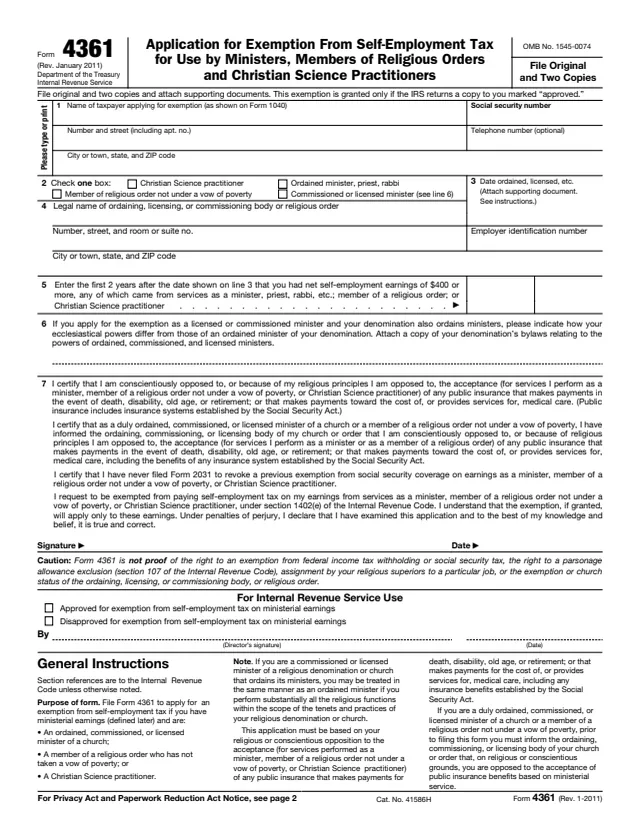
4361
18 fields, 2 pages
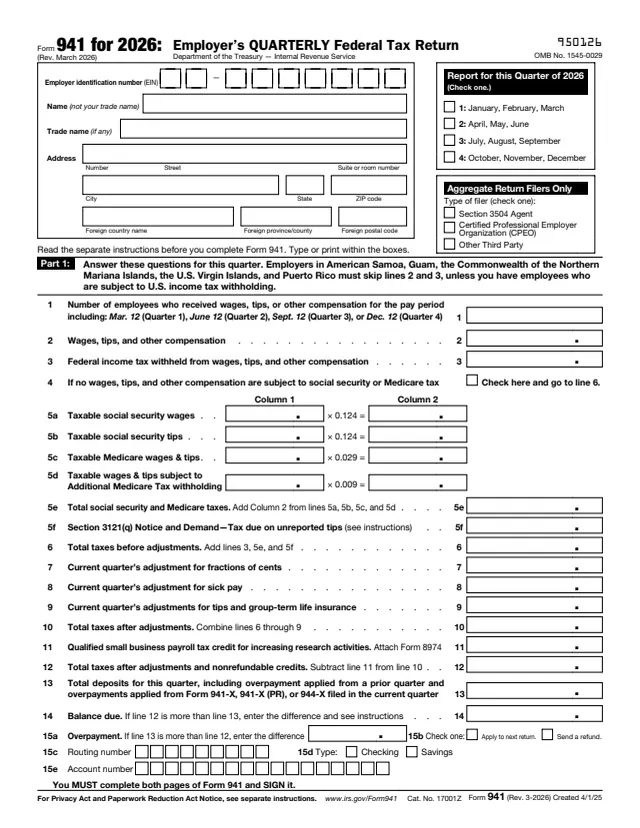
941
116 fields, 3 pages
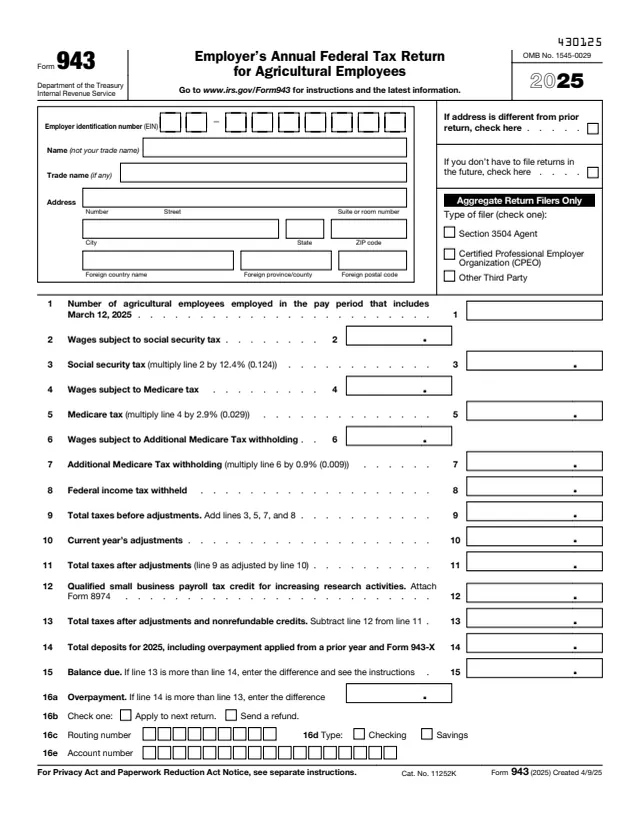
943
109 fields, 3 pages
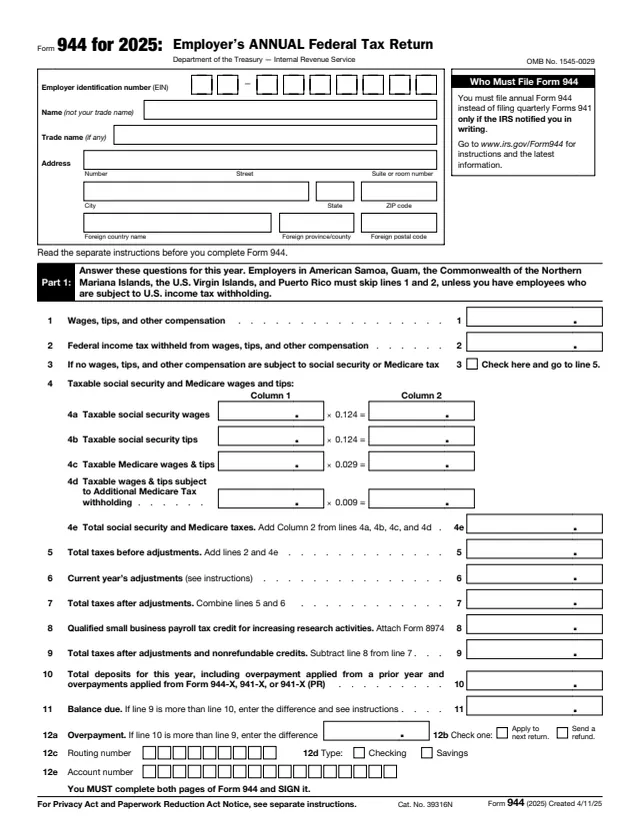
944
114 fields, 3 pages
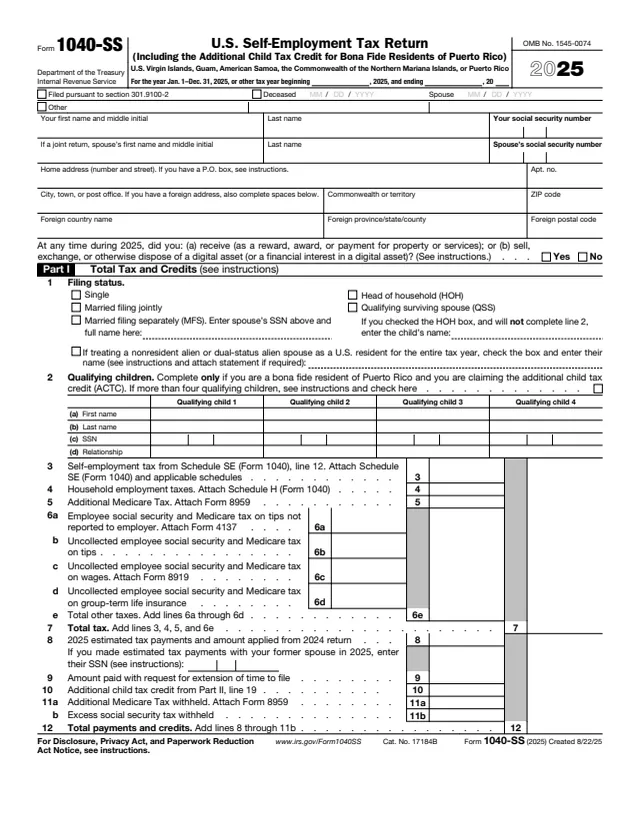
1040-SS
132 fields, 3 pages
W-2
568 fields, 11 pages
The form is signed by the applicant and by a representative of the applicant's religious group, then reviewed by the Social Security Administration and the IRS.
No tool matches that search.
No. The form's caution says approval exempts you from social security and Medicare taxes only and does not apply to federal income tax.
The instructions say the applicant signs and dates Part I and the authorized representative of the religious group, district or congregation signs Part II.
The original and two copies go to the Social Security Administration, Security Records Branch, Attn: Religious Exemption Unit, P.O. Box 7, Boyers, PA 16020.
The form says the exemption is granted only if the IRS returns a copy to you marked "Approved."
The instructions say you are not eligible if you, or anyone else based on your wages or self-employment income, received these benefits, but you can file and be considered for approval if you paid back any benefits you received.
The instructions say the election to waive benefits applies to all wages and self-employment income earned before and during the exemption period and is irrevocable for that period.
The form points ministers, members of religious orders and Christian Science practitioners to Form 4361.