Site details, lines 1 to 7
Date, a revised form question, site name, site address, city, state and ZIP code, SIDN, program type, first and last day open, and languages offered.
13715
Volunteer Site Information Sheet
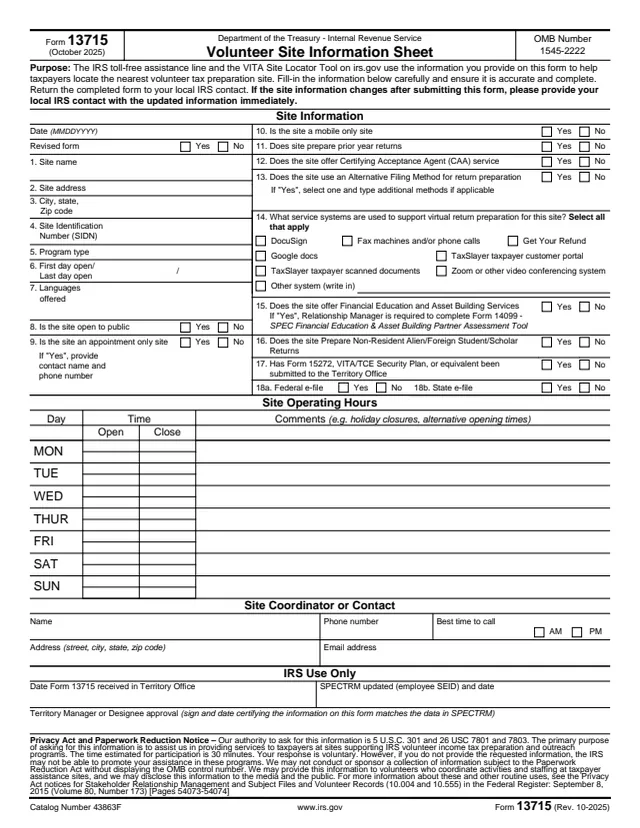
Form 13715, Volunteer Site Information Sheet, collects details about a volunteer tax preparation site. The form says the IRS toll-free assistance line and the VITA Site Locator Tool on irs.gov use this information to help taxpayers locate the nearest volunteer tax preparation site.
The site fills it in, names a site coordinator or contact, and returns it to its local IRS contact. It is not a tax return, and individual taxpayers looking for free help do not fill it out. The form asks for the site's name, address, Site Identification Number (SIDN), program type, dates and hours, languages and services, and ends with an IRS Use Only section for the Territory Office.
You can fill out Form 13715 free in your browser on this page and download the result without an account.
Date, a revised form question, site name, site address, city, state and ZIP code, SIDN, program type, first and last day open, and languages offered.
Whether the site is open to the public, appointment only or mobile only, prepares prior year returns, offers Certifying Acceptance Agent (CAA) service or uses an Alternative Filing Method.
The systems used for virtual return preparation: DocuSign, Google docs, TaxSlayer portal or scanned documents, Zoom or other video conferencing, fax or phone, Get Your Refund, or another system.
Financial Education and Asset Building Services, nonresident alien and foreign student or scholar returns, whether Form 15272 or an equivalent was submitted, and federal and state e-file.
Open and close times for each day from Monday to Sunday, with comments such as holiday closures or alternative opening times.
The site coordinator or contact details, then the Territory Office's received date, SPECTRM update and the approval signature and date.
Enter the date as MMDDYYYY and answer Yes or No to the revised form question.
Enter the site name, address, city, state and ZIP code, SIDN, program type, first and last day open, and the languages offered.
Answer each Yes or No question. If line 9 is Yes, give a contact name and phone number. If line 13 is Yes, select one Alternative Filing Method and type any additional methods.
Select every virtual system that applies, then answer the service, security plan and e-file questions.
Fill in open and close times for each day the site operates, any comments, and the site coordinator or contact details.
Leave the IRS Use Only section for the IRS and return the completed form to the local IRS contact.
You get the real form, filled in a browser tab, with nothing standing between you and the finished PDF.
The form says to return the completed form to your local IRS contact.
If the site information changes after the form is submitted, the form asks the site to give its local IRS contact the updated information immediately.
The form asks that the information be filled in carefully and be accurate and complete, since it is used to help taxpayers find the nearest site.
The Privacy Act notice estimates 30 minutes, says the response is voluntary, and says the IRS may disclose the information to the media and the public.
The Territory Manager or designee signs and dates the form, certifying that the information on it matches the data in SPECTRM.
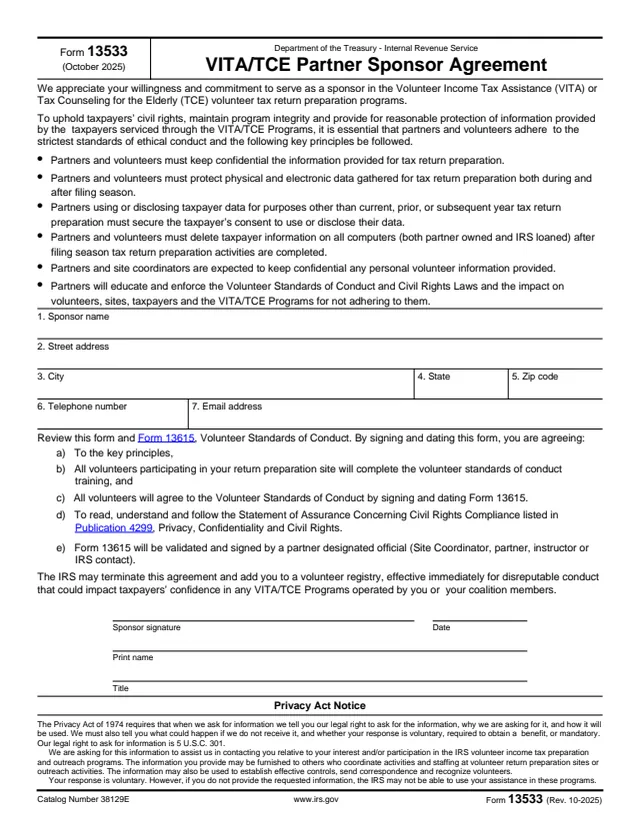
13533
13 fields, 1 page
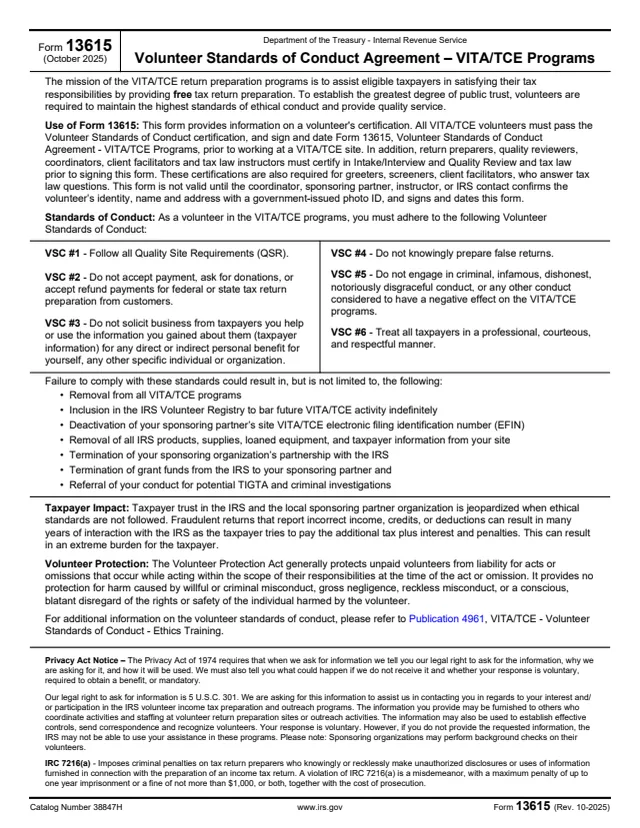
13615
76 fields, 2 pages
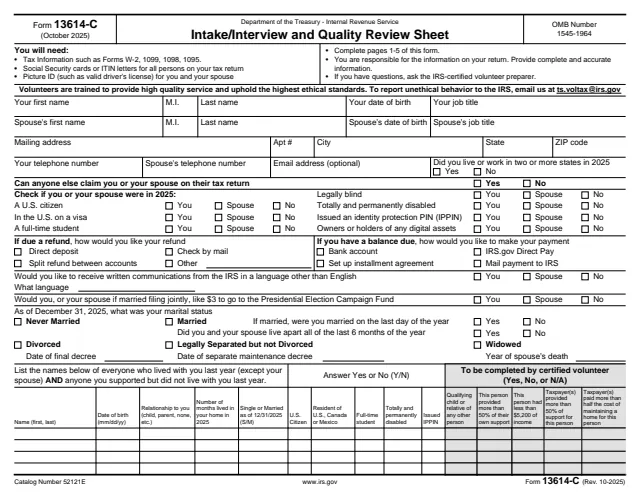
13614-C
297 fields, 6 pages
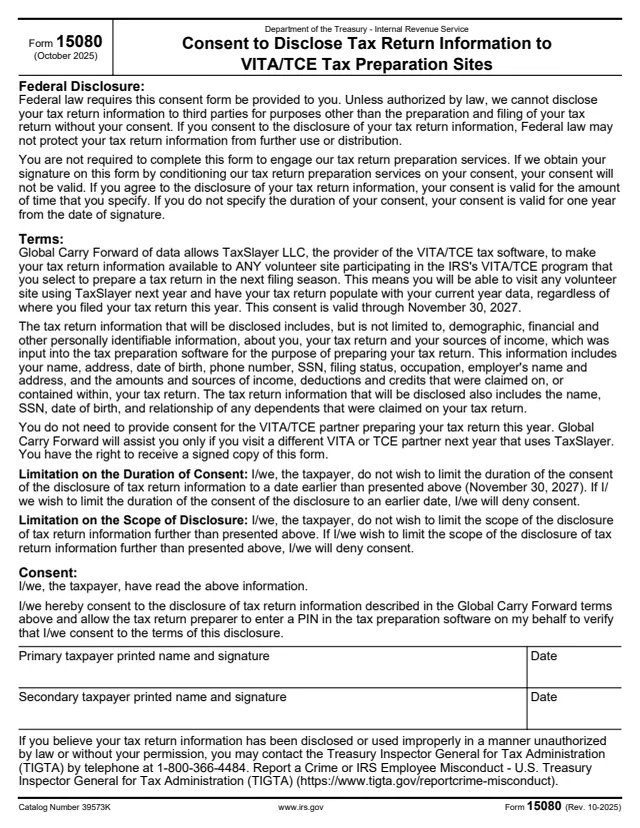
15080
5 fields, 1 page
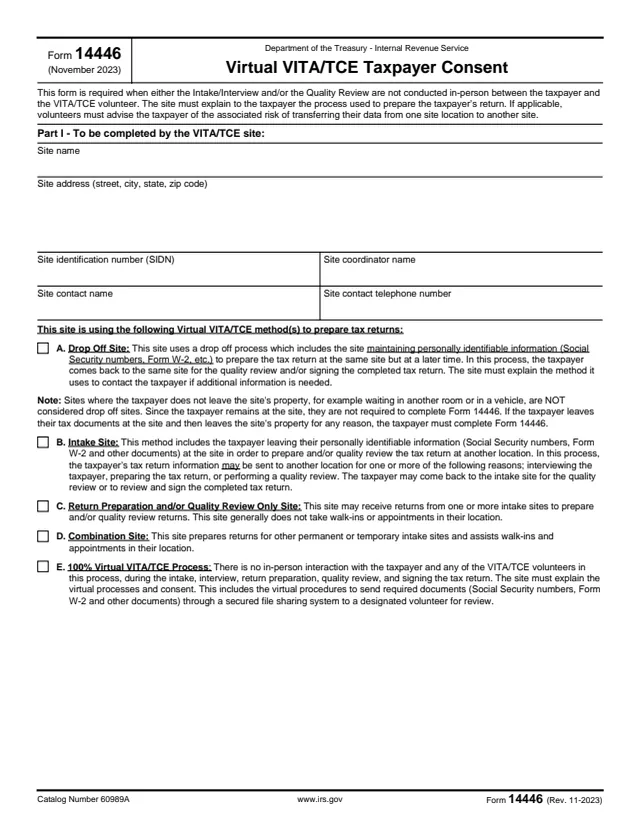
14446
41 fields, 3 pages
The volunteer tax preparation site completes it. IRS Territory Office staff complete the IRS Use Only section.
No tool matches that search.
The volunteer tax preparation site, with a site coordinator or contact named on the form. It goes to the site's local IRS contact.
The form says the IRS toll-free assistance line and the VITA Site Locator Tool on irs.gov use it to help taxpayers locate the nearest volunteer tax preparation site.
The Privacy Act notice says the IRS may provide it to volunteers who coordinate activities and staffing at sites, and may disclose it to the media and the public.
The form asks the site to give its local IRS contact the updated information immediately.
The notice says the response is voluntary. It also says that without the information the IRS may not be able to promote the site's assistance in these programs.
The notice estimates the time for participation at 30 minutes.