IFB number and page
Boxes at the top right for the IFB number and the page of the bid sheet.
SF114B
Sale of Government Property - Item Bid Page - Sealed Bid - Description Format
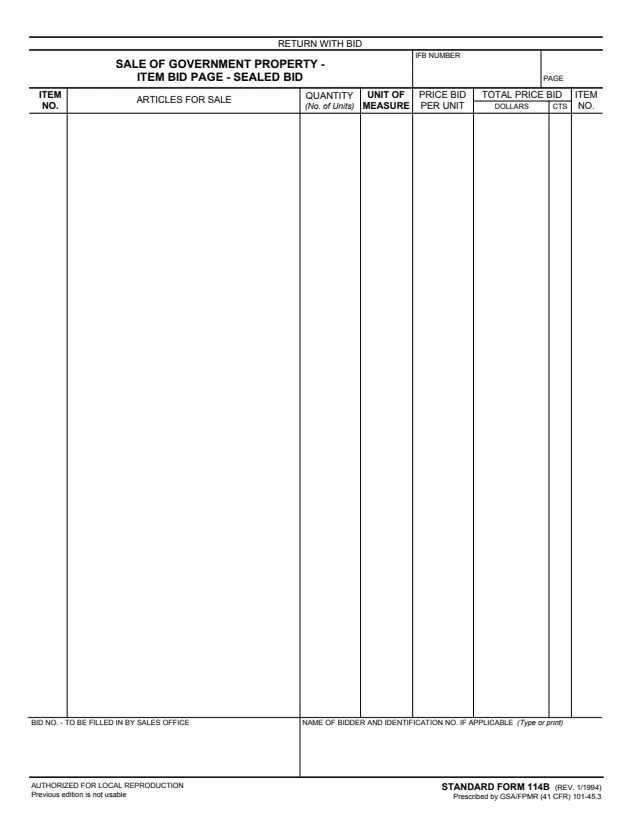
Standard Form 114B (SF 114B), Sale of Government Property - Item Bid Page - Sealed Bid, is a one-page bid sheet for a sealed bid sale of government property. The footer says it is prescribed by GSA/FPMR (41 CFR) 101-45.3, and GSA hosts a copy in its forms library. GSA's page lists it as the description format of the item bid page.
The top of the page says RETURN WITH BID. It has boxes for the IFB number and page, and columns for item number, articles for sale, quantity (number of units), unit of measure, price bid per unit and total price bid in dollars and cents, with the item number repeated at the right edge. At the bottom are a bid number box to be filled in by the sales office and a box for the name of the bidder.
The footer says it is authorized for local reproduction and that the previous edition is not usable. You can fill it out free in your browser on this page and download the result without an account.
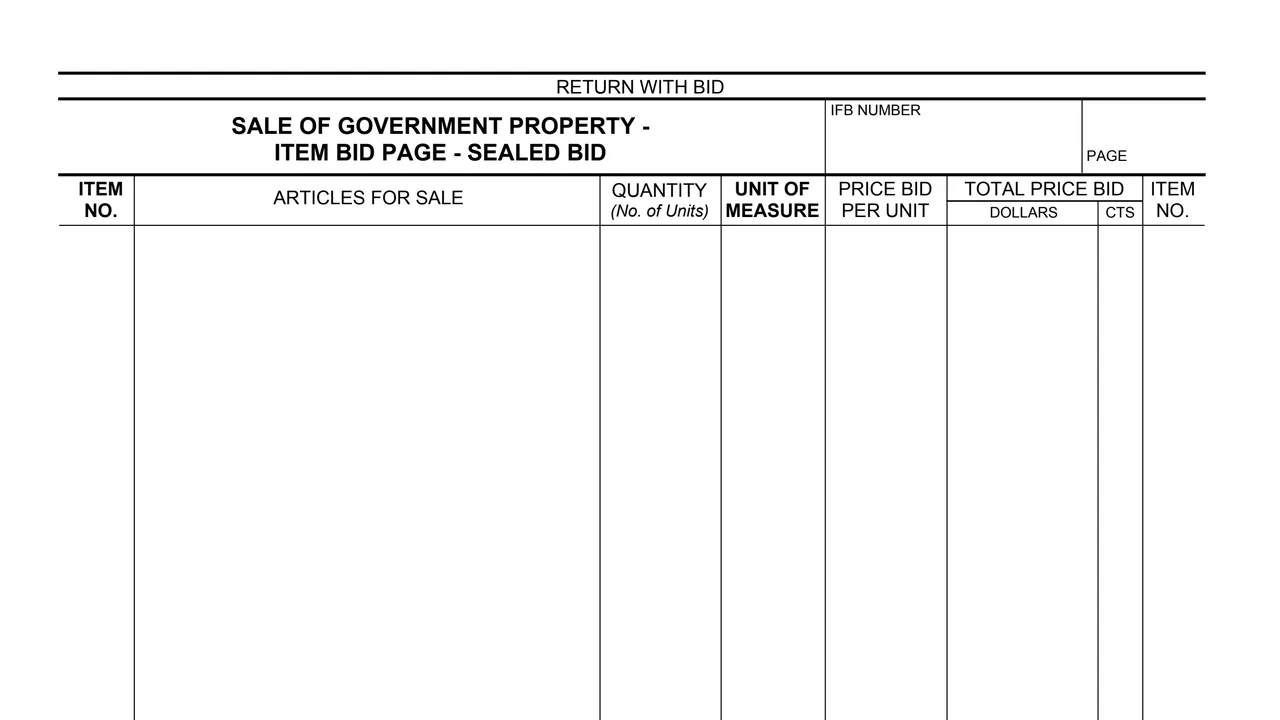
Boxes at the top right for the IFB number and the page of the bid sheet.
An Item No. column at each edge of the page and a wide Articles for Sale column for the description of each item.
Quantity, shown as the number of units, and the unit of measure for each item.
A Price Bid Per Unit column and a Total Price Bid column split into dollars and cents (CTS).
At the bottom, the bid number box for the sales office and the box for the name of the bidder and identification number, if applicable.
Fill in the IFB NUMBER and PAGE boxes at the top of the sheet.
Each row has an Item No. at the left and right edges, with the article for sale, its quantity and its unit of measure.
Write the price bid per unit for the item in the Price Bid Per Unit column.
Write the total price bid in the Dollars and CTS columns.
Type or print the name of the bidder and identification number, if applicable. The bid number box is left for the sales office.
The top of the page says RETURN WITH BID.
The PDF prints no written instructions, so these steps follow its blocks.
You get the real form, filled in a browser tab, with nothing standing between you and the finished PDF.
The top of the page says RETURN WITH BID. The PDF prints no address, and the sales office fills in the bid number.
The footer says AUTHORIZED FOR LOCAL REPRODUCTION and Previous edition is not usable.
The footer says the form is prescribed by GSA/FPMR (41 CFR) 101-45.3. GSA's page lists GSA FPMR (41 CFR) 101-45.3 as its authority or regulation.
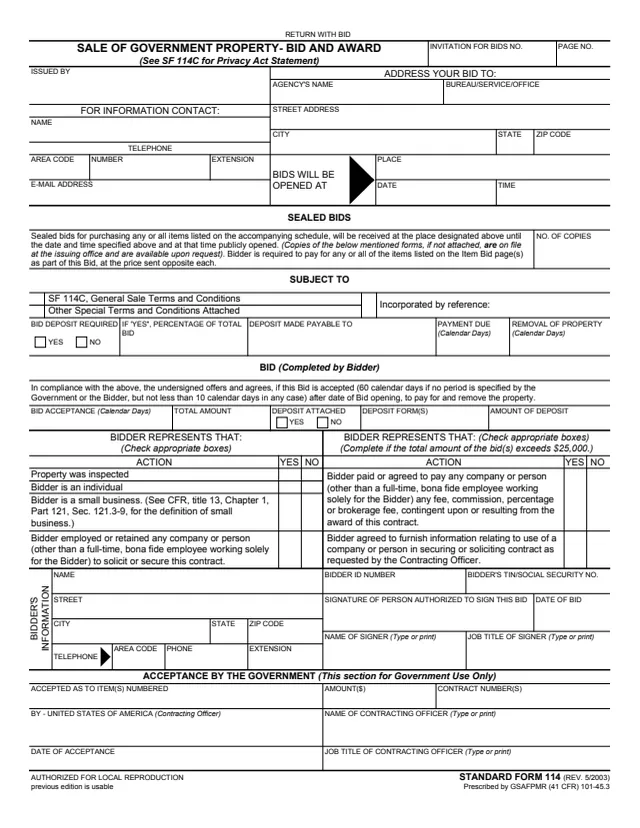
SF114
68 fields, 1 page
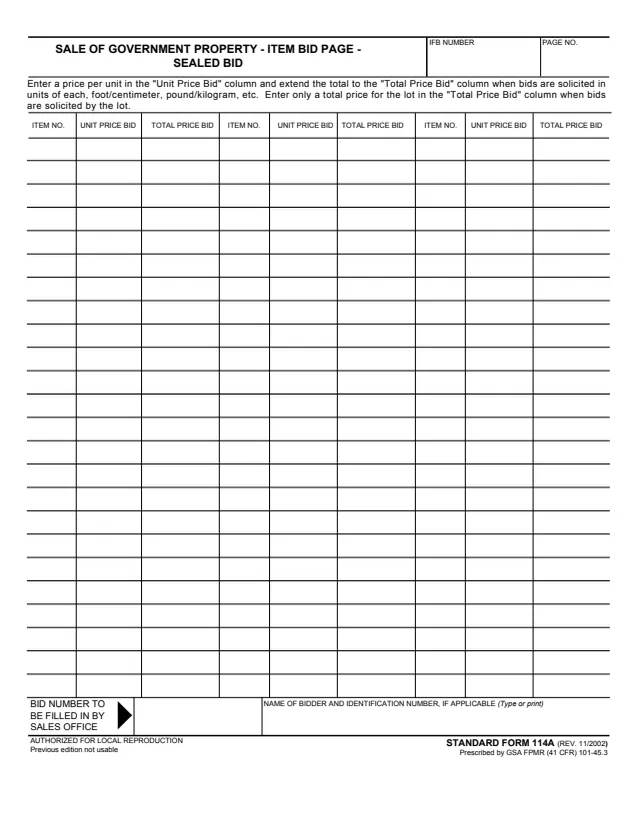
SF114A
220 fields, 1 page
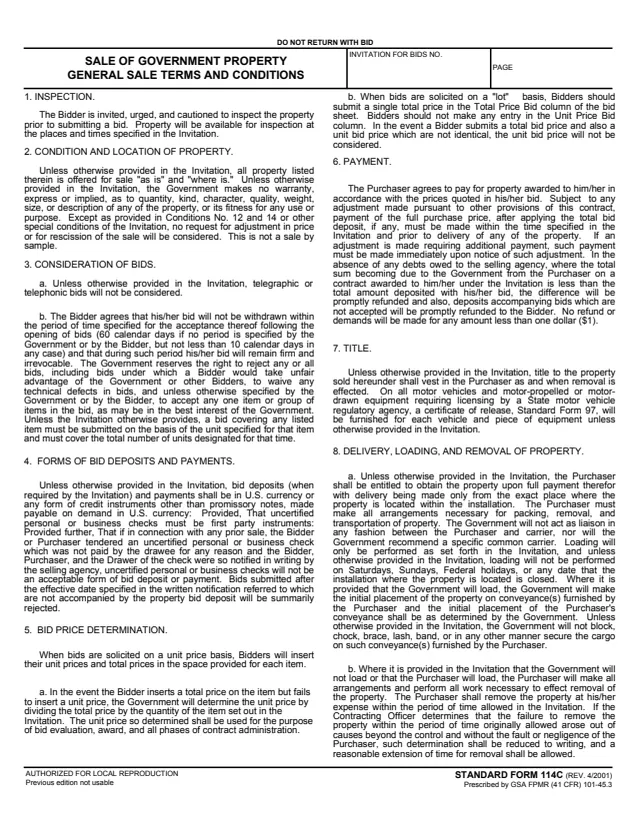
SF114C
12 fields, 9 pages
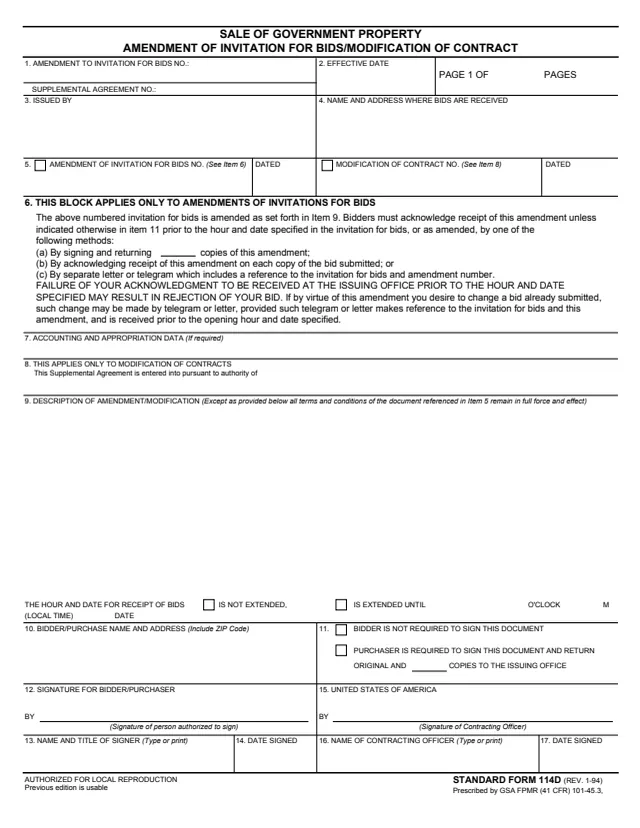
SF114D
33 fields, 1 page
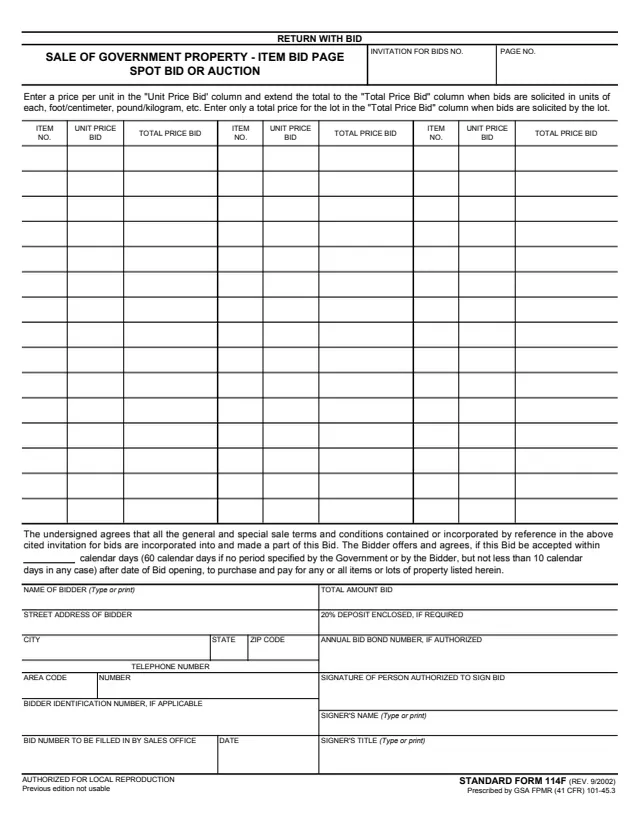
SF114F
155 fields, 1 page
The form names the bidder and the sales office.
No tool matches that search.
The footer says the form is prescribed by GSA/FPMR (41 CFR) 101-45.3, in the Rev. 1/1994 edition. GSA hosts a copy in its forms library.
The top of the page says RETURN WITH BID.
The box at the bottom left says BID NO. - TO BE FILLED IN BY SALES OFFICE.
GSA's pages list SF 114B as the description format and SF 114A as the column format. SF 114B has columns for articles for sale, quantity, unit of measure, price bid per unit and total price bid. SF 114A has three sets of item number, unit price and total price columns.
The footer says Previous edition is not usable.