Subject, sensitivity and basis
The subject's name, position sensitivity boxes 4, 3, 2 and 1, and an open block for the basis.
GSA6027
Security Specialist Worksheet
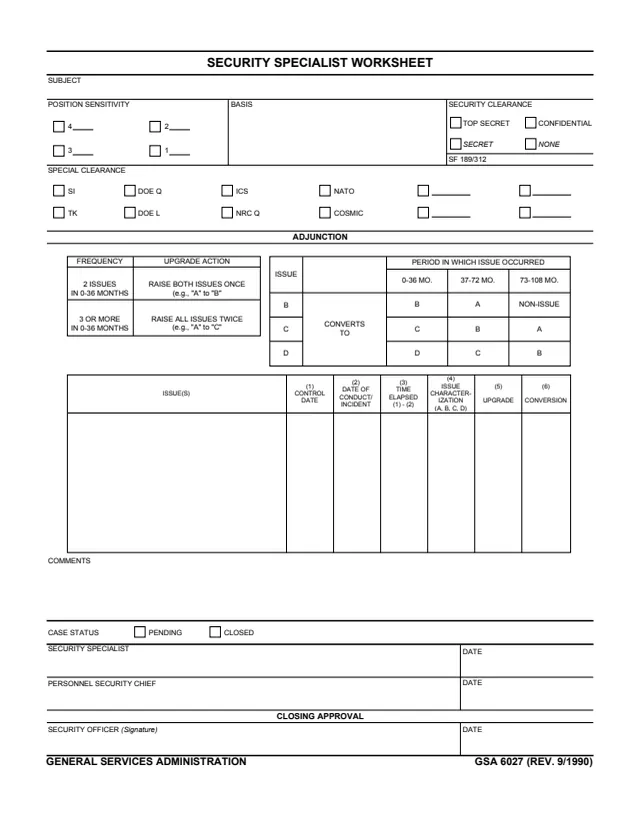
GSA Form 6027, Security Specialist Worksheet, is a one-page General Services Administration form, GSA 6027 (REV. 9/1990). GSA hosts it in its forms library, and its page lists no authority or regulation.
The worksheet is about one subject. It records position sensitivity (boxes 4, 3, 2 and 1), the basis, the security clearance (Top Secret, Secret, Confidential or None, with an SF 189/312 line) and special clearances such as SI, TK, DOE Q, DOE L, ICS, NRC Q, NATO and COSMIC. A section headed ADJUNCTION prints tables for upgrading and converting issues by how recently they occurred, then a table of issues with control date, date of conduct or incident, time elapsed, issue characterization (A, B, C, D), upgrade and conversion.
The form closes with comments, a case status of pending or closed, and lines for the security specialist, the personnel security chief and the security officer's closing approval. You can fill it out free in your browser on this page and download the result without an account.
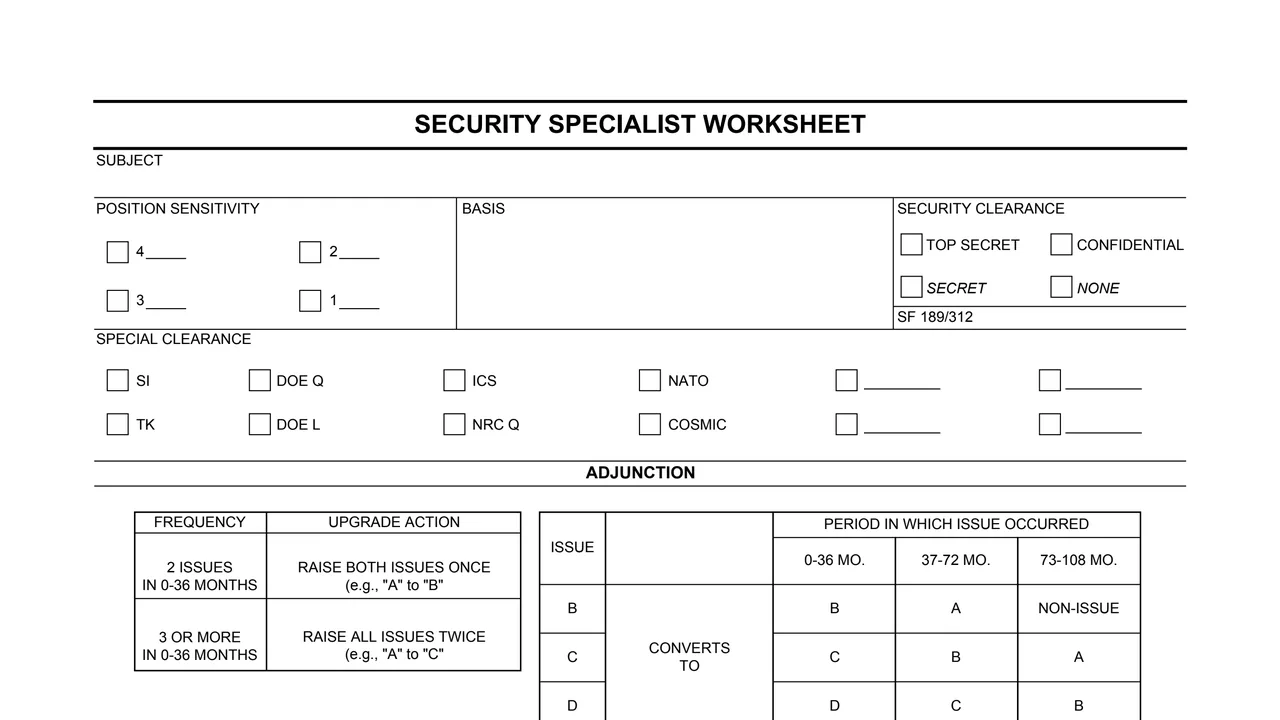
The subject's name, position sensitivity boxes 4, 3, 2 and 1, and an open block for the basis.
Top Secret, Secret, Confidential or None, with an SF 189/312 line, and special clearance boxes for SI, TK, DOE Q, DOE L, ICS, NRC Q, NATO, COSMIC and four blank boxes.
2 issues in 0-36 months: raise both issues once (e.g., "A" to "B"). 3 or more in 0-36 months: raise all issues twice (e.g., "A" to "C").
By period in which the issue occurred, 0-36, 37-72 or 73-108 months: B converts to B, A or non-issue; C to C, B or A; D to D, C or B.
Issue(s), then (1) control date, (2) date of conduct/incident, (3) time elapsed (1) - (2), (4) issue characterization (A, B, C, D), (5) upgrade and (6) conversion.
Comments, case status pending or closed, the security specialist and personnel security chief lines, and the security officer's closing approval.
Name the subject, check a position sensitivity box and fill in the basis.
Check the security clearance and any special clearances, and complete the SF 189/312 line.
Enter each issue with its control date and date of conduct or incident. Column 3 is headed time elapsed (1) - (2).
Enter the characterization A, B, C or D in column 4, then the upgrade and conversion in columns 5 and 6, using the two tables printed above.
Write any comments and check pending or closed.
The security specialist and personnel security chief date their lines, and the security officer signs and dates the closing approval.
You get the real form, filled in a browser tab, with nothing standing between you and the finished PDF.
The PDF gives no filing address or routing. It ends with a closing approval by the security officer.
GSA's page lists no authority or regulation for this form.
The form prints SF 189/312 beneath the security clearance boxes and does not explain it further.
The PDF prints no Privacy Act notice, OMB number or burden estimate.
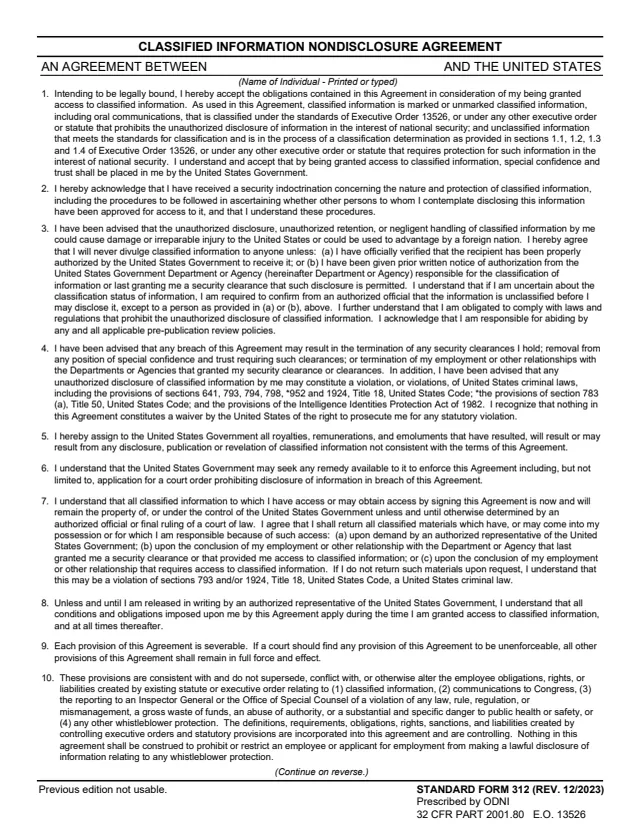
SF312
15 fields, 2 pages
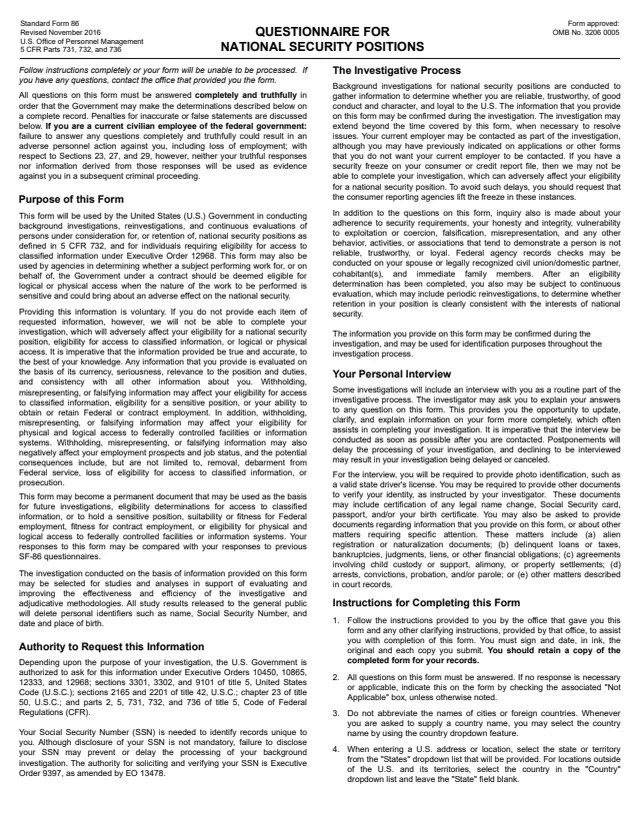
SF86
6,197 fields, 136 pages
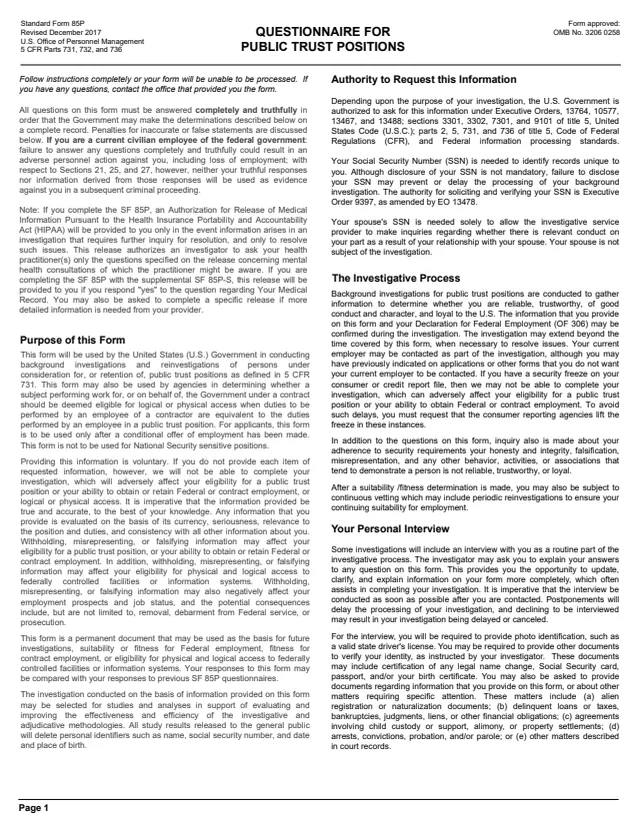
SF85P
4,128 fields, 95 pages
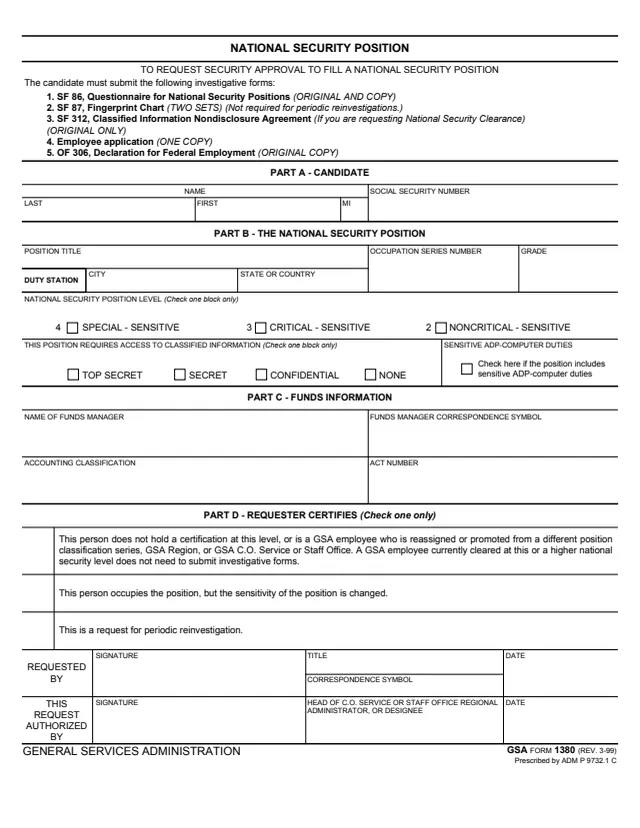
GSA1380
31 fields, 1 page
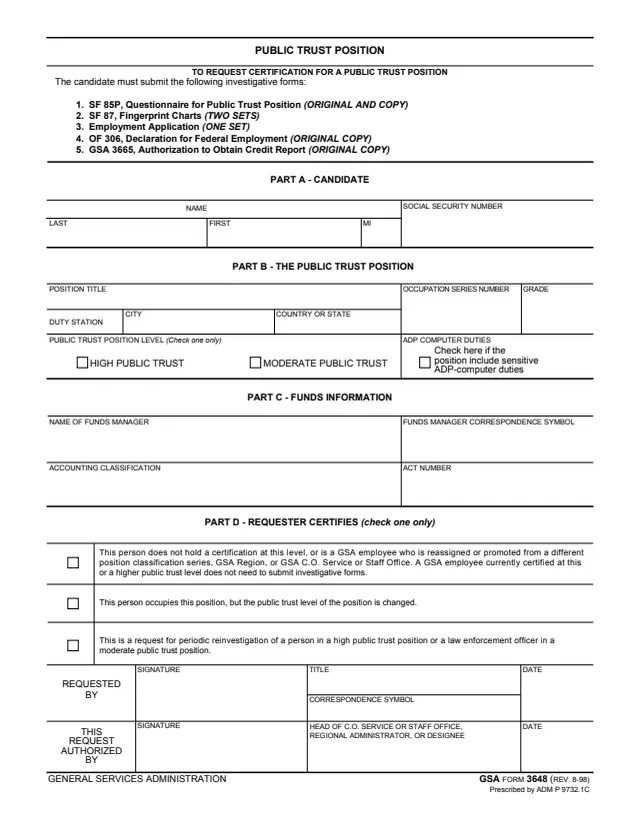
GSA3648
26 fields, 1 page
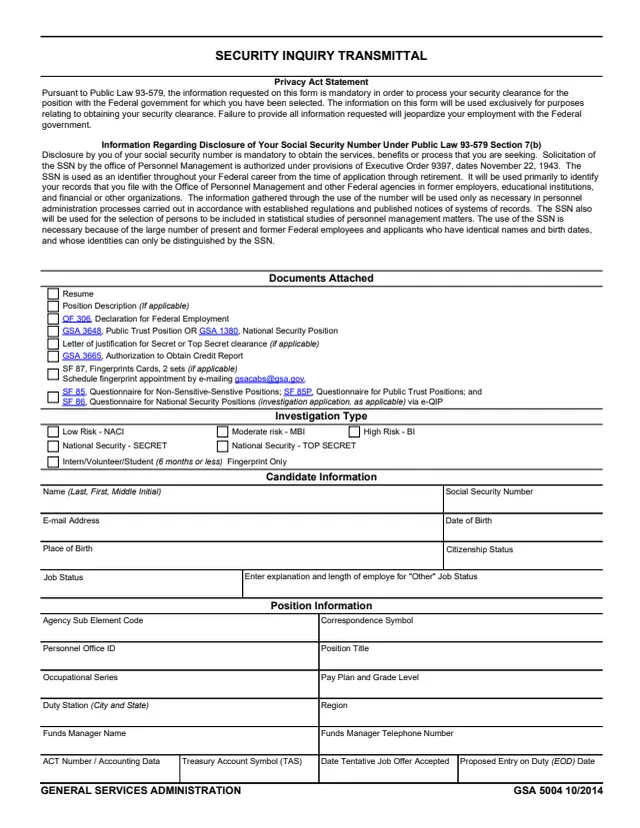
GSA5004
43 fields, 2 pages
The form prints no instructions. It names a subject at the top and three security staff lines at the bottom.
No tool matches that search.
It is printed as a General Services Administration form, GSA 6027 (REV. 9/1990). GSA's page lists no authority or regulation.
The form has lines for the security specialist and the personnel security chief, each with a date, and a closing approval signed by the security officer. The subject does not sign.
It prints: 2 issues in 0-36 months, raise both issues once (e.g., "A" to "B"); 3 or more issues in 0-36 months, raise all issues twice (e.g., "A" to "C").
It lists issues B, C and D against the period in which the issue occurred. For example, a B issue converts to A at 37-72 months and to non-issue at 73-108 months.
Top Secret, Secret, Confidential or None, plus special clearance boxes for SI, TK, DOE Q, DOE L, ICS, NRC Q, NATO and COSMIC, and four blank boxes.
It prints SF 189/312 under the security clearance boxes. GSA's forms library hosts SF 312, Classified Information Nondisclosure Agreement.