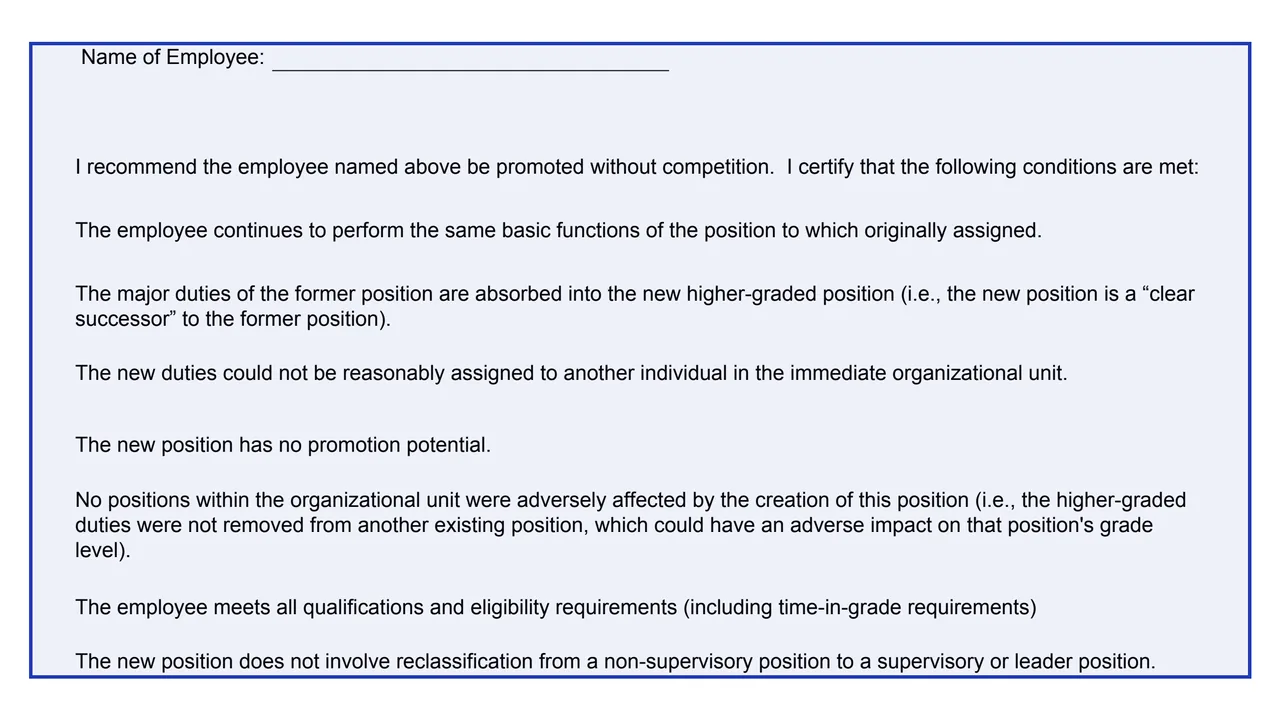
Name of Employee
The employee the supervisor recommends for promotion.
GSA5020
Accretion of Duties Promotion Certification
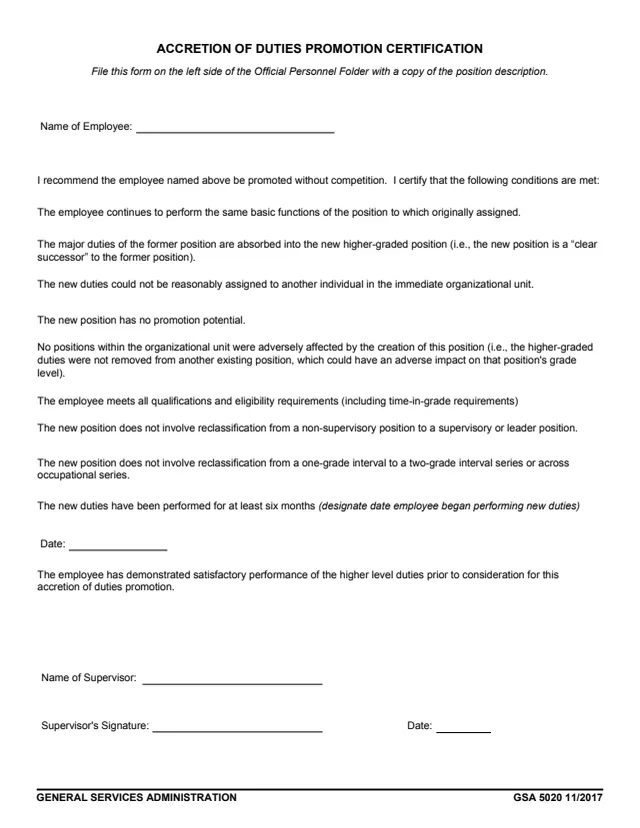
GSA Form 5020, Accretion of Duties Promotion Certification, is a one-page General Services Administration (GSA) form, edition 11/2017, and GSA hosts it in its forms library. It is a personnel record completed by a supervisor: the supervisor names an employee, recommends that the employee be promoted without competition, and certifies that a list of conditions is met.
The form prints ten conditions about the employee's duties, the new higher-graded position and the employee's qualifications and performance. One of them says the new duties have been performed for at least six months and asks for the date the employee began performing them. The supervisor enters a name, signs and dates the form. The form says to file it on the left side of the Official Personnel Folder with a copy of the position description.
You can fill it out free in your browser on this page and download the result without an account.
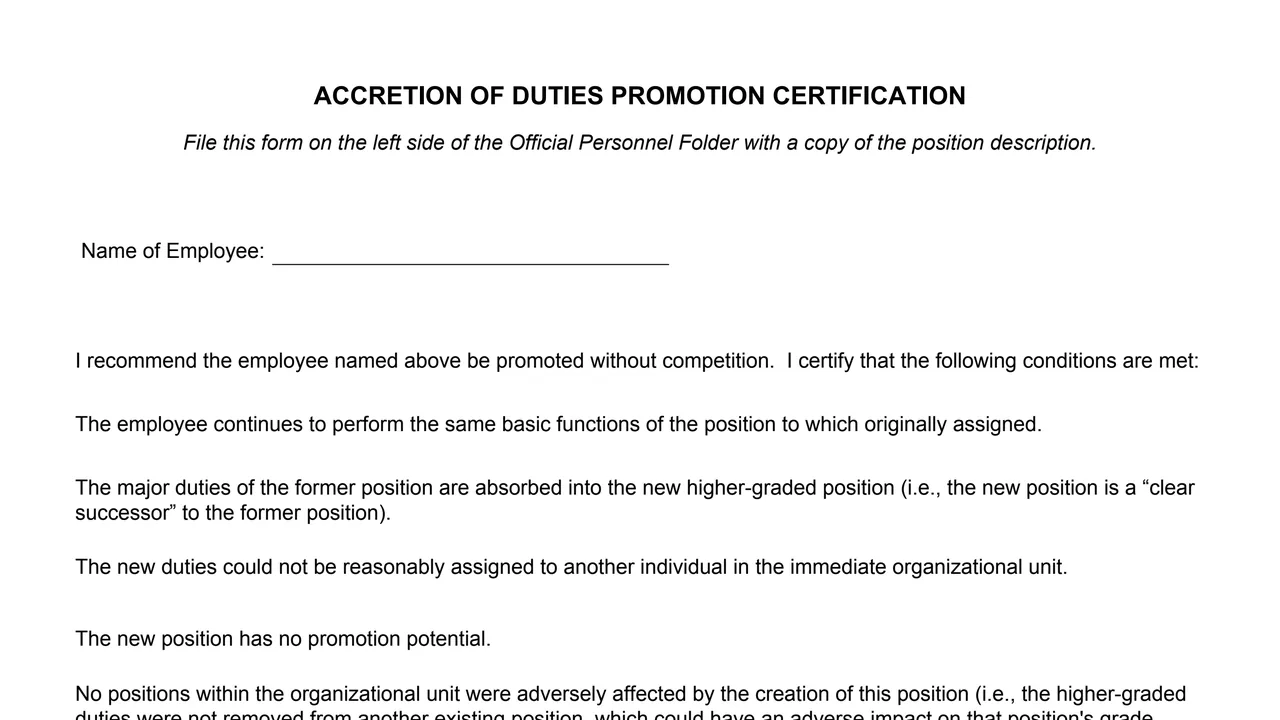
The employee the supervisor recommends for promotion.
I recommend the employee named above be promoted without competition. I certify that the following conditions are met.
The employee continues the same basic functions, the major duties of the former position are absorbed into the new one, the new duties could not be reasonably assigned to another individual in the unit, and no positions were adversely affected.
The new position has no promotion potential and does not involve reclassification to a supervisory or leader position, from a one-grade interval to a two-grade interval series, or across occupational series.
The employee meets all qualifications and eligibility requirements, including time-in-grade, has performed the new duties for at least six months, with a Date line, and has demonstrated satisfactory performance of the higher level duties.
Name of Supervisor, Supervisor's Signature and Date.
The conditions are printed as statements. The PDF prints no checkboxes beside them.
Write the name of the employee recommended for promotion on the Name of Employee line.
The supervisor certifies that all of the listed conditions are met. The form prints them as statements to certify, not as questions with boxes.
Under the six-month condition, the form asks you to designate the date the employee began performing the new duties.
The supervisor enters a name, signs and dates the form at the bottom.
The form says to file it on the left side of the Official Personnel Folder with a copy of the position description.
You get the real form, filled in a browser tab, with nothing standing between you and the finished PDF.
The form says: File this form on the left side of the Official Personnel Folder with a copy of the position description.
The PDF prints one signature line, for the supervisor, with a date.
The PDF prints no OMB number, burden estimate or privacy notice, and GSA's page lists no authority or regulation for the form.
The form is completed and signed by a supervisor about an employee, and is filed in the Official Personnel Folder.
No tool matches that search.
The footer prints General Services Administration and GSA 5020 11/2017. GSA hosts the form in its forms library.
The PDF prints one signature line, Supervisor's Signature, with the Name of Supervisor and a Date. There is no signature line for the employee.
The form says to file it on the left side of the Official Personnel Folder with a copy of the position description.
Its conditions say the new position is a clear successor to the former position, has no promotion potential, and does not involve reclassification to a supervisory or leader position, from a one-grade interval to a two-grade interval series, or across occupational series.
One condition says the new duties have been performed for at least six months, and the form asks for the date the employee began performing them.
Yes. The supervisor's statement says I recommend the employee named above be promoted without competition.