Date and vacancy announcement number
Two boxes at the top right of the form.
GSA1029
Merit Promotion Referral
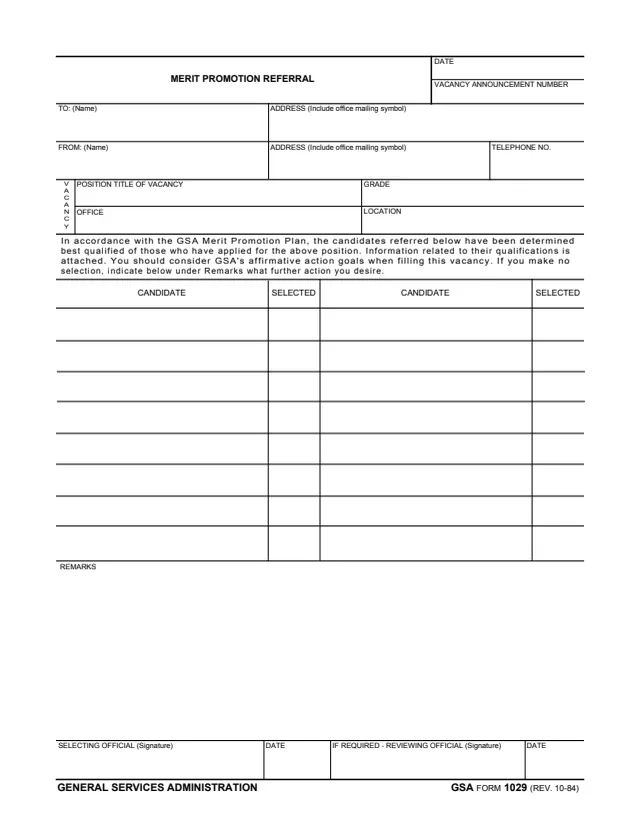
GSA Form 1029, Merit Promotion Referral, is a General Services Administration form, GSA FORM 1029 (REV. 10-84), hosted in GSA's forms library. It goes from the sender in its FROM block to the official in its TO block, and it has no space for an applicant to sign.
The form says that, in accordance with the GSA Merit Promotion Plan, the candidates referred on it have been determined best qualified of those who have applied for the position, and that information related to their qualifications is attached. It names the vacancy by announcement number, position title, grade, office and location, lists each candidate with a Selected box, and ends with Remarks and signature lines for the selecting official and, if required, a reviewing official. It prints no instructions, OMB number or privacy statement.
You can fill it out free in your browser on this page and download the result without an account.
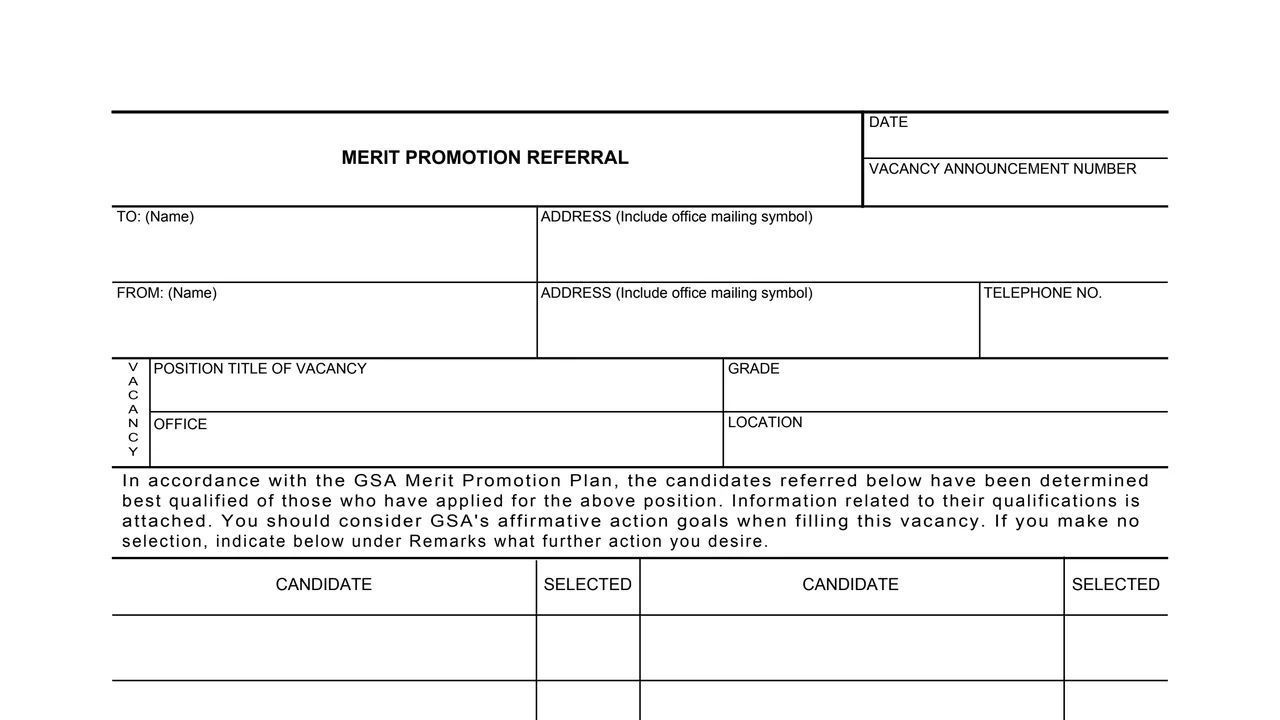
Two boxes at the top right of the form.
Names and addresses, including office mailing symbols, for the recipient and the sender, plus the sender's telephone number.
Position title of the vacancy, grade, office and location.
A printed paragraph on the GSA Merit Promotion Plan, the best qualified candidates, the attached qualifications information and GSA's affirmative action goals.
Two side by side columns of candidate names, each with a Selected box.
A Remarks area, then the selecting official's signature and date and, if required, the reviewing official's signature and date.
Fill in the date and the vacancy announcement number at the top.
Enter the recipient in TO and the sender in FROM, each with an address that includes the office mailing symbol, and the sender's telephone number.
Enter the position title, grade, office and location.
Write each candidate's name in a Candidate column. The form says information related to their qualifications is attached.
The selecting official marks the Selected box. The form says: If you make no selection, indicate below under Remarks what further action you desire.
The selecting official signs and dates. A reviewing official signs and dates the second line if required.
You get the real form, filled in a browser tab, with nothing standing between you and the finished PDF.
The form prints no address. It goes to the official named in the TO block.
The form says information related to the candidates' qualifications is attached.
The referral statement cites the GSA Merit Promotion Plan. GSA's page lists no authority or regulation.
The footer reads GSA FORM 1029 (REV. 10-84). The form prints no instructions, OMB number or privacy statement.
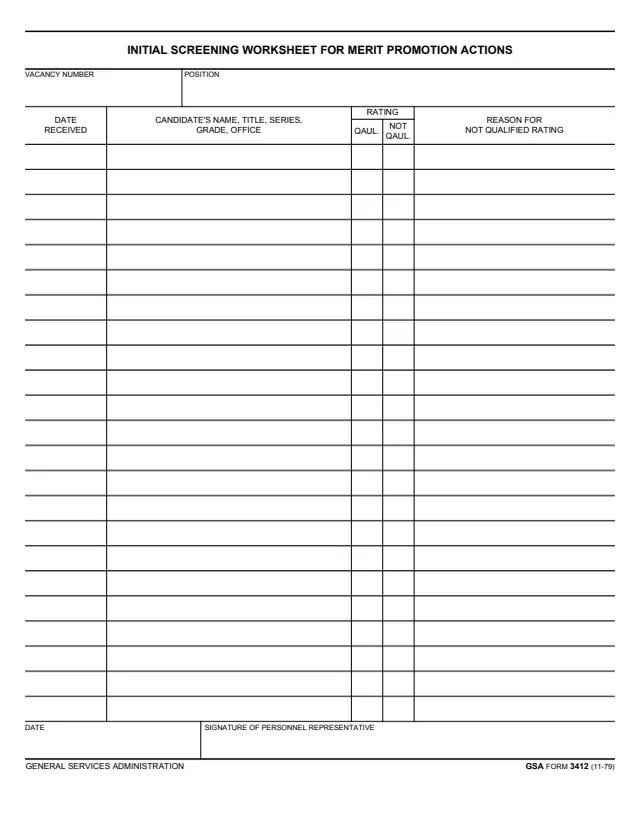
GSA3412
119 fields, 1 page
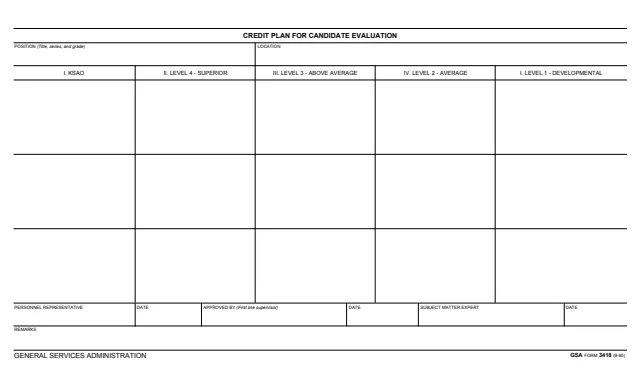
GSA3418
24 fields, 1 page
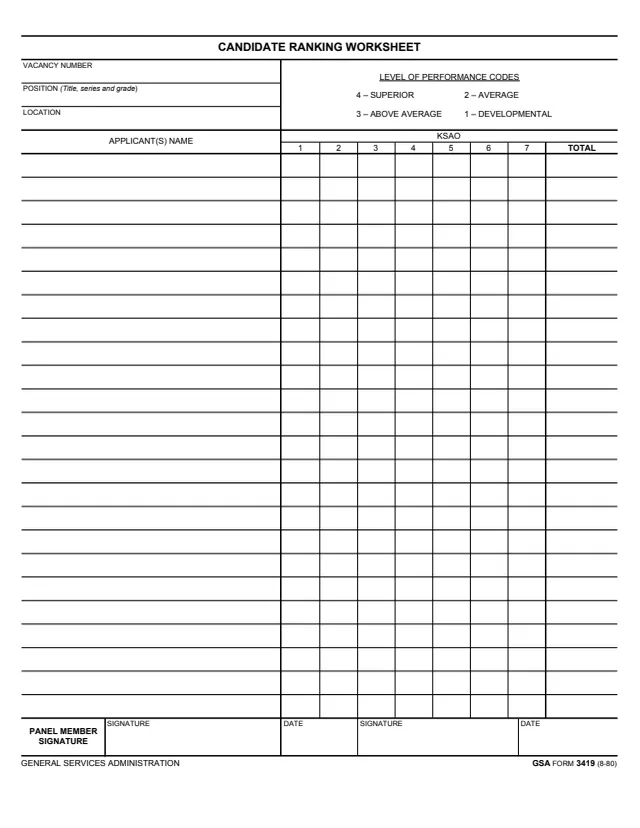
GSA3419
225 fields, 1 page
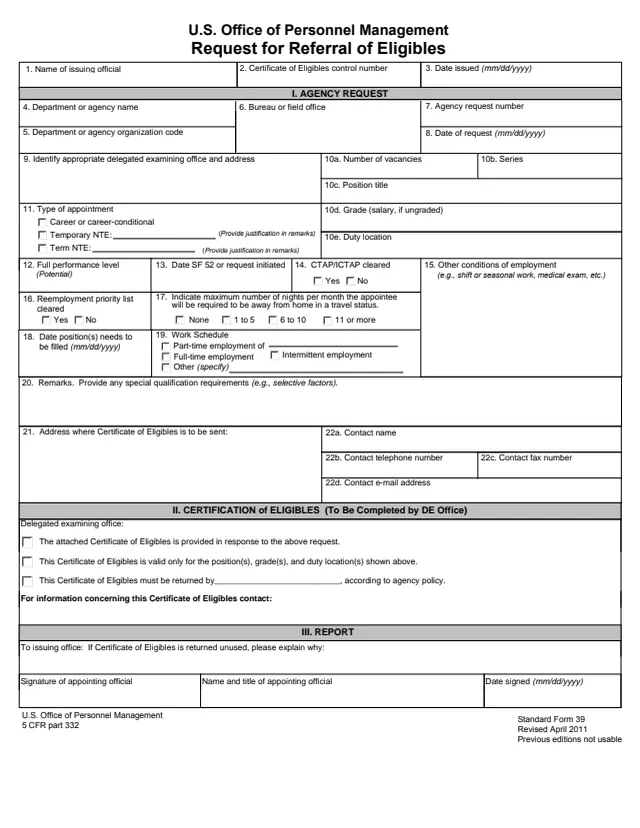
SF39
54 fields, 2 pages
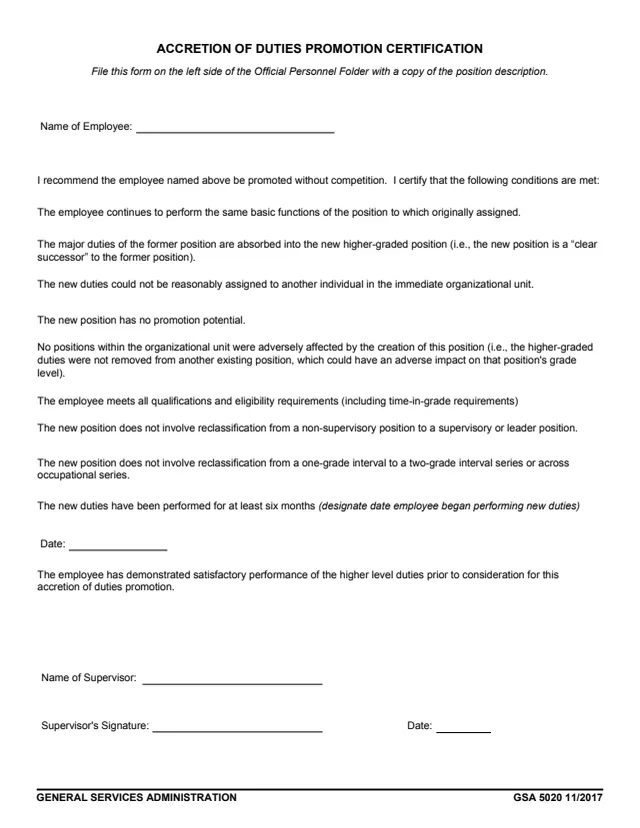
GSA5020
5 fields, 1 page
The form routes a referral between officials. Its blocks show these roles.
No tool matches that search.
The footer reads GENERAL SERVICES ADMINISTRATION and GSA FORM 1029 (REV. 10-84). GSA hosts it in its forms library.
The official named in the TO block, who signs as the selecting official. The form prints no mailing address.
It says that, in accordance with the GSA Merit Promotion Plan, the candidates referred have been determined best qualified of those who have applied for the position, and that information related to their qualifications is attached.
The form says: If you make no selection, indicate below under Remarks what further action you desire.
Only if required. The second signature line reads IF REQUIRED - REVIEWING OFFICIAL (Signature), with its own date box.
The form has no applicant section and no candidate signature line. It is addressed from one official to another and lists the candidates referred.