Vacancy number and position
Two blocks at the top for the vacancy number and the position.
GSA3412
Initial Screening Worksheet for Merit Promotion Action
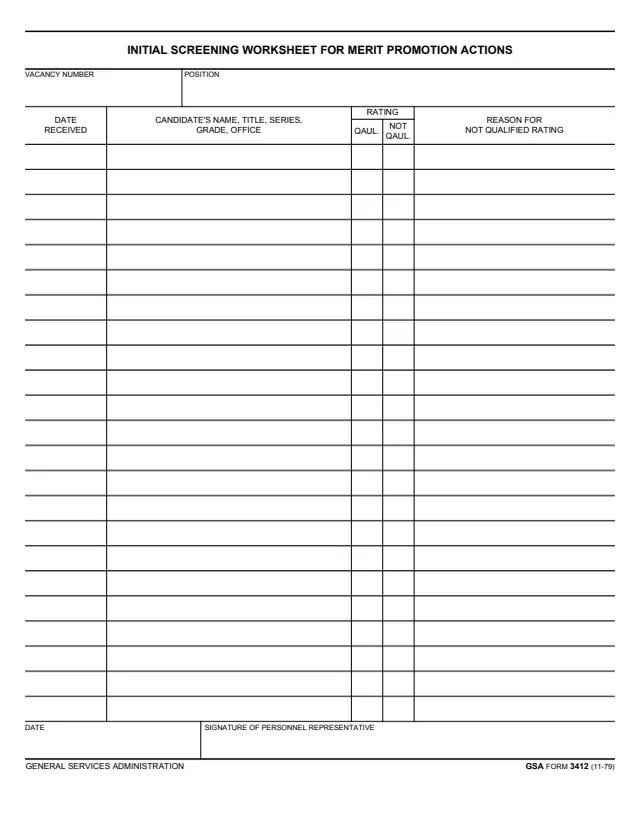
GSA Form 3412, Initial Screening Worksheet for Merit Promotion Actions, is a General Services Administration form dated 11-79 in its footer, and GSA hosts it in its forms library. GSA's page lists it as Initial Screening Worksheet for Merit Promotion Action and gives no authority or regulation.
The one-page worksheet has a vacancy number and position at the top, then 23 rows. Each row has the date received, the candidate's name, title, series, grade and office, a rating of qualified or not qualified, and the reason for a not qualified rating.
It ends with a date and the signature of the personnel representative. The form prints no instructions, filing address or OMB number. You can fill it out free in your browser on this page and download the result without an account.
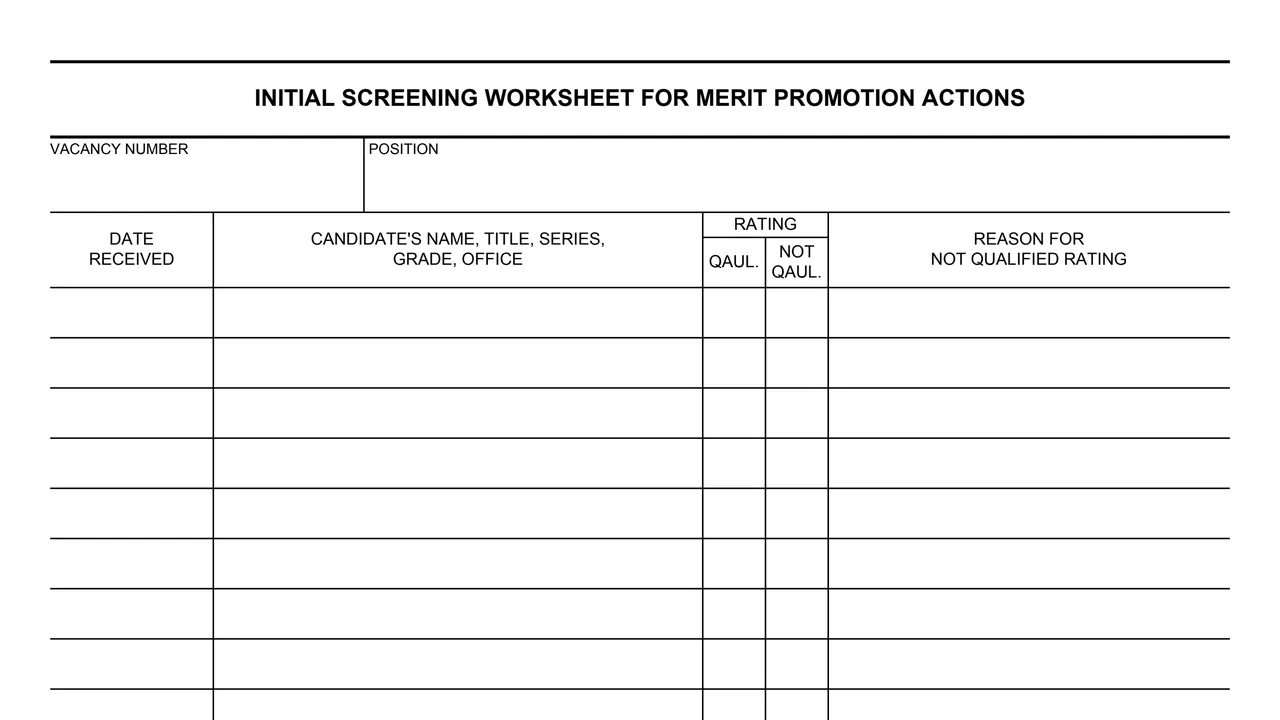
Two blocks at the top for the vacancy number and the position.
The first column of each row, for the date the candidate's entry was received.
One column for the candidate's name, title, series, grade and office.
Two columns under Rating, printed QAUL. and NOT QAUL., for qualified and not qualified.
The last column of each row, for the reason a candidate is rated not qualified.
A date and the signature of personnel representative at the bottom.
Fill in the vacancy number and the position at the top.
On each row, enter the date received and the candidate's name, title, series, grade and office.
Mark the qualified or not qualified column for each candidate.
For a candidate rated not qualified, fill in the reason column.
The personnel representative dates and signs at the bottom.
You get the real form, filled in a browser tab, with nothing standing between you and the finished PDF.
The PDF gives no filing address, routing or instructions.
The footer prints GSA FORM 3412 (11-79). GSA's page lists 11/1979 as the current revision date and leaves the authority or regulation blank.
The PDF prints no privacy notice, OMB number or burden estimate.
The form prints no instructions. These are the roles its blocks name.
No tool matches that search.
The footer prints General Services Administration and GSA FORM 3412 (11-79). GSA hosts it in its forms library.
The form has one signature line, for the personnel representative, with a date.
Two columns under Rating, for qualified and not qualified, and a column for the reason for a not qualified rating.
The form prints 23 candidate rows under one vacancy number and position.
No. The PDF prints only the blocks and rows, with no instructions, filing address or OMB number.