Position identification
Agency/Organization Location, position number, official title, PP-SER-GR and working title, followed by a Comments box.
GSA5024
Factor Evaluation System - Position Evaluation Summary
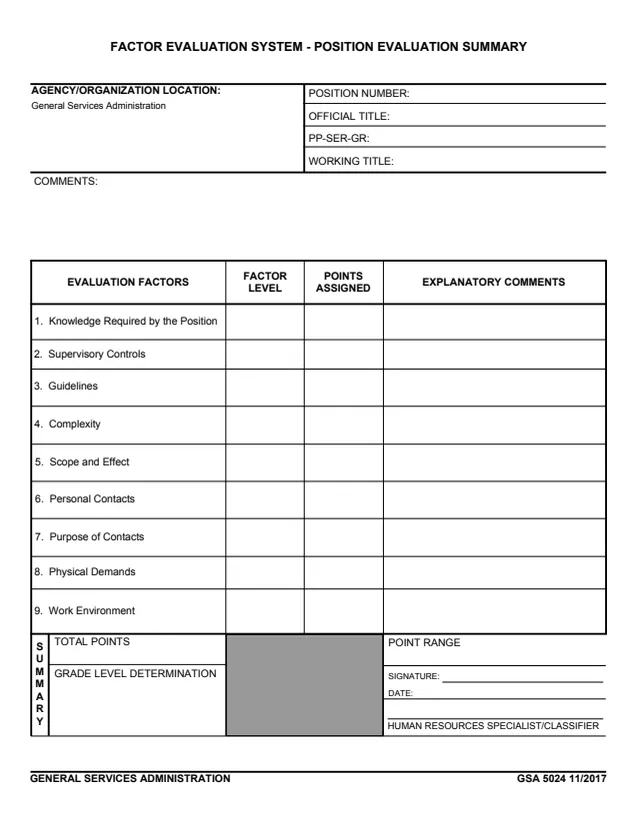
GSA Form 5024, Factor Evaluation System - Position Evaluation Summary, is a one-page General Services Administration form, edition 11/2017. Its footer reads GENERAL SERVICES ADMINISTRATION, and the Agency/Organization Location box is pre-printed with General Services Administration. GSA hosts it in its forms library.
The form identifies a position by position number, official title, PP-SER-GR and working title, then lists nine evaluation factors, from Knowledge Required by the Position to Work Environment. Each factor has columns for the factor level, the points assigned and explanatory comments. A summary block holds the total points, the point range and the grade level determination, with signature and date lines for a human resources specialist or classifier.
The form prints no instructions, OMB number or filing address. You can fill it out free in your browser on this page and download the result without an account.
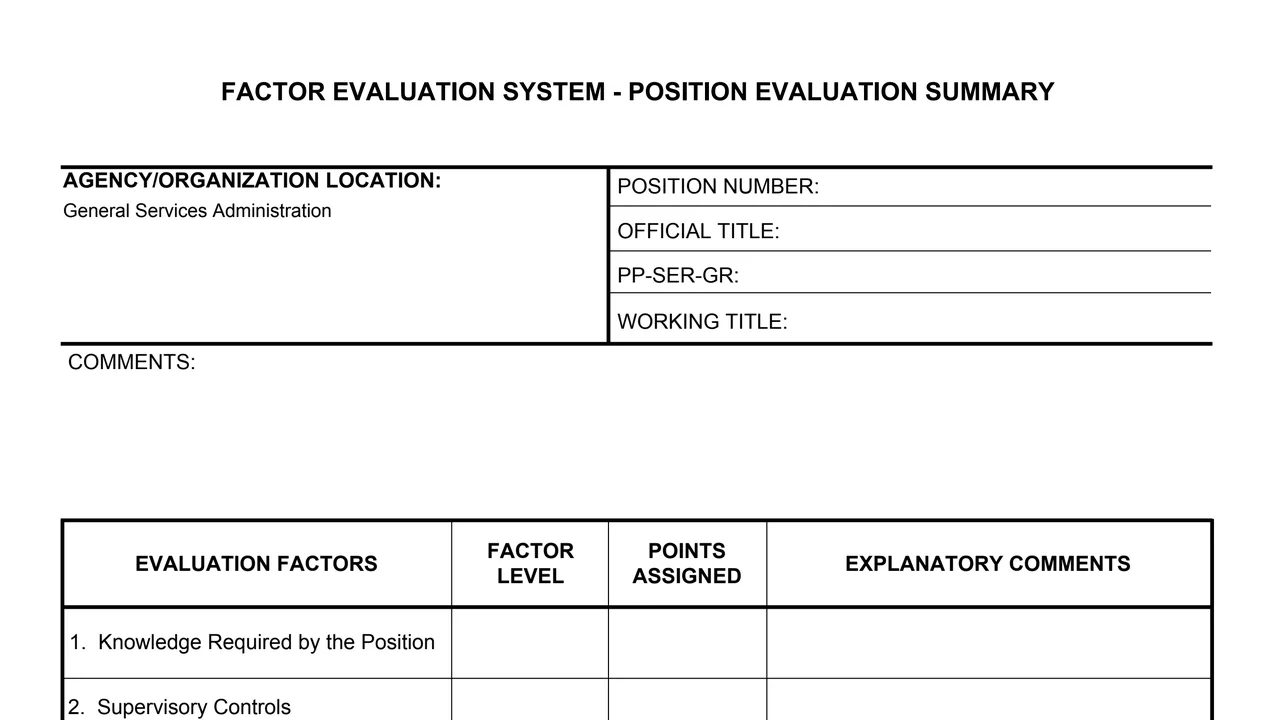
Agency/Organization Location, position number, official title, PP-SER-GR and working title, followed by a Comments box.
Knowledge Required by the Position, Supervisory Controls, Guidelines, Complexity, and Scope and Effect.
Personal Contacts, Purpose of Contacts, Physical Demands and Work Environment.
Each of the nine factor rows has three columns: Factor Level, Points Assigned and Explanatory Comments.
Total Points, Point Range and Grade Level Determination.
Signature and date lines for the human resources specialist or classifier, beside the summary block.
Enter the position number, official title, PP-SER-GR and working title. The agency box already reads General Services Administration.
For each of the nine evaluation factors, enter the factor level and the points assigned.
Use the Explanatory Comments column beside each factor, and the Comments box under the position details.
Enter the total points, the point range and the grade level determination in the summary block.
The human resources specialist or classifier signs and dates the form in the summary block.
The form prints no instructions. These steps follow the order of its boxes.
You get the real form, filled in a browser tab, with nothing standing between you and the finished PDF.
The form prints no filing address or routing. Its only signature line is for the human resources specialist or classifier.
The footer prints GSA 5024 11/2017. GSA's page lists 11/2017 as the current revision date.
GSA's page leaves the Authority or Regulation field blank, and the form prints no OMB number or Privacy Act statement.
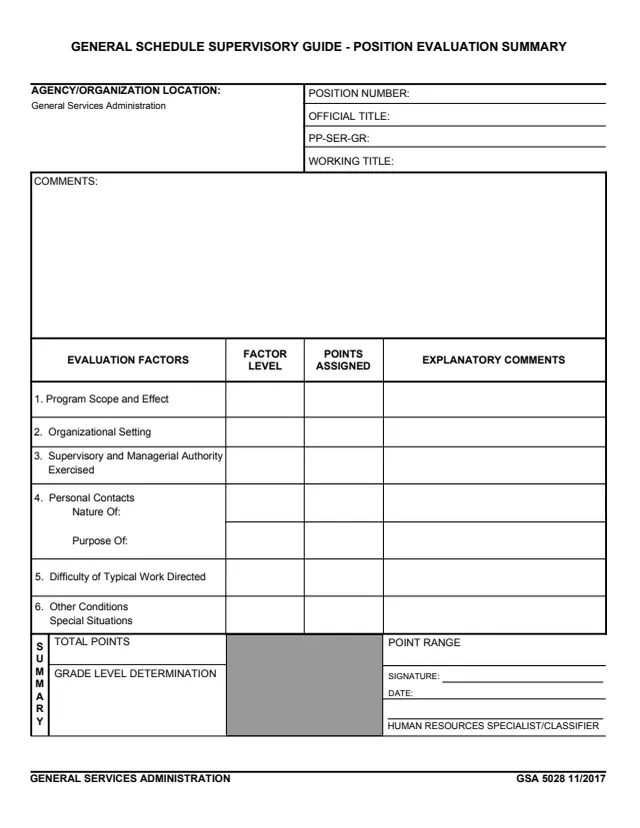
GSA5028
33 fields, 1 page
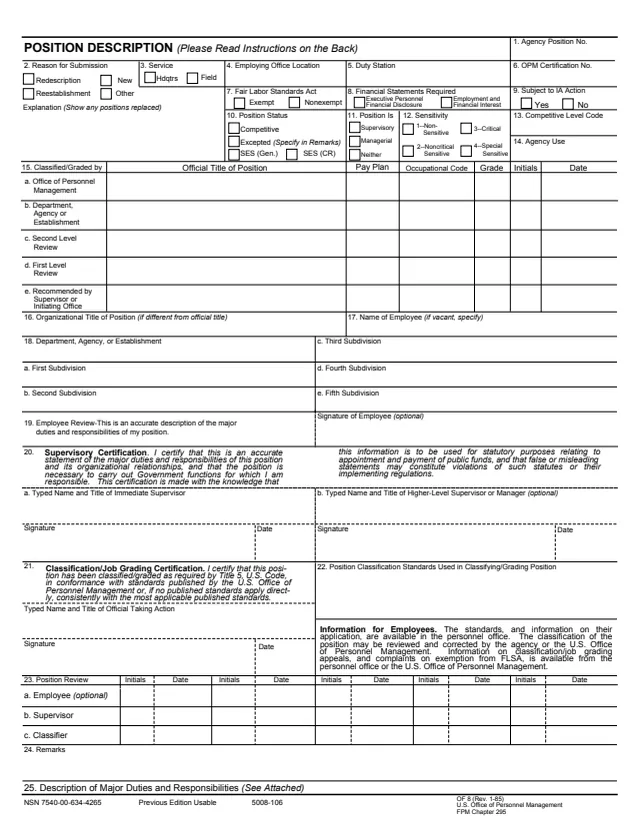
OF8
110 fields, 2 pages
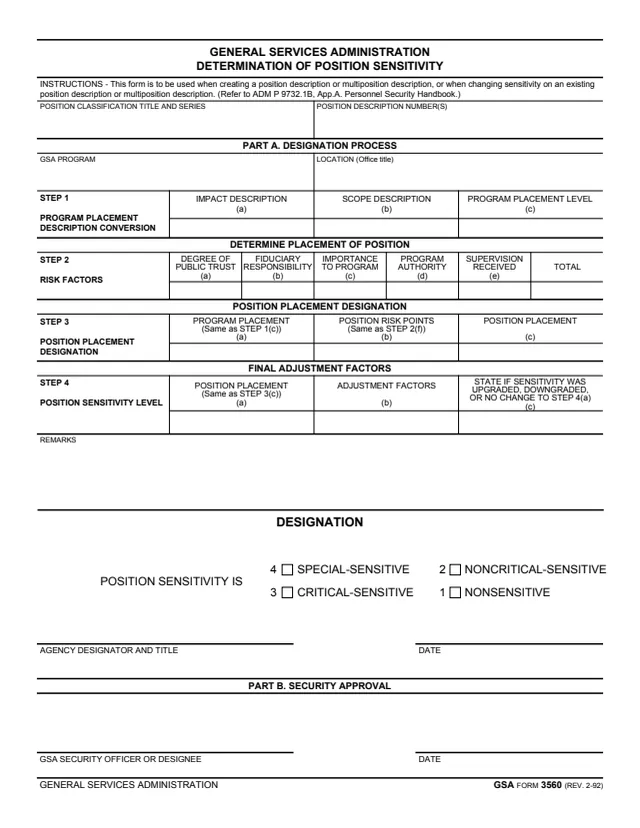
GSA3560
28 fields, 1 page
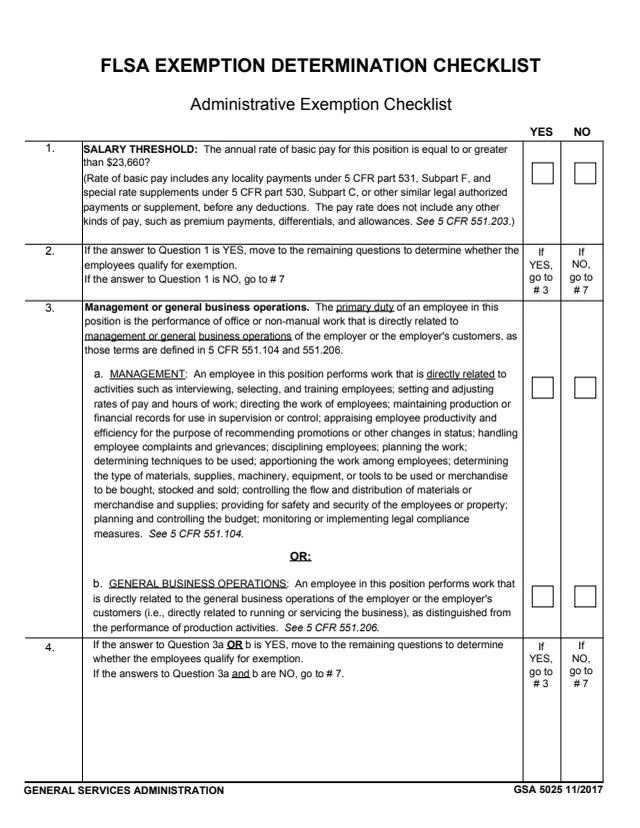
GSA5025
7 fields, 2 pages
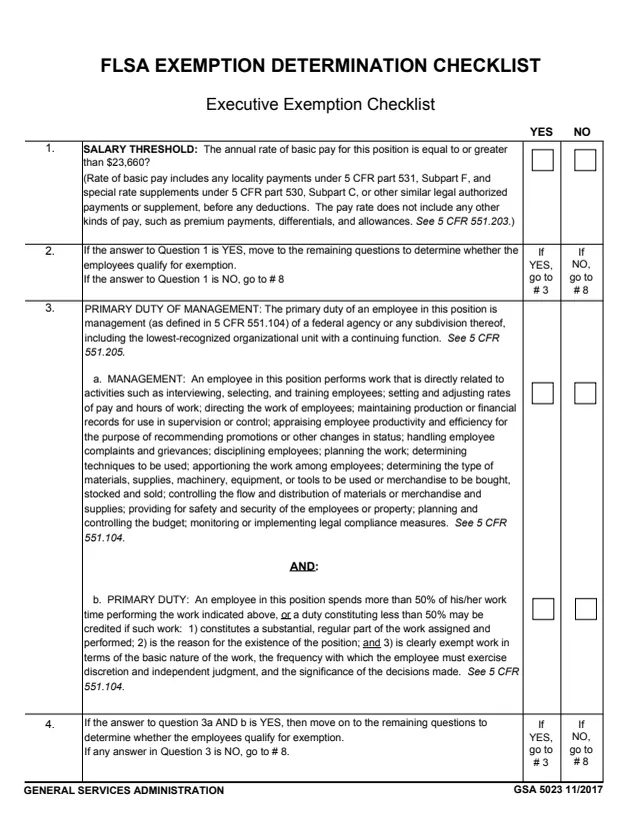
GSA5023
6 fields, 2 pages
The form prints no instructions and names one signer. These items describe what the page itself shows.
No tool matches that search.
The form's footer reads GENERAL SERVICES ADMINISTRATION, and its agency box is pre-printed with General Services Administration. GSA hosts it in its forms library.
Nine: Knowledge Required by the Position, Supervisory Controls, Guidelines, Complexity, Scope and Effect, Personal Contacts, Purpose of Contacts, Physical Demands and Work Environment.
The form has one signature and date line, labeled HUMAN RESOURCES SPECIALIST/CLASSIFIER, in the summary block.
No. The form prints only the boxes and column headings. It gives no level definitions, point values or instructions.
Both are one-page GSA position evaluation summaries with the same position boxes and summary block. GSA Form 5028 is for the General Schedule Supervisory Guide and lists six factors, from Program Scope and Effect to Other Conditions.