Position details
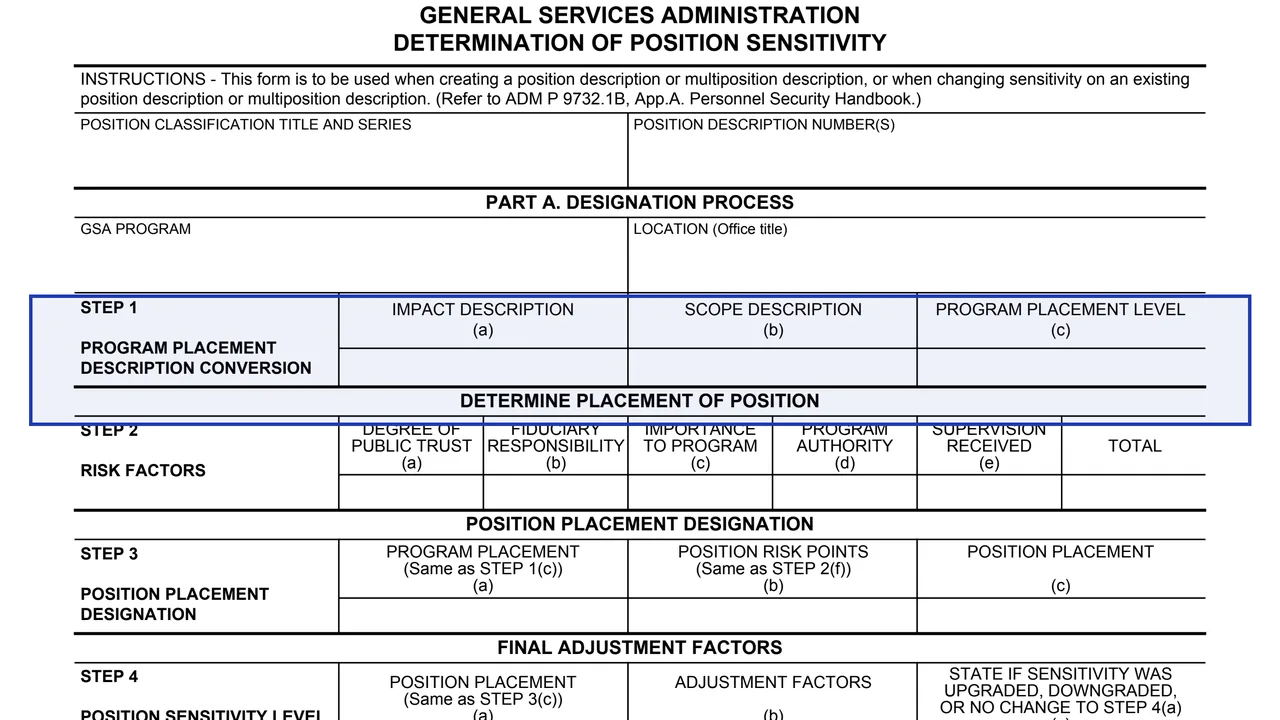
Position classification title and series, and position description number(s). Part A then asks for the GSA program and location (office title).
GSA3560
Determination of Position Sensitivity
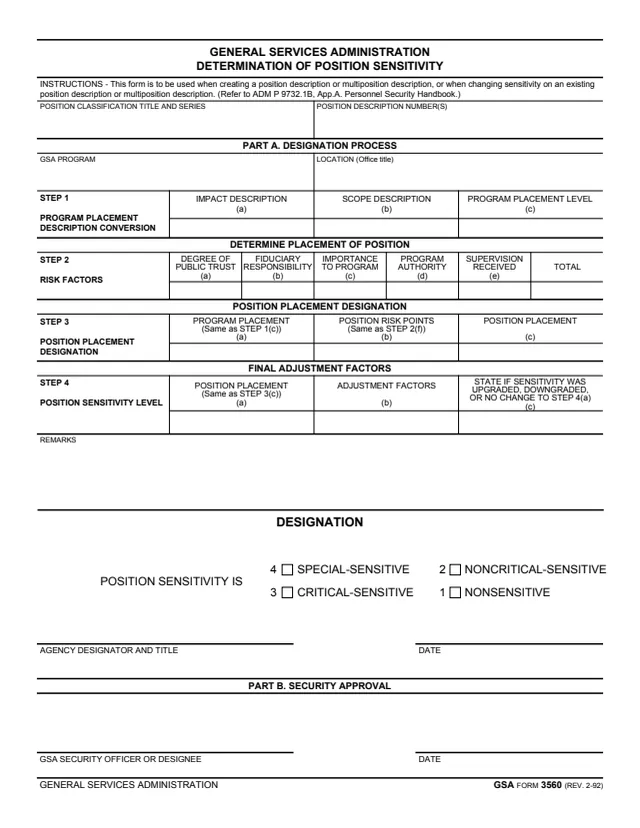
GSA Form 3560, Determination of Position Sensitivity, is headed GENERAL SERVICES ADMINISTRATION, with the footer GSA FORM 3560 (REV. 2-92). GSA's forms page lists a current revision date of 02/1992, and GSA hosts it in its forms library.
The instructions say the form is to be used when creating a position description or multiposition description, or when changing sensitivity on an existing position description or multiposition description, and refer to ADM P 9732.1B, App.A. Personnel Security Handbook. Part A, the designation process, runs through four steps, from program placement and risk factors to a position sensitivity level, and ends with a designation from 1, nonsensitive, to 4, special-sensitive. Part B is the security approval.
You can fill it out free in your browser on this page and download the result without an account.
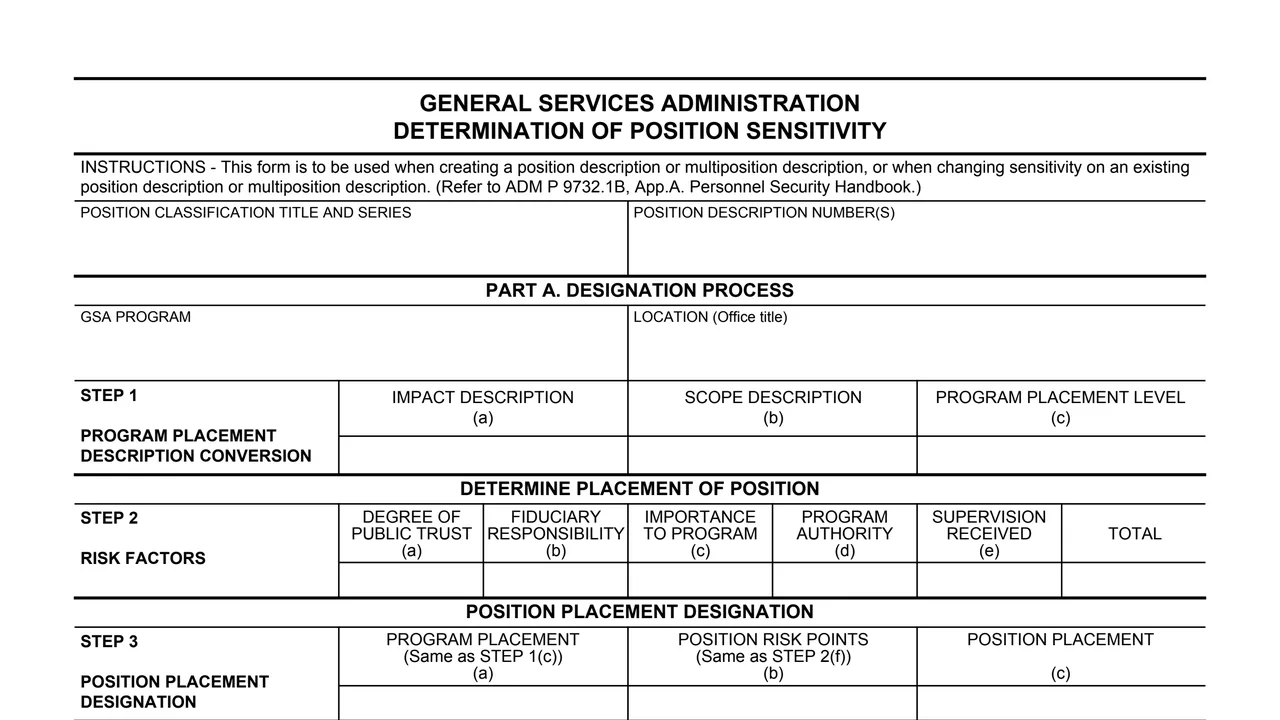
Position classification title and series, and position description number(s). Part A then asks for the GSA program and location (office title).
Impact description, scope description and the resulting program placement level, in columns (a) to (c).
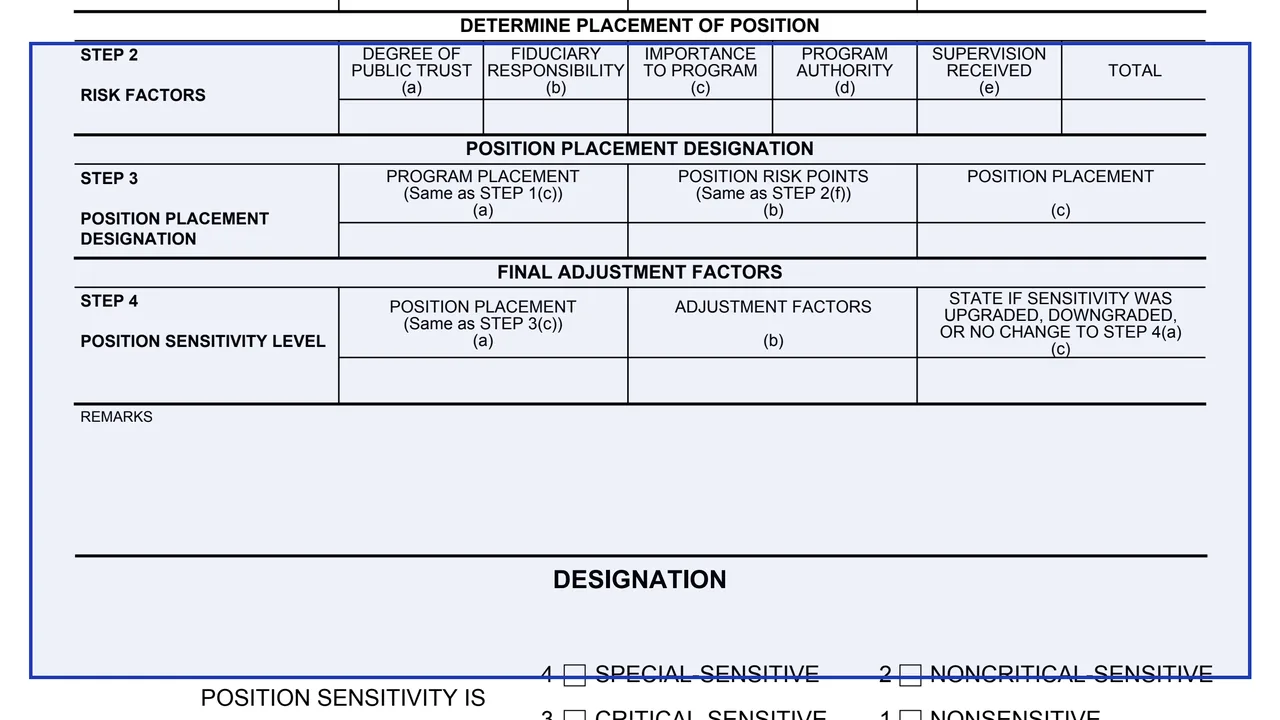
Degree of public trust, fiduciary responsibility, importance to program, program authority and supervision received, in columns (a) to (e), and a total.
Step 3 combines the program placement from Step 1(c) and the position risk points from Step 2(f) into a position placement. Step 4 adds adjustment factors and states if sensitivity was upgraded, downgraded, or not changed.
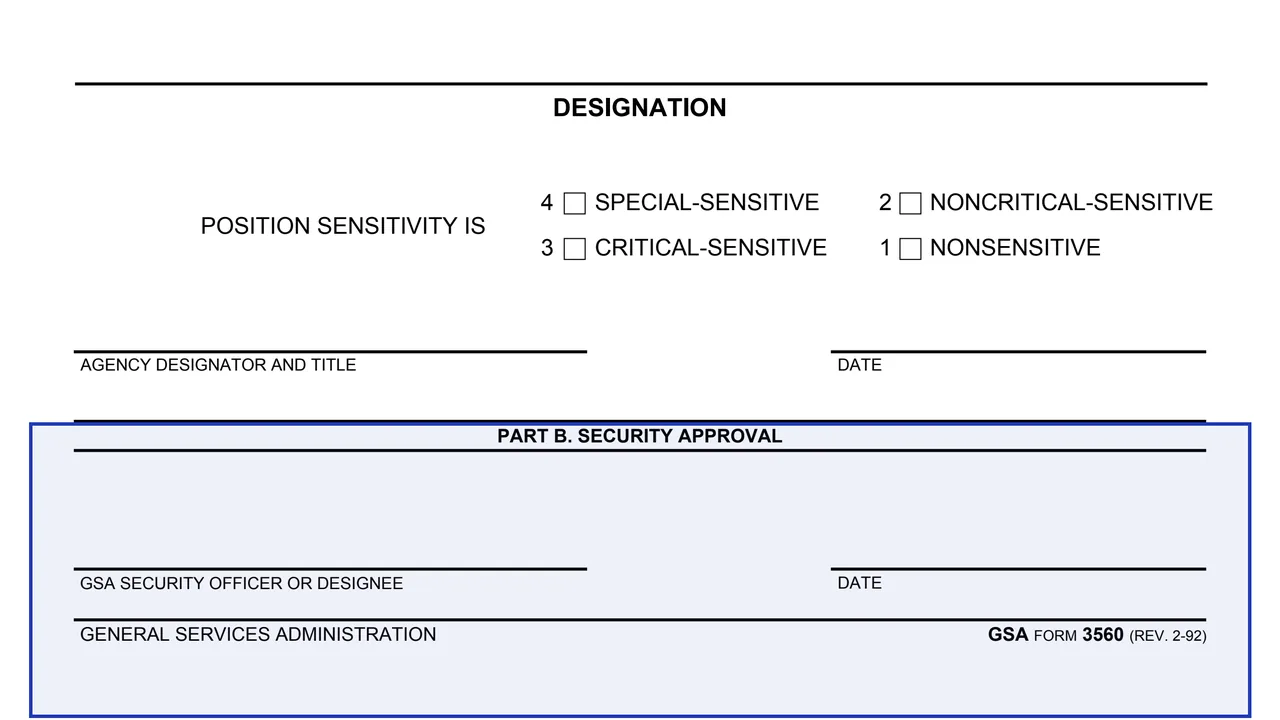
A remarks box and four designation boxes: 4 special-sensitive, 3 critical-sensitive, 2 noncritical-sensitive and 1 nonsensitive, then the agency designator and title and the date.
A line for the GSA Security Officer or Designee and the date.
Enter the position classification title and series, the position description number(s), the GSA program and the location (office title).
Enter the impact description and scope description, then the program placement level they convert to.
Fill in the five risk factor columns in Step 2 and the total.
Step 3 takes the program placement from Step 1(c) and the risk points from Step 2(f). Step 4 takes the Step 3 placement and records any adjustment factors and the change.
Check one of the four sensitivity levels, add any remarks, and complete the agency designator and title line with the date.
Part B has the line for the GSA Security Officer or Designee and the date.
You get the real form, filled in a browser tab, with nothing standing between you and the finished PDF.
The form prints no address. Its last block, Part B, is for the GSA Security Officer or Designee.
The instructions refer to ADM P 9732.1B, App.A. Personnel Security Handbook. The PDF does not reproduce it.
The footer reads GSA FORM 3560 (REV. 2-92). The form prints no OMB number or privacy statement, and GSA's page lists no authority or regulation.
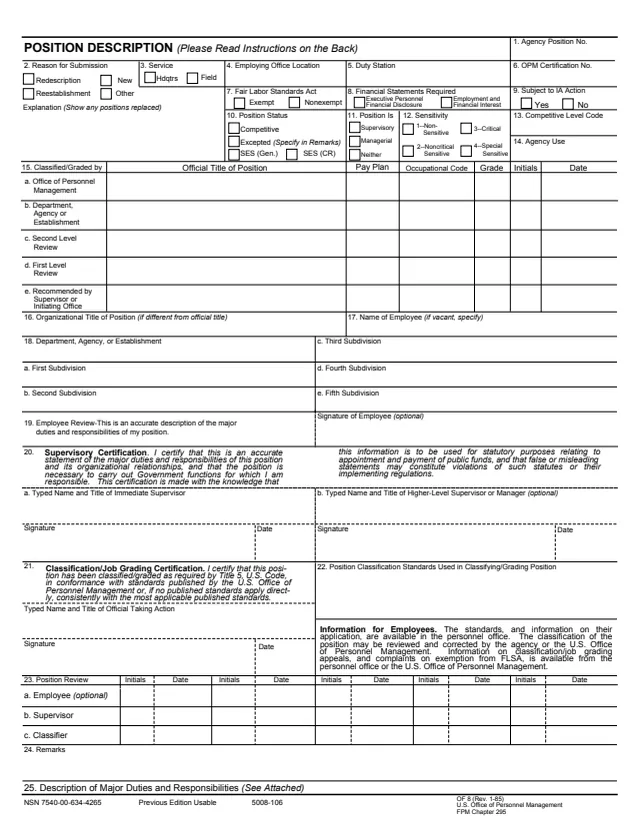
OF8
110 fields, 2 pages
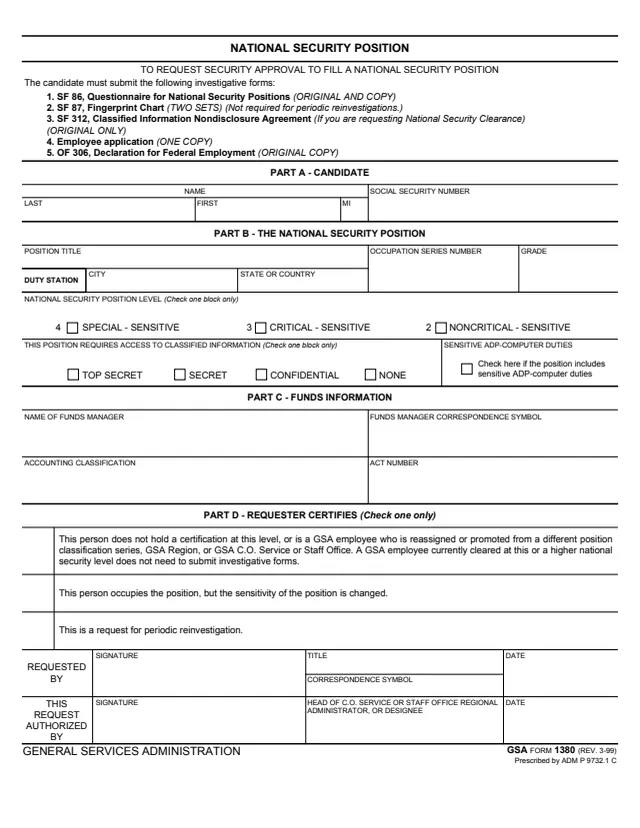
GSA1380
31 fields, 1 page
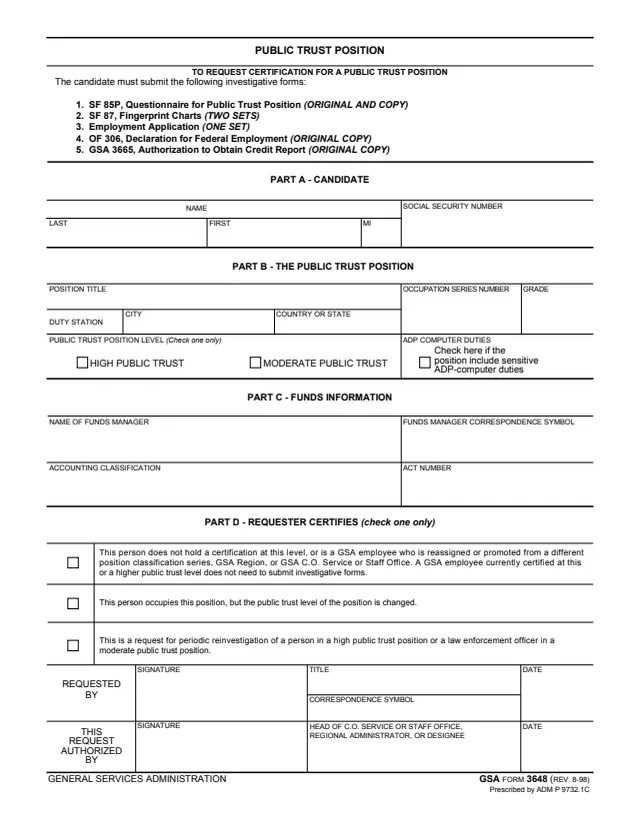
GSA3648
26 fields, 1 page
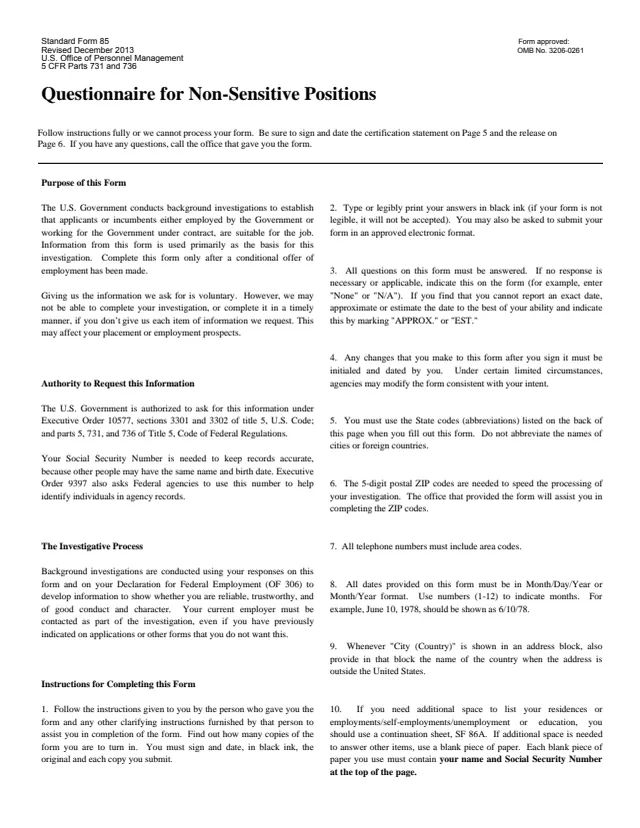
SF85
457 fields, 8 pages
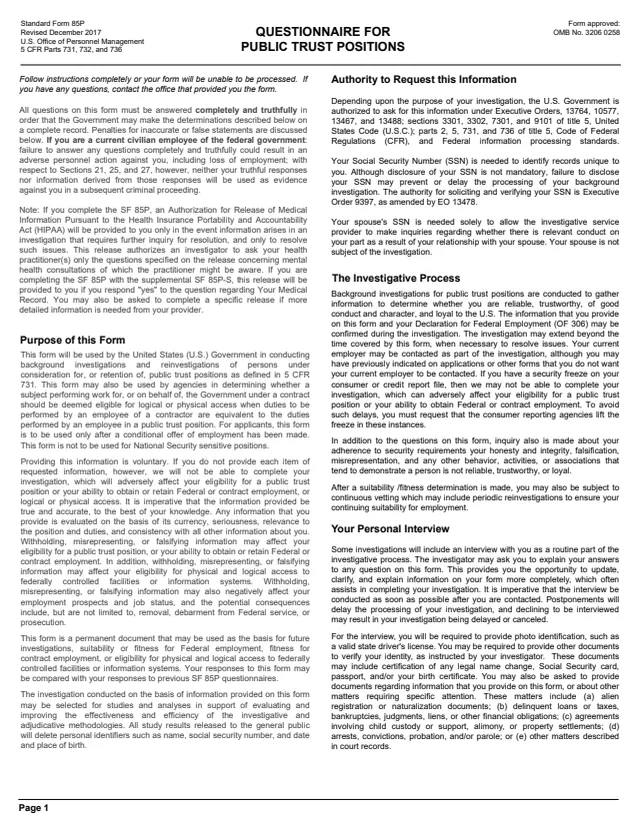
SF85P
4,128 fields, 95 pages
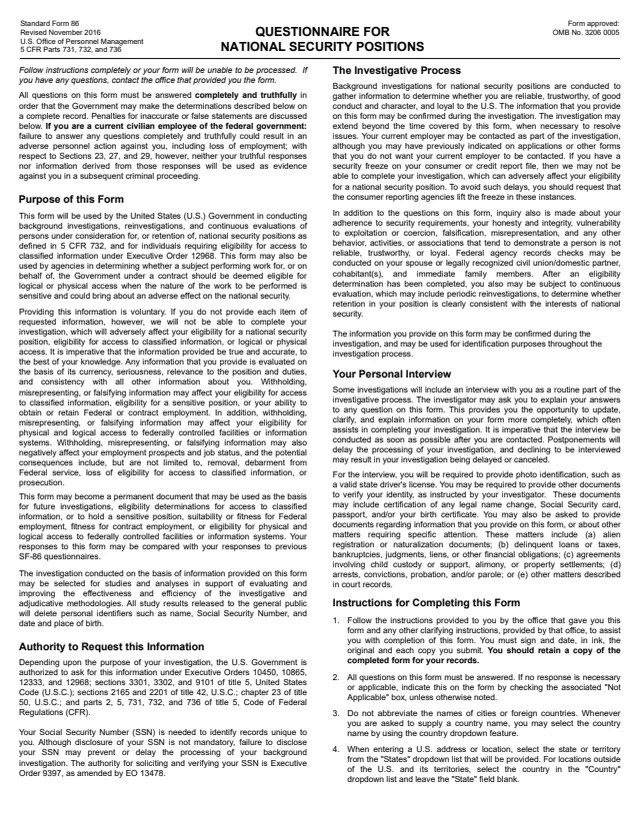
SF86
6,197 fields, 136 pages
The instructions say when the form is used, and its signature lines show who signs.
No tool matches that search.
The form is headed GENERAL SERVICES ADMINISTRATION and the footer reads GSA FORM 3560 (REV. 2-92). GSA hosts it in its forms library.
The instructions say it is to be used when creating a position description or multiposition description, or when changing sensitivity on an existing one.
Four: 4 special-sensitive, 3 critical-sensitive, 2 noncritical-sensitive and 1 nonsensitive.
Degree of public trust, fiduciary responsibility, importance to program, program authority and supervision received, with a total.
Part B, Security Approval, has a line for the GSA Security Officer or Designee and a date.
The instructions refer to ADM P 9732.1B, App.A. Personnel Security Handbook. The PDF does not include that handbook.