Property Nomenclature
The top block of each label, headed Property Nomenclature.
GSA2352
ID Label for Personal Property Items
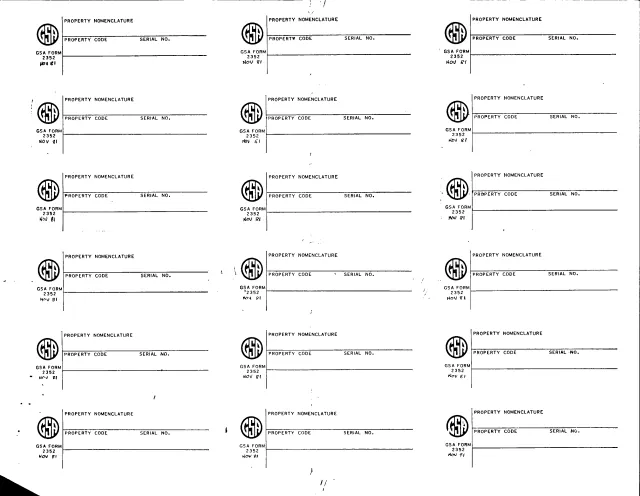
GSA Form 2352 is a sheet of identification labels. GSA's forms page lists it as ID Label for Personal Property Items, with a current revision date of 11/1981 and no authority or regulation. Each label carries the GSA logo and the printed edition GSA FORM 2352 NOV 81, and GSA hosts the form in its forms library.
The one-page sheet holds 18 identical labels in three columns of six. Each label has blocks headed Property Nomenclature, Property Code and Serial No. The PDF prints no title, instructions, OMB number, privacy statement or signature line, and it does not say who fills in the labels or where they go.
You can fill it out free in your browser on this page and download the result without an account.
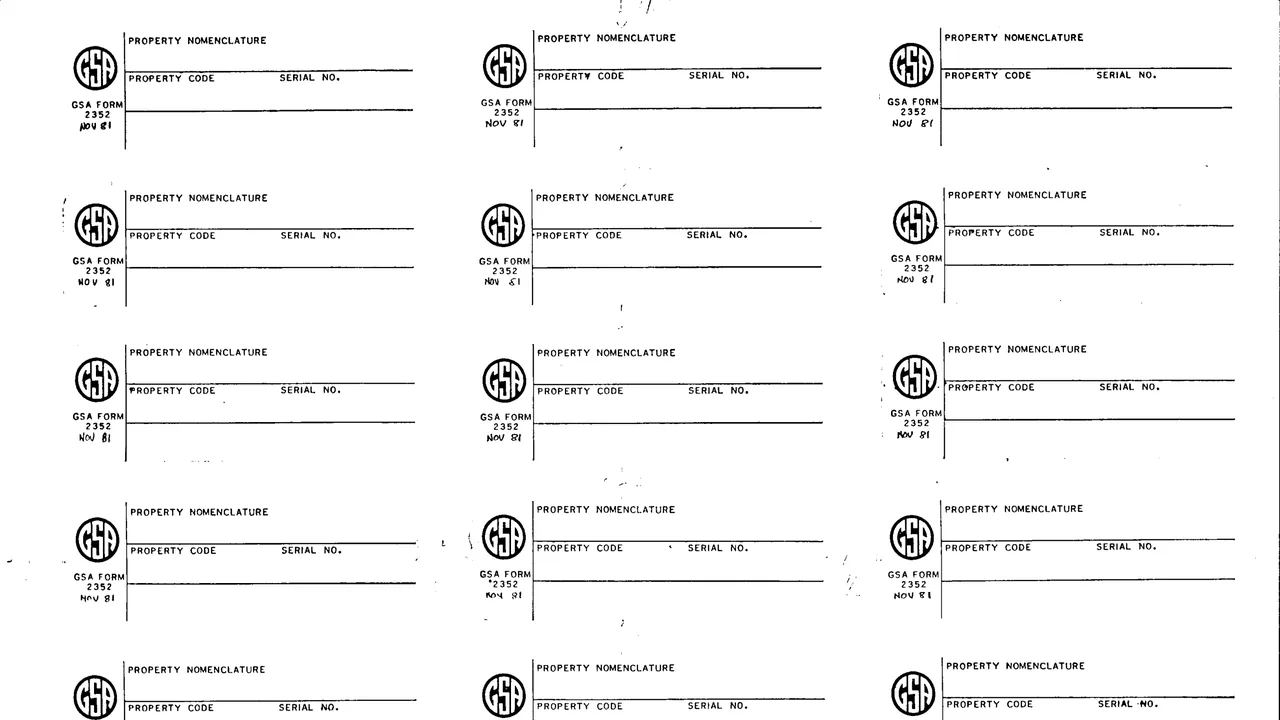
The top block of each label, headed Property Nomenclature.
A block on the second row of each label, headed Property Code.
Beside the property code on each label, a block headed Serial No.
The left side of each label carries the GSA logo, GSA FORM 2352 and NOV 81.
Eighteen labels in three columns of six on a single landscape page.
Every label on the sheet has the same blocks.
Type the property nomenclature on the top line of a label.
Enter the property code in the block on the second row.
Enter the serial number in the Serial No. block beside it.
The other 17 labels on the sheet repeat the same three blocks.
You get the real form, filled in a browser tab, with nothing standing between you and the finished PDF.
The form prints no address, routing or instructions for using the labels.
GSA's page lists no authority or regulation for GSA2352 and gives the current revision date as 11/1981.
Each label prints GSA FORM 2352 and NOV 81. The PDF prints no OMB number or privacy statement.
The form does not name a user or an office. This is what it prints.
No tool matches that search.
Each label prints the GSA logo with GSA FORM 2352 and NOV 81. GSA hosts the form in its forms library.
Eighteen, in three columns of six on one landscape page.
Property nomenclature, property code and serial number.
The PDF prints none, and GSA's page lists no authority or regulation. The page gives the current revision date as 11/1981.
No. The labels print only their blocks and the form number. GSA's forms page lists the form as ID Label for Personal Property Items.