Type of request
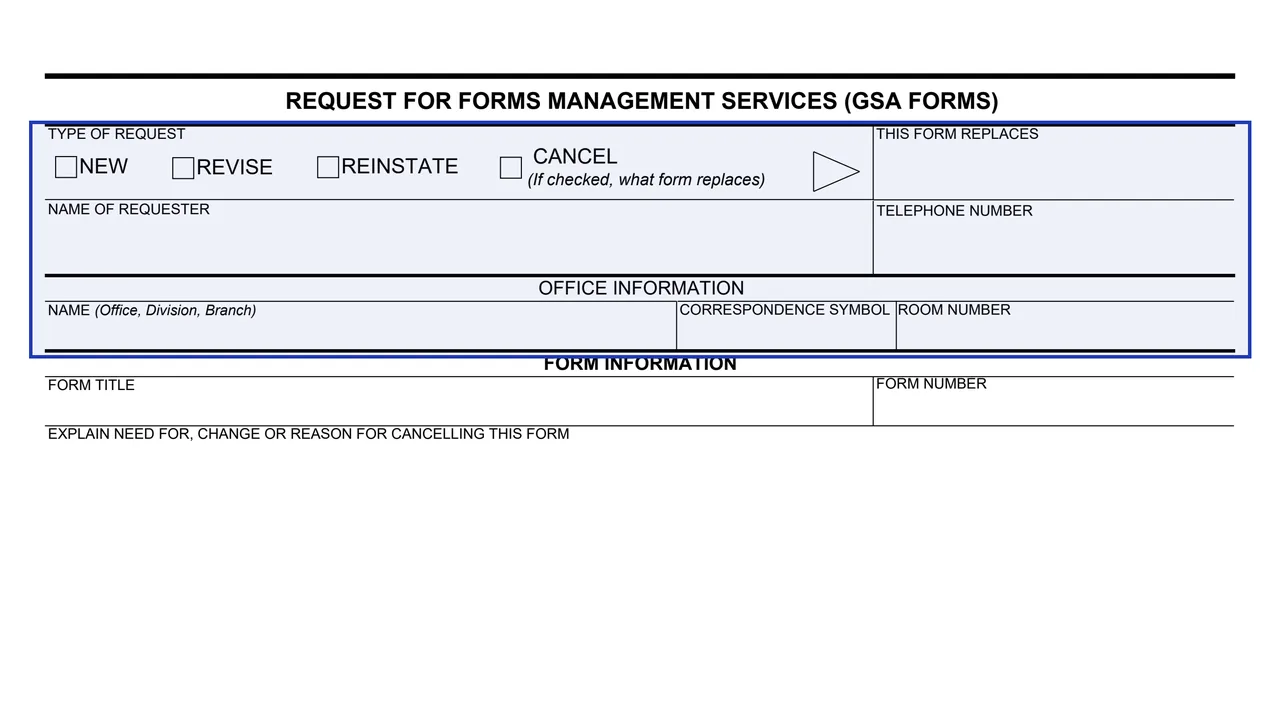
Boxes for NEW, REVISE, REINSTATE and CANCEL. If CANCEL is checked, the THIS FORM REPLACES block names what form replaces it.
GSA2192
Request for Forms Management Services (GSA Forms)
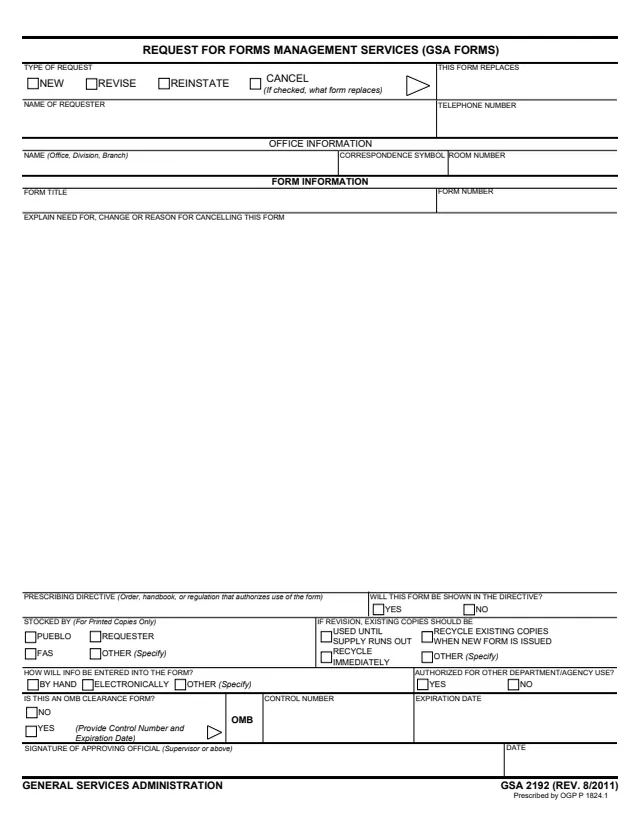
GSA Form 2192, Request for Forms Management Services (GSA Forms), is a General Services Administration form, Rev. 8/2011. Its footer says it is prescribed by OGP P 1824.1, which GSA's page also lists as its authority. GSA hosts it in its forms library.
The form is a one-page request about a GSA form. It asks whether the request is NEW, REVISE, REINSTATE or CANCEL, who is asking and from which office, the title and number of the form, and why it is needed, changed or cancelled. Further blocks cover the prescribing directive, who stocks printed copies, what happens to existing copies after a revision, how information will be entered, use by other departments or agencies, and OMB clearance.
The request ends with the signature of an approving official, supervisor or above. The PDF prints no instructions and no recipient. You can fill it out free in your browser on this page and download the result without an account.
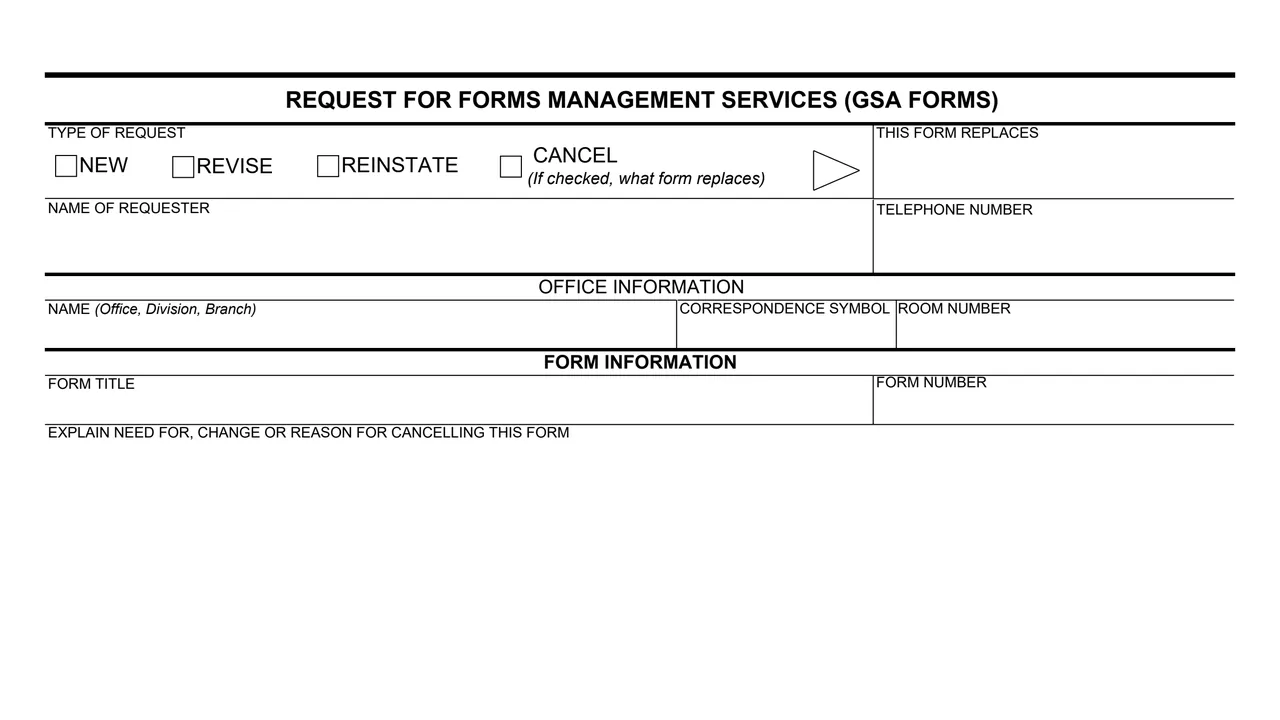
Boxes for NEW, REVISE, REINSTATE and CANCEL. If CANCEL is checked, the THIS FORM REPLACES block names what form replaces it.
Name of requester, telephone number, office name (office, division, branch), correspondence symbol and room number.
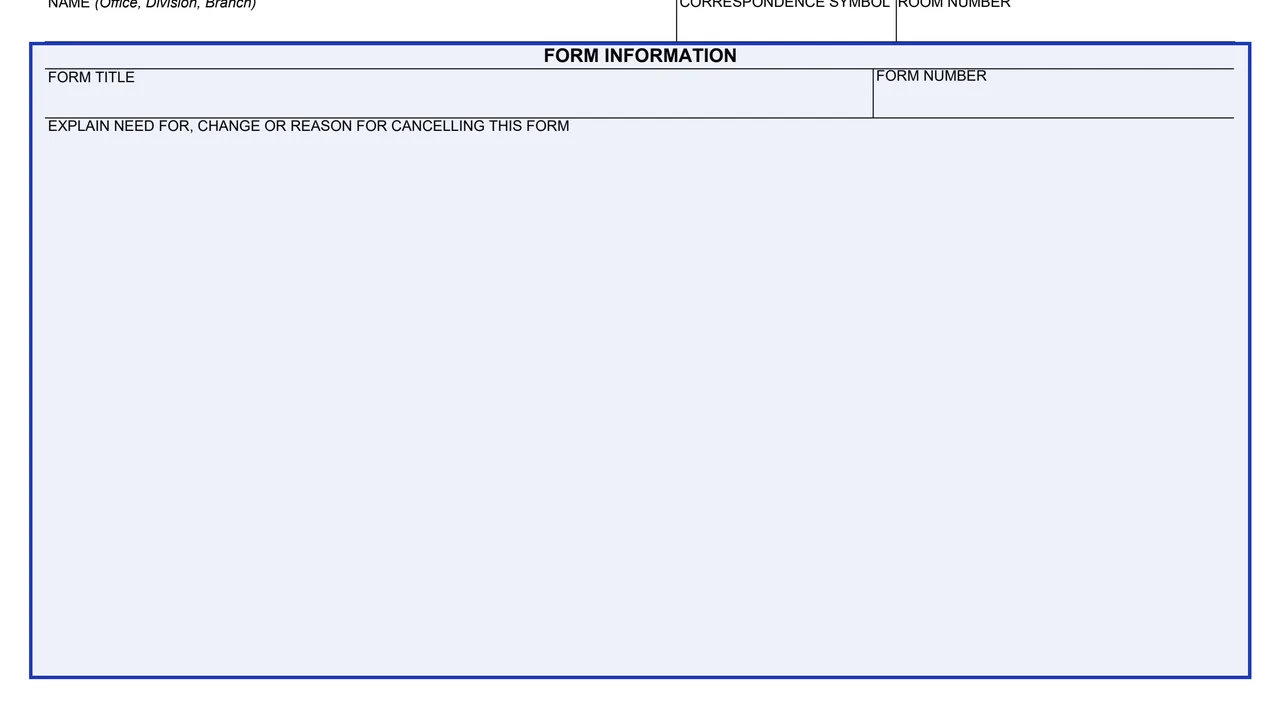
Form title, form number, and a large box to explain the need for, change or reason for cancelling the form.
The prescribing directive (order, handbook or regulation that authorizes use of the form), whether the form will be shown in it, who stocks printed copies (Pueblo, FAS, requester or other), and what to do with existing copies after a revision.
How information will be entered (by hand, electronically or other), whether other departments or agencies may use the form, and whether it is an OMB clearance form, with its control number and expiration date.
Signature of the approving official (supervisor or above) and the date.
Check NEW, REVISE, REINSTATE or CANCEL. For a cancellation, the form asks what form replaces it.
Enter the requester's name and telephone number, the office, division and branch, the correspondence symbol and the room number.
Give the form title and number, then explain the need for the form, the change or the reason for cancelling it.
Name the prescribing directive and whether the form will be shown in it, who stocks printed copies, and whether existing copies are used until the supply runs out or recycled.
Mark how information will be entered and whether other agencies may use the form. If it is an OMB clearance form, the form asks for the control number and expiration date.
An approving official, supervisor or above, signs and dates the bottom of the form.
You get the real form, filled in a browser tab, with nothing standing between you and the finished PDF.
The PDF prints no address, recipient office or instructions. Its footer says it is prescribed by OGP P 1824.1, the same authority GSA's page lists.
The STOCKED BY block applies to printed copies only, with boxes for Pueblo, FAS, the requester or other.
The form offers four choices: use until supply runs out, recycle immediately, recycle existing copies when the new form is issued, or other.
GSA Form 2192 itself prints no OMB number, burden statement or privacy notice. Its OMB blocks are about the form being requested.
The form has no instructions. Its blocks name these people.
No tool matches that search.
The form ends with the signature of an approving official, which it says is a supervisor or above, with a date.
It has boxes for NEW, REVISE, REINSTATE and CANCEL. For a cancellation, it asks what form replaces the cancelled one.
The form describes it as the order, handbook or regulation that authorizes use of the form, and asks whether the form will be shown in that directive.
Yes. It asks whether the form being requested is an OMB clearance form and, if so, for its control number and expiration date.
The footer says it is prescribed by OGP P 1824.1, and GSA's page lists OGP P 1824.1 as its authority.