W-8BEN-E
Certificate of Status of Beneficial Owner for United States Tax Withholding and Reporting (Entities)
- Agency
- IRS
- Revision
- October 2021
- Fillable fields
- 179
- Pages
- 8
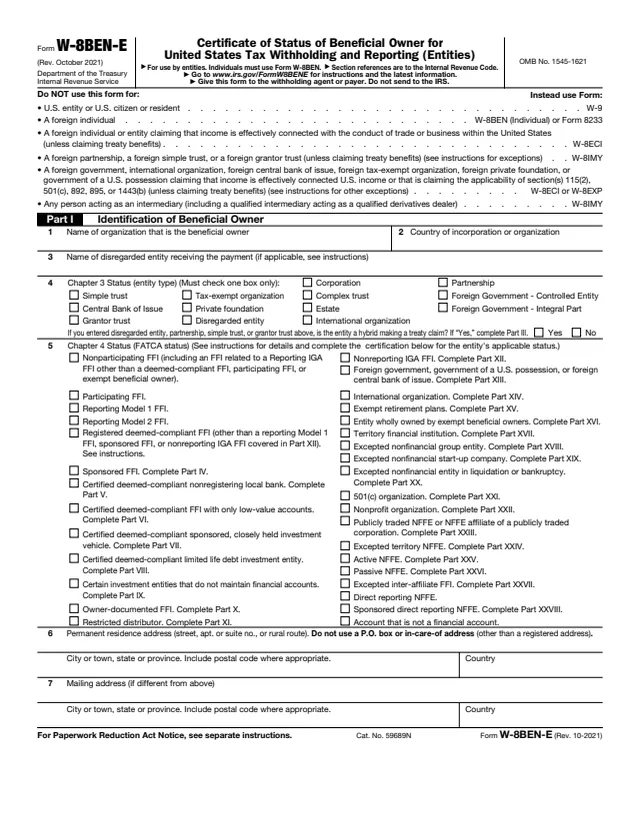
Form W-8BEN-E: Certificate of Status of Beneficial Owner for United States Tax Withholding and Reporting (Entities)
Certificate of Status of Beneficial Owner for United States Tax Withholding and Reporting (Entities)
How to fill out Form W-8BEN-E online
- 1
Open the form
Press Fill W-8BEN-E online. The official form opens in your browser, ready to type into.
- 2
Fill in the fields
Click a field and type. Move through the form at your own pace, nothing is sent anywhere until you choose.
- 3
Download or print
Save the filled form as a PDF or print it. You do not need an account to download it.
Why fill Form W-8BEN-E on indox
You get the real form, filled in a browser tab, with nothing standing between you and the finished PDF.
- Fill the form right in your browser, no software to install
- Free to fill and free to download, with no account
- The official blank straight from the IRS, not a copy someone retyped
- Works on a phone, tablet or computer
More forms in International
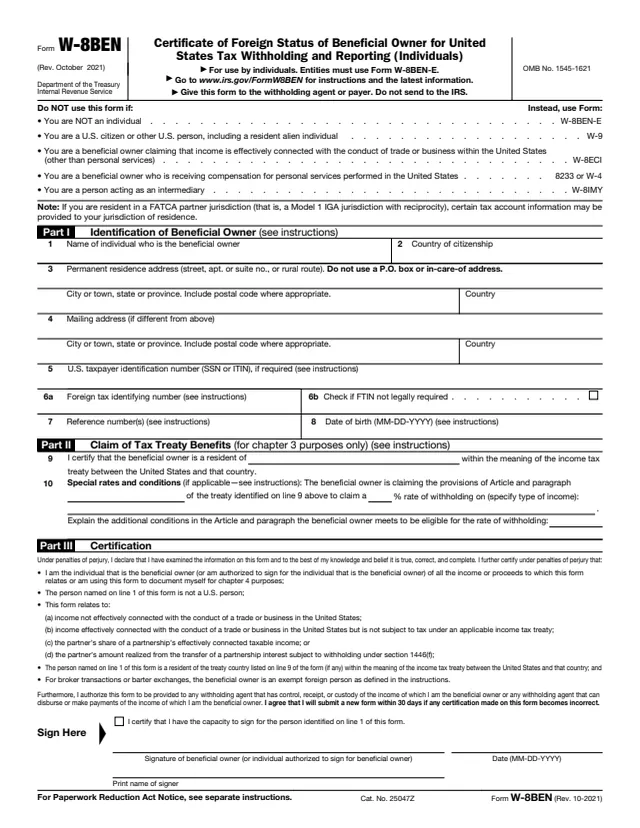
W-8
Certificate of Foreign Status of Beneficial Owner for United States Tax Withholding and Reporting (Individuals)
23 fields, 1 page
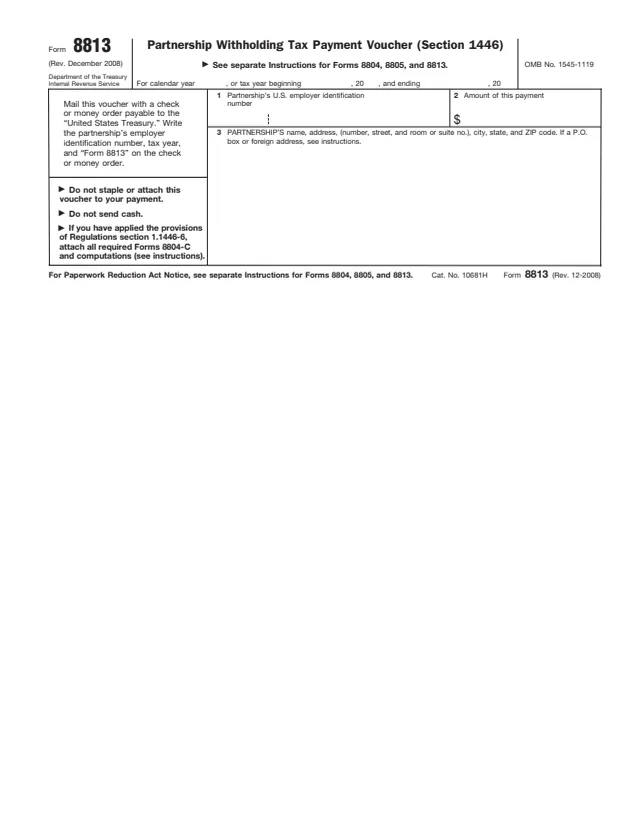
8813
Partnership Withholding Tax Payment Voucher (Section 1446)
9 fields, 1 page
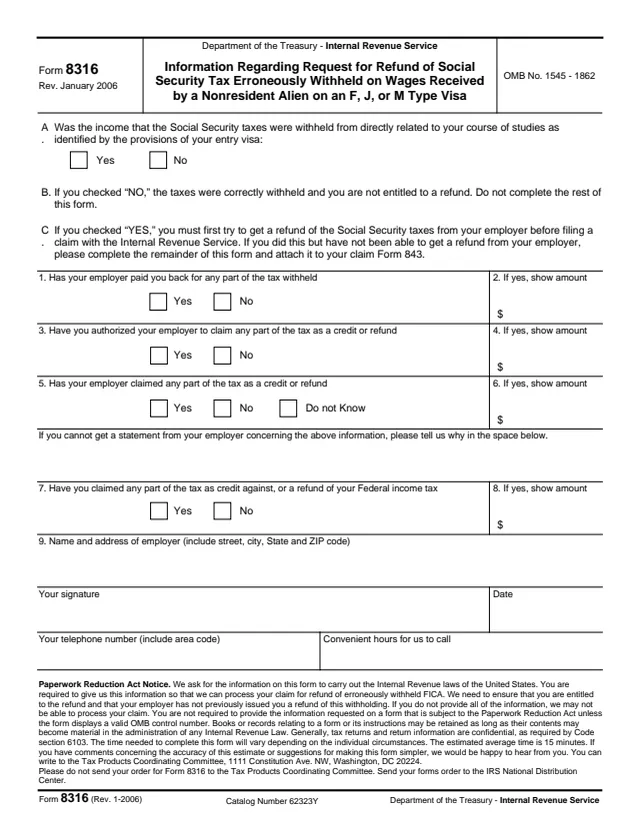
8316
Information Regarding Request for Refund of Social Security Tax Erroneously Withheld on Wages Received by a Nonresident Alien on an F, J, or M Type Visa
13 fields, 1 page
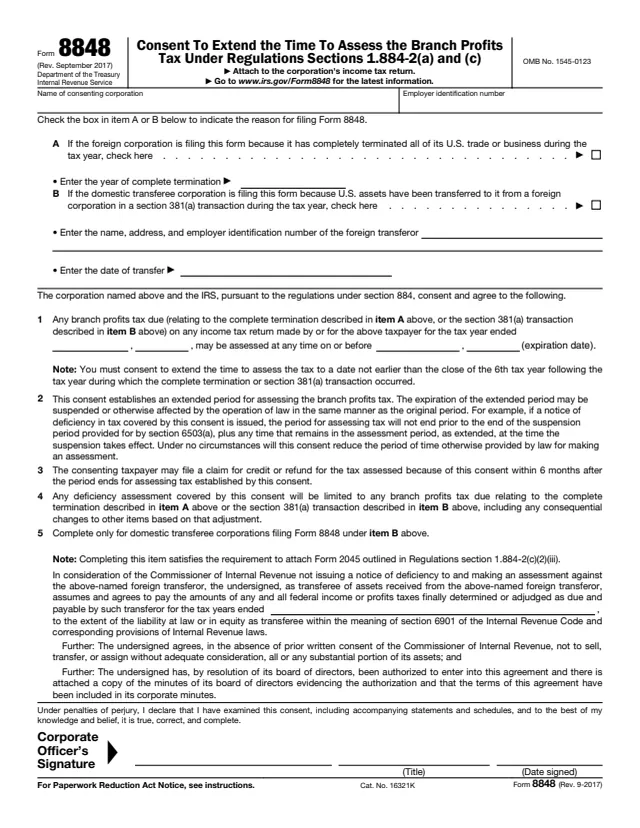
8848
Consent To Extend the Time To Assess the Branch Profits Tax Under Regulations Sections 1.884-2(a) and (c)
14 fields, 2 pages
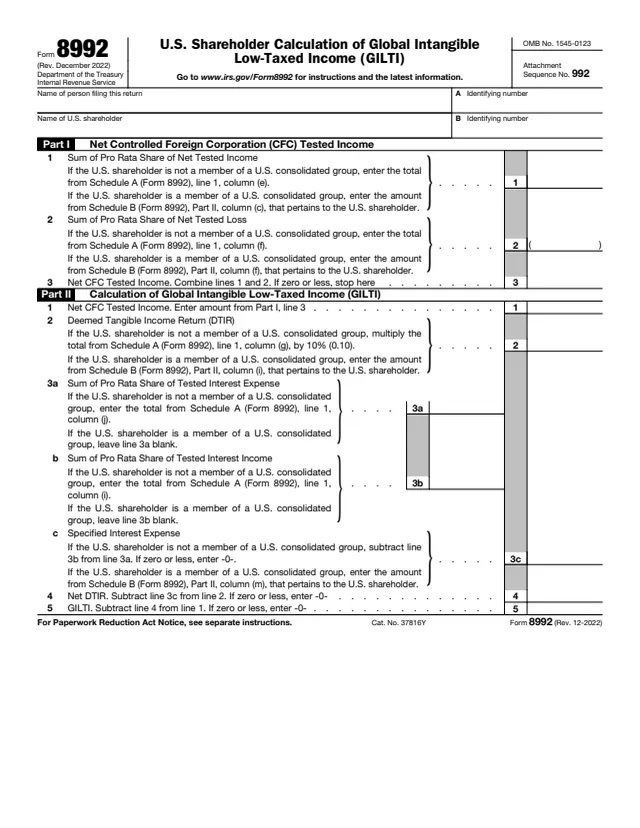
8992
U.S. Shareholder Calculation of Global Intangible Low-Taxed Income (GILTI)
14 fields, 1 page
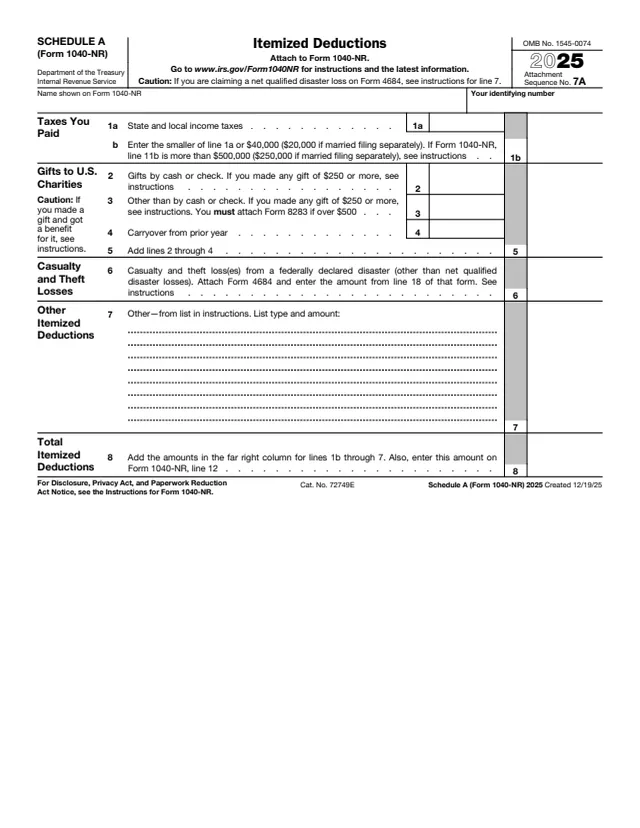
1040-NR
Itemized Deductions
12 fields, 1 page
Do it all with indox
No tool matches that search.