I-407
Record of Abandonment of Lawful Permanent Resident Status
- Agency
- USCIS
- Revision
- 09/25/24
- Fillable fields
- 67
- Pages
- 4
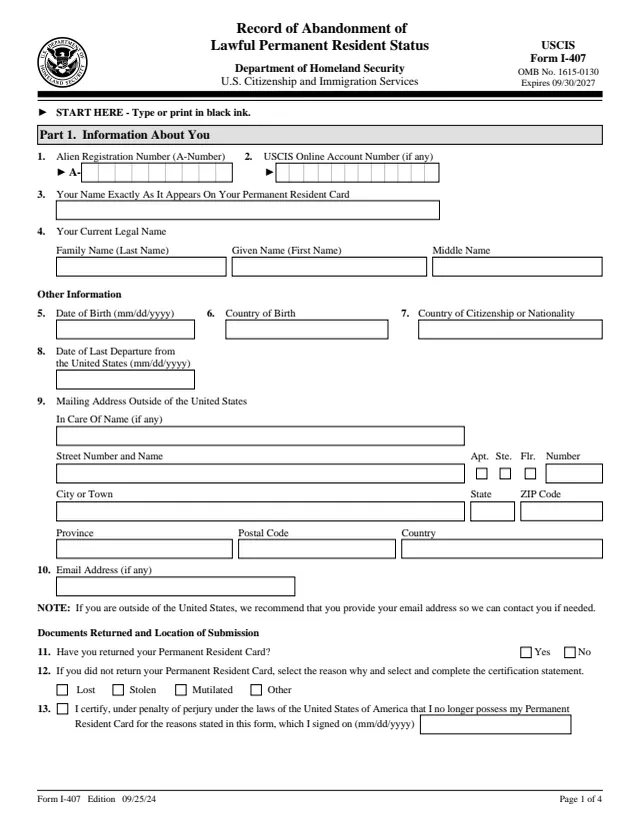
Form I-407: Record of Abandonment of Lawful Permanent Resident Status
Use this form to let us know you are voluntarily abandoning your status as a lawful permanent resident (LPR) of the United States. We will update your records to show you are no longer an LPR.
How to fill out Form I-407 online
- 1
Open the form
Press Fill I-407 online. The official form opens in your browser, ready to type into.
- 2
Fill in the fields
Click a field and type. Move through the form at your own pace, nothing is sent anywhere until you choose.
- 3
Download or print
Save the filled form as a PDF or print it. You do not need an account to download it.
Why fill Form I-407 on indox
You get the real form, filled in a browser tab, with nothing standing between you and the finished PDF.
- Fill the form right in your browser, no software to install
- Free to fill and free to download, with no account
- The official blank straight from the USCIS, not a copy someone retyped
- Works on a phone, tablet or computer
More forms in Green cards
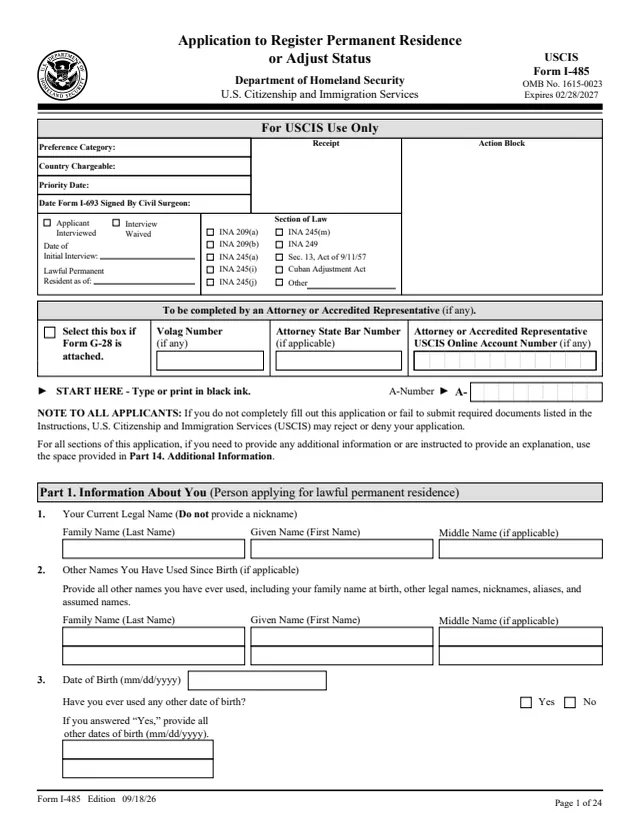
I-485
Application to Register Permanent Residence or Adjust Status
730 fields, 24 pages
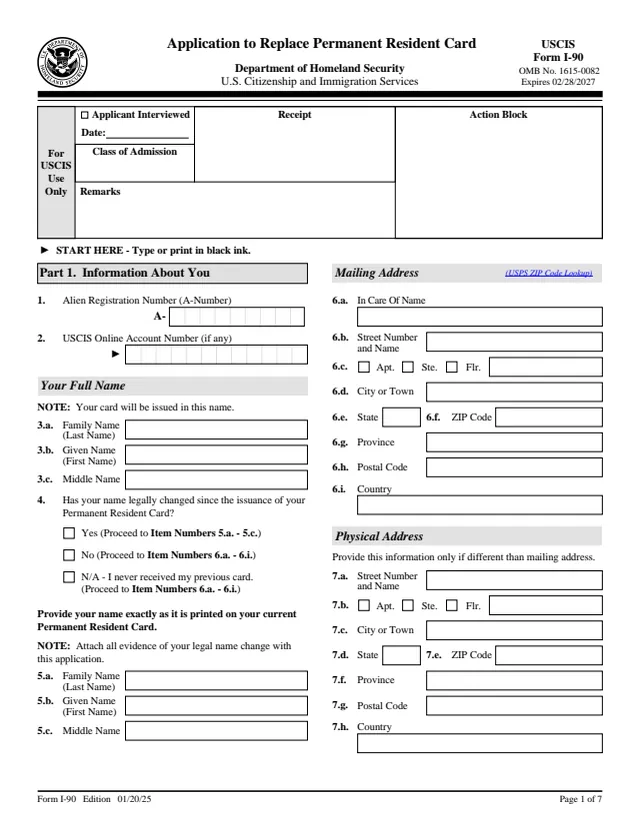
I-90
Application to Replace Permanent Resident Card (Green Card)
195 fields, 7 pages
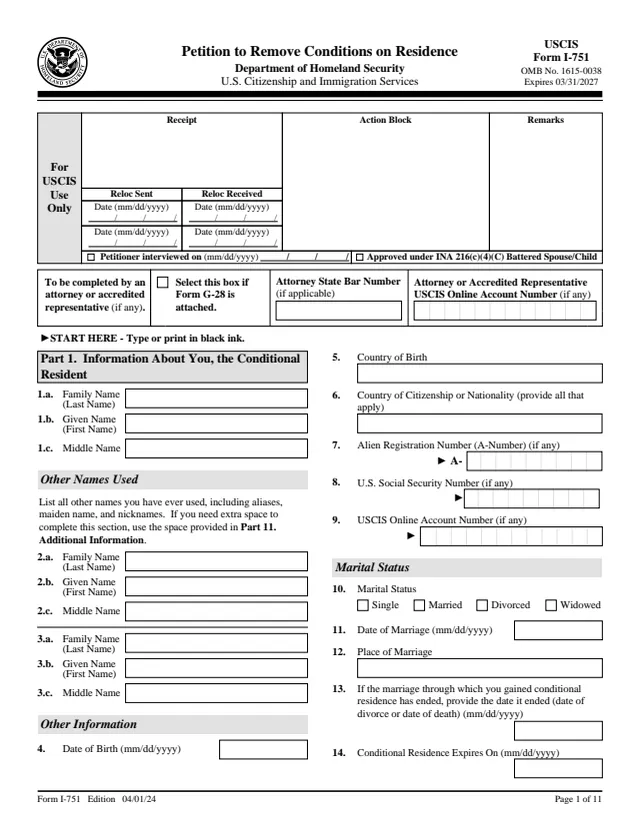
I-751
Petition to Remove Conditions on Residence
329 fields, 11 pages
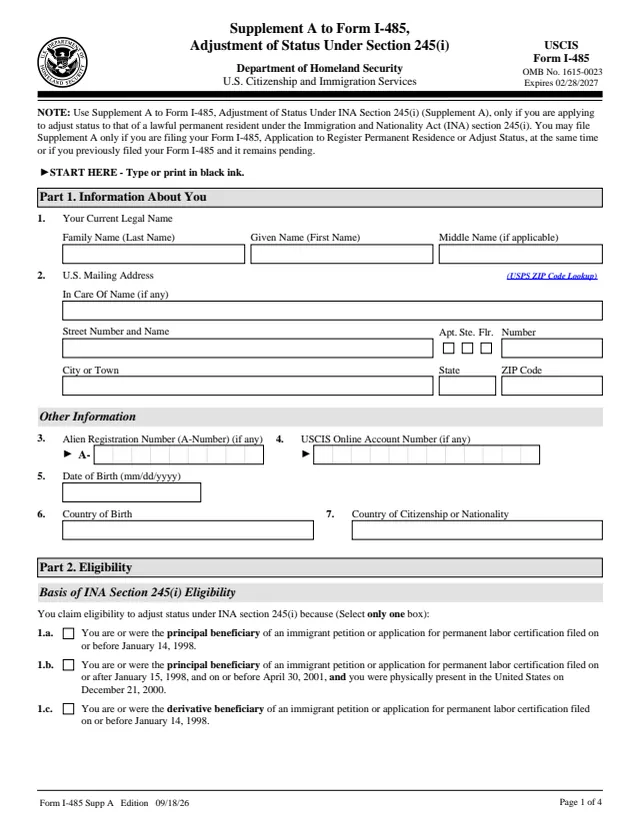
I-485 Supp. A
Supplement A to Form I-485, Adjustment of Status Under Section 245(i)
64 fields, 4 pages
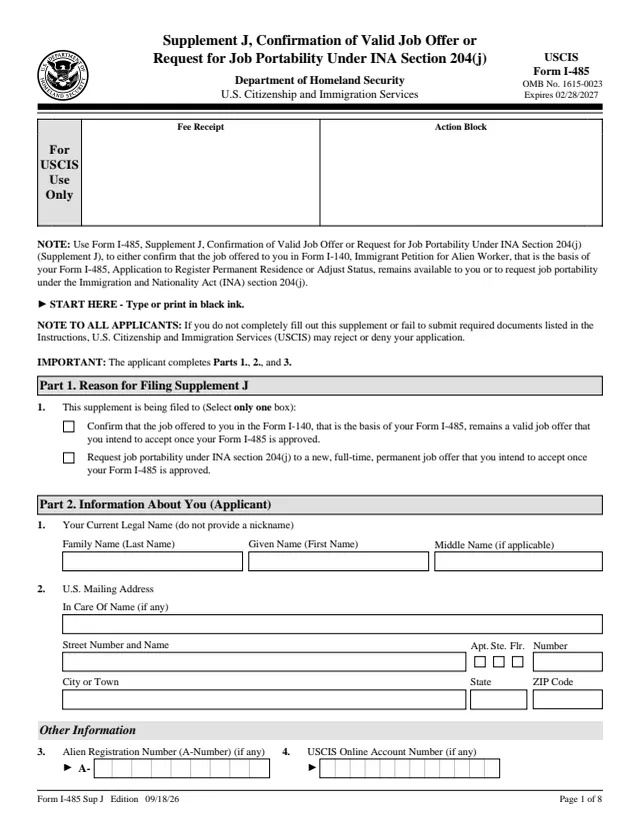
I-485 Supp. J
Confirmation of Valid Job Offer or Request for Job Portability Under INA Section 204(j)
139 fields, 8 pages
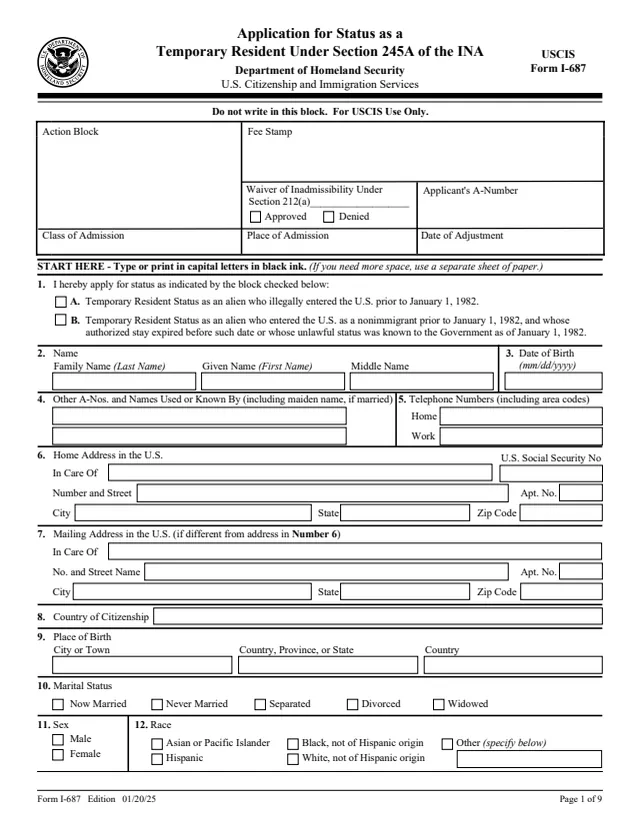
I-687
Application for Status as a Temporary Resident Under Section 245A of the Immigration and Nationality Act
460 fields, 9 pages
Do it all with indox
No tool matches that search.