Lines A and B
The period the report covers and boxes for an initial report, change of address, amended report or final report.
8872
Political Organization Report of Contributions and Expenditures
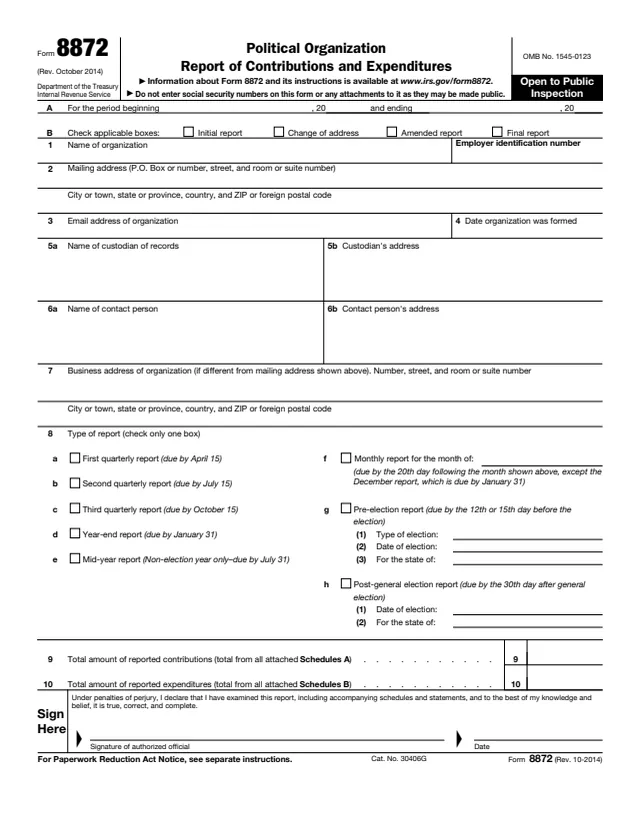
Form 8872 is the Political Organization Report of Contributions and Expenditures. The IRS About page says tax-exempt section 527 political organizations file it to report certain contributions received and expenditures made, unless an exception applies.
The report has a first page with the organization's details, the type of report and the totals, plus Schedule A for itemized contributions and Schedule B for itemized expenditures. The form says it is open to public inspection and warns not to enter social security numbers on the form or any attachments, as they may be made public.
The instructions say Form 8872 is filed electronically: the IRS does not accept paper reports for periods beginning after December 31, 2019, and the report is filed on the IRS website at IRS.gov/polorgs. You can fill out the PDF free in your browser on this page to prepare or review the entries, and download it without an account.
The period the report covers and boxes for an initial report, change of address, amended report or final report.
Name, EIN, mailing address, email address, date formed, the custodian of records, a contact person and the business address if different.
Boxes 8a to 8h for quarterly, year-end, mid-year, monthly, pre-election and post-general election reports, with election type, date and state.
Total reported contributions from all Schedules A, total reported expenditures from all Schedules B, and the signature of the authorized official.
For each contributor: name, mailing address, employer, occupation, amount and date of contribution, and aggregate contributions year to date.
For each recipient: name, mailing address, employer, occupation, amount and date of the expenditure, and its purpose.
Enter the period's beginning and ending dates. The instructions say that if a prior report was filed for the calendar year, the period begins the day after the prior report ended. Check each line B box that applies.
Enter the EIN as shown on the Form 8871 the organization filed. Lines 5a and 5b name the person holding the books and records; lines 6a and 6b name the person the public may contact.
Check only one box. For a pre-election report, add the type of election, its date and the state on lines 8g(1) to 8g(3). For a post-general election report, add the date and state on line 8h.
The instructions say to list each contributor whose contributions for the calendar year reached at least $200, if any were accepted in this period. Contributions under that amount are entered as "Aggregate below Threshold".
The instructions say to list each recipient whose expenditures for the calendar year reached at least $500, if any were made in this period. Independent expenditures are not included.
Enter the total of all Schedule A subtotals on line 9 and of all Schedule B subtotals on line 10. The instructions say to enter zero when a schedule is not required.
You get the real form, filled in a browser tab, with nothing standing between you and the finished PDF.
The instructions say Form 8872 is filed electronically on IRS.gov/polorgs with a username and password, which organizations receive by mail after filing Form 8871 electronically and submitting Form 8453-X.
Reports are quarterly or monthly, on the same basis all year. The form lists quarterly reports due by April 15, July 15 and October 15, a year-end report by January 31, and pre-election and post-general election reports.
Reports are semiannual or monthly. The instructions say the mid-year report is due by July 31 and the year-end report by January 31 of the following year; monthly reports are due by the 20th day after the end of the month.
The instructions say the penalty is 21% for tax years beginning after December 31, 2017, of the total contributions and expenditures to which a late, incomplete or incorrect report relates.
The IRS posts Form 8872 on IRS.gov/polorgs. The instructions say a penalty of $20 per day applies for failing the public inspection rule, with a maximum of $10,000 for one report.
The instructions name Form 990 or 990-EZ and Form 1120-POL as other returns that may apply. Telephone help is 1-877-829-5500, Monday through Friday.
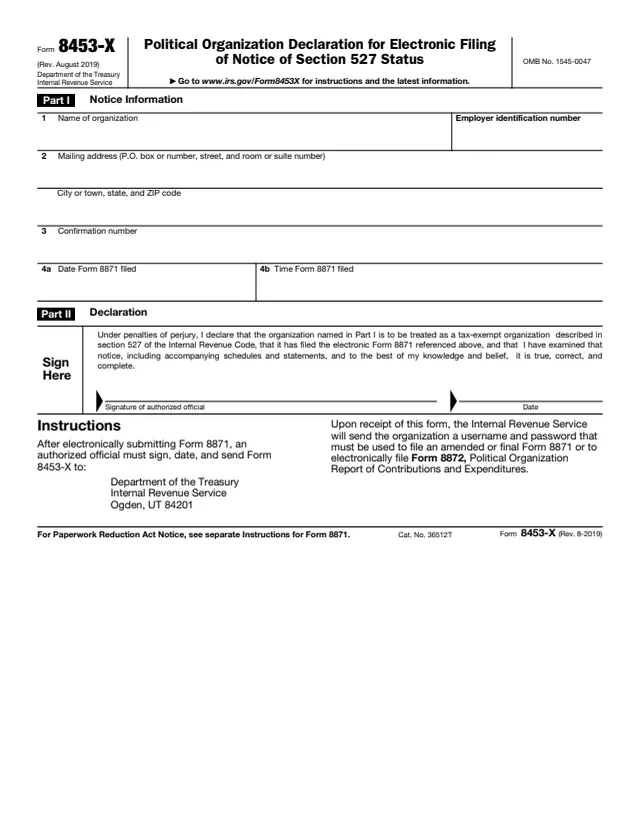
8453-X
7 fields, 1 page
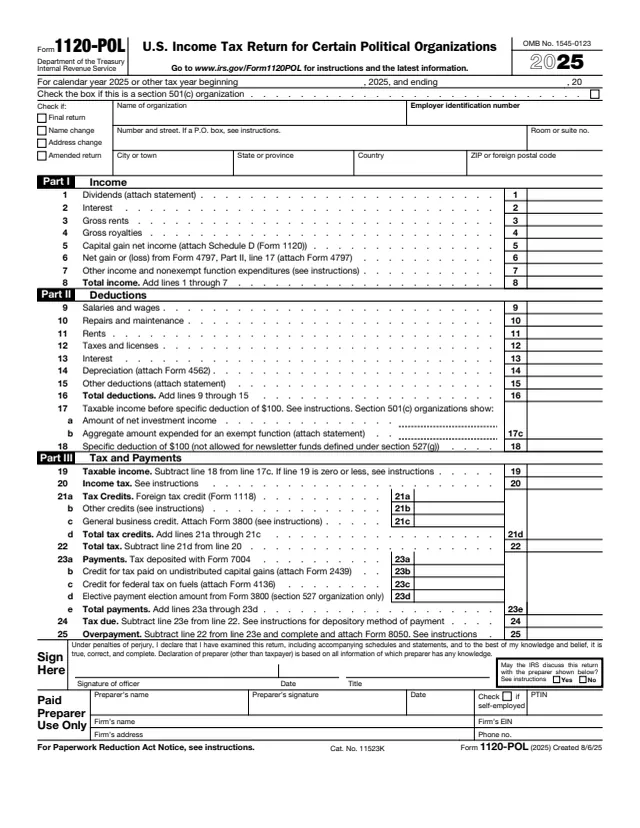
1120-POL
71 fields, 2 pages
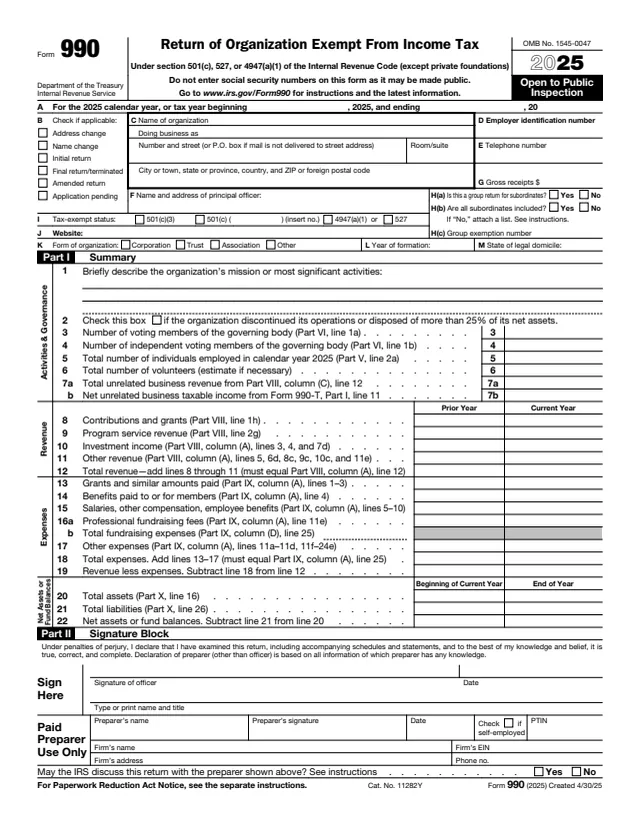
990
1,075 fields, 12 pages
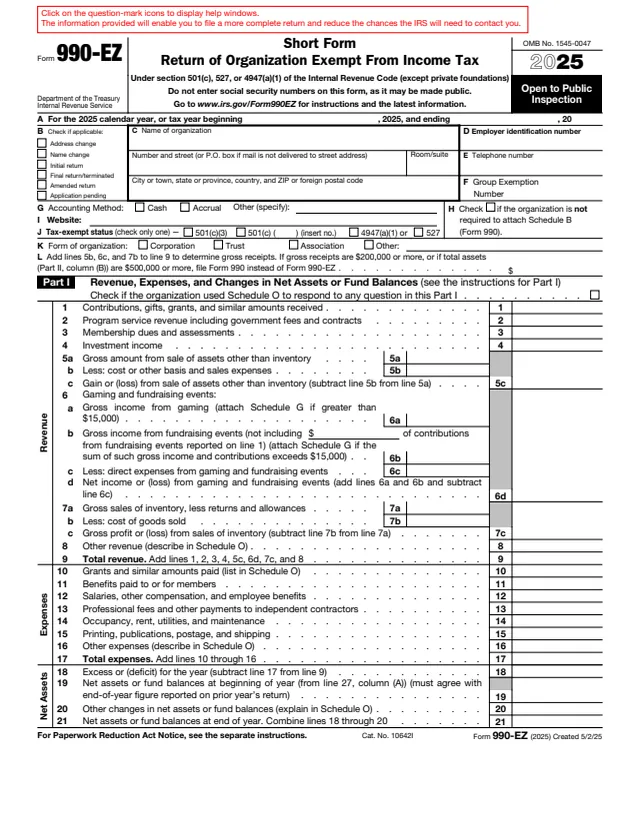
990-EZ
325 fields, 4 pages
The instructions say every section 527 political organization that accepts a contribution or makes an expenditure for an exempt function during the calendar year files Form 8872, except in the cases listed below.
No tool matches that search.
The instructions say no for periods beginning after December 31, 2019. The report is filed electronically on IRS.gov/polorgs.
The IRS About page says tax-exempt section 527 political organizations file it to report certain contributions and expenditures, unless an exception applies. Individual donors do not file it.
The instructions say each contributor whose contributions for the calendar year, as of the end of the period, were at least $200, if any were accepted during the period.
No. The form says not to enter social security numbers on the form or any attachments, as they may be made public.
The instructions say organizations that filed Form 8871 electronically and submitted Form 8453-X receive a username and password by mail. A lost one can be requested by letter or by fax to 801-620-3249.
Yes. The instructions say the IRS makes Form 8872, including Schedules A and B, open to public inspection on IRS.gov/polorgs.