Header: month, Corrected and Void
The month ending date the report covers, and Corrected and Void boxes used when fixing a report already filed.
720-TO
Terminal Operator Report
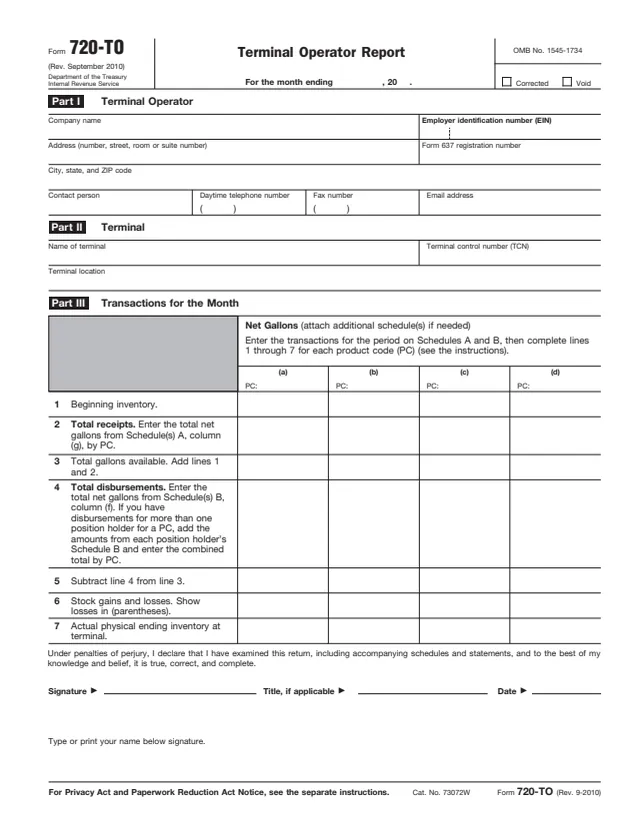
Form 720-TO is the Terminal Operator Report. The IRS About page says terminal operators file it to report monthly receipts and disbursements of all liquid products to and from all approved terminals. The instructions define a liquid product as any liquid that is transported into storage at a terminal or delivered out of a terminal.
Page 1 has Part I for the terminal operator, Part II for the terminal and Part III for the month's transactions by product code, in net gallons. Schedule A lists receipts into the terminal and Schedule B lists disbursements by position holder. The instructions say each terminal operator files a separate Form 720-TO for each approved terminal, and that reporting is required for inactive terminals.
The instructions are written for paper filers. They say electronic filing through the Excise Summary Terminal Activity Reporting System (ExSTARS) is required for each return reporting 25 or more transactions a month. This page has the September 2010 revision of the form. The PDF can be filled out free in the browser on this page and downloaded without an account.
The month ending date the report covers, and Corrected and Void boxes used when fixing a report already filed.
Company name, EIN, address, Form 637 registration number, and a contact person with daytime telephone number, fax number and email address.
Name of terminal, terminal control number (TCN) and terminal location.
Lines 1 through 7 in net gallons for up to four product codes (PC): beginning inventory, receipts, total available, disbursements, the difference, stock gains and losses, and actual physical ending inventory.
One schedule per product code. Columns (a) to (g) list the carrier name and EIN, mode code, vessel official number, document date, document number and net gallons, with a total on line 3.
One schedule per position holder and product code, destination state and mode code. Columns list the carrier, vessel number, document date and number, net gallons and gross gallons, with totals on line 5.
Enter the month ending date. Then enter the company name, address, EIN and Form 637 registration number, plus the contact person's daytime telephone, fax and email. The instructions say to enter "Applied for" if an EIN was applied for but not yet received.
Enter the name and location of the terminal as published on the IRS website, and the TCN the IRS assigned to the terminal's physical location.
For each receipt, enter the carrier's name and EIN, the mode code from Table 1 of the instructions, the vessel official number for a barge or ship, the date received (mmddyyyy), the document number and the net gallons. Add column (g) on line 3.
On a separate schedule for each position holder, enter the product code, destination state and mode code, then each disbursement: carrier, date removed, document number, net gallons and gross gallons. Add columns (f) and (g) on line 5.
Line 1 is beginning inventory, which the instructions say should match the previous month's actual ending inventory. Lines 2 and 4 come from the Schedule A and Schedule B totals. Line 6 shows gains and losses, losses in parentheses, and line 7 is the actual physical ending inventory.
The instructions say the form is signed by a person who has authority to sign. Enter the title and date, and type or print the name below the signature.
You get the real form, filled in a browser tab, with nothing standing between you and the finished PDF.
The instructions give this address: Internal Revenue Service, Attn: Excise Unit, Stop 5701G, Cincinnati, OH 45999. They say to send forms flat, not folded, stapled, torn or taped, by First-Class Mail.
The instructions say Form 720-TO is filed monthly and is due the last day of the month following the month in which the transaction occurs. A due date on a Saturday, Sunday or legal holiday moves to the next business day.
Required for each return reporting 25 or more transactions a month, through ExSTARS. Corrections to an electronically filed return follow Pub. 3536.
The instructions say a first time request for a 30-day extension will be granted if received in writing on or before the due date. Requests go to the Cincinnati address above or by fax to 859-669-5788.
For a paper report, send page 1 and the schedules being corrected with the Void box checked, then a new page 1 and corrected schedules with the Corrected box checked, showing only the transaction being corrected.
Keep copies, or the data to reconstruct them, for at least 3 years. The instructions say a penalty may apply for not filing a correct return by the due date without reasonable cause, including a missing or incorrect EIN.
720
715 fields, 8 pages
637
50 fields, 7 pages
720-CS
288 fields, 3 pages
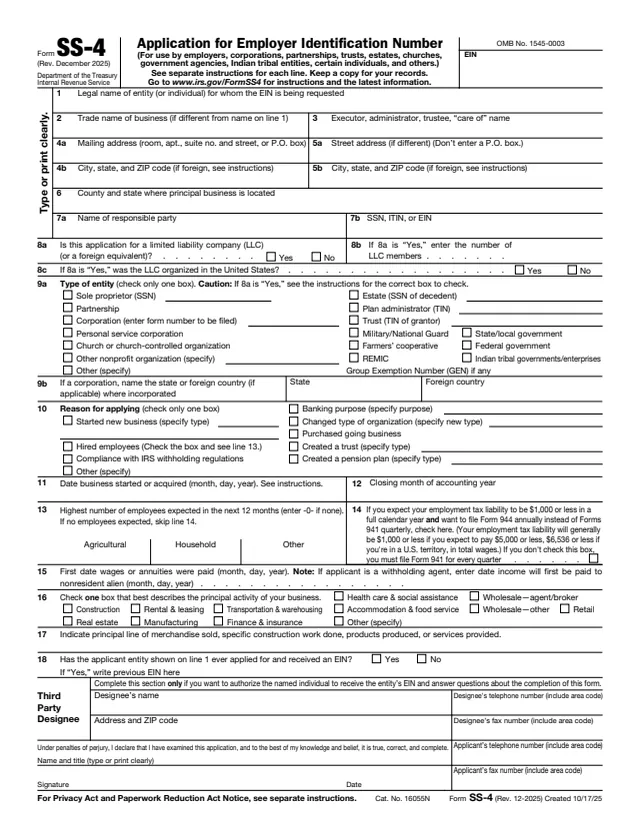
SS-4
89 fields, 2 pages
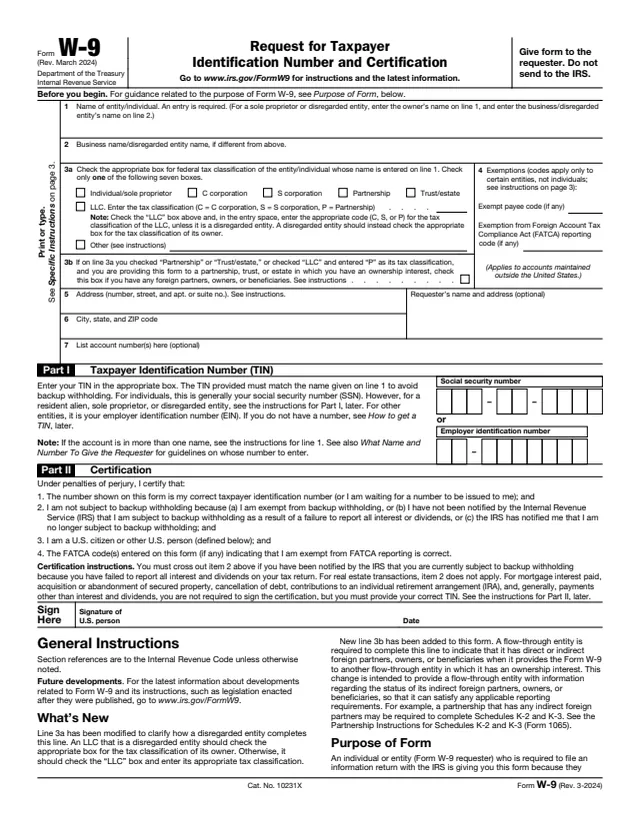
W-9
23 fields, 6 pages
The instructions say Form 720-TO is filed by terminal operators. It is a business report sent to the IRS, not a form individuals file.
No tool matches that search.
The instructions say terminal operators file it, a separate Form 720-TO for each approved terminal. It reports monthly receipts and disbursements of all liquid products at that terminal.
Monthly. The instructions say it is due the last day of the month following the month in which the transaction occurs.
The instructions are written for paper filers, but they say electronic filing through ExSTARS is required for each return reporting 25 or more transactions a month.
The instructions define it as the person that holds the inventory position in a liquid product in a terminal, as reflected on the terminal operator's records. It also includes a terminal operator that owns a liquid product in its terminal.
The instructions say net gallons are corrected to a temperature of 60° Fahrenheit or 15° Celsius and to a pressure of 14.7 pounds per square inch. Gross gallons are measured without temperature or barometric adjustments.
In writing, on or before the due date. The instructions say a first time request for a 30-day extension will be granted, and requests may be faxed to 859-669-5788.