Agreement terms
Opening paragraphs on the purpose of Secure Messaging, the Rules of Conduct and Terms of Service, rule changes, and loss of access after a violation.
15314
TE/GE Secure Messaging Taxpayer Agreement Authorization of Disclosure to Designated Users
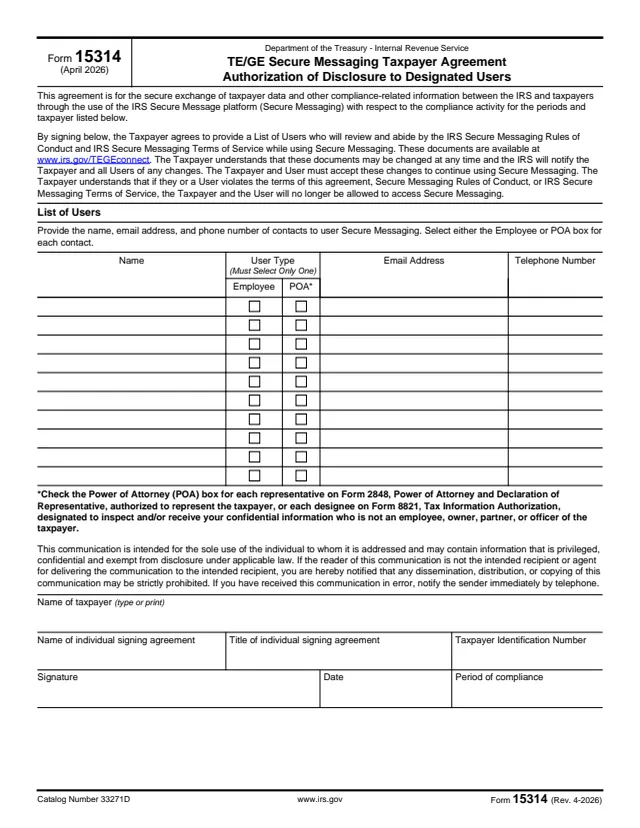
Form 15314, TE/GE Secure Messaging Taxpayer Agreement Authorization of Disclosure to Designated Users, is an agreement between a taxpayer and the IRS. The form says it is for the secure exchange of taxpayer data and other compliance-related information through the IRS Secure Message platform (Secure Messaging), for the compliance activity, periods and taxpayer it lists.
By signing, the taxpayer agrees to provide a List of Users who will review and abide by the IRS Secure Messaging Rules of Conduct and Terms of Service. The form says these documents are available at www.irs.gov/TEGEconnect, may change at any time, and must be accepted again to keep using Secure Messaging. Each user is marked as an Employee or as a power of attorney (POA).
The form is signed by an individual for the taxpayer, who gives their title and the taxpayer's identification number. You can fill out Form 15314 free in your browser on this page and download the result without an account.
Opening paragraphs on the purpose of Secure Messaging, the Rules of Conduct and Terms of Service, rule changes, and loss of access after a violation.
A table with each contact's name, user type, email address and telephone number.
Two boxes per user, with the note that only one may be selected. A footnote explains when to check POA.
A paragraph saying the communication is for the sole use of the addressee and may contain privileged or confidential information.
Name of taxpayer, name and title of the individual signing, taxpayer identification number, signature, date and period of compliance.
The form says the Secure Messaging Rules of Conduct and Terms of Service are available at www.irs.gov/TEGEconnect, and each user agrees to review and abide by them.
Enter the name, email address and telephone number of each contact who will use Secure Messaging.
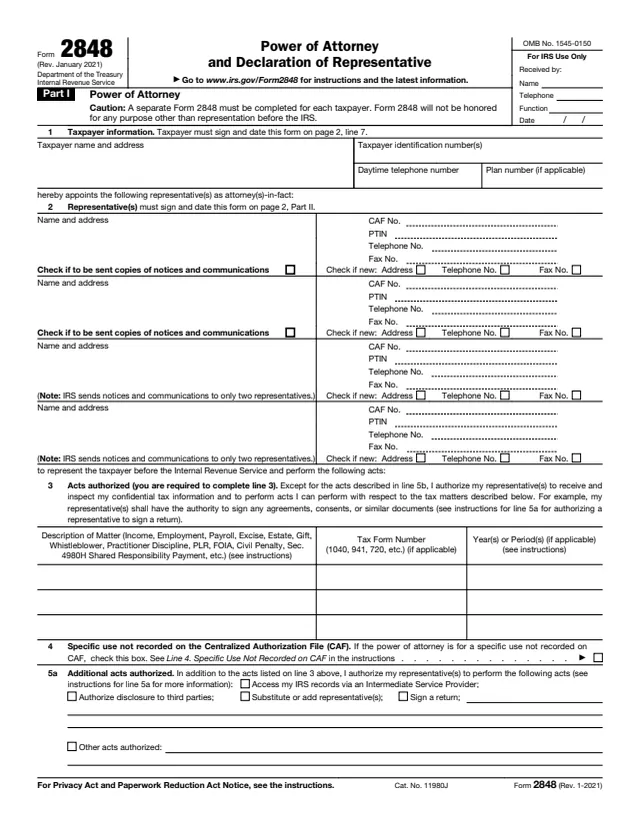
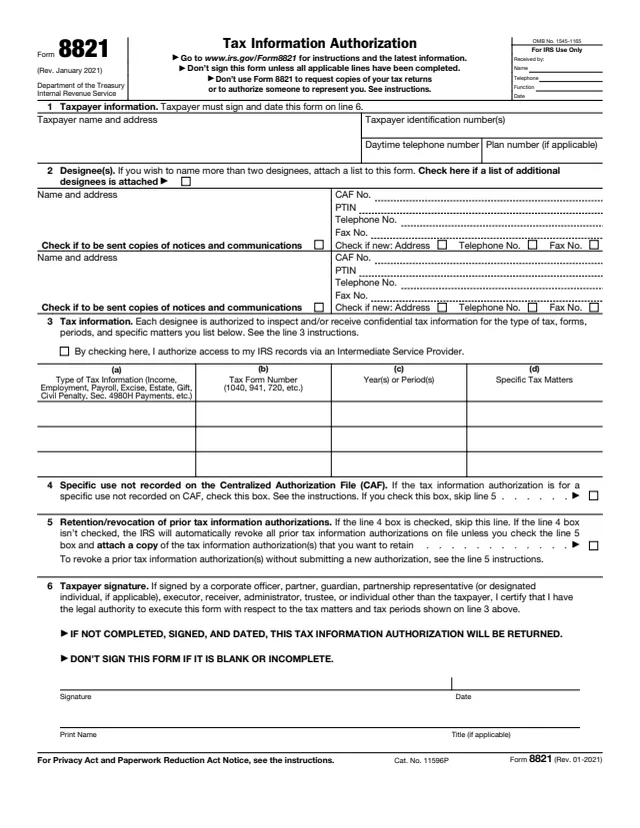
Check one box per user. Check POA for a Form 2848 representative or Form 8821 designee who is not an employee, owner, partner or officer of the taxpayer.
Type or print the name of the taxpayer, the name and title of the individual signing, and the taxpayer identification number.
Enter the period of compliance, then sign and date the agreement.
You get the real form, filled in a browser tab, with nothing standing between you and the finished PDF.
The PDF prints no mailing address, fax number or deadline. It covers secure exchanges with the IRS for the compliance activity, periods and taxpayer it lists.
The form says the rules may be changed at any time, the IRS will notify the taxpayer and all users, and changes are accepted to keep using Secure Messaging.
If the taxpayer or a user violates the agreement, the Rules of Conduct or the Terms of Service, the form says both will no longer be allowed to access Secure Messaging.
The confidentiality notice says anyone who receives the communication in error should notify the sender immediately by telephone.
The taxpayer in a TE/GE compliance activity completes and signs the form through an individual who gives a title. It names the users who may exchange information with the IRS.
No tool matches that search.
The form says it is an agreement for the secure exchange of taxpayer data and other compliance-related information between the IRS and taxpayers through the IRS Secure Message platform.
Contacts the taxpayer lists, each marked as Employee or POA, with a name, email address and telephone number.
For each representative on Form 2848 or designee on Form 8821 who is not an employee, owner, partner or officer of the taxpayer.
The form says the Rules of Conduct and Terms of Service are available at www.irs.gov/TEGEconnect.
The form says the taxpayer and the user will no longer be allowed to access Secure Messaging.
The PDF has no separate instructions. Its own text and the footnote on the POA box explain how to complete it.