Plain .xz and .tar.xz on the same page
A bare .xz holds one compressed stream. A .tar.xz is a tar bundle compressed with xz. Both go through this converter, and the page tells you what lands in the ZIP for each.
Add a .xz or .tar.xz file and get a ZIP back. A bare .xz gives one file, a .tar.xz gives its folders and files.
To convert xz to zip, add the .xz or .tar.xz file, keep ZIP as the output and download the result. In our test, a 478,020 byte notes.txt.xz became a 573,220 byte zip holding one text file that matched the original checksum. The zip was larger because Deflate compresses less tightly than LZMA2.
Transfers use HTTPS, and files converted on the free tier are deleted after 24 hours, so the result is not a long-term archive. Quality depends on the source file, so open the ZIP file once before you share it.
XZ (xz compressed data)
xz compresses one data stream, normally with LZMA2, and adds an index and an integrity check such as CRC32, CRC64 or SHA-256. Like gzip it stores no file names or folders, so bundles are packed with tar first and shipped as .tar.xz. The format was designed by Lasse Collin and Igor Pavlov.
ZIP (PKZIP archive)
A container that stores each file as its own entry, with a central directory listing names and folders at the end of the archive. Each entry is compressed on its own, usually with DEFLATE, so a single file can be pulled out without unpacking the rest.
A 1,760,921-byte text file packed as notes.txt.xz, converted on indox.org
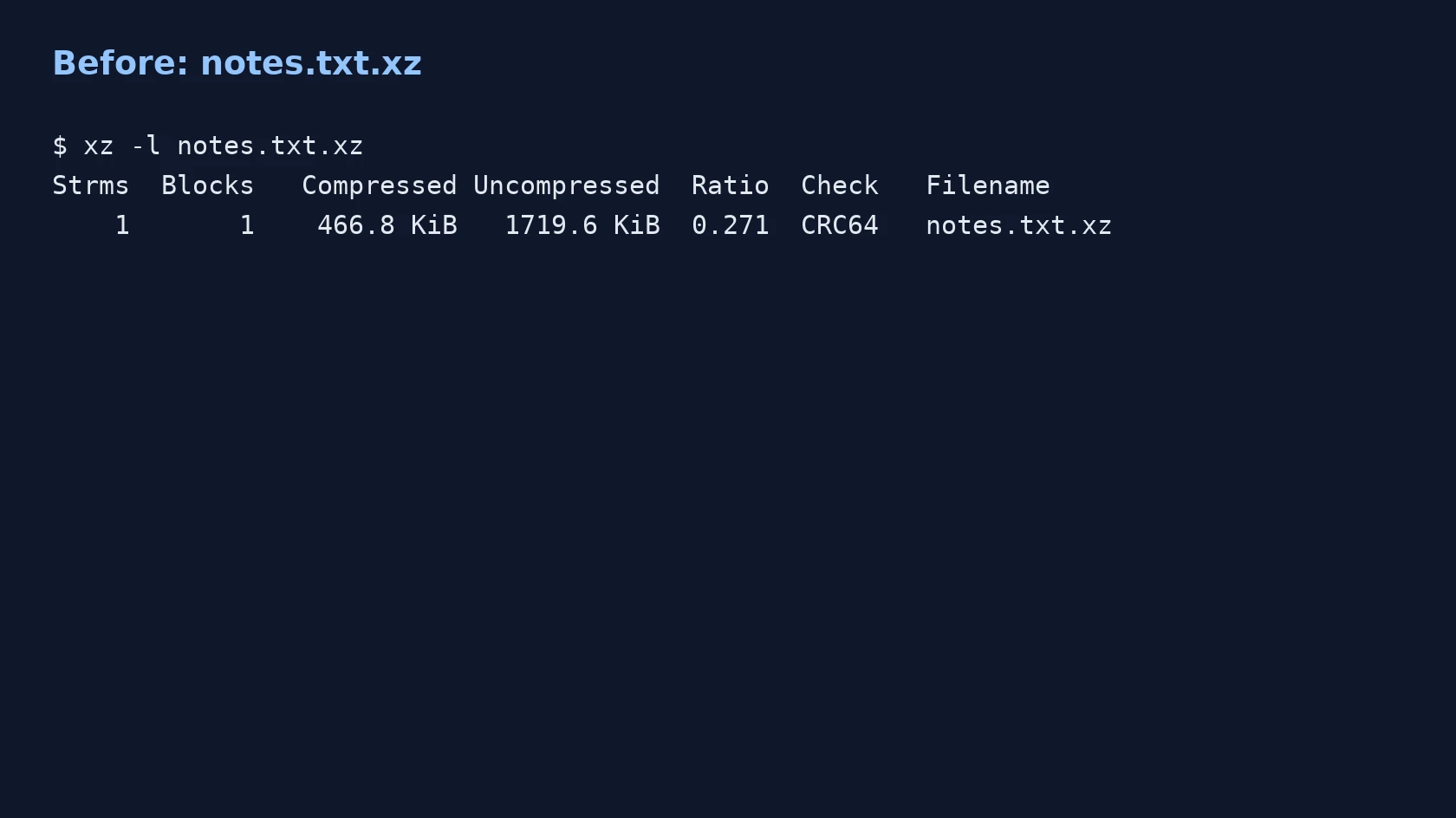
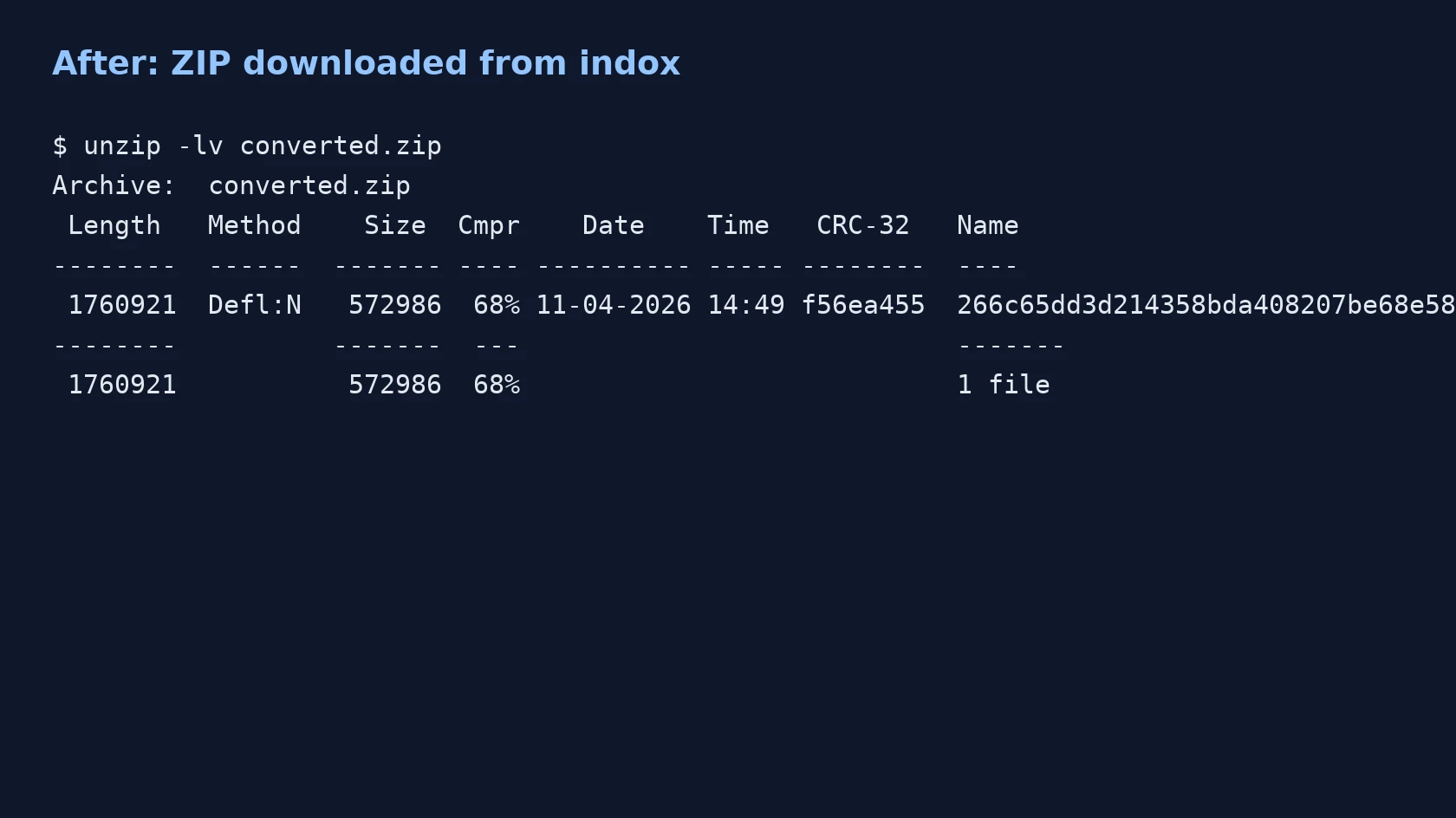
A bare .xz holds one compressed stream. A .tar.xz is a tar bundle compressed with xz. Both go through this converter, and the page tells you what lands in the ZIP for each.
The conversion runs on indox servers, so it works from any browser. You do not need xz, 7-Zip or a terminal to produce the ZIP.
In our test the zip passed unzip -t and the extracted files matched the originals by sha256, for the bare .xz and for the tar.xz.
Drop the file on the box or choose it from your device. Keep the original: the conversion makes a new ZIP and does not change your .xz.
Check that ZIP is the output format, then start. No other option appeared in our run, so there is no compression level to set. It took 4.5 seconds from the click to Completed for the bare .xz and 3.5 seconds for the tar.xz in our test.
Save the ZIP and list its contents before you send it on. For a bare .xz, expect one entry whose name may carry a prefix, and rename it after extracting if you need the original name.
You hand over a .xz or .tar.xz file and take away a ZIP, ready to send to someone who does not have an xz tool. The page lists what the ZIP will hold and where it gets bigger, so you know before you convert whether it fits the job.
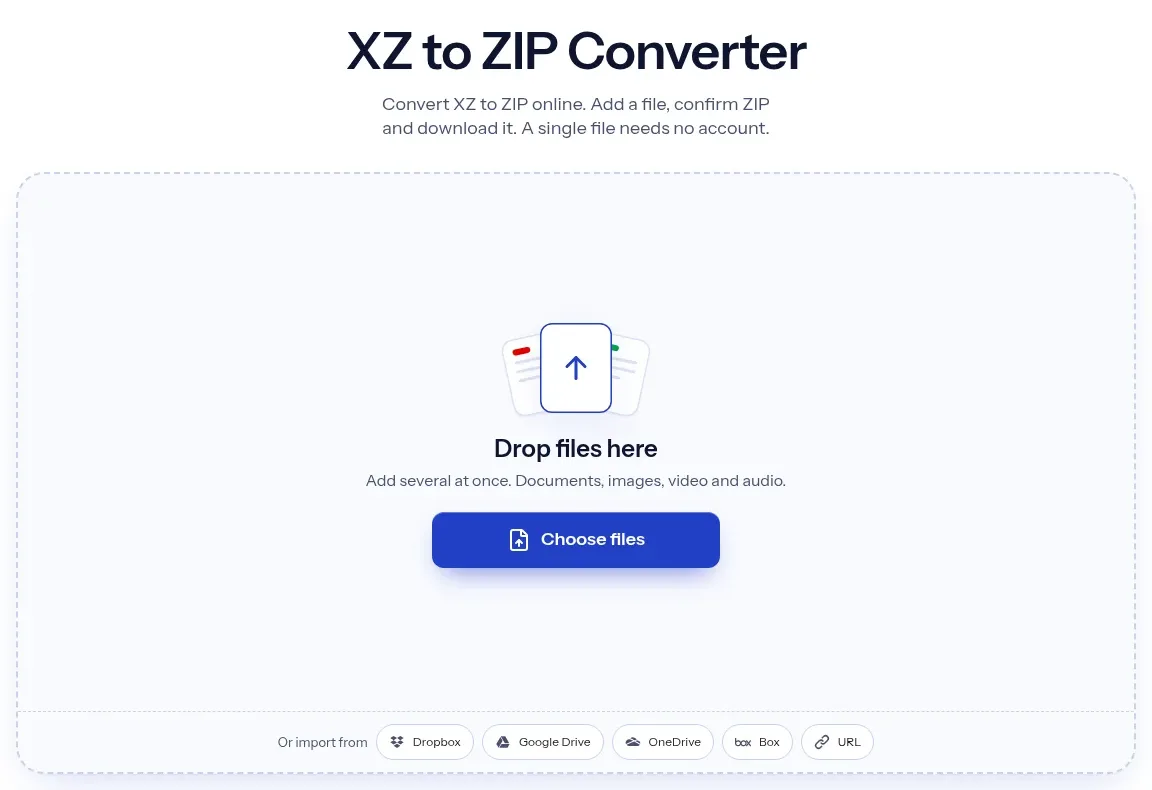
The upload box shows the live size limit before you add a file. Signing in raises it; a paid plan does not change it.
XZ in, ZIP out. Pick another output on the converter if you need a different format.
Files are encrypted in transit over HTTPS and processed on indox infrastructure.
Free-tier files are kept for 24 hours after the job finishes, then deleted automatically.
| What you see | Why | What to do |
|---|---|---|
| The ZIP is bigger than the .xz | Deflate compresses less tightly than LZMA2 | Keep the .xz if size matters and use the ZIP only to share |
| The inner file has a long odd prefix | A bare .xz stores no name, so the name comes from the upload | Rename the file after extracting |
| Archive extraction failed | The xz is corrupt or truncated, or the contents are over a server limit | Test the file locally with xz -t file.xz, then download it again |
| A link in my tar.xz is missing | Symbolic links are dropped before packing | Add the target files directly or pack the ZIP yourself |
| My ZIP has no folders | A bare .xz holds a single file, so there are no folders to keep | Check whether your source was a .tar.xz, which keeps its folder tree |
| Compared on | XZ | ZIP |
|---|---|---|
| Contents | One compressed stream, with no file names or folders | Many named entries, with folders |
| Compression | LZMA2, usually tighter | Deflate by default, usually looser |
| Folders | Bundled with tar first, as .tar.xz | Stored directly in the archive |
| Integrity check | CRC32, CRC64 or SHA-256 for the stream | A CRC-32 for each entry |
| Where it opens | xz tools, 7-Zip and most Linux systems | Most file managers and archive tools |
Facts checked on November 4, 2026
No tool matches that search.
Open the converter, add your .xz or .tar.xz file, keep ZIP as the output and download the result. There is nothing to install. Open the ZIP once to check that the contents are what you expect.
An .xz file is one compressed stream, usually a single file. A .tar.xz is a tar bundle of files and folders that was then compressed with xz, because xz itself stores no file names or folders.
For a bare .xz, one file. For a .tar.xz, the folder tree with no .tar inside. In our test the tar.xz gave nine entries, including a nested folder and an empty folder, and every file matched its original checksum.
For a .tar.xz, yes. For a bare .xz, no promise: xz stores no name, so the name comes from the upload. In our test it was an upload-id prefix followed by _notes.txt, so rename it after extracting.
xz normally uses LZMA2, and the ZIP uses Deflate, which compresses less tightly. In our test the ZIP was 19.9% larger for text, and a local zip -9 of the same data gave a similar size, so the gap is inherent. A very repetitive tar.xz grew about 11 times.
Yes. On Linux or macOS, run xz -dk file.xz and then zip file.zip file. For a .tar.xz, run tar -xf file.tar.xz and then zip -r out.zip folder. This page is for when you have no terminal or no tool installed.
On Linux, tar -xf file.tar.xz unpacks it. On Windows a tool such as 7-Zip is commonly used. Or convert it here to ZIP and open that with your file manager.
No. The converter exposes no options for this conversion, and the ZIP it makes is not encrypted.
Yes, the server caps upload size, unpacked size and the number of entries, but this page cannot say the values. We converted four files anonymously and saw no limit message.