Date and register number
The top right corner holds the date and the register number.
GSA687
Register of Remittances Received
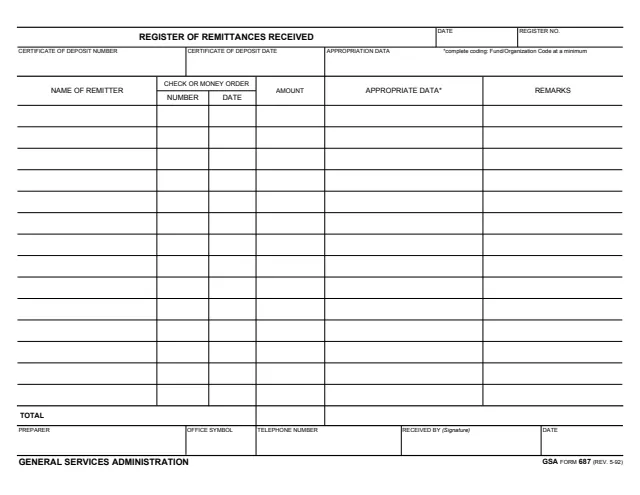
GSA Form 687, Register of Remittances Received, is a one-page General Services Administration (GSA) form, Rev. 5/1992. The footer names the General Services Administration, and GSA's page lists OFA P 1200.1 as its authority or regulation. GSA hosts it in its forms library.
The form is a dated, numbered register of remittances received by check or money order. The header holds the date, the register number, the certificate of deposit number and date, and appropriation data. The table has 14 lines for the name of the remitter, the check or money order number and date, the amount, appropriation data and remarks, followed by a total.
The bottom row names the preparer, the office symbol and telephone number, and carries the signature and date of the person who received it. The form prints no instructions, filing address or privacy notice. You can fill it out free in your browser on this page and download the result without an account.
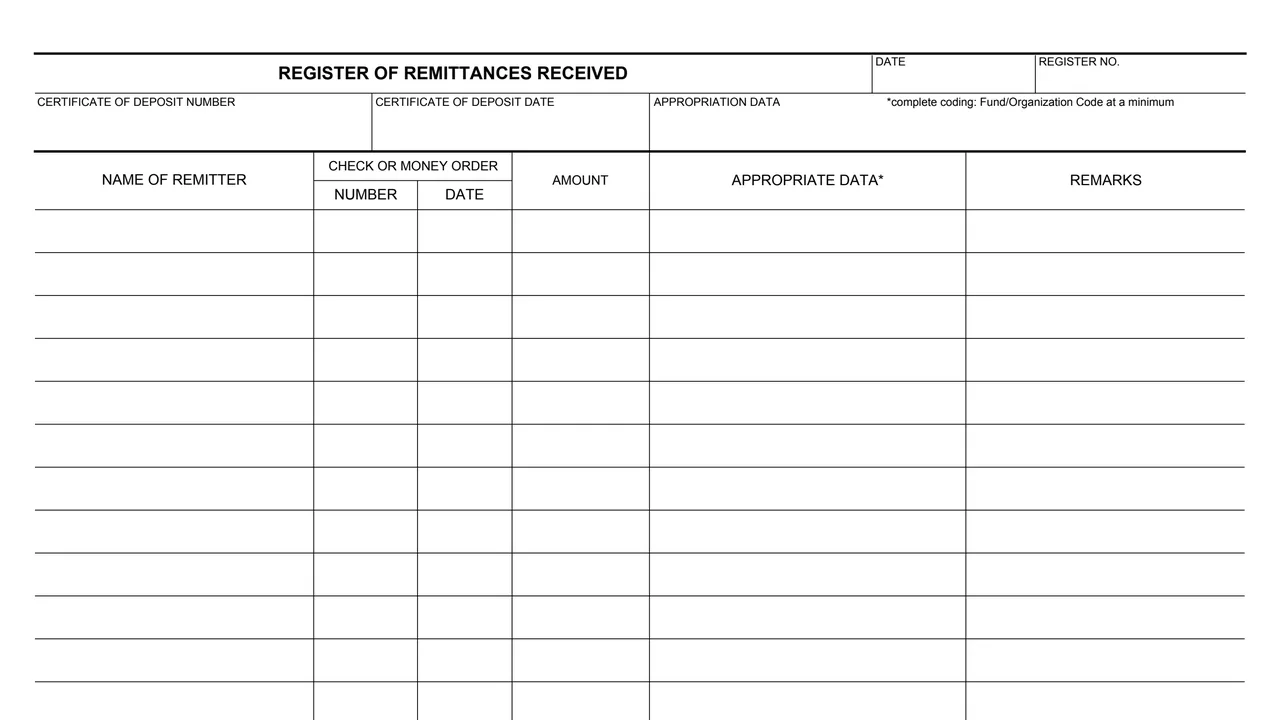
The top right corner holds the date and the register number.
The header asks for the certificate of deposit number, the certificate of deposit date and appropriation data. A note reads: complete coding: Fund/Organization Code at a minimum.
Fourteen lines, each with the name of the remitter, the check or money order number and date, and the amount.
Each line also has a column the form labels Appropriate Data, marked with the coding note, and a Remarks column.
A Total line under the amount column, then the preparer, office symbol, telephone number, Received By signature and date.
The form is a single landscape page.
Enter the date and the register number at the top of the form.
Enter the certificate of deposit number and date and the appropriation data. The form's note asks for complete coding: Fund/Organization Code at a minimum.
On each line, enter the remitter's name, the check or money order number and date, the amount, the appropriation data and any remarks.
Add up the amount column and enter the sum on the Total line.
Fill in the preparer's name, office symbol and telephone number in the bottom row.
The person who receives the register signs the Received By block and dates it.
The form prints no instructions. These steps follow the order of its blocks.
You get the real form, filled in a browser tab, with nothing standing between you and the finished PDF.
The PDF gives no filing address or routing instructions. Its only routing block is Received By, with a signature and date.
GSA's page lists OFA P 1200.1 as the authority or regulation and shows a current revision date of 05/1992.
The form prints no Privacy Act statement, no OMB control number and no time estimate.
The form prints no instructions. These are the people its blocks name.
No tool matches that search.
The footer reads General Services Administration and GSA FORM 687 (REV. 5-92). GSA's page lists OFA P 1200.1 as the authority or regulation, and GSA hosts the form in its forms library.
Remittances received by check or money order. For each one it lists the name of the remitter, the check or money order number and date, the amount, appropriation data and remarks, with a total at the bottom.
A note next to the appropriation data says complete coding: Fund/Organization Code at a minimum. The form does not explain the codes further.
The form has one signature block, Received By, with a date. The preparer block takes a name, office symbol and telephone number, not a signature.
The table has 14 lines, followed by a Total line.
The PDF prints no address or routing instructions.