Item 1: salary threshold
Whether the annual rate of basic pay is equal to or greater than $23,660, or the employee is paid hourly at a rate of basic pay not less than $27.63 per hour. A note says what the rate of basic pay includes.
GSA5021
FLSA Exemption Determination Checklist - Computer Employee Professional Exemption
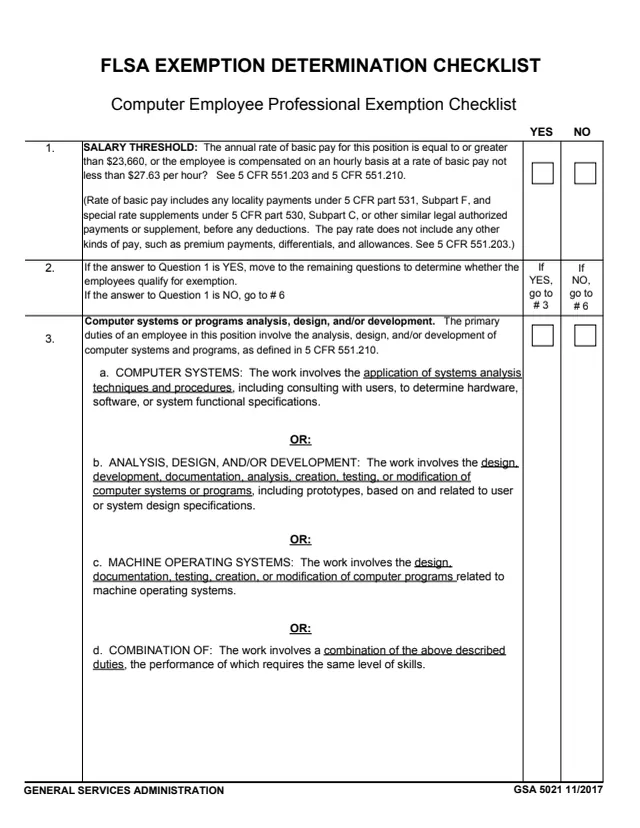
GSA Form 5021, FLSA Exemption Determination Checklist, Computer Employee Professional Exemption Checklist, is a General Services Administration (GSA) form, edition 11/2017, and GSA hosts it in its forms library. It is a two-page checklist of YES and NO questions about a position, leading to one result: EXEMPT or NON-EXEMPT under the FLSA computer employee professional exemption.
The questions cover a salary threshold, the computer systems or programs work the position's primary duties involve, and whether that work is the position's primary duty, with references to 5 CFR 551.203, 5 CFR 551.210 and 5 CFR 551.104. Routing rows send a NO answer straight to the final item. The form says the employee should be marked as exempt only if you answered YES to all questions.
The PDF prints no name, signature, filing address or OMB number. You can fill it out free in your browser on this page and download the result without an account.
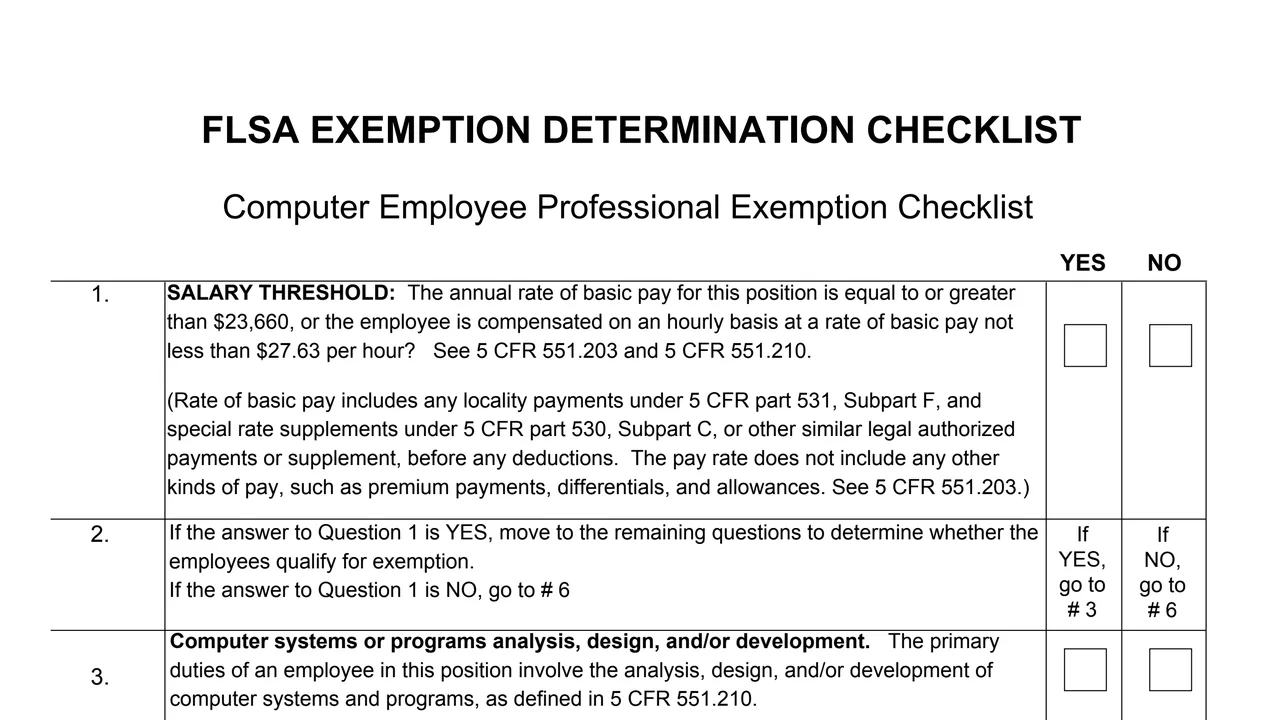
Whether the annual rate of basic pay is equal to or greater than $23,660, or the employee is paid hourly at a rate of basic pay not less than $27.63 per hour. A note says what the rate of basic pay includes.
If the answer to Question 1 is YES, go to item 3. If it is NO, go to item 6.
Four options joined by OR: computer systems, analysis, design, and/or development, machine operating systems, or a combination of these duties requiring the same level of skills.
If the answer to 3a, b, c, OR d is YES, go to item 5. If all four are NO, go to item 6.
Whether more than 50% of work time is spent on that work, or a duty under 50% may be credited if it meets three conditions printed on the form. See 5 CFR 551.104.
Under the heading Computer Professional Exemption, an EXEMPT box and a NON-EXEMPT box.
Six numbered items, each with YES and NO boxes, a routing instruction or the result boxes.
Answer item 1. The form says the rate of basic pay includes locality payments and special rate supplements before deductions, and does not include premium payments, differentials, and allowances.
Items 2 and 4 say where to go next. A NO in item 1, or NO to all of 3a to 3d, goes straight to item 6.
Check YES or NO for item 3, then for item 5 on the primary duty of the position.
The form says to mark the employee exempt only if you answered YES to all questions. With a NO to any question, it says the employee does not meet the exemption and is marked non-exempt.
You get the real form, filled in a browser tab, with nothing standing between you and the finished PDF.
The PDF gives no filing address or routing instructions, and prints no name, signature or date lines.
The 11/2017 edition prints $23,660 as the annual rate of basic pay and $27.63 per hour as the hourly rate in item 1.
5 CFR 551.203, 5 CFR 551.210, 5 CFR 551.104, 5 CFR part 531, Subpart F, and 5 CFR part 530, Subpart C.
The PDF prints no OMB number, burden estimate or privacy notice, and GSA's page lists no authority or regulation for the form.
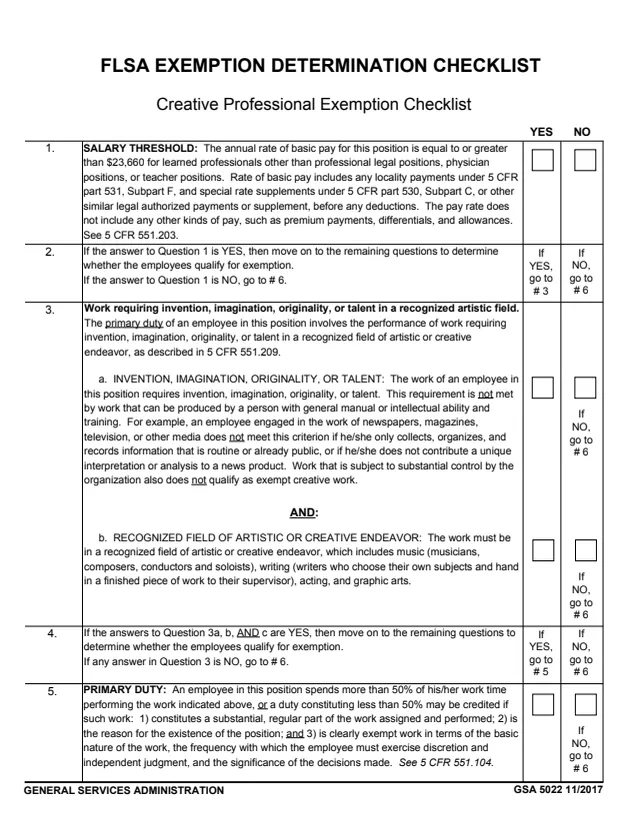
GSA5022
5 fields, 2 pages
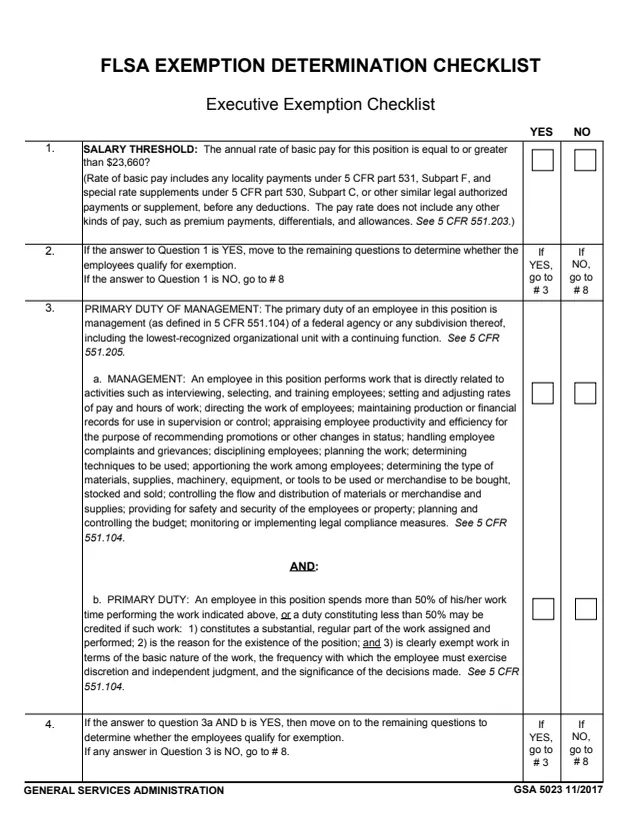
GSA5023
6 fields, 2 pages
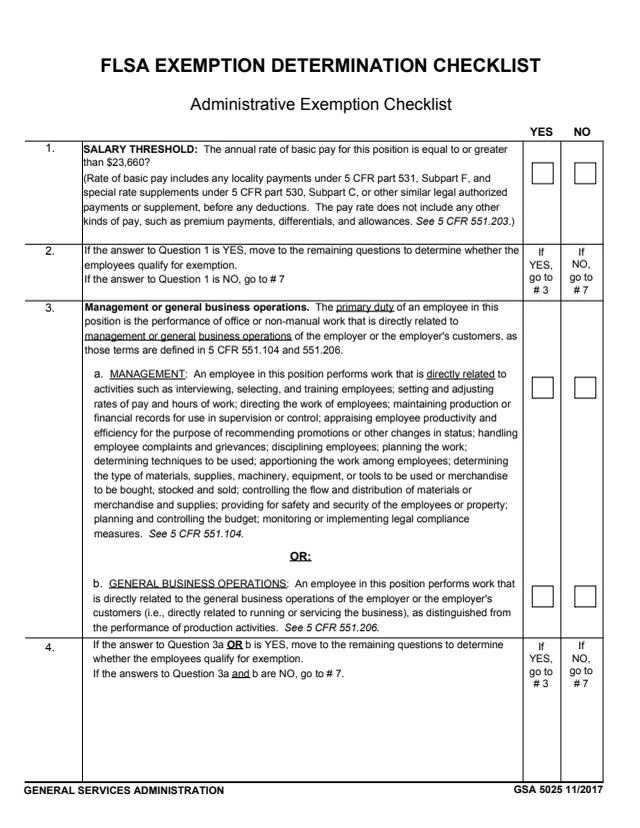
GSA5025
7 fields, 2 pages
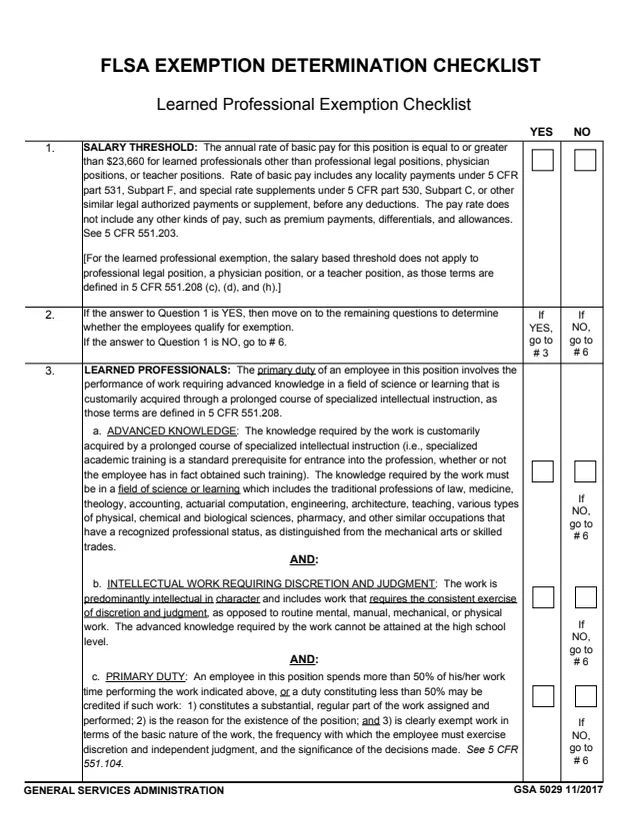
GSA5029
6 fields, 2 pages
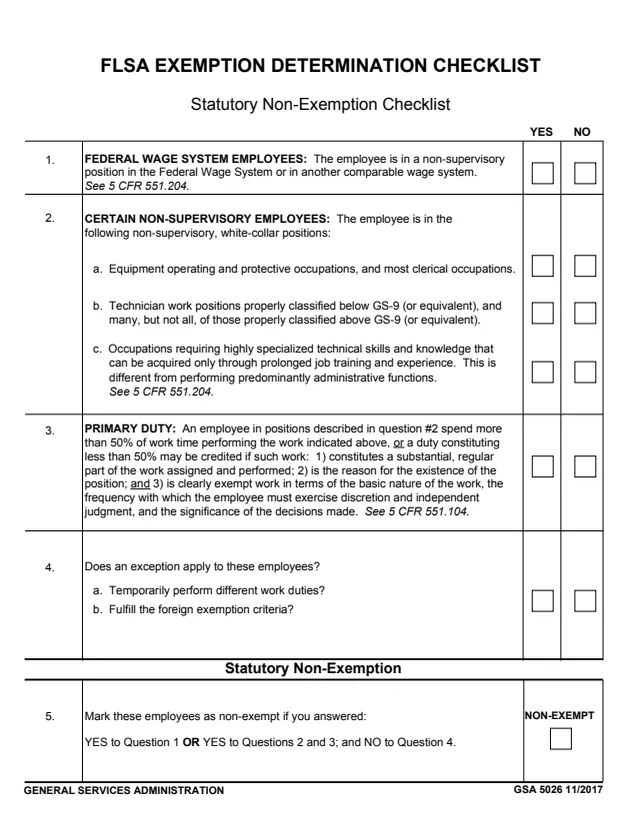
GSA5026
7 fields, 1 page
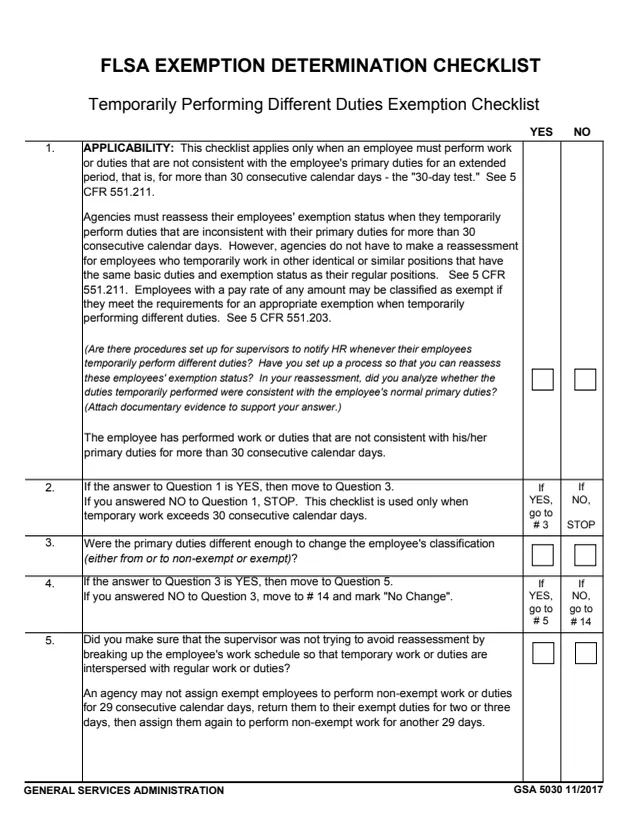
GSA5030
17 fields, 3 pages
The form does not name a job title for the person who completes it. It is written about a position and the employee in it.
No tool matches that search.
The footer prints General Services Administration and GSA 5021 11/2017. GSA hosts the form in its forms library.
Item 1 asks whether the annual rate of basic pay is equal to or greater than $23,660, or the employee is compensated on an hourly basis at a rate of basic pay not less than $27.63 per hour, and cites 5 CFR 551.203 and 5 CFR 551.210.
Item 3 lists computer systems work, analysis, design, and/or development of computer systems or programs, work on computer programs related to machine operating systems, and a combination of these duties requiring the same level of skills.
Item 5 says the employee spends more than 50% of work time on the work, or a duty under 50% may be credited if it is a substantial, regular part of the work, the reason the position exists, and clearly exempt work. It cites 5 CFR 551.104.
The form says the employee should be marked as exempt only if you answered YES to all questions. If you answered NO to any question, it says the employee does not meet the exemption and is marked non-exempt.
No. The PDF prints no name, signature or date lines, only the questions and the YES, NO, EXEMPT and NON-EXEMPT boxes.