Building and contract
Building, report number, contract number and a block labeled Inspection.
GSA3423
Mechanical Contract Inspection Report
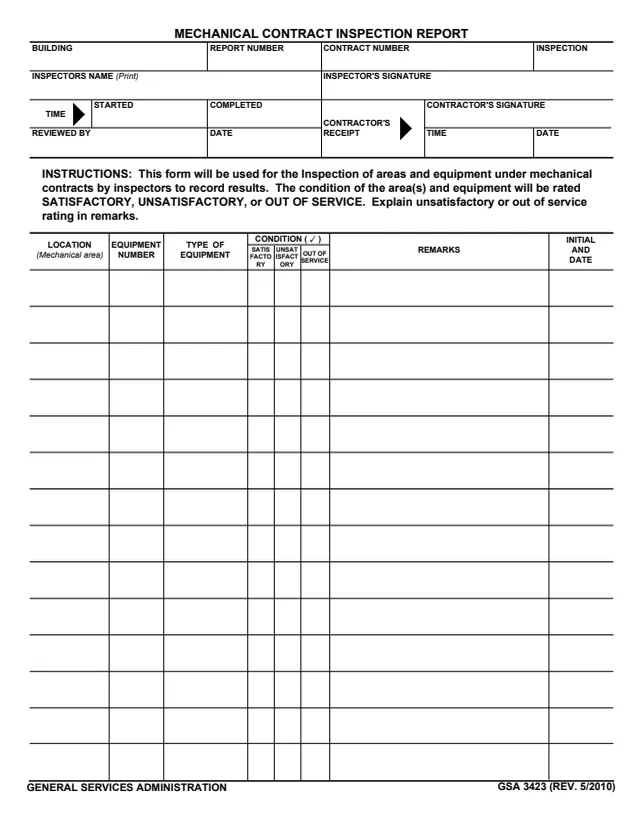
GSA Form 3423, Mechanical Contract Inspection Report, is a General Services Administration form, GSA 3423 (REV. 5/2010), hosted in GSA's forms library. The form says it will be used for the Inspection of areas and equipment under mechanical contracts by inspectors to record results.
The header names the building, report number, contract number and inspection, the inspector, the start and completion times, the reviewer and the contractor's receipt. The form says the condition of the area(s) and equipment will be rated SATISFACTORY, UNSATISFACTORY, or OUT OF SERVICE, and to explain unsatisfactory or out of service rating in remarks. A table on the front and a continuation table on the back hold one row per location and piece of equipment.
The form prints no OMB number or privacy statement. You can fill it out free in your browser on this page and download the result without an account.
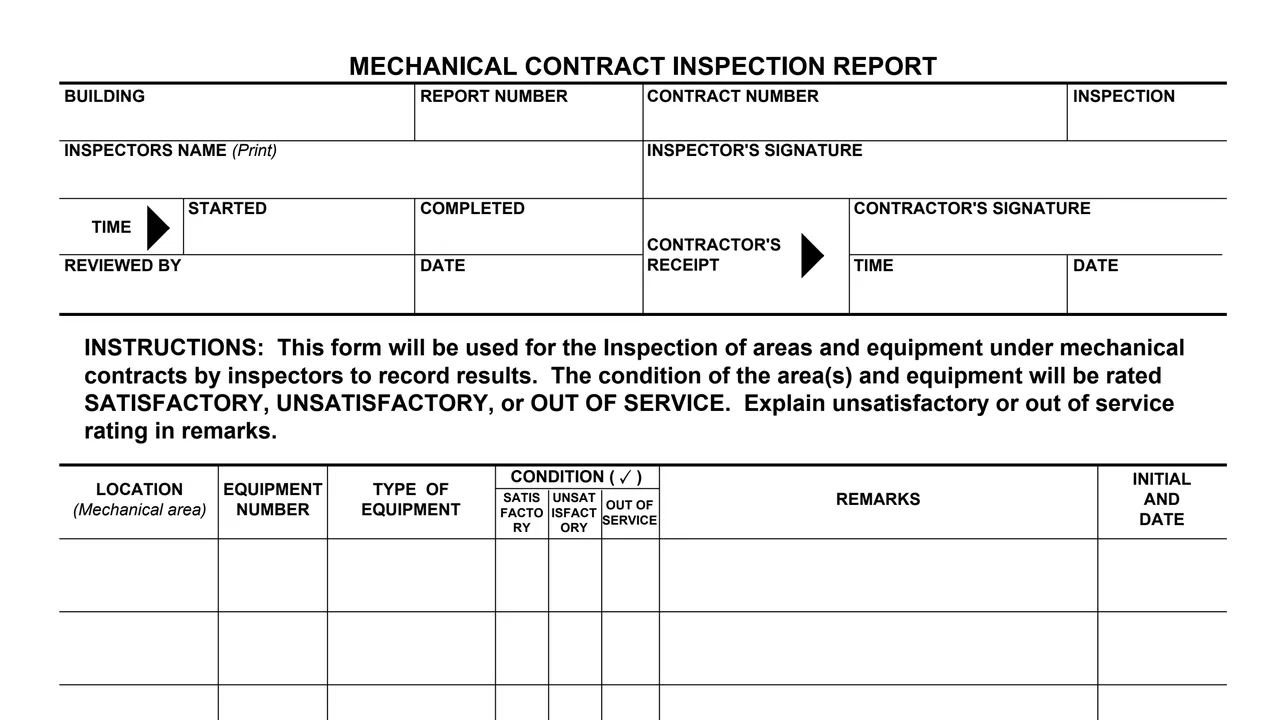
Building, report number, contract number and a block labeled Inspection.
Inspector's name (print), inspector's signature, and the time the inspection started and was completed.
Reviewed by with a date, and the contractor's receipt with the contractor's signature, time and date.
Location (mechanical area), equipment number, type of equipment, condition checked as satisfactory, unsatisfactory or out of service, remarks, and initial and date.
The back, marked GSA 3423 (REV. 5/2010) BACK, repeats the same table columns for more rows.
Enter the building, report number, contract number and inspection, then the inspector's printed name.
Enter the time the inspection started and the time it was completed.
For each row, enter the location, equipment number and type, and check one condition: satisfactory, unsatisfactory or out of service.
The form says to explain unsatisfactory or out of service rating in remarks, then initial and date the row.
The inspector signs, the reviewer adds a name and date, and the contractor signs the receipt with the time and date.
You get the real form, filled in a browser tab, with nothing standing between you and the finished PDF.
The form says it will be used for the Inspection of areas and equipment under mechanical contracts by inspectors to record results.
The condition of the area(s) and equipment will be rated SATISFACTORY, UNSATISFACTORY, or OUT OF SERVICE, with unsatisfactory or out of service ratings explained in remarks.
The form prints no mailing address or submission instructions. The contractor's receipt block records when the contractor received it.
No OMB number, privacy statement, authority or deadline appears on the form, and GSA's page lists no authority or regulation.
GSA1181A
264 fields, 2 pages
GSA220
39 fields, 2 pages
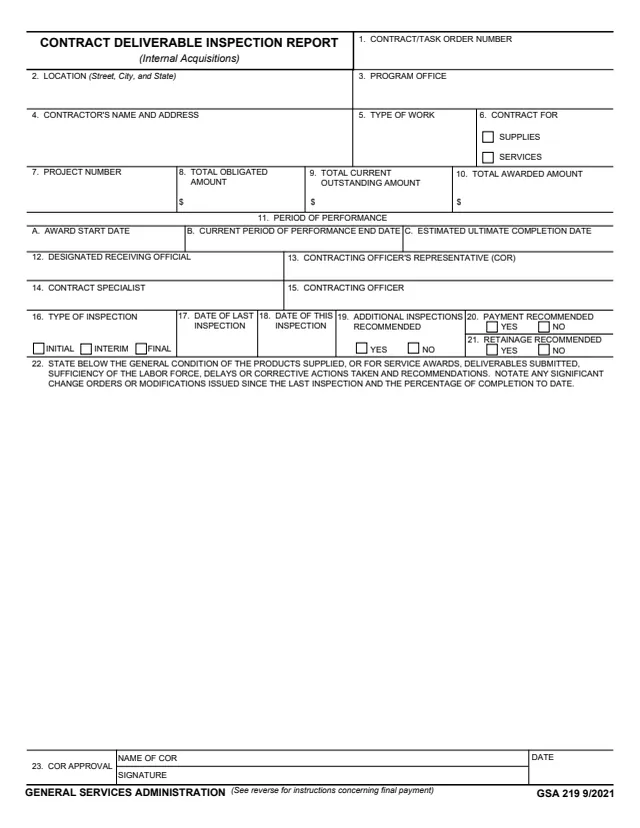
GSA219
33 fields, 2 pages
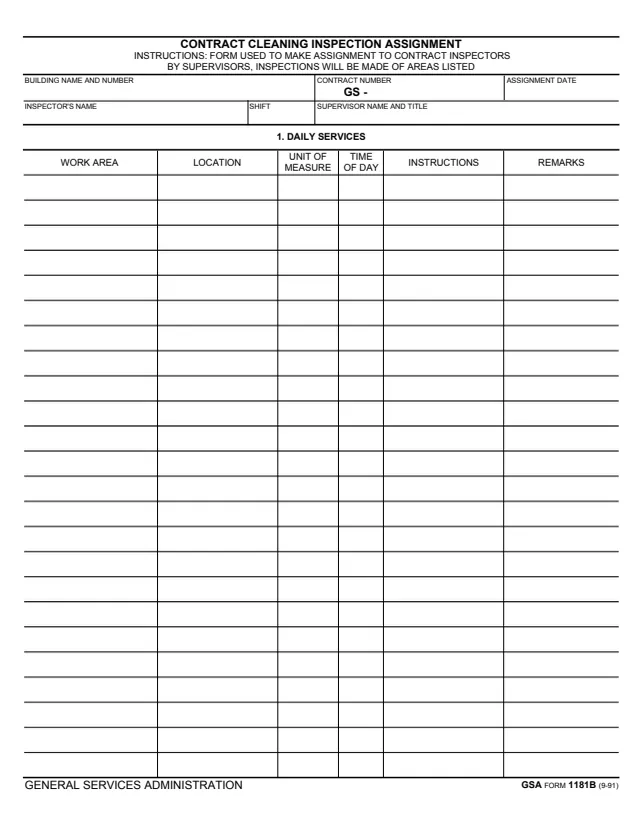
GSA1181B
289 fields, 2 pages
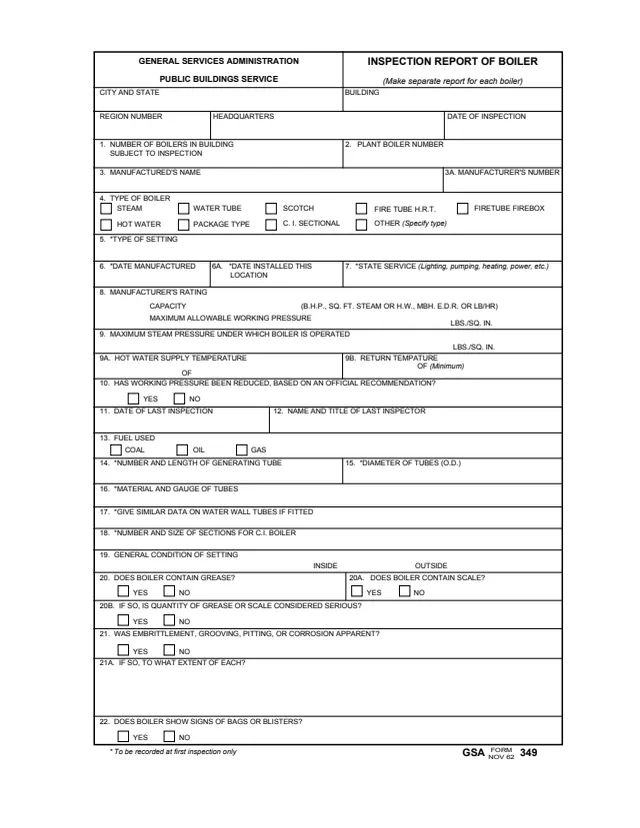
GSA349
130 fields, 4 pages
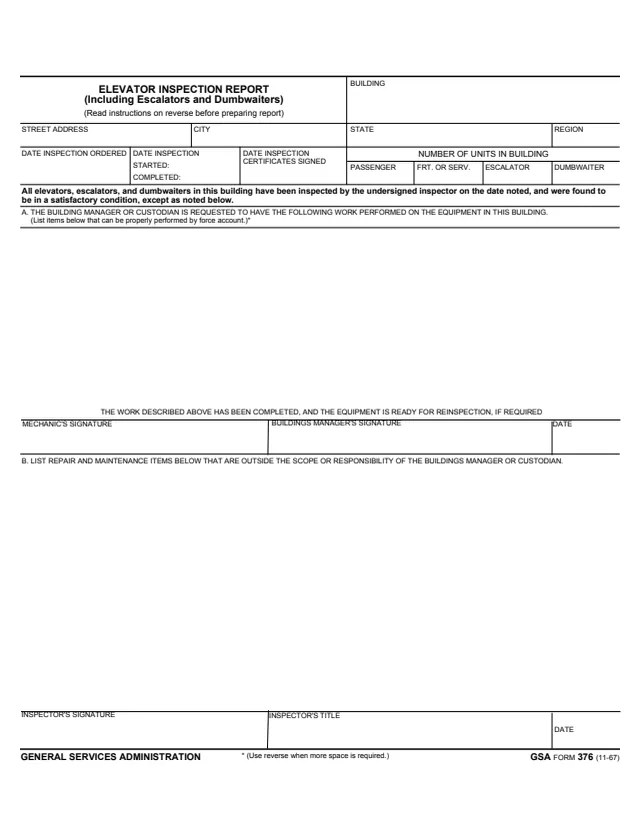
GSA376
22 fields, 2 pages
The instructions and signature blocks on the front show these roles.
No tool matches that search.
The footer reads GENERAL SERVICES ADMINISTRATION and GSA 3423 (REV. 5/2010). GSA hosts it in its forms library.
The form says it will be used for the Inspection of areas and equipment under mechanical contracts by inspectors to record results.
The form says the condition of the area(s) and equipment will be rated SATISFACTORY, UNSATISFACTORY, or OUT OF SERVICE. Each row has a check column for each rating.
The form says to explain unsatisfactory or out of service rating in remarks.
The header has a CONTRACTOR'S RECEIPT block with the contractor's signature, the time and the date.
Yes. The back page, marked GSA 3423 (REV. 5/2010) BACK, continues the same table with location, equipment, condition, remarks and initial and date columns.