Blocks 1 to 5: request and requirements
RWA and amendment numbers, the funding authority, agency and bureau, work location, the agency project contact and a description of requirements.
GSA2957
Reimbursable Work Authorization
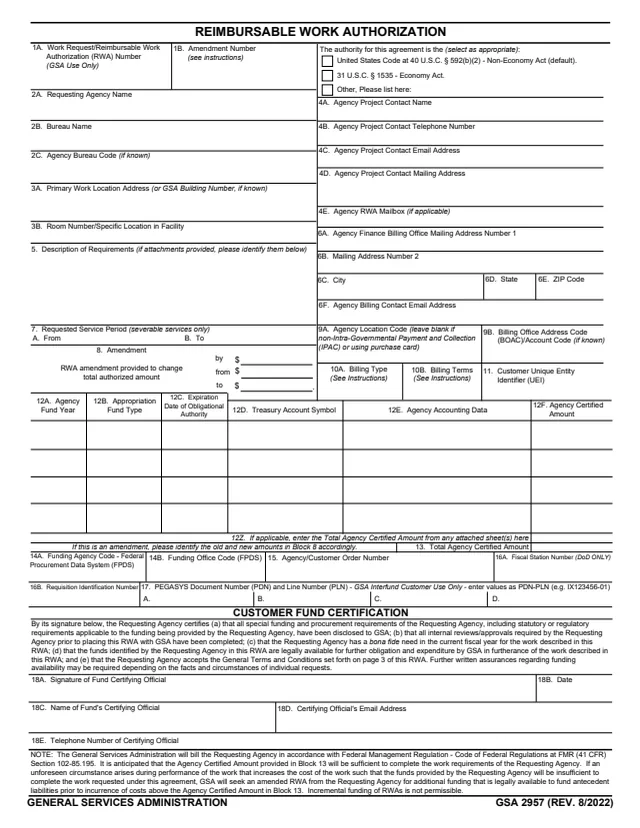
GSA Form 2957, Reimbursable Work Authorization (RWA), is a General Services Administration form. Its footer reads GSA 2957 (REV. 8/2022), and GSA hosts it in its forms library. GSA's page lists PBS 1000.2B as its authority or regulation.
A Requesting Agency fills in the customer blocks: the funding authority, agency and bureau, work location, project and billing contacts, a description of requirements, billing type and terms, and the funding lines, then a fund certifying official signs the Customer Fund Certification. Blocks 19 to 30 are for GSA use only, ending with the GSA Approving Official's signature and closeout dates. Page 3 holds the General Terms and Conditions, and pages 4 and 5 hold the block instructions.
GSA's page says that effective October 1, 2019, the paper/PDF version is no longer accepted from federal customers, who submit RWAs electronically via GSA's eRETA application, and that non-Federal customers (C- and D-type RWAs) should continue to use the paper/PDF GSA 2957. You can fill it out free in your browser on this page and download the result without an account.
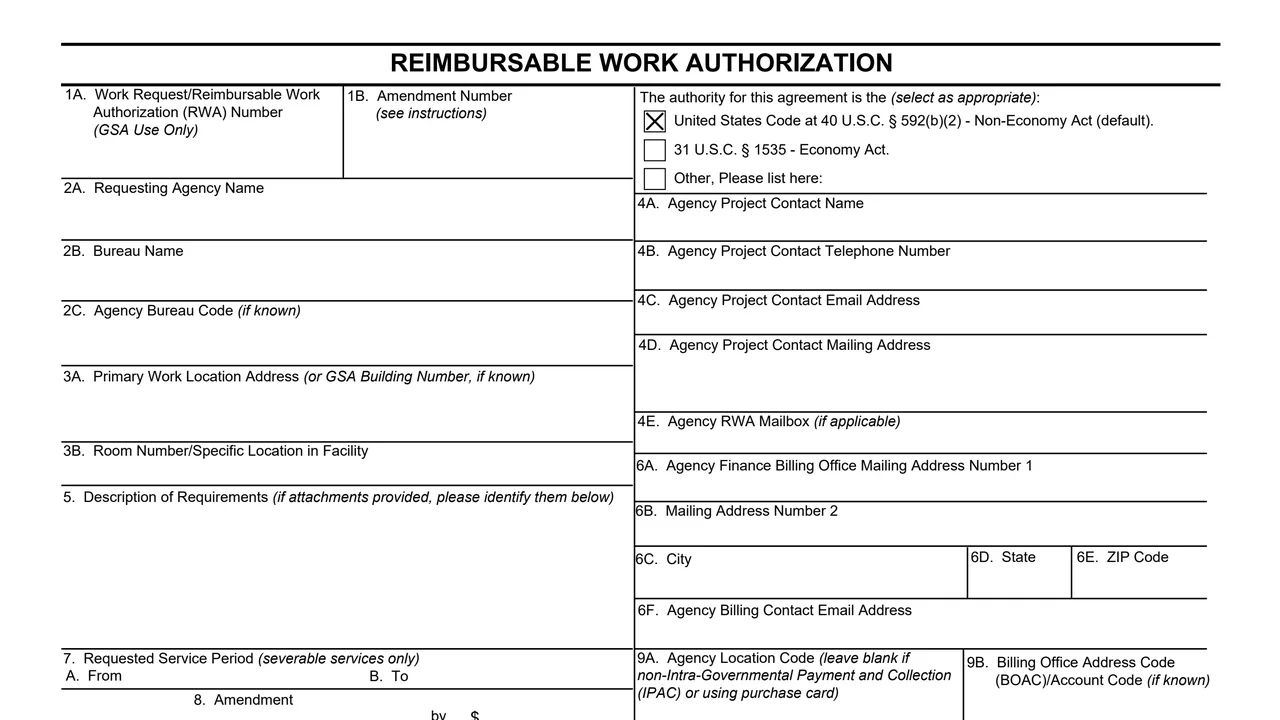
RWA and amendment numbers, the funding authority, agency and bureau, work location, the agency project contact and a description of requirements.
Finance billing office address and email, requested service period for severable services, amendment amounts, Agency Location Code, BOAC, billing type and terms, and the customer UEI.
Up to four funding sources with fund year, fund type, expiration date, Treasury Account Symbol, accounting data and certified amount, the total, FPDS codes and order numbers.
The Requesting Agency's certification on funding requirements, internal approvals, bona fide need, available funds and acceptance of the General Terms and Conditions, with signature and date.
Project control number, organization codes, budget activity, project description, action, type of requirements, RWA category, line amounts, GSA contacts, approval and closeout dates.
Eighteen numbered terms on the roles of GSA and the Requesting Agency, funding, billing, effective dates and disputes, plus space for special terms.
Check the box for the authority the RWA is executed under: 40 U.S.C. § 592(b)(2), the Non-Economy Act, which the form marks as the default, 31 U.S.C. § 1535, the Economy Act, or Other.
In block 5, summarize the Statement of Work and reference attachments. The instructions say the description must demonstrate a current bona fide need.
Give the finance billing office in blocks 6A to 6F and choose the billing type and terms in blocks 10A and 10B, as the instructions describe for federal and non-federal customers.
List each funding source in blocks 12A to 12F, with only numbers and no dollar signs or commas in 12F. Block 13 adds the total, which the instructions say must match the total cost estimate.
The fund certifying official signs and dates block 18 and adds a name, email and phone number.
The general instruction says to keep a copy for your records and forward one copy to your obligating/paying office. GSA completes blocks 19 to 30.
You get the real form, filled in a browser tab, with nothing standing between you and the finished PDF.
GSA's page says that effective October 1, 2019, federal customers submit RWAs electronically via eRETA, and non-Federal customers (C- and D-type RWAs) continue to use the paper/PDF GSA 2957.
The instructions say non-federal customers select Prepaid and pay the full authorized amount at www.pay.gov when submitting the RWA to GSA.
The form says GSA bills under FMR (41 CFR) Section 102-85.195, that monthly billing statements are available from GSA's Vendor and Customer Self Service (VCSS) Portal, and that incremental funding of RWAs is not permissible.
Each amendment gets a unique sequential number in block 1B. Block 8 shows the change, previous and new total authorized amounts, and the instructions say a $0 change is entered for administrative amendments.
The RWA is effective as of the latest date of signature of GSA and the Requesting Agency. Funding disputes unresolved for more than 90 calendar days go to the agencies' Chief Financial Officers.
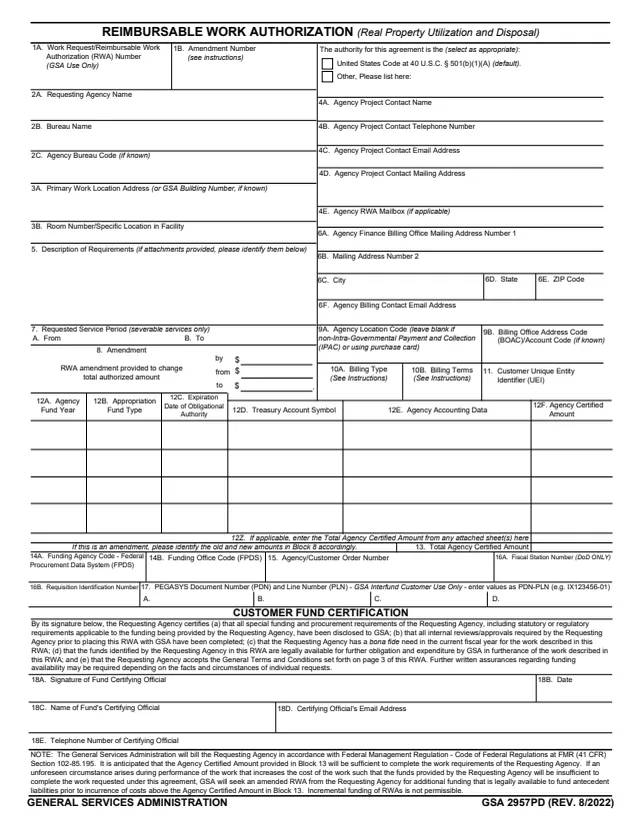
GSA2957PD
140 fields, 5 pages
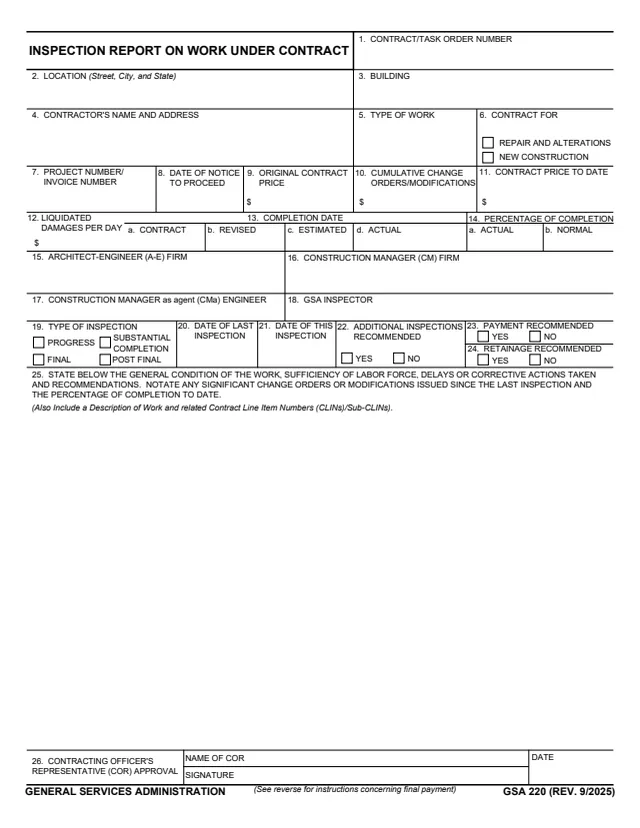
GSA220
39 fields, 2 pages
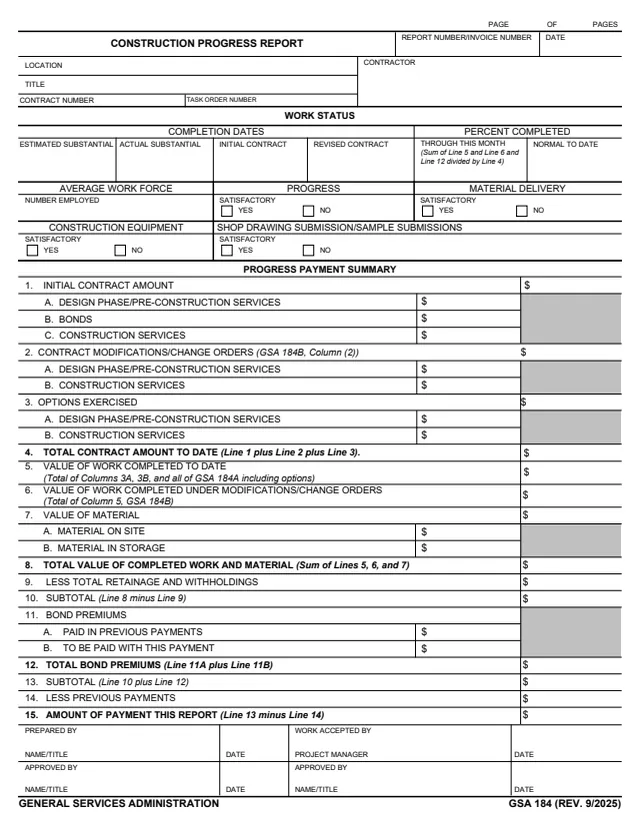
GSA184
58 fields, 2 pages
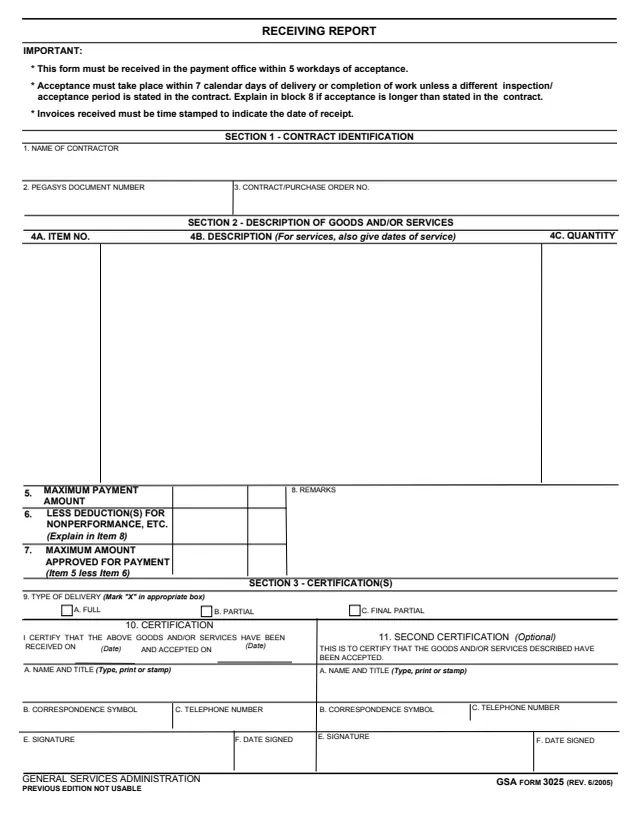
GSA3025
78 fields, 1 page
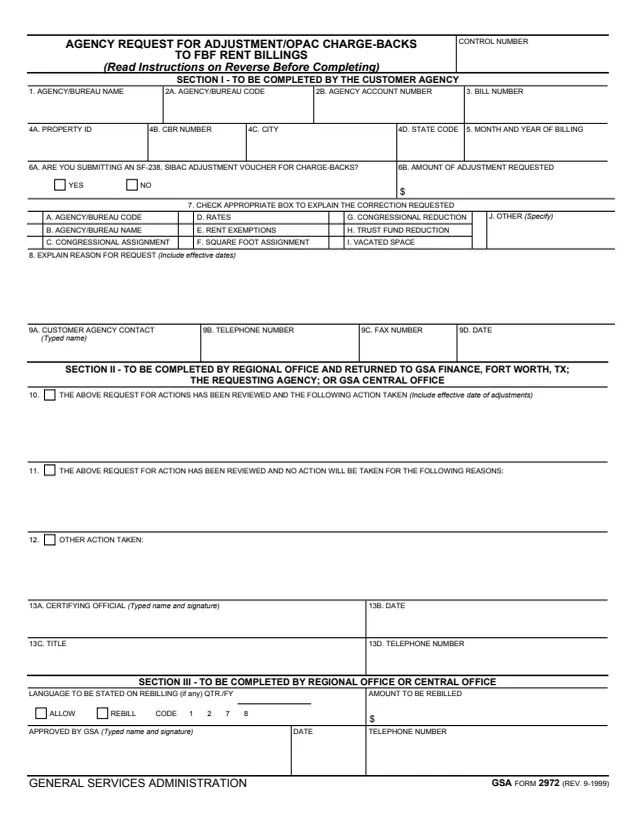
GSA2972
48 fields, 2 pages
The form splits the work between the Requesting Agency and GSA, and GSA's page says which customers still use the PDF.
No tool matches that search.
The footer names the General Services Administration and reads GSA 2957 (REV. 8/2022). GSA's page lists PBS 1000.2B as the authority or regulation.
GSA's page says that effective October 1, 2019, the paper/PDF version is no longer accepted from federal customers, who submit RWAs electronically via GSA's eRETA application.
GSA's page says non-Federal customers (C- and D-type RWAs) should continue to use the paper/PDF GSA 2957.
The form marks 40 U.S.C. § 592(b)(2), the Non-Economy Act, as the default. The other boxes are 31 U.S.C. § 1535, the Economy Act, and Other.
No. The form says incremental funding of RWAs is not permissible, and that GSA will seek an amended RWA if the certified amount will be insufficient to complete the work.
Term 15 says the RWA is effective as of the latest date of signature of GSA and the Requesting Agency, and remains in effect until Financial Close-out or RWA Cancellation, whichever comes first.
The instructions say to attach a spreadsheet with the same information as columns 12A to 12F and enter the sum in block 12Z.