Instructions, TO and FROM
The copy instructions, then TO Regional Fleet Manager and FROM Fleet Management Center.
GSA2552
Request and Approval for Transfer of Vehicles
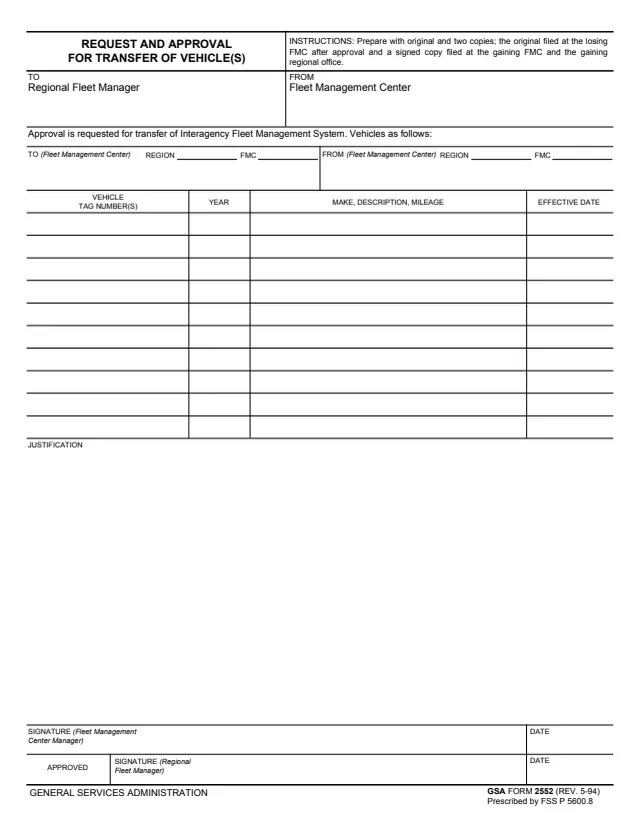
GSA Form 2552 is the Request and Approval for Transfer of Vehicle(s). The footer reads GENERAL SERVICES ADMINISTRATION, GSA FORM 2552 (REV. 5-94) and Prescribed by FSS P 5600.8, and GSA hosts it in its forms library. GSA's forms page lists it as Request and Approval for Transfer of Vehicles, with a current revision date of 05/1994 and the authority FSS P 5600.8.
The form is addressed TO the Regional Fleet Manager FROM a Fleet Management Center and reads: Approval is requested for transfer of Interagency Fleet Management System. Vehicles as follows. It names the gaining and losing Fleet Management Centers by region and FMC, lists each vehicle by tag number, year, make, description, mileage and effective date, and has a justification. The Fleet Management Center Manager signs the request and the Regional Fleet Manager signs to approve it.
You can fill it out free in your browser on this page and download the result without an account.
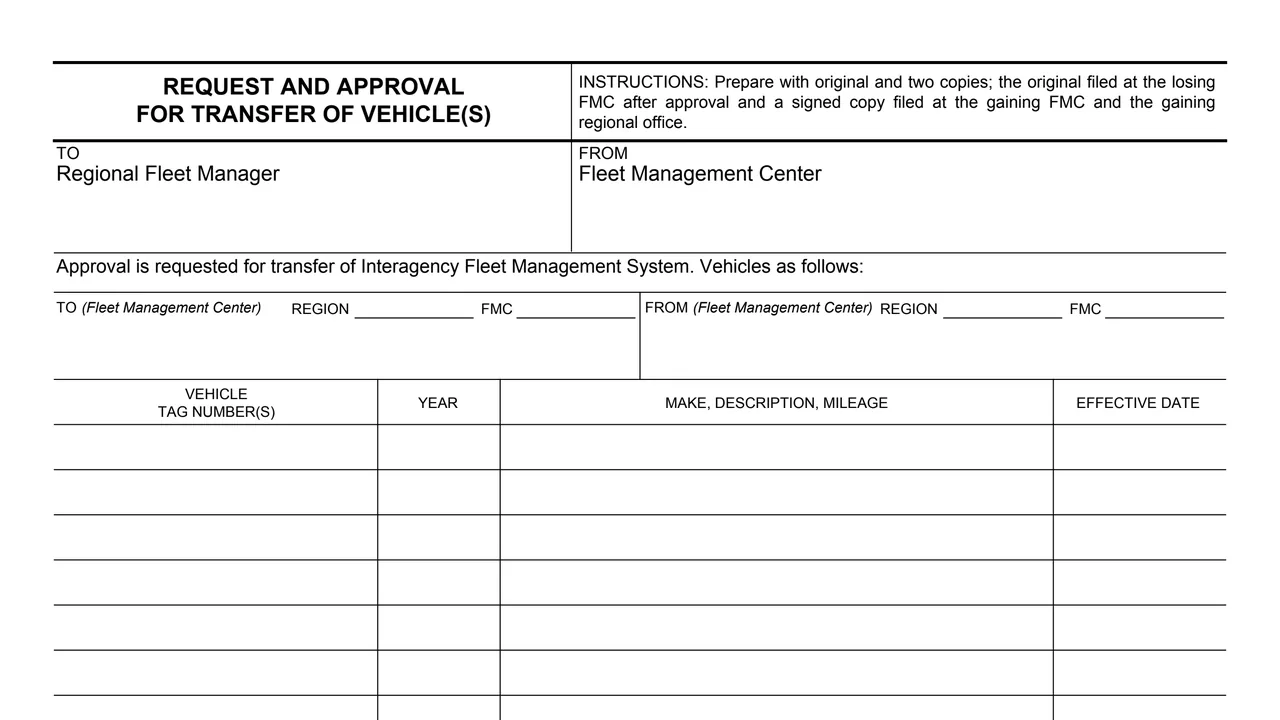
The copy instructions, then TO Regional Fleet Manager and FROM Fleet Management Center.
TO (Fleet Management Center) with region and FMC, and FROM (Fleet Management Center) with region and FMC.
Vehicle tag number(s), year, make, description and mileage, and the effective date for each vehicle.
An open area for the reason for the transfer.
The Fleet Management Center Manager's signature and date, then the Regional Fleet Manager's signature and date beside APPROVED.
The instructions say to prepare it with an original and two copies.
Enter the receiving Fleet Management Center and the sending one, each with its region and FMC.
For each vehicle, enter the tag number, year, make, description and mileage, and the effective date.
Explain the transfer in the Justification area.
The Fleet Management Center Manager signs and dates it. The form is addressed to the Regional Fleet Manager, who signs and dates the APPROVED line.
After approval, the instructions say the original is filed at the losing FMC and a signed copy at the gaining FMC and the gaining regional office.
You get the real form, filled in a browser tab, with nothing standing between you and the finished PDF.
The form says to prepare it with an original and two copies.
TO the Regional Fleet Manager for approval. The form prints no street address.
The original at the losing FMC after approval, and a signed copy at the gaining FMC and the gaining regional office.
The footer reads GSA FORM 2552 (REV. 5-94) and Prescribed by FSS P 5600.8. GSA's page lists the same authority and a current revision date of 05/1994.
The form prints no OMB number and no privacy statement.
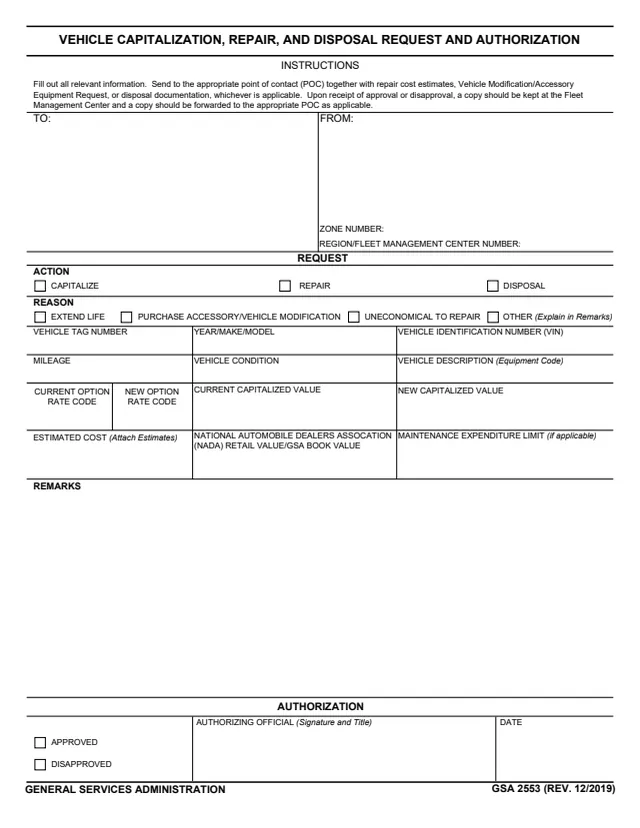
GSA2553
30 fields, 1 page
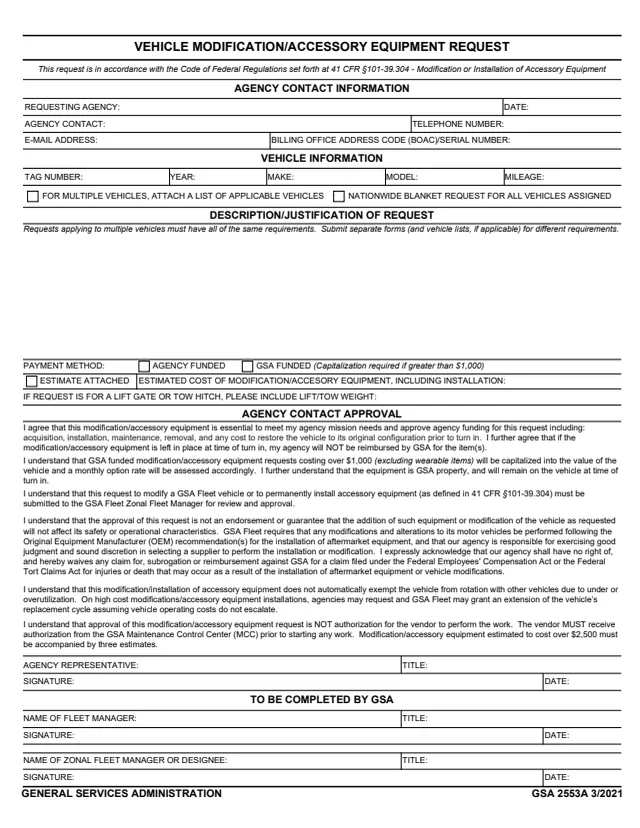
GSA2553A
31 fields, 1 page
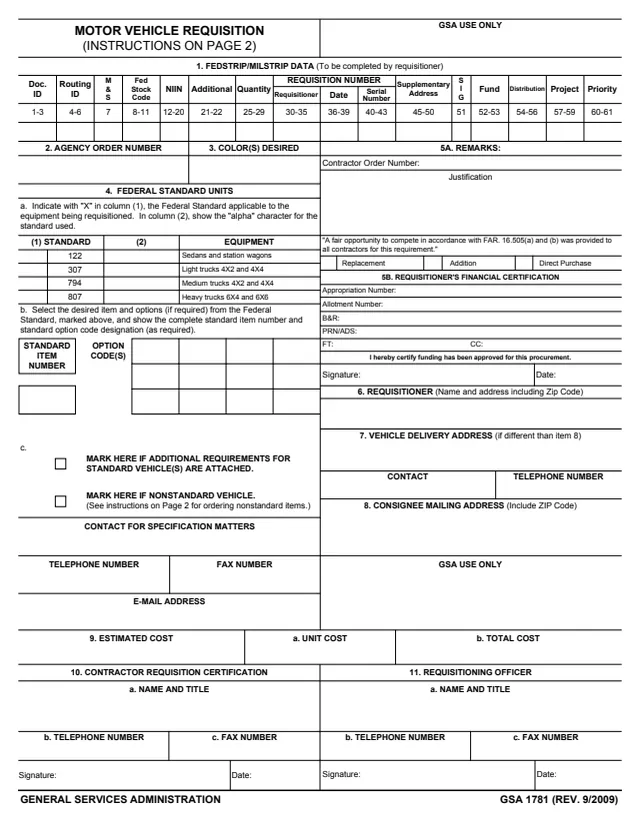
GSA1781
80 fields, 3 pages
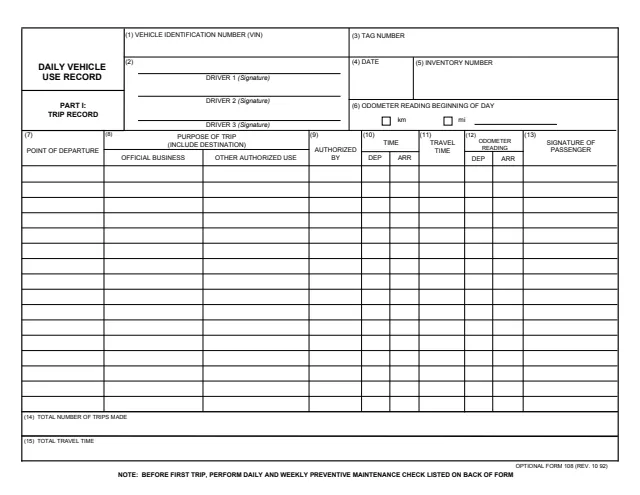
OF108
261 fields, 2 pages
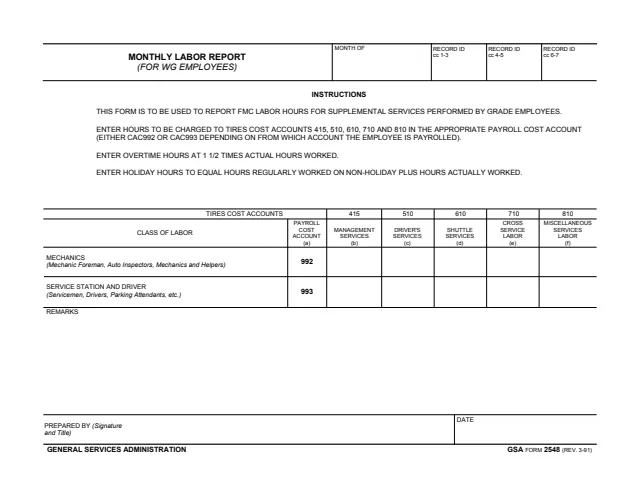
GSA2548
17 fields, 1 page
The header, instructions and signature lines name these roles.
No tool matches that search.
The footer reads GENERAL SERVICES ADMINISTRATION, GSA FORM 2552 (REV. 5-94) and Prescribed by FSS P 5600.8. GSA hosts it in its forms library.
The form is addressed to the Regional Fleet Manager, who signs and dates the APPROVED line. The Fleet Management Center Manager signs the request.
The instructions say to prepare it with an original and two copies.
The instructions say the original is filed at the losing FMC after approval, and a signed copy is filed at the gaining FMC and the gaining regional office.
Vehicle tag number(s), year, make, description and mileage, and the effective date of the transfer for each vehicle.
The PDF heading reads Request and Approval for Transfer of Vehicle(s). GSA's forms page lists it as Request and Approval for Transfer of Vehicles.