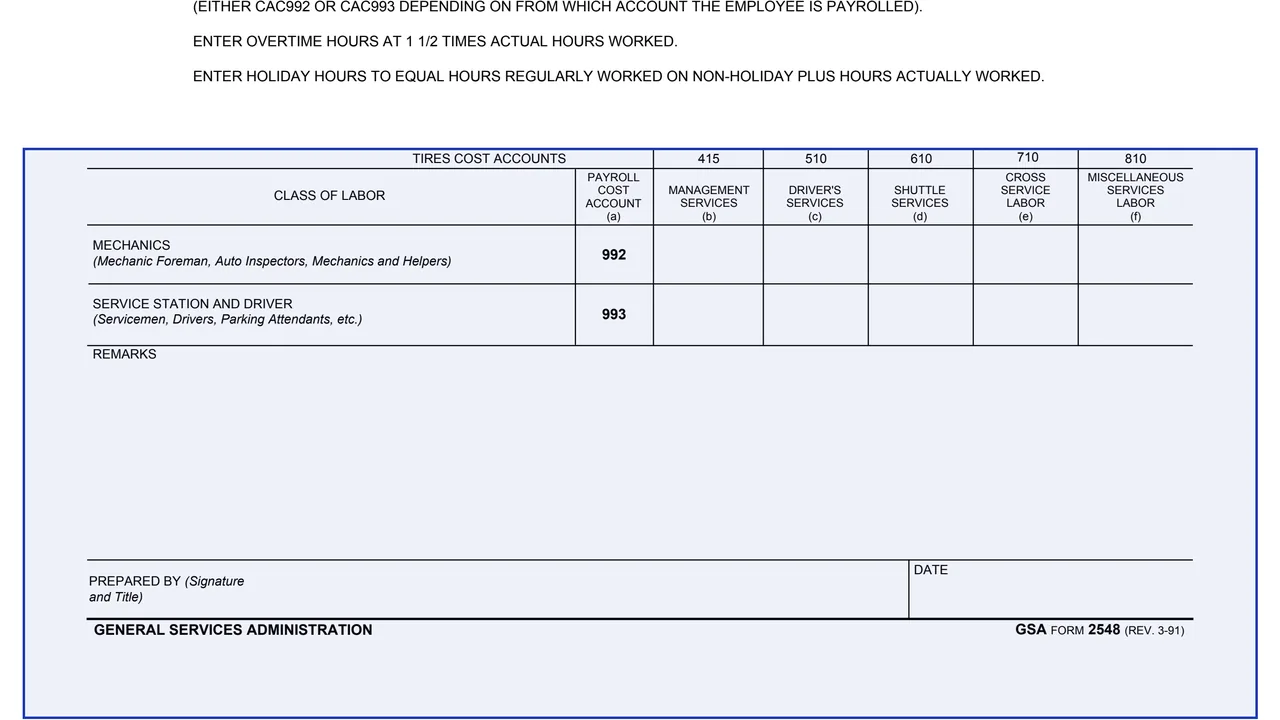
Header: month and record IDs
A Month Of block and three Record ID blocks marked cc 1-3, cc 4-5 and cc 6-7.
GSA2548
Monthly Labor Report (For WG Employees)
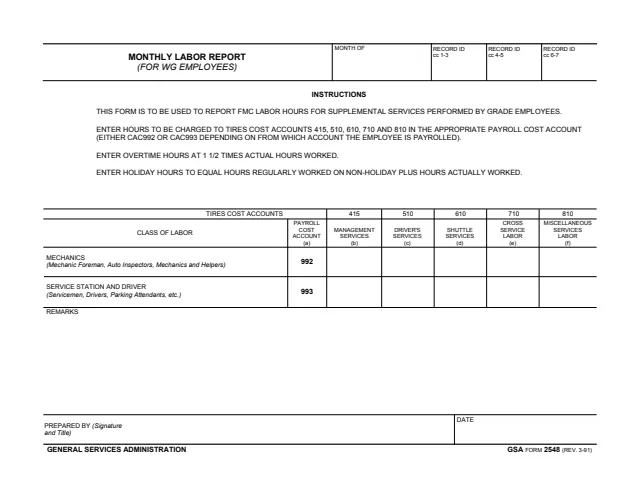
GSA Form 2548 is the Monthly Labor Report (For WG Employees). The footer reads GENERAL SERVICES ADMINISTRATION and GSA FORM 2548 (REV. 3-91), and GSA hosts it in its forms library. GSA's forms page lists a current revision date of 03/1991 and no authority or regulation.
The form says it is to be used to report FMC labor hours for supplemental services performed by grade employees. It is a one-page table: a Month Of block and three Record ID blocks, two classes of labor (Mechanics on payroll cost account 992 and Service Station and Driver on 993), five TIRES cost accounts (415, 510, 610, 710 and 810), remarks, and a Prepared By signature with the date. It prints no OMB number and no privacy statement.
You can fill it out free in your browser on this page and download the result without an account.
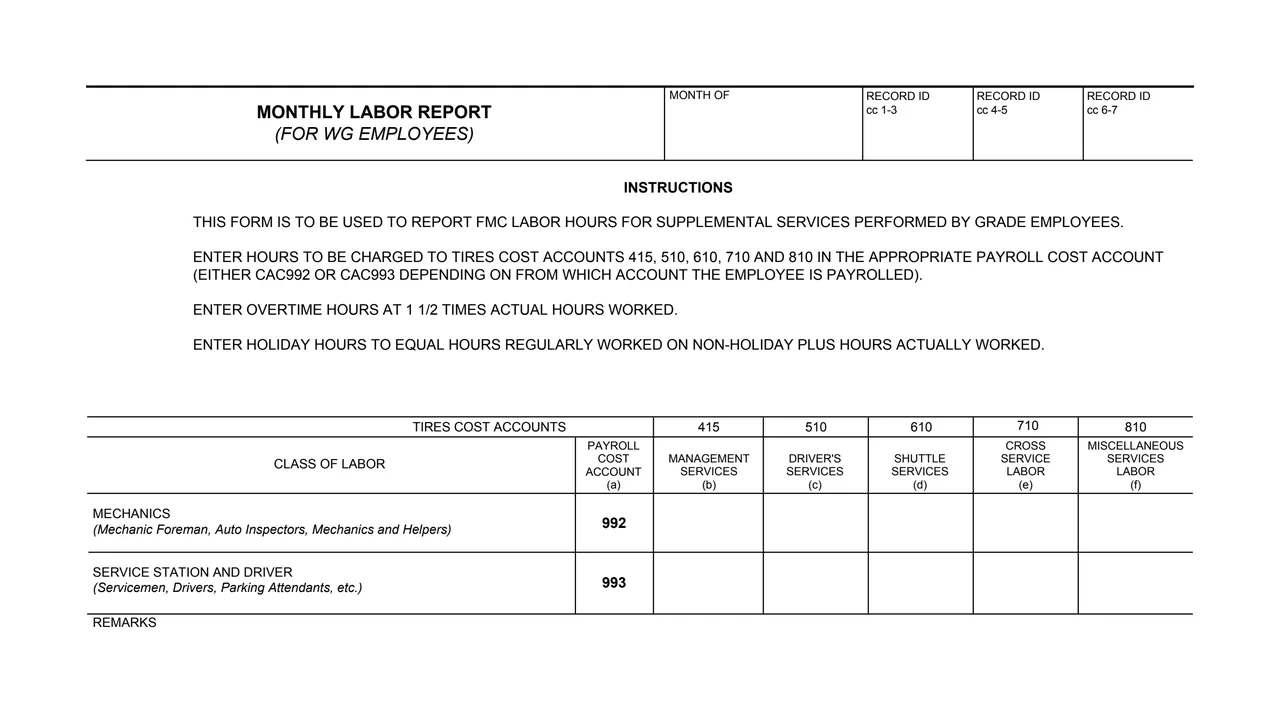
A Month Of block and three Record ID blocks marked cc 1-3, cc 4-5 and cc 6-7.
Four printed lines: what the form reports, which accounts to charge, how to enter overtime hours and how to enter holiday hours.
Column (a) is the payroll cost account. Columns (b) to (f) are 415 Management Services, 510 Driver's Services, 610 Shuttle Services, 710 Cross Service Labor and 810 Miscellaneous Services Labor.
Two rows: Mechanics on payroll cost account 992, and Service Station and Driver on payroll cost account 993.
A Remarks area, then the Prepared By signature and title and the Date.
Fill in the Month Of block and the three Record ID blocks at the top.
The form says to enter hours in the appropriate payroll cost account, either CAC992 or CAC993, depending on from which account the employee is payrolled.
Enter the hours to be charged to TIRES cost accounts 415, 510, 610, 710 and 810 in columns (b) to (f).
The form says to enter overtime hours at 1 1/2 times actual hours worked.
The form says to enter holiday hours to equal hours regularly worked on non-holiday plus hours actually worked.
Use Remarks for anything else, then sign with your title in Prepared By and enter the date.
You get the real form, filled in a browser tab, with nothing standing between you and the finished PDF.
The form prints no address, recipient or routing block. It does not say which office receives the report.
The form says it is to be used to report FMC labor hours for supplemental services performed by grade employees.
The footer reads GSA FORM 2548 (REV. 3-91). GSA's page lists a current revision date of 03/1991 and leaves the authority or regulation blank.
There are no general instructions beyond the four lines at the top, and no OMB number or privacy statement.
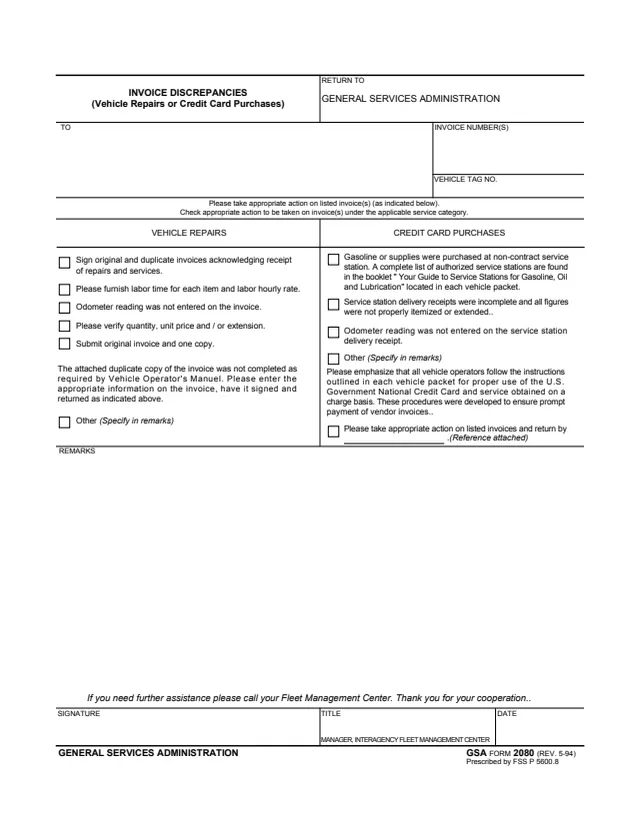
GSA2080
19 fields, 1 page
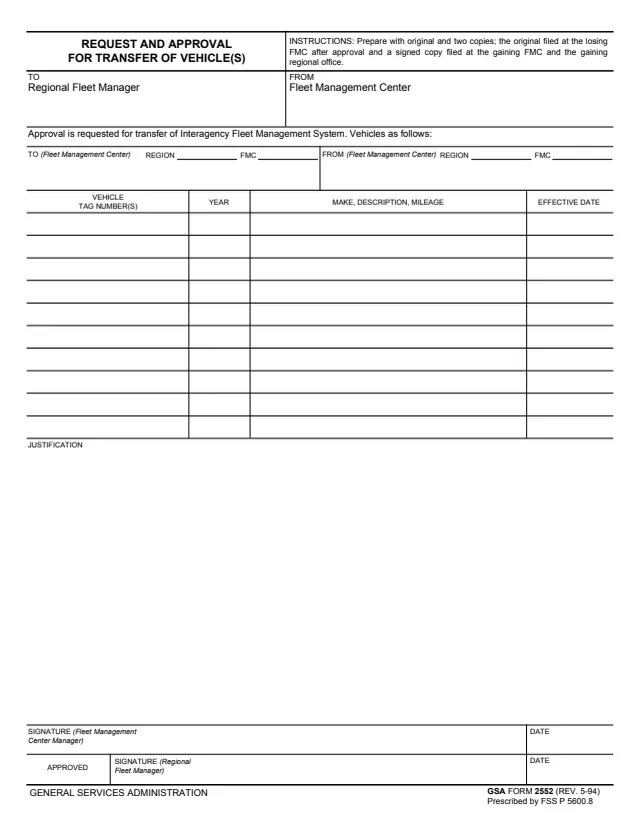
GSA2552
51 fields, 1 page
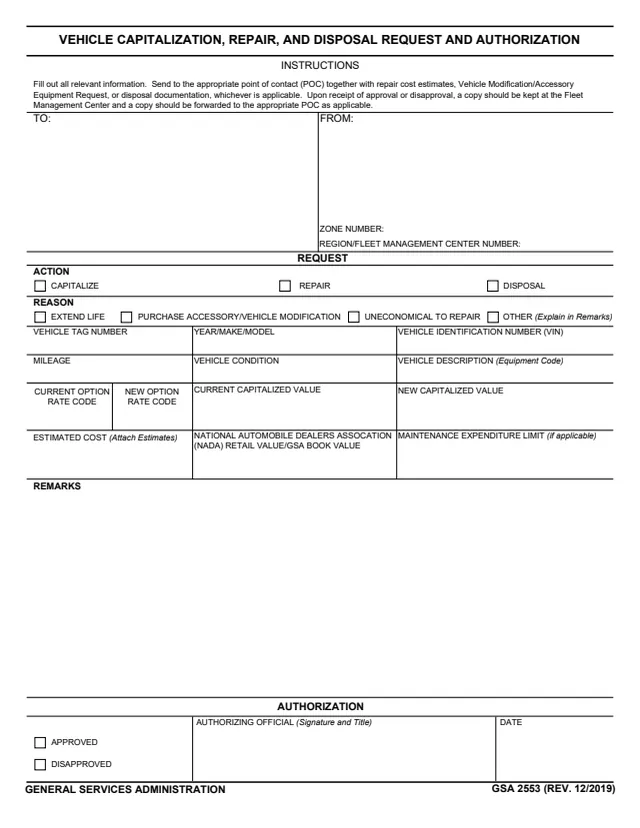
GSA2553
30 fields, 1 page
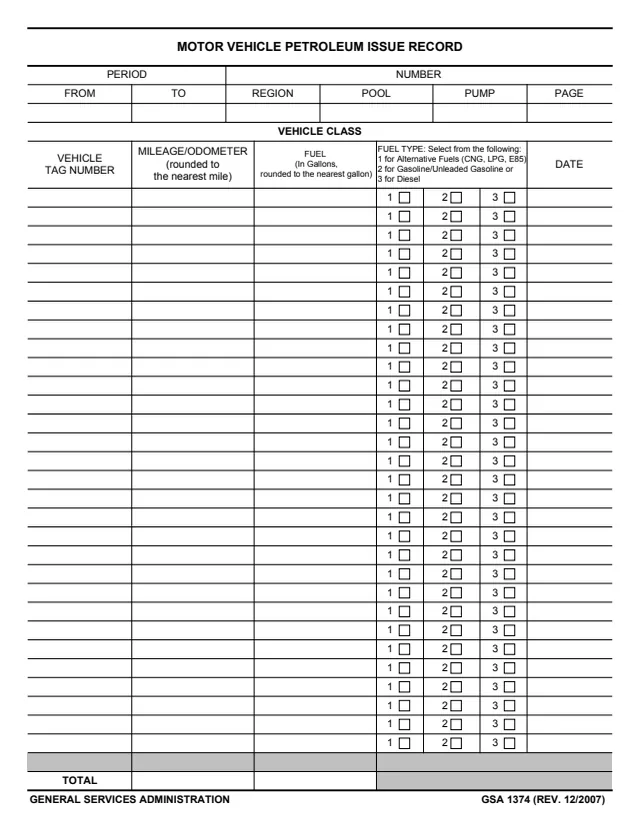
GSA1374
218 fields, 1 page
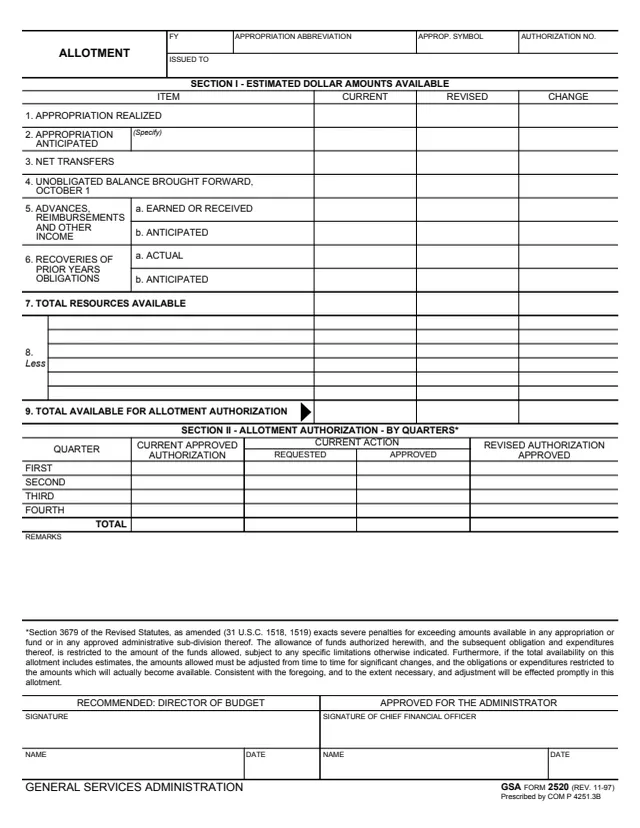
GSA2520
89 fields, 1 page
The form does not name an office. Its instructions and blocks show these roles.
No tool matches that search.
The footer reads GENERAL SERVICES ADMINISTRATION and GSA FORM 2548 (REV. 3-91). GSA hosts it in its forms library.
The form says it is to be used to report FMC labor hours for supplemental services performed by grade employees.
The form says either CAC992 or CAC993, depending on from which account the employee is payrolled. The Mechanics row is 992 and the Service Station and Driver row is 993.
The form says to enter overtime hours at 1 1/2 times actual hours worked.
The form says to enter holiday hours to equal hours regularly worked on non-holiday plus hours actually worked.
The Prepared By line asks for the preparer's signature and title, with a date. There is no approval line.