Agency contact information
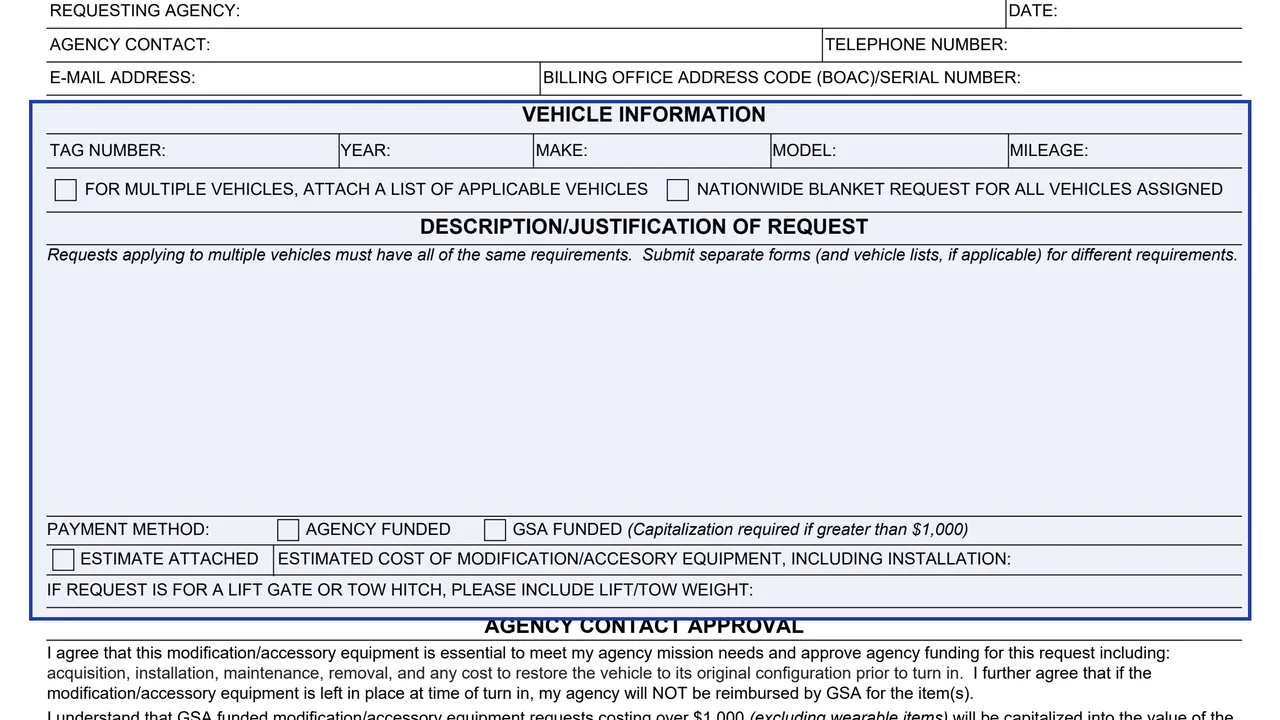
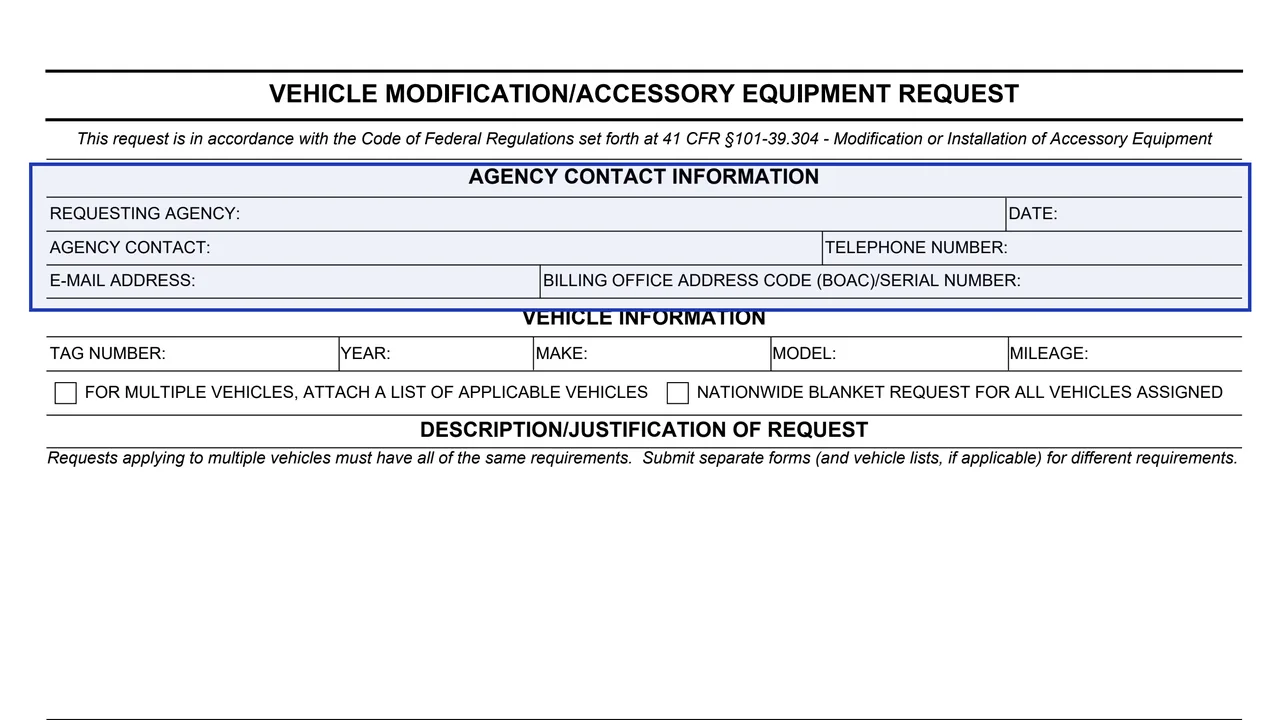
Requesting agency, date, agency contact, telephone number, e-mail address and BOAC/serial number.
GSA2553A
Vehicle Modification/Accessory Equipment Request
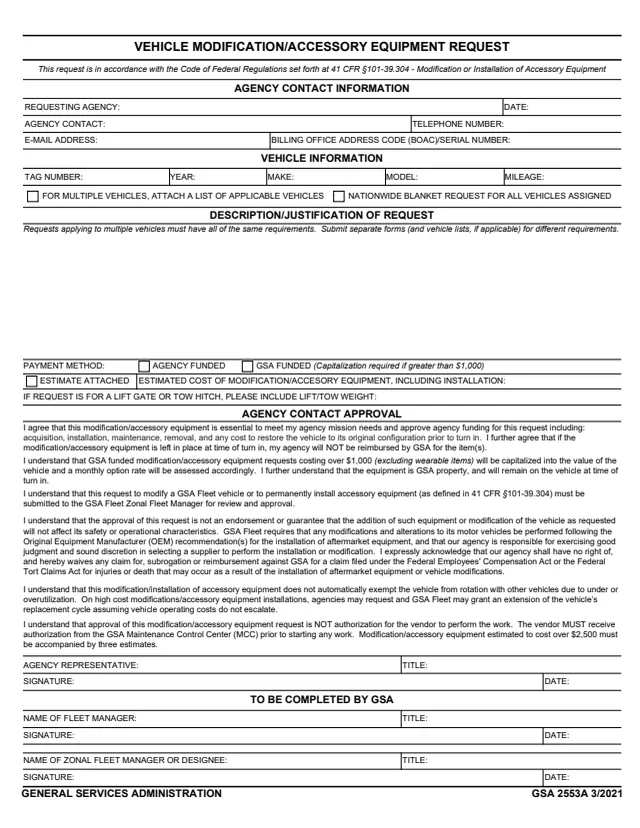
GSA Form 2553A is the Vehicle Modification/Accessory Equipment Request. The footer reads GENERAL SERVICES ADMINISTRATION and GSA 2553A 3/2021, and GSA hosts it in its forms library. The form says the request is in accordance with 41 CFR §101-39.304, Modification or Installation of Accessory Equipment. GSA's forms page lists the authority as FMR (41 CFR) 101-39.304.
A requesting agency fills in its contact information, the vehicle or vehicles, a description and justification, the payment method and estimated cost. An agency representative signs the Agency Contact Approval statements, and a section To Be Completed by GSA has lines for the Fleet Manager and the Zonal Fleet Manager or designee. The form says the request is submitted to the GSA Fleet Zonal Fleet Manager for review and approval.
You can fill it out free in your browser on this page and download the result without an account.
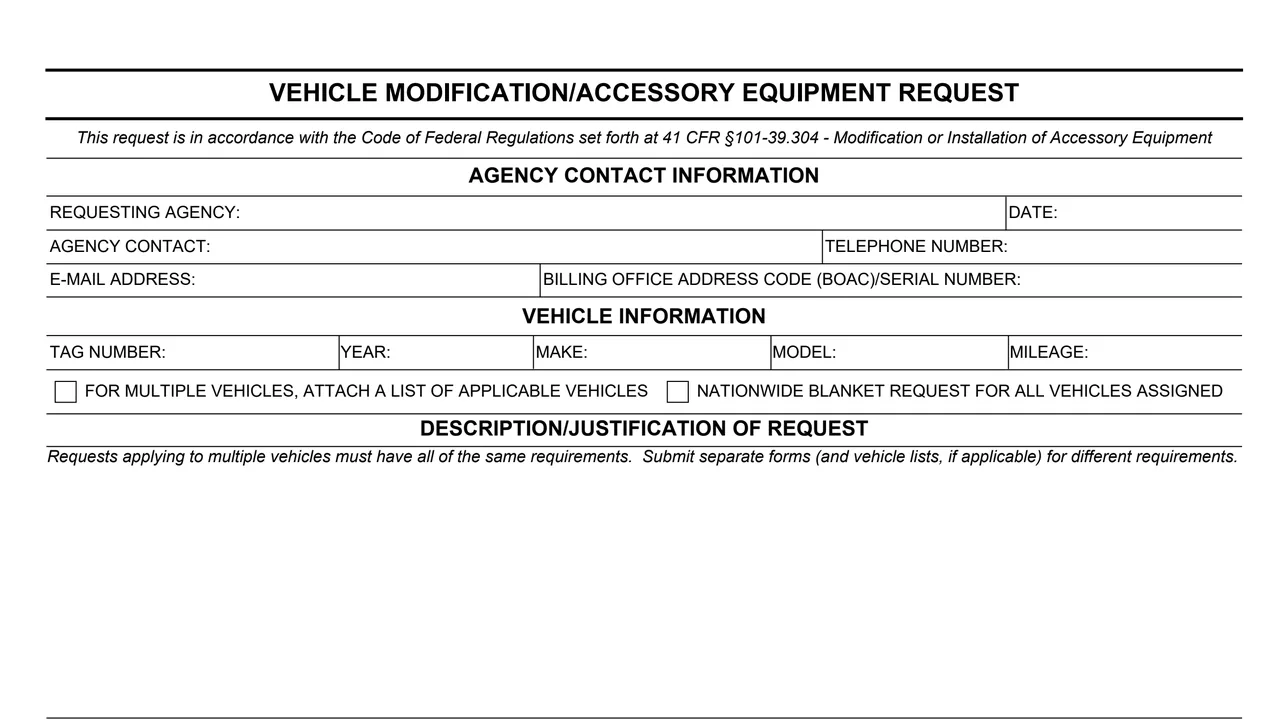
Requesting agency, date, agency contact, telephone number, e-mail address and BOAC/serial number.
Tag number, year, make, model and mileage, plus boxes for multiple vehicles (attach a list) or a nationwide blanket request for all vehicles assigned.
An open area for the request. The form says requests applying to multiple vehicles must have all of the same requirements.
Agency funded or GSA funded (Capitalization required if greater than $1,000), an Estimate Attached box, the estimated cost including installation, and the lift or tow weight for a lift gate or tow hitch.
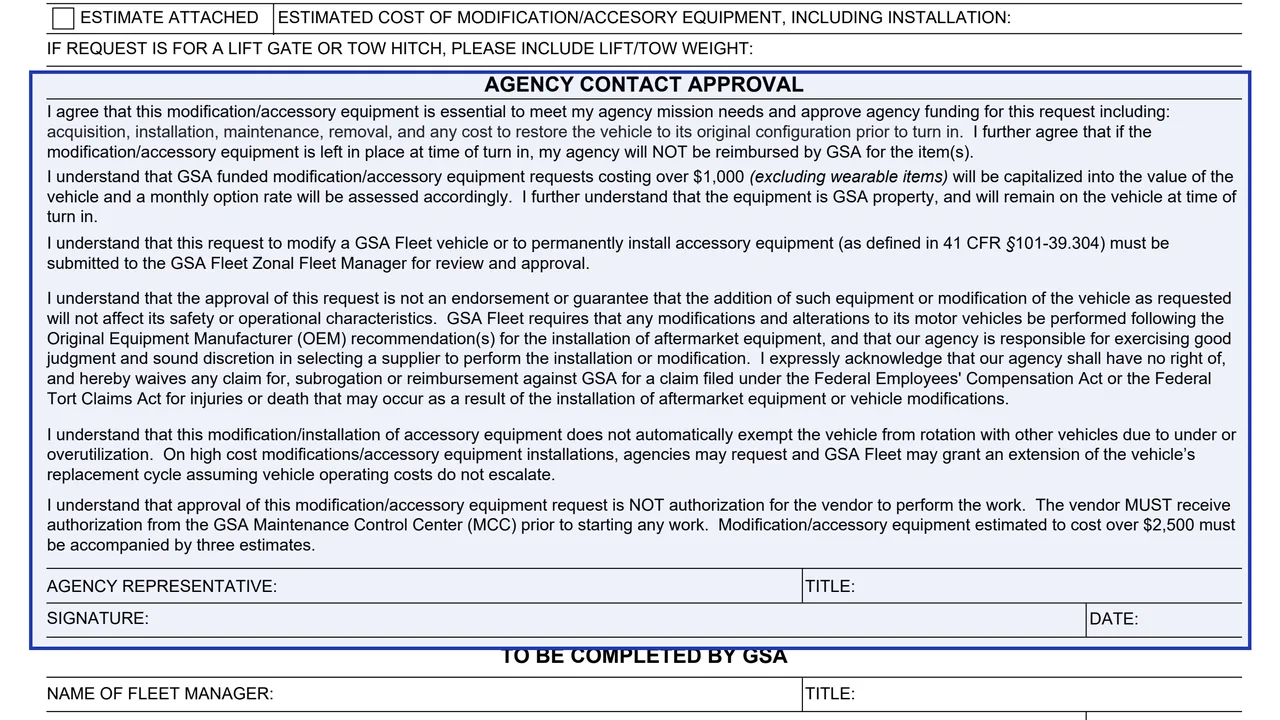
Statements on funding, capitalization, safety, subrogation, vehicle rotation and vendor authorization, followed by the agency representative's name, title, signature and date.
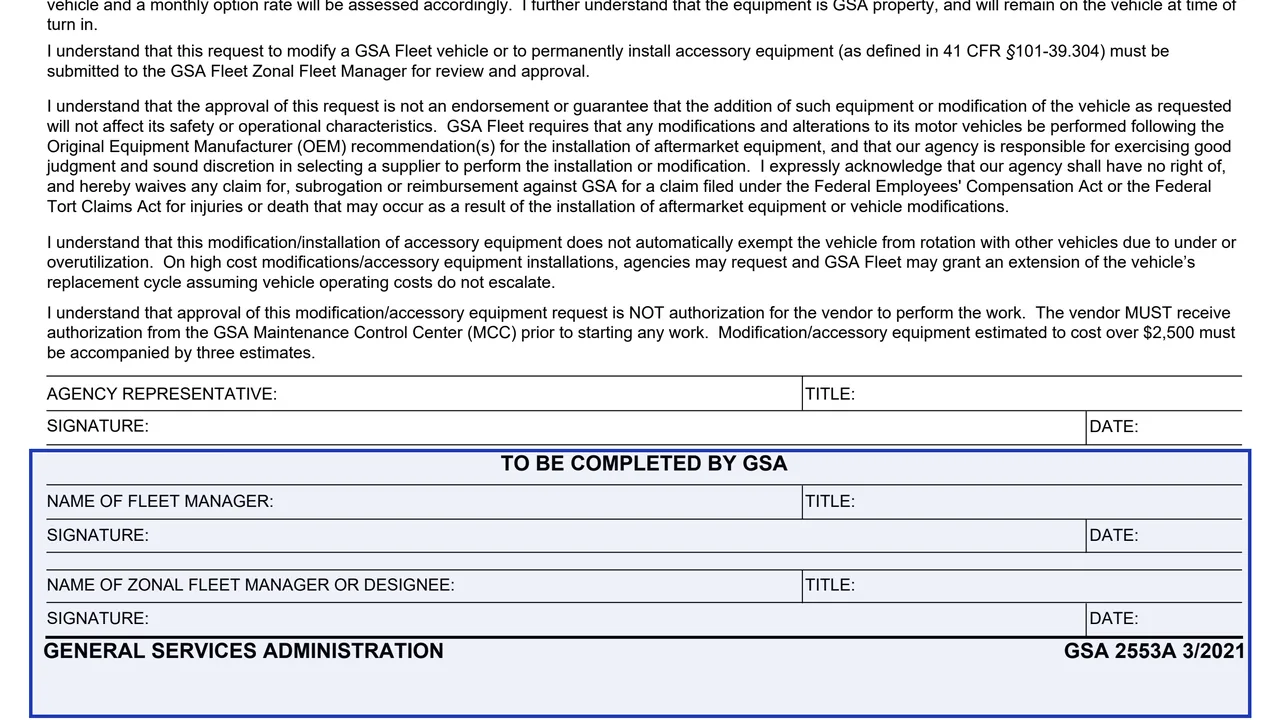
Name, title, signature and date for the Fleet Manager and for the Zonal Fleet Manager or designee.
Fill in the requesting agency, date, contact name, telephone number, e-mail address and BOAC/serial number.
Enter one vehicle's tag number, year, make, model and mileage, or check the box to attach a list of vehicles or the nationwide blanket request box.
The form says to submit separate forms (and vehicle lists, if applicable) for different requirements.
Check agency funded or GSA funded, enter the estimated cost including installation, and add the lift or tow weight for a lift gate or tow hitch. The form says work estimated over $2,500 must be accompanied by three estimates.
The agency representative reads the printed statements, then enters a name and title, signs and dates.
The form says it is submitted to the GSA Fleet Zonal Fleet Manager for review and approval. GSA completes the last section.
You get the real form, filled in a browser tab, with nothing standing between you and the finished PDF.
The form says the request is submitted to the GSA Fleet Zonal Fleet Manager for review and approval. It prints no street address.
The form says modification/accessory equipment estimated to cost over $2,500 must be accompanied by three estimates.
The agency approves funding for acquisition, installation, maintenance, removal and any cost to restore the vehicle before turn in. If the equipment is left in place at turn in, the form says GSA will NOT reimburse the agency.
The form says requests costing over $1,000 (excluding wearable items) will be capitalized into the value of the vehicle and a monthly option rate will be assessed. The equipment is GSA property and stays on the vehicle at turn in.
Approval is NOT authorization for the vendor to perform the work. The form says the vendor MUST receive authorization from the GSA Maintenance Control Center (MCC) prior to starting any work.
The form cites 41 CFR §101-39.304 and its footer reads GSA 2553A 3/2021. GSA's page lists FMR (41 CFR) 101-39.304 and a current revision date of 03/2021. No OMB number or privacy statement is printed.
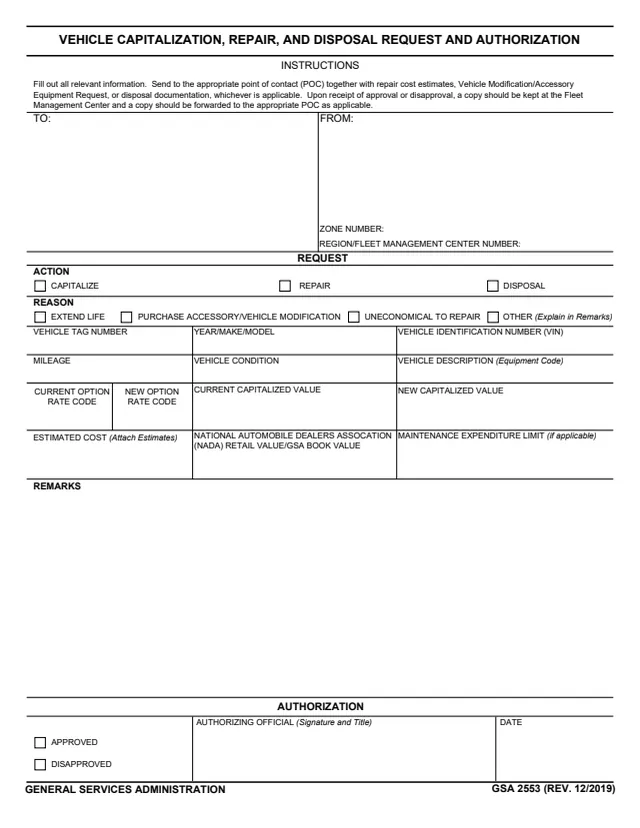
GSA2553
30 fields, 1 page
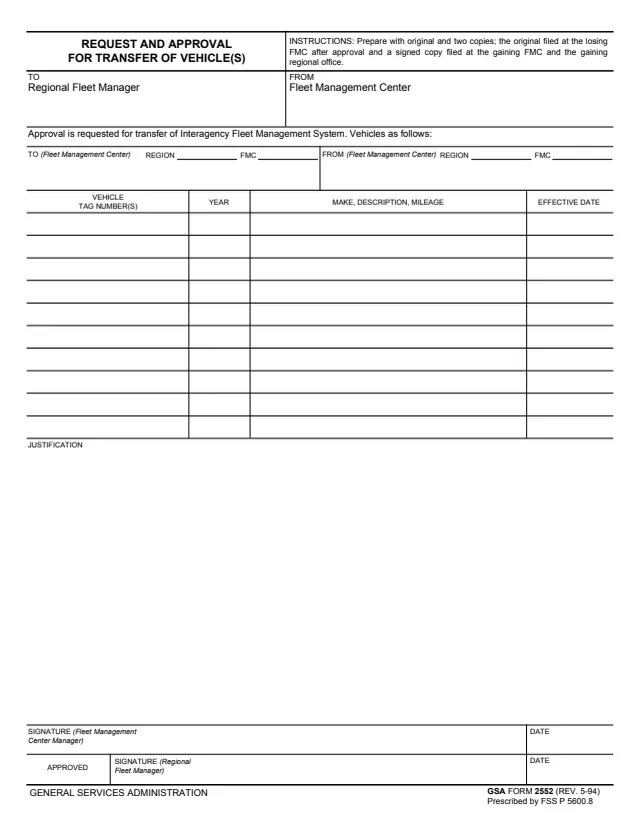
GSA2552
51 fields, 1 page
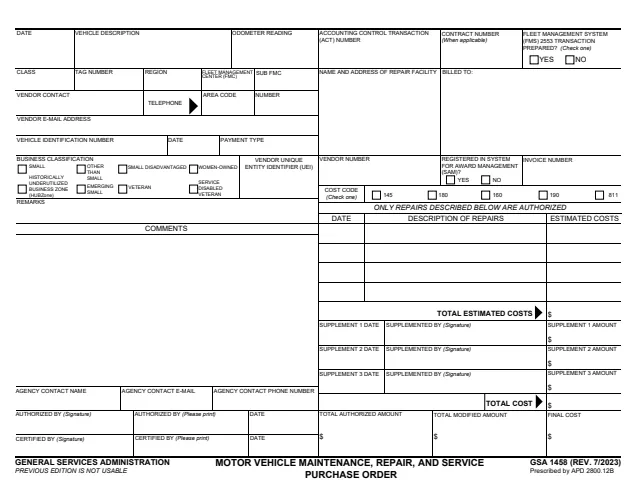
GSA1458
76 fields, 2 pages
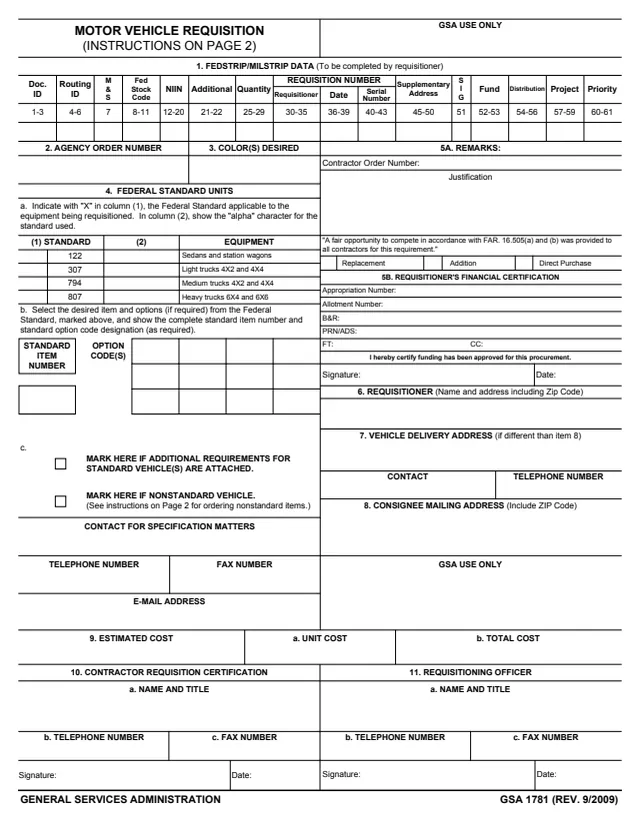
GSA1781
80 fields, 3 pages
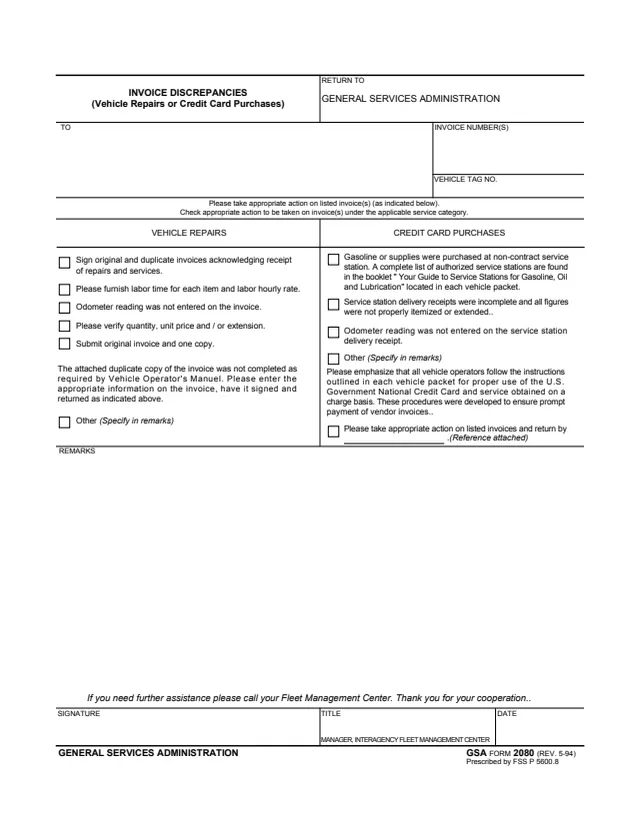
GSA2080
19 fields, 1 page
The sections and signature lines name these roles.
No tool matches that search.
The footer reads GENERAL SERVICES ADMINISTRATION and GSA 2553A 3/2021, and the form cites 41 CFR §101-39.304. GSA hosts it in its forms library.
The form says a request to modify a GSA Fleet vehicle or to permanently install accessory equipment is submitted to the GSA Fleet Zonal Fleet Manager for review and approval.
The form says approval is NOT authorization for the vendor to perform the work, and the vendor MUST receive authorization from the GSA Maintenance Control Center (MCC) prior to starting any work.
The form says modification/accessory equipment estimated to cost over $2,500 must be accompanied by three estimates.
The form says GSA funded requests costing over $1,000 (excluding wearable items) will be capitalized into the value of the vehicle and a monthly option rate will be assessed. The equipment is GSA property and remains on the vehicle at turn in.
Yes, with a list attached or the nationwide blanket request box checked. The form says requests applying to multiple vehicles must have all of the same requirements, with separate forms for different requirements.
The form says it does not automatically exempt the vehicle from rotation due to under or overutilization. On high cost installations, agencies may request and GSA Fleet may grant an extension of the replacement cycle.
The approval statement says the agency waives any claim for subrogation or reimbursement against GSA for a claim filed under the Federal Employees' Compensation Act or the Federal Tort Claims Act for injuries or death from the installation of aftermarket equipment or vehicle modifications.