Employee and reporting period
The employee's name, title, district and location, and the reporting period. This edition prints November 1, 2018 to October 31, 2019.
AO 500
Taxation for Commuting in Government Leased Vehicle
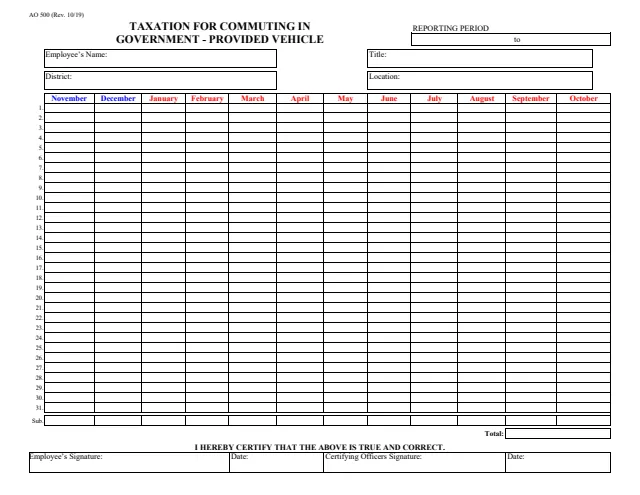
AO 500, Taxation for Commuting in Government Leased Vehicle, is a form from the U.S. Courts listed under Other Forms. The PDF itself is headed Taxation for Commuting in Government-Provided Vehicle. The current version is Rev. 10/19, and the U.S. Courts page lists it as effective on October 1, 2019.
The 2-page form is an internal payroll report, not a court filing. Page 1 identifies an employee by name, title, district and location and has a grid with a row for each day from 1 to 31 and a column for each month from November to October, with monthly subtotals and a total. The employee and a certifying officer sign it. Page 2 repeats the employee details, adds the Employee HRMIS ID Number, and gives the total amount of taxable benefit for the reporting period, addressed to the Payroll Services Branch of the Administrative Office of the United States Courts.
This page explains the form in plain words and is not legal advice. You can fill it out free in your browser on this page and download the result without an account.
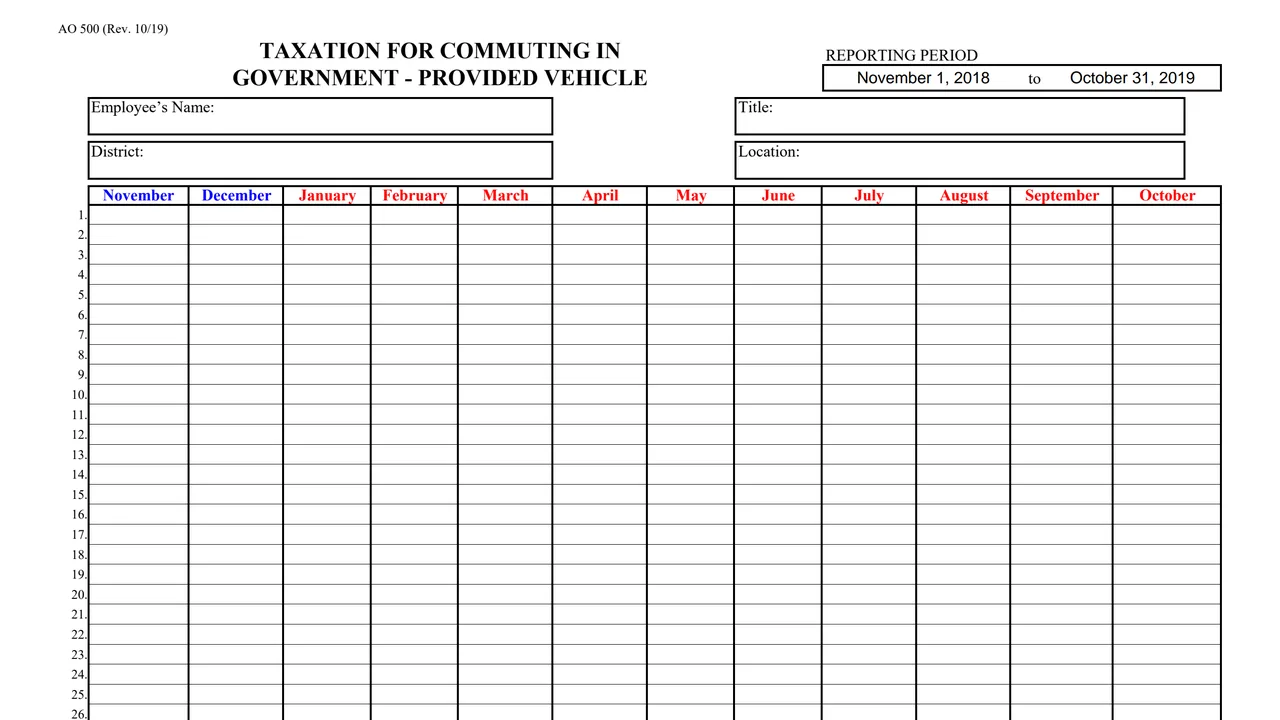
The employee's name, title, district and location, and the reporting period. This edition prints November 1, 2018 to October 31, 2019.
Rows numbered 1 to 31 for the days of the month and columns for November through October. The form does not print what goes in each cell.
A Sub. row under the grid with a subtotal for each month and a Total line at the end.
The statement "I hereby certify that the above is true and correct," with the employee's signature and date and the certifying officer's signature and date.
The employee's name, title, Employee HRMIS ID Number, district and office location, the Payroll Services Branch address, the reporting period, and the Total Amount of Taxable Benefit.
Enter the name, title, district and location on page 1, and the same details plus the Employee HRMIS ID Number and office location on page 2.
Fill in the daily cells for each month of the reporting period. The fillable PDF shows a subtotal for each month and a total.
Page 2 says to multiply the number of commutes by the current value of the commute, and refers to the memorandum entitled "Taxation for Commuting in Government Provided Vehicle." The form does not print that value.
The employee signs and dates page 1 under the certification, and the certifying officer signs and dates beside it.
Page 2 says: "Please fax completed form to 202-502-3255 or email to: [email protected]."
You get the real form, filled in a browser tab, with nothing standing between you and the finished PDF.
Page 2 says to fax the completed form to 202-502-3255 or email it to [email protected], and prints the address Administrative Office of the United States Courts, Payroll Services Branch, Suite 5-560, Washington, D.C. 20544.
The form does not print a fee. It is a payroll report, not a court filing.
This edition prints the reporting period November 1, 2018 to October 31, 2019 on both pages.
The form does not print the value of a commute. Page 2 refers to the memorandum entitled "Taxation for Commuting in Government Provided Vehicle."
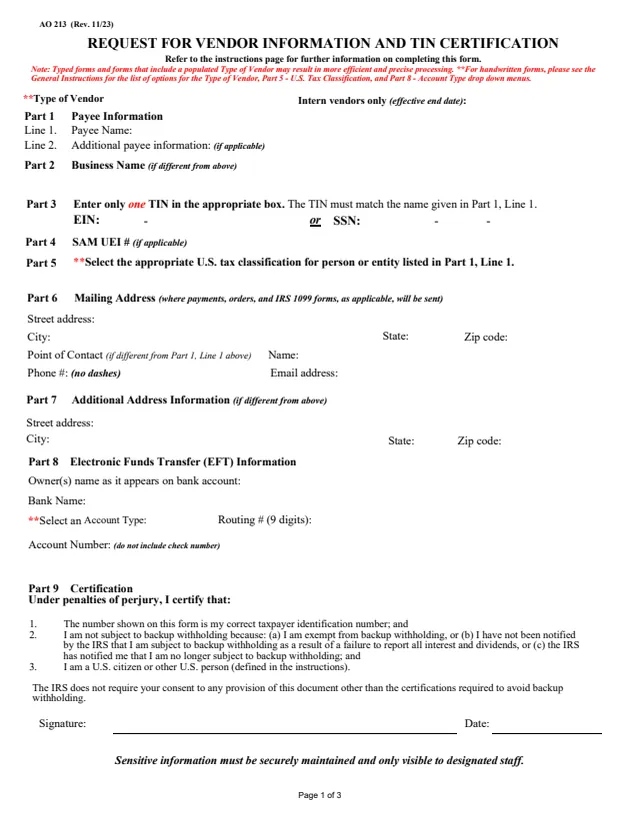
AO 213
78 fields, 3 pages
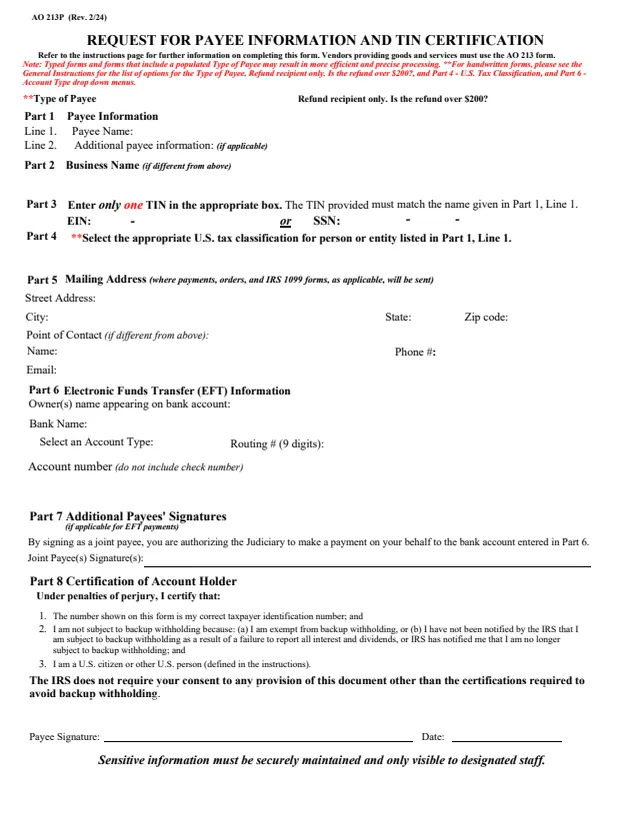
AO 213P
75 fields, 3 pages
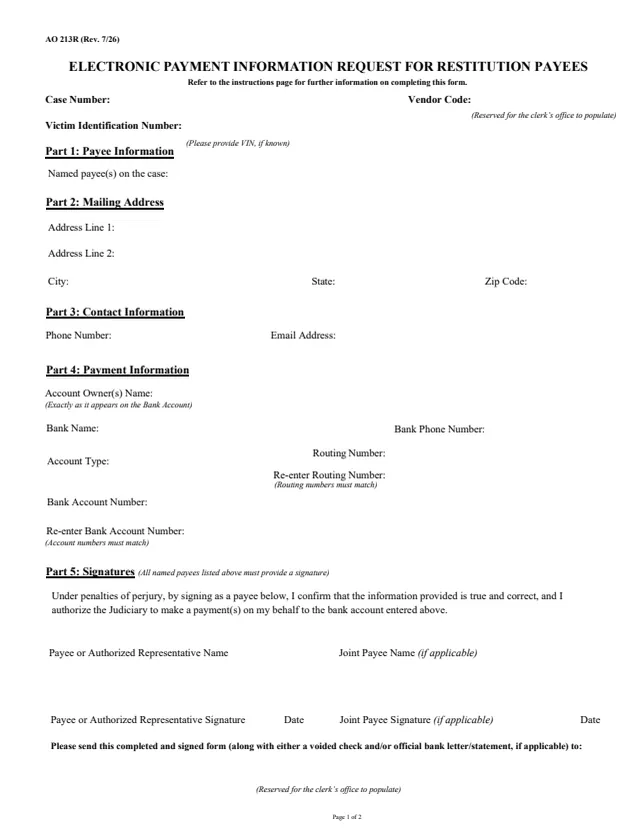
AO 213R
45 fields, 2 pages
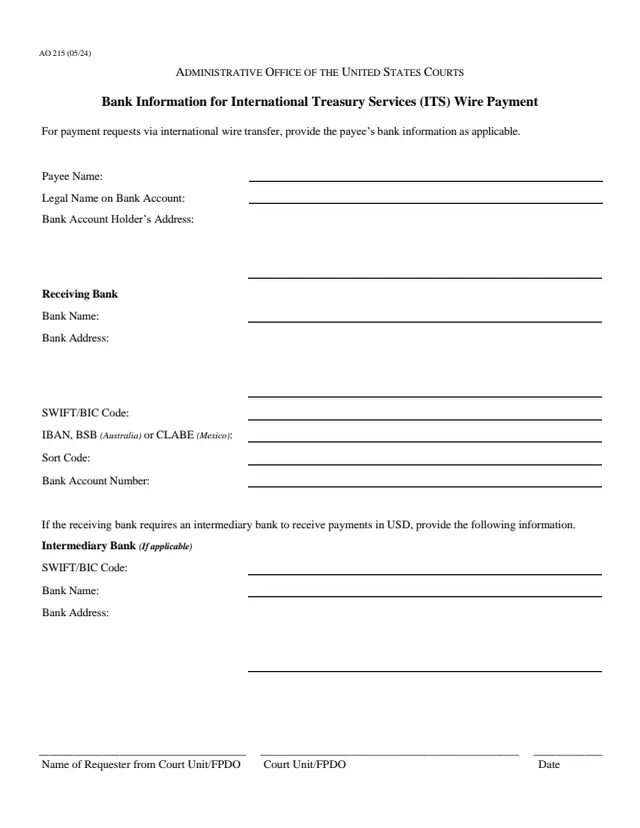
AO 215
15 fields, 1 page
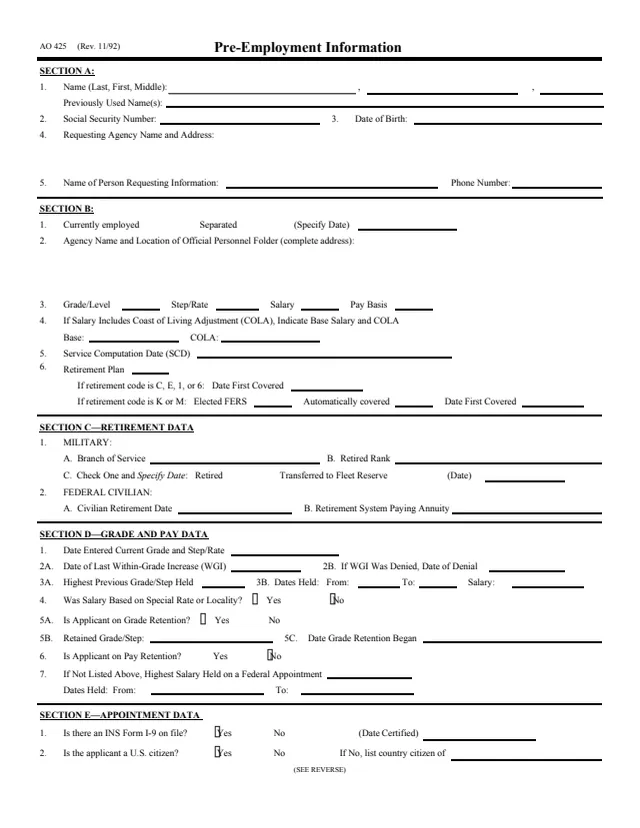
AO 425
131 fields, 2 pages
The form prints no separate instructions. Its lines name these people and offices.
No tool matches that search.
The employee named on the form, who signs the certification on page 1. A certifying officer also signs and dates page 1.
Page 2 says to fax it to 202-502-3255 or email it to [email protected]. It is addressed to the Payroll Services Branch of the Administrative Office of the United States Courts.
Page 2 says to multiply the number of commutes by the current value of the commute, and to refer to the memorandum entitled "Taxation for Commuting in Government Provided Vehicle." The form does not print the value.
This edition, Rev. 10/19, prints November 1, 2018 to October 31, 2019 on both pages.
No. The U.S. Courts page lists it under Other Forms. It reports a taxable benefit to a payroll office and has no case number or court caption.
No. This page explains what the printed form contains in plain words. It does not say how any benefit is taxed.