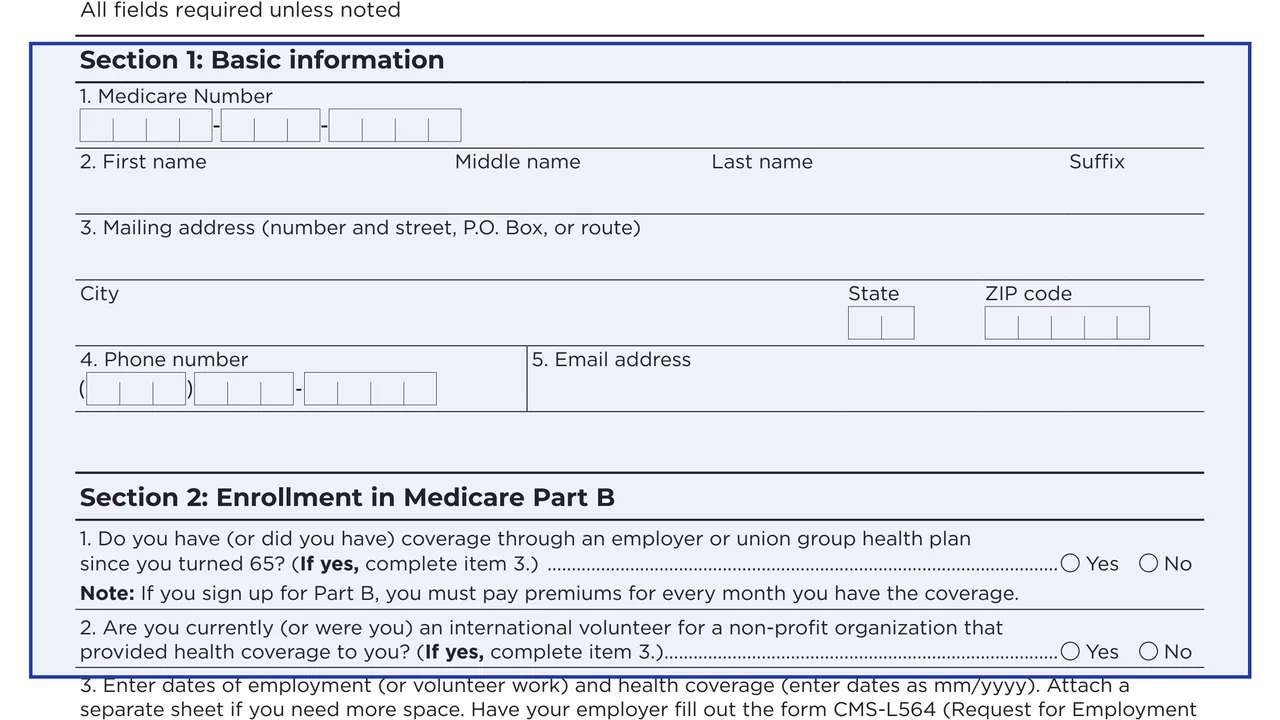
Section 1: Basic information
Your Medicare Number, first, middle and last name and suffix, mailing address, phone number and email address.
CMS-40B
Request for Enrollment in Medicare Part B (Medical Insurance)
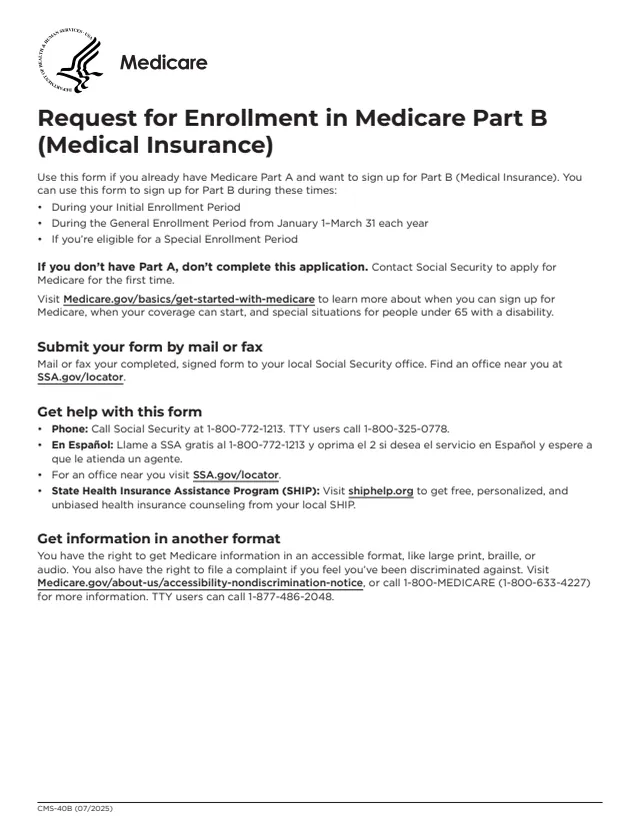
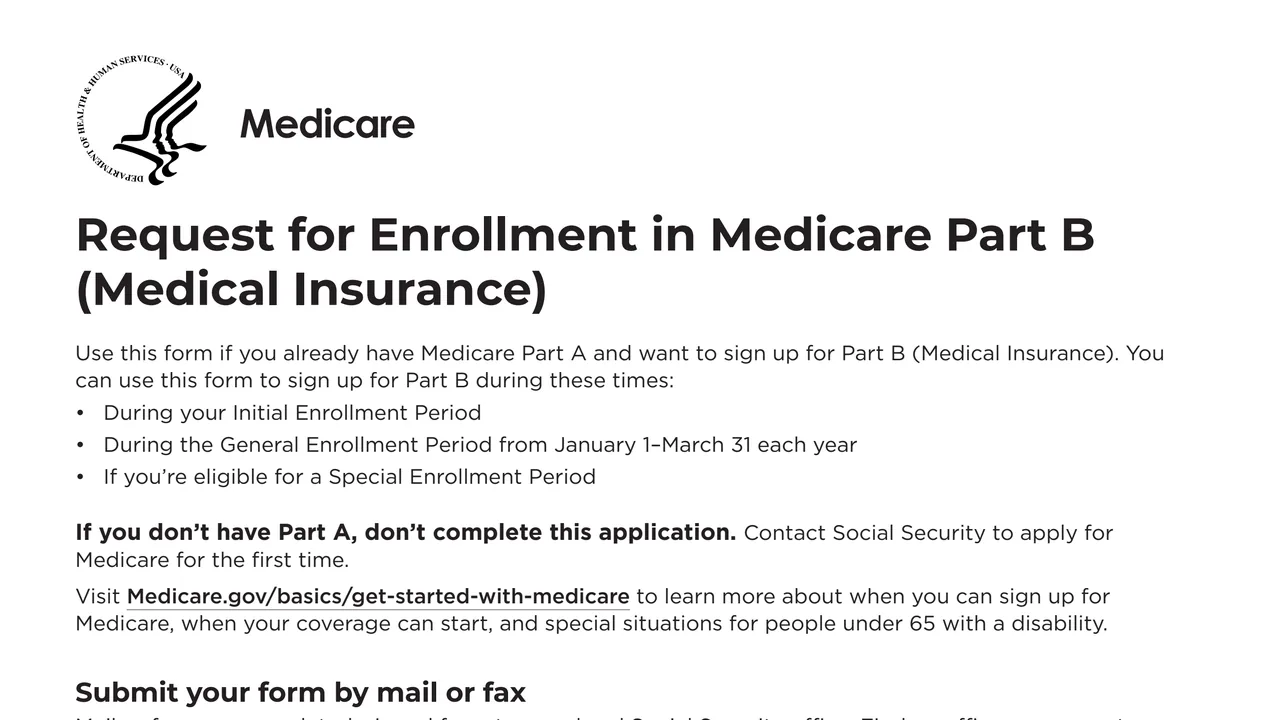
Form CMS-40B is the Request for Enrollment in Medicare Part B (Medical Insurance) from the Centers for Medicare & Medicaid Services, part of the U.S. Department of Health and Human Services. The form says it is for people who already have Medicare Part A and want to sign up for Part B. Without Part A, the form says not to complete it and to contact Social Security to apply for Medicare for the first time.
The form lists three times it can be used: during your Initial Enrollment Period, during the General Enrollment Period from January 1 to March 31 each year, or if you are eligible for a Special Enrollment Period. It has three sections: basic information, questions about employer or union group health plan coverage with a choice of coverage start date, and signatures.
The completed, signed form goes to your local Social Security office by mail or fax, and the CMS page adds that it can also be submitted in person there. You can fill it out free in your browser on this page and download the result without an account.
Your Medicare Number, first, middle and last name and suffix, mailing address, phone number and email address.
Yes or no: whether you have (or had) employer or union group health plan coverage since you turned 65, and whether you are (or were) an international volunteer for a non-profit that provided health coverage.
Start and end dates (mm/yyyy) of employment with an employer that provided coverage, of volunteer work outside the U.S., and of the health coverage itself, each with a Not ended box. A separate sheet can be attached for more space.
Whether an employer, health insurance provider or other entity asked or required you to enroll in Part B. If yes, the form asks you to explain how and why and include proof or documentation.
If you enroll while still covered by a group health plan based on current employment, or in the first full month after that coverage, you pick the first day of the month you enroll or of any of the 3 months after.
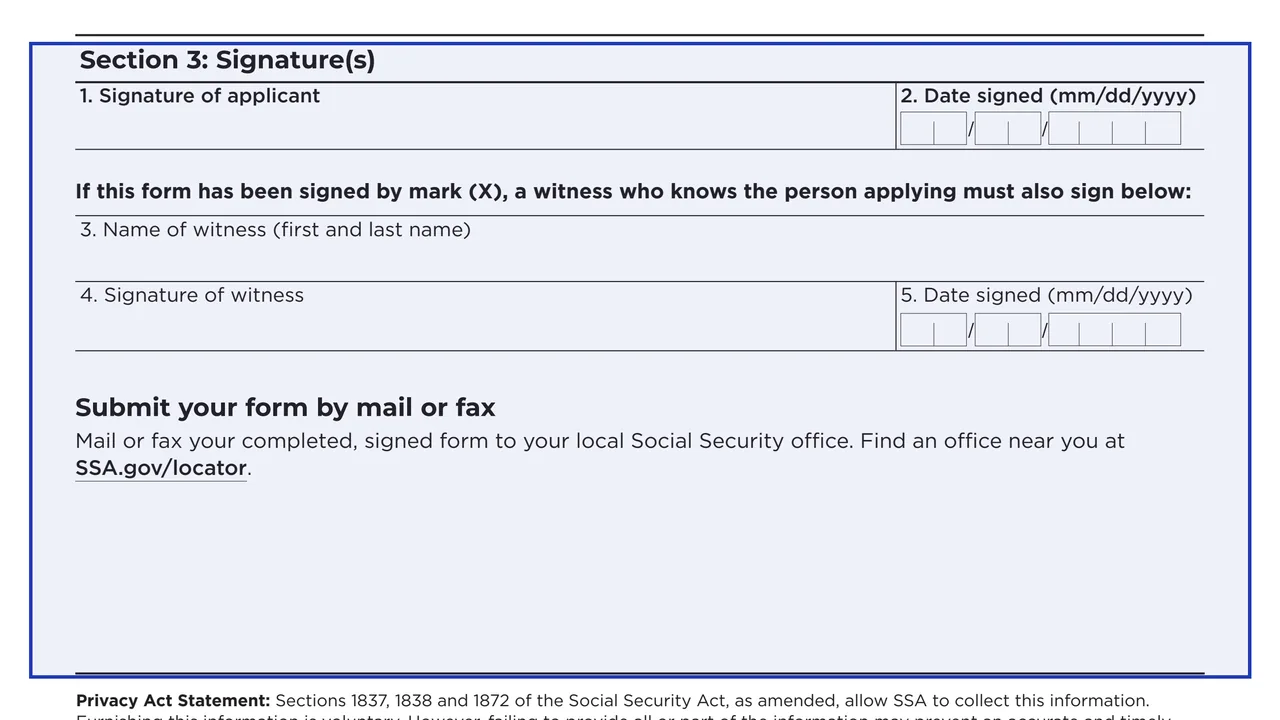
Your signature and the date signed. If the form is signed by mark (X), a witness who knows the person applying signs too, with their name and date.
The form says all fields are required unless noted.
The form is for people who already have Part A, during the enrollment periods it lists. Without Part A, the form points to Social Security instead.
Enter your Medicare Number, full name, mailing address, phone number and email address.
Answer the coverage questions. If you list employer coverage, the form says to have your employer fill out Form CMS-L564 and return it with your application.
If the coverage start date choice applies to you, check one box and, for a later month, write the month and year (mm/yyyy).
Sign and date Section 3. A form signed by mark (X) also needs a witness's name, signature and date.
Mail or fax the signed form to your local Social Security office. The CMS page says it can also be submitted in person. Find an office at SSA.gov/locator.
You get the real form, filled in a browser tab, with nothing standing between you and the finished PDF.
To your local Social Security office by mail or fax, or in person according to the CMS page. Find an office at SSA.gov/locator. The CMS address on page 2 is for comments on the form only, not for applications.
The form lists the Initial Enrollment Period, the General Enrollment Period from January 1 to March 31 each year, and a Special Enrollment Period if you are eligible.
The form notes that Part B premiums are paid for every month you have the coverage. It does not list amounts.
Social Security: 1-800-772-1213, TTY 1-800-325-0778, with Spanish service by pressing 2. Free health insurance counseling is available from your State Health Insurance Assistance Program (SHIP) at shiphelp.org.
Medicare information is available in large print, braille or audio. Visit Medicare.gov/about-us/accessibility-nondiscrimination-notice or call 1-800-MEDICARE (1-800-633-4227), TTY 1-877-486-2048.
The form estimates an average of 15 minutes per response, including reviewing the instructions and gathering the information.
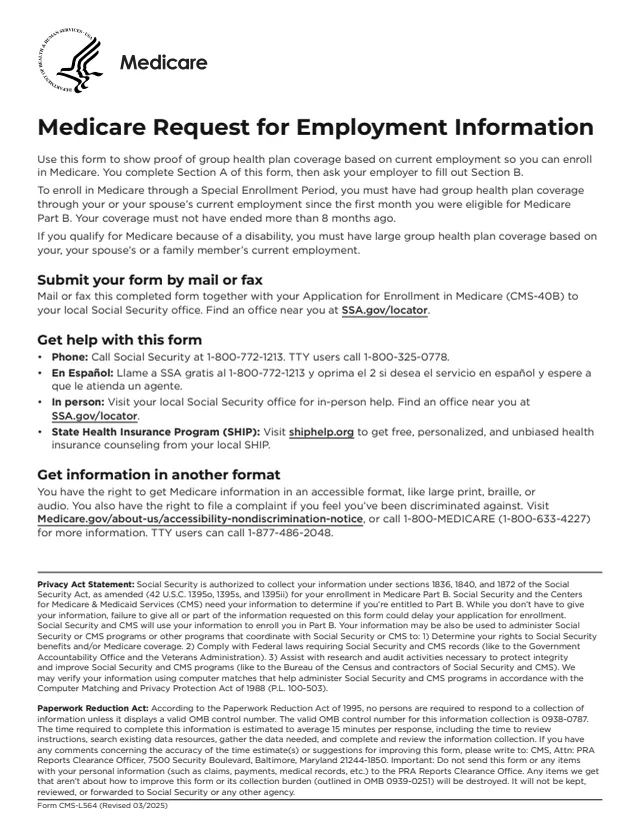
CMS-L564
45 fields, 2 pages
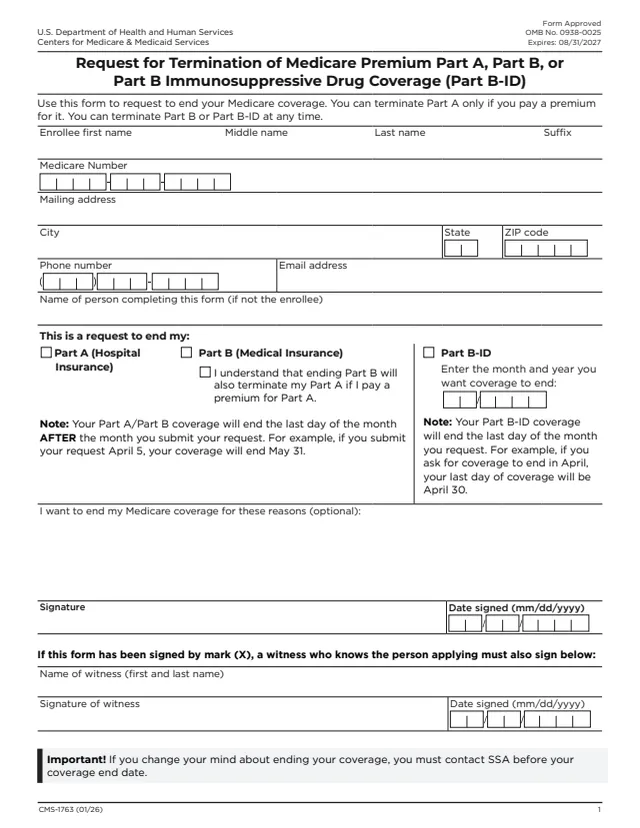
CMS-1763
29 fields, 2 pages
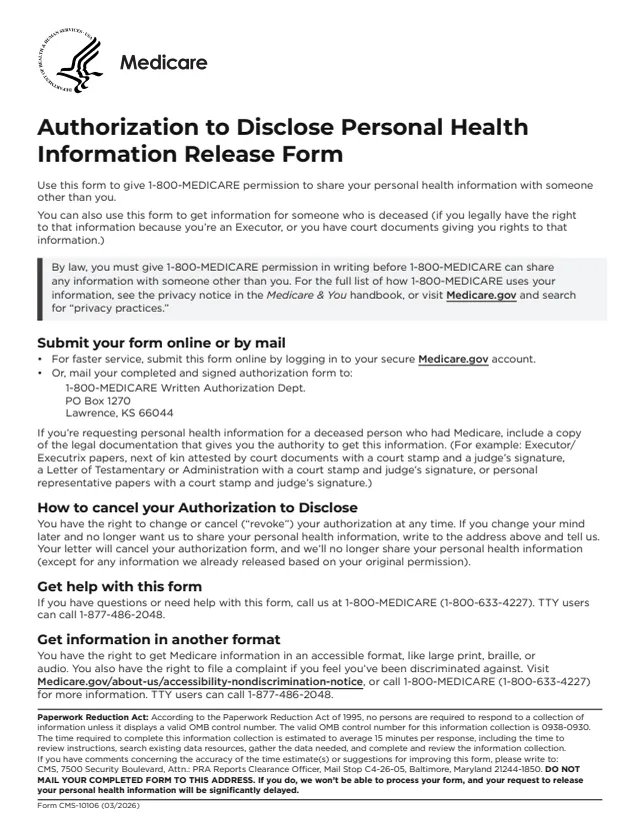
CMS-10106
44 fields, 3 pages
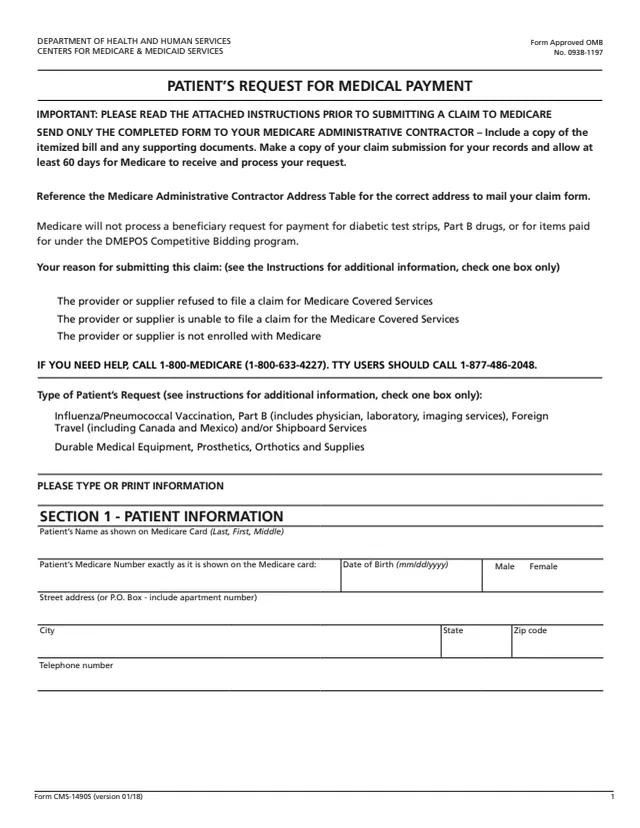
CMS-1490S
49 fields, 18 pages
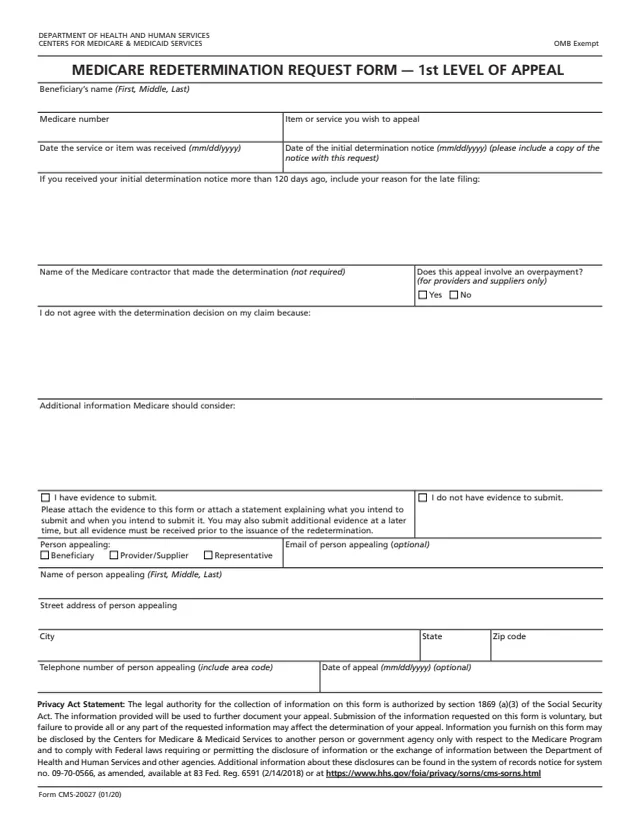
CMS-20027
20 fields, 1 page
The form is for people who already have Medicare Part A and want Part B. It names the times it can be used.
No tool matches that search.
No. The form says not to complete it if you don't have Part A, and to contact Social Security to apply for Medicare for the first time.
The form says to mail or fax the completed, signed form to your local Social Security office. The CMS page adds that you can also visit the office in person. Find one at SSA.gov/locator.
The form lists three times: your Initial Enrollment Period, the General Enrollment Period from January 1 to March 31 each year, and a Special Enrollment Period if you are eligible.
Item 3 of Section 2 asks for dates of employment and health coverage, and says to have your employer fill out Form CMS-L564 (Request for Employment Information) and return it with your application.
The form says yes if you enroll while still covered by a group health plan based on current employment, or during the first full month you are not enrolled in it. The choices are the first day of the month you enroll or of any of the 3 months after.
If the form is signed by mark (X), a witness who knows the person applying signs too, and enters their first and last name and the date signed.
The form lists Social Security at 1-800-772-1213 (TTY 1-800-325-0778). It also points to your local SHIP at shiphelp.org for free health insurance counseling.