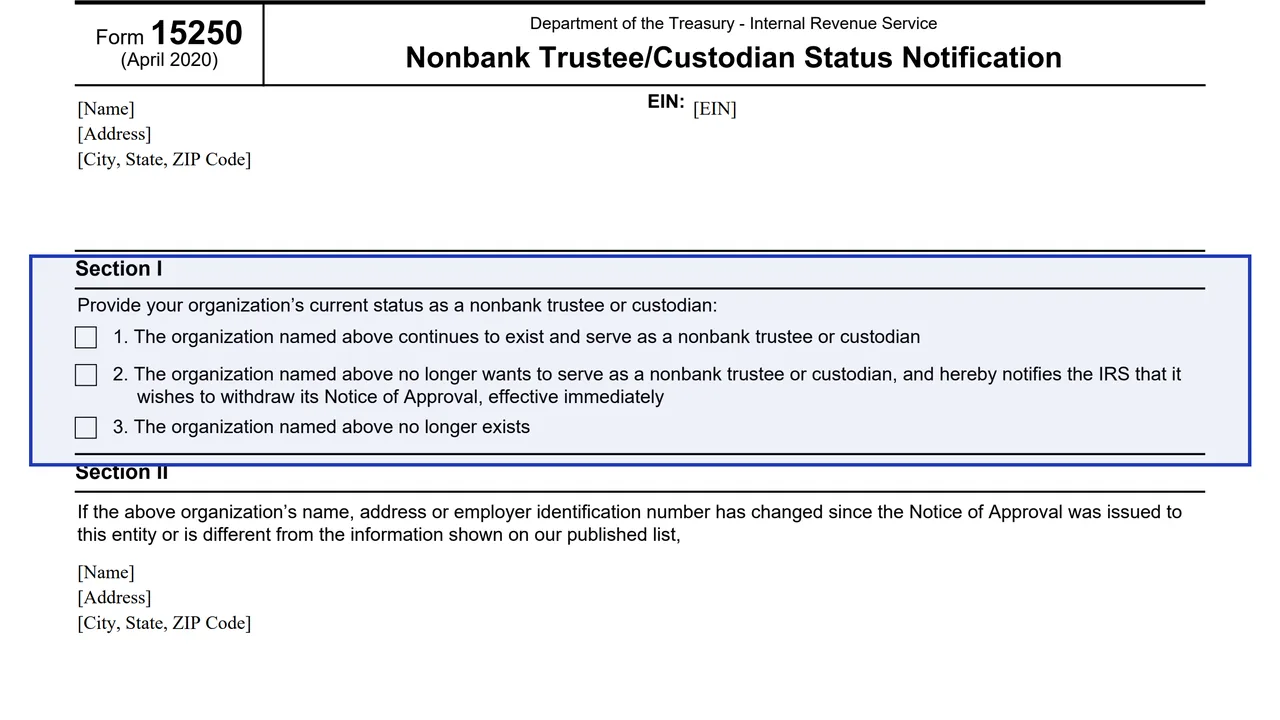
Organization block
Spaces at the top for the organization's name, EIN, address, and city, state and ZIP code.
15250
Nonbank Trustee/Custodian Status Notification
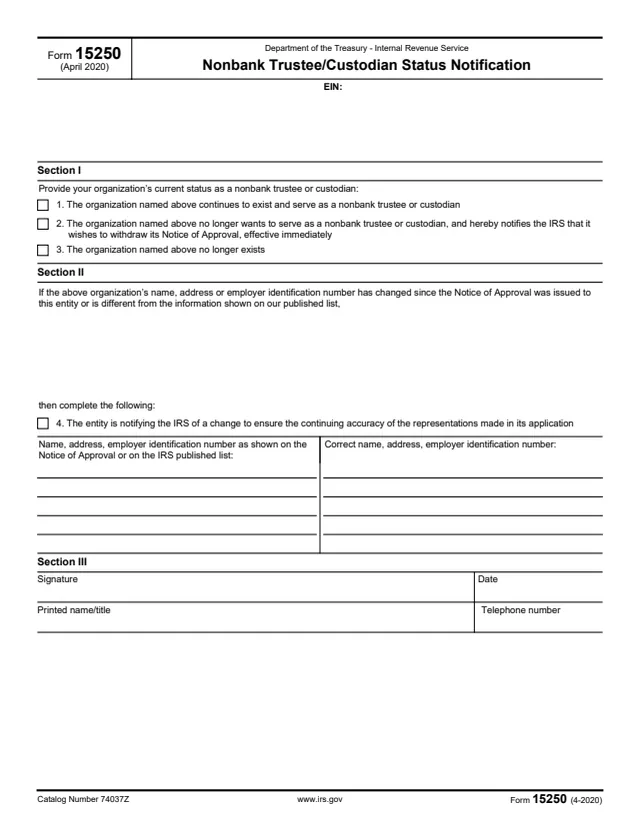
Form 15250 is a one-page IRS notice in which an organization reports its current status as a nonbank trustee or custodian. The form asks whether the organization continues to exist and serve in that role, no longer wants to serve and wishes to withdraw its Notice of Approval, or no longer exists.
The form also has a section for reporting a change to the organization's name, address or employer identification number (EIN) since its Notice of Approval was issued, or a difference from the information on the IRS published list. It is completed by the organization, not by an individual taxpayer, and is signed by a person who gives a printed name and title.
The PDF prints no separate instructions, mailing address or deadline. You can fill it out free in your browser on this page and download the result without an account.
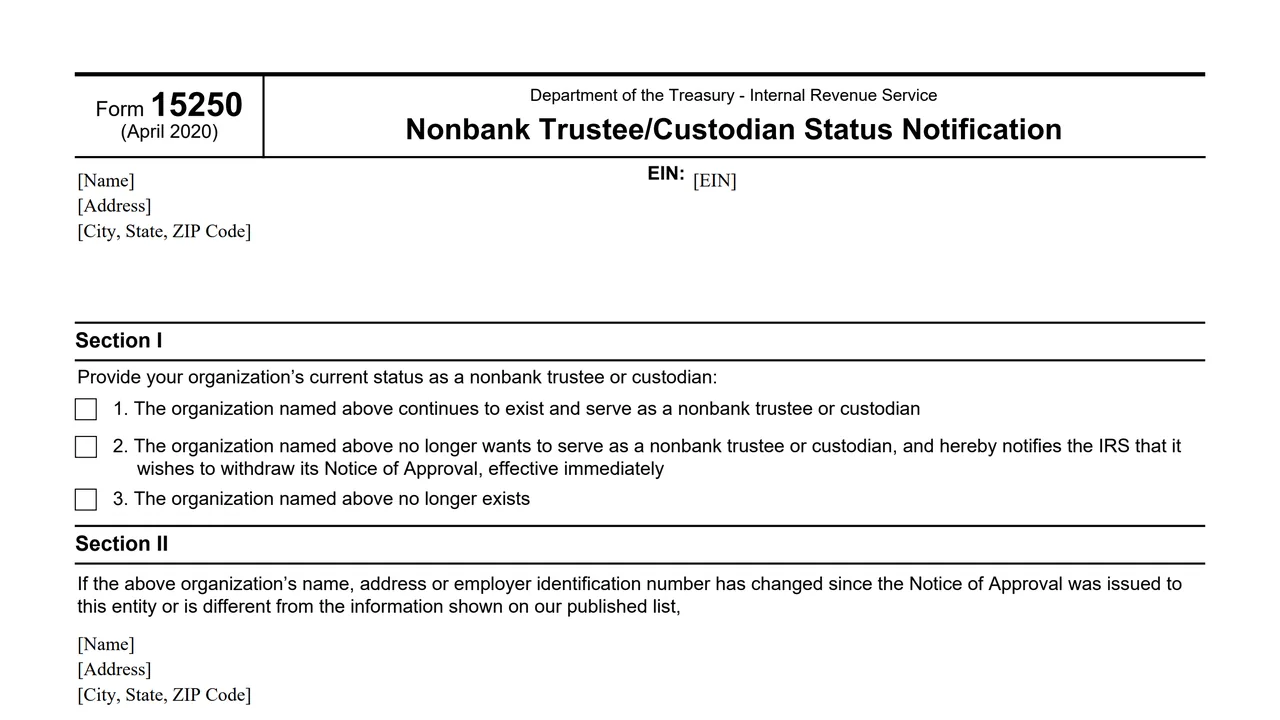
Spaces at the top for the organization's name, EIN, address, and city, state and ZIP code.
Three statements about the organization's current status as a nonbank trustee or custodian: continues to serve, withdraws its Notice of Approval, or no longer exists.
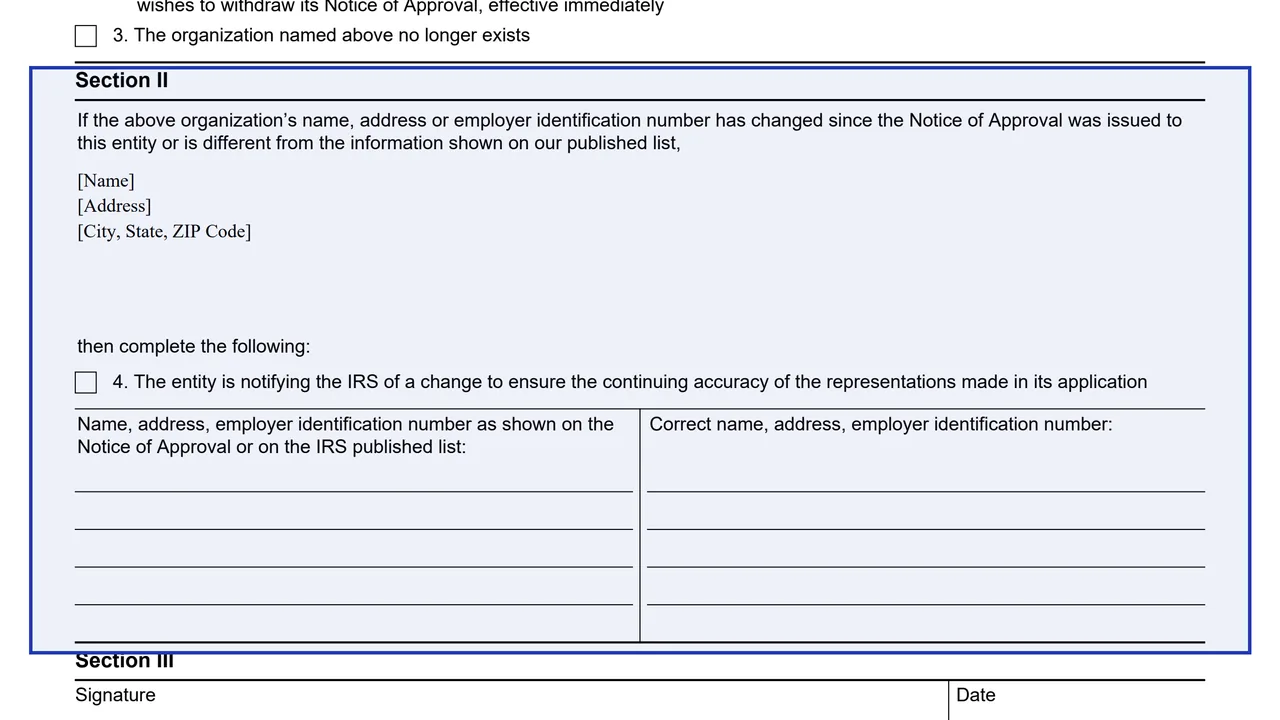
Statement 4, followed by the name, address and EIN as shown on the Notice of Approval or the IRS published list, beside the correct name, address and EIN.
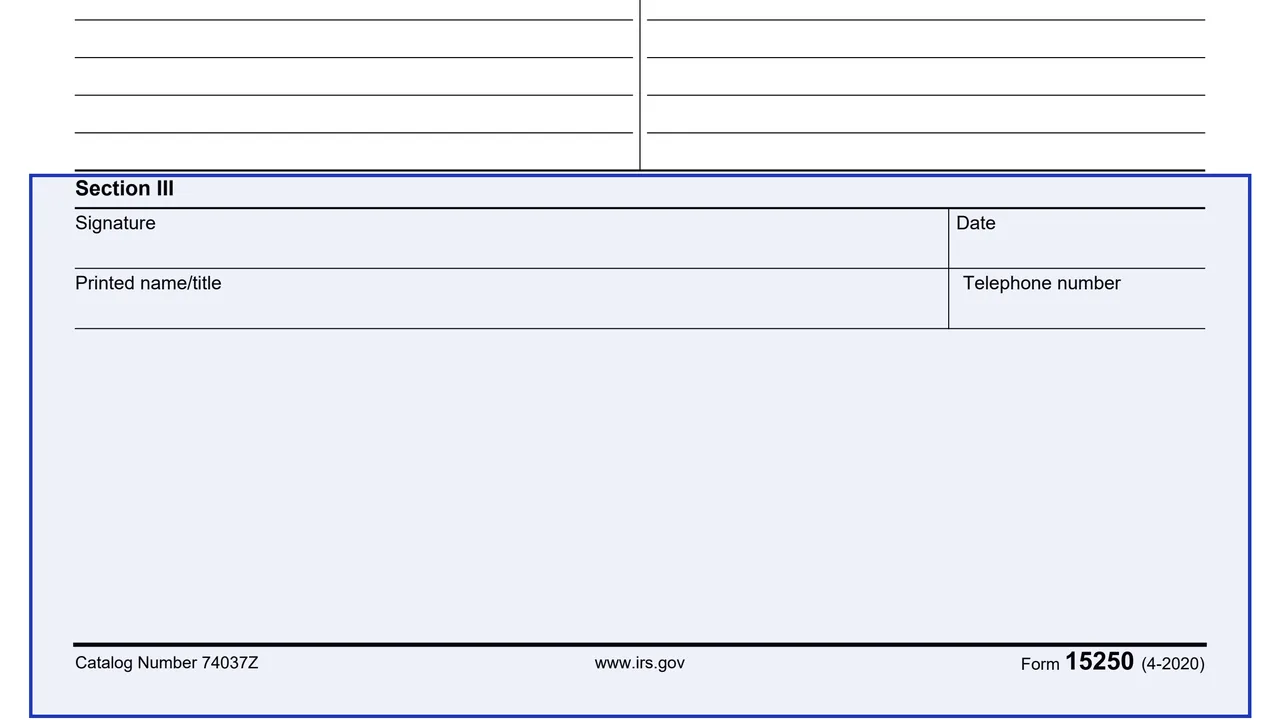
Signature, date, printed name and title, and telephone number.
Enter the organization's name, EIN and address in the block at the top of the form.
Choose the statement that gives the organization's current status: 1 to continue serving, 2 to withdraw the Notice of Approval effective immediately, or 3 if the organization no longer exists.
Complete it only if the name, address or EIN has changed or differs from the IRS published list. Select statement 4, then enter the details as shown on the Notice of Approval or published list and the correct details.
Sign and date the form, then enter the printed name and title of the person signing and a telephone number.
You get the real form, filled in a browser tab, with nothing standing between you and the finished PDF.
The form is a notification to the IRS. Statement 2 says the organization hereby notifies the IRS that it wishes to withdraw its Notice of Approval.
The PDF prints no mailing address, fax number or deadline, and it has no separate instructions. The only web address it prints is www.irs.gov.
Statement 2 says the withdrawal of the Notice of Approval is effective immediately.
The form prints April 2020 at the top and Form 15250 (4-2020) at the bottom of the page.
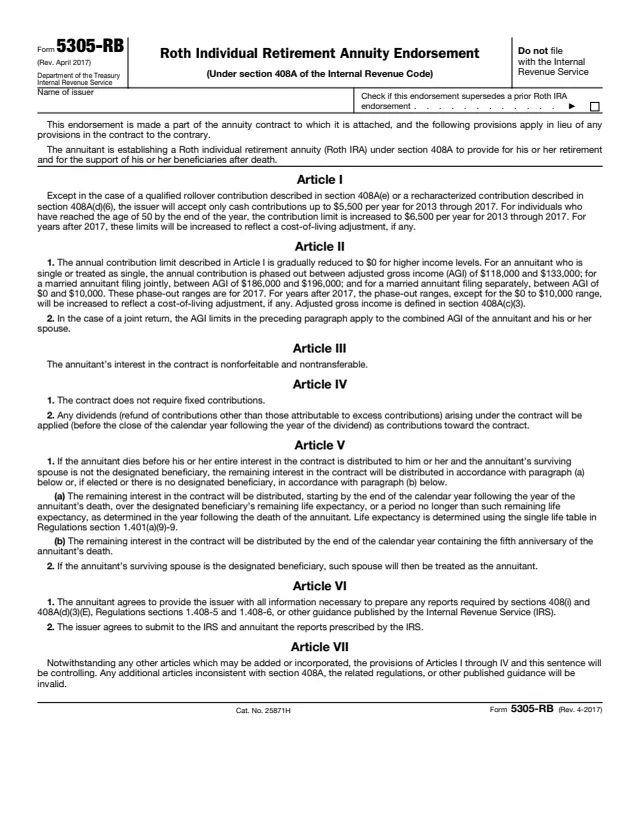
5305-RB
3 fields, 2 pages
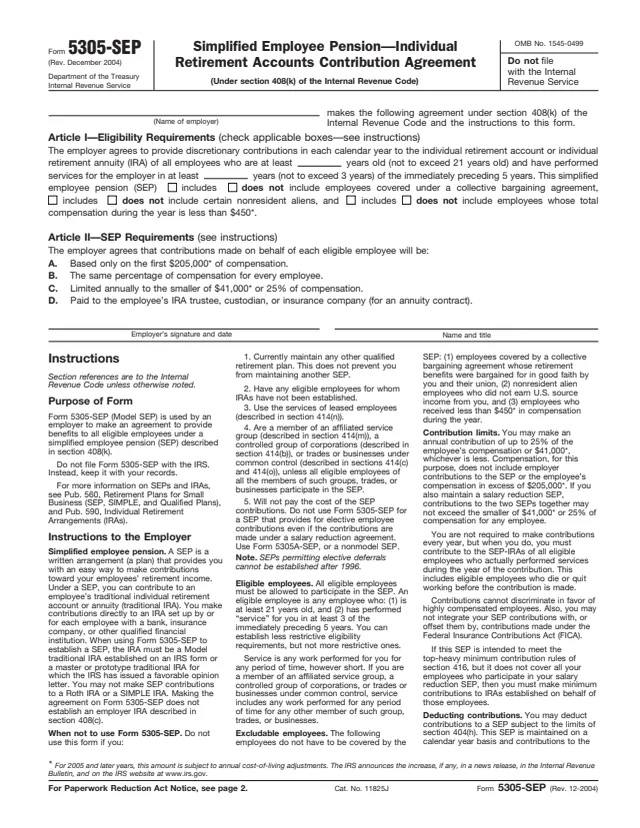
5305-SEP
7 fields, 2 pages
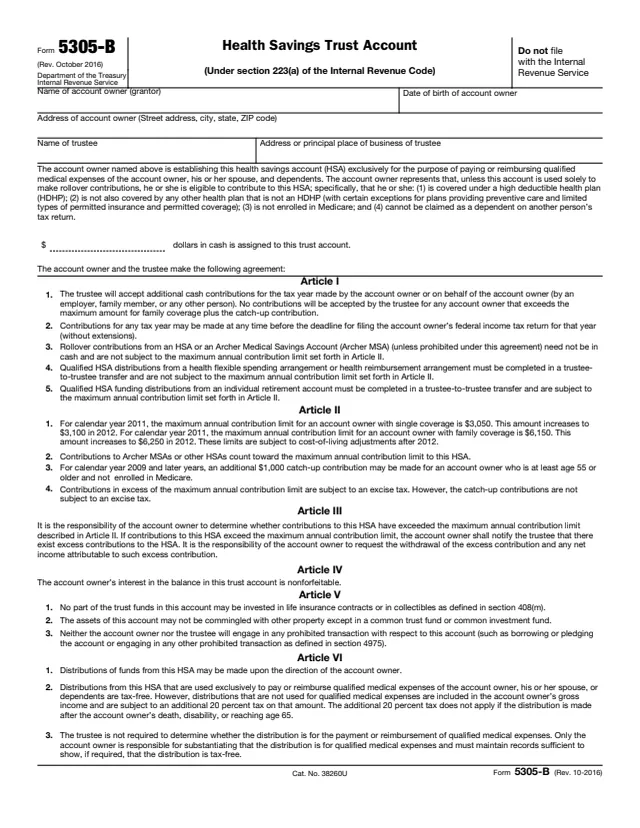
5305-B
6 fields, 2 pages
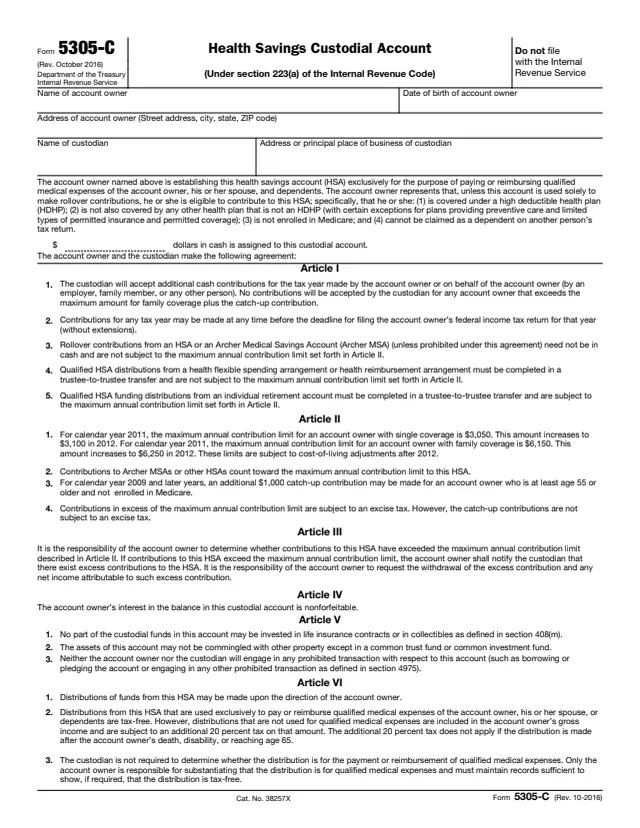
5305-C
6 fields, 2 pages
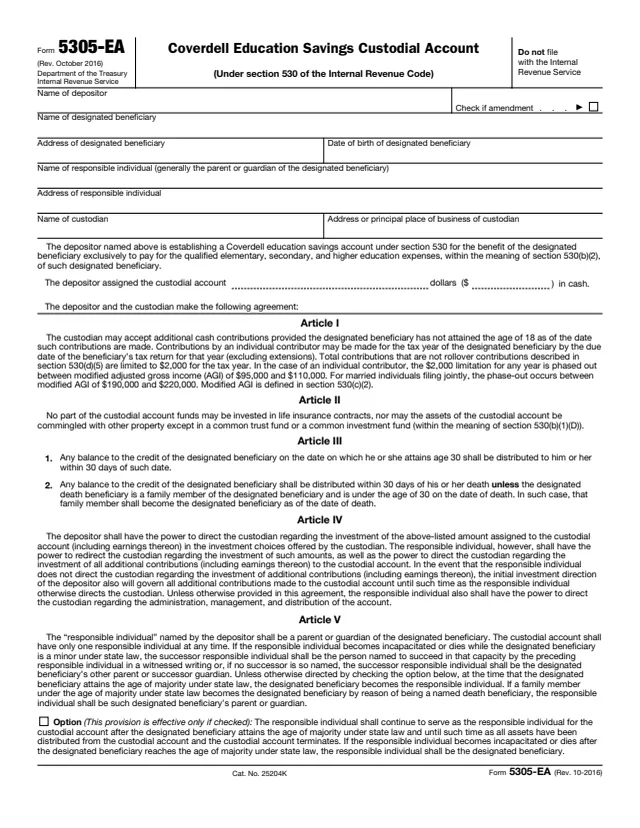
5305-EA
15 fields, 2 pages
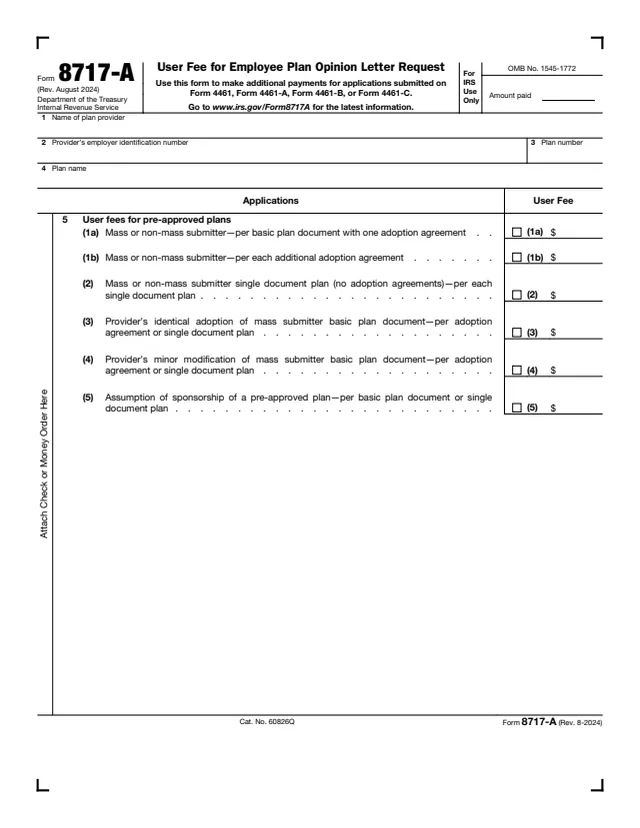
8717-A
17 fields, 2 pages
The form is written to an organization that holds a Notice of Approval as a nonbank trustee or custodian. It notifies the IRS.
No tool matches that search.
No. The form is completed for an organization named on it, about its status as a nonbank trustee or custodian.
The form refers to the Notice of Approval issued to the organization as a nonbank trustee or custodian. Statement 2 is used to withdraw it.
The form says to complete it if the organization's name, address or EIN has changed since the Notice of Approval was issued or differs from the IRS published list.
The form notifies the IRS, but the PDF prints no mailing address or fax number. It has no separate instructions.