Step 1: Enter personal information
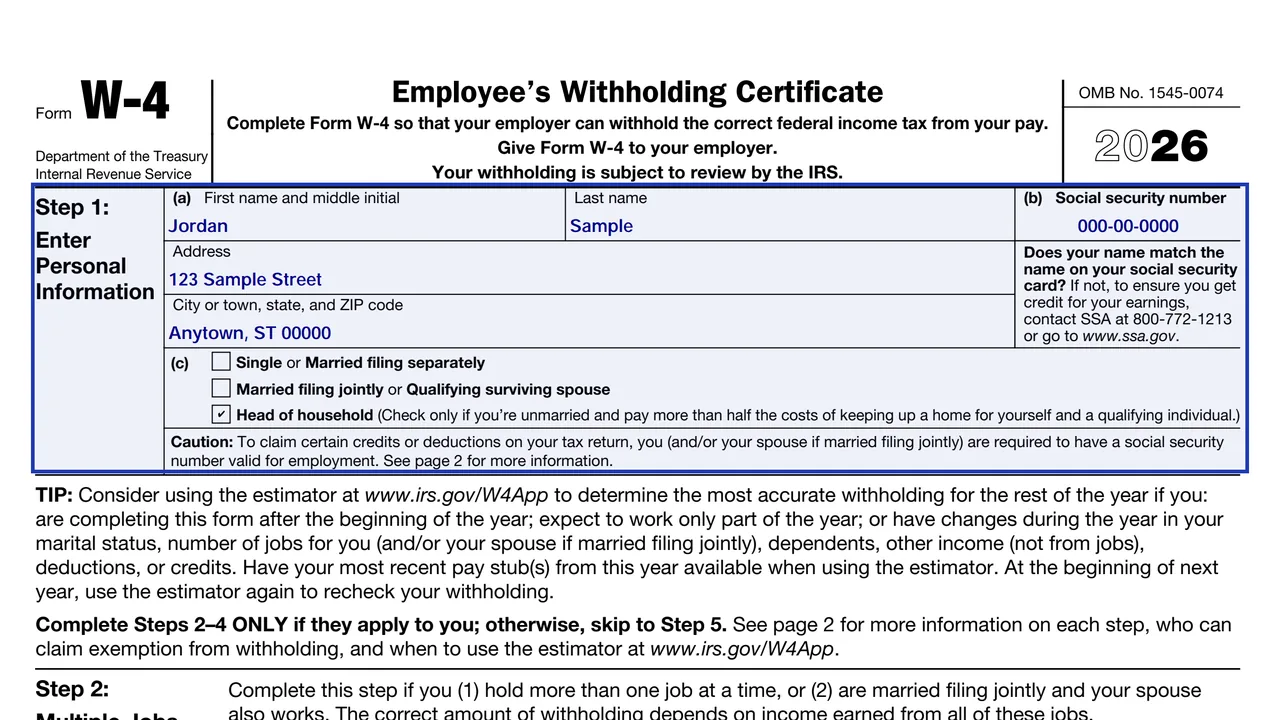
Your name, Social Security number and address, plus your anticipated filing status: single or married filing separately, married filing jointly or qualifying surviving spouse, or head of household.
W-4
Employee's Withholding Certificate
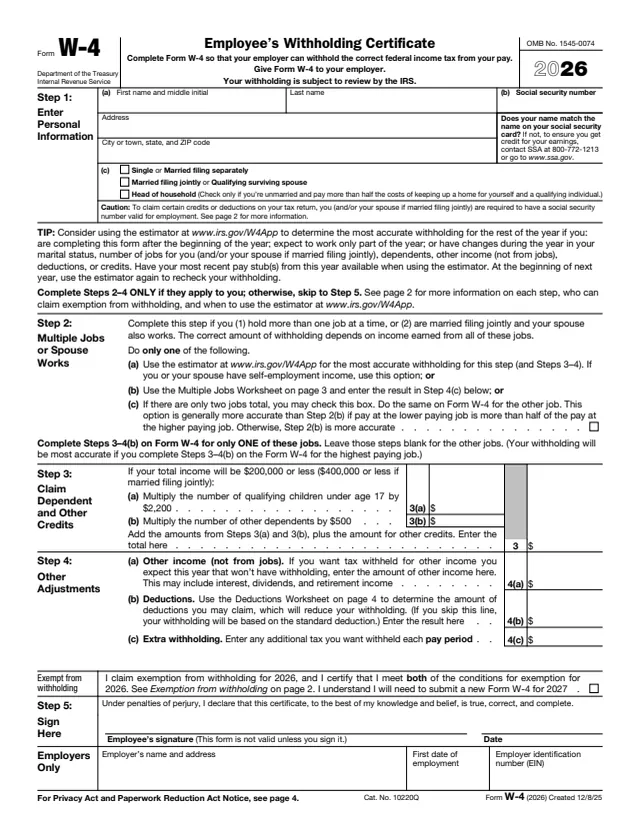
Form W-4 tells your employer how much federal income tax to withhold from each paycheck. You fill it out, sign it and hand it to your employer. The employer keeps it and does not send it to the IRS, although the form notes that your withholding is subject to review by the IRS.
The form says that if too little is withheld, you will generally owe tax when you file and may owe a penalty. If too much is withheld, you will generally get a refund. You usually complete one when you start a job, and again when your marital status, number of jobs, dependents, other income, deductions or credits change.
The instructions are printed on the form itself, on pages 2 to 4 of the PDF, so there is no separate instruction booklet. You can fill out the 2026 form free in your browser on this page and download it without an account.
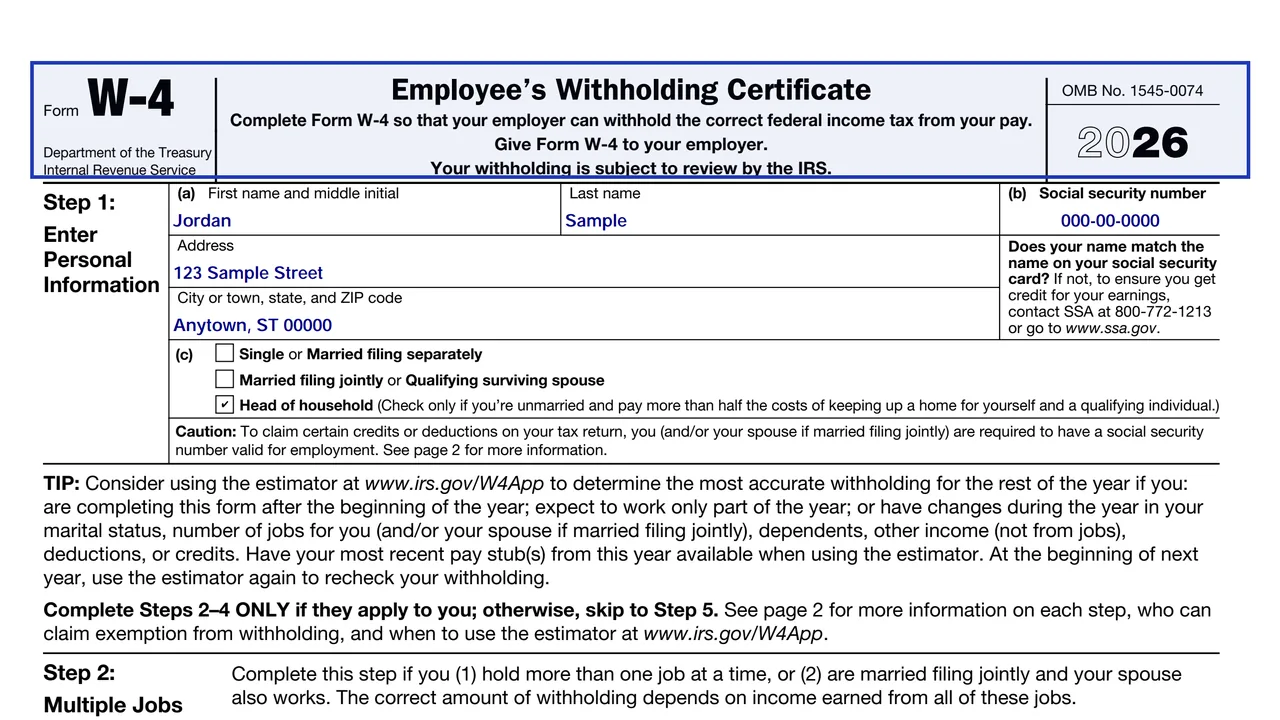
Your name, Social Security number and address, plus your anticipated filing status: single or married filing separately, married filing jointly or qualifying surviving spouse, or head of household.
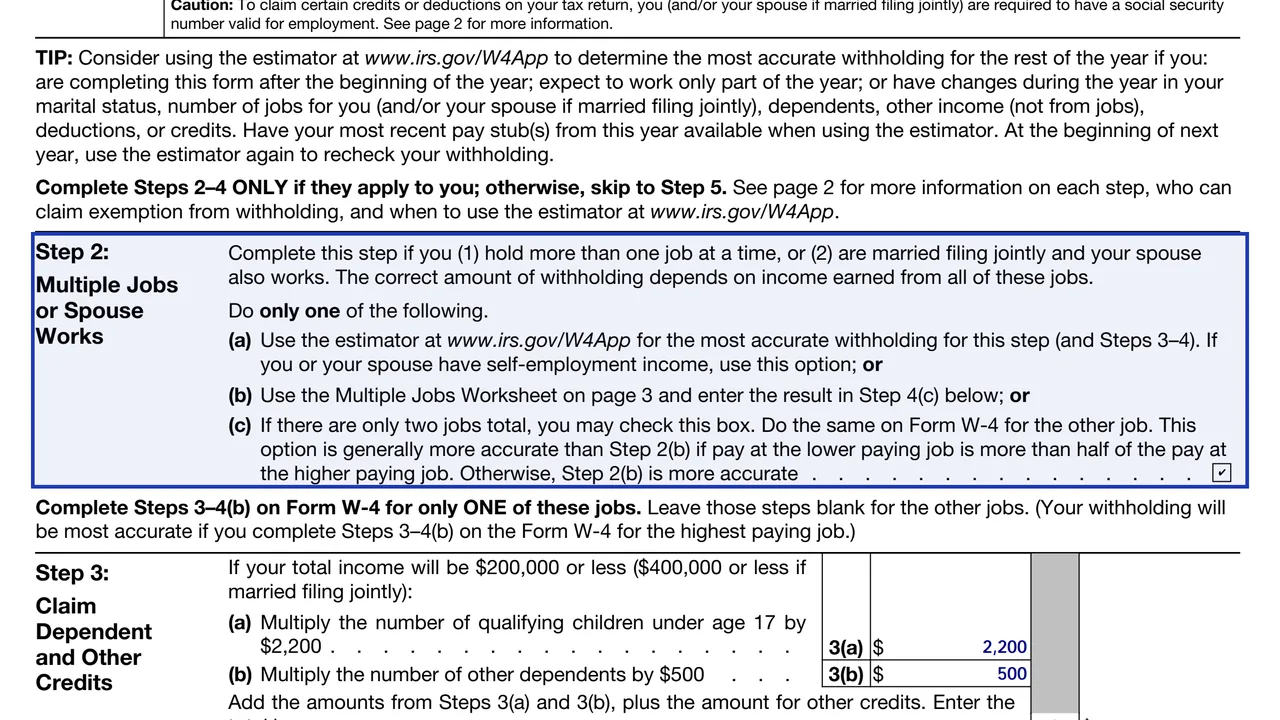
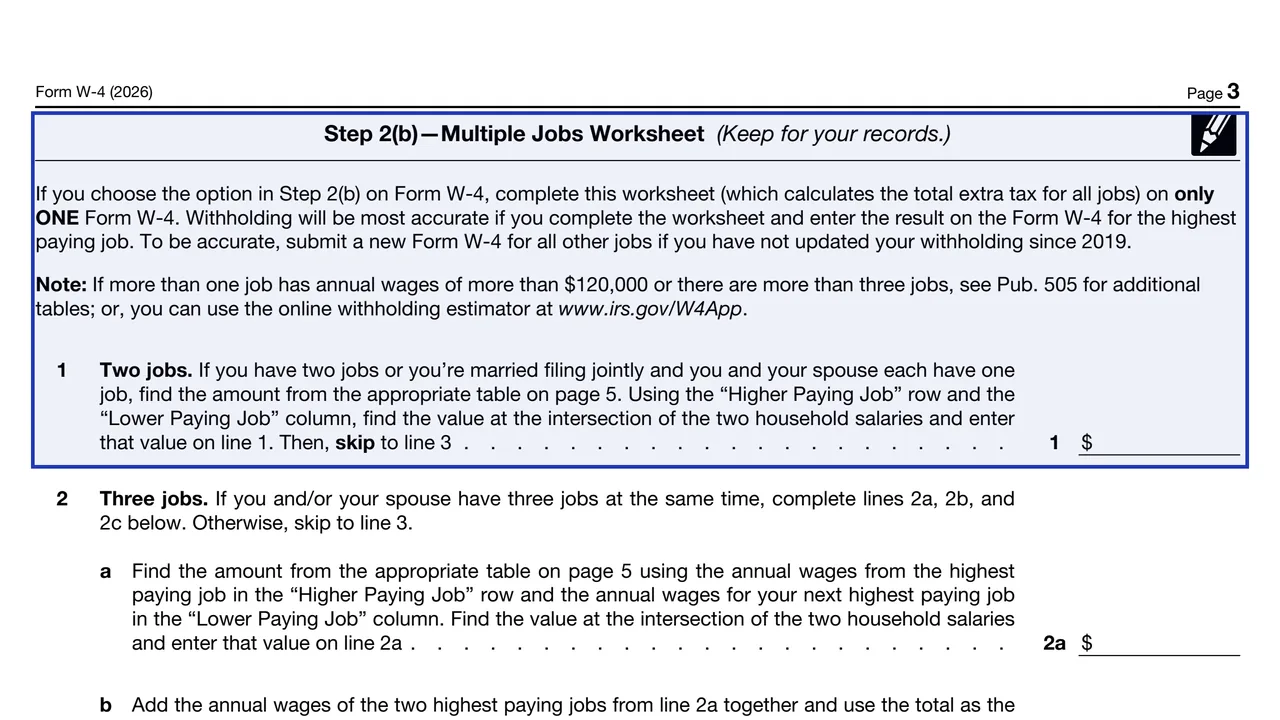
Three options: the IRS withholding estimator, the Multiple Jobs Worksheet on page 3, or a checkbox for exactly two jobs in total.
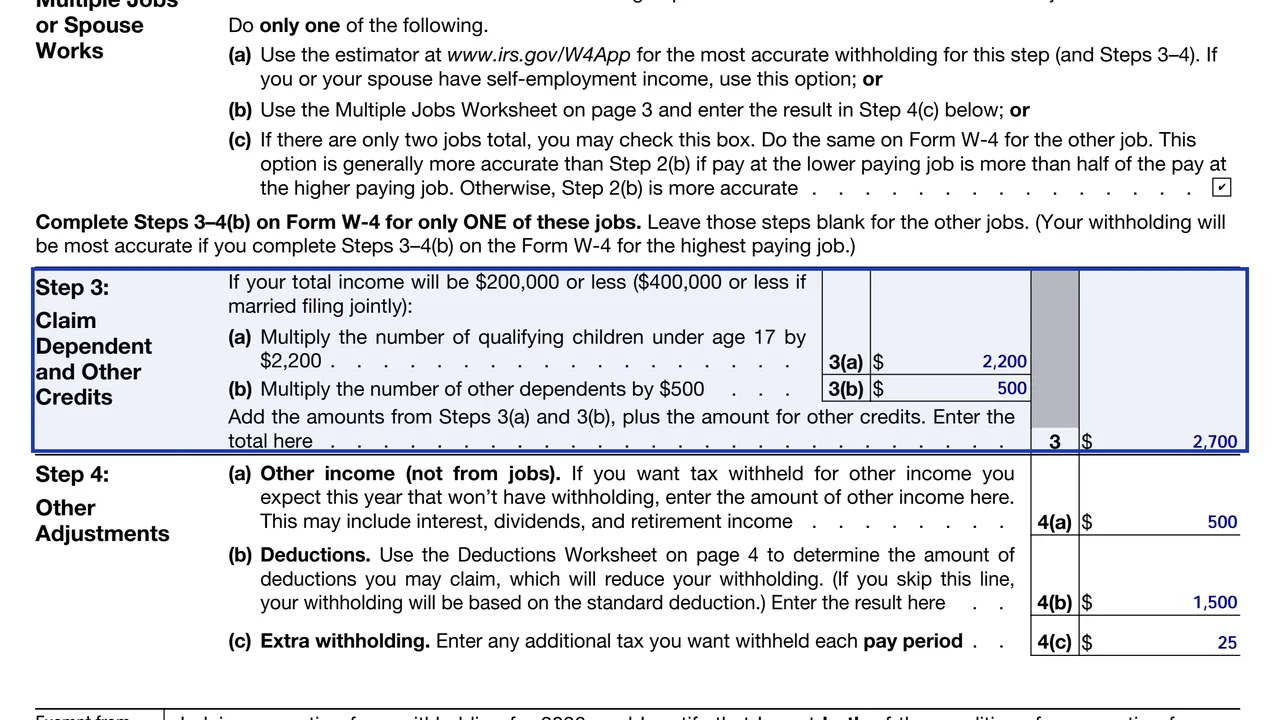
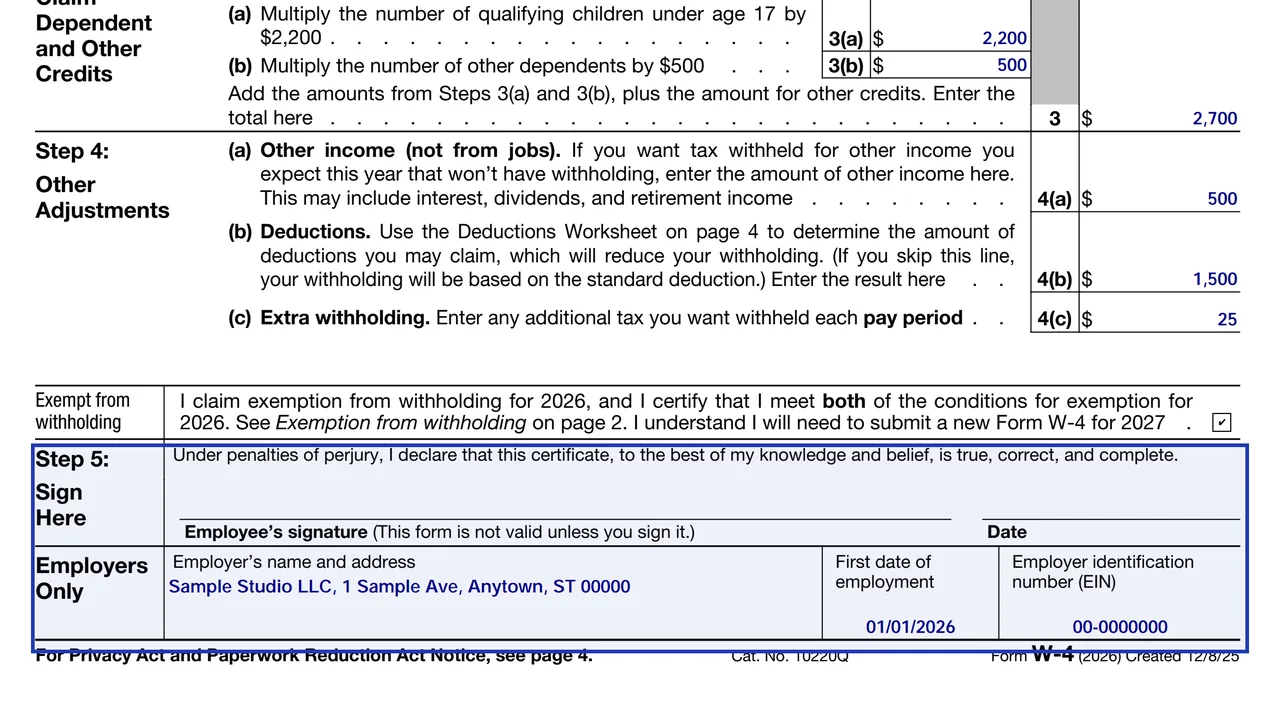
Line 3(a) multiplies qualifying children under 17 by $2,200 and line 3(b) multiplies other dependents by $500, then adds other credits. It applies when your total income will be $200,000 or less ($400,000 or less if married filing jointly).
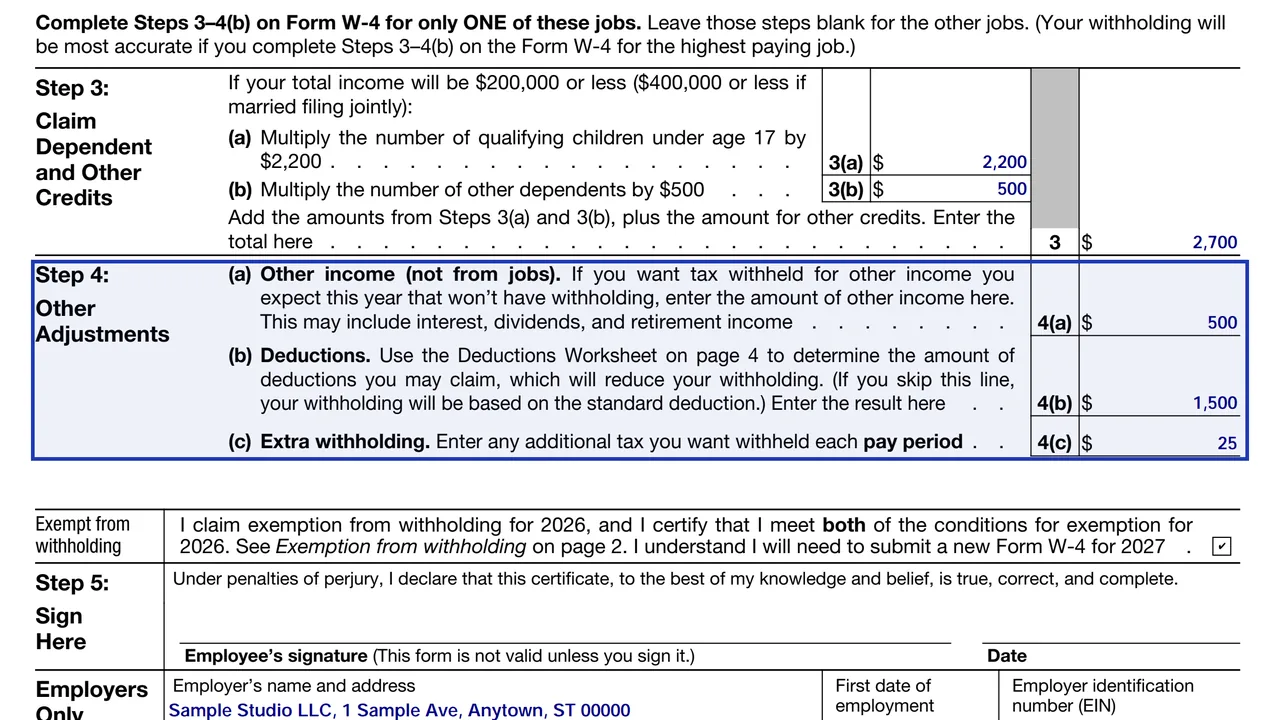
4(a) other income not from jobs, 4(b) deductions from the Deductions Worksheet on page 4, and 4(c) extra withholding per pay period.
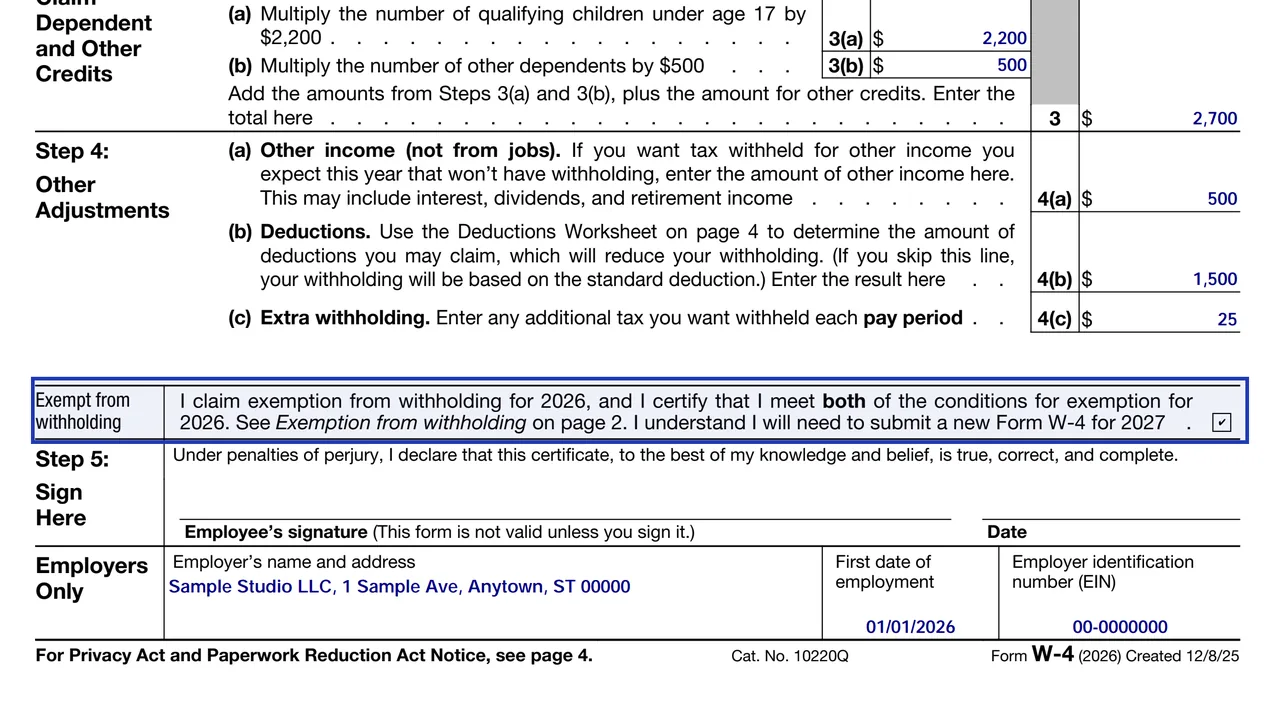
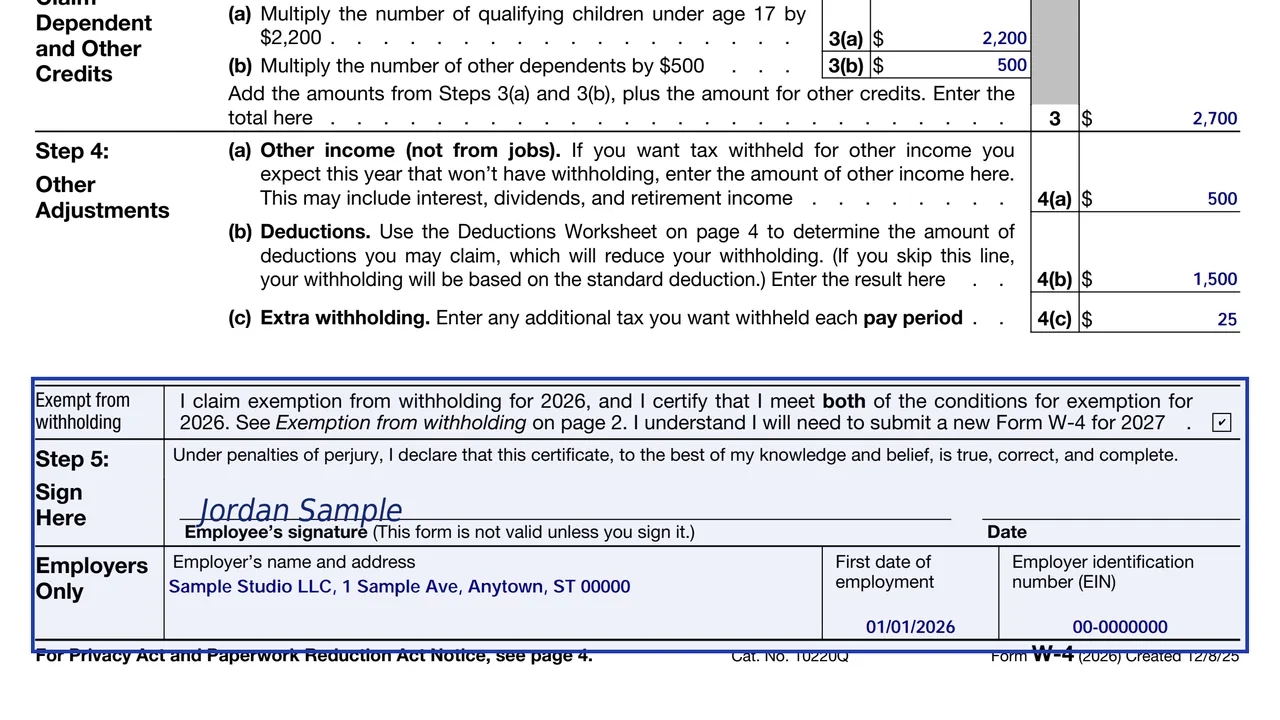
A box for employees who certify they meet both conditions for exemption for 2026.
Your signature and date. The form is not valid unless you sign it. The bottom block is for the employer: name, address, first date of employment and EIN.
The Multiple Jobs Worksheet and the Deductions Worksheet are for your records. You enter only the result on the form.
Enter your first name and middle initial, last name, address and Social Security number. Your name should match your Social Security card. If it does not, the form says to contact the Social Security Administration so your earnings are credited.
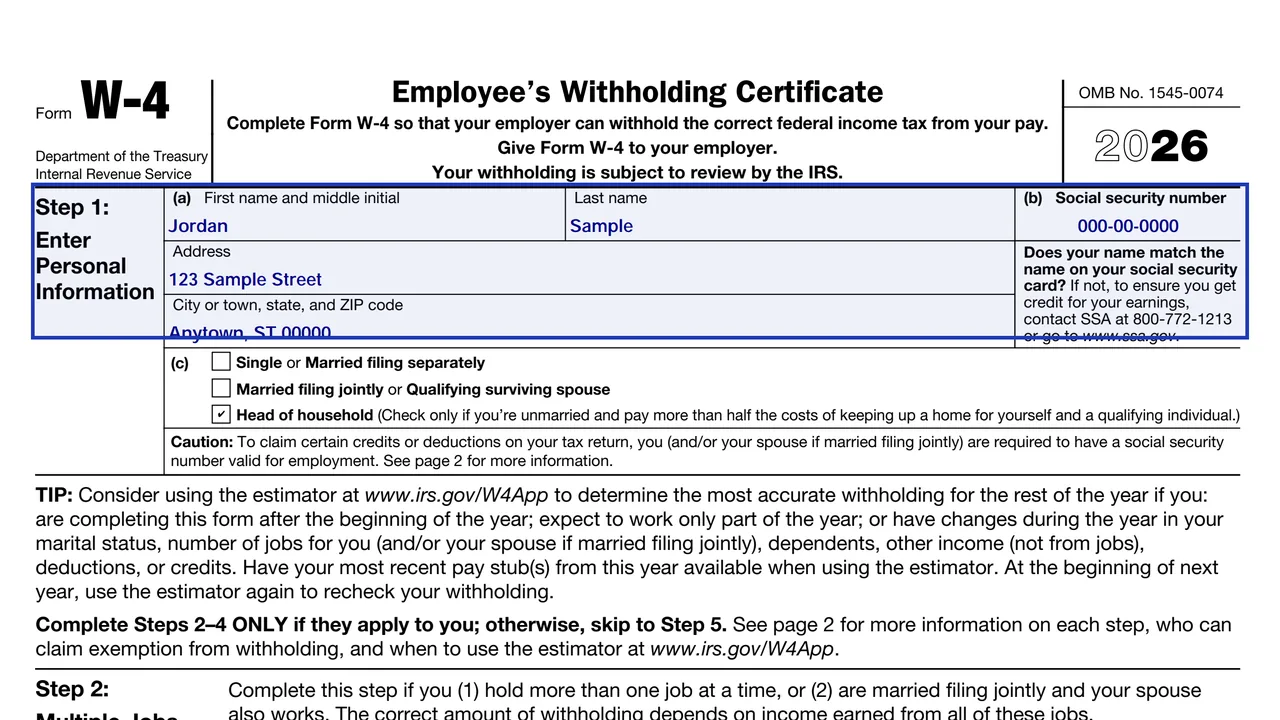
Check one filing status. Head of household is for unmarried people who pay more than half the costs of keeping up a home for themselves and a qualifying individual.
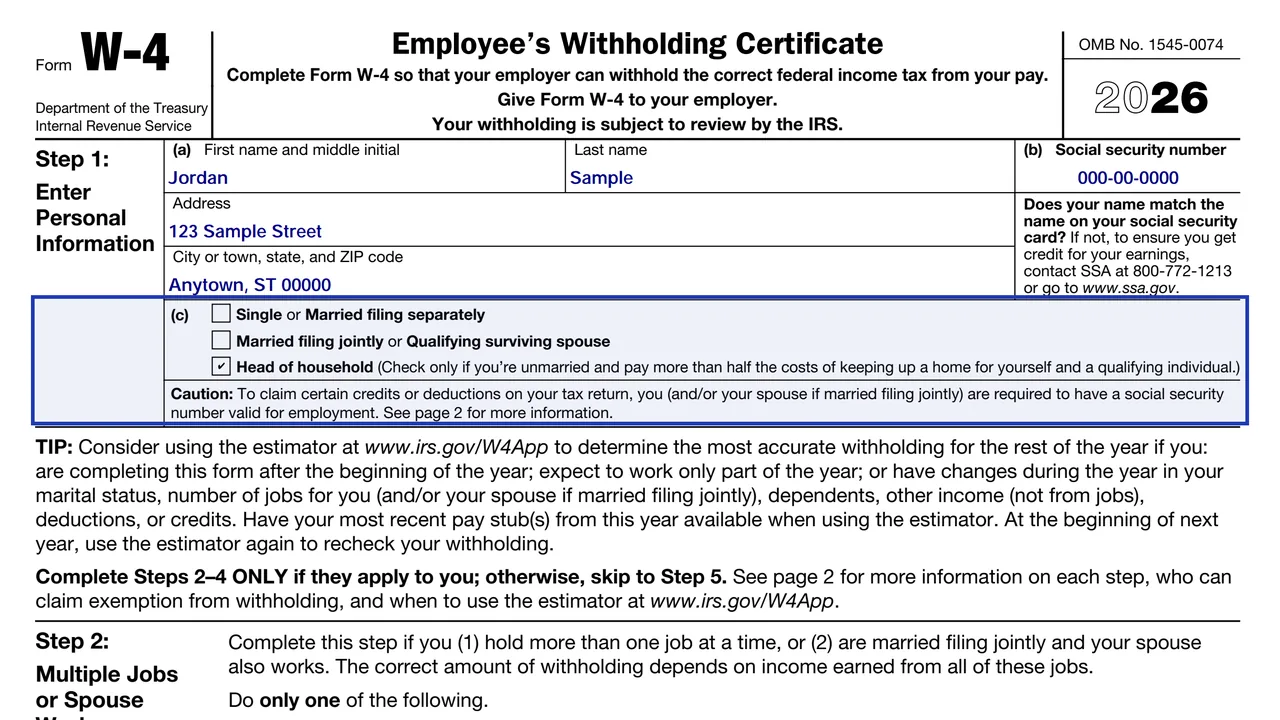
Choose one option. The estimator is the most accurate and is the one to use with self-employment income. If you use the Step 2(c) checkbox, the same box must be checked on the W-4 for your other job.
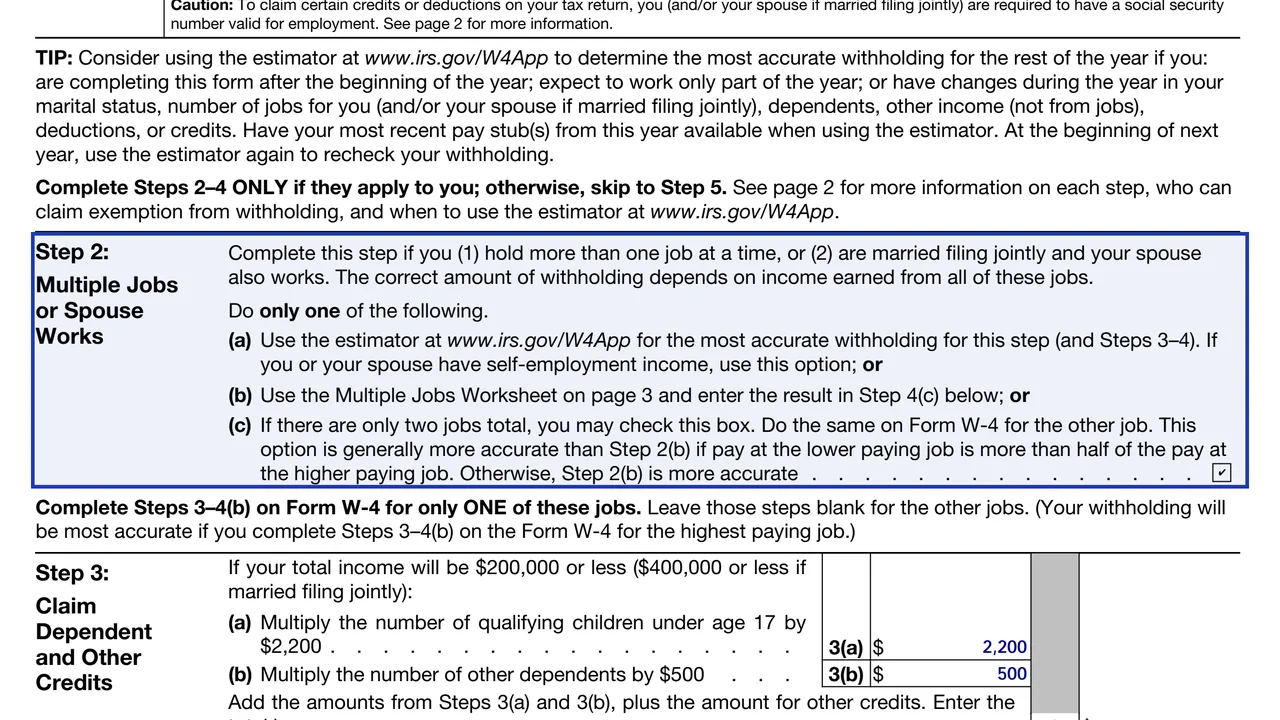
With multiple jobs, fill in Steps 3 through 4(b) on only one W-4. The form says withholding is most accurate on the one for the highest paying job.
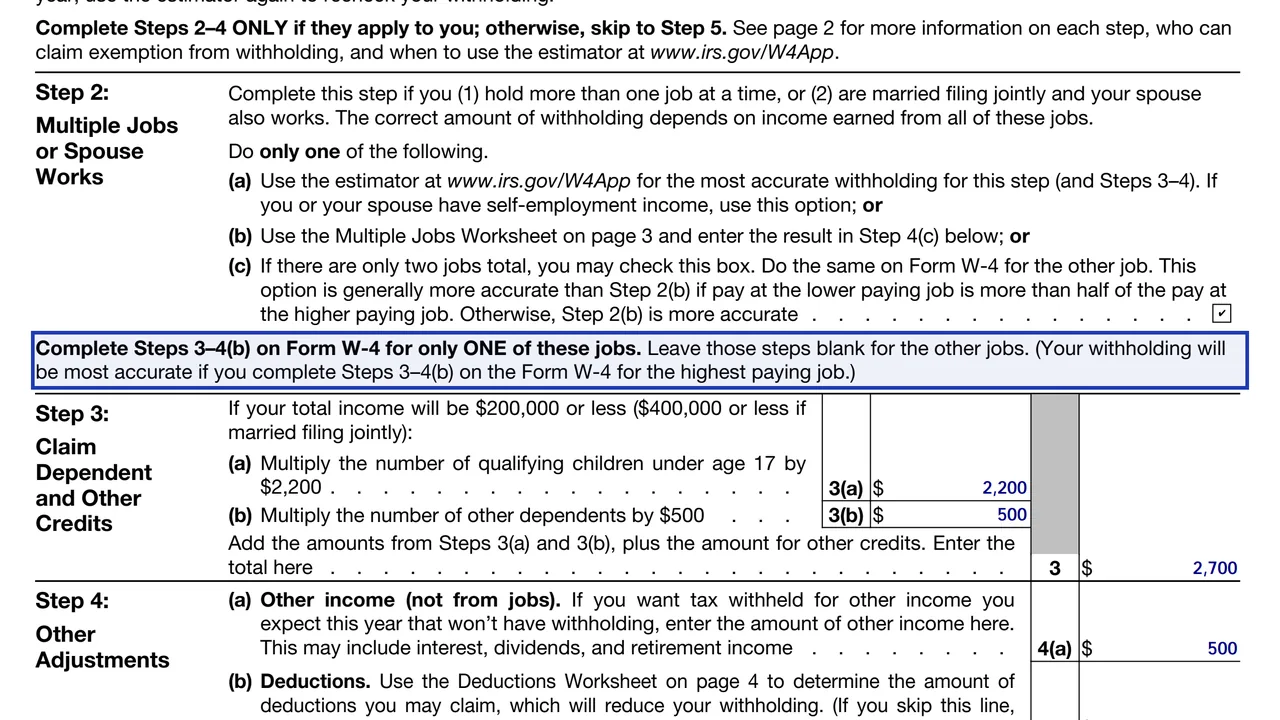
Enter the dollar amount for qualifying children under 17 on line 3(a) and for other dependents on line 3(b). Add any other credits you expect, such as education credits, and enter the total on the Step 3 line.
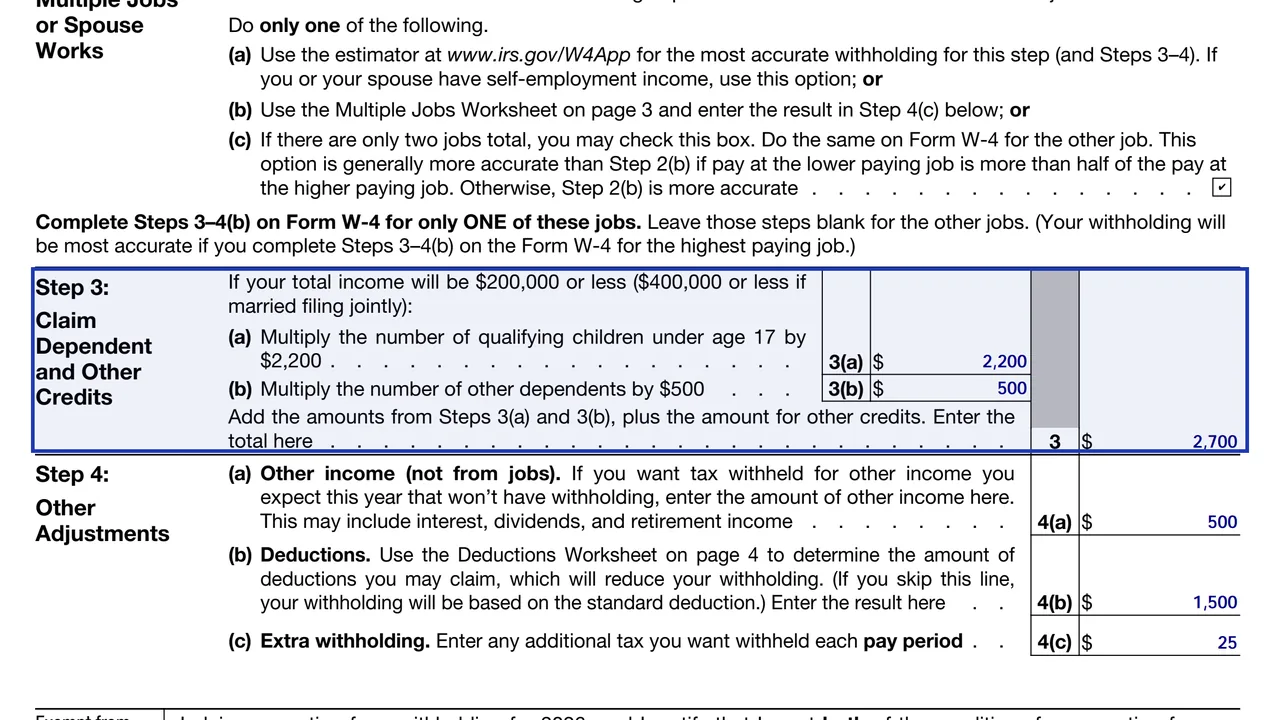
Enter other expected income, such as interest, dividends or retirement income. Do not include income from jobs or self-employment.
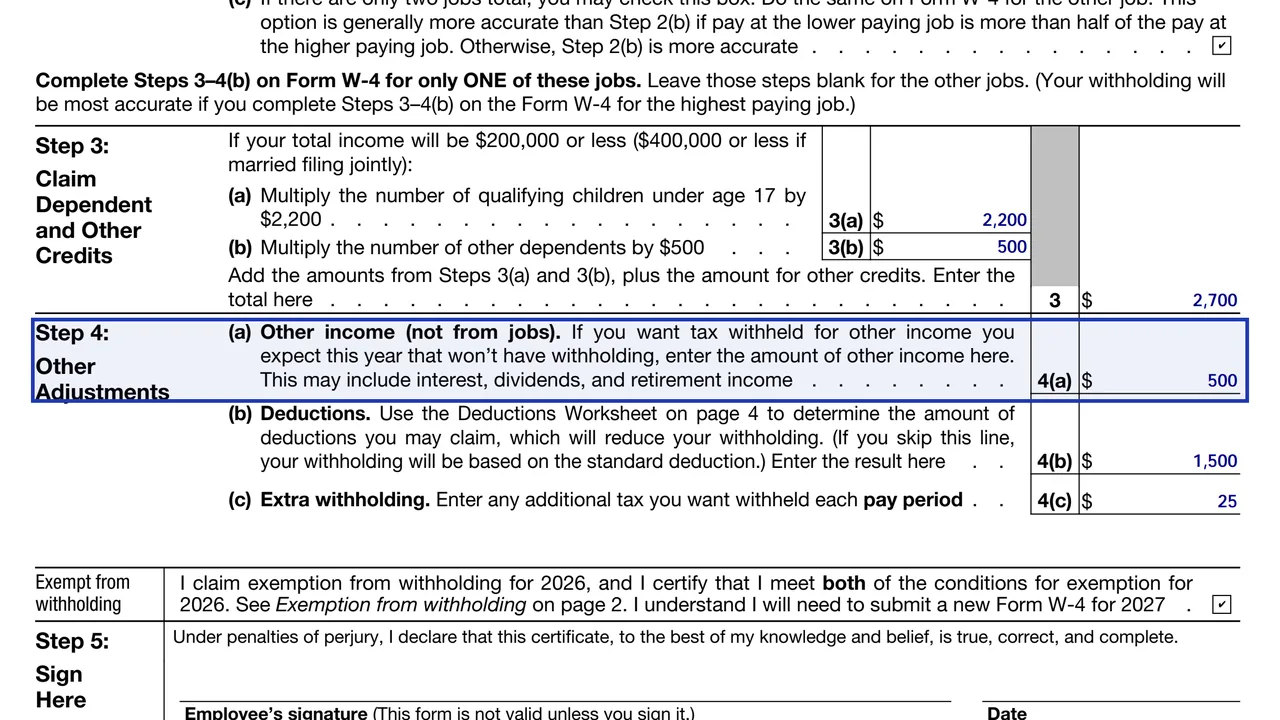
If you expect deductions beyond the standard deduction, complete the Deductions Worksheet and enter line 15 here. If you skip it, withholding uses the standard deduction.
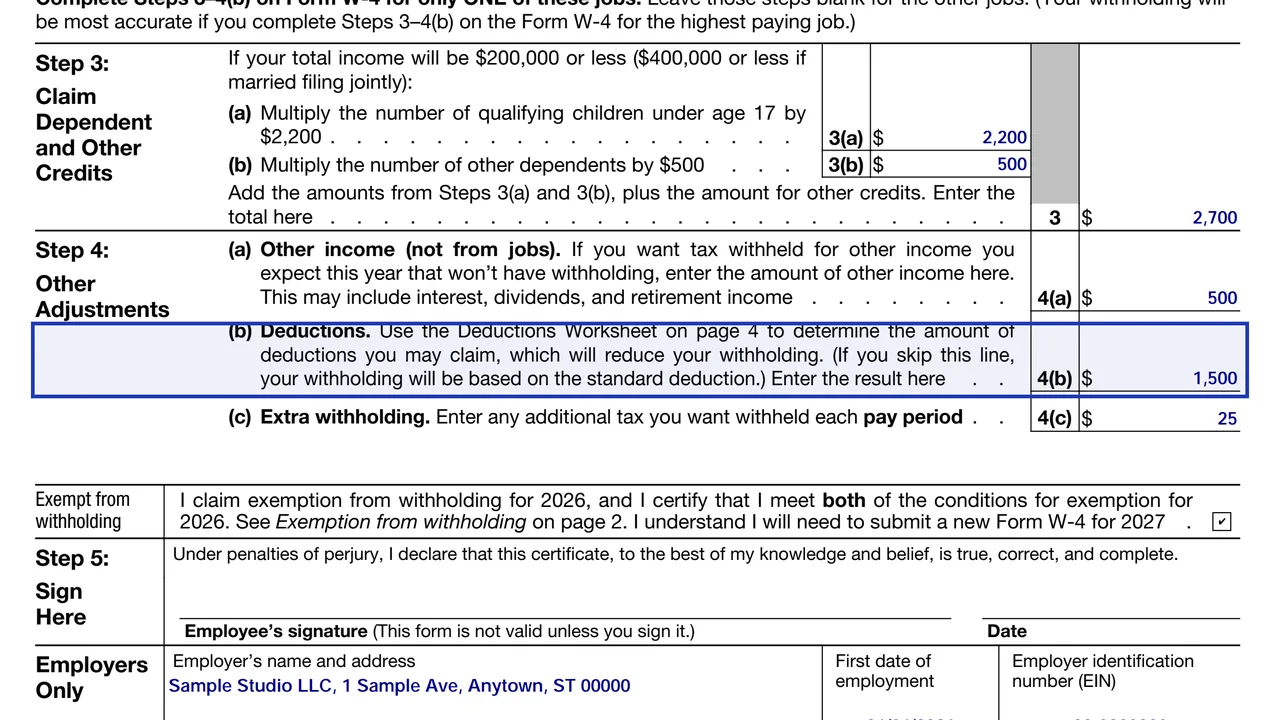
Enter any extra amount you want withheld each pay period. This reduces your paycheck and raises your refund or lowers what you owe.
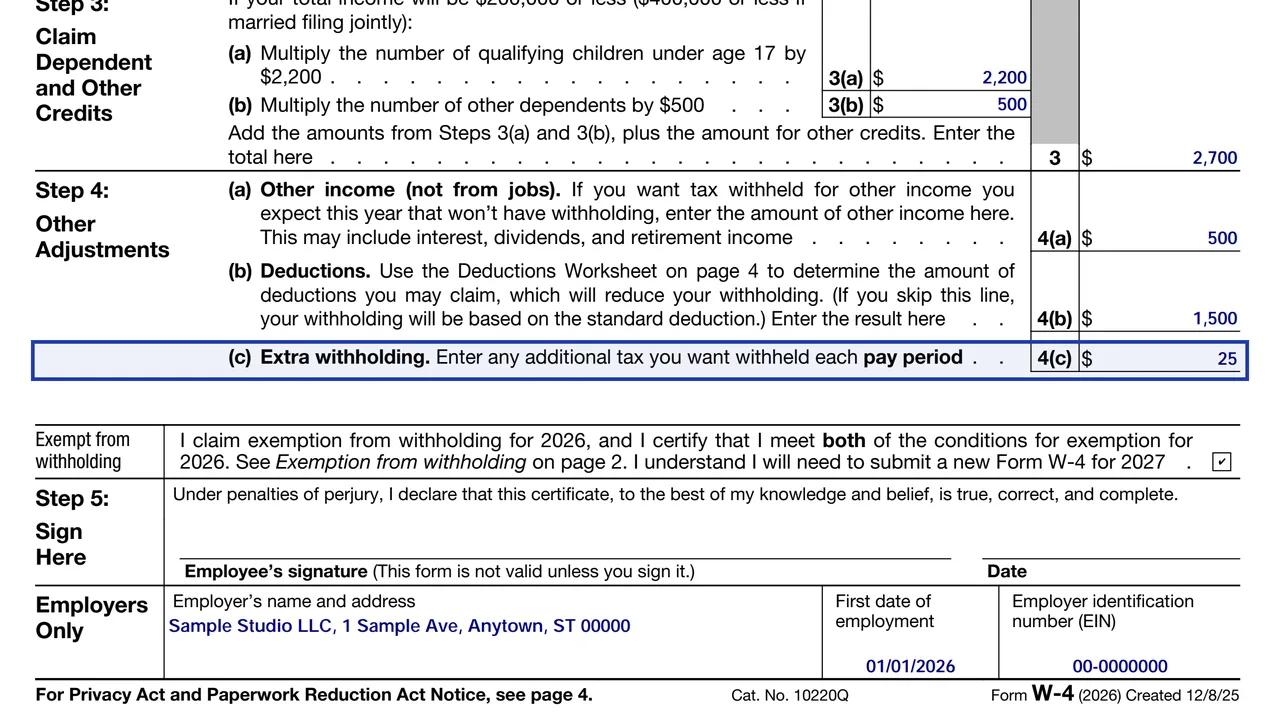
To claim exemption, check the box, complete only Steps 1(a), 1(b) and 5, and leave everything else blank. Then sign and date.
You get the real form, filled in a browser tab, with nothing standing between you and the finished PDF.
Give Form W-4 to your employer, not the IRS. Your employer uses it to calculate withholding.
Submit a new W-4 when changes in your personal or financial situation would change your entries. The IRS page recommends completing a new form each year. The Tax Withholding Estimator at irs.gov/W4App helps check your numbers, and the form suggests re-checking at the start of each year.
An exemption claimed for 2026 expires. The form says you will need to submit a new W-4 by February 16, 2027 to keep it going.
You must have had no federal income tax liability in 2025 and expect none in 2026. Exempt employees have no income tax withheld and may owe tax and penalties at filing.
Filling out Steps 3 and 4(b) on every job's form, forgetting to sign, entering income from jobs in Step 4(a), skipping the checkbox on the second W-4 in Step 2(c), and not updating the form after a life change.
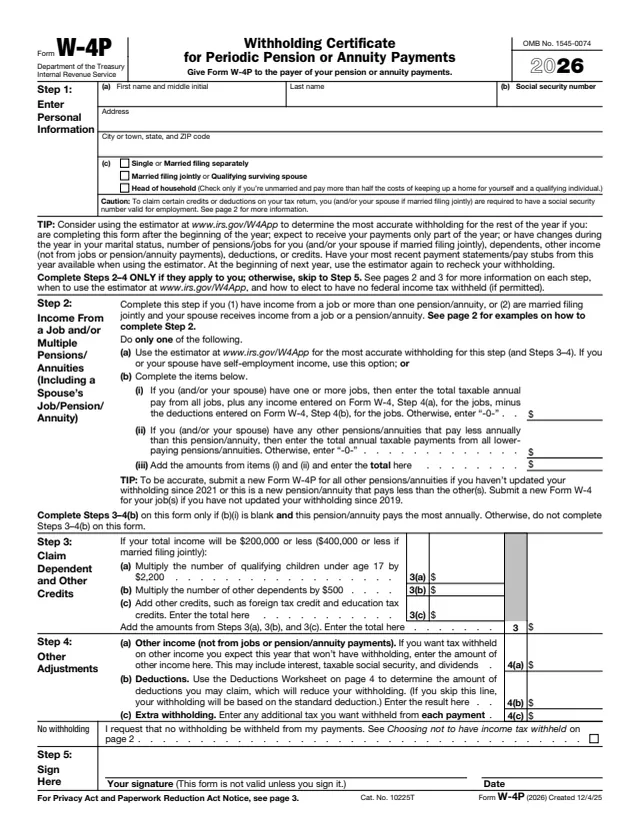
W-4P
44 fields, 4 pages
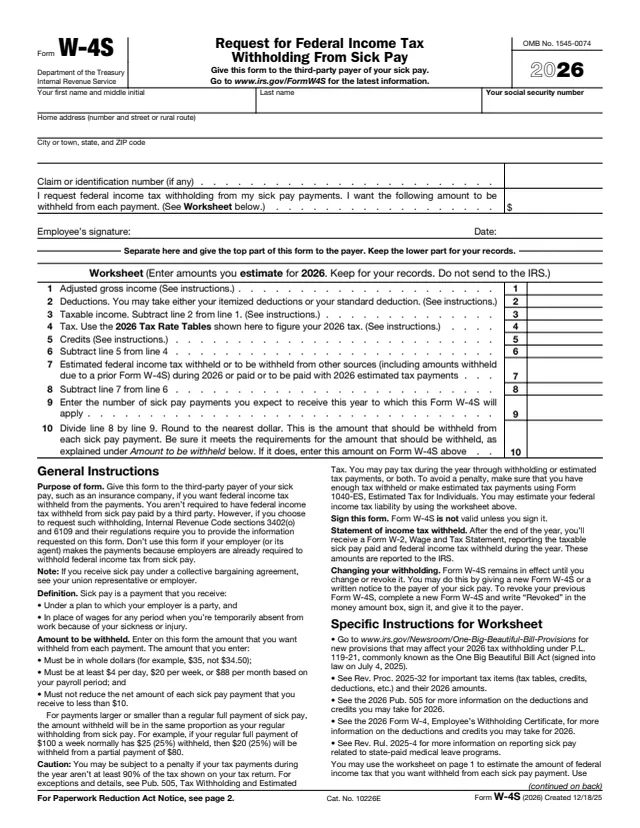
W-4S
17 fields, 2 pages
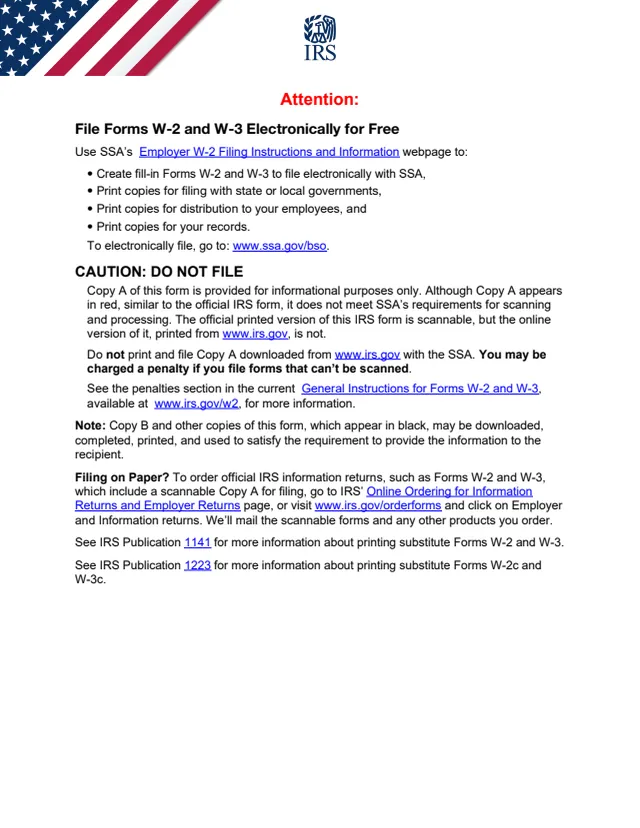
W-2
568 fields, 11 pages
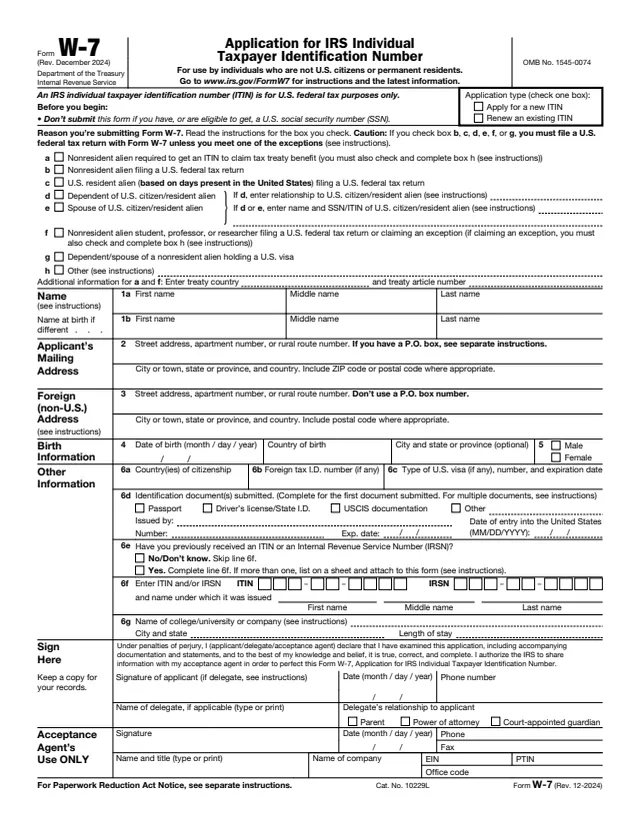
W-7
69 fields, 1 page
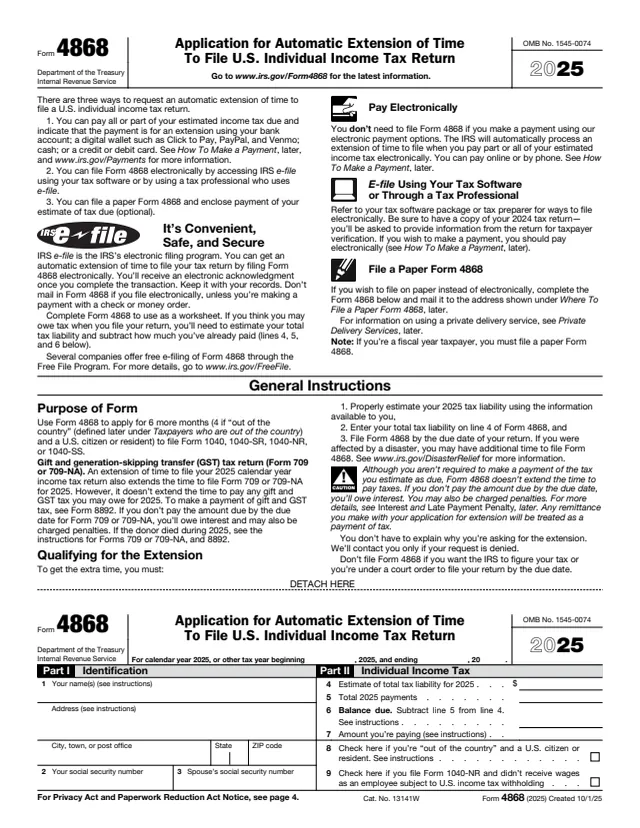
4868
17 fields, 4 pages
Any employee whose employer withholds federal income tax from wages.
No tool matches that search.
No. You give it to your employer. The employer uses it to withhold federal income tax from your pay.
The form says to complete a new one when changes to your personal or financial situation would change your entries. The IRS page recommends a new form each year.
The form's privacy notice says that failing to provide a properly completed form results in your being treated as a single person with no other entries.
No. The form says to complete Steps 2 to 4 only if they apply to you, then sign in Step 5. Steps 1 and 5 are always needed.
Only if you had no federal income tax liability in 2025 and expect none in 2026. You must submit a new form by February 16, 2027 for the exemption to continue.
Use Step 2 on each job's form. You can use the estimator, the Multiple Jobs Worksheet, or the two-job checkbox, which must be checked on both forms.