W-13
ExSTARS Reporting Information Request for Employer Identification Number and Certification
- Agency
- IRS
- Fillable fields
- 17
- Pages
- 2
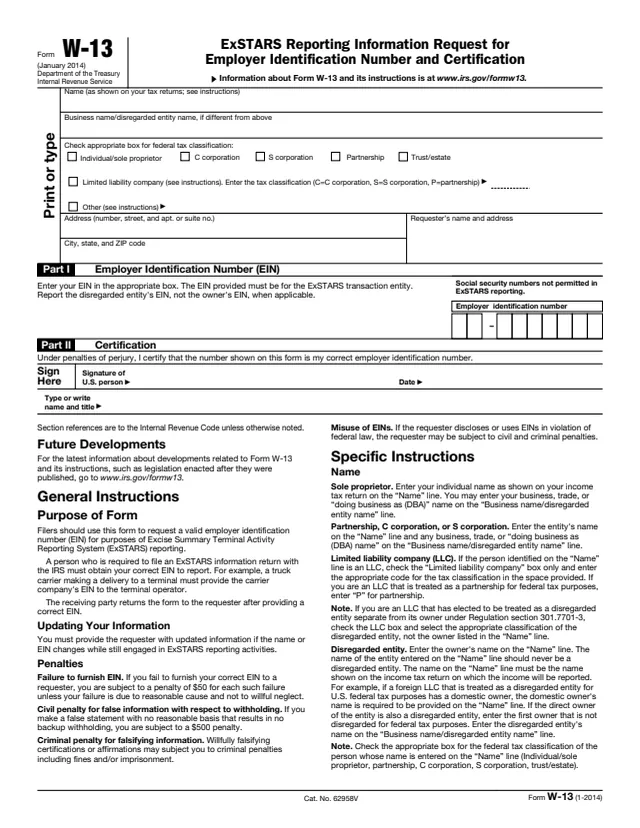
Form W-13: ExSTARS Reporting Information Request for Employer Identification Number and Certification
ExSTARS Reporting Information Request for Employer Identification Number and Certification
How to fill out Form W-13 online
- 1
Open the form
Press Fill W-13 online. The official form opens in your browser, ready to type into.
- 2
Fill in the fields
Click a field and type. Move through the form at your own pace, nothing is sent anywhere until you choose.
- 3
Download or print
Save the filled form as a PDF or print it. You do not need an account to download it.
Why fill Form W-13 on indox
You get the real form, filled in a browser tab, with nothing standing between you and the finished PDF.
- Fill the form right in your browser, no software to install
- Free to fill and free to download, with no account
- The official blank straight from the IRS, not a copy someone retyped
- Works on a phone, tablet or computer
More forms in Excise tax
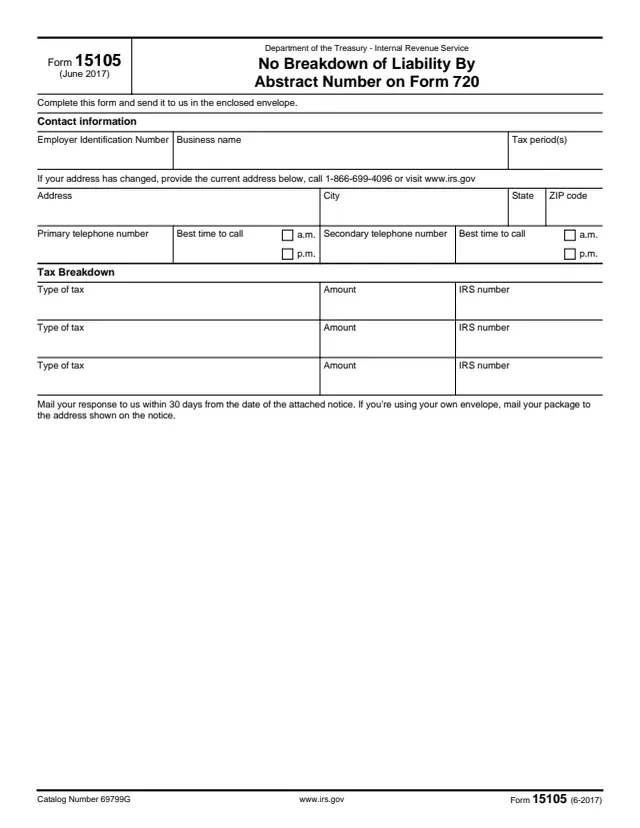
15105
No Breakdown of Liability By Abstract Number on Form 720
24 fields, 1 page
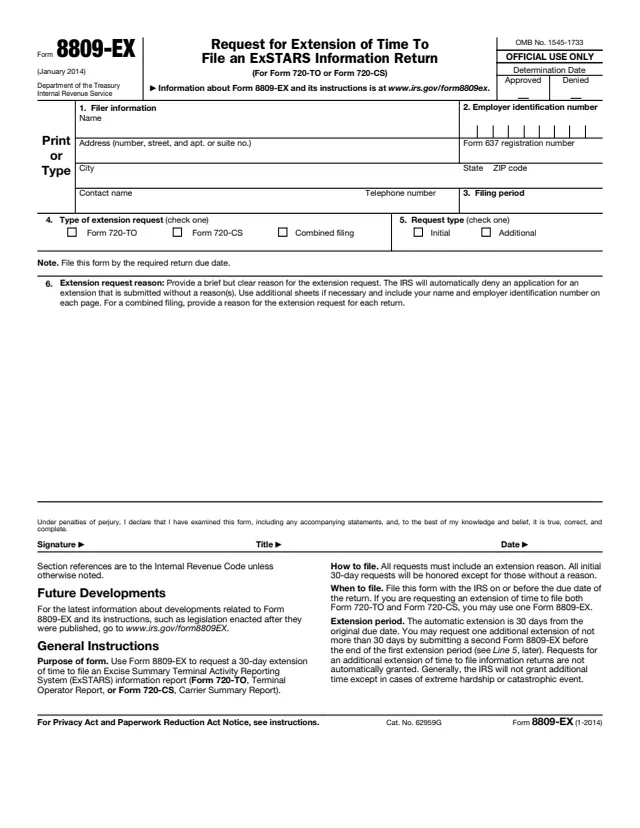
8809-EX
Request for Extension of Time To File an ExSTARS Information Return
19 fields, 2 pages
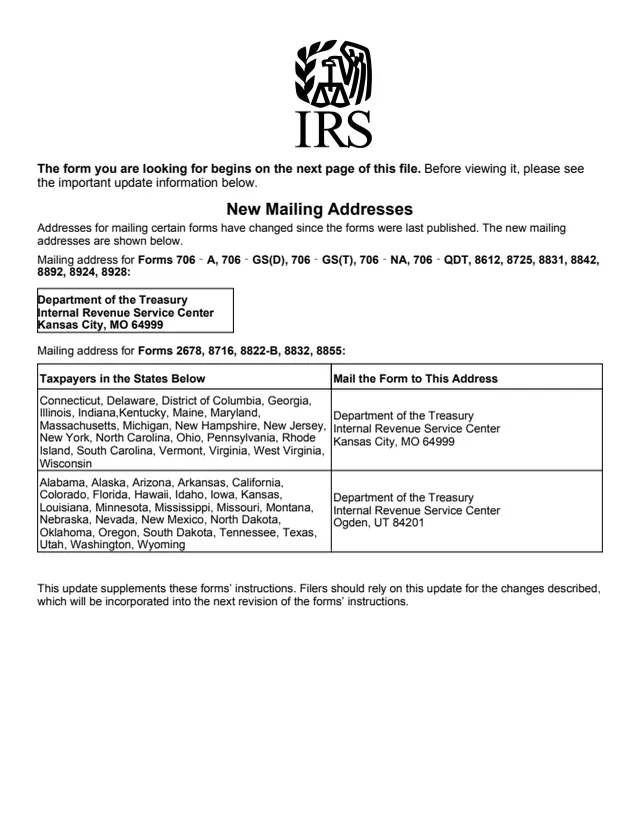
8831
Excise Taxes on Excess Inclusions of REMIC Residual Interests
27 fields, 5 pages
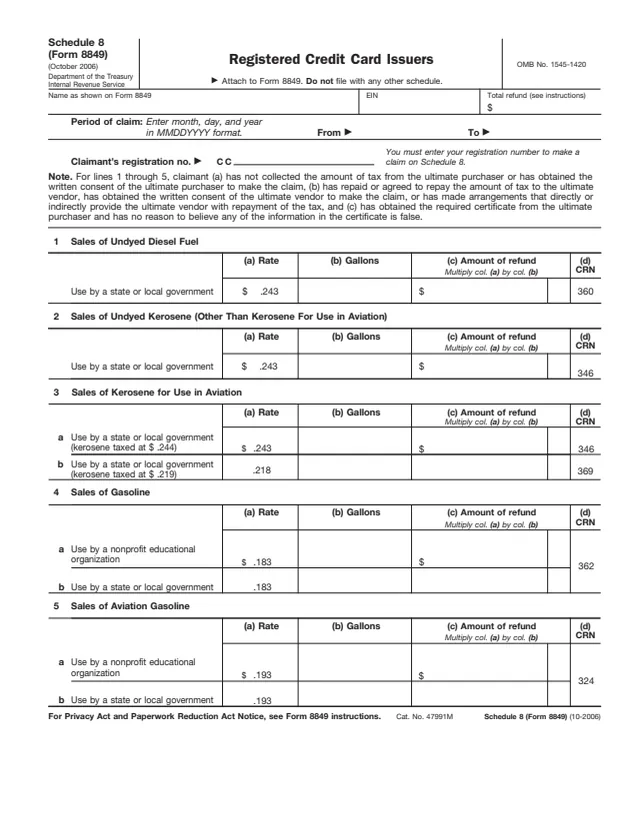
8849
Registered Credit Card Issuers
30 fields, 2 pages
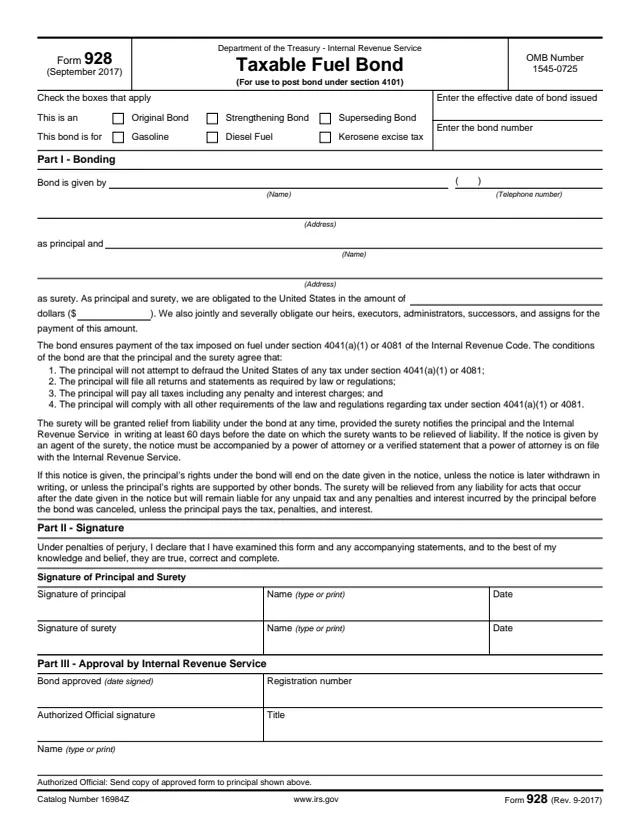
928
Taxable Fuel Bond
27 fields, 2 pages
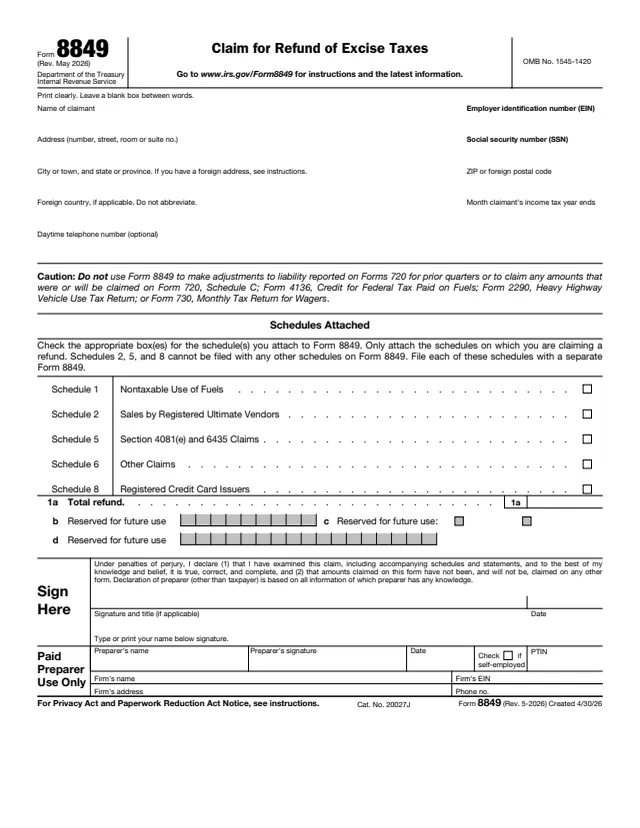
8849
Claim for Refund of Excise Taxes
27 fields, 4 pages
Do it all with indox
No tool matches that search.