I-956G
Regional Center Annual Statement
- Agency
- USCIS
- Revision
- 04/01/24
- Fillable fields
- 237
- Pages
- 15
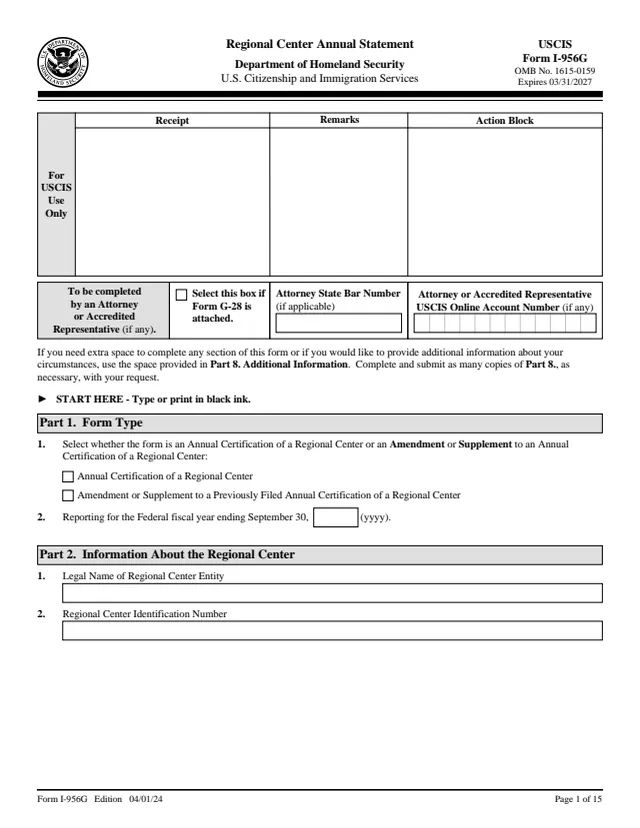
Form I-956G: Regional Center Annual Statement
Designated regional centers use this form to provide required information, certifications and evidence to support their continued eligibility for regional center designation.
How to fill out Form I-956G online
- 1
Open the form
Press Fill I-956G online. The official form opens in your browser, ready to type into.
- 2
Fill in the fields
Click a field and type. Move through the form at your own pace, nothing is sent anywhere until you choose.
- 3
Download or print
Save the filled form as a PDF or print it. You do not need an account to download it.
Why fill Form I-956G on indox
You get the real form, filled in a browser tab, with nothing standing between you and the finished PDF.
- Fill the form right in your browser, no software to install
- Free to fill and free to download, with no account
- The official blank straight from the USCIS, not a copy someone retyped
- Works on a phone, tablet or computer
More forms in Investors & entrepreneurs
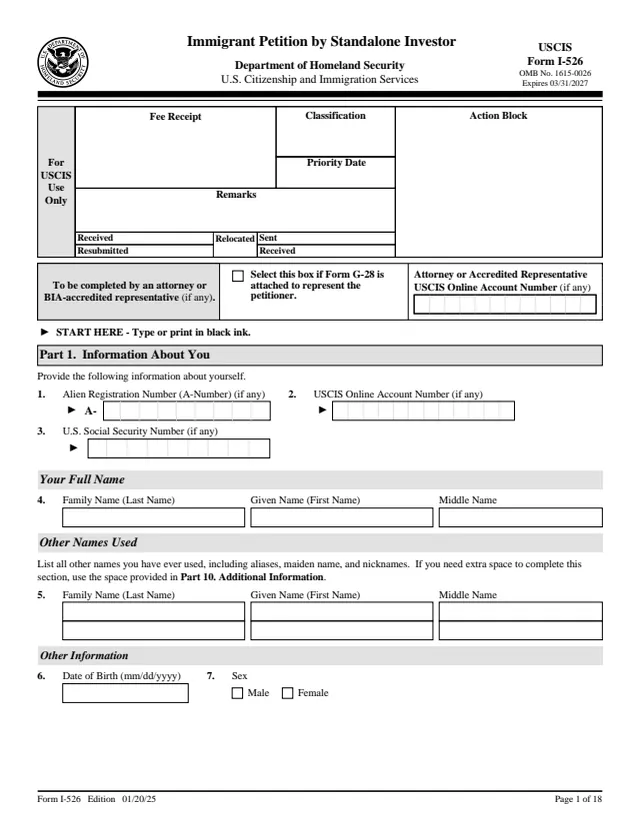
I-526
Immigrant Petition by Standalone Investor
458 fields, 18 pages
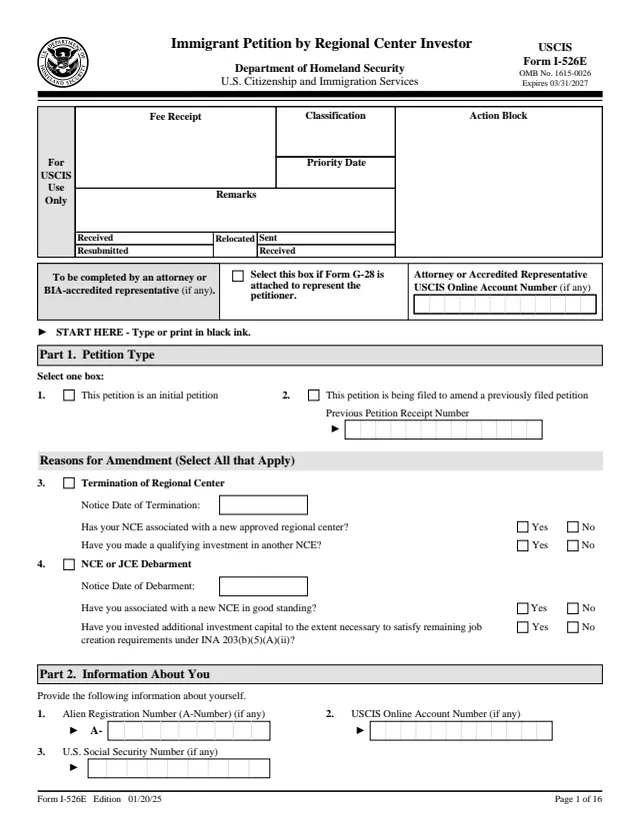
I-526E
Immigrant Petition by Regional Center Investor
442 fields, 16 pages
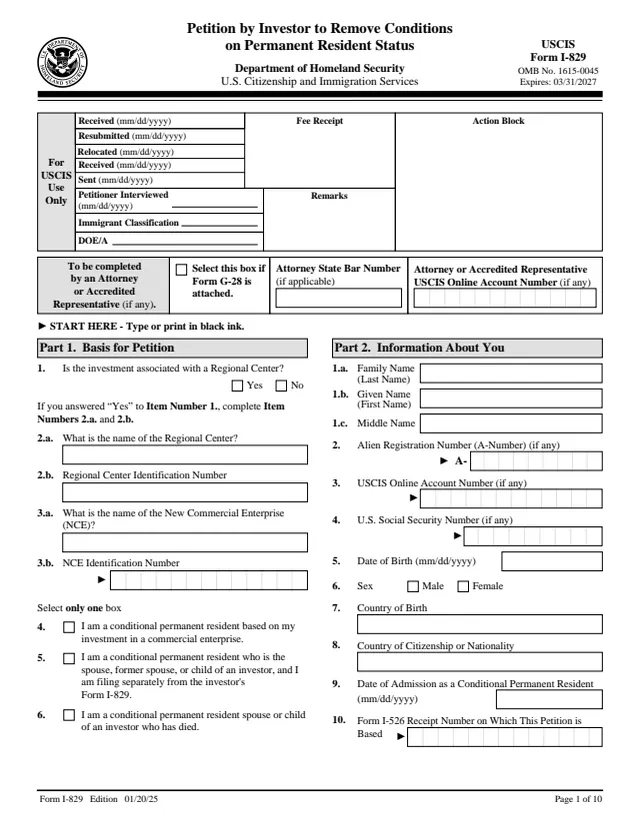
I-829
Petition by Investor to Remove Conditions on Permanent Resident Status
359 fields, 10 pages
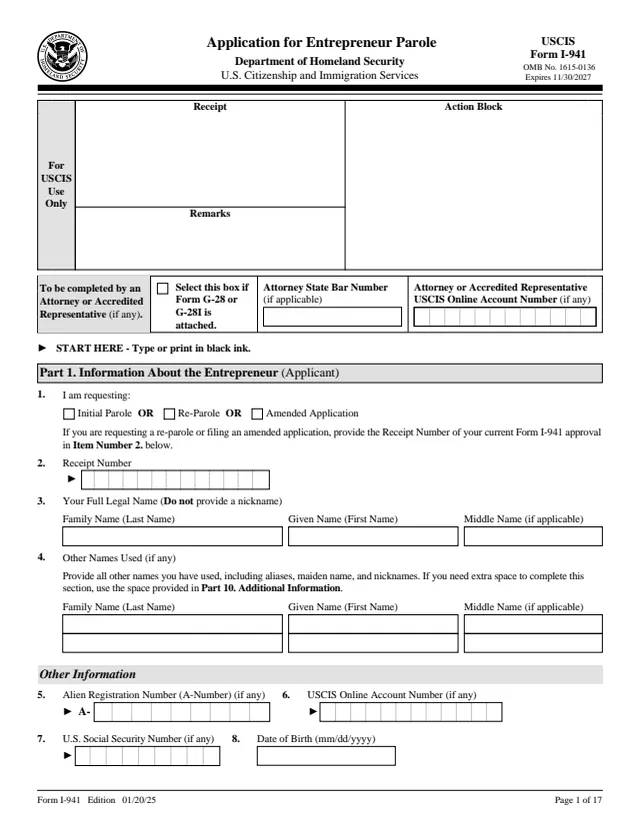
I-941
Application for Entrepreneur Parole
475 fields, 17 pages
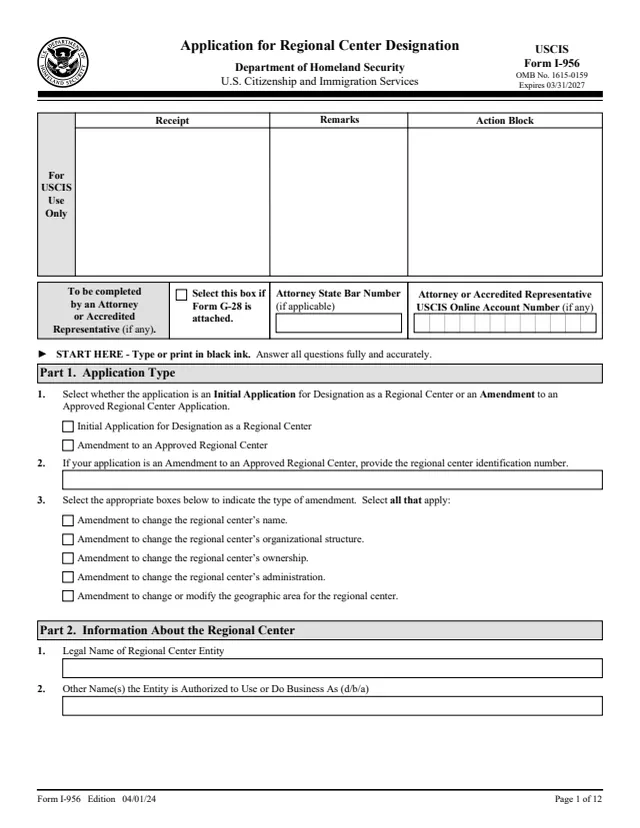
I-956
Application for Regional Center Designation
169 fields, 12 pages
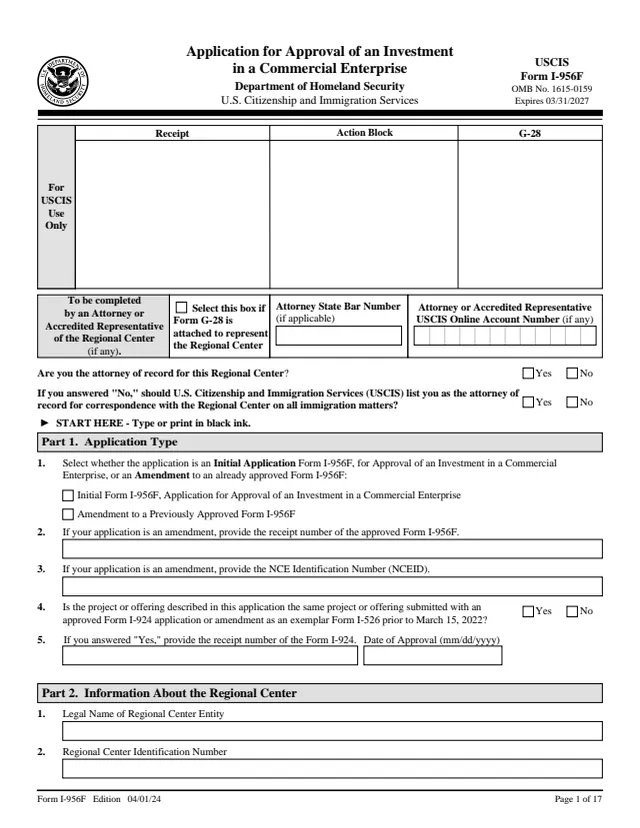
I-956F
Application for Approval of an Investment in a Commercial Enterprise
318 fields, 17 pages
Do it all with indox
No tool matches that search.