The video is copied, not re-encoded
In our test the MKV held exactly the same compressed video as the TS. The decoded video was identical for an H.264 recording, and every MPEG-2 packet matched for a second recording.
You get an MKV that holds the same video as your TS recording, usually copied without re-encoding, in a container that seeks and imports more reliably.
To convert ts to mkv, add the TS file, keep MKV as the output and download the result. In our test the video was copied into the MKV without re-encoding, so the picture is identical and the file was 12% to 17% smaller. The converter keeps one video and one audio track, so a recording with several languages loses the others.
Transfers use HTTPS, and files converted on the free tier are deleted after 24 hours, so the result is not a long-term archive. Quality depends on the source file, so open the MKV file once before you share it.
TS (MPEG transport stream)
A video container, not TypeScript code, defined in ISO/IEC 13818-1 (ITU-T H.222.0) for broadcast. It splits audio and video into fixed 188-byte packets, each starting with a sync byte, so a player can recover after transmission errors. It is used by DVB, ATSC and IPTV recordings, DVR and PVR captures, and HLS segments. One file can hold several programs and audio tracks, usually with MPEG-2 or H.264 video, and many phones and editors will not open it directly.
MKV (Matroska Video)
An open container from the Matroska project that can hold many codecs, audio tracks, subtitle tracks and chapters. It is a common choice for recordings that go into a media library such as Plex or Jellyfin, or into an editor.
Two 10-second test recordings made by us, each with two audio tracks, converted on indox.org
In our test the MKV held exactly the same compressed video as the TS. The decoded video was identical for an H.264 recording, and every MPEG-2 packet matched for a second recording.
A transport stream wraps everything in small fixed packets so it survives transmission errors. A file on your disk does not need that. In our test the MKV was 16.7% smaller for one recording and 12.0% smaller for the other.
The test recordings were H.264 with AAC and MPEG-2 with AC-3. Both came out with the same codecs, and the AC-3 5.1 track was not converted to anything else.
Our 10-second clips stayed 10.0 seconds long and the 640 by 360 picture kept its size. The converter does not rescale or change the frame rate unless you ask for it.
Drop the .ts recording on the box or choose it from your device. Keep the original until you have checked the MKV, especially if it holds several audio languages.
Check that MKV is the output format and start the conversion. In our test a 10-second recording took 4.8 seconds from the click to Completed, and the other took 4.3 seconds.
Save the MKV and open it in a player that lists audio tracks, such as VLC. Make sure the language you need is the one that was kept.
You hand over a TS recording and take away an MKV with the original video, without installing anything. The page tells you up front which part of the file is copied and which part is dropped, so you do not find out after you delete the TS.
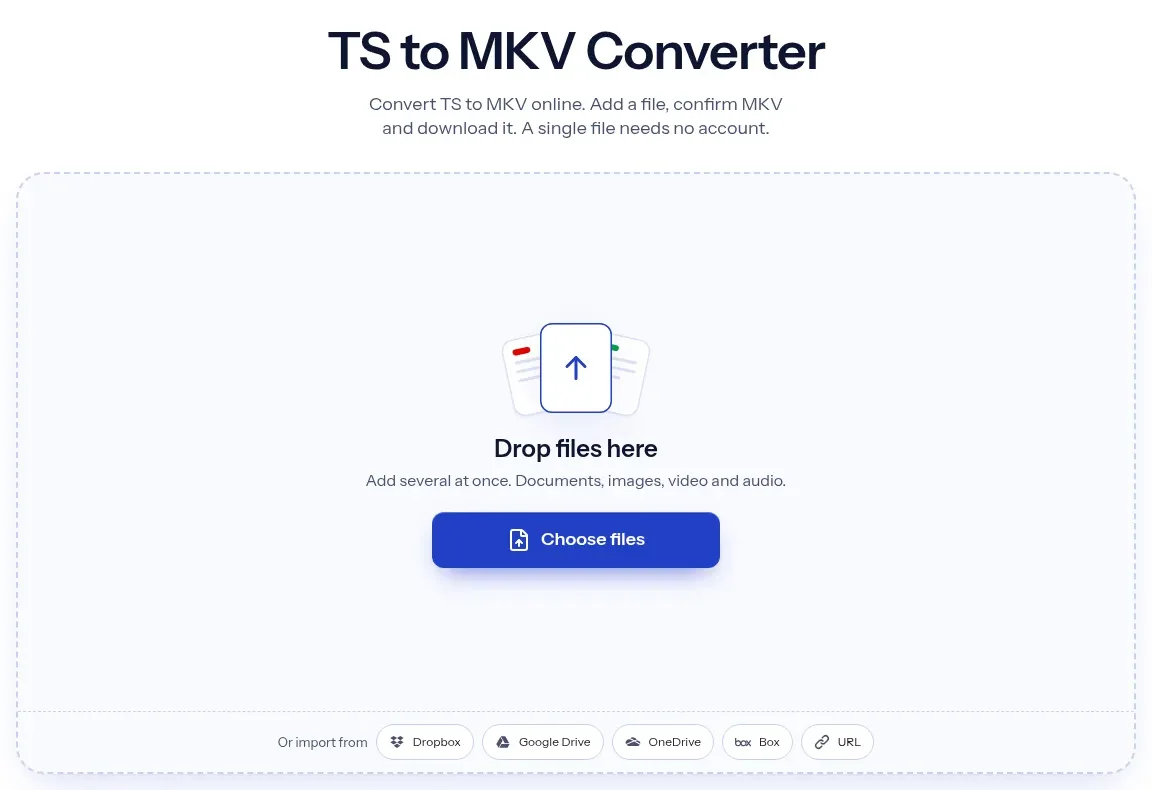
The upload box shows the live size limit before you add a file. Signing in raises it; a paid plan does not change it.
TS in, MKV out. Pick another output on the converter if you need a different format.
Files are encrypted in transit over HTTPS and processed on indox infrastructure.
Free-tier files are kept for 24 hours after the job finishes, then deleted automatically.
| What you see | Why | What to do |
|---|---|---|
| The page rejects the .ts file | Some browsers report .ts as a text type; Chromium on Linux did in our test | Try another browser or system, or use FFmpeg locally |
| Only one language is in the MKV | The converter keeps one audio track | Keep the TS, or use MKVToolNix to select all tracks |
| The sound drifts from the picture | The recording had dropouts or timing errors | Repair the TS first with a tool made for that, then convert |
| Your TV will not play the MKV | Some TVs do not support MKV | Use TS to MP4 instead |
| You need the sound only | The MKV still holds the picture | Use TS to MP3 on the original |
| Compared on | TS | MKV |
|---|---|---|
| Purpose | Broadcast and recording; made to survive transmission errors | General storage and playback; made to hold many tracks |
| Standard | ISO/IEC 13818-1 (ITU-T H.222.0) | Matroska specification, an open format |
| Tracks | Several programs and audio tracks, with limited indexing | Many audio, subtitle and video tracks, chapters and attachments |
| Seeking | Often slow, because there is no index | Indexed, so players jump to a point quickly |
| Converting between them | The streams can be copied into MKV | In this converter one video and one audio track are kept |
Facts checked on November 4, 2026
No tool matches that search.
Add the .ts file to the converter in your browser, keep MKV as the output and download the result. Nothing is installed. In our test a 10-second recording took 4.8 seconds from the click to Completed.
In our test it did not. The video was copied instead of re-encoded, and the decoded video of an H.264 recording was identical to the source. The converter can fall back to re-encoding when copying fails, so check the result.
Copied in both of our tests. For the H.264 recording the decoded video matched the source and all 250 video packets were present. For the MPEG-2 recording the video packets matched exactly.
No. One audio track is kept. In our test a recording with English and French stereo kept the English track, and a recording with stereo and 5.1 kept the 5.1 track and dropped the stereo one. The track with the most channels wins, and the first one wins a tie.
We did not test them, because our test files could not carry text subtitles. Treat subtitles as possibly lost until you have opened the MKV and checked.
No. TS on this page is a video container, the MPEG transport stream used for broadcast and recordings. TypeScript code files are not video and cannot be converted here.
Some browsers label .ts files as a text type instead of video. In our test Chromium on Linux did this and the page rejected the file. If it happens to you, try another browser or system, or use FFmpeg on your own computer.
We saw none in four anonymous conversions on 4 November 2026, and we are not promising one. Large recordings take longer, and your connection may be the slowest part.