Section A items 1 to 8: retiree and annuity
Name, date of birth, Social Security number, mailing address, plan or system under which retired, retirement claim number, annuity commencing date, and whether the employee retired on an immediate annuity.
SF2820
Certificate of Insured Employee's Retirement Status
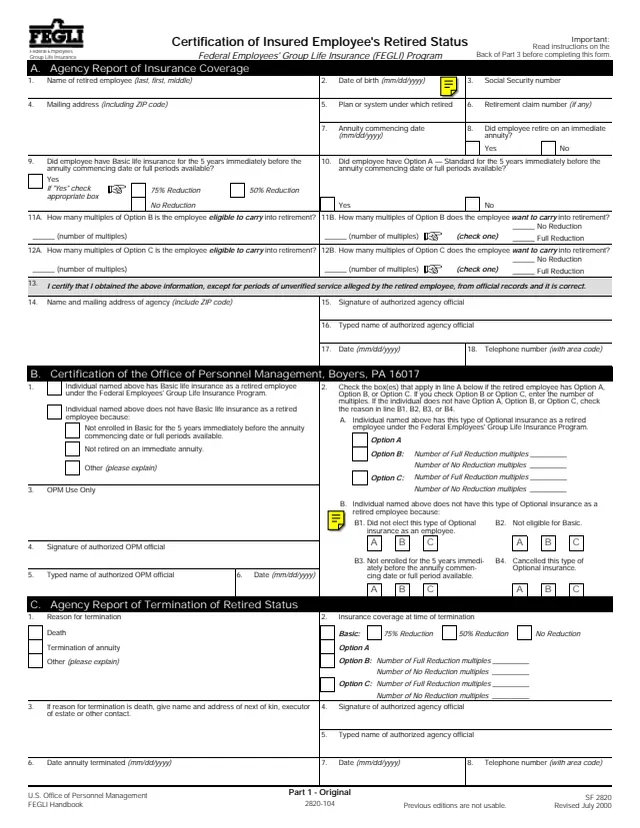
Standard Form 2820 (SF 2820), Certification of Insured Employee's Retired Status, is a Federal Employees' Group Life Insurance (FEGLI) Program form. Its footer names the U.S. Office of Personnel Management (OPM) and the FEGLI Handbook, Revised July 2000. GSA hosts a copy in its forms library, where it is listed as Certificate of Insured Employee's Retirement Status.
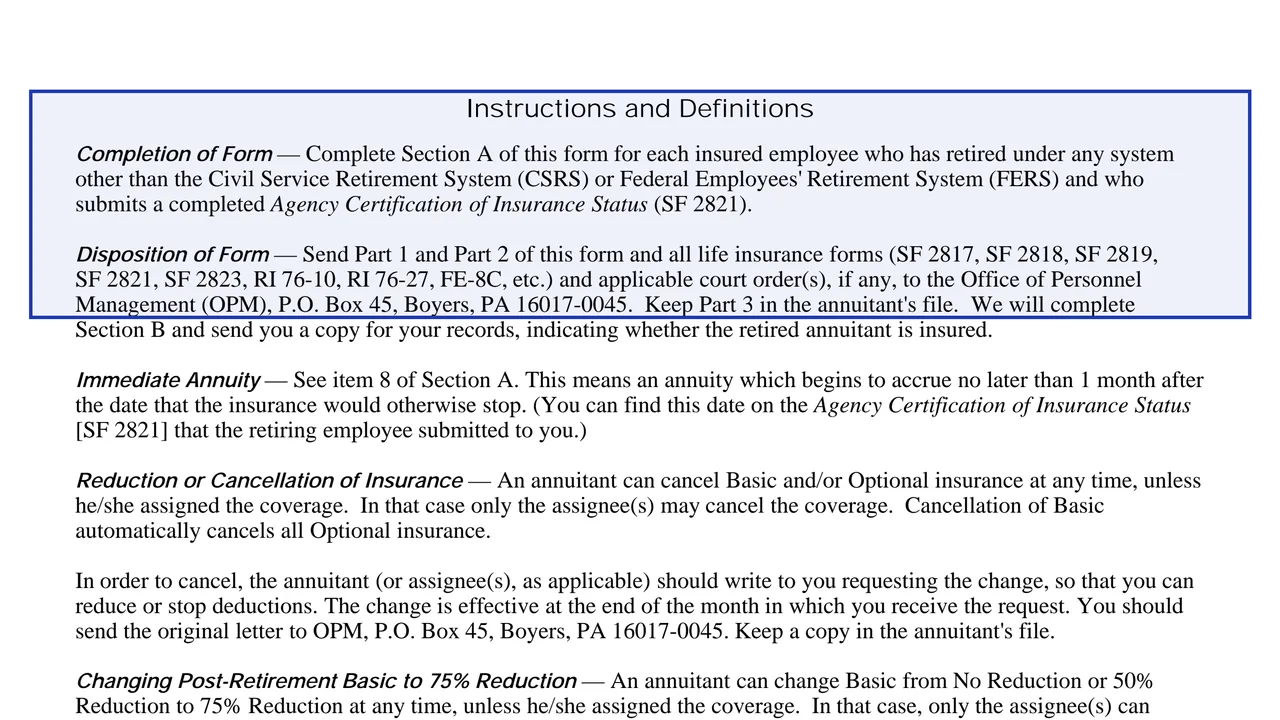
The instructions say the agency completes Section A for each insured employee who has retired under any system other than the Civil Service Retirement System (CSRS) or the Federal Employees' Retirement System (FERS) and who submits a completed Agency Certification of Insurance Status (SF 2821). OPM completes Section B, certifying whether the person has Basic and Optional insurance as a retired employee. The agency completes Section C when the annuitant dies or the annuity terminates.
The form prints three parts: Part 1 Original, Part 2 Agency Copy and Part 3 File Copy, with instructions on the back of Part 3. You can fill it out free in your browser on this page and download the result without an account.
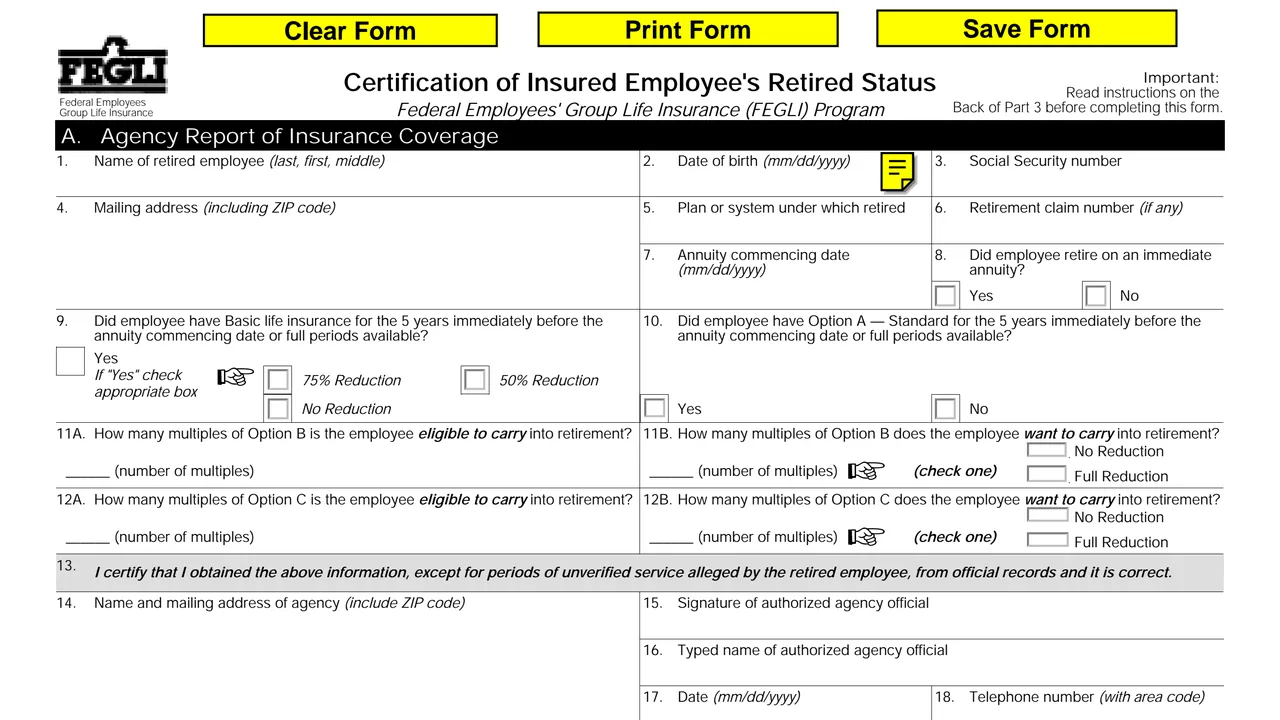
Name, date of birth, Social Security number, mailing address, plan or system under which retired, retirement claim number, annuity commencing date, and whether the employee retired on an immediate annuity.
Whether the employee had Basic for the 5 years immediately before the annuity commencing date, with 75% Reduction, 50% Reduction or No Reduction, Option A, and the Option B and Option C multiples the employee is eligible to carry and wants to carry.
The certification statement, name and mailing address of agency, signature and typed name of the authorized agency official, date and telephone number.
Whether the person has Basic insurance as a retired employee or the reason not, the Optional insurance and number of Full Reduction or No Reduction multiples, or reasons B1 to B4, then an OPM official's signature.
Reason for termination (death, termination of annuity or other), insurance coverage at the time of termination, next of kin or other contact, date annuity terminated, and the agency official's signature.
Printed on the back of Part 3: completion and disposition of the form, immediate annuity, reducing or cancelling insurance, post-retirement changes to Basic and Options B and C, the age 65 birthday letter and reporting terminations.
The header says to read the instructions on the back of Part 3 before completing the form.
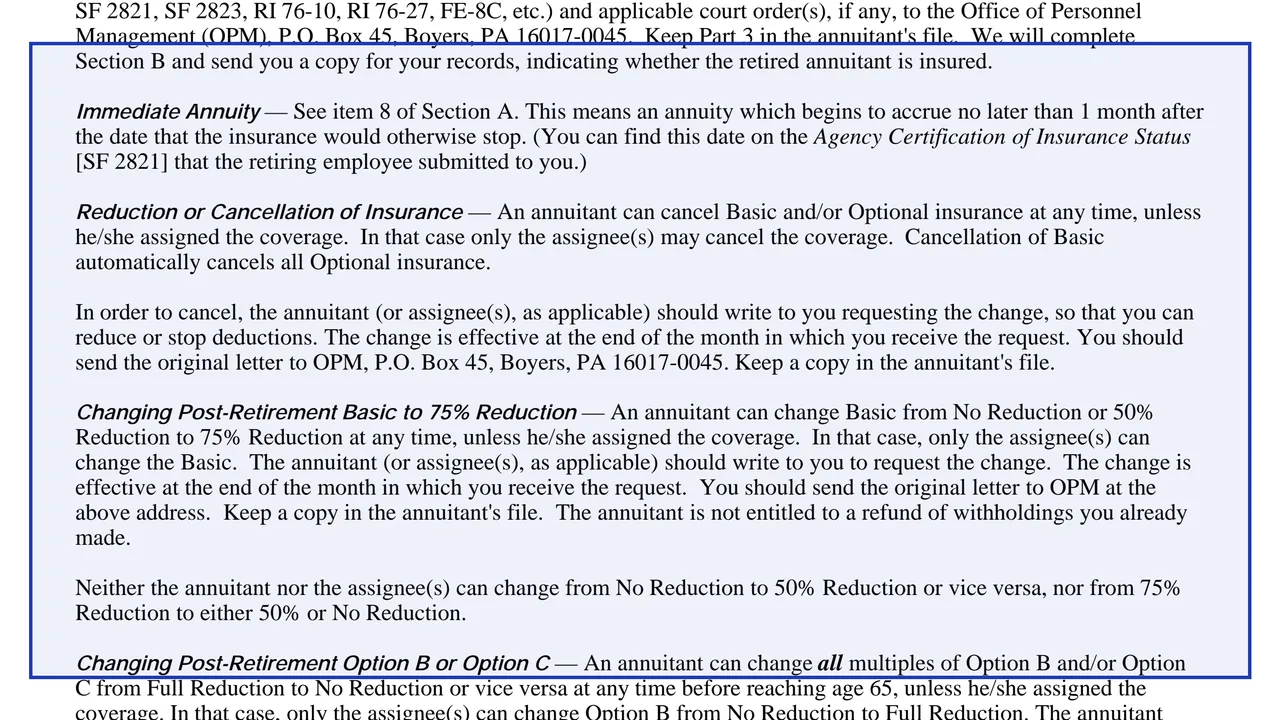
The instructions define an immediate annuity (item 8) as one that begins to accrue no later than 1 month after the date the insurance would otherwise stop, a date shown on the retiree's SF 2821.
An authorized agency official completes items 13 to 18 with the agency's name and mailing address, signature, typed name, date and telephone number.
Send them with all life insurance forms (SF 2817, SF 2818, SF 2819, SF 2821, SF 2823, RI 76-10, RI 76-27, FE-8C, etc.) and any court orders to OPM, P.O. Box 45, Boyers, PA 16017-0045. Keep Part 3 in the annuitant's file.
The instructions say OPM completes Section B and sends the agency a copy for its records, indicating whether the retired annuitant is insured.
When the annuitant dies or the annuity terminates, complete Section C and send the form to OPM, with any Claim for Death Benefits (Form FE-6) and certified death certificate the agency received.
You get the real form, filled in a browser tab, with nothing standing between you and the finished PDF.
Office of Personnel Management (OPM), P.O. Box 45, Boyers, PA 16017-0045. Part 3 stays in the annuitant's file.
An annuitant can cancel Basic and/or Optional insurance at any time unless the coverage was assigned, in which case only the assignees may. Cancelling Basic automatically cancels all Optional insurance. The change is effective at the end of the month the agency receives the written request.
The instructions say Basic can change from No Reduction or 50% Reduction to 75% Reduction at any time unless the coverage was assigned, with no refund of withholdings already made. Changes between No Reduction and 50% Reduction, or from 75% Reduction, are not allowed.
The instructions say that, unless the coverage was assigned, all multiples can change between Full Reduction and No Reduction before age 65, and after age 65 only from No Reduction to Full Reduction.
The instructions say the agency sends a letter to annuitants shortly before they reach age 65, or shortly after they retire if they retire after 65, giving a choice to mix and match Option B and Option C multiples with No Reduction and Full Reduction.
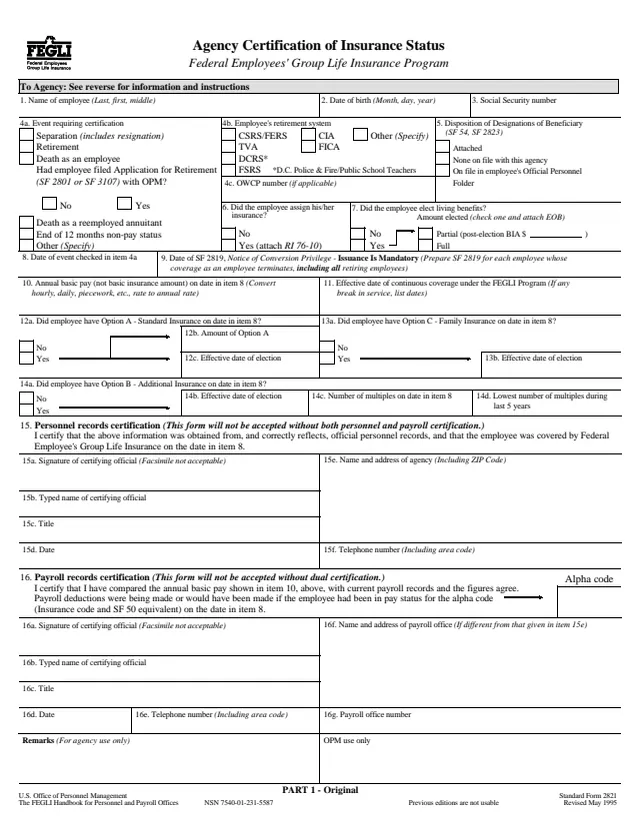
SF2821
67 fields, 4 pages
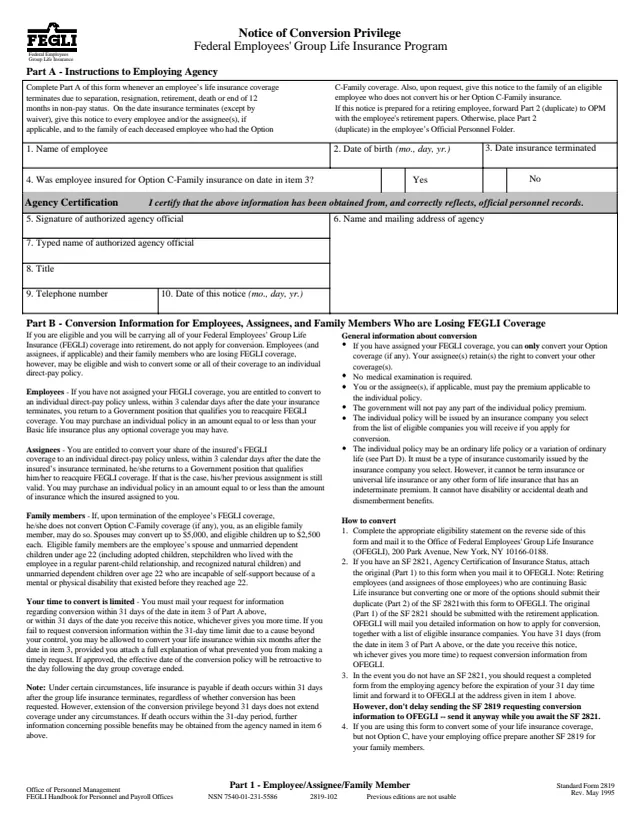
SF2819
22 fields, 3 pages
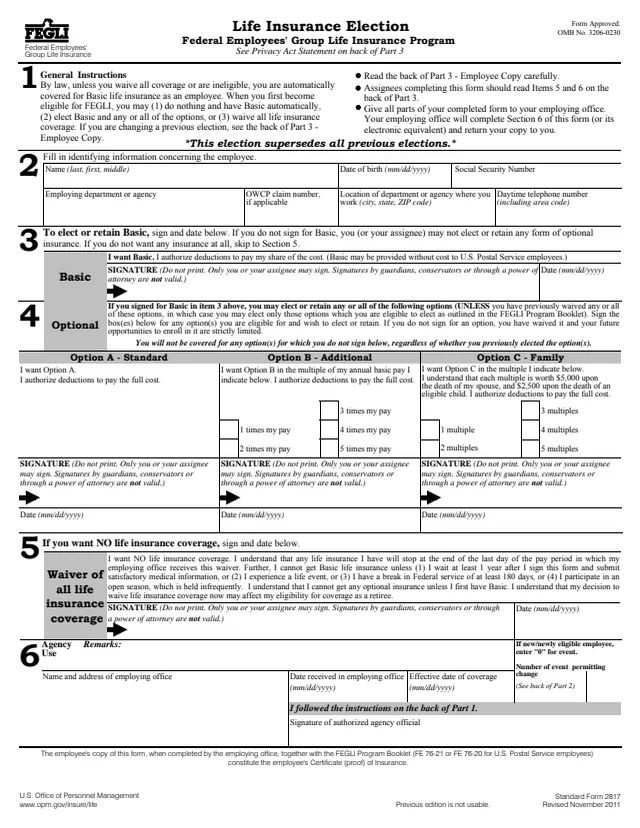
SF2817
37 fields, 5 pages
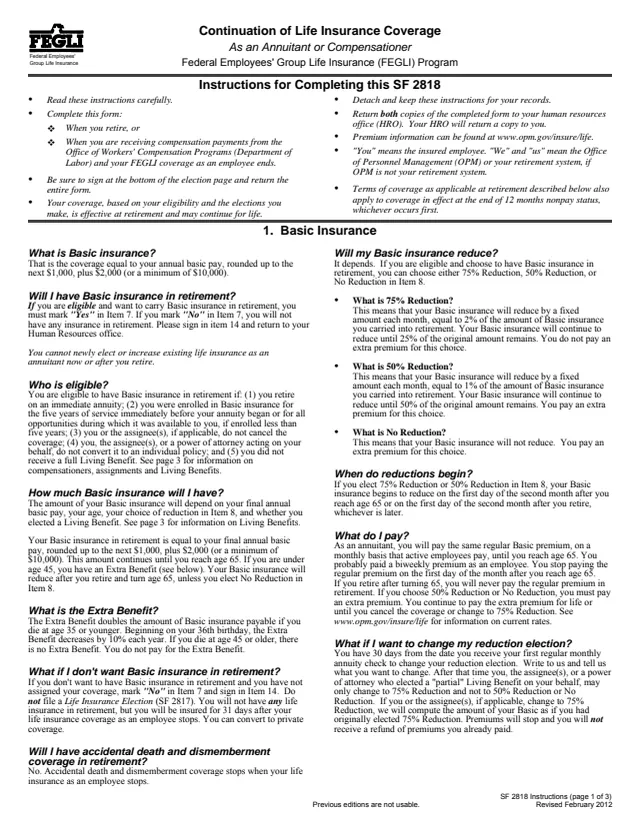
SF2818
30 fields, 5 pages
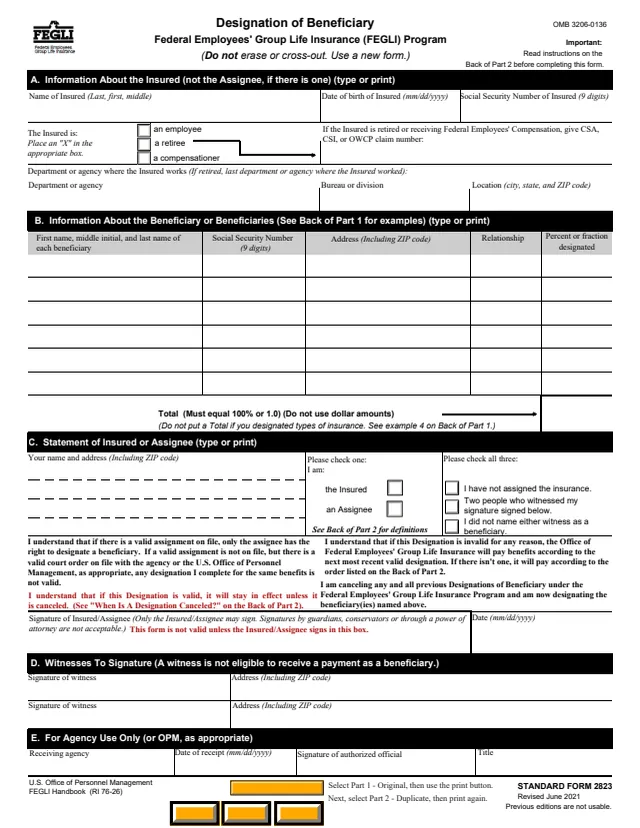
SF2823
64 fields, 3 pages
This is a record kept between the agency and OPM, not a form a retiree files.
No tool matches that search.
The footer names the U.S. Office of Personnel Management and the FEGLI Handbook, Revised July 2000. GSA hosts a copy in its forms library.
The instructions say Section A is completed for each insured employee who has retired under any system other than CSRS or FERS and who submits a completed Agency Certification of Insurance Status (SF 2821).
OPM. Section B is the Certification of the Office of Personnel Management, Boyers, PA 16017, signed by an authorized OPM official.
The instructions say to send Part 1 and Part 2, with all life insurance forms and any applicable court orders, to OPM, P.O. Box 45, Boyers, PA 16017-0045, and to keep Part 3 in the annuitant's file.
The agency completes Section C and sends the form to OPM. The instructions say to also send any completed Claim for Death Benefits (Form FE-6) and certified death certificate received.
GSA's page lists it as Certificate of Insured Employee's Retirement Status. The form itself prints Certification of Insured Employee's Retired Status.