Items 1 to 6: identifying information
Employee's name, date of birth, Social Security number, employing department or agency, work location and compensation claim number if applicable.
SF2818
Continuation of Life Insurance Coverage as an Annuitant or Compensationer (FEGLI)
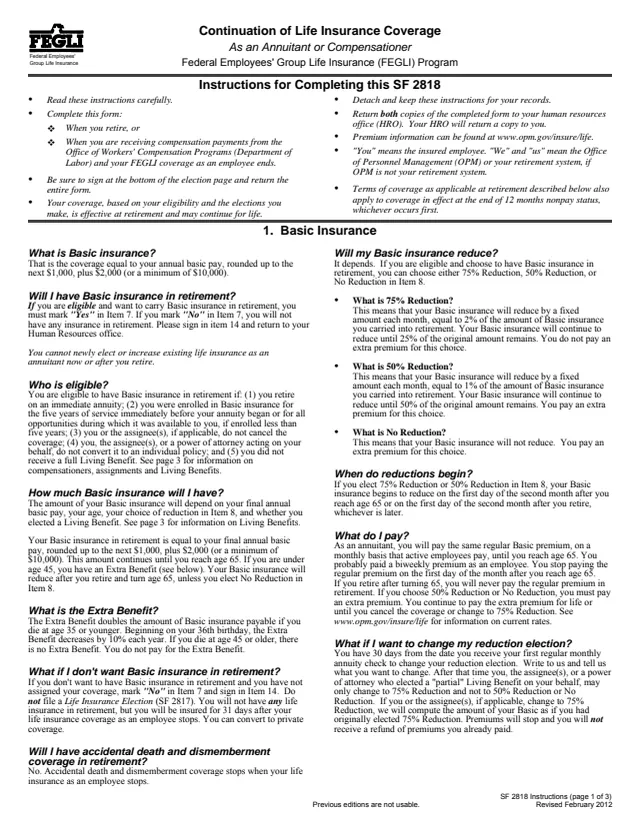
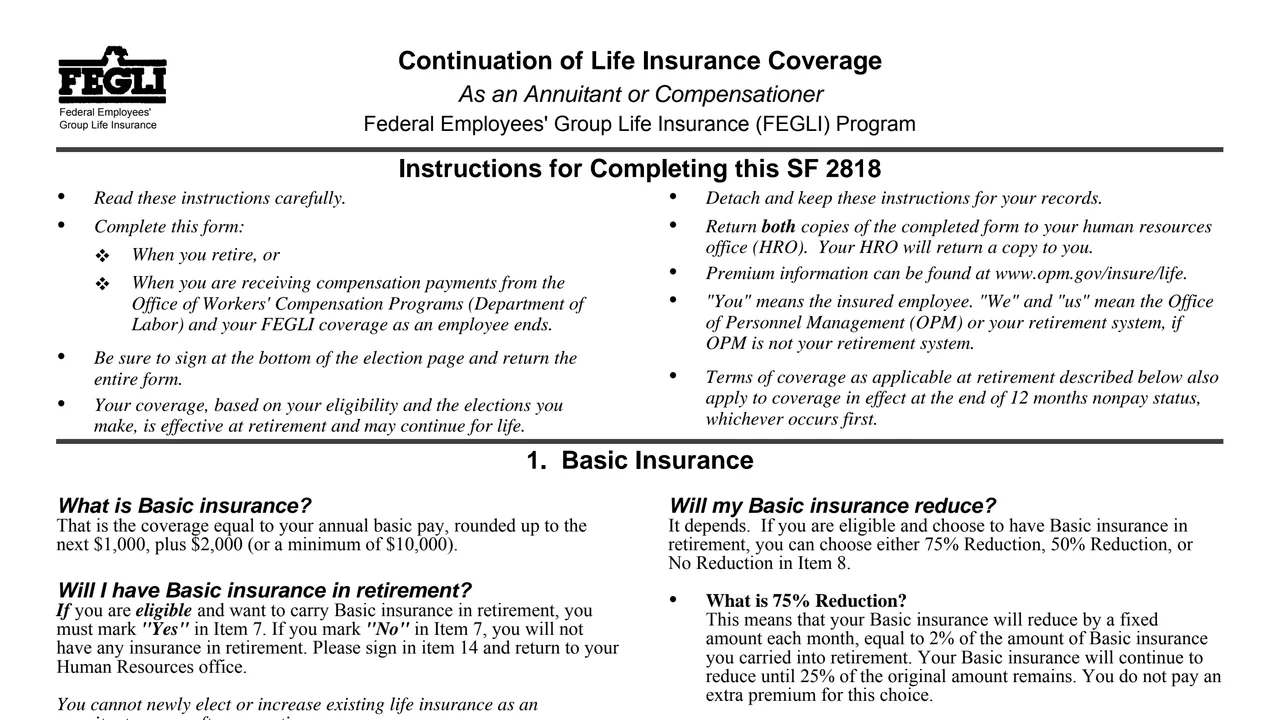
Standard Form 2818 (SF 2818), Continuation of Life Insurance Coverage As an Annuitant or Compensationer, is a Federal Employees' Group Life Insurance (FEGLI) Program form. It is a U.S. Office of Personnel Management (OPM) form, Revised February 2012, listed under the FEGLI Handbook (RI 76-26). GSA hosts a copy in its forms library.
The instructions say to complete it when you retire, or when you are receiving compensation payments from the Office of Workers' Compensation Programs (Department of Labor) and your FEGLI coverage as an employee ends. On it the insured employee chooses whether to keep Basic insurance and Options A, B and C, and picks a reduction level for each.
The form has three pages of instructions, then a one-page election with items 1 to 14. Both copies go back to the human resources office, which returns a copy. You can fill it out free in your browser on this page and download the result without an account.
Employee's name, date of birth, Social Security number, employing department or agency, work location and compensation claim number if applicable.
Whether to keep Basic in retirement or compensation, with a box for a full Living Benefit, then a choice of 75% Reduction, 50% Reduction or No Reduction.
Yes, No or I don't have Option A. The form says continuing Option A also requires continuing Basic.
Yes, No or I don't have Option B, then the number of No Reduction and Full Reduction multiples. The form says the total of both cannot exceed 5.
The same choices for Option C, Family Optional Insurance, with No Reduction and Full Reduction multiples that cannot total more than 5.
Signature and date. The form says do not print, and only the insured may sign.
The election page follows three pages of instructions.
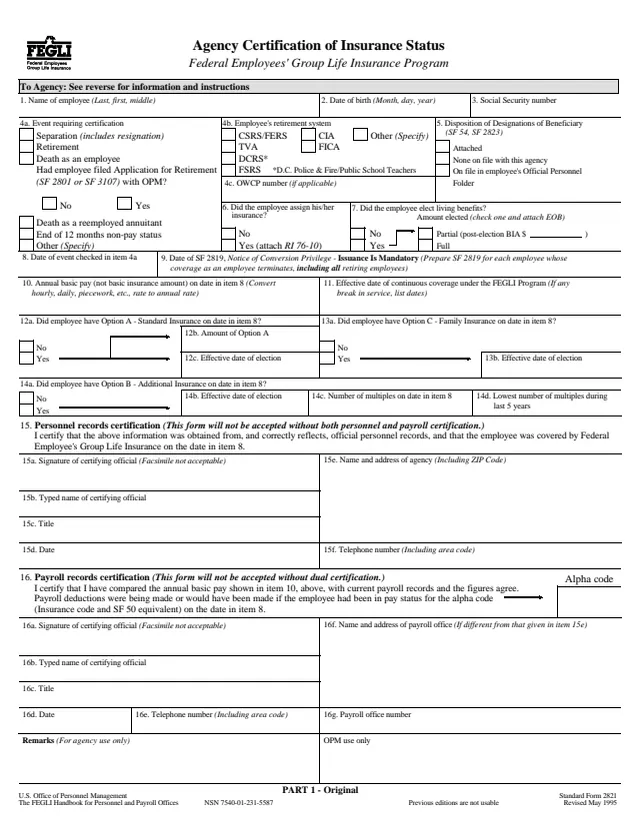
The form says to read the instructions before completing it and to detach and keep them. If the HRO has already completed SF 2821, it gives the employee a copy so SF 2818 can be completed correctly.
Mark Yes or No for Basic and, with Yes, check one reduction level. The form says a partial Living Benefit means checking No Reduction, and a full Living Benefit means checking that box and leaving item 8 blank.
The form says to check Yes only for an option you currently have as an employee. For Options B and C, put a number on each line for No Reduction and Full Reduction multiples, writing 0 where there are none.
Sign and date the election page. The form says do not print the signature.
The form says to return both copies of the completed form to your human resources office, which will return a copy to you.
You get the real form, filled in a browser tab, with nothing standing between you and the finished PDF.
Both copies go to the human resources office (HRO). The HRO attaches the original to the original SF 2821 and gives Copy 2 to the employee.
The form says that if you make no choice, or do not file it, eligible coverage gets the defaults: 75% Reduction for Basic, Option A kept with its automatic reduction, and Full Reduction for all eligible Option B and C multiples.
The form gives 30 days from the first regular monthly annuity payment to change a reduction election by writing to OPM. After that, it says Basic can only change to 75% Reduction, and Options B and C only from No Reduction to Full Reduction, or coverage can be canceled.
The form prints no premium rates. It says premium information can be found at www.opm.gov/insure/life and that rates may change in the future.
Chapter 87, title 5, U.S. Code authorizes the collection. The statement says OPM uses the data to determine the amount of life insurance coverage in retirement or as a compensationer.
SF2821
67 fields, 4 pages
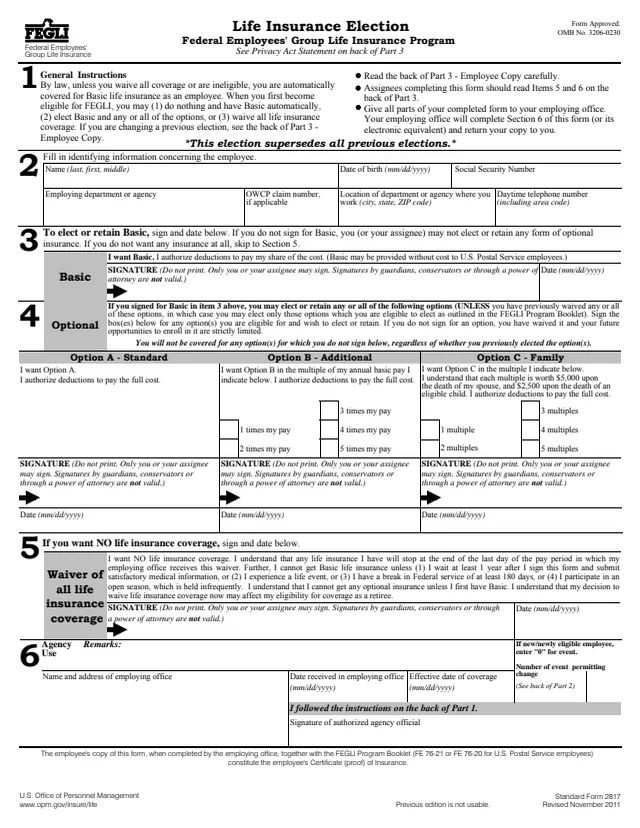
SF2817
37 fields, 5 pages
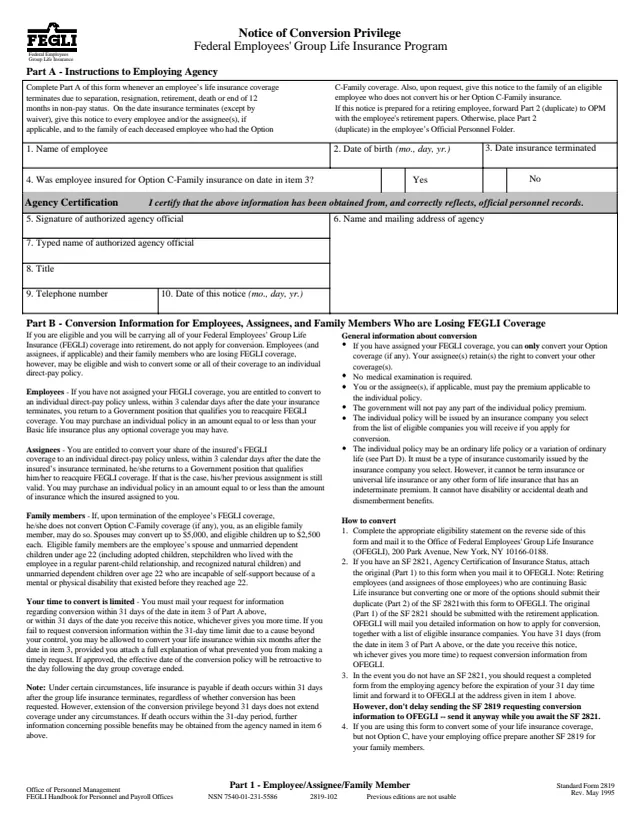
SF2819
22 fields, 3 pages
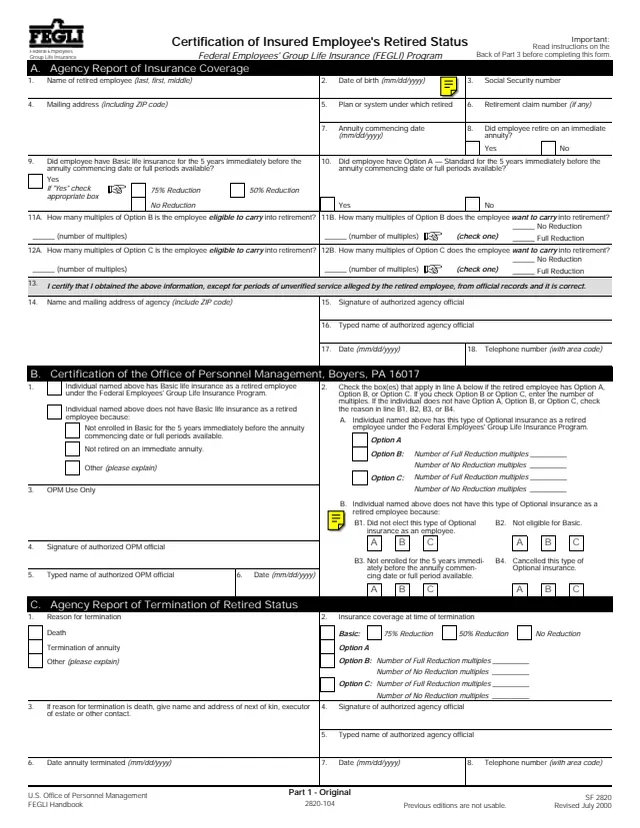
SF2820
64 fields, 4 pages
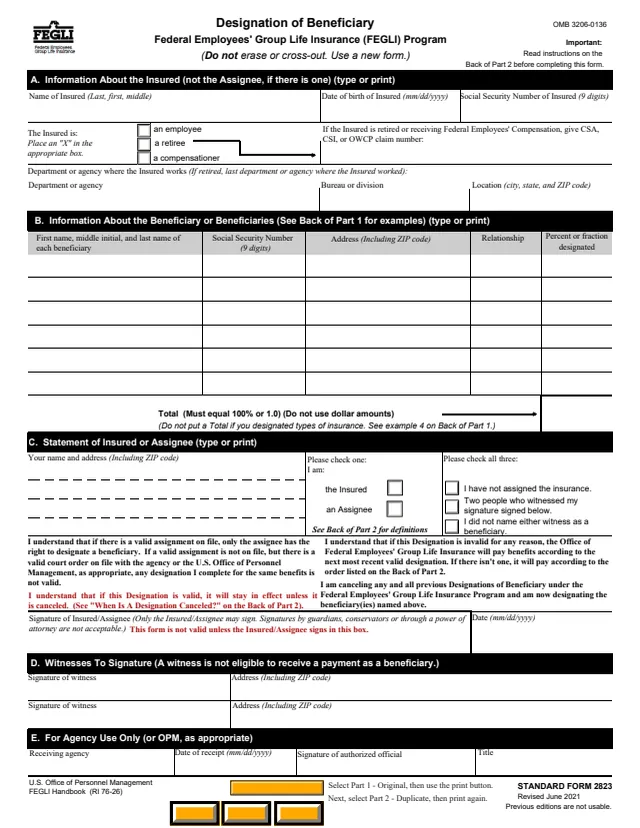
SF2823
64 fields, 3 pages
The instructions name who completes, signs and handles the form.
No tool matches that search.
The form is printed as a U.S. Office of Personnel Management form, Revised February 2012, and lists the FEGLI Handbook (RI 76-26). GSA hosts a copy in its forms library.
No. The instructions say you cannot newly elect or increase existing life insurance as an annuitant now or after you retire.
The form says 75% Reduction lowers Basic by 2% of the original amount each month until 25% remains, with no extra premium. 50% Reduction lowers it by 1% a month until 50% remains, and No Reduction keeps it level. The form says both of those carry an extra premium.
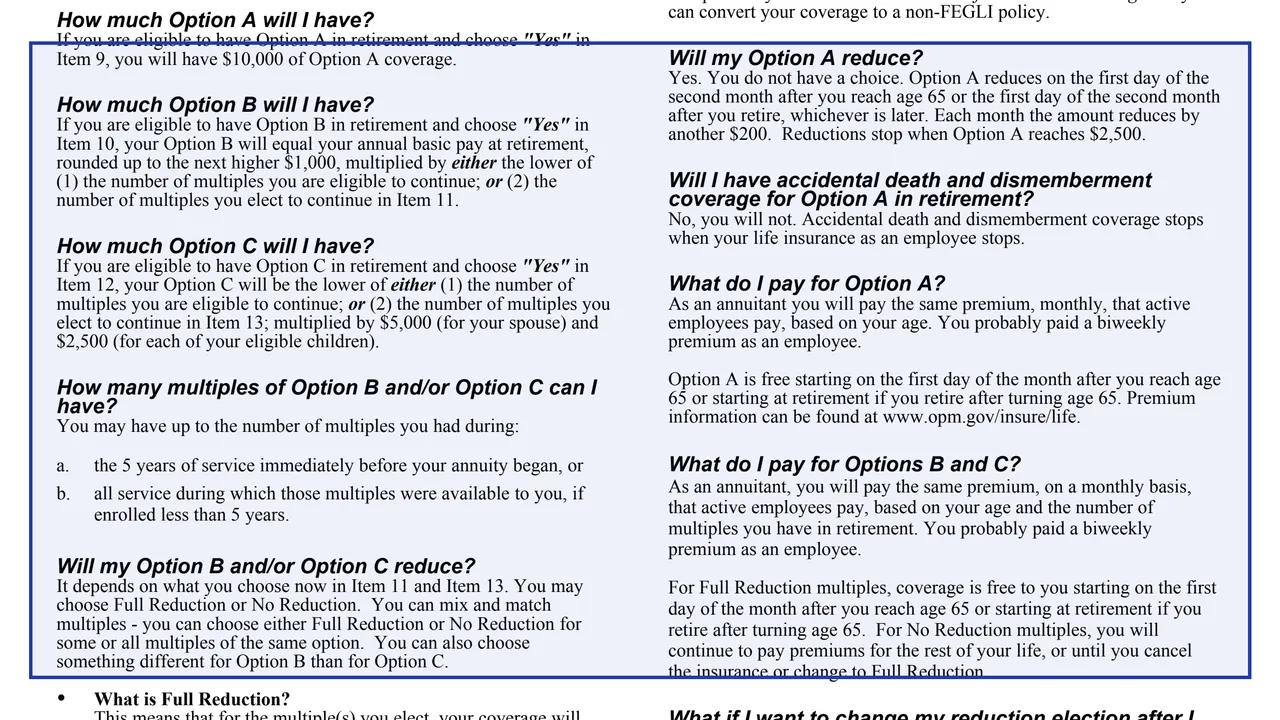
The form says $10,000 of Option A coverage. It reduces by $200 each month from the first day of the second month after age 65 or after retirement, whichever is later, and reductions stop when it reaches $2,500.
The form says eligible coverage then gets the defaults: 75% Reduction for Basic, Option A kept with its automatic reduction, and Full Reduction for all eligible Option B and C multiples.
Only the insured employee may sign item 14. The form says an assignee, guardian, conservator or other fiduciary, including someone acting under a power of attorney, cannot sign it.
No. The form says accidental death and dismemberment coverage stops when life insurance as an employee stops.