SF2809

Health Benefits Election Form

Agency
GSA
Revision
Revised November 2019
Fillable fields
100
Pages
18
Official source
GSA form page
Checked
October 20, 2026
Fill SF2809 online
Page 1 of form SF2809

Standard Form 2809 (SF 2809): Health Benefits Election Form

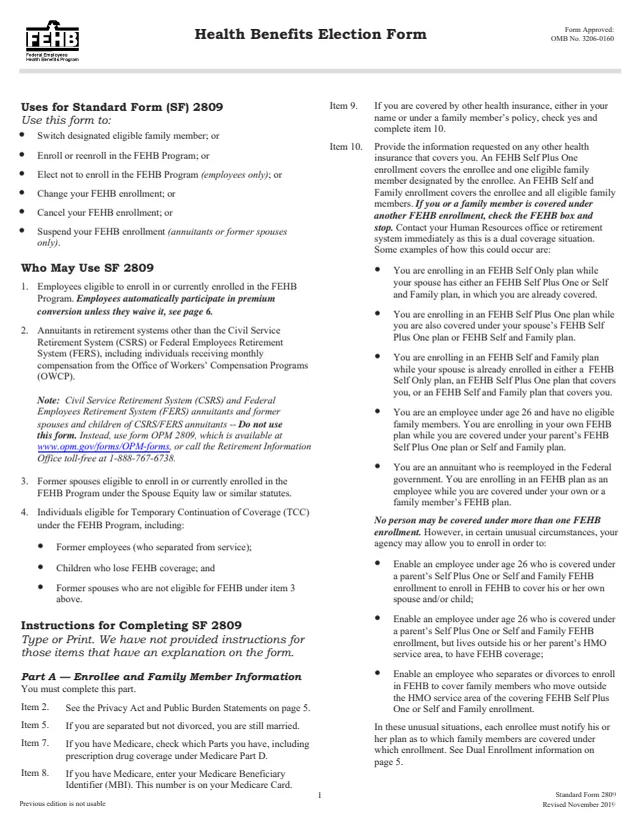
Standard Form 2809 (SF 2809) is the Health Benefits Election Form for the Federal Employees Health Benefits (FEHB) Program. The form carries the name of the U.S. Office of Personnel Management (OPM), and its Privacy Act statement explains why OPM collects the information. GSA hosts a copy in its forms library.

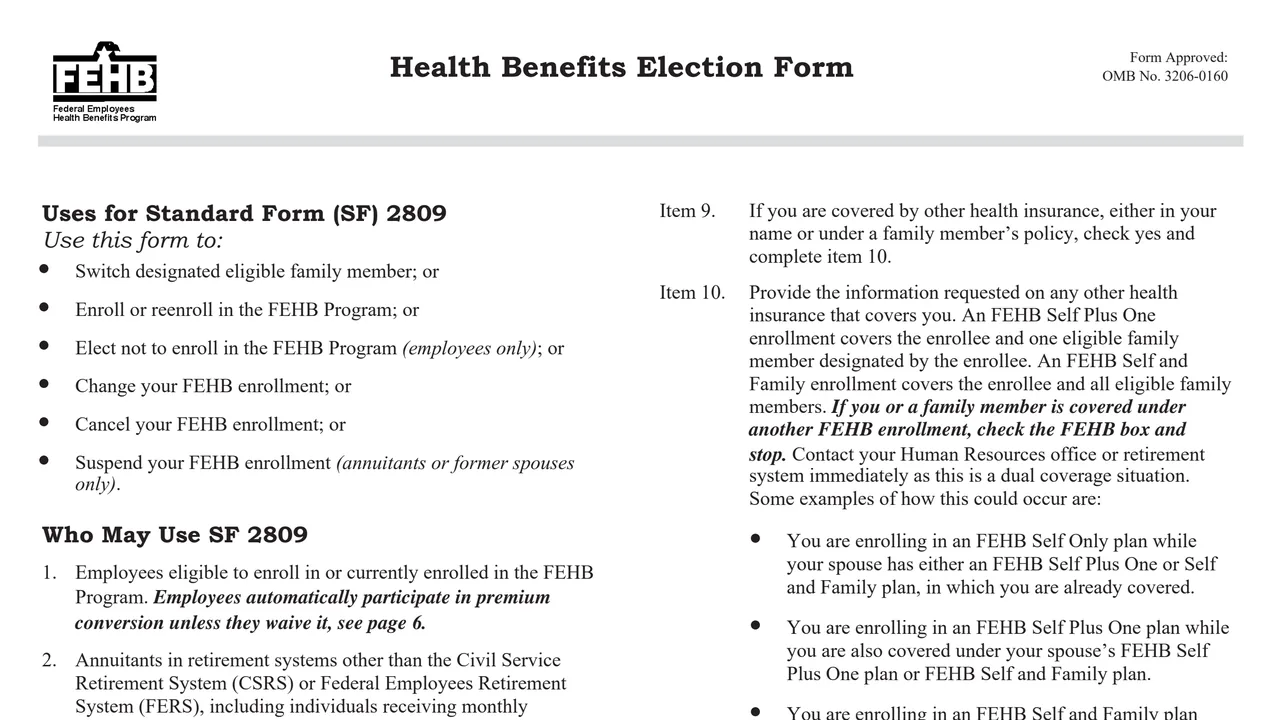
The form lists six uses: enroll or reenroll in FEHB, elect not to enroll (employees only), change your enrollment, cancel it, suspend it (annuitants or former spouses only), or switch your designated eligible family member. The instructions and the Tables of Permissible Changes in Enrollment fill the first 16 pages, and the form itself is two pages.

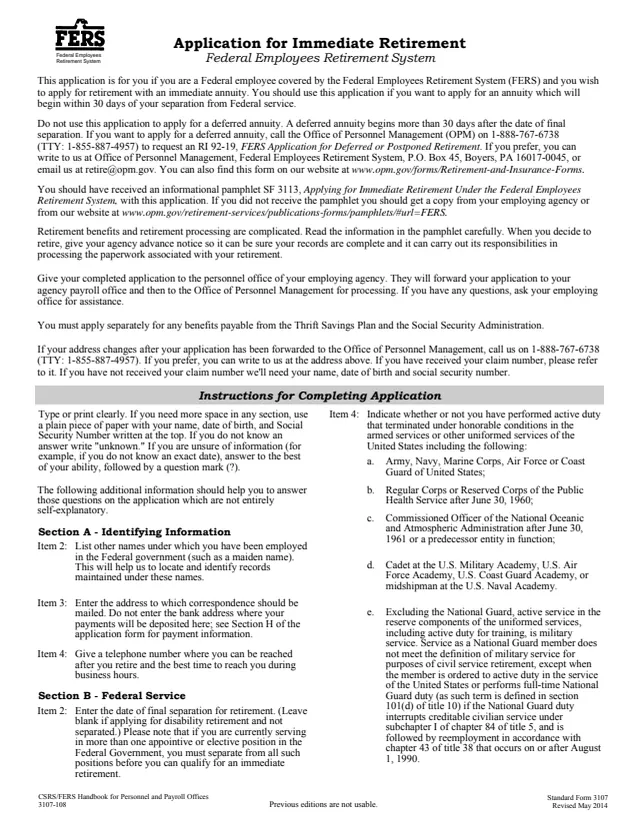
The form says CSRS and FERS annuitants, and former spouses and children of CSRS or FERS annuitants, use form OPM 2809 instead. OPM estimates an average of 30 minutes to complete it. You can fill it out free in your browser on this page and download the result without an account.

Top of page 1 of Standard Form 2809 (SF 2809): Health Benefits Election Form, as printed by GSA

What's on SF 2809

Part A: enrollee and family members

Items 1 to 12 ask for your name, Social Security Number, date of birth, sex, marital status, address, Medicare parts and Medicare Beneficiary Identifier, other insurance, email and phone. Items 13 to 48 repeat these for up to three family members, with a relationship code.
Part B: current plan

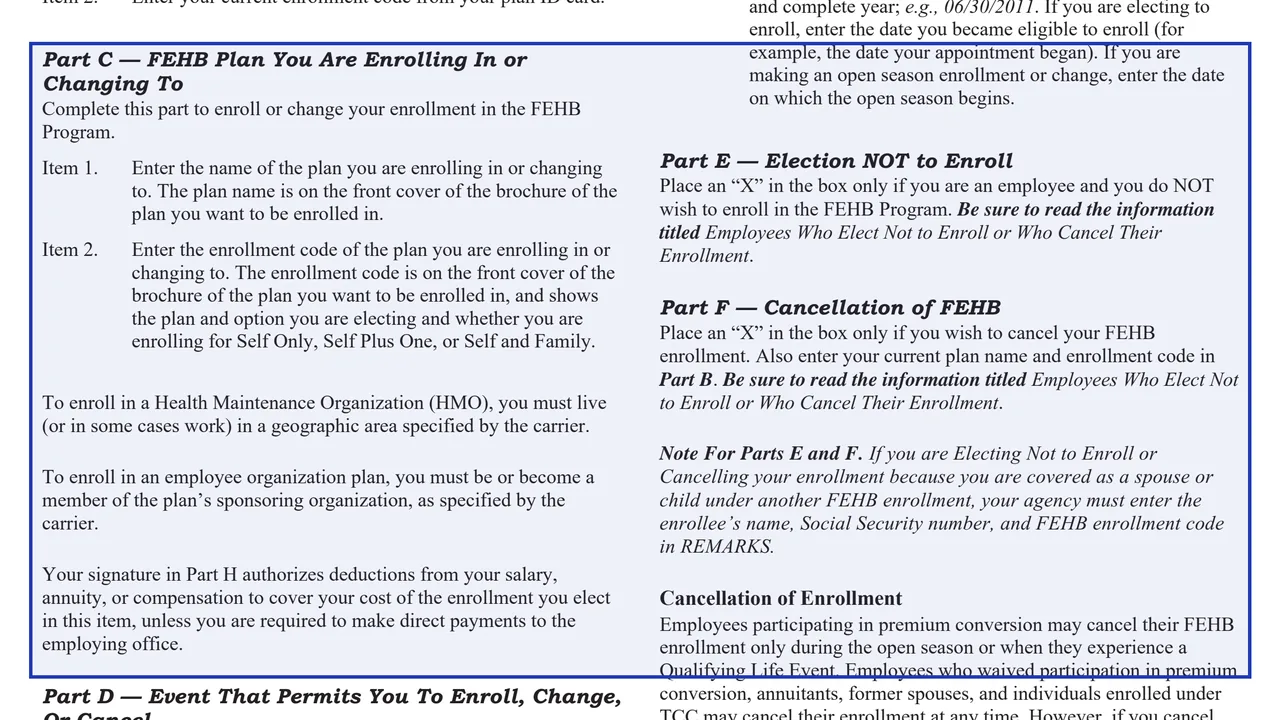
The plan name from the front cover of the plan brochure and your current enrollment code from your plan ID card. The instructions say this part is completed when changing, cancelling or suspending an enrollment.

Part C: new plan

The name and enrollment code of the plan you are enrolling in or changing to. The code is on the brochure cover and shows the plan, the option and Self Only, Self Plus One or Self and Family.

Part D: event code and date

The event code for your Qualifying Life Event from the Table of Permissible Changes that applies to you, and the date of the event. For open season, the instructions say to enter the date the open season begins.

Parts E, F and G: not enrolling, cancelling, suspending

Part E is an election not to enroll (employees only), Part F cancels an enrollment, and Part G suspends one (annuitants and former spouses only). Each is a single box marked with an X.

Parts H and I: signature and agency use

Part H holds your signature and date under a warning about false statements (18 U.S.C. 1001). Part I is for the agency or retirement system only and is left blank.

How to complete SF 2809

  1. 1

    Find your table

    Pages 6 to 16 hold the Tables of Permissible Changes, grouped into five enrollee categories: employees in premium conversion, annuitants, Spouse Equity former spouses, TCC enrollees, and employees who waived premium conversion.

  2. 2

    Pick the event code

    Each event code is a number for your category and a letter for the Qualifying Life Event, such as 1A for an employee's initial opportunity to enroll. Its row also shows when the form is filed.

  3. 3

    Fill in Part A

    Type or print. Add each family member covered by a Self Plus One or Self and Family enrollment. For more family members, the form says to list them on a separate sheet and attach it.

  4. 4

    Enter the plan or mark a box

    Copy the plan name and enrollment code from the plan brochure into Part C, and your current plan into Part B when changing. Or mark Part E, F or G instead.

  5. 5

    Sign Part H

    Sign and date Part H. Someone registering for another person under a written authorization signs and attaches it. A court-appointed guardian of a Spouse Equity former spouse or a TCC enrollee attaches evidence of the guardianship.

  6. 6

    Give it to your employing office

    Hand the form to the office of the agency or retirement system that handles your health benefits. The form says many agencies also offer an automated system, such as Employee Express.

Why fill Form SF2809 on indox

You get the real form, filled in a browser tab, with nothing standing between you and the finished PDF.

  • Fill the form right in your browser, no software to install
  • Free to fill and free to download, with no account
  • The official blank straight from the GSA, not a copy someone retyped
  • Works on a phone, tablet or computer

Where it goes, time limits and effective dates

Employing office

The form defines the employing office as the office of an agency or retirement system responsible for health benefits actions for an employee, annuitant, Spouse Equity former spouse or person eligible for TCC.

Time limits

Each event code row in the tables gives the time limit for filing with the employing office, for example within 60 days after becoming eligible (1A) or as announced by OPM for open season.

Effective date

Except for open season, the form says most enrollments and changes take effect on the first day of the pay period after the employing office receives the form and that follows a pay period during any part of which the employee is in pay status. The employing office can give the exact date.

Payroll deductions

The form says your signature in Part H authorizes deductions from your salary, annuity or compensation to cover your cost of the enrollment, unless you make direct payments to the employing office.

Copies

The agency gives a copy of the completed form to the Official Personnel Folder, the new carrier, the old carrier, the payroll office and the enrollee.

Who may use SF 2809?

  • Federal employees

    Employees eligible to enroll in or currently enrolled in the FEHB Program. The form says employees automatically take part in premium conversion unless they waive it.

  • Other annuitants and compensationers

    Annuitants in retirement systems other than CSRS or FERS, including people receiving monthly compensation from the Office of Workers' Compensation Programs (OWCP).

  • Former spouses under Spouse Equity

    Former spouses eligible to enroll in or currently enrolled in FEHB under the Spouse Equity law or similar statutes.

  • People eligible for TCC

    Individuals eligible for Temporary Continuation of Coverage (TCC), including former employees who separated from service, children who lose FEHB coverage, and former spouses not eligible under Spouse Equity.

  • Not for CSRS or FERS annuitants

    CSRS and FERS annuitants, and former spouses and children of CSRS or FERS annuitants, are told not to use this form. The form points them to OPM 2809, or the Retirement Information Office at 1-888-767-6738.

The form lists four groups who may use it, and points one group to a different form.

Official sources and the blank

Do it all with indox

View all 94 tools

Questions about Form SF2809

Who should not use SF 2809?

The form says CSRS and FERS annuitants, and former spouses and children of CSRS or FERS annuitants, use form OPM 2809 instead, available at www.opm.gov/forms/OPM-forms or from the Retirement Information Office at 1-888-767-6738. To cancel or suspend, it points them to form RI 79-9.

Where do I find the enrollment code?

For the plan you are enrolling in (Part C), the code is on the front cover of that plan's brochure. For your current plan (Part B), the form says to use the code on your plan ID card.

When is SF 2809 filed?

It depends on the event code. Each row of the Tables of Permissible Changes lists when the form is filed with the employing office, such as within 60 days after becoming eligible for an employee's initial opportunity to enroll, or as announced by OPM for open season.

When does the enrollment take effect?

Except for open season, the form says most enrollments and changes take effect on the first day of the pay period after the employing office receives the form and that follows a pay period during any part of which the employee is in pay status. The employing office can give the specific date.

How many family members fit on the form?

The form has room for three family members in items 13 to 48. For more, the form says to list them on a separate sheet and attach it.

What if a family member has no Social Security Number?

The instructions for item 14 say to leave it blank, and that benefits will not be withheld.

Can I make the election online instead?

The form says many agencies use automated systems, such as Employee Express, that let employees make changes by touch-tone telephone or computer instead of a form. It says to contact your employing office if you are not sure the option is available.